Wireless Home Theater Systems: How to Choose and Set One Up
Wireless home theater systems cut the signal cables, not the power cords. This guide covers link types, room size and a connection checklist so you can choose and set one up.
The Folio & Current Team
November 3, 2026 · 6 min read
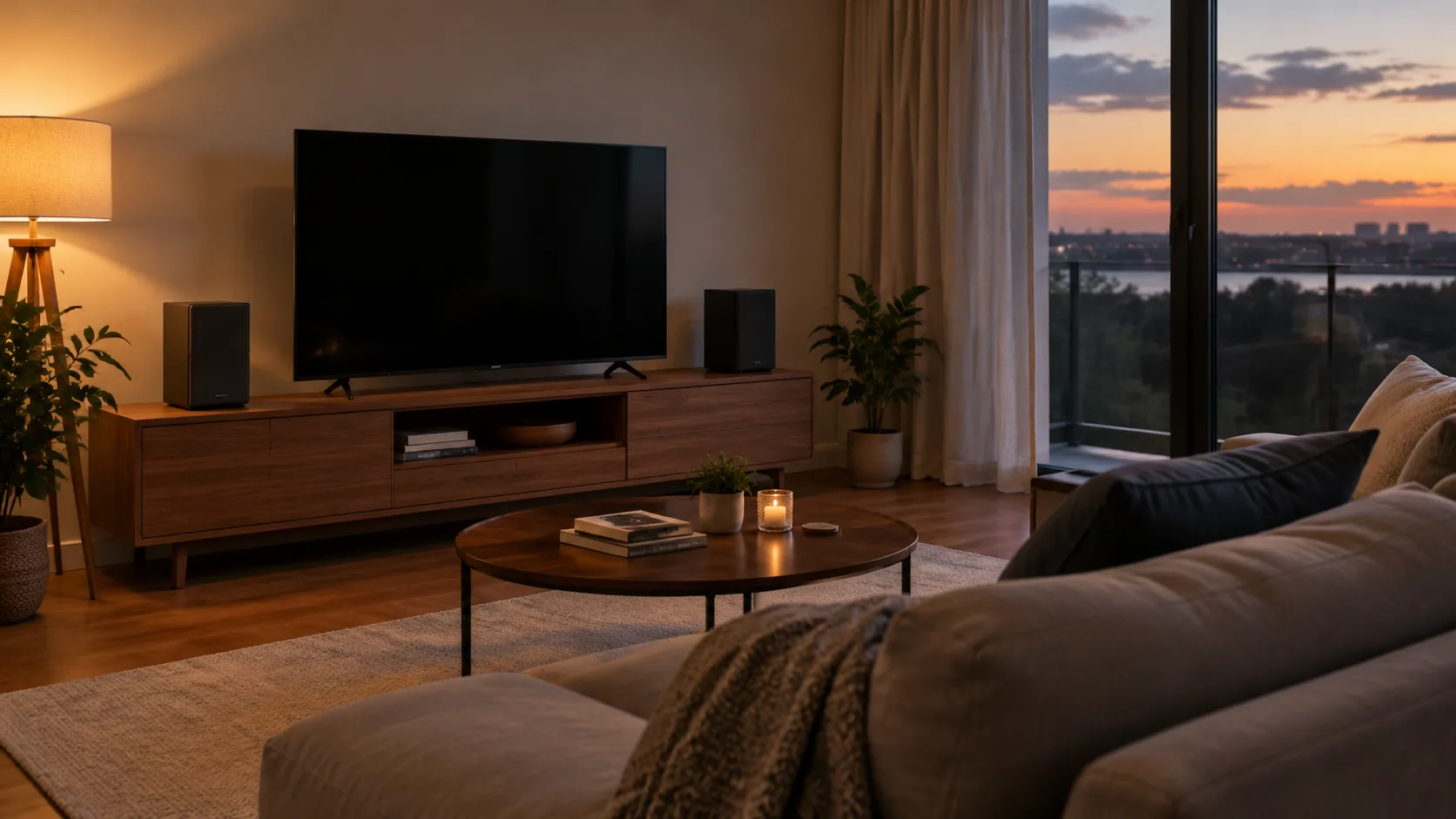
Wireless home theater systems send audio or video through the air, but every speaker still needs power from an outlet or a battery. Pick the link type first (Bluetooth, Wi-Fi or a dedicated wireless link), then match the system to your room and your TV's outputs. This guide gives you a checklist for both, plus setup steps.
What "wireless" really means
In a wireless surround sound setup, the signal between the source and the speakers travels without a cable. Power does not. Rear speakers and a subwoofer need a wall outlet or a built-in battery, so plan outlet locations before you plan speaker positions.
Some systems are wireless only at the rear speakers. Others are wireless only between the TV and the sound bar. Check which links are wireless on the product page before you buy, and look at what the box includes: cables, a remote control and mounting parts all change how the room comes together.
A fully cable-free room is rare, so think of wireless as removing the long signal runs, such as a cable from the TV across the floor to a rear speaker. The power cords stay, and they need a tidy path to an outlet.
Bluetooth vs Wi-Fi vs dedicated links
These three link types behave differently. The table shows what each is built for and what to check.
| Link type | Typical use | What to check |
|---|---|---|
| Bluetooth | Phone, laptop or TV to one speaker or bar | Bluetooth version, and whether the TV can send audio over Bluetooth |
| Wi-Fi | Multi-room speakers and music streaming through your home network | Router coverage and whether the speakers join your network |
| Dedicated wireless link | Speaker-to-subwoofer or transmitter-to-receiver pairs | Whether the pair is included and works only with its own units |
Bluetooth is a short-range link between two devices, so it fits a TV and one bar or a phone and one speaker. Wi-Fi speakers join your home network, which is how a multi-room setup plays music in several rooms. A dedicated link is a private connection between units from the same system, separate from your router.
Bluetooth speaker vs wireless speaker
A Bluetooth speaker is one type of wireless speaker. It pairs directly with a device over a short-range link. The term "wireless speaker" also covers Wi-Fi speakers and speakers that use a dedicated link to a base unit. For a portable-focused comparison, see our portable Bluetooth speaker guide.
Wireless home theater systems by room size
Room size decides how many speakers make sense. A small room can suit a compact bar, while a larger room has space for separate side or rear speakers.
| Room | Layout to consider | Placement note |
|---|---|---|
| Small bedroom or den | One sound bar with a bass channel | Shelf or wall mount below the screen |
| Average living room | 2.1 bar, or a bar with separate side speakers | Speakers left and right of the seats' line of sight |
| Large or open room | Multi-channel set with rear speakers and a subwoofer | Outlets needed behind the seating area |
There is no single ideal size for a home theater. What matters is that you can sit facing the screen with speakers placed to the left and right, and that the screen size suits your seating distance. TV sizes and soundbar fit covers viewing distance in detail.
Speaker placement basics
Keep the front speakers at about ear height when you are seated, and point them toward the seats. Place a subwoofer on the floor near the front, away from thick curtains. Rear speakers sit beside or slightly behind the seating area.
Immersive formats with height channels need speakers, a source and a TV that all support them. Check each product page for the formats it lists rather than assuming a bar will add them.
Connection checklist before you buy
- Look at the back of your TV and list its outputs: HDMI ARC or eARC, optical, aux, USB, Bluetooth.
- Match at least one output to an input on the speaker system.
- Count outlets near the TV, the seating area and any rear speaker spots.
- Decide whether you want separate rear speakers or a single bar.
- Check if a subwoofer or bass channel is included.
- Check whether a remote control is included for volume levels and input selection.
- Measure the shelf or wall space for the bar or speakers.
- Check whether game consoles or laptops need their own input.
If you are unsure how many channels you need, 5.1 vs 7.1 and soundbar options explains the layouts.
A flexible option: detachable speakers
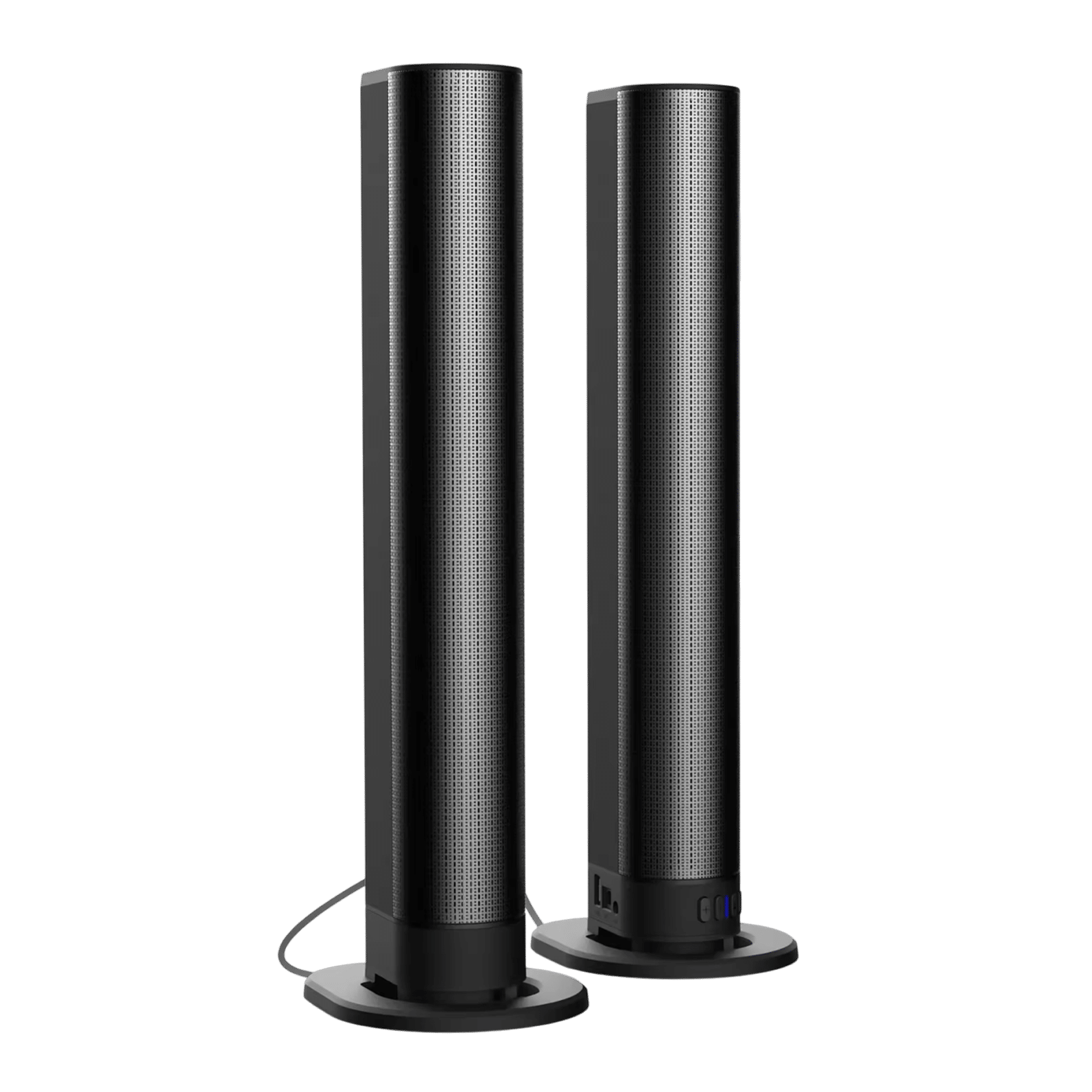
If you want separate left and right speakers without buying a full multi-piece set, the SonicForge is a 2.1 TV sound bar with a bass channel and built-in amplifier. Its two speakers detach so you can keep them joined as one bar or place them apart using the wired connectors.
It takes Bluetooth 5.3, USB, optical, FM and aux inputs, and HDMI is not required. A built-in battery lets you use it away from an outlet, with playback time depending on volume level and source. The box includes connection cables, wall mounting accessories and a quick-start user manual.
 In this guideSonicForge$239.99View
When the video link is the problem
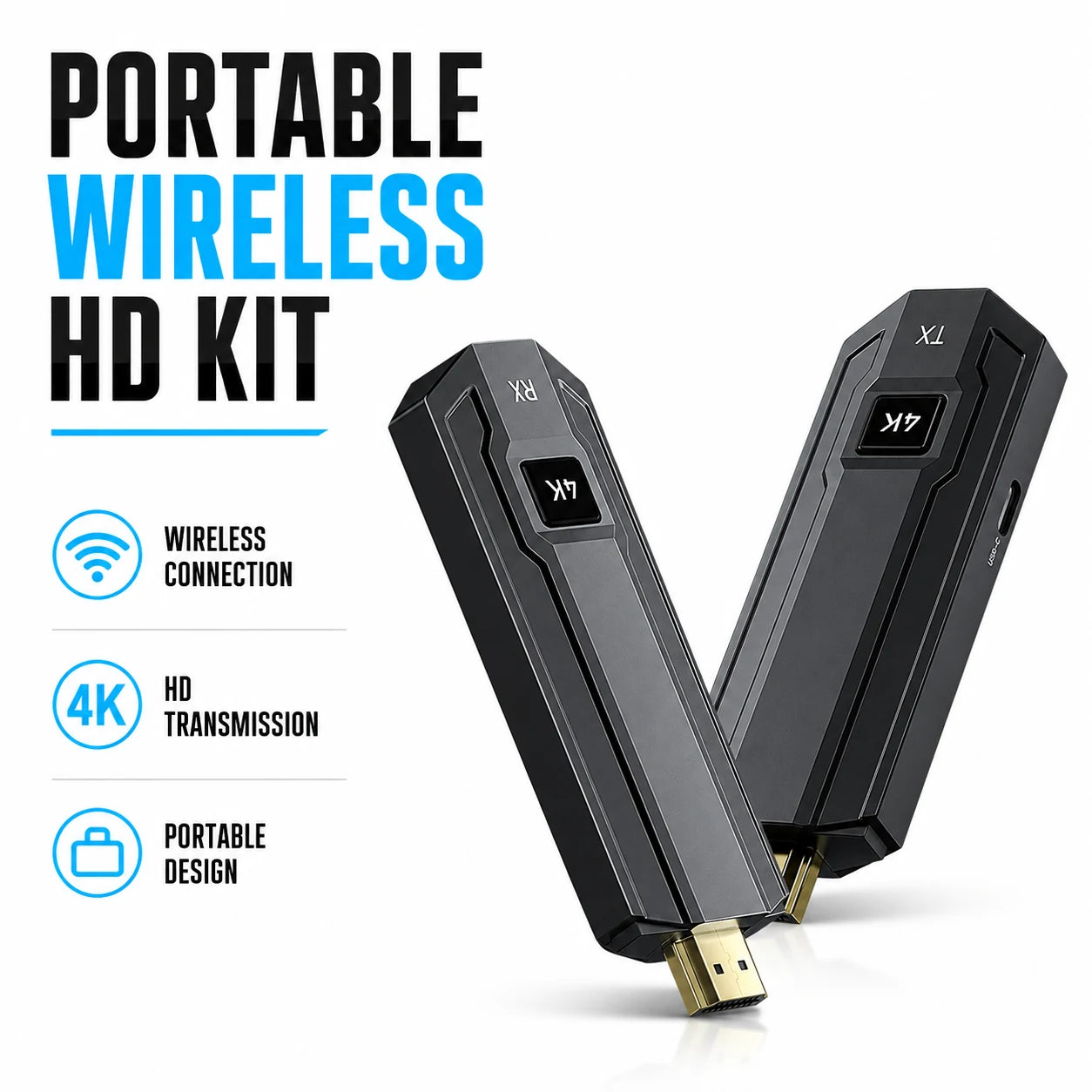
Sometimes the audio is settled but the source is far from the screen. A wireless HDMI kit moves the picture without a long cable run. The ClearCast Pro is a transmitter and receiver pair: the transmitter connects to the source, the receiver to the display, and the two units link over a dedicated 5GHz wireless connection that is separate from your home router.
It has an HDMI loop-out for viewing the source locally and IR passthrough for sources kept out of sight. Power both units and they pair on their own, with no apps or drivers. For cable types and ports, see HDMI vs DisplayPort.
 In this guideClearCast Pro$199.99View
Setup steps
- Place the TV and speakers, and plug in each powered unit. Follow the manual and unplug units before moving cables.
- Connect the TV to the system with a matching output, such as optical or Bluetooth.
- Pair any Bluetooth device or wireless link as the manual lists.
- Select the matching input on the system and start playback.
- Set volume levels for dialogue first, then adjust the bass channel.
- Sit in your usual seat and play a familiar scene to judge balance between front and rear speakers.
If dialogue sounds muffled afterward, TV sound settings walks through fixes step by step. If you plan to feed a PC into the bar, PC to soundbar covers USB, HDMI, optical and aux.
Playing TV audio and music together
Some TVs can send sound to the TV speakers and an external speaker at once, and others cannot. Check the TV's audio output menu. If it offers a single output at a time, you can play music from a phone to the speaker system while the TV stays muted.
Field note
Check the connection with the TV in its normal position before mounting anything. Wireless links can behave differently once furniture and walls sit between units.
Common mistakes
- Assuming wireless speakers need no power. They need an outlet or battery.
- Buying Bluetooth-only gear for a TV without Bluetooth output.
- Placing a transmitter behind metal or thick furniture.
- Skipping the outlet count for rear speakers.
- Mixing units that use different dedicated links.
- Putting the subwoofer in a closed cabinet.
Browse our speakers and sound systems to compare options against this checklist.