TV Sizes Explained: Dimensions, Distance and Soundbar Fit
A TV's inch size is its diagonal, not its width. Use the chart below to match each size to real width, height, seating distance and soundbar width.
The Folio & Current Team
October 23, 2026 · 7 min read · Updated November 18, 2026
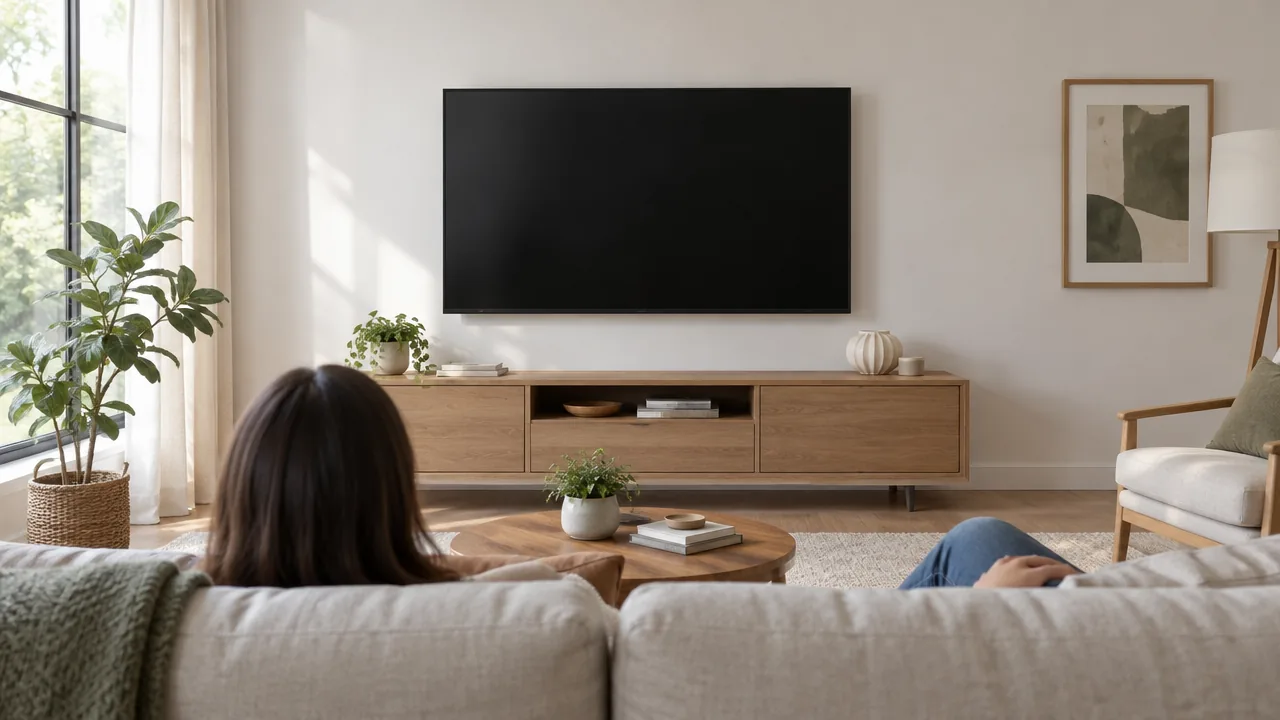
TV sizes are named by the screen's diagonal in inches, measured from one corner to the opposite corner, so a 55-inch TV is only about 48 inches wide. For a typical 16:9 screen, multiply the diagonal by 0.87 to get the width and by 0.49 to get the height. The chart below does that math for common sizes and adds a seating distance and a soundbar width for each, so you can plan the whole setup at once.
TV sizes chart: width, height, distance and soundbar width
All figures are approximate and assume a 16:9 screen. Widths and heights are for the screen itself, so add the bezel and any stand. Seating distance is a rule of thumb: multiply the diagonal by 1.2 for the close end and by 1.6 for the far end. Soundbar width is a target range, close to or slightly under the screen width.
| Diagonal | Screen width | Screen height | Seating distance | Soundbar width to look for |
|---|---|---|---|---|
| 32 in | 27.9 in | 15.7 in | 3 to 4 ft | 24 to 28 in |
| 40 in | 34.9 in | 19.6 in | 4 to 5 ft | 30 to 35 in |
| 43 in | 37.5 in | 21.1 in | 4.5 to 6 ft | 33 to 37 in |
| 50 in | 43.6 in | 24.5 in | 5 to 7 ft | 38 to 43 in |
| 55 in | 47.9 in | 27.0 in | 5.5 to 7.5 ft | 42 to 47 in |
| 65 in | 56.7 in | 31.9 in | 6.5 to 9 ft | 50 to 56 in |
| 75 in | 65.4 in | 36.8 in | 7.5 to 10 ft | 58 to 65 in |
| 85 in | 74.1 in | 41.7 in | 8.5 to 11.5 ft | 66 to 74 in |
Read across a row and you have the furniture width, the wall space and the sofa distance for that size. If you shop in millimeters, multiply inches by 25.4: a 55-inch screen is roughly 1,217 mm wide and 686 mm tall.
How to measure a TV
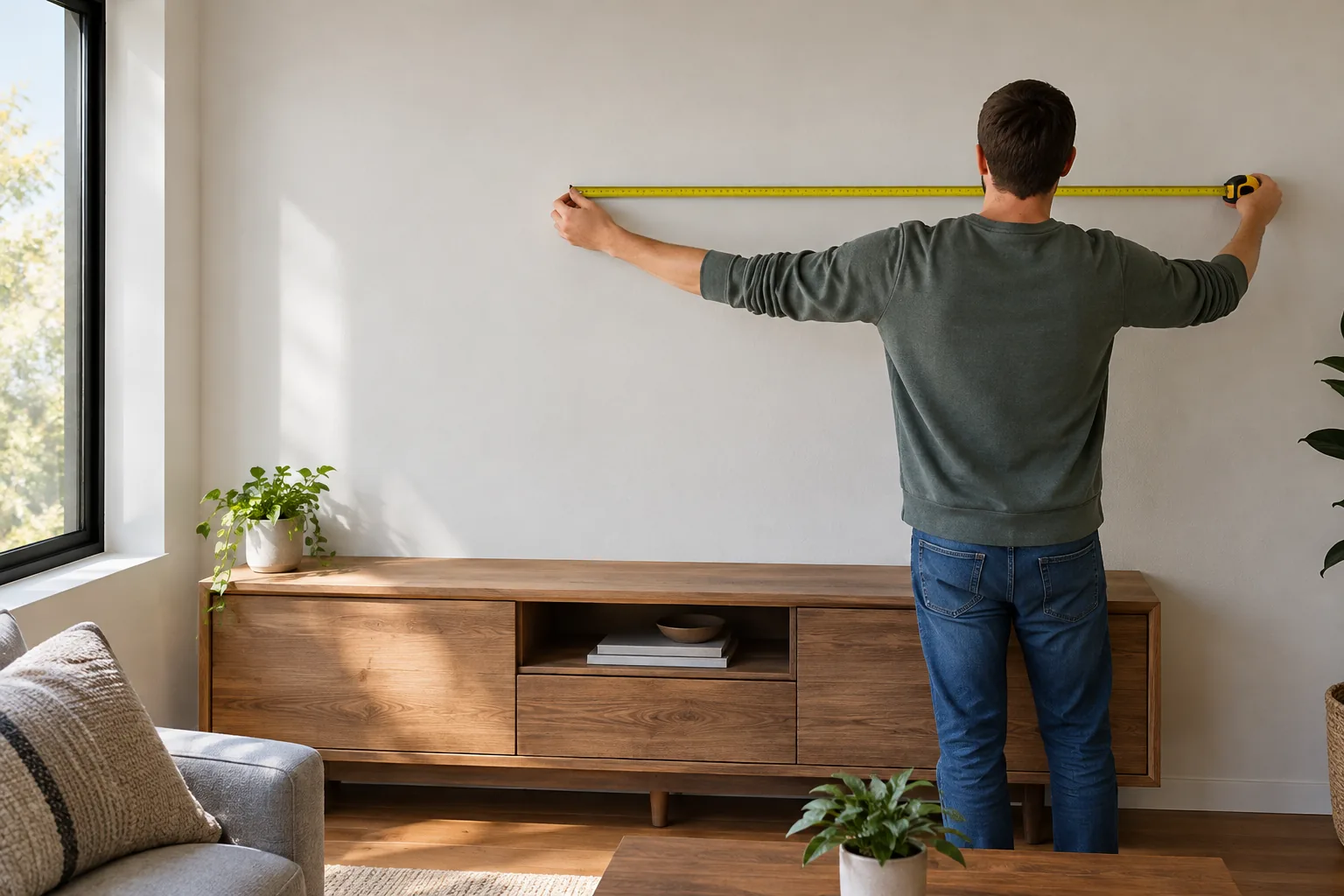
Measure the screen from one bottom corner to the opposite top corner, using only the lit picture area. That diagonal measurement is the size on the box. For fit, you need three more numbers: the full width and height including the bezel, and the depth.
Measure for the space, not just the screen
- Full width: edge to edge of the frame. This is what must fit on a console or between walls.
- Full height with the stand: needed if the TV sits under a shelf or window.
- Depth: stand depth matters on a shallow console, and wall-mounted depth matters in a hallway.
- Stand foot spacing: some stands sit at the edges, others in the center, which changes the console width you need.
Two TVs of the same diagonal can have different bezel thickness and stand designs, so check the full dimensions on each product page. If you already own a TV and want to confirm its size, look in the settings menu under device or system information, or read the model label on the back.
Pick a size by seating distance
Start with how far your eyes sit from the screen, then choose the diagonal. A rough guide is to divide your seating distance in inches by 1.2 for the largest diagonal and by 1.6 for the smallest. From 8 feet (96 inches), that points to roughly a 60 to 80 inch screen. Resolution also matters: a higher-resolution screen lets some viewers sit closer without seeing pixel structure.
Small and mid-size questions
A 32-inch TV is small for a main living room, but it suits a bedroom, kitchen, dorm or desk where you sit 3 to 4 feet away. Between a 32 and a 40, the 40 adds about 7 inches of width and fits a seat a little farther back. If your sofa is more than 5 feet away, the 40 is the more sensible starting point.
A 42 or 43-inch TV is not too small for a bedroom or small apartment, where seating is 4.5 to 6 feet away. In a larger living room it can look undersized. Sizes under 32 inches exist too, and they are for kitchens, workshops and RVs where you sit close.
Large screens
For a 65-inch TV, sit about 6.5 to 9 feet away. Closer than that, you turn your head to follow the picture. Farther, the screen starts to look small for the room. A 60-inch screen, which is about 52 inches wide, falls between the 55 and 65 rows, with a seating distance of roughly 6 to 8 feet.
A bigger screen is not automatically the right fit. A screen too large for the room can be hard to take in from your seat and can leave no space for speakers or shelving. Choose the largest size that still lets you see the whole picture without moving your head.
Match a soundbar to your TV size
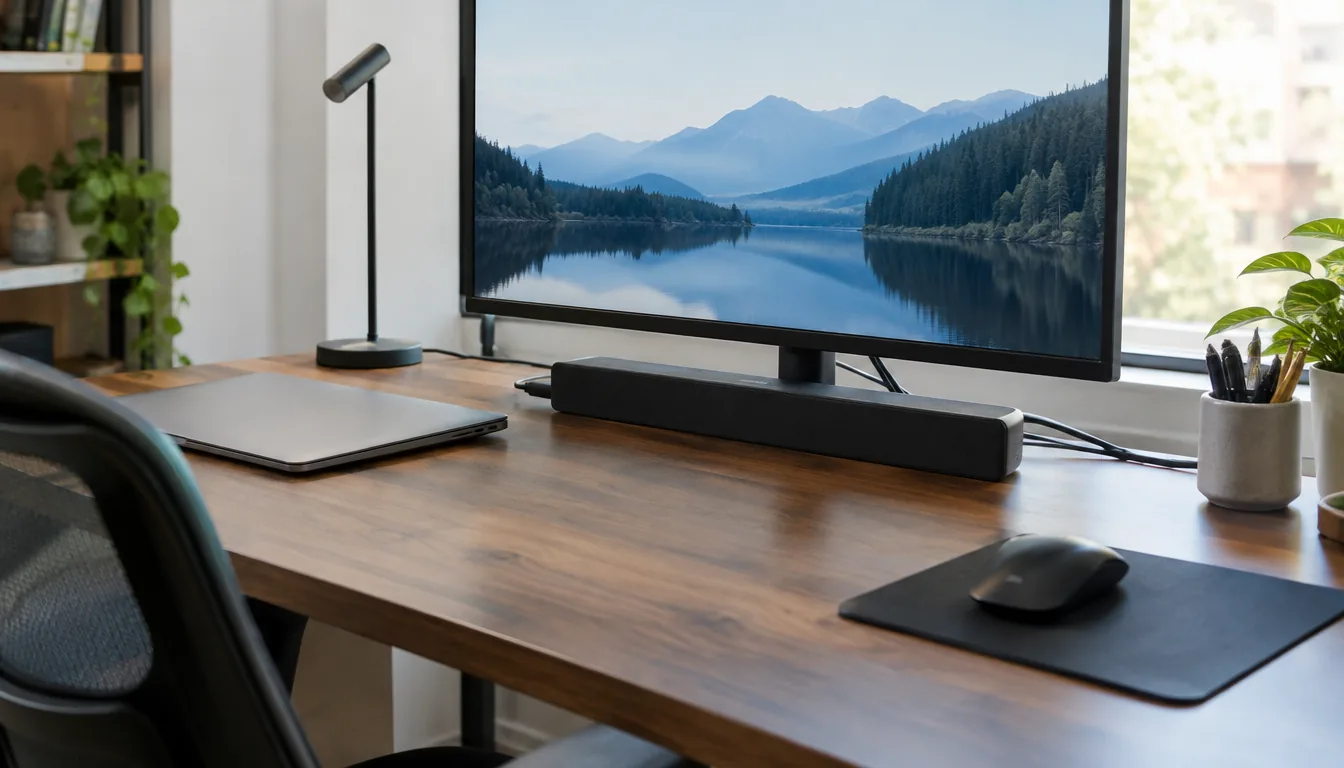
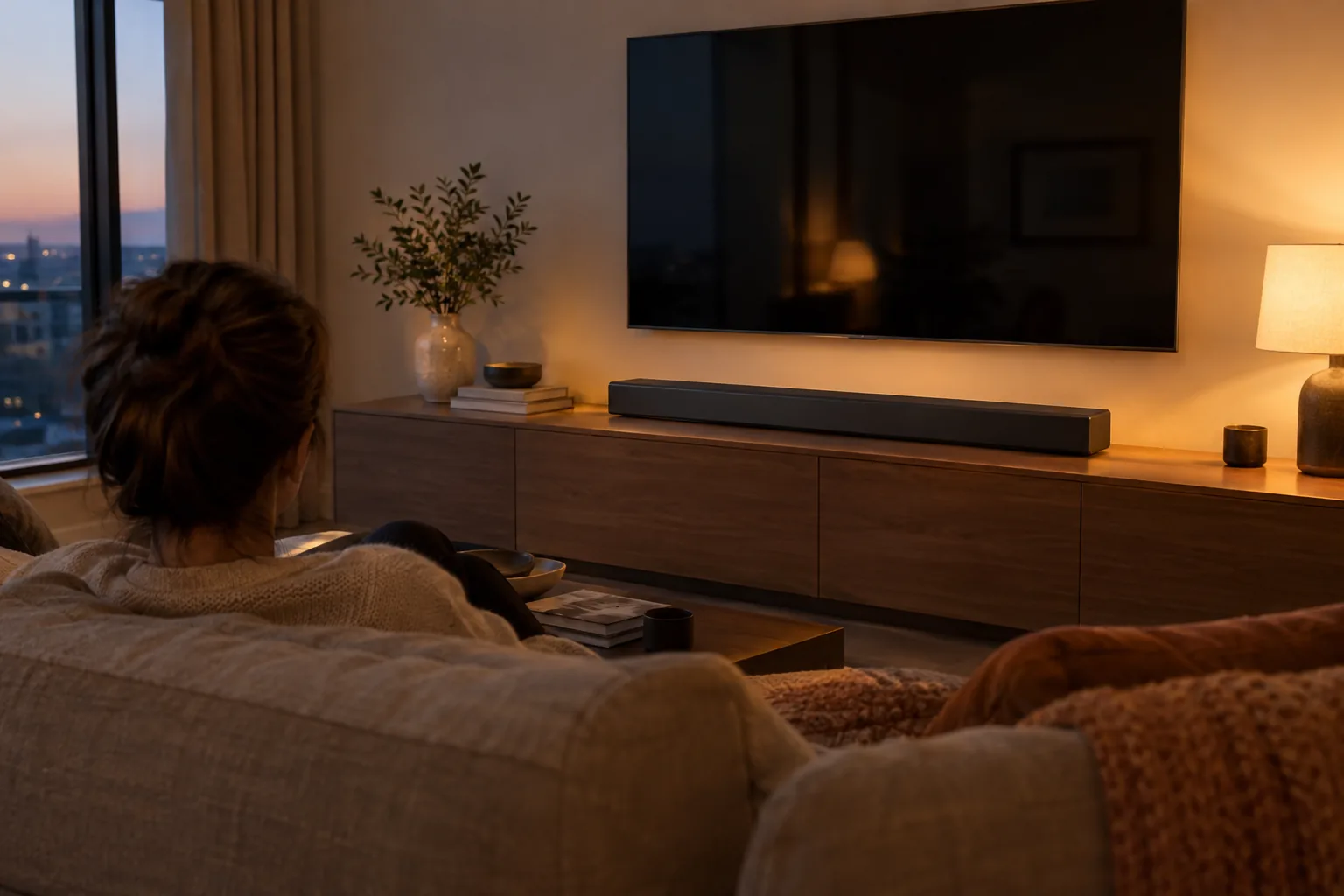
A soundbar looks balanced when it is about as wide as the screen, or a few inches narrower. A bar much wider than the TV overhangs the console. A very short bar under a large screen leaves the sound sitting in the middle of a wide wall. Use the last column of the chart as the target.
Check three other things before you buy: whether the bar fits under the screen if the TV is on a stand, whether it blocks the TV's remote sensor, and which inputs the TV offers. Some TVs have an optical output, which is one way to connect a bar. If you plan to stream from a phone, the portable Bluetooth speaker guide explains what to look for in wireless connections.
The SonicForge is a 2.1 sound bar with a bass channel and a built-in amplifier. It connects by Bluetooth 5.3, USB, optical, FM or aux, and HDMI is not required. Its two speakers detach, so on a narrow console you can keep them joined as one bar, and in a wider room you can place them apart with the wired connectors.
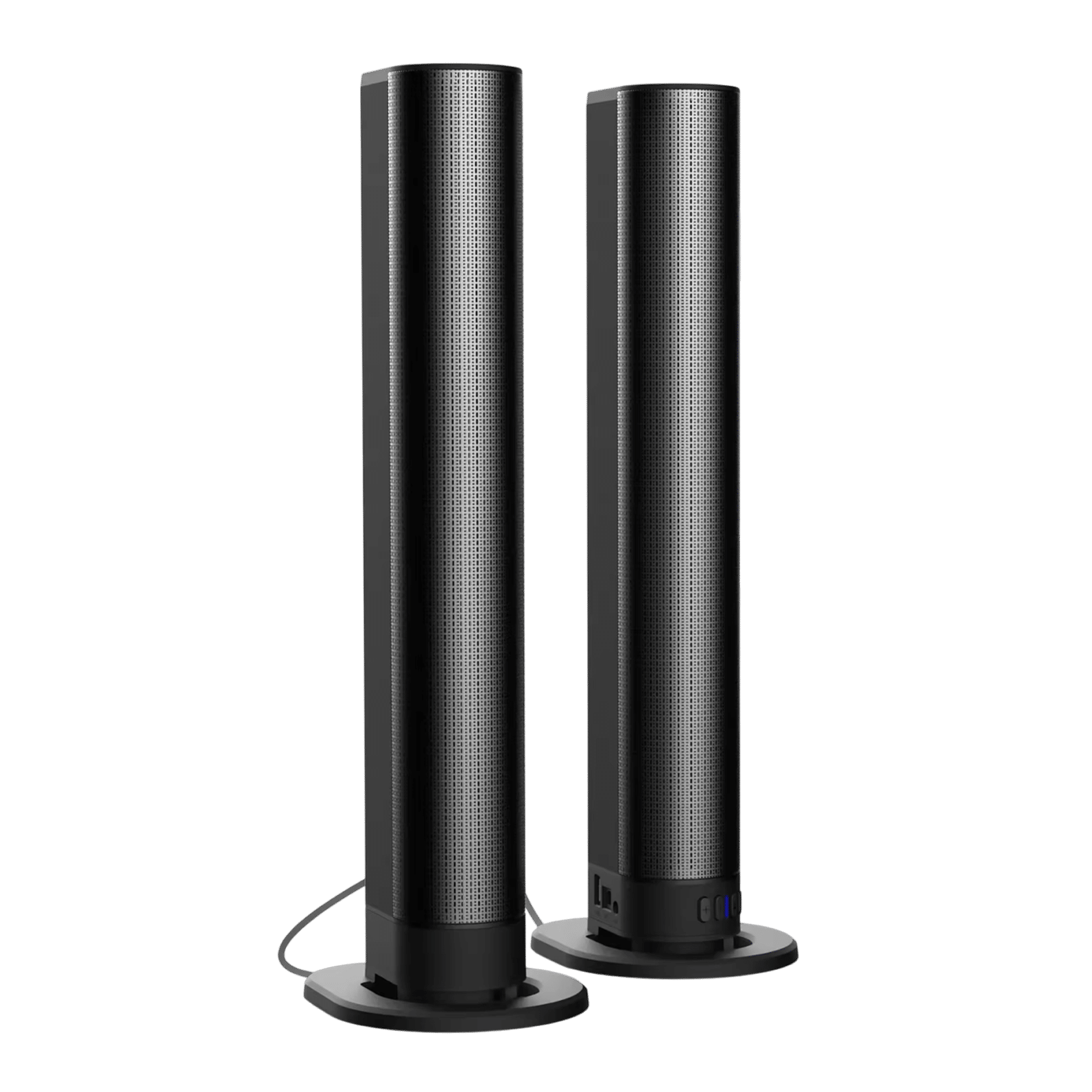 In this guideSonicForge$239.99View
Plan the console, mount and cables
The furniture decides the real maximum size. A media console should be at least as wide as the TV's full width if the TV uses edge stand feet, and deep enough for the stand.
If you mount on the wall, the wall mounting hardware must match the TV, and the soundbar needs its own shelf or bracket. The SonicForge box lists wall mounting accessories.
Follow each manual for mounting and weight, and ask a qualified installer if you are unsure about the wall. Unplug devices before you move cables.
If you watch local broadcast channels, plan the antenna too. The SignalHawk is an indoor HD antenna that sits on a table, or on a metal surface with its magnetic base, and connects to the TV's coaxial port with the supplied 16.5ft (about 5 m) coaxial cable. After connecting and powering the amplifier over USB, run the TV's automatic channel scan. Measure the distance from the antenna spot to the TV first, since the cable length sets how far apart they can be. For more antennas and streaming gear, browse Broadcast & Playback Devices.
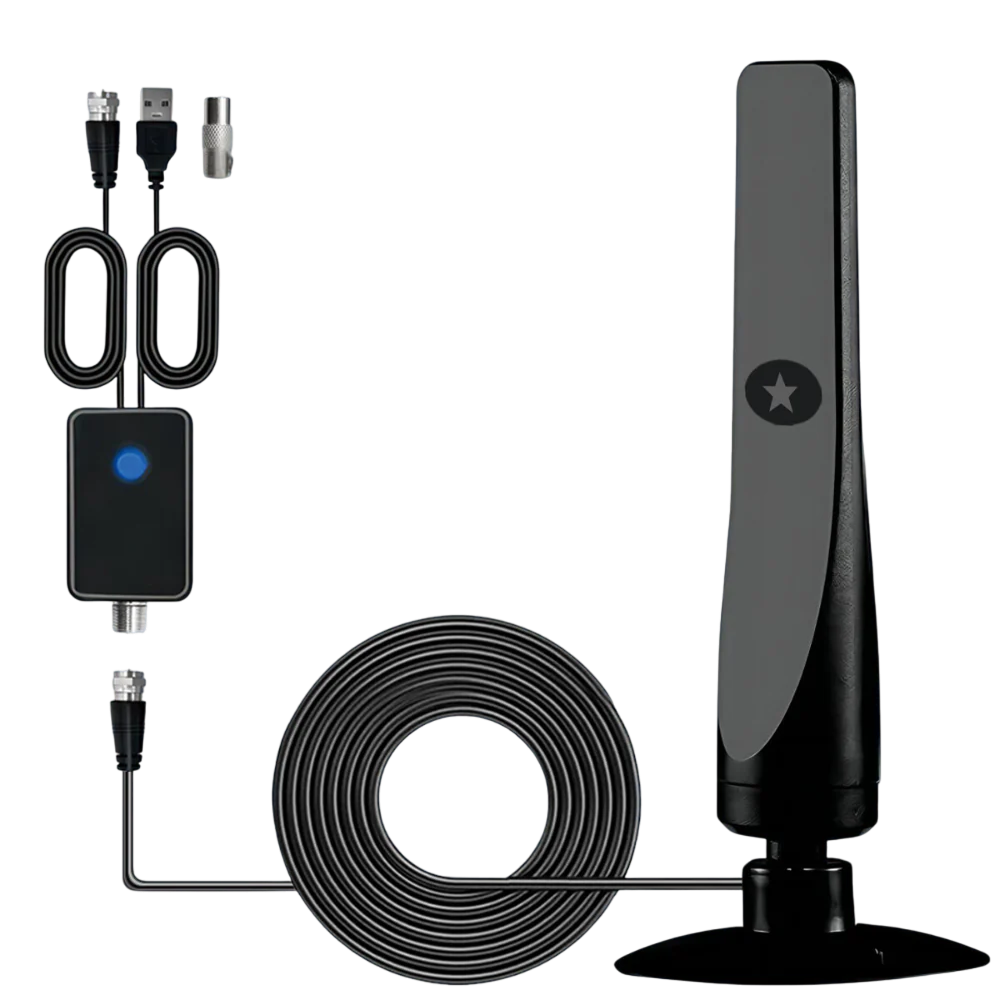 In this guideSignalHawk$59.99View
Field note
Cut a piece of cardboard or paper to the screen's width and height from the chart and tape it to the wall. Sit where you will watch and check that the size looks right before you order.
Common mistakes when choosing TV sizes
- Reading the diagonal as the width. A 65-inch TV needs about 57 inches of screen width plus the frame, not 65.
- Ignoring the bezel and stand. The listed full dimensions are what must fit the console.
- Buying for the showroom. Showroom floors are open and wide, so judge by your own seating distance.
- Forgetting the soundbar. Add its height if the TV sits low, and its width if the bar sits beside other gear.
- Skipping depth. Wall-mounted TVs and deep stands both change how much room you have behind the screen.
Setup checklist
- Measure the seating distance from your eyes to the screen position.
- Divide by 1.2 and by 1.6 to get a diagonal range, then look at the nearest sizes in the chart.
- Measure the console or wall width and compare it with the full TV width.
- Pick a soundbar width close to the screen width.
- Check ports: optical, Bluetooth and coaxial for an antenna.
- Plan cable lengths and mounting hardware before delivery.
For more audio gear that pairs with a living room setup, browse the Speakers & Sound Systems collection.