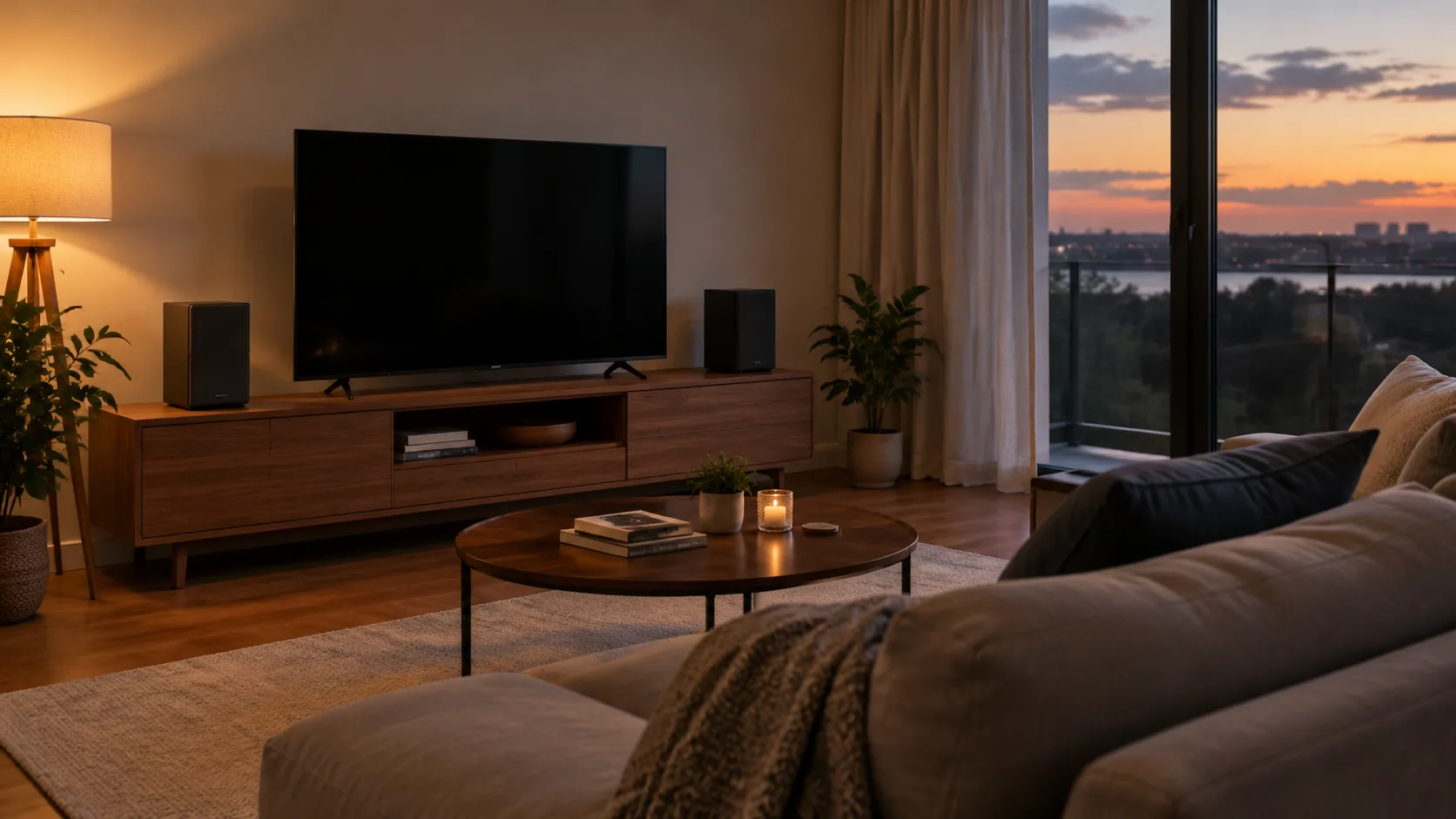
Surround Sound Explained: 5.1 vs 7.1 and Soundbar Options
A 5.1 layout suits a medium room, 7.1 adds two rear speakers for larger spaces, and a soundbar suits tight setups. Here is how to choose and how to check your setup.
The Folio & Current Team
October 25, 2026 · 6 min read
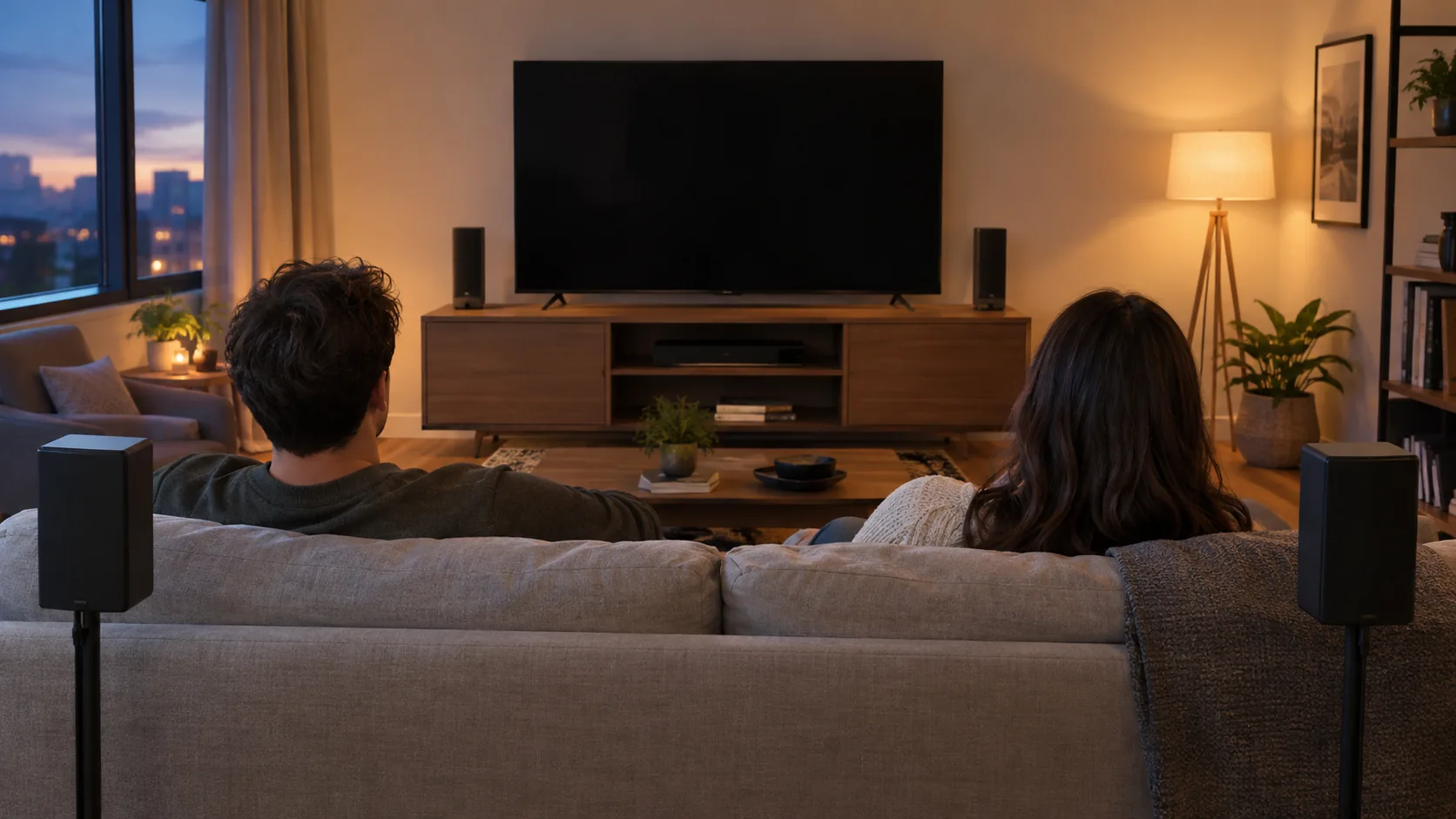
Surround sound uses several speakers placed around the listening seat so dialogue, effects and music come from different directions. A 5.1 layout (five speakers plus a subwoofer) fits a typical living room, 7.1 adds two more speakers behind you for larger or deeper rooms, and a soundbar covers tight spaces where running speaker wire is not practical.
This guide explains the numbers, matches each layout to a room, compares a soundbar with discrete speakers, and walks through a simple check you can run once everything is connected.
What surround sound means
Stereo gives you a left and a right channel. A multichannel setup adds a center speaker for dialogue, speakers beside or behind the seat for ambience and movement, and a dedicated bass channel for low frequencies.
The effect depends on the content. A film mixed for several channels can place a passing car behind you, while a stereo music track may sound the same as it would on two speakers. For a general overview of multichannel audio, see a college production office page on multichannel sound.
5.1 vs 7.1: what the numbers mean
The first number counts full speakers. The number after the decimal counts the subwoofer, which handles low-frequency effects. So 5.1 surround sound means five speakers and one subwoofer, and 7.1 surround sound means seven speakers and one subwoofer.
| Layout | Speakers | Placement |
|---|---|---|
| 2.1 | Left, right, bass channel | Under or beside the TV |
| 5.1 | Front left, center, front right, surround left, surround right, plus subwoofer | Three across the front, two at the sides of the seat |
| 7.1 | The 5.1 set plus two rear surround speakers, plus subwoofer | Two at the sides, two behind the seat |
Extra speakers add more places for sound to come from, but they also need more wire, more shelf or stand space and a receiver with enough outputs. More channels do not help if the room or the content cannot use them.
Which layout fits which room
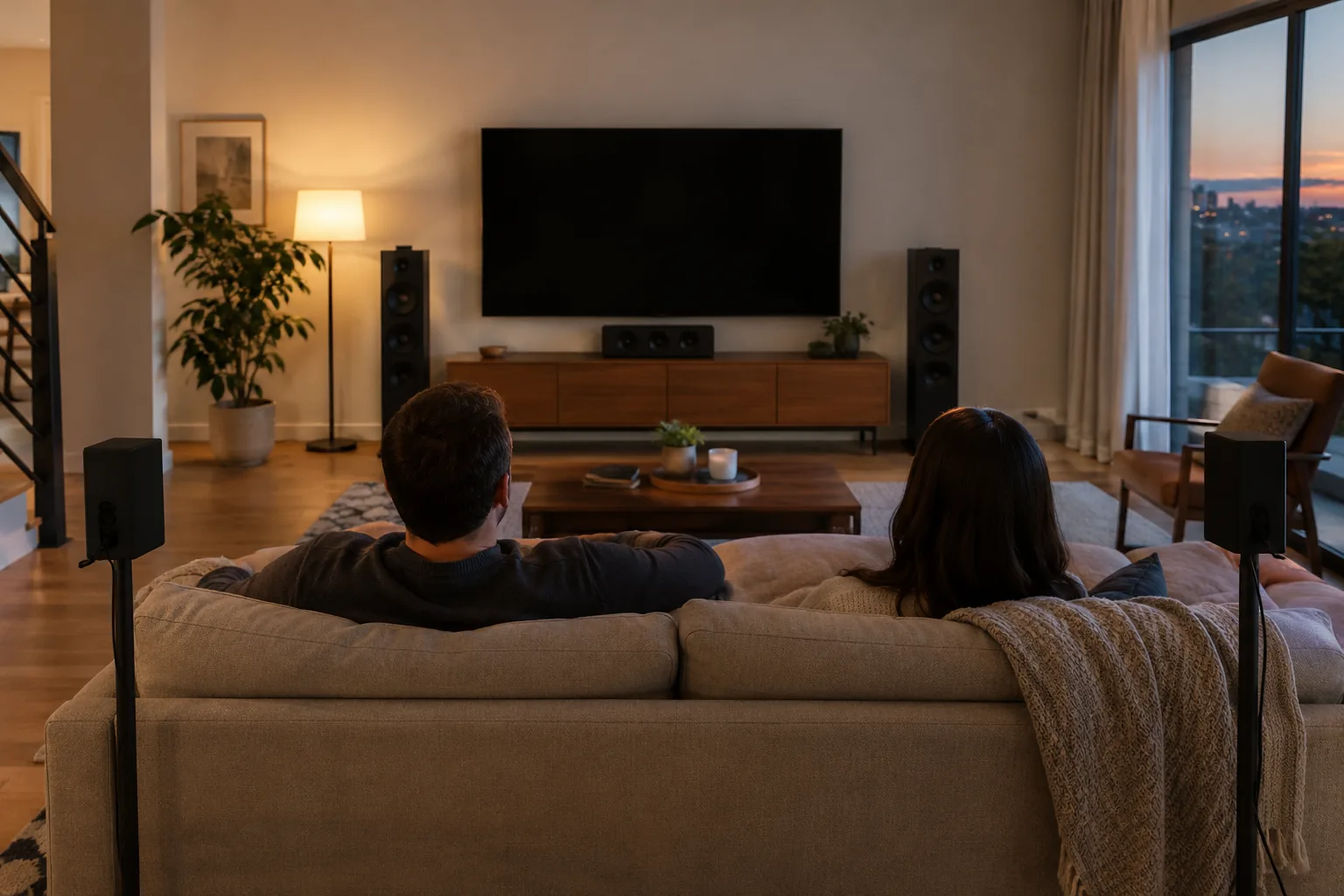
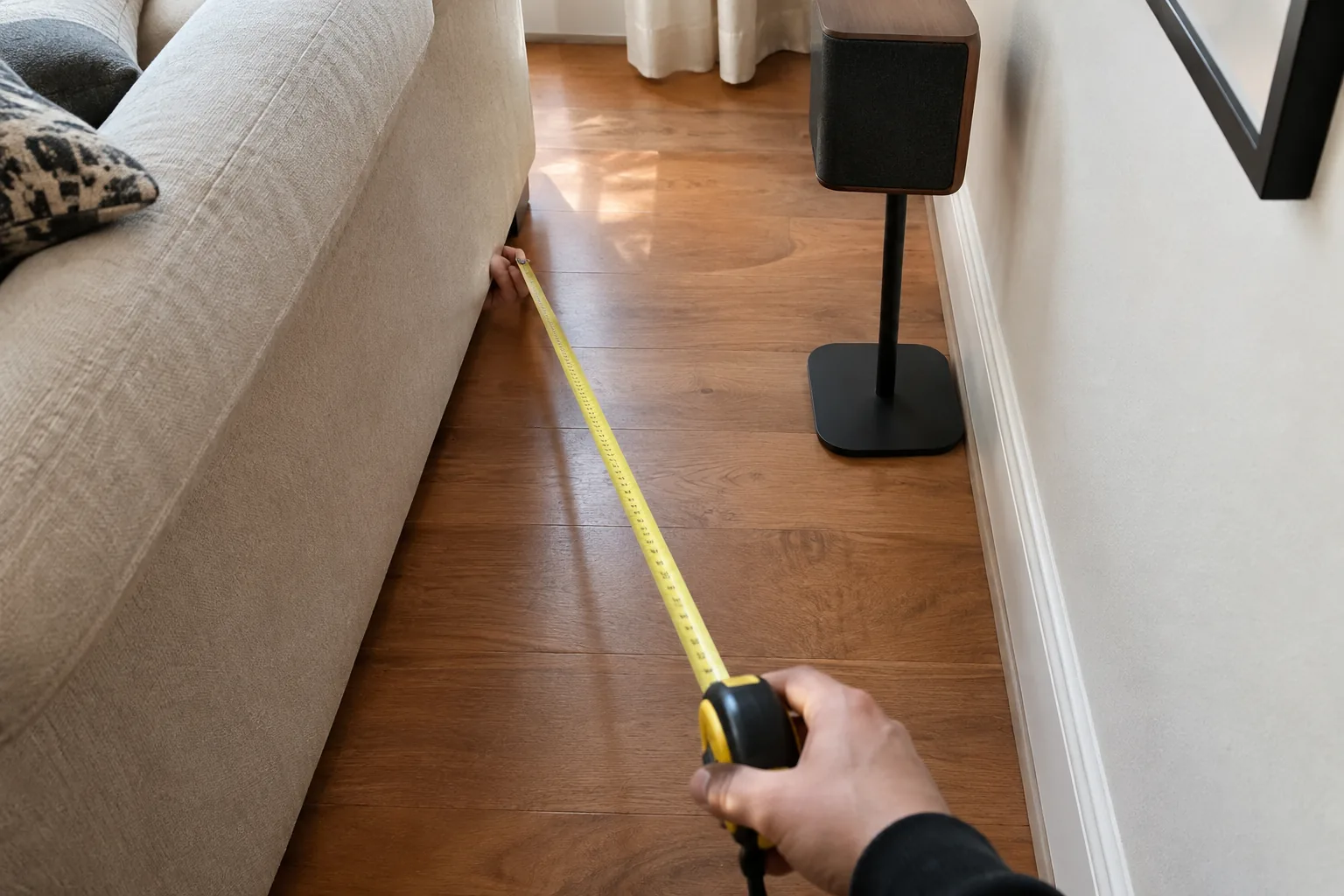
Match the layout to the space and to where you sit. Measure the distance from the TV to the seat before you buy; the article on TV sizes, viewing distance and soundbar fit covers that measurement.
| Room | Layout to consider | Why |
|---|---|---|
| Small room, bedroom or apartment | Soundbar or 2.1 system | Few places to put speakers, short distances |
| Medium living room | 5.1 | Side speakers can sit near the sofa |
| Large or open room | 7.1 | Rear speakers fill the space behind a wide seating area |
| Room where the sofa is against a wall | 5.1 with side placement | Rear speakers have nowhere to go |
Seating position matters
Aim surround speakers at the seat from the side or slightly behind. If the sofa sits against a back wall, place the surround pair at the sides, level with or just above ear height when seated.
Soundbar vs discrete speakers
A soundbar puts the speakers in one cabinet and often connects to the TV with a single cable. Discrete speakers sit at separate points in the room and connect to a receiver or amplifier. Each approach suits a different priority.
| Factor | Soundbar | Discrete speakers |
|---|---|---|
| Wiring | One cable to the TV | Separate wire to each speaker |
| Space | One shelf or wall spot | Stands or shelves around the room |
| Sound from behind | Simulated by processing, unless rear units are added | Real speakers behind the seat |
| Upgrade path | Depends on the model | Add or swap speakers one at a time |
A single bar can widen the soundstage, but sound that really comes from behind needs speakers placed there. If you want true surround sound, plan for rear speakers.
A flexible middle option
SonicForge is a 2.1 TV sound bar with a bass channel and built-in amplifier. Its two speakers detach, so you can keep them joined as one bar or place them apart with the wired connectors. It connects by Bluetooth 5.3, USB, optical, FM or aux, and HDMI is not required.
 In this guideSonicForge$239.99View
Can you add surround sound to a TV?
Yes. A TV can send audio out through an optical port, an HDMI audio port or Bluetooth, and any of those can feed an external home sound system. Check which outputs your TV offers and which inputs the audio device accepts, then match them.
- Find your TV's audio outputs in the manual or on the back panel.
- Choose the device: a soundbar, or a receiver with speakers.
- Connect with a matching cable or a wireless pairing.
- Open the TV's sound settings and switch the output from the internal speakers to the external device.
- Set the speaker layout and distances in the receiver or soundbar menu if it has one.
If your TV and receiver both use HDMI, the article on HDMI vs DisplayPort explains how the connection types differ. Unplug equipment before connecting cables, and follow each manual.
Field note
Before mounting or hiding any speaker wire, lay the speakers in place with temporary cable runs and listen for a day. Moving a speaker is simple until the wire is inside the wall.
Building a separate-speaker setup
A traditional layout needs a receiver or amplifier, passive speakers and a subwoofer. A stereo amplifier handles two channels, so it suits a stereo pair for music or a second room rather than a full 5.1 or 7.1 layout.
StereoLux is a stereo amplifier that drives passive speakers and supports speakers from 4 to 16 ohms. It provides 90W of peak power, takes Bluetooth 5.0, USB, FM radio or AUX sources, and has bass and treble controls plus a remote. Check your speakers' impedance against that range before connecting.
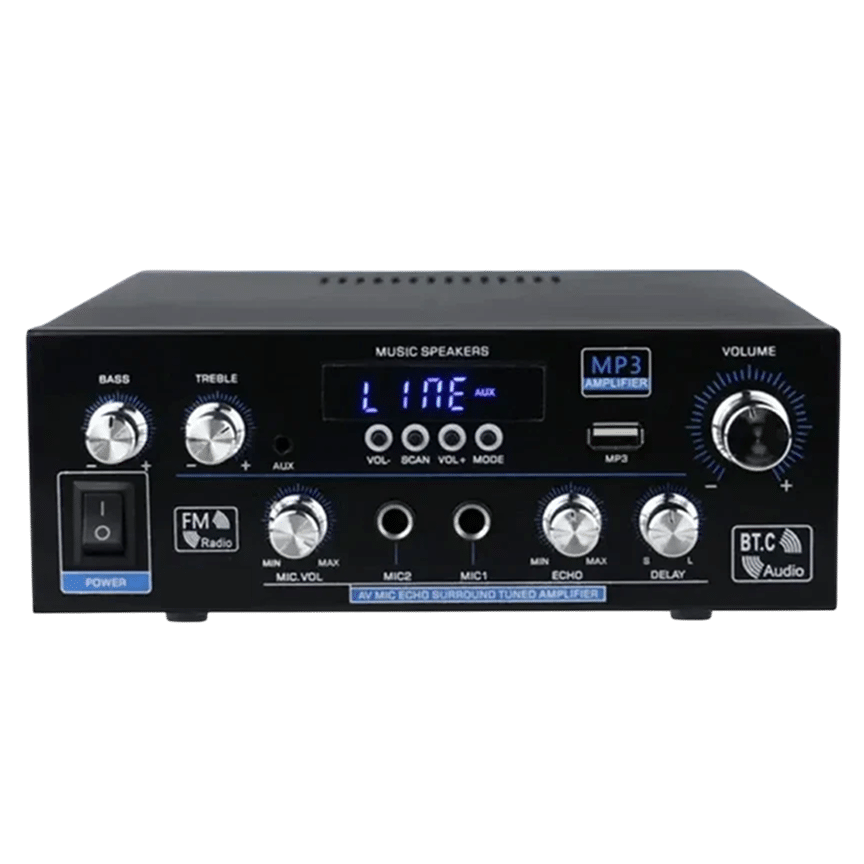 In this guideStereoLux$99.99View
Browse the full range in the Speakers & Sound Systems collection if you are comparing other options for a sound system.
Run a surround sound test
Once everything is connected, a short check confirms that each speaker is wired and assigned to the right channel. Lower the volume first, then work through these steps.
- Open the receiver or soundbar menu and find the speaker setup or channel test option. It plays a tone through each speaker in turn.
- Confirm the tone moves front left, center, front right, then around the seat. If a tone comes from the wrong speaker, swap the wires or correct the assignment.
- Check that the subwoofer plays during its tone and that it is switched on.
- Play a film scene or demo clip with obvious movement, such as a vehicle passing from one side to the other.
- Listen to dialogue. It should come from the center of the screen, not from a side speaker.
- Adjust each speaker's level until no single speaker stands out from where you sit.
If your equipment has no built-in tone, play a multichannel test clip from a disc or a streaming app. For setup basics, see a government guide to shopping for home theater and surround systems.
Common mistakes
- Placing the center speaker low behind a TV stand lip, which muffles dialogue.
- Leaving the TV output on its internal speakers after connecting an external device.
- Mixing up left and right wires or the positive and negative terminals.
- Putting surround speakers far above the listening position so sound seems to come from the ceiling.
- Buying 7.1 for a room where rear speakers have no mounting spot.
Are surround speakers worth it?
It depends on how you use the room. If you watch films or play games in a room with space for speakers, a multichannel layout adds direction to effects. If you mostly stream dialogue-heavy shows in a small room, a soundbar or a 2.1 system may be enough.
Newer formats add height channels, which place sound above you using ceiling or upward-firing speakers. They build on the same 5.1 or 7.1 base, so a solid base layout comes first.