Projector vs TV: Which Fits Your Room, Light and Budget
Choose a TV for bright rooms and everyday viewing, a projector for dark rooms and very large images. This guide gives a decision table and a five-step room check.
The Folio & Current Team
October 30, 2026 · 7 min read
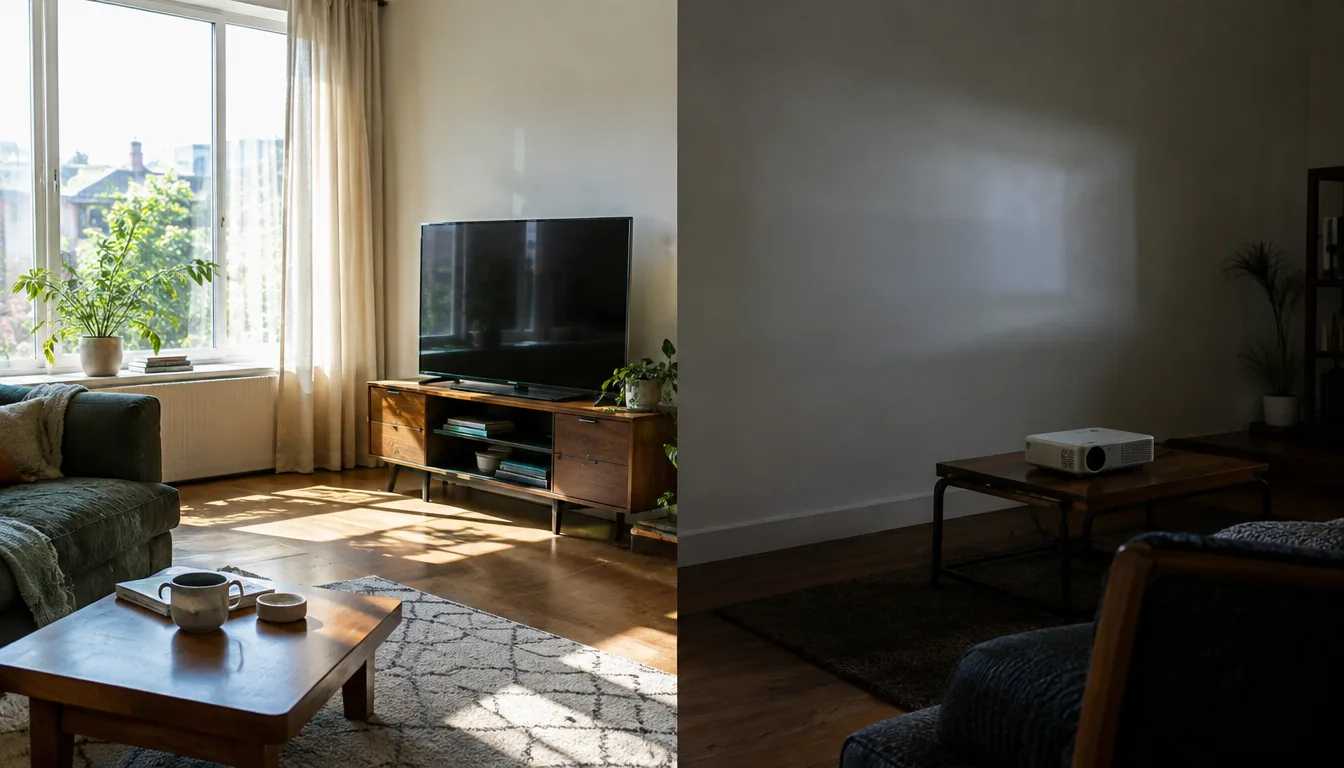
In a projector vs TV decision, room light comes first: a TV works in a bright room, while a projector needs a room where you can dim the lights. After that, compare the screen size you want, where the sound will come from and what you must add to each setup.
Use the table below for a first answer, then run the five-step room check to confirm it.
Projector vs TV: the decision table
| Question | A TV fits if... | A projector fits if... |
|---|---|---|
| Room light | Windows are uncovered and lamps stay on | You can close curtains or dim lamps |
| Screen size | You want a fixed size that fits a stand or wall | You want a very large image from a small body |
| Surface | The set is the screen | You have a flat, light wall or a screen |
| Sound | Built-in speakers are enough for you, or you add a sound bar | You plan to add a speaker or sound bar |
| Space use | You are fine with a panel on a wall or stand | You want the image gone when the device is off or stored |
| Moving it | It stays in one room | You want to use it in a bedroom, on a patio or on a trip |
If your answers split between the two columns, ambient light decides. A mismatch there is the hardest problem to fix afterward.
Ambient light decides most room choices
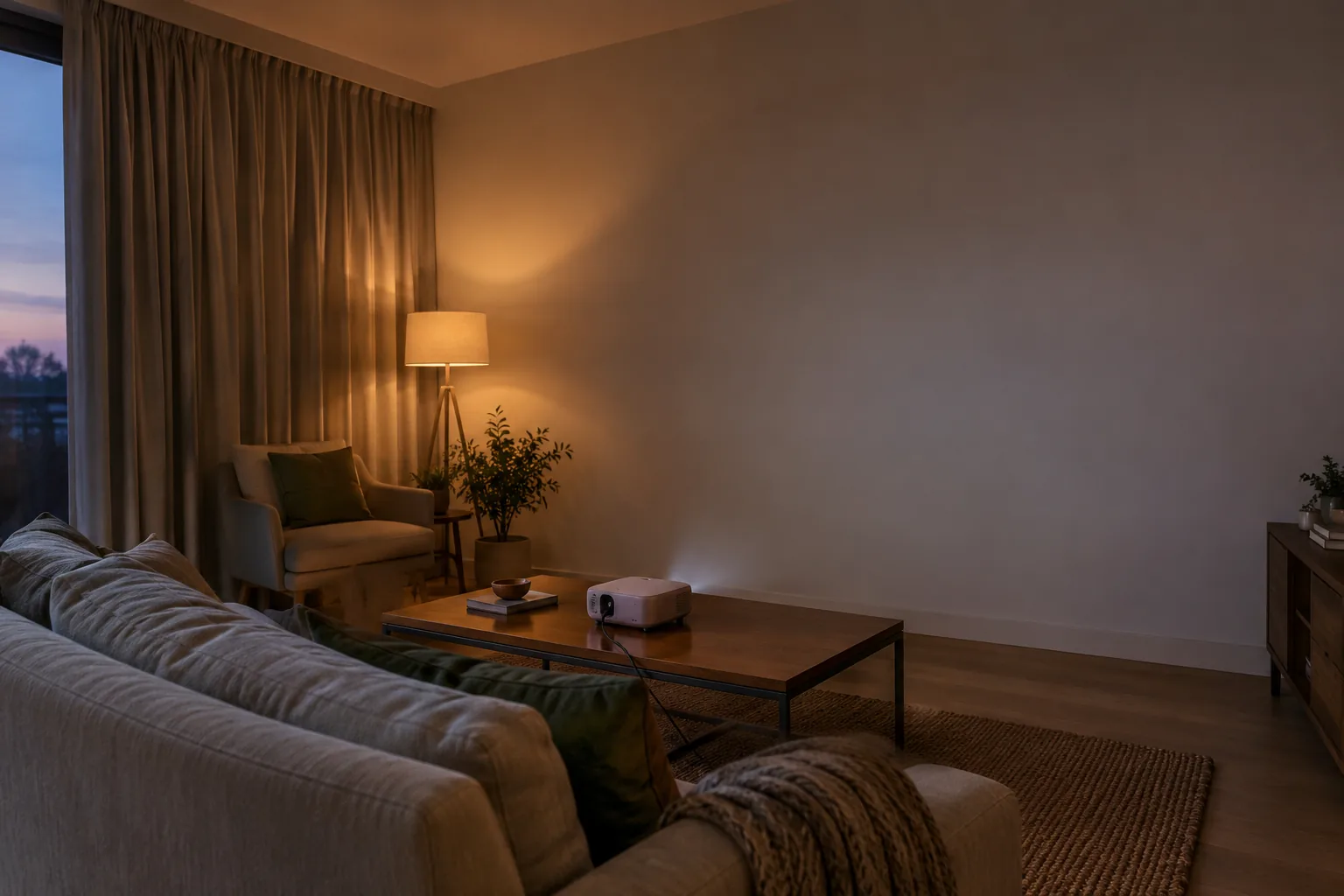
A TV makes its own light and sends it toward you. A projector sends light to a surface, and the surface reflects it back, so any other light in the room competes with the image. That is why a daytime living room with large windows suits a TV.
A projector asks for control. Blackout curtains, a lamp you can switch off and a wall without glare all help. Check the lumen figure on the product page for the room you have in mind.
What the lumen figure means
ANSI lumens measure the light output of a projector. The CineBeam has a 300 ANSI lumen LED light engine and is made for home viewing in rooms where you control the lighting, such as a living room or bedroom. Think of it as a dim-room device, not a daytime one.
Screen size and seating distance
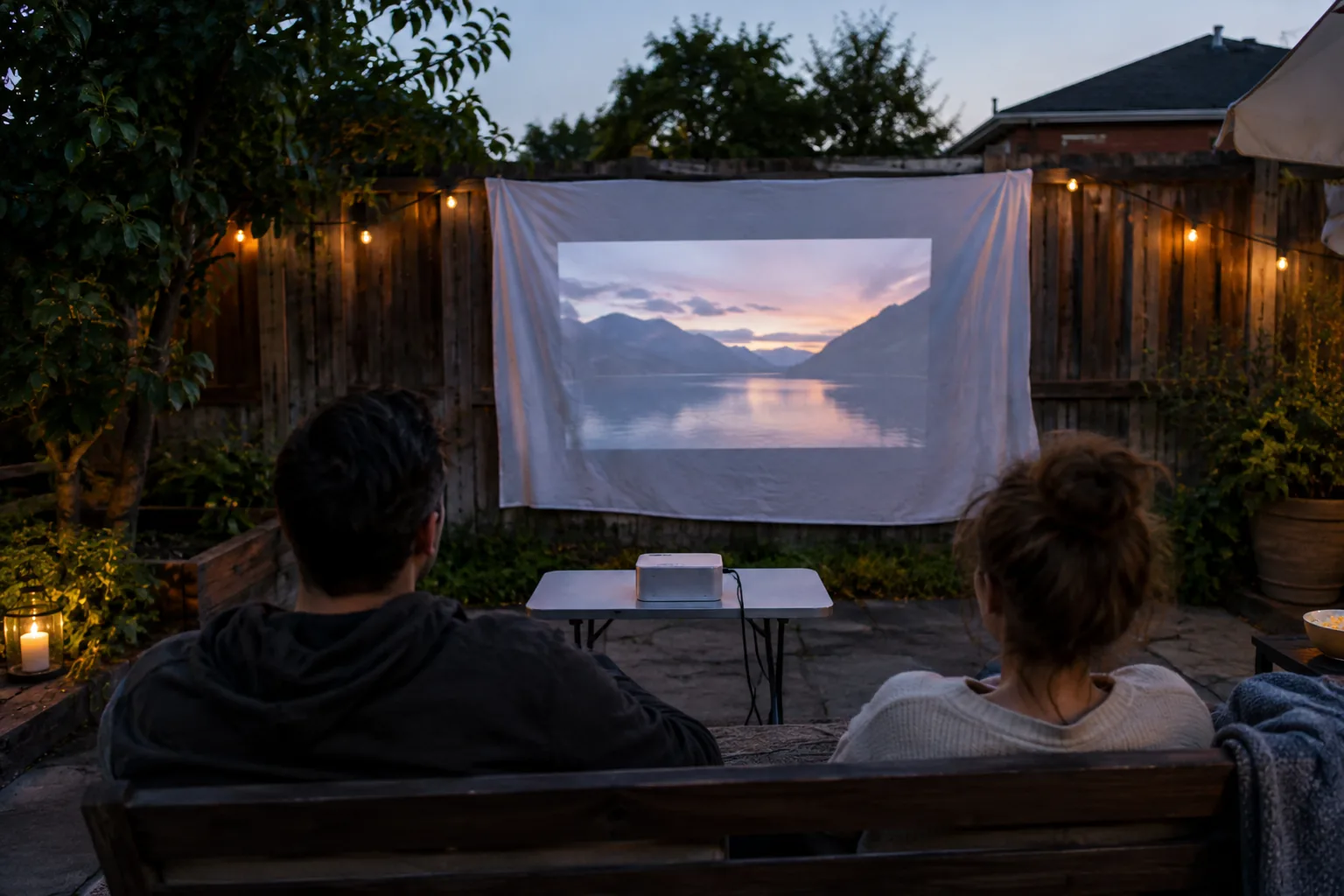
A TV comes in fixed sizes, and a larger panel needs a wider stand or wall space. A projector changes image size with distance from the wall, so one small body can fill a big wall. The LumaCanvas Pro projects an image of 150 inches in size onto a wall or sheet.
Seating distance matters as much as size. For TV sizing, our guide TV Sizes Explained covers dimensions, viewing distance and soundbar fit.
The 4-6-8 rule
The 4-6-8 rule is a rule of thumb that links seating distance to the height of the image. Sit about four screen heights away for close, detailed viewing, about six for regular viewing, and eight at the farthest for the back row. Measure your image height, multiply, and compare the result with your room depth.
With a projector you can change the image size to match the room. With a TV you pick the size at purchase.
Short throw or standard throw
Throw distance is the gap between the lens and the wall for a given image size. A short-throw projector sits close to the wall, which suits a small living room or a home theater where a shelf or low table is the only option. A standard-throw model sits farther back, often near the seats or on a rear shelf. Check the throw distance in the manual before you pick a spot.
Image quality: light, resolution and surface
Contrast and black levels depend on the room. On a projector, black is the color of the lit wall, so stray light from lamps or windows lifts the dark areas of the picture. A TV panel generates its own image, so the room affects it differently, though glare on the glass can still show up.
Resolution means the number of pixels in the image. The CineBeam and the LumaCanvas Pro both output 1080p. When you spread the same pixels over a very large image, fine detail looks coarser up close, so use the 4-6-8 rule to choose a seat.
The wall surface shapes the picture too. A smooth, light, matte wall or a projection screen gives an even image. Texture, dark paint or a glossy finish changes how light bounces back. A projection screen is a separate purchase, but it gives you a known surface.
Sound: both need a plan
Neither choice should be judged on built-in sound alone. Compact projectors send audio through Bluetooth or a wired audio-out port. The CineBeam has Bluetooth 5.0 audio output, and the LumaCanvas Pro has Bluetooth 5.0 plus a wired audio-out port.
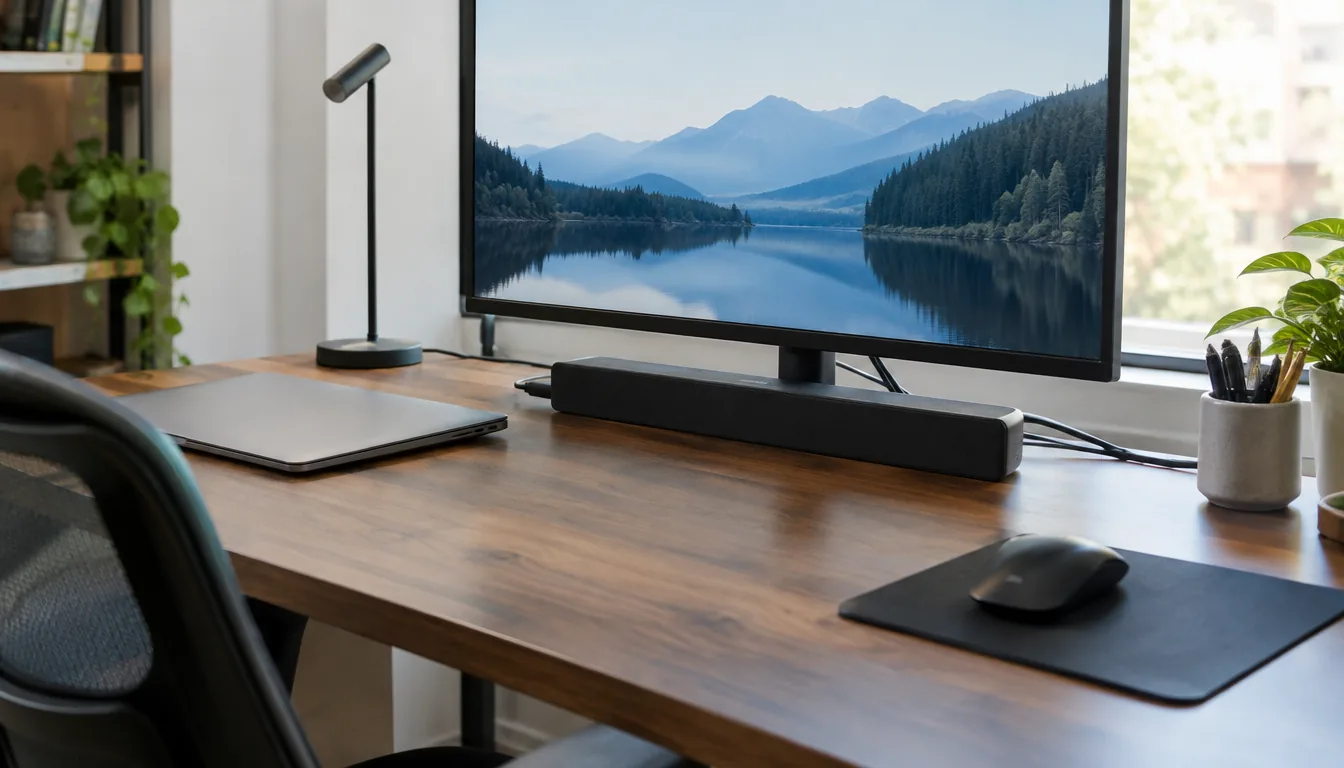
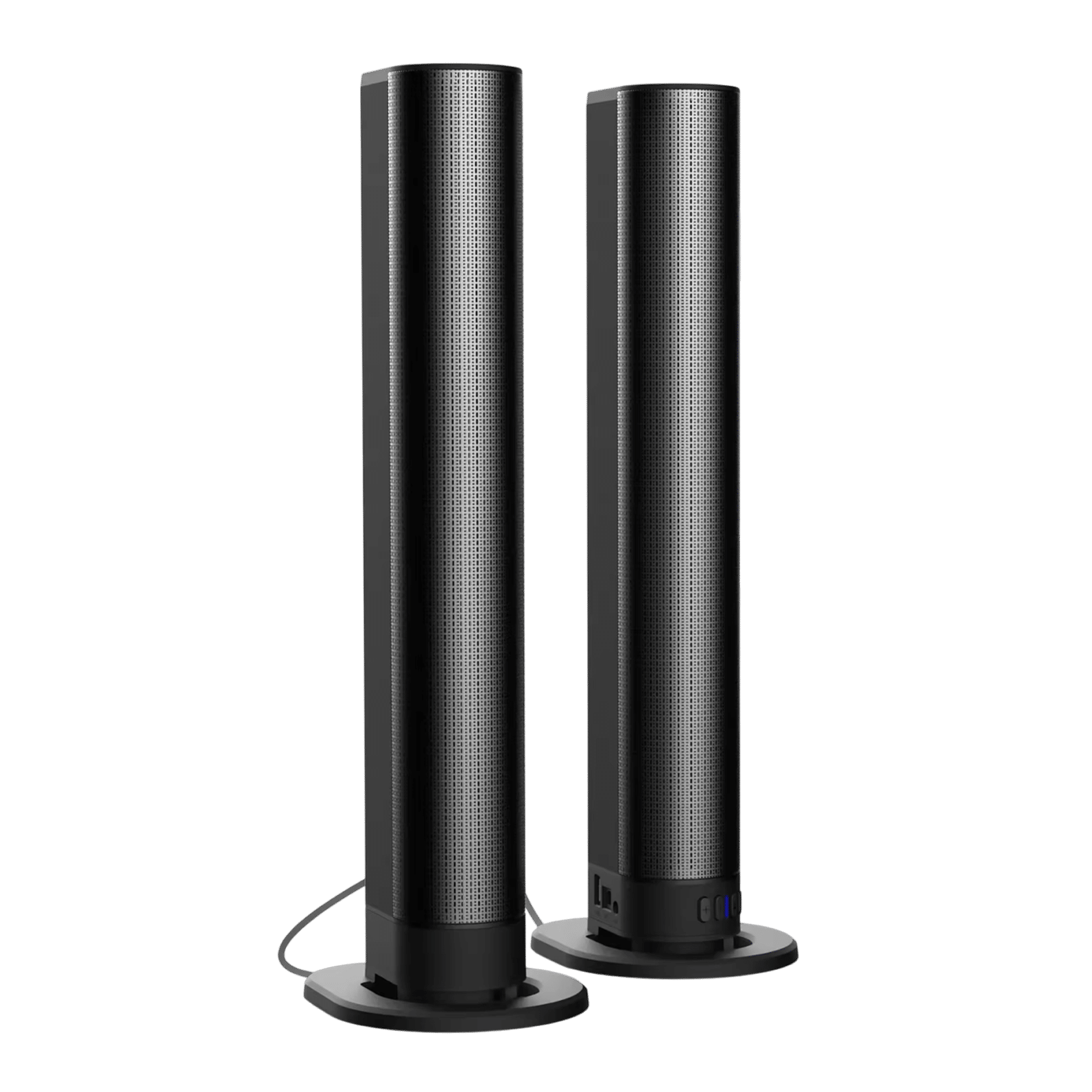
TVs can also use added speakers. The SonicForge is a 2.1 sound bar system with a bass channel and a built-in amplifier. It connects by Bluetooth, USB, optical, FM or aux, so HDMI is not required.
 In this guideSonicForge$239.99View
The two speakers detach, so you can place them apart or keep them as one bar when space is tight. For wider speaker layouts, read Surround Sound Explained, and browse our speakers and sound systems.
Running costs and what you add
Cost is more than the first purchase. List the whole setup for each option before you compare, and check three things on either device: the power figure on the label, the light source and the extras.
- Power: read the wattage on the label or in the manual for the TV or the projector, then compare the two.
- Light source: some projectors use a lamp that needs replacing, while others use an LED or laser unit. The manual states which one your model has and what upkeep it needs.
- Extras: add the cost of a screen, a mount or stand, and a speaker.
| Item | TV setup | Projector setup |
|---|---|---|
| Display | The set itself | The projector |
| Surface | Built in | A flat wall, sheet or screen |
| Streaming | Built-in apps or a separate device | Built-in apps on a smart projector, such as the CineBeam, so no streaming stick is needed |
| Sound | Built-in speakers or a sound bar | Bluetooth speaker or sound bar |
| Mount or stand | Wall mount or TV stand | Table, stand or ceiling mount |
| Power | Check the label or manual | Check the power adapter and manual |
Ask an electrician if you plan to add outlets or mount hardware in a ceiling.
Room check: five steps to settle it
- Open the curtains at the hour you watch most. If the room is bright, lean toward a TV.
- Find a flat wall with space around it, and note its color and any glare.
- Measure the distance from your seat to the wall or TV spot, then apply the 4-6-8 rule.
- Decide where sound will come from: built-in speakers, Bluetooth speaker or sound bar.
- List where else you would use it. A bedroom, patio or trip points toward a compact projector.
Run these steps once, and the projector vs TV question usually comes down to light and wall space.
Field note
Hold a white bedsheet or poster board on the wall where the image would go and look at it with your normal lights on. If the surface looks washed out to you, plan on a TV or on controlling the light.
Disadvantages and common mistakes
Projector drawbacks
- Room light washes out the image, so daytime viewing needs control of windows.
- You need a flat surface, and a textured or dark wall changes the picture.
- Sound, a stand and a screen may be separate purchases.
- Many projectors use an internal fan or cooling system while running, so leave open space around the body.
TV drawbacks
- Size is fixed once you buy it.
- A large panel needs a big wall or stand and is awkward to move.
- It stays visible as a dark panel when switched off.
Mistakes to avoid
A common mismatch is buying a projector for a bright room. Another is ignoring the surface: a wall with glare or a dark color works against the image. A third is skipping the audio plan until after setup.
Portable projector options we stock
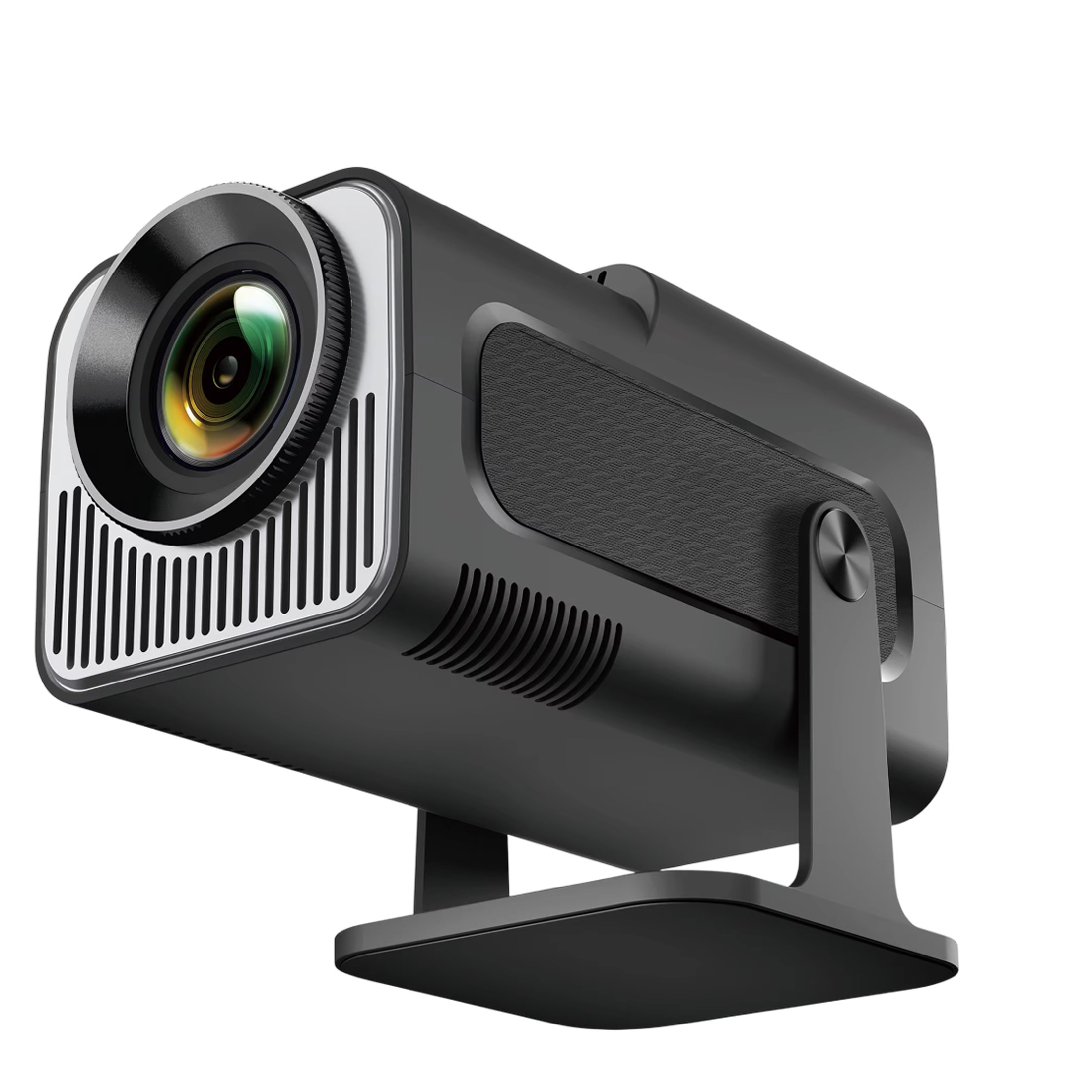
If the room check points to a projector, two models are worth a look. The CineBeam suits an indoor room where you control light, with native 1080p resolution, dual WiFi 6 and auto keystone correction. The LumaCanvas Pro is meant for outdoor evening viewing at a backyard, campsite or patio, with 1080p resolution, one-touch auto-keystone correction and a carrying pouch.
 In this guideLumaCanvas Pro$179.99View
Browse all of our projectors and outdoor screens for screens and related gear. If you plan to leave static images on a projector, Projector Screen Burn explains what can happen and how to reduce it.