How to Install an Indoor TV Aerial: Placement and Channel Scan
Place the aerial near a window, connect the coaxial cable to the TV's antenna input, then run a channel scan. This checklist adds a fix list for missing channels.
The Folio & Current Team
November 27, 2026 · 6 min read
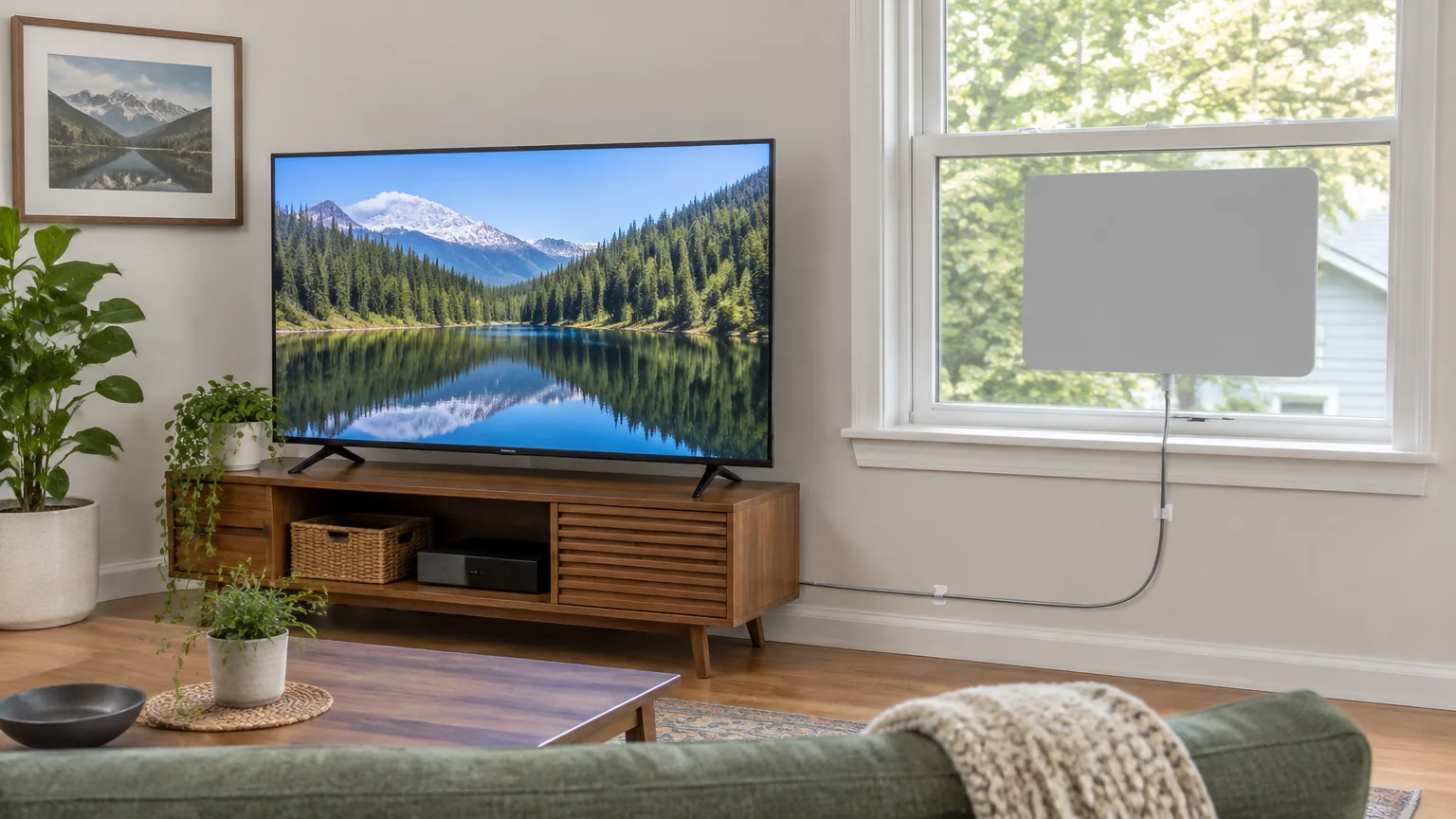
To learn how to install an indoor TV aerial, place it near a window, connect its coaxial cable to the TV's antenna input, then run a channel scan from the TV's menu. Reception depends on where you live, so the spot you pick matters as much as the cable. This checklist covers placement, cable connection, the scan and a fix list for missing channels.
What to gather before you start
An indoor aerial is a short job when the parts are laid out first. Check each item below, then move on to the steps.
| Item | What to check |
|---|---|
| Aerial | Indoor or indoor/outdoor model made for digital broadcasts |
| Coaxial cable | Long enough to reach from the mounting spot to the TV without strain |
| TV input | A round threaded port labeled antenna, ANT or RF on the back or side |
| Mounting parts | Adhesive strips, hardware or a shelf for the chosen spot |
| Older TV only | A converter box if the set has no built-in digital tuner |
| Remote | Needed to open the menu and start the scan |
How to install an indoor TV aerial, step by step
- Unplug the TV, or turn it off, before you touch the back panel.
- Find the antenna input on the TV. It is a round port with threads for a coaxial plug.
- Screw one end of the coaxial cable onto the aerial and the other end onto the TV input. Hand-tight is enough.
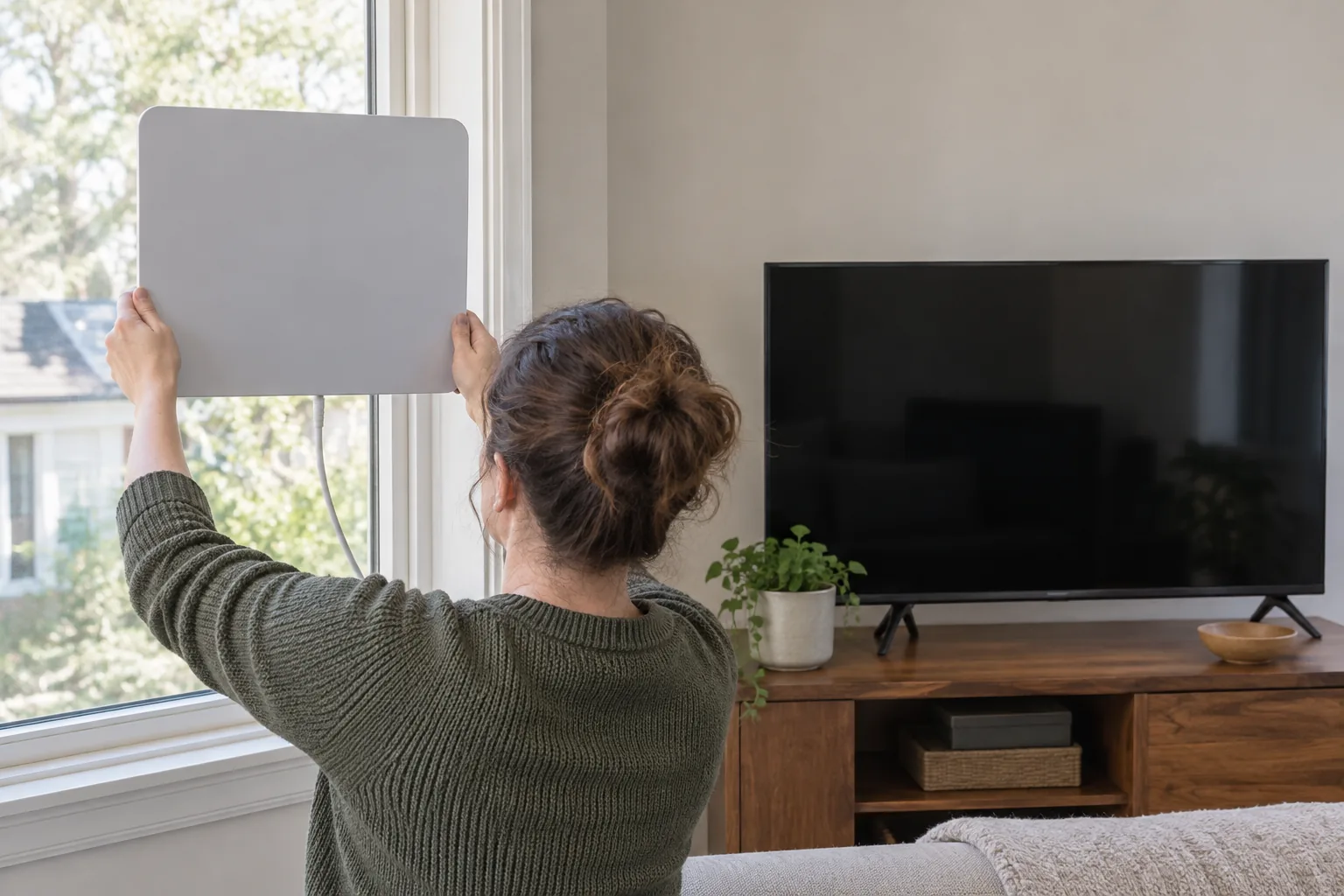
- Hold the aerial against a window, wall or shelf spot and check that the cable reaches without pulling.
- Turn the TV on and switch its input to antenna or TV (not HDMI).
- Open the menu, start the channel scan and let it finish.
- If channels are missing, move the aerial a short distance, then scan again.
- When the channel list looks right, fix the aerial in place with the mounting hardware or adhesive strips.
Hold off on permanent mounting until the scan results look right. Sticking the aerial up first makes every later move a bigger job.
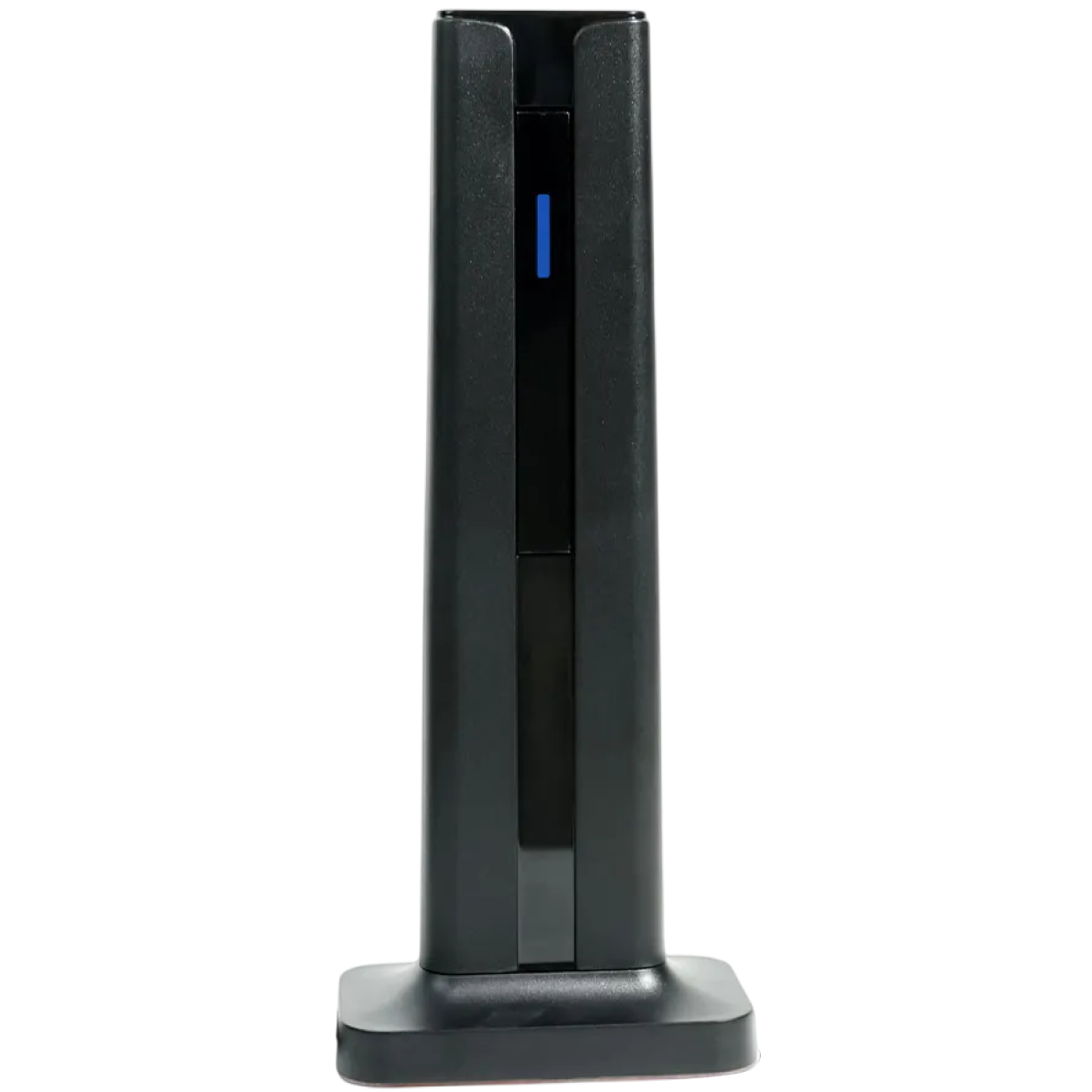 In this guideSkyCatch$49.99View
The SkyCatch follows this same order. It connects to the TV's antenna input with a coaxial cable, mounts on a window, wall or shelf with the included hardware and adhesive strips, and the box also holds a user guide. It works with Smart TVs, or with older sets through a converter box.
Where to place an indoor aerial
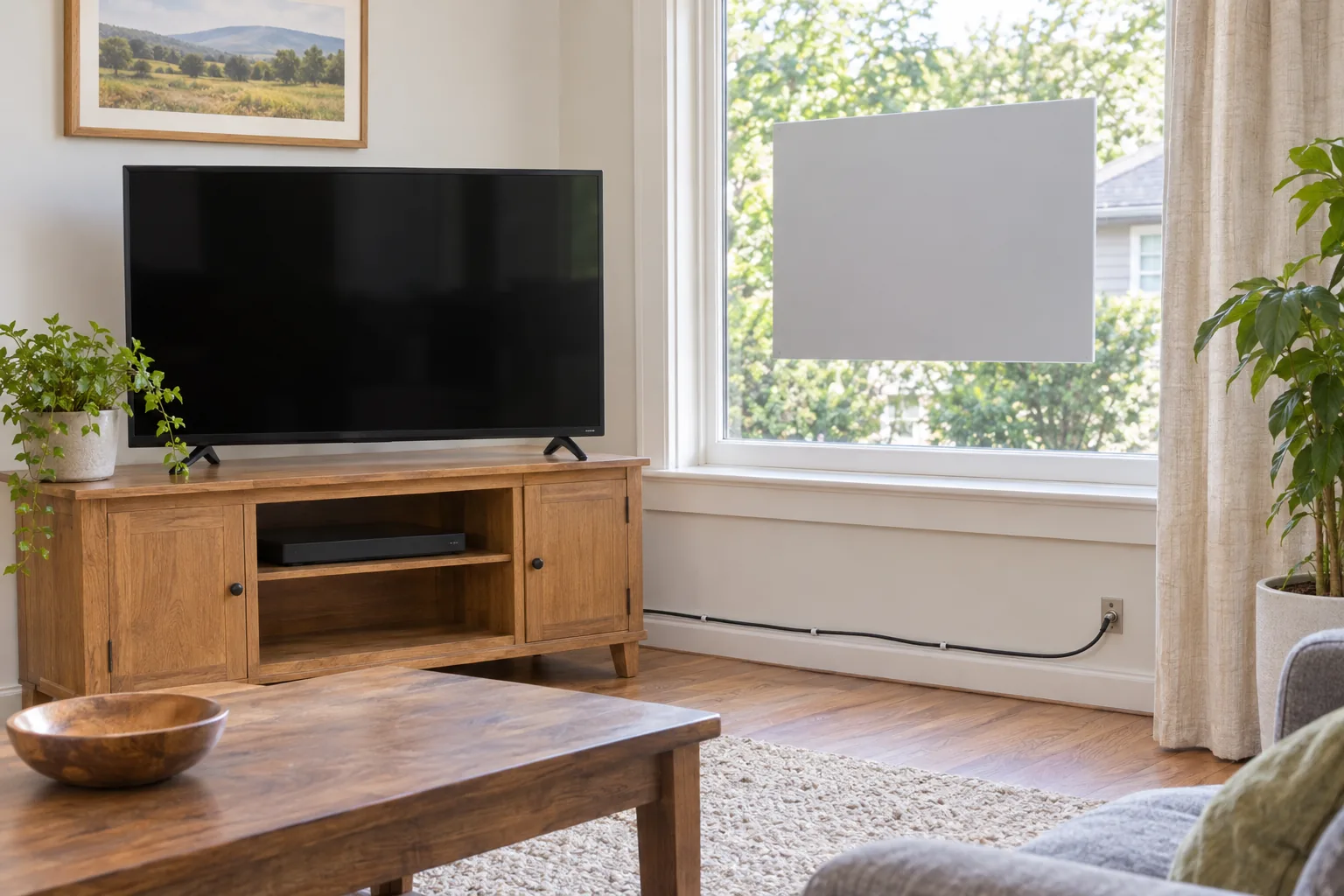
Broadcast signals travel from towers to your home, and walls, metal and distance all get in the way. A window facing the general direction of the towers is a sound first try. Higher spots often have a clearer path than a low shelf.
| Spot | Why try it | Watch for |
|---|---|---|
| Window glass | Fewer walls between the aerial and the tower | Metal window screens or coated glass |
| Upper wall | Clear path above furniture | Cable length to the TV |
| Shelf near a window | Easy to move and rescan | Books, speakers and other electronics nearby |
| Behind the TV | Short cable run | Often the weakest spot, so use it as a last choice |
Keep the aerial a few inches away from routers and speakers where you can. Large metal objects such as filing cabinets and appliances can also block the path.
Do you need to plug your TV into an aerial?
Yes. The aerial has to connect to the TV for the set to receive broadcasts. A coaxial cable runs from the aerial to the antenna input, and that is the only connection the aerial needs for the picture. The aerial does not need a smart TV app or a Wi-Fi link to deliver local channels.
If the TV has no coaxial input
Look again on the sides and bottom of the set, as the port can sit in an odd spot. A TV without that port has no built-in tuner, and you can add a converter box that has its own antenna input and connects to the TV with another cable. Check the TV's manual for the input types it lists.
Cable tidiness
Long cables look messy along a wall. Our guide on how to hide TV wires covers wall, stand and wireless options. Plug the TV into a surge protector or power strip that suits it, and read that guide to see how the two differ.
How to run the channel scan
The scan tells the TV which broadcast channels it can receive at the current aerial position. Menu names differ between TV makers, so look for words like channel setup, tuner, auto program or antenna scan. The same steps apply whatever the brand of the TV.
- Press the input or source button and choose antenna or TV.
- Open settings and find the channel or broadcast menu.
- Set the signal source to antenna (some TVs say air instead of cable).
- Choose auto scan, or channel search, and start it.
- Wait for the scan to finish and the TV to show the channel list.
- Step through the channels to confirm they play.
Each time you move the aerial, run a fresh scan. The TV only lists what it found the last time, so an old list will not show new channels. If the menu offers an option to add to the existing list, use it only when you want to keep earlier results.
Why your indoor antenna won't pick up channels
Missing channels are usually a placement or setup issue, and the fixes below go from simplest to most involved. Change one thing at a time, then rescan, so you know which change worked.
| Problem | Check |
|---|---|
| No channels at all | Cable tight at both ends, TV input set to antenna, scan source set to antenna |
| Only a few channels | Move the aerial toward a window or higher on the wall, then rescan |
| Picture breaks up | Move away from routers, speakers and metal; try another window |
| Channels vanish later | Rescan from the TV menu, since channel lists can change |
| Older set, no picture | Confirm a converter box is connected and set to the right input |
| Cellular or FM interference | Look for an aerial with a built-in filter, such as the smart IC chip on the SkyCatch |
A damaged or kinked coaxial cable can also cause trouble, so swap in a different cable if you have one. Aerial reception also depends on your location, so some addresses get fewer channels no matter where the aerial sits. If you are far from the towers, an outdoor mount may be worth trying, since some indoor/outdoor models allow it.
Field note
Write down each spot you try and how many channels the scan found. Compare the list, then mount the aerial at the spot with the fullest channel list.
Common mistakes to avoid
- Mounting the aerial permanently before the scan is done.
- Leaving the TV on HDMI or another input instead of antenna.
- Skipping the rescan after moving the aerial.
- Bending the coaxial cable sharply around a corner.
- Placing the aerial directly beside a router or a large metal object.
For other TV setup questions, browse our Broadcast & Playback Devices collection. If a TV's size affects where the aerial and cable can go, see TV sizes explained for dimensions and viewing distance.
With the cable tight, the spot chosen and a fresh scan finished, how to install an indoor TV aerial comes down to patience: move, scan, compare, then mount.