
Good Portable DVD Player: What to Check Before You Buy
A good portable dvd player matches your seating, power, discs and files. Use this checklist of screen, battery, region codes, USB formats, car mounting and TV output before you buy.
The Folio & Current Team
November 29, 2026 · 7 min read
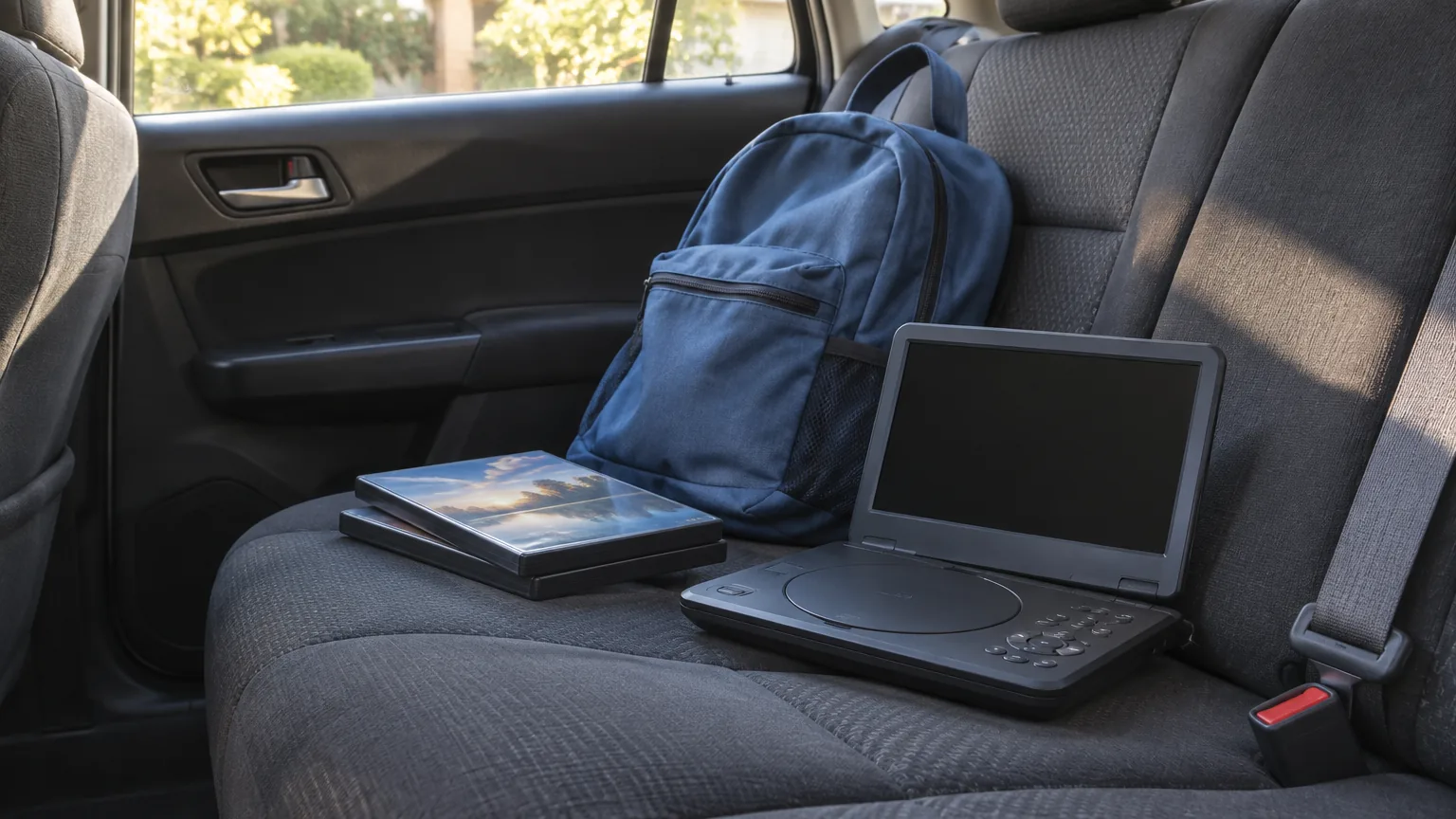
A good portable dvd player has a screen sized for where you sit, a battery plus a car charging option, clear disc and USB format support, and an output for a bigger screen. Check those four points against the spec list before you look at anything else. The sections below turn them into a checklist you can use on any model, whatever the name on the box.
The checklist also covers region codes, mounting the player in a car, and what to do when a disc will not play.
What is a portable DVD player?
A portable DVD player is a self-contained disc player with its own built-in screen and speakers. It runs from a rechargeable battery or a power adapter, so you can watch a movie on a car seat, a tray table or a hotel bed without a TV. Some models also read files from a USB drive or a memory card.
If you want the background on the disc format itself, What Does DVD Stand For? explains the formats and how the discs play.
The checklist for a good portable dvd player
Use this table as a quick filter. Each row is a spec to find on the product page or in the manual, with the question it answers.
| Check | What to look for | Why it matters |
|---|---|---|
| Screen size and movement | Display size in inches, plus a swivel or tilt hinge | Decides how well passengers in different seats can see |
| Power | Built-in rechargeable battery, power adapter, car adapter | Decides where you can watch |
| Region codes | Region free, or a stated list of regions | Decides whether imported discs play |
| Disc types | DVD, VCD, CD, and Blu-ray if the spec says so | Decides which of your discs work |
| File formats | USB or card slot, with the listed video, audio and picture formats | Decides whether you can skip burning discs |
| Outputs | Headphone jack, AV output | Decides private listening and TV use |
| Resume memory | Stores where you stopped | Helps with short trips and shared use |
| In the box | Remote, cables, car adapter, manual | Shows what you need to buy separately |
Screen size and swivel
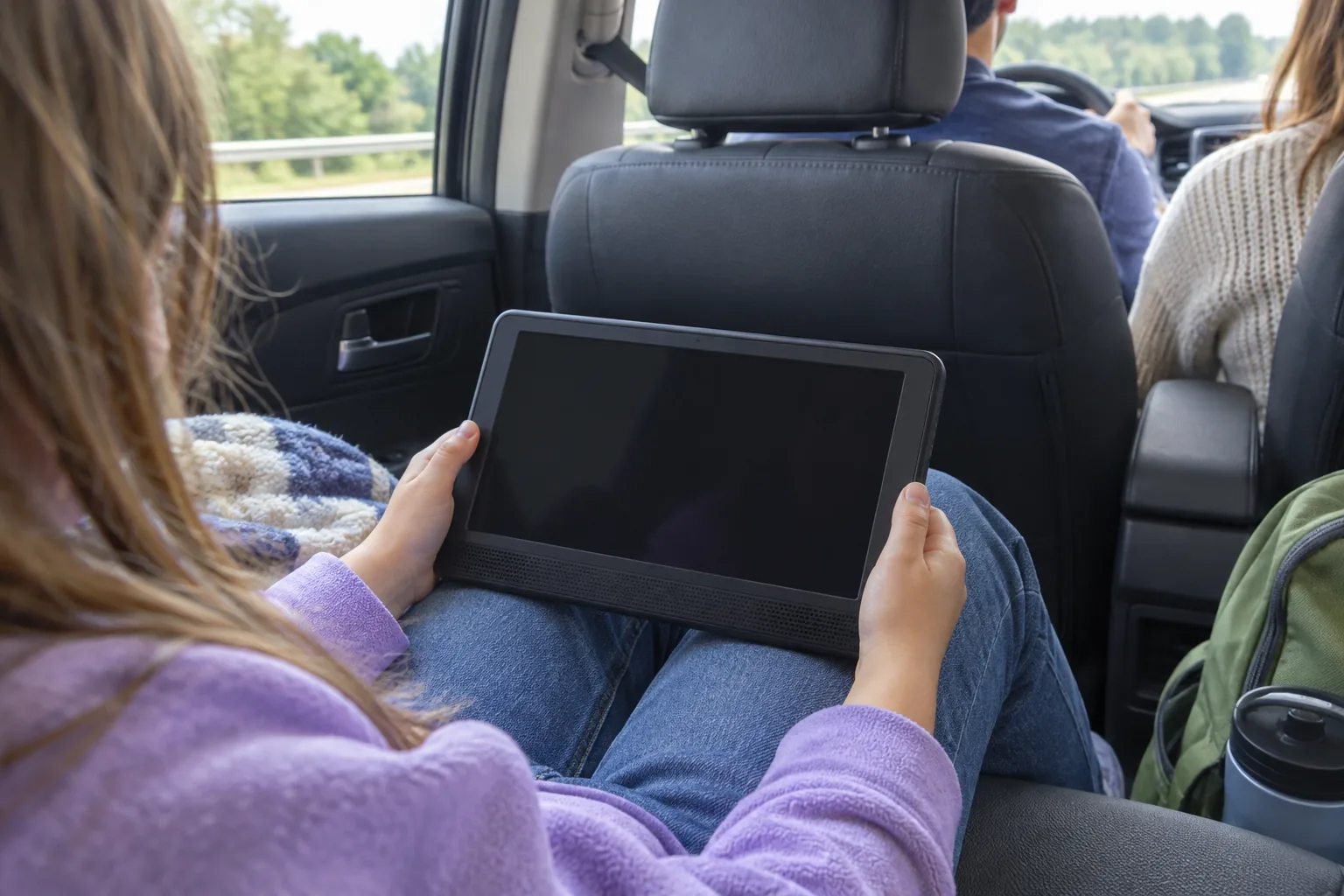
Screen size is the first number on most listings, but the hinge matters as much. In a car, the player sits on a seat back, a headrest mount or a lap, and a fixed screen rarely faces the viewer. A swivel display lets you turn the picture toward whoever is watching.
For a lap or tray table, a mid-size screen is easy to carry and set up. Larger screens suit shared viewing, but check the player's footprint against the space where you will use it. Look at the resolution listed on the product page, since a large panel with a low resolution looks soft up close.
Questions to ask about the screen
- Does the hinge turn, tilt, or both?
- Does the screen fold flat for storage?
- Is there a brightness control in the menu?
Battery, car adapter and power options
Outlets are hard to find on the road, so look for a built-in rechargeable battery and a car adapter in the box. A power adapter covers home use. If a listing mentions a battery runtime, read it as a manufacturer figure and follow the manual for charging steps, since conditions change the result.
Check which accessories ship with the player. Some listings leave out the car adapter or a remote, and replacing them adds to the cost. Also check whether a replacement battery is offered, as some players seal the battery inside.
Discs, region codes and USB formats
Region codes
DVDs carry a region code that a locked player checks before it plays. If you own discs from other countries, look for a player that states it reads all regions. A US-only player may refuse an imported disc with a region error message.
Disc types and Blu-ray
Some portable players read DVD, CD and VCD. If you are looking for a dvd player portable blu-ray model, the spec list must say Blu-ray in plain words. A DVD player cannot read a Blu-ray disc, so do not assume it.
USB and file formats
A USB port lets you play video files without burning a disc. Check the formats listed, such as AVI for video and JPEG for pictures, and match them to your files. If you are unsure which port is which, What Does USB Stand For? shows what each USB type does.
Format lists differ between players, so convert files to a listed format before copying them to the drive.
Car mounting and TV output
Some players have no built-in mount, so check how the screen sits in a vehicle. Options include a headrest strap sold separately, a lap tray, or a seat-back holder. Check that the strap or holder fits the player's size, and follow the manual for any mounting step. Do not place a player where it can block the driver's view or an airbag, and keep cords clear of seat belts.
For home use, an AV output sends video to a bigger screen. Match the cable type to the input on your TV, and see HDMI vs DisplayPort if you are sorting out other video connections on the same setup. A headphone jack keeps the sound private to one viewer, which suits shared back seats.
A portable player that matches the checklist
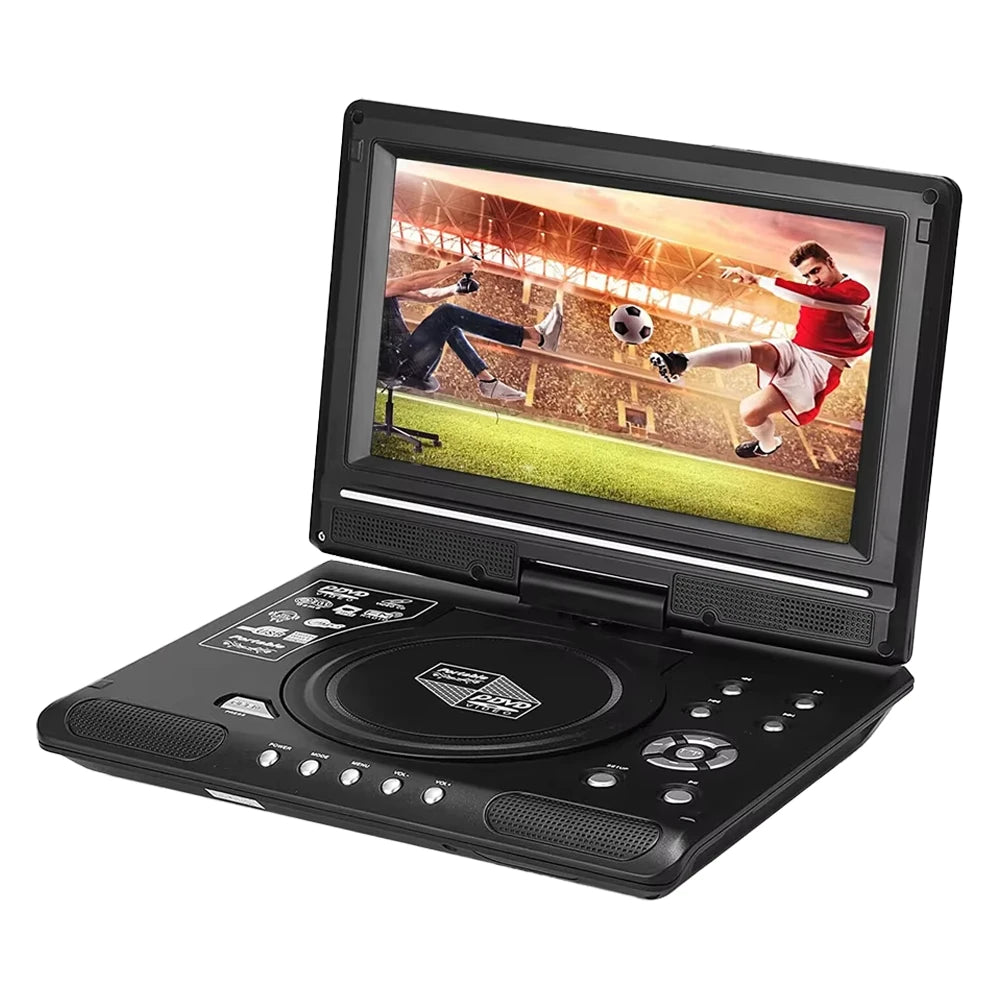
The Matineo is a portable DVD player with a 9 in swivel display, made for watching discs in a car or at a tray table. The screen rotates 180 degrees, so you can point it toward whoever is watching.
It has a built-in rechargeable battery, a car adapter and a power adapter for home use. It reads DVDs from all regions, VCD and CD discs, JPEG pictures, and AVI files from a USB drive. The player stores the point where you stopped, so you can pick the movie up again from there.
For private listening it has a headphone jack, and the AV output sends video to a bigger screen. The box includes a remote control, AV cable, gamepad, game disc, car adapter, power adapter and user manual. An antenna is not included, and the product page does not list Blu-ray support. You can browse similar gear in the Broadcast & Playback Devices collection.
 In this guideMatineo$139.99View
Why a DVD will not play in a portable player
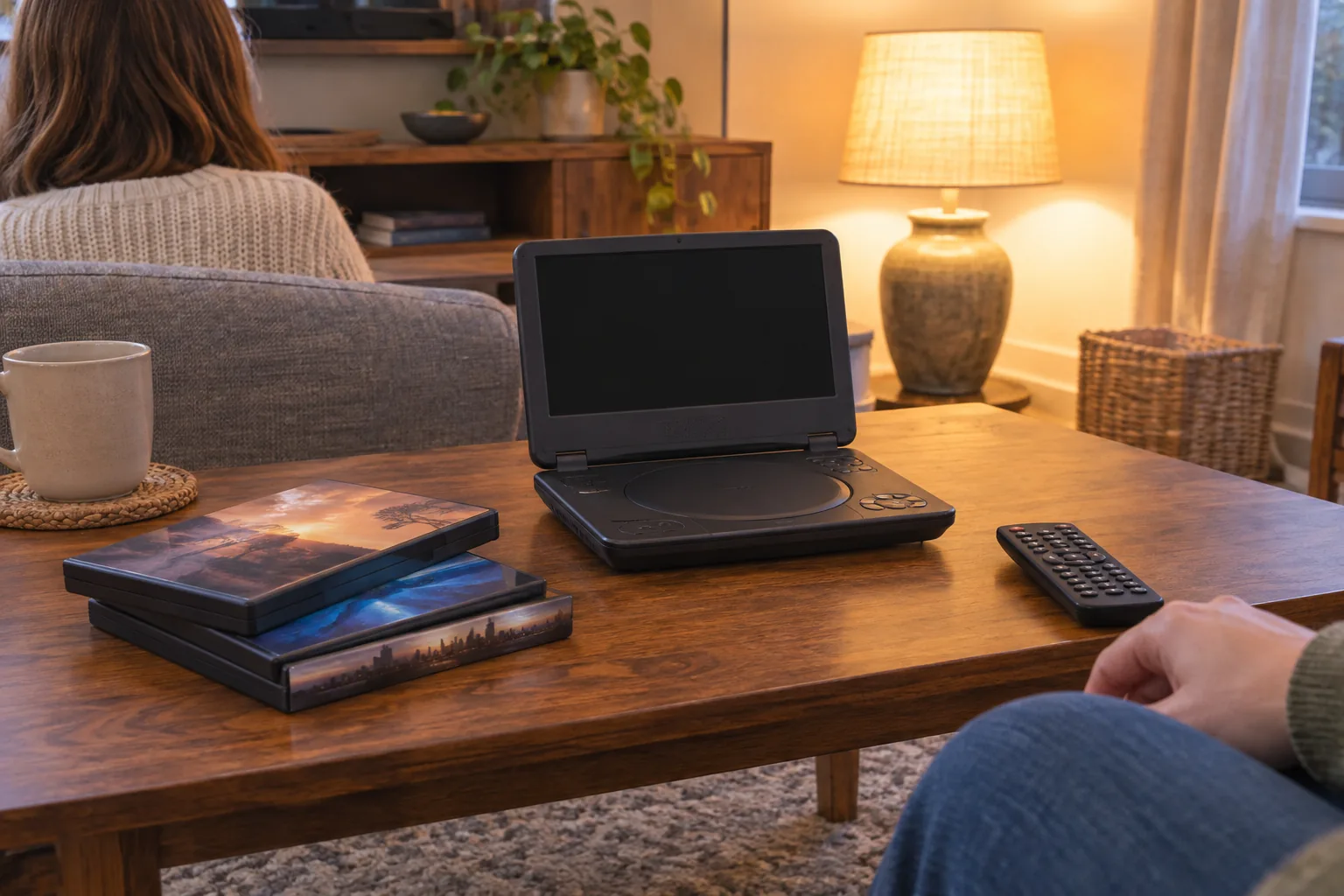
If a disc fails, work through these steps in order. Follow the manual, and unplug the player before cleaning anything near the lens.
- Check the disc for fingerprints, dust and scratches, and wipe it from the center outward with a soft cloth.
- Confirm the disc type. Burned discs and some formats may not be supported, and a Blu-ray disc will not play in a DVD-only unit.
- Check the region code on the case against the player's region list.
- Make sure the disc sits label side up and seats fully on the spindle.
- Try a different disc. If the second one plays, the first disc is the issue.
- Charge the player fully or connect the power adapter, since a low battery can interrupt playback.
- Do not touch the laser lens. If the problem remains, check the manual or contact the seller for service.
Field note
Before a trip, load the disc, play a minute of it, and check the sound through the speakers and the headphone jack. Pack the car adapter and a spare disc in the same bag as the player.
Steps to choose before you buy
- Decide where you will watch: car, tray table, bed or a TV at home.
- Pick a screen size that fits that space, and look for a swivel hinge for car use.
- List your discs and files, then match them to the disc types, region support and USB formats.
- Confirm the car adapter, power adapter and remote are in the box.
- Check the outputs: headphone jack for private sound, AV output for a TV.
- Read the manual from the product page if it is posted, so you know the charging and care steps.
A good portable dvd player is the one whose specs match your discs, seats and power needs, so work down the list instead of choosing by screen size alone.
Frequently asked questions
Keep reading
 Broadcast & Playback DevicesHow to Install an Indoor TV Aerial: Placement and Channel Scan6 min read
 Projectors & Outdoor ScreensHow Does a Projector Work? Light Source, Chip and Lens Explained8 min read
 Broadcast & Playback DevicesWhat Does DVD Stand For? Formats, Discs and How to Play Them6 min read