How Does a Projector Work? Light Source, Chip and Lens Explained
A projector reads a video signal, shapes light from a lamp, LED or laser on a chip, and a lens focuses it on a wall. Here is what each part means for room light.
The Folio & Current Team
November 22, 2026 · 8 min read
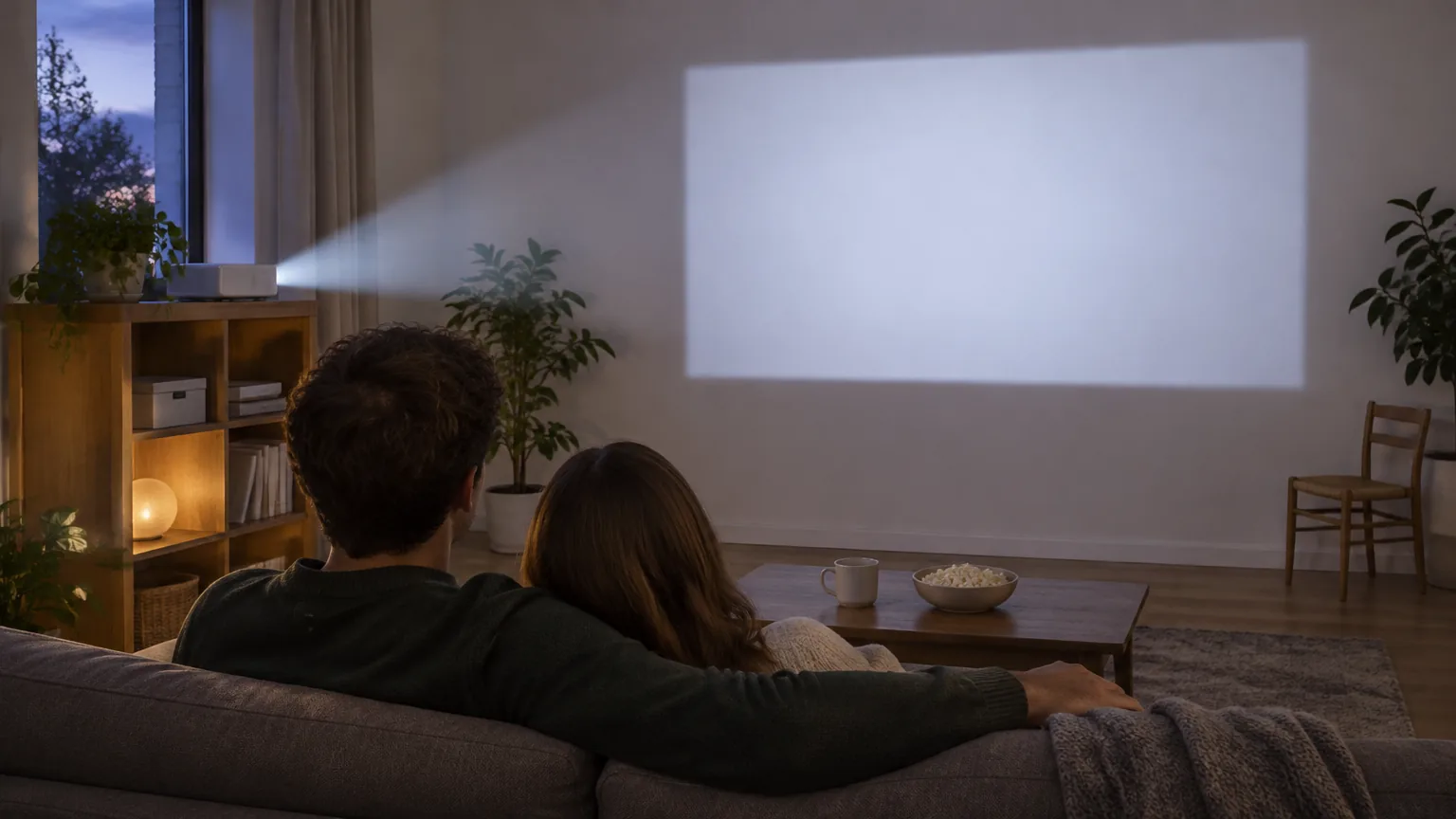
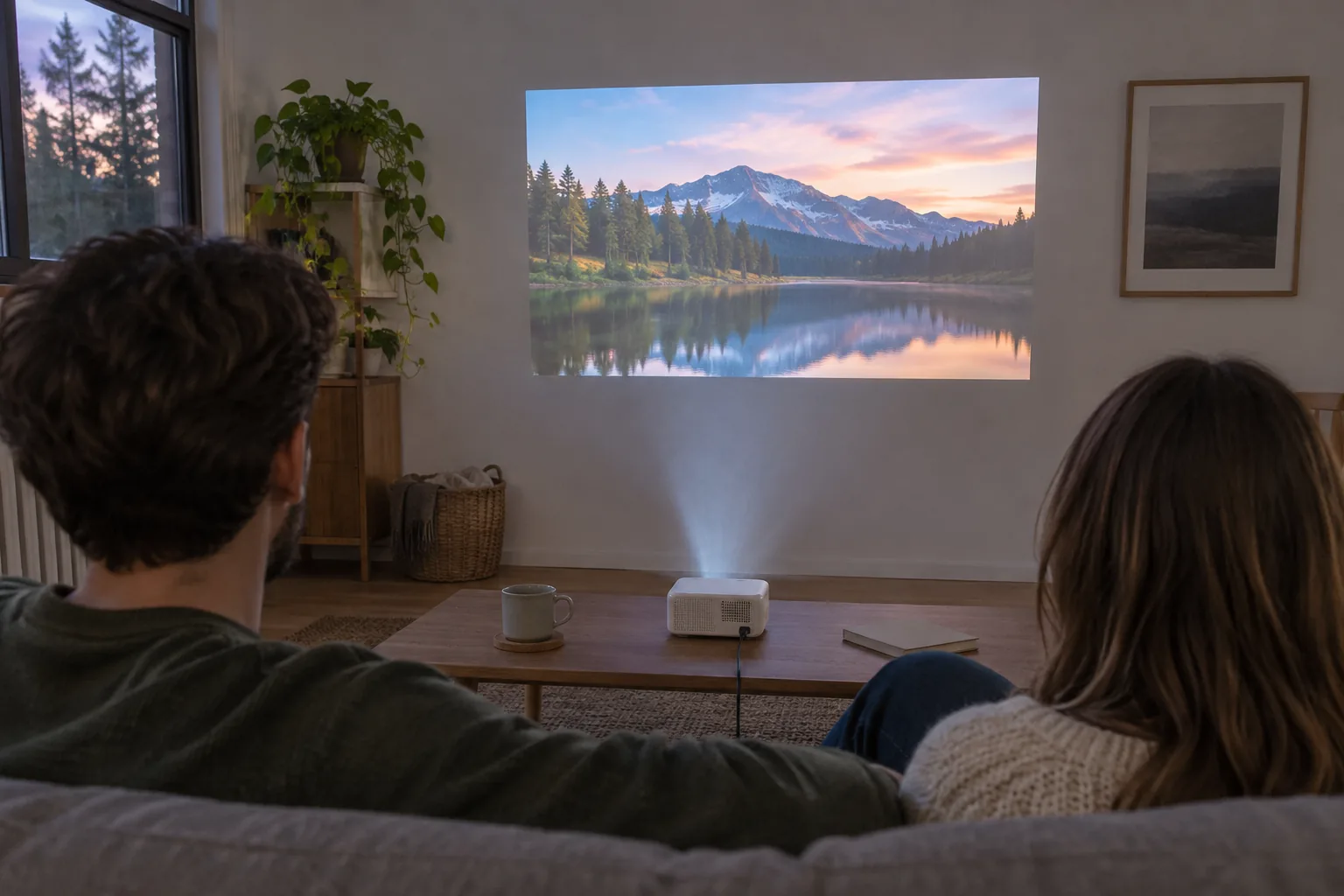
How does a projector work? It reads a video signal, uses that signal to shape light from a lamp, LED or laser into a small image on a chip, and sends the image through a lens that enlarges and focuses it on a wall or screen. The screen only reflects light back to you; the picture is built inside the projector. The light source sets how bright the picture can get, while the chip and lens set how the image is formed and focused.
This guide follows the light from the cable to the wall, then ties each technology (lamp, LED, laser, LCD and mirror chips) to what it means in a lit room, a dim room or outdoors at dusk.
How does a projector work, step by step
Every digital projector, from a living room unit to a patio model, runs the same chain of steps. Only the parts inside each step change.
- A signal arrives through an HDMI cable, a wireless cast from a phone or laptop, or a streaming app built into the projector.
- A processor scales the picture to the chip's native resolution, the pixel grid the chip is built with.
- The light source produces white or colored light.
- The imaging chip switches or blocks light pixel by pixel, which forms the picture.
- Color is added with filters, a spinning color wheel, or separate red, green and blue light.
- The lens enlarges the image and you turn a ring or use auto focus to make it sharp.
- The wall or screen reflects the light toward the room.
A fan runs inside most projectors because the light source and chip produce heat. Leave the vents clear and follow the manual for placement.
Light source: lamp, LED or laser
The light source decides how much light reaches the screen and how the projector behaves when the room is not dark. Brightness is measured in lumens, and ANSI lumens is the standard way of stating it. Check the number on the product page rather than guessing from the size of the body.
| Light source | How it makes light | What it means for room light |
|---|---|---|
| Lamp | A bulb inside the housing | Can be built for brighter rooms; the manual explains how to replace the lamp |
| LED | Red, green and blue LEDs or white LEDs with filters | Compact bodies, often used for portable models in dim rooms and at dusk |
| Laser | Laser diodes, sometimes with a color-converting layer | Used in higher-output home and business projectors for rooms with some light |
A higher lumen number does not fix a bright room alone. Light from windows, lamps or a streetlight lands on the same wall and lowers the difference between dark and bright parts of the picture.
Imaging chip: LCD and mirror chips
The chip is where the picture is formed. The two common designs handle light differently, and that shows up in the image.
LCD projectors
Light is split into red, green and blue, and each color passes through its own small liquid crystal panel. Every pixel in a panel opens or closes to let a set amount of light through. The three images are merged by a prism and sent to the lens. Because all three colors arrive at once, colored flashes on fast motion are not part of how the design works.
Mirror-chip projectors
A single chip carries a grid of microscopic mirrors, one per pixel. Each mirror tilts toward the lens to make a pixel bright or away from it to make a pixel dark, and it switches many times per frame to create shades. Color comes from a spinning color wheel or from LEDs or lasers that flash red, green and blue in turn. Some viewers notice brief colored flashes on fast scenes with the wheel type.
| Feature | LCD (three panels) | Mirror chip (single chip) |
|---|---|---|
| How pixels switch | Liquid crystals open and close | Mirrors tilt toward or away from the lens |
| Color method | Three colors at once, merged by a prism | Color wheel or colored light in sequence |
| Things to watch | A faint pixel grid on large images; dark areas can look gray | Colored flashes on fast motion for some viewers; sealed designs keep dust off the chip |
For a dim room or an evening yard, either chip works. What you notice most is the light source and how dark the surroundings are.
Lens, focus and throw ratio
The lens takes the small image and spreads it across the wall. The throw ratio compares the distance from the lens to the wall with the width of the image. A lower ratio means the projector can sit closer to the wall for the same width, which helps on a short patio or a narrow room.
Focus can be a manual ring or auto focus. Most portable projectors also have keystone correction, which reshapes the image when the projector is aimed up or sideways, so the picture is a rectangle again. Aim the projector squarely at the surface first and use correction only for the last adjustment, since it adjusts the picture digitally.
A slide-reel projector like FableBeam shows the idea in its basic form. You slide an illustrated reel into the projector, turn the lens ring to focus, and the story appears on a wall or ceiling in a dimmed room. It has no screen, app or video feed; a built-in speaker plays narration, and one button switches between story, night light and starlight modes.
 In this guideFableBeam$89.99View
Brightness, room light and daylight
Projectors make a picture by adding light to a surface, so any ambient light in the room adds to the black parts of the image. That is why a picture that looks sharp at night looks pale at midday. Choose the technology around the light you have, not the other way round.
- Dark room or night: most LED and lamp models can fill the wall; a white wall or a plain screen is enough.
- Room with lamps on: look for a higher lumen figure on the product page and a screen made for ambient light.
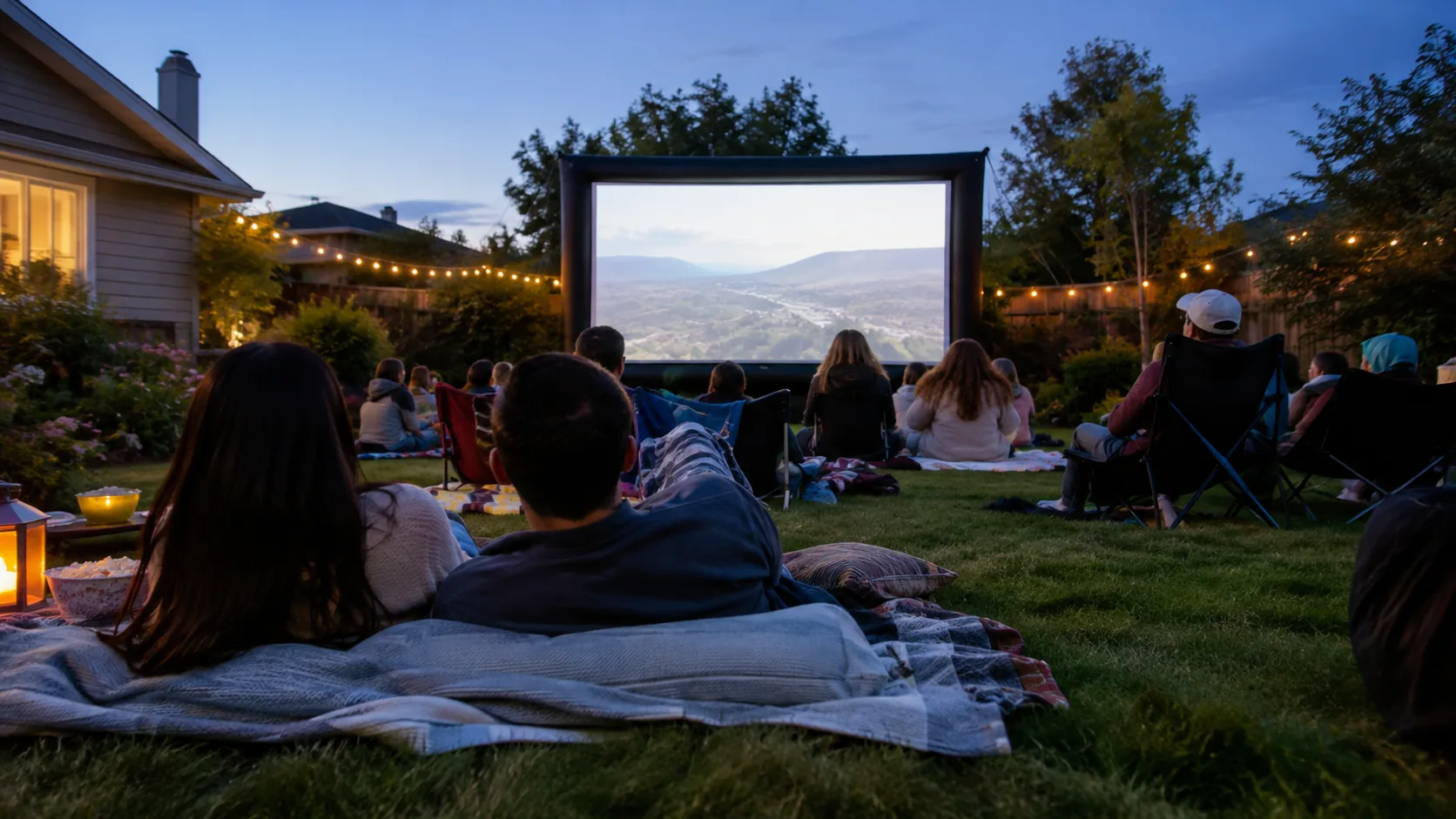
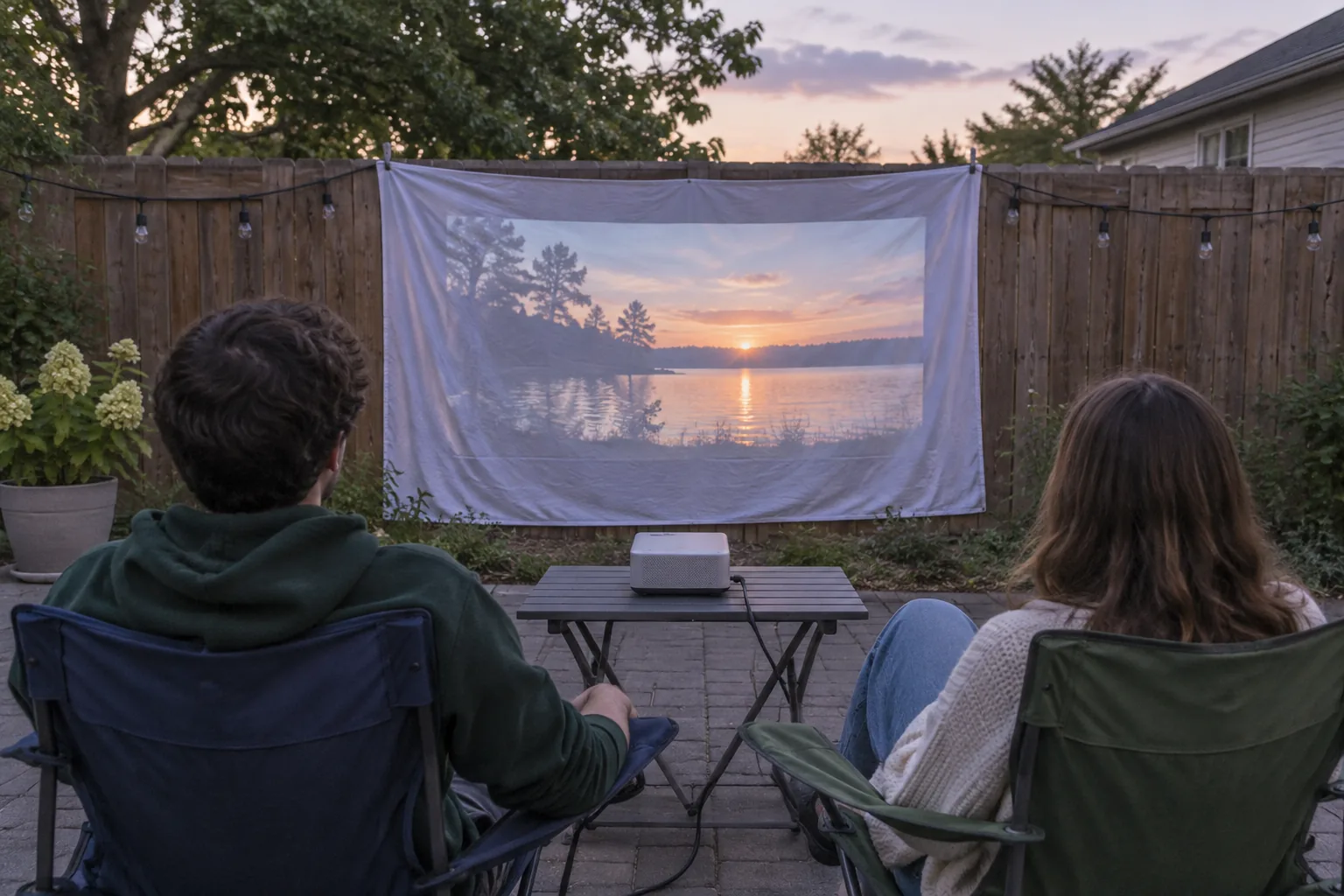
- Outdoors at dusk: shade, a pale wall or a screen, and falling daylight all help the picture.
- Direct daylight: expect a washed-out image from portable models.
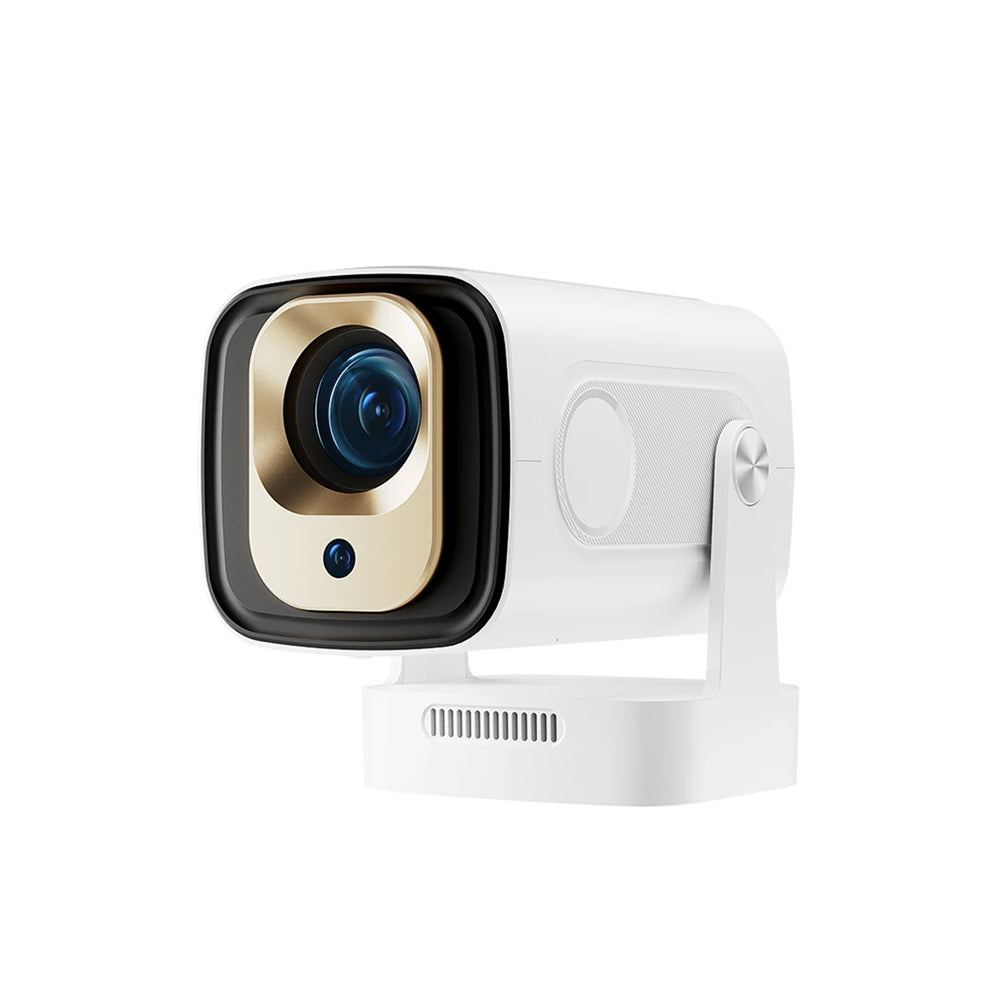
CineArc is a portable outdoor projector with 330 ANSI lumens and a multi-coated lens, and CineArc is intended for outdoor viewing in shaded areas and as daylight fades. It has auto focus, a 180° rotating stand to aim the picture at a wall, fence or screen, and makes a 75-inch image at a 0.8:1 throw ratio. A semi-sealed body with a dust-filtering sponge at the fan and lens suits outdoor use.
 In this guideCineArc$179.99View
What you need for a projector to work
You need four things: power, a video source, a surface to project on, and a light level low enough for the image to show. Add sound if the projector has no speaker, or if its speaker does not suit the room.
Does a projector need internet?
The projector itself does not. A cable from a laptop, a game console or a disc player into the HDMI input needs no network. Internet matters only when you stream: a built-in operating system joins WiFi and opens apps on the projector, and a phone or laptop casting to the projector uses the home network for streaming too.
How does a projector work like a TV?
A projector receives the same video signals as a TV and turns them into pictures, but it does not show them on a panel. It makes the image and a wall completes it. A projector that has a built-in streaming platform behaves like a smart TV: you open apps with the remote. If you are weighing both, Projector vs TV compares room, light and budget.
Using a phone or laptop
Use an HDMI cable with the right adapter, or cast over WiFi if the projector supports it. Check the manual for the supported method. Many laptops mirror the screen with a cable as soon as it is plugged in; if the picture does not appear, open the display settings and choose duplicate or extend.
Laser light projectors are a different tool
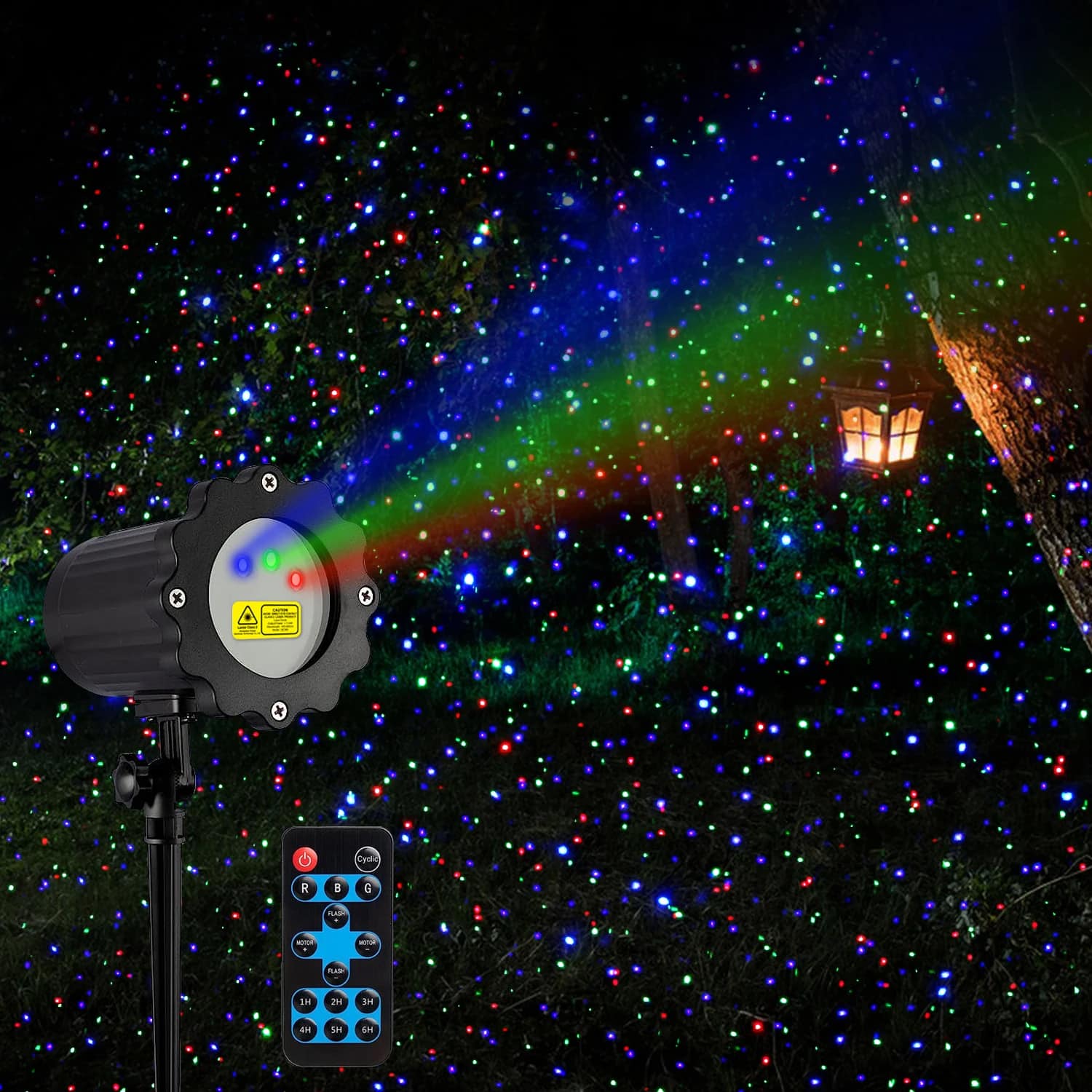
A laser light projector for yards does not play video. LumaCast casts colored patterns onto a lawn, wall or house front, so it suits seasonal decorations, birthday gatherings and backyard events. It offers 32 selectable light patterns, mounts on a ground stake or a wall bracket, runs from a power adapter and a standard outlet, and is controlled with an RF remote that does not depend on a direct line of sight. Follow the manual for outdoor placement and keep the beam away from windows and passersby.
 In this guideLumaCast$129.99View
Downsides of using a projector
Know these limits before you buy, so the choice matches your room.
- Light control: windows and lamps wash out the picture, so you may need curtains or evening viewing.
- Surface: a textured, dark or colored wall changes the picture; a plain pale wall or a screen helps.
- Placement: the distance to the wall sets the image size, and the projector needs space around the vents.
- Sound: small built-in speakers can be quiet in a yard, so you may want an external speaker.
- Upkeep: lenses and filters need cleaning, and lamp models need a lamp change. Follow the manual and unplug the unit before cleaning.
- Fan: the cooling fan produces some noise, which you can hear in a quiet room.
For a yard setup, Outdoor Movie Screens and Projectors lists a checklist, and the Projectors & Outdoor Screens collection has models and screens to compare.
Quick decision steps
- Note where you will watch: dim room, lit room, shaded patio or open yard.
- Match the light source to that light: check the lumen figure on the product page.
- Choose the connection: HDMI input for cables, built-in apps and WiFi for streaming.
- Measure the distance to the wall and compare it with the throw ratio.
- Pick a pale wall or a screen, and plan for external sound.
Once you know how does a projector work, from light source to chip to lens, every spec on a product page maps to one step in the chain, and the choice comes down to the light in your space.