What Does DVD Stand For? Formats, Discs and How to Play Them
DVD stands for Digital Versatile Disc, originally Digital Video Disc. Here is how it differs from a CD, what DVD-R and DVD-RW mean, and how to play discs on a laptop.
The Folio & Current Team
November 10, 2026 · 6 min read
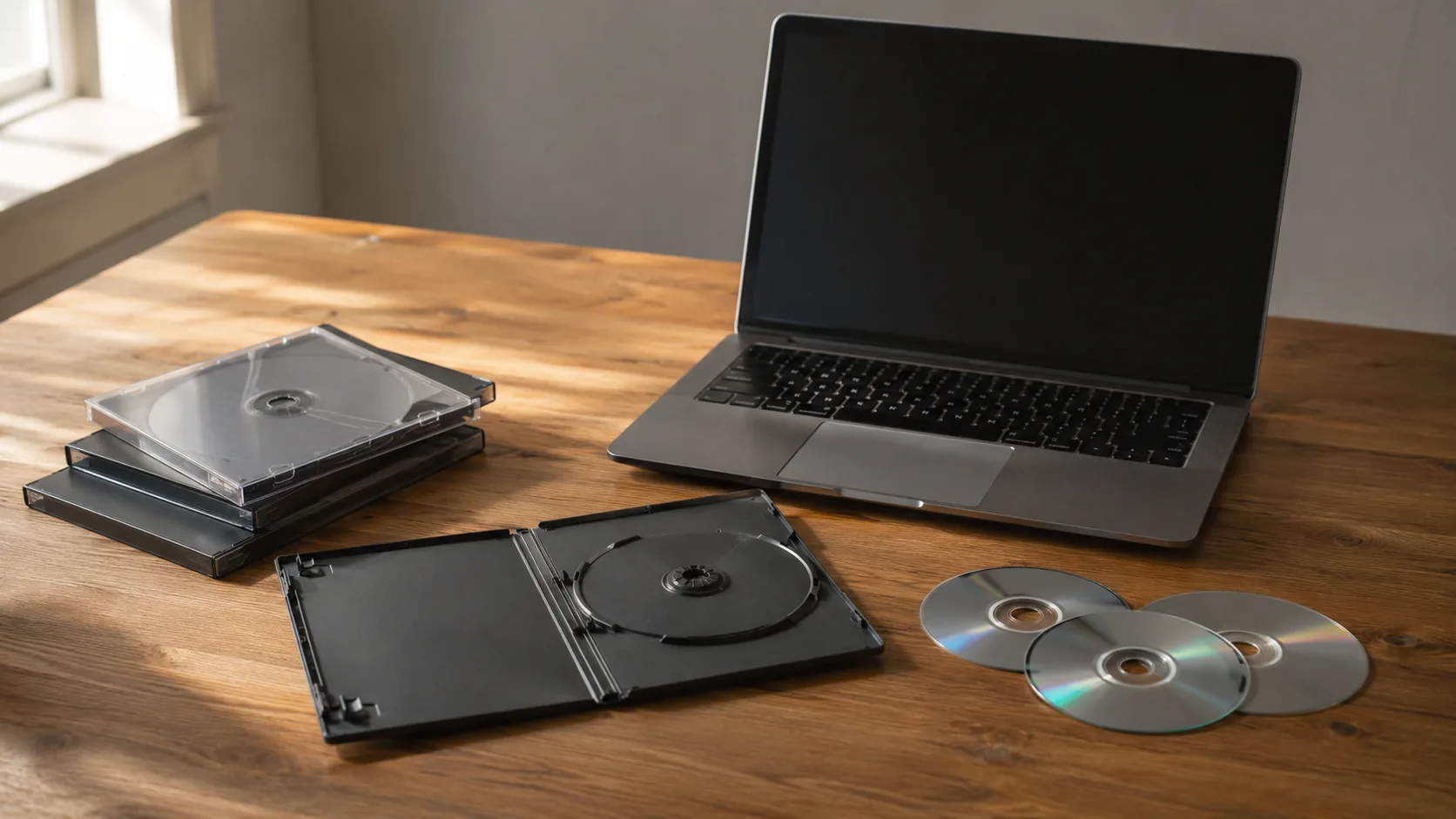
What does DVD stand for? DVD stands for Digital Versatile Disc. The format was first announced as Digital Video Disc, and both names appear in dictionaries and on older packaging. Either way, it is an optical disc that stores digital data, most often movies.
This guide covers the acronym, how a DVD differs from a CD, what DVD-R and DVD-RW mean, what happens when you mix disc types, and how to play discs on a laptop with no drive.
What Does DVD Stand For? Versatile Disc, Video Disc and Related Acronyms
If you are asking dvd what does it stand for, the current answer is Digital Versatile Disc. The word "versatile" reflects that the format holds video, audio and computer files, not only films. The older expansion, Digital Video Disc, describes the first use of the format.
A few neighboring acronyms come up alongside it:
- CD: Compact Disc, the audio disc format that came before DVD.
- VHS: Video Home System, the tape format DVDs replaced on many shelves.
- BD or Blu-ray: a newer disc format for high-definition video. The name is a format name, not an acronym you need to expand.
- DVD-R and DVD-RW: recordable and rewritable versions of the disc, explained below.
On a computer, "DVD" can mean either a disc or the optical drive that reads it. A DVD drive uses a laser to read pits and marks on the disc surface, which is why the category is called optical storage. As slang, the word has no separate meaning; it is simply used for a movie you own on disc.
DVD vs CD: What Changes Between the Two
Both discs are the same physical size, and both are read by a laser. The difference is how tightly data is packed on the surface. A DVD packs it more densely, so it holds more.
| Feature | CD | DVD |
|---|---|---|
| Full name | Compact Disc | Digital Versatile Disc |
| Typical content | Music, software, data | Movies, software, data backups |
| Standard capacity | About 700 MB | About 4.7 GB for a single layer |
| Sides and layers | One side, one layer | Single or dual layer; some double-sided discs |
| Read by | CD drives, DVD drives, Blu-ray drives | DVD drives, Blu-ray drives |
That capacity gap is why a feature film with menus, subtitles and special features fits on a DVD but not on a single CD. Double-sided discs exist, but you flip them over to reach the second side.
What DVD-R, DVD-RW and DVD±R Mean
The letters after DVD describe whether and how you can record on the disc.
| Label | Meaning | Use it for |
|---|---|---|
| DVD-ROM or DVD-Video | Read-only, pressed at the factory | Store-bought movies and software |
| DVD-R | Recordable: write once | Backups and archives you do not plan to change |
| DVD-RW | Rewritable: erase and record again | Files you update or reuse |
| DVD+R / DVD+RW | A second recordable family with a plus sign | Same jobs as the dash versions |
| DVD±R/RW | A drive that handles both the dash and plus families | Burning with whichever discs you have |
The dash and plus families came from different industry groups. A drive labeled DVD±R/RW works with both. Some older standalone players read only certain recordable types, so check the player's manual if a burned disc does not load.
Mixing Discs: CDs in DVD Players and Blu-ray Drives
If you put a CD in a DVD player, the player normally reads it, because DVD drives are built to handle CDs as well. Look for a CD logo on the front panel or in the manual to confirm. The reverse does not work: a CD drive cannot read a DVD, since it cannot resolve the denser data.
Blu-ray drives follow the same pattern. A Blu-ray drive reads Blu-ray, DVD and CD discs, while a DVD drive cannot read a Blu-ray disc. When you buy a drive, match it to the newest disc type you own.
Region codes and disc formats
Store-bought movie DVDs can carry a region code. If a disc refuses to play on a player from another region, the code is the likely reason. Burned discs you made yourself are not tied to a region.
How Long Do DVDs Last?
No single figure applies, because lifespan depends on the disc type, the quality of the disc and how you store it. Pressed movie discs and burned DVD-R discs are built differently, so handle burned discs with extra care around heat and light. A disc that skips is often dirty or scratched rather than worn out.
These habits help a collection stay readable:
- Store discs upright in their cases, away from direct sun and heat.
- Hold them by the edges and the center hole.
- Wipe from the center outward with a soft, dry cloth.
- Write on burned discs only with a marker made for discs, on the label side.
- Copy important files to a second location, because any single disc can fail.
Field note
If a burned disc matters, make a second copy on a different disc or drive now, and check that it opens before you put the original away.
How to Play a DVD on a Laptop With No Drive
Some current laptops have no disc slot. The fix is an external DVD drive that connects by USB. Use this checklist:
- Check which port is free on your laptop: USB-A (USB 3.0 or 2.0) or Type-C.
- Choose a drive and a cable that match that port.
- Connect the drive and let your system detect it. Plug it in before inserting a disc.
- Insert the disc and open it in your media player or file browser.
- For burning or backups, use the disc-writing software on your computer and pick a disc type the drive supports.
Check the drive's manual for its own setup notes. If one port supplies less power, use a second port or a different cable if one is included.
For CDs and DVDs: ByteHarbor
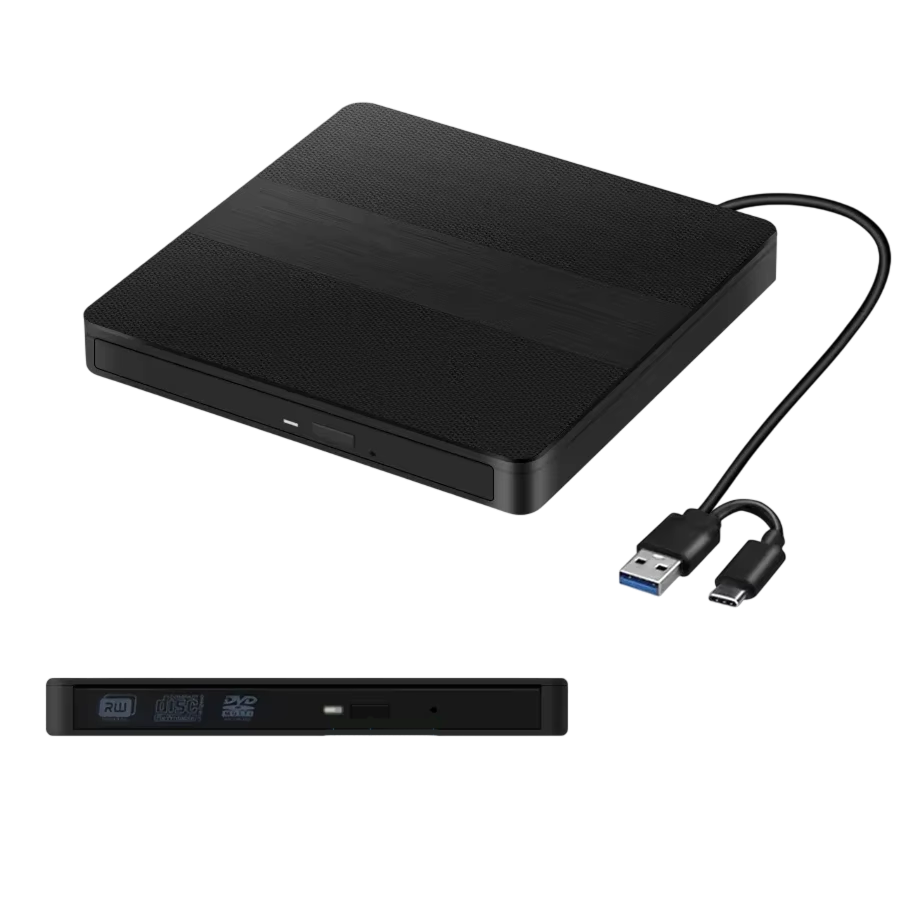
ByteHarbor is an external optical drive that connects over USB 3.0 or Type-C. It reads and burns CDs, DVDs and DVD±R/RW discs, so one drive covers movies, backups and older software discs. It uses a standard USB controller, and the setup steps list no driver download.
It draws power from the USB port, and the dual-head cable can take power from a second port when a single port supplies less. The drive measures 14 x 14 x 1.5 cm (about 5.5 x 5.5 x 0.6 inches), with built-in cable storage and a carry case in the box.
 In this guideByteHarbor$79.99View
If you own Blu-ray discs: LumiDisc Pro
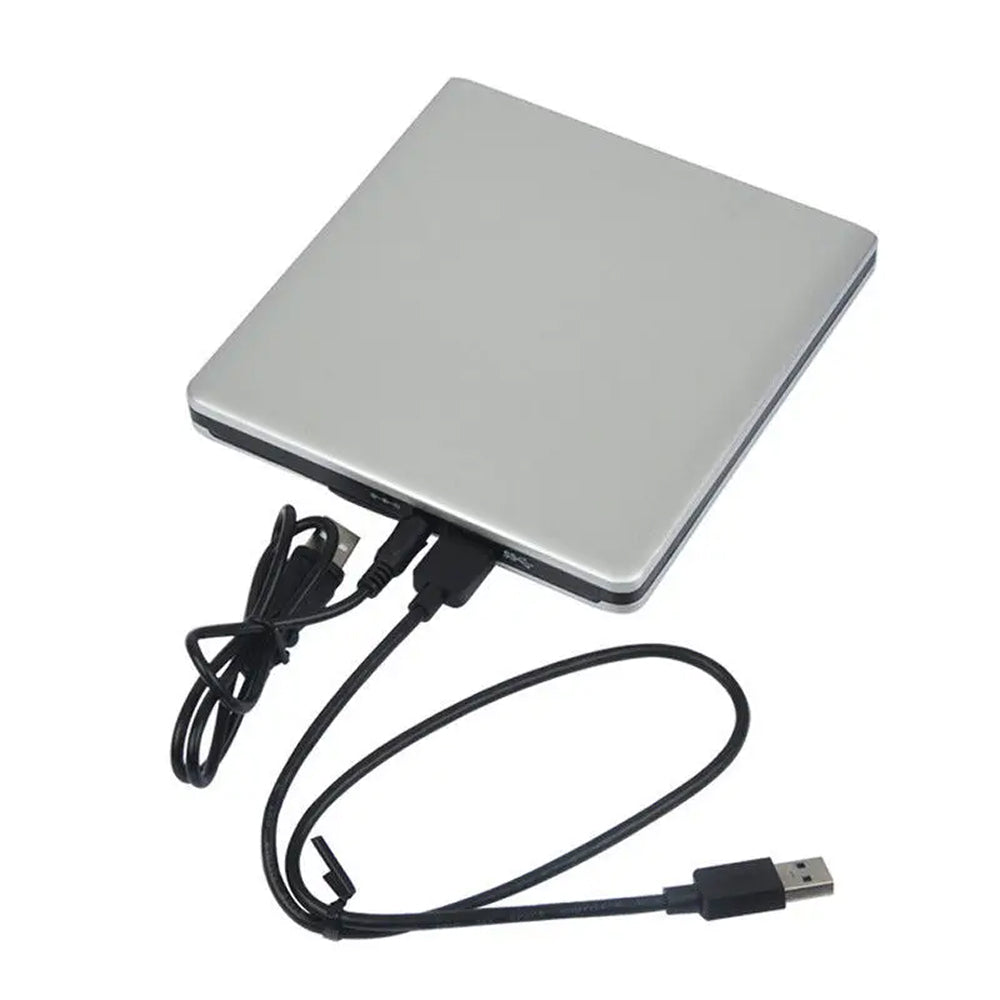
A DVD drive cannot read Blu-ray, so a collection that includes those discs needs a Blu-ray drive. LumiDisc Pro reads Blu-ray, DVD and CD discs, including 3D Blu-ray discs. It connects to laptop and desktop computers through USB 2.0, USB 3.0 or Type-C, and the box holds one cable for each.
Playback, file access and burning to BD-R discs depend on the software installed on your computer. The shell is brushed aluminum, and the drive is powered through the connected USB port. You can browse more playback gear in our Broadcast & Playback Devices collection.
 In this guideLumiDisc Pro$139.99View
Common Mistakes With Discs and Drives
- Buying a DVD-only drive for Blu-ray discs.
- Assuming a burned DVD-R plays in every standalone player.
- Using DVD-R when you plan to edit the contents later; DVD-RW is the rewritable type.
- Leaving discs out of their cases on a desk or dashboard.
- Playing a movie on a laptop, then sending it to a TV without checking the cable; our guide to HDMI vs DisplayPort explains which connection fits each setup.
If you want movies to reach a TV and speakers once the laptop is reading the disc, wireless home theater systems covers how to choose and set one up.