How to Hide TV Wires: Wall, Stand and Wireless Options
Pick the method by your setup: a raceway for renters, an in-wall kit for owners, or fewer cables for any room. Power cords have code limits, covered below.
The Folio & Current Team
November 8, 2026 · 7 min read
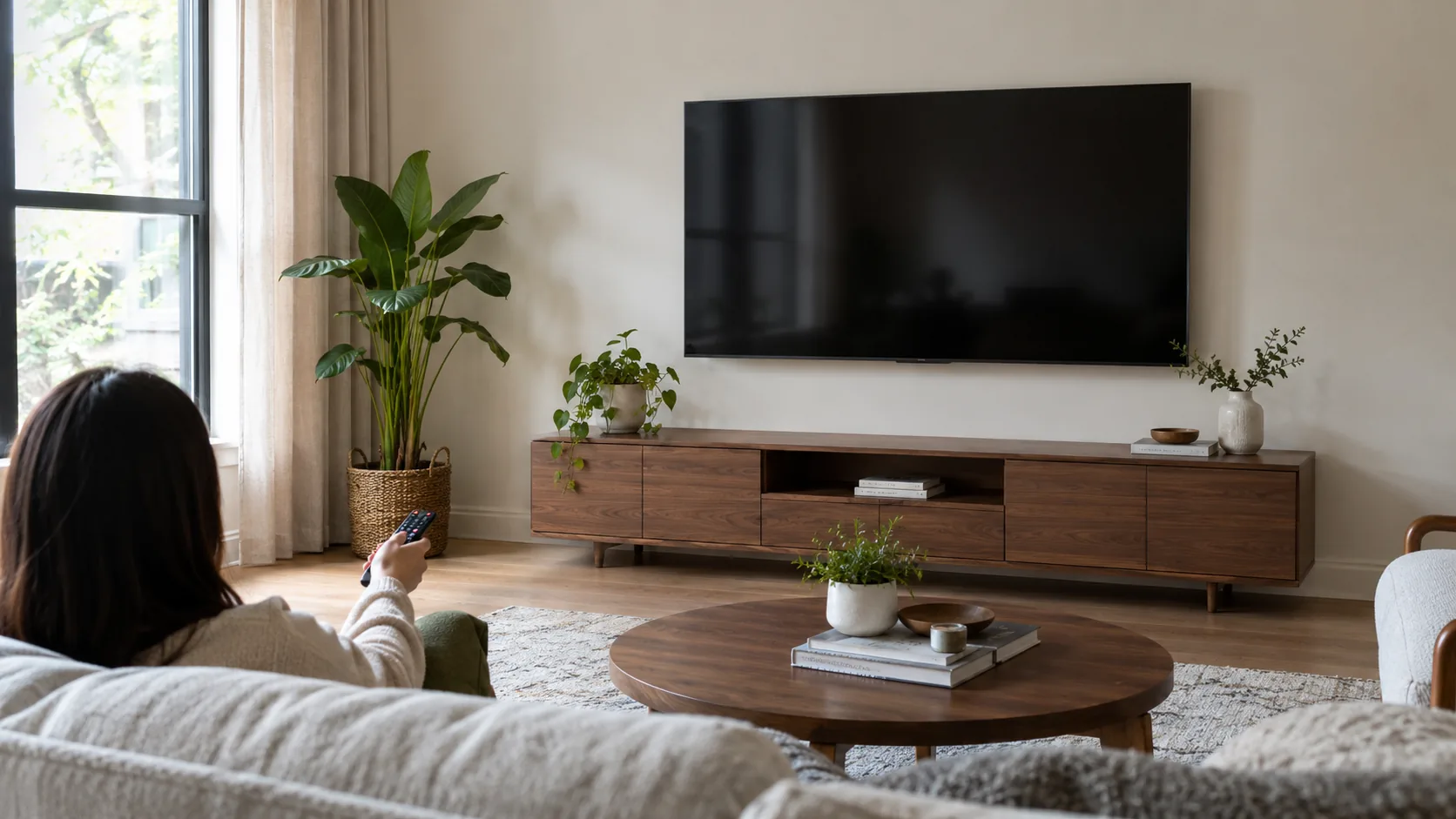
How to hide TV wires depends on your setup: use a paintable raceway on the wall if you rent, an in-wall kit for low-voltage cables if you own the wall, or a cable run behind the furniture and a back cover for a TV on a stand. Cutting the number of cables also helps, because every cable you remove is one you do not have to hide.
Power cords are the one place with firm limits. Read the electrical section below before you route anything inside a wall.
Choose your path by setup
Start with two questions: is the TV on the wall or on a stand, and can you cut into the wall? The table sends you to the right section.
| Your setup | Cutting allowed? | Method to use |
|---|---|---|
| Wall-mounted, renter or apartment | No | On-wall raceway, paintable cover, cable clips |
| Wall-mounted, owner, drywall | Yes | In-wall kit for low-voltage cables; electrician for power |
| Wall-mounted, concrete or brick | Rarely | Surface raceway; consider fewer cables |
| TV on a stand or console | No | Cables behind the furniture, sleeves, back cover |
| Any setup | No | Cut the cable count with wireless links |
Know which cables you are hiding
A TV setup has two kinds of cable. Power cords carry mains electricity, while HDMI, optical and audio cables carry signal at low voltage. The two kinds follow different rules, so sort them before you pick a method.
Renter and apartment options with no wall cutting
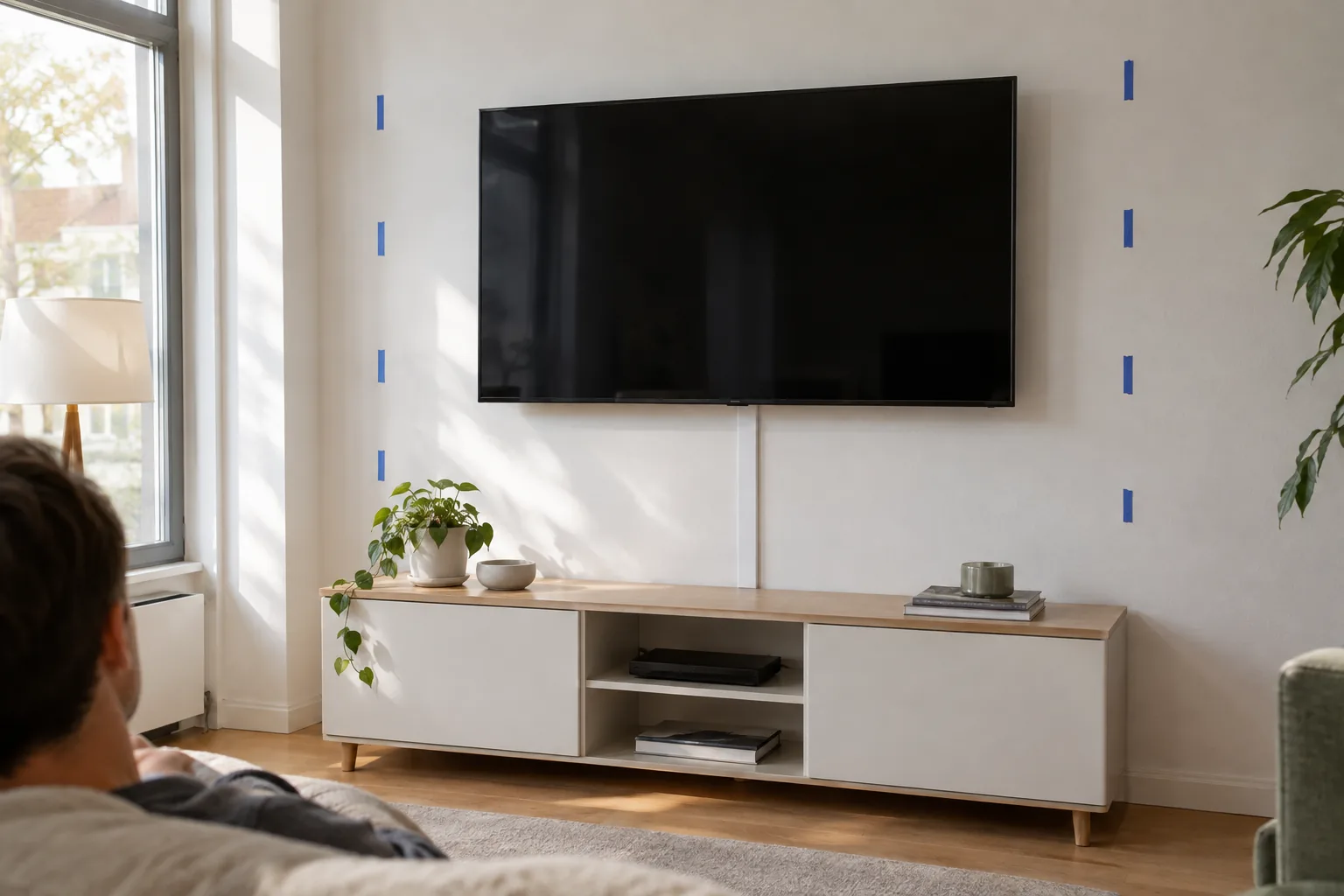
If you cannot cut the wall, keep everything on the surface and make it look intentional. A cable raceway is a slim channel that sticks to the wall and holds several cables. Pick one wide enough for every cable you plan to run, with a little room to spare.
How to install a raceway
- Unplug the TV and the devices connected to it.
- Hold the raceway against the wall from the TV to the outlet or console and mark the path with painter's tape.
- Clean the wall surface and let it dry.
- Lay the cables inside the base channel, keeping them straight and untwisted.
- Stick or screw the base to the wall, snap the cover on, then paint it to match if the cover is paintable.
Check your lease for rules about adhesives and paint. Peel-off adhesive strips and clips can suit rented walls, but follow the instructions on the package.
Other renter-friendly tricks
- Bundle slack with a cable sleeve or hook-and-loop ties.
- Run cables down the side of a bookshelf or curtain panel.
- Place a tall plant, a floor lamp or a narrow shelf where the cables drop.
- Use a back cover on the TV to hide the connection panel.
How to hide TV wires in a wall you own
An in-wall kit lets you route low-voltage cables, such as HDMI and optical, from behind the TV to a spot near your devices. Kits can include a wall plate at each end and a way to pass cable through the stud space. Read the kit manual first, since parts differ.
Basic steps for drywall
- Turn off power to the circuits in the area and unplug your equipment.
- Use a stud finder to locate studs and check for wires or pipes before cutting.
- Mark and cut the upper opening behind the TV and the lower opening near the console.
- Check for fire blocks inside the wall, which can block a cable from passing through.
- Feed the cables down with a fish tape or pull string, then fit the wall plates.
Use cables marked for in-wall installation. Ordinary HDMI cables may not be built for that use, so check the packaging.
Electrical code limits, stated plainly
A standard power cord that came with your TV is not meant to run inside a wall. Local electrical code can prohibit extending a plug-in cord through a wall cavity, and a power strip hidden in a wall is not an accepted fix.
If you want the TV's power to come from behind it, ask about a recessed outlet installed behind the TV, with the work done by a licensed electrician. Low-voltage cables and mains power can also need spacing, so ask your electrician. Rules vary by city, so check local requirements, and in a rental, ask your landlord first.
Field note
Before you cut anything, run a string or a spare cable through the planned path with tape on it. If it snags on a fire block or stud, you find out before the wall is open.
Compare the main methods
| Method | Cuts the wall? | Handles | Limit |
|---|---|---|---|
| On-wall raceway | No | Power and signal cables | Stays visible unless painted |
| In-wall kit | Yes | Low-voltage cables only | No standard power cord inside the wall |
| Recessed outlet | Yes | TV power | Licensed electrician |
| Back cover or sleeve | No | Connection panel, loose slack | Hides only the last stretch |
| Wireless link | No | One video or audio run | Devices still need power |
Cut the cable count first
The tidiest wire is the one you do not have to run. Look at what connects to the TV: power, HDMI from each source, and maybe an audio cable to a speaker. Each one can sometimes be replaced or shortened.
Wireless HDMI for a source across the room
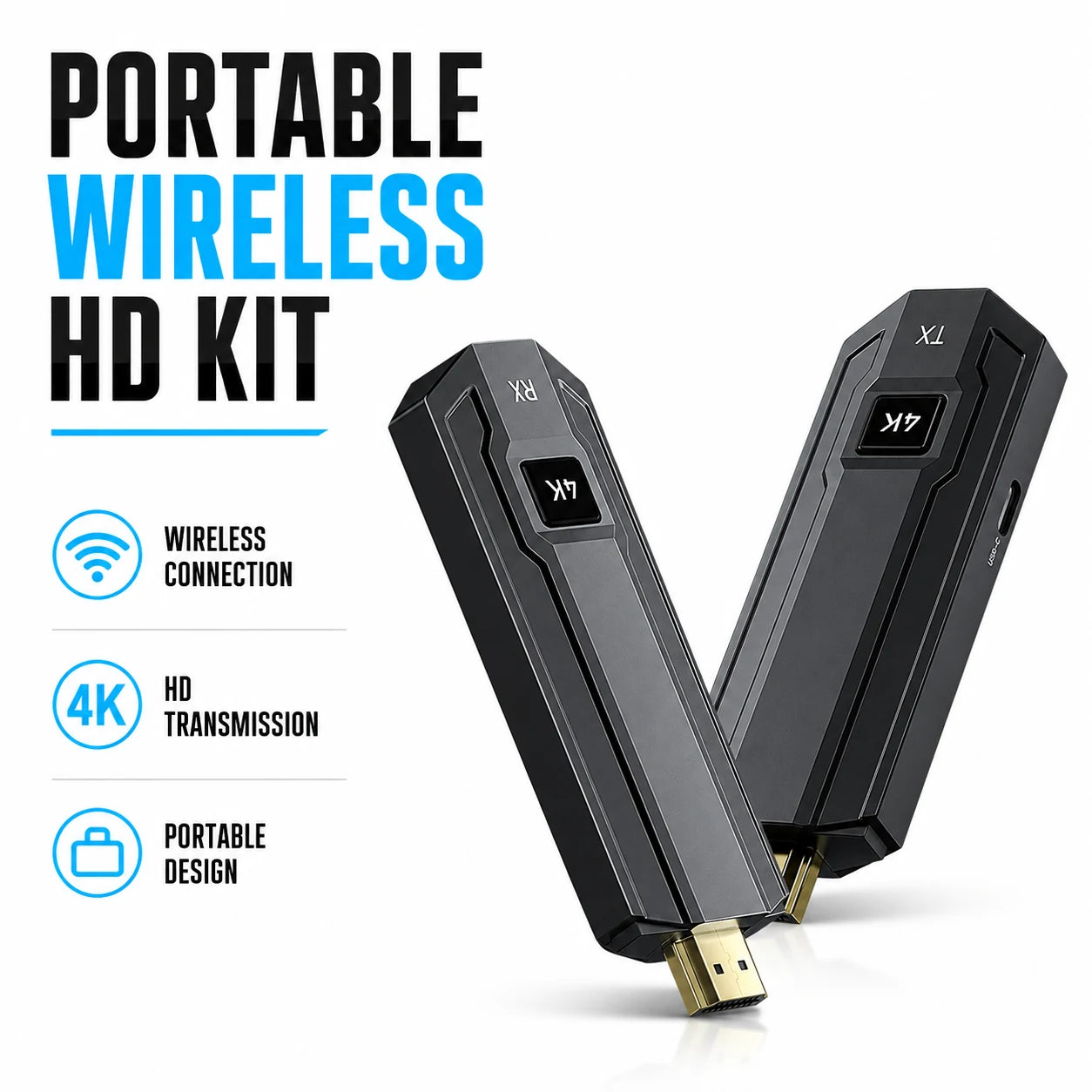
If a streaming box, console or laptop sits far from the display, a long HDMI run is what you end up hiding. The ClearCast Pro is a wireless HDMI transmitter and receiver set. The transmitter connects to the source, the receiver connects to the display, and the two units link over a dedicated 5GHz wireless connection so an HDMI cable does not have to run between them.
Both units are powered on and pair on their own, with no apps, drivers or configuration menus, so plan for power at each end. The box includes the transmitter, the receiver, an HDMI adapter, power cables and a user manual. The transmitter also has an HDMI loop-out to view the source locally.
IR passthrough is listed for sources kept out of sight, which suits a streaming box placed inside a closed cabinet. For more transmitters, receivers and streaming gear, browse the Broadcast & Playback Devices collection.
 In this guideClearCast Pro$199.99View
Sound bar without an audio cable run
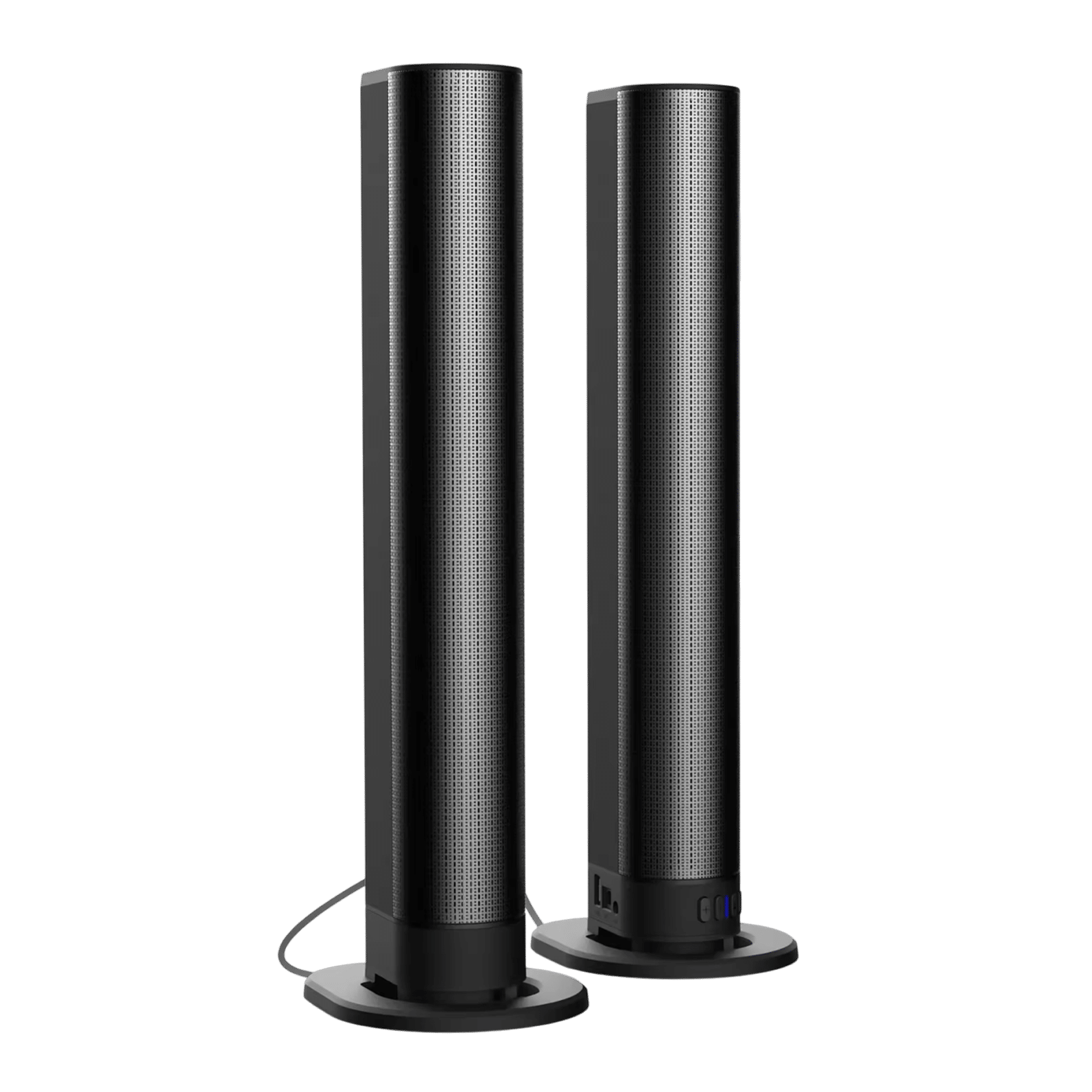
A sound bar often adds a cable from the TV to a shelf or wall. The SonicForge connects by Bluetooth, USB, optical, FM or aux, and HDMI is not required. Its Bluetooth 5.3 input lets you skip a wired link to a TV that offers Bluetooth output. For help with pairing, see how to connect Bluetooth devices.
It has a built-in battery for use away from an outlet, and wall mounting accessories come in the box. The two speakers also detach and can sit apart with wired connectors, so keep those wires in mind if you separate them. To compare options, browse the Speakers & Sound Systems collection.
 In this guideSonicForge$239.99View
Hide TV wires on a stand setup
Knowing how to hide TV wires on a stand starts with the furniture, because cables can drop behind it. Keep them tidy so they do not hang in view.
- Pull the console a few inches from the wall to give cables room, and leave space around devices for airflow.
- Feed cables through the stand's cable hole if it has one.
- Group the power cords on one side and signal cables on the other, then bundle each with ties.
- Label each plug so you can trace it later.
Get the power strip off the floor
A loose power strip is often the most visible part of the mess. Mount it to the back of the console or the inside of a cabinet, using the strip's own mounting points if it has them, and leave room around it for airflow. Follow the strip's manual and do not daisy-chain strips.
Sizing matters for the stand and the sound bar placement. The guide on TV sizes, dimensions and soundbar fit helps you check clearance before you buy.
Decor that hides cords
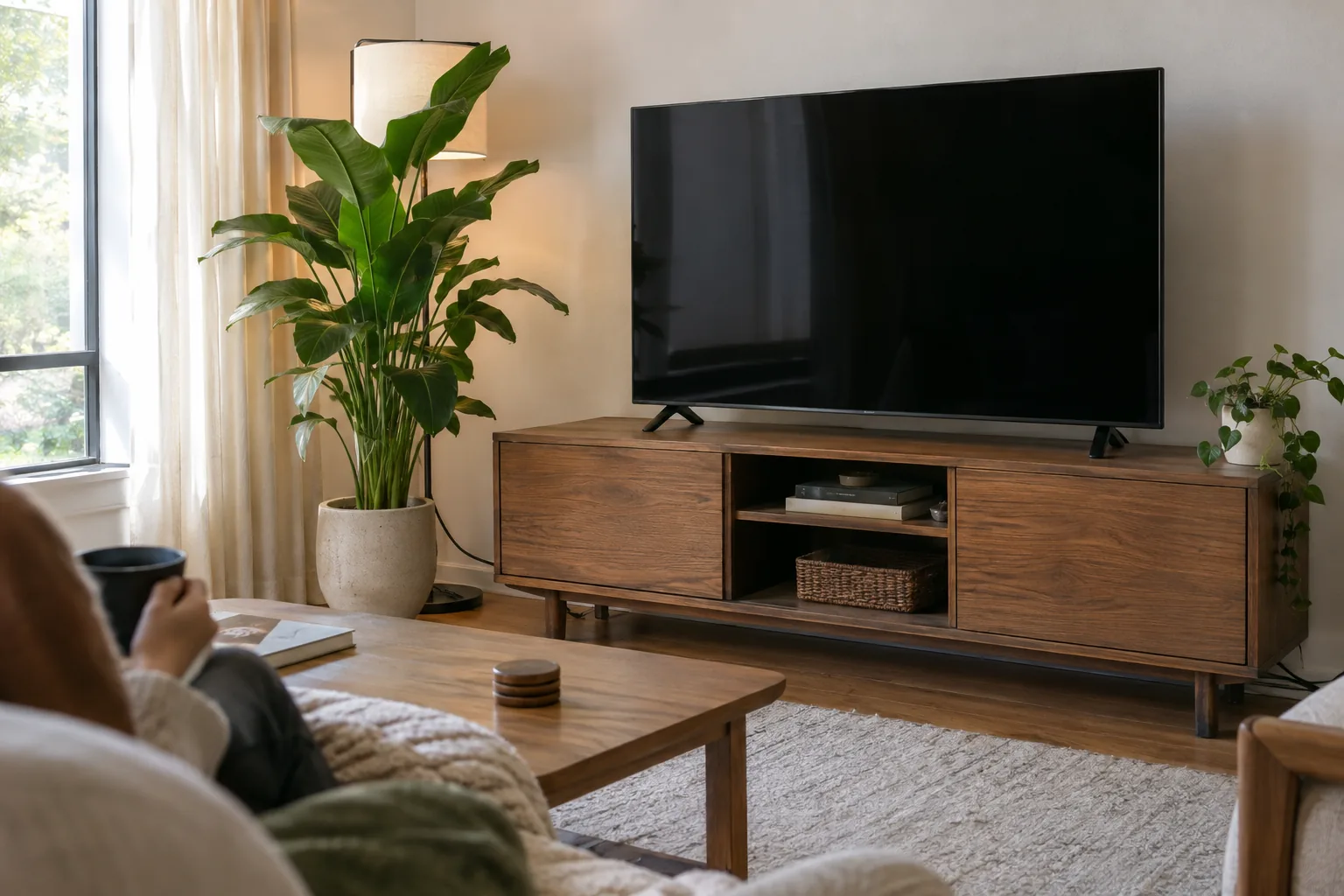
Decor can cover the last visible stretch. Options include a framed piece hung beside the TV, a floating shelf with books above the cable drop, a tall plant, or a wall-colored raceway. Keep anything that touches cables away from heat sources and vents.
Concrete and brick walls
Cutting into concrete or brick is a job for a professional, and in many apartments it is not allowed. Use a surface raceway with adhesive or masonry fasteners, depending on the wall and your lease. Follow the raceway manual, and pair it with fewer cables so the channel stays slim.
Common mistakes to avoid
- Running a power cord inside the wall to look clean.
- Bundling power and signal cables tightly together without checking the manual.
- Covering a power strip or adapter so heat cannot escape.
- Buying a raceway before counting the cables.
- Cutting before checking for studs, wires and pipes.
When in doubt, use a surface method now and bring in an electrician for any power work later. How to hide TV wires in the end comes down to your wall, your lease and your cable count. For a wider look at cutting wires through the whole room, see wireless home theater systems.