Music Streamer for Spotify: Connect, Casting and What to Check
A music streamer for Spotify plays through Connect, casting or Bluetooth. Check the playback method, outputs, controls and sample rate to match one to your speakers or stereo.
The Folio & Current Team
November 16, 2026 · 6 min read
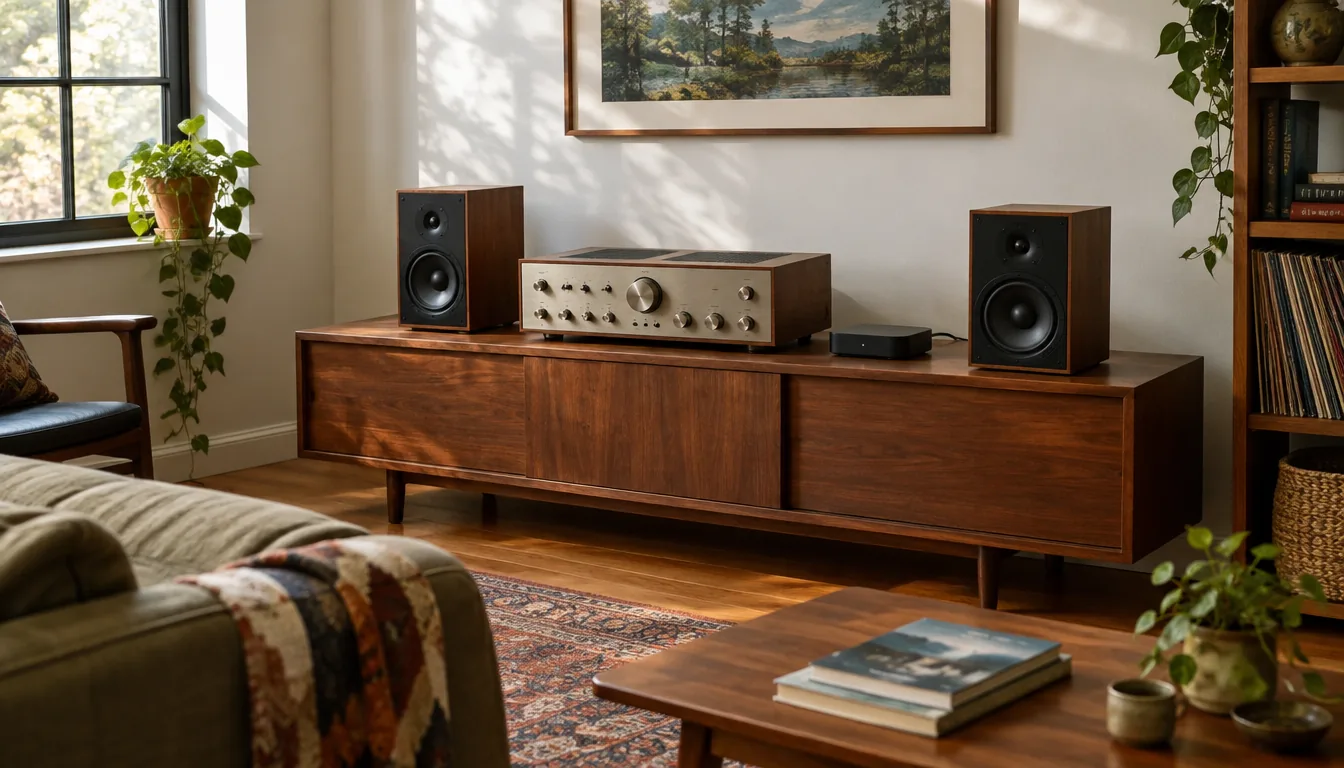
A music streamer for Spotify is a small network box that sits between your music service and your amplifier or powered speakers. It plays Spotify in one of three ways: Spotify Connect (the streamer pulls the music from the internet while your phone acts as a remote), casting from the app, or a Bluetooth link from your phone. Before you buy, check which of those methods the streamer lists, which outputs it has, and whether its own app or a web page can control it.
This guide walks through that checklist so you can match a streamer to the speakers or stereo you already own.
How a music streamer plays Spotify: Connect, casting and Bluetooth
The three methods look similar on your phone, but they behave differently once the music starts. The differences matter if you want to keep using your phone for other things while the music plays.
| Method | Where the music comes from | What to check |
|---|---|---|
| Spotify Connect | The streamer fetches the stream over your home network | The streamer must list Connect support on its product page |
| Casting from the app | The streamer fetches the stream; your phone picks the target device | The streamer and phone must be on the same Wi-Fi network |
| Bluetooth | Your phone sends audio directly to the streamer | Stay within range; the phone is part of the signal path |
With Spotify Connect, you can lock your phone, take a call or leave the room and the music keeps playing. With Bluetooth, the music depends on the phone staying connected. If you have not paired a device before, our Bluetooth pairing guide covers the steps and common fixes.
Music streamer Spotify checklist: what to verify before you buy
Work through these points in order. If a streamer fails the first two, the rest rarely matter.
- Playback method: does the product page name Spotify Connect, casting or Bluetooth? Do not assume all three are present.
- Outputs: does it have a connection that matches your amplifier, receiver or powered speakers?
- Network: does it join your home Wi-Fi, and does it offer a wired option if your router sits close by?
- Control: can you change tracks without a phone, using a remote, touch panel or web page?
- Audio format: what is the maximum sample rate it decodes?
- Rooms: can you add more units later and group them?
A feature list that is vague on any of these points is a reason to read the product page again or ask the seller before ordering.
Match the outputs to your speakers or stereo
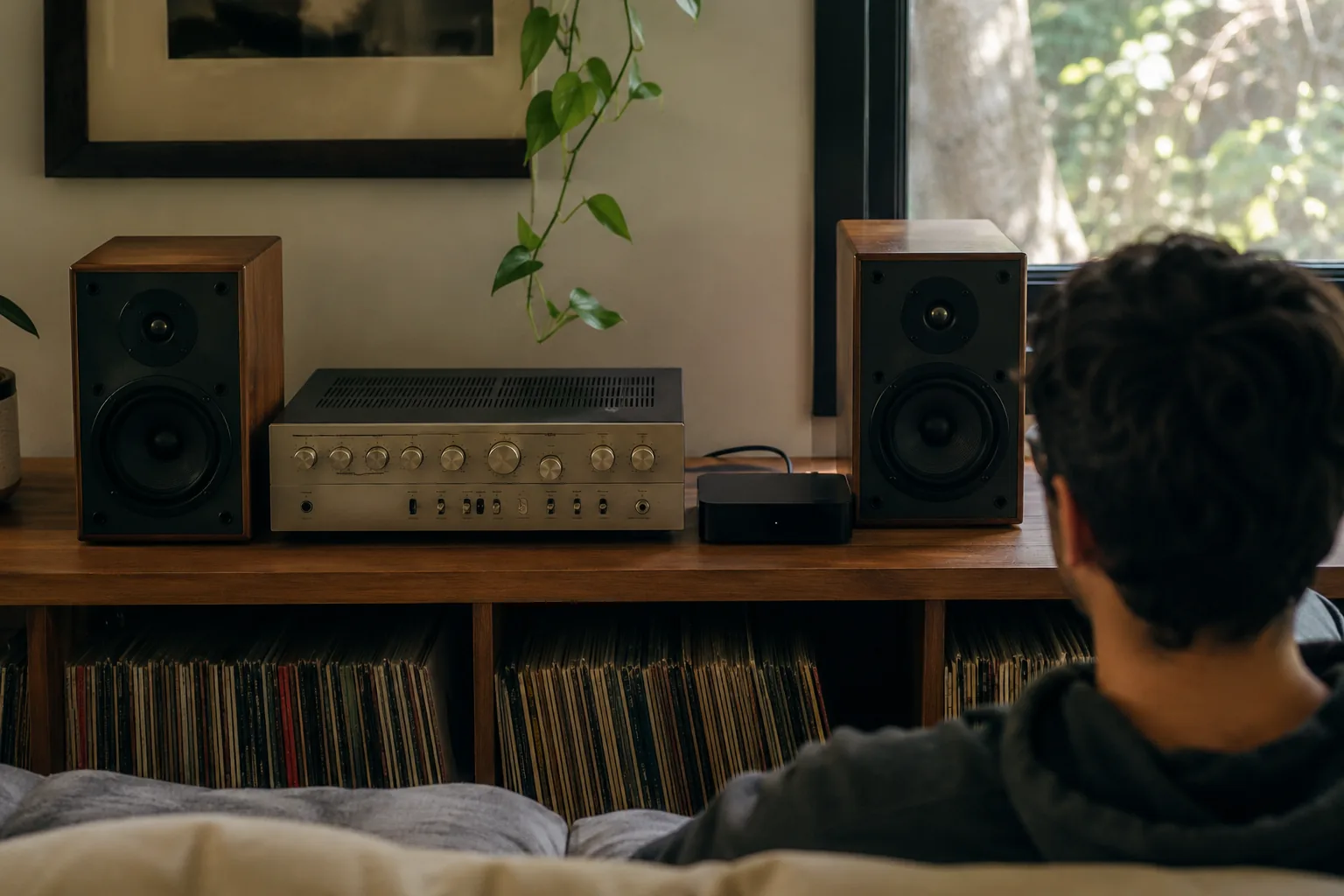
The output is where mismatches happen. A good amplifier with no network connection leaves you playing discs or tethering a phone, and a streamer fixes that only if it can plug into the inputs you have.
| Your system | What the streamer needs |
|---|---|
| Older stereo amplifier | A cable connection that matches one of its line inputs |
| AV receiver | An output that matches a free receiver input |
| Powered or active speakers | An output that matches the speaker input |
| Vintage tube amp with newer speakers | Several connection types, since not every input matches |
Look at the back of your amplifier first and note the free inputs. Then compare them with the ports listed for the streamer.
A streamer built for existing gear
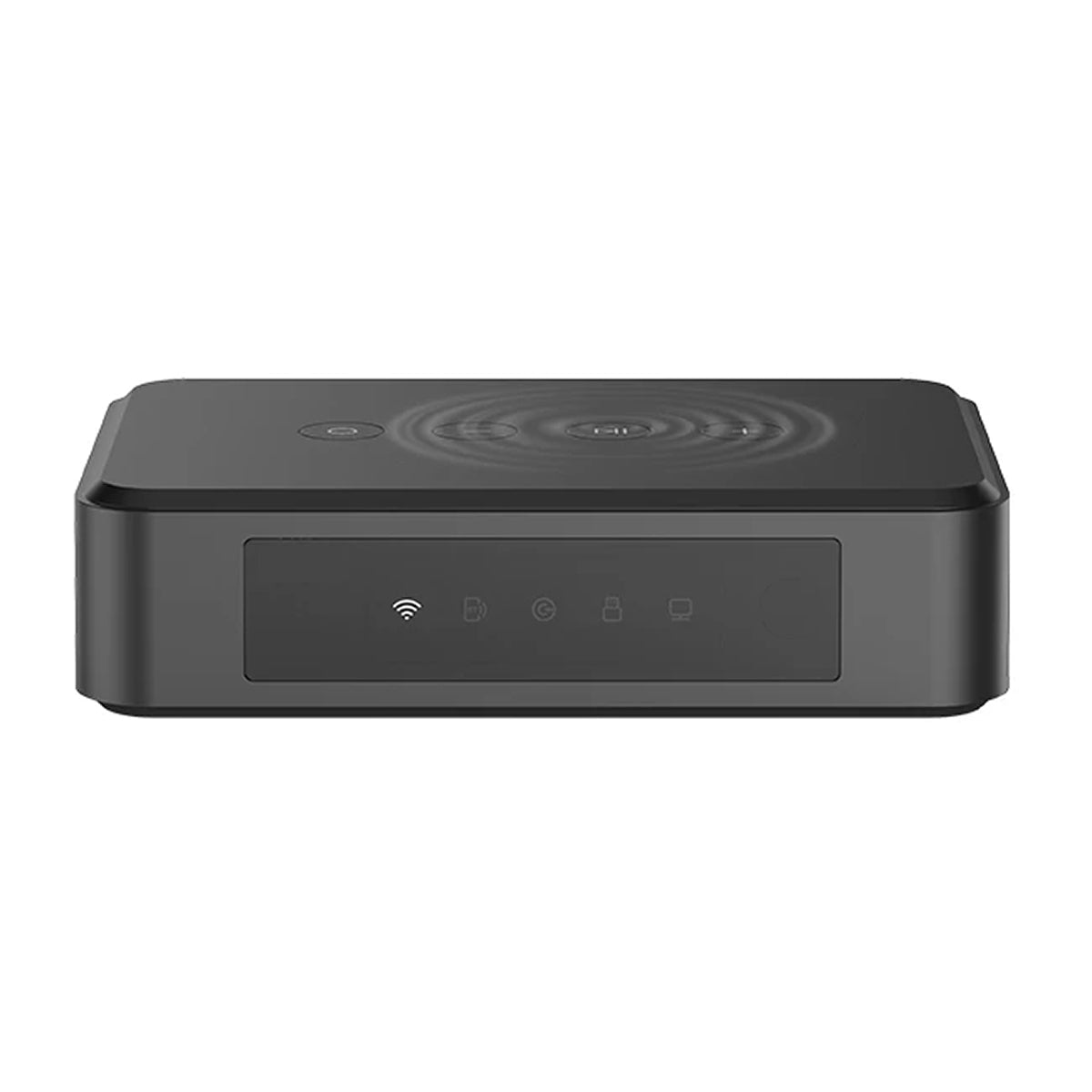
StreamVerve is a music streamer that connects to an amplifier or powered speakers with a single cable and joins your home Wi-Fi network. It offers several connection ports, so it can feed older amplifiers, AV receivers and active speakers. It also streams over Wi-Fi or Bluetooth, so no phone cable is needed.
You choose music in a free app, then play it on one system or several rooms. Check the product page for the services it supports before you buy, so the playback method you want is covered.
 In this guideStreamVerve$229.99View
App support and control without a phone
Some streamers depend on a single app for everything, which matters when you only want to play Spotify and leave your phone alone. Look for a unit that gives you other ways to act on playback.
- Onboard touch controls for play, pause and track changes
- A dedicated remote
- A web-based interface you can open from a computer or tablet
- A companion app for setup and room grouping
StreamVerve has onboard touch controls, a dedicated remote and a web-based interface, plus the free companion app. That means a phone is not always required when you want to change a track.
For multiple rooms, add more units and group them in the app. You can play the same music in every room or give each zone its own track.
Field note
Before buying, write down your amplifier's free inputs and the Wi-Fi band your router uses. Those two facts settle most compatibility questions.
Sound quality, file formats and high-resolution claims
A streamer decodes the digital stream and passes it to your amplifier. The number to read on a spec sheet is the maximum sample rate. StreamVerve decodes PCM audio with a maximum of 44.1 kHz, which is the standard rate for CD-quality audio.
If you want a high-resolution music streamer that handles higher sample rates, check that figure before you buy. Our guide to lossless audio explains what the numbers mean and when a difference can be heard on a home system.
Speakers, room and amplifier shape what you hear at least as much as the streamer does, so match the whole chain rather than chasing one number.
Free apps, other services and what a streamer does not do
A free music streamer can mean two things: free software that plays music on a computer, or a free app that controls a hardware box. The hardware itself is a purchase, and the app that runs it is free to download. Streaming accounts are separate: a free tier of a service may limit how you play, so check the account terms.
If you also use a youtube music streamer setup or another service, check the product page for each service you need. A streamer that supports one service by Connect may reach another only by Bluetooth from your phone. Browse the Music & Playback Devices collection to compare what is on offer.
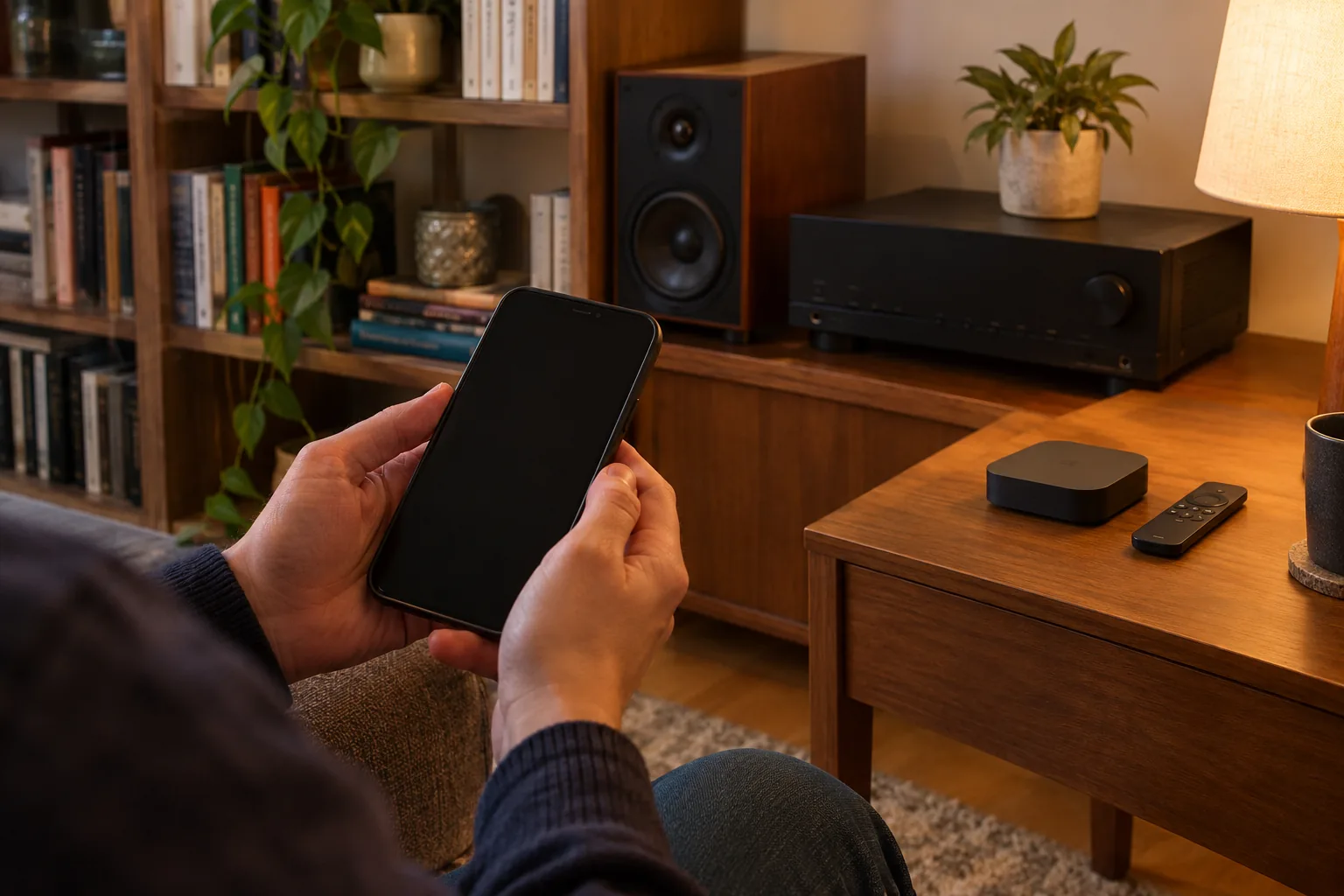
Setup checklist
- Power down the amplifier and unplug it before connecting cables; follow the manual for both devices.
- Connect the streamer to a free amplifier input or the powered speakers with the cable.
- Power the streamer and download the free companion app.
- Join your home Wi-Fi network in the app.
- Select the matching input on the amplifier and set the volume low.
- Pick your music and raise the volume slowly.
- Add more units for other rooms, then group them in the app.
If the music drops out, move the streamer closer to the router or check that the phone and streamer share the same Wi-Fi network.
Common mistakes to avoid
- Buying for Bluetooth only, then expecting playback to continue with the phone out of range.
- Ignoring the amplifier's inputs until the streamer arrives.
- Assuming every service is supported the same way; read the product page.
- Using the sample rate as the only measure of sound quality.
- Placing the streamer behind a metal cabinet door, which can weaken the Wi-Fi signal.
Keep the streamer away from heat sources, keep cables tidy and wait for the app to confirm the network connection before you start playback.