Lossless Audio: What It Is and When You Can Hear the Difference
Lossless audio keeps all the data of the original recording. Whether you hear it depends on the file, the Bluetooth link, the player, and the headphones.
The Folio & Current Team
October 24, 2026 · 8 min read
Lossless audio is digital music stored or streamed with compression that keeps every bit of the original recording, so the file can be rebuilt exactly as it was. Lossy files such as MP3 discard some data to get smaller. Whether you can hear the gap depends on the whole chain: the file, the wireless link, the player, and the headphones.
This guide walks through that chain one link at a time, so you can see where lossless survives and where it gets lost, and what to check before you spend money on it.
What lossless audio means
Lossless compression works like a zip file for sound. The encoder shrinks the audio, and the player unpacks it back to the same data that went in. Nothing is thrown away, which is why a lossless file is larger than an MP3 of the same song.
Lossy compression works differently. It removes parts of the signal that an encoder judges hard to notice, and that data cannot be recovered later. Converting an MP3 to FLAC does not bring it back. It only wraps the same reduced data in a bigger file.
Lossless is not the same as high-resolution
Lossless describes how a file is compressed. High-resolution audio describes how much detail was captured, using a higher bit depth or sample rate than the 16-bit, 44.1 kHz used for CDs. A file can be lossless at CD resolution, or lossless and high-resolution at once.
Bit depth and sample rate in plain terms
Bit depth sets how finely each moment of sound is measured, and the sample rate sets how many times per second that measurement is taken. Higher values store more detail about the recording. They also make the file larger.
A higher-resolution file can be lossless, but a lossless file does not have to be high-resolution. If you see numbers such as 24-bit next to a track, that describes the resolution, not the compression. Whether the extra detail is audible depends on the recording, your gear, and your ears, so treat it as an option to compare rather than a rule.
Lossless and lossy formats compared
The file extension tells you which family a track belongs to. Use this table when you are sorting a music library.
| Format | Type | What to know |
|---|---|---|
| FLAC | Lossless, compressed | Smaller than WAV, plays on many players and phones |
| WAV | Lossless, uncompressed | Large files, tag support for artist and album info varies |
| MP3 | Lossy | Small files, plays almost everywhere |
| OGG | Usually lossy | Open format, check the encoder settings of each file |
A FLAC file keeps all the data of the source, while an MP3 does not. That is a fact about the file, not a promise about how it will sound on your gear.
Check that your player lists the formats you own. Some players read FLAC and WAV, others read only MP3, and a file the player cannot read will simply not show up in the library.
Where lossless gets lost in the playback chain
A lossless file only stays lossless if every link after it passes the data along. One weak link is enough to bring the signal back down to lossy.
| Link | What to check | Where it can break |
|---|---|---|
| Source file | FLAC or WAV, ripped or bought as lossless | An MP3 renamed or converted to FLAC is still lossy |
| Player or app | Lists FLAC or WAV support, no forced downsampling | Volume leveling, equalizers, or a stream set to low quality |
| Wireless link | Codec shared by player and headphones | Standard Bluetooth codecs compress the audio again |
| Headphones or speakers | Impedance and sensitivity suit the source | A source that cannot drive them properly |
Bluetooth is the usual break
Bluetooth sends the signal through a wireless codec, and many common codecs are lossy. Even if your player decodes a FLAC file correctly, the signal is compressed again before it reaches wireless earbuds. Some newer codecs carry more data, but both devices must support the same one, so check each spec sheet.
If you want the lossless file to reach your ears intact, a wired connection is the plain route. A cable carries the signal without a wireless codec in between.
Streaming settings
Streaming services differ. Some offer a lossless tier and some do not, and the tier may be off by default. Open the audio quality settings in your app, pick the highest option, and check whether it needs a wired connection or a compatible device. If your service does not list a lossless tier, downloading files you own is the other route.
On a computer or phone, also check the system sound settings. Some operating systems resample audio before it reaches the output, so look for an option that matches the output rate to the file.
Can you hear the difference?
Sometimes, and not always. Some listeners who try blind comparisons between lossless and a good lossy file find the gap small or hard to pick out. It depends on the track, the gear, and the room.
These conditions make a gap more likely to show:
- A wired connection from the player to the headphones.
- Headphones that reveal detail, used in a quiet room.
- Music with space in it, such as acoustic, classical, or well-recorded live tracks.
- A low-bitrate lossy file for comparison, since the gap widens as compression gets heavier.
Noisy commutes, built-in phone speakers, and wireless earbuds on a lossy codec all hide it. If you listen mostly in those settings, lossless may change little, and that is fine.
Benefits and trade-offs
Lossless files give you a faithful copy of the source. That matters if you archive recordings, edit audio, or want a master you can convert to smaller files later. You can always make an MP3 from a FLAC, but you cannot go the other way.
The trade-off is storage space. Lossless files are larger, so a library fills a phone, a microSD card, or a drive sooner. Transfers take longer, and streaming a lossless tier uses more data on a mobile connection. If you mostly listen on the go, a mix works: keep lossless for home listening and smaller files for travel.
Field note
Run your own blind test. Export one track as lossless and as a high-quality MP3, have someone else pick which one plays, and note which you prefer on your own headphones and in your own room.
Where to get lossless audio
You have three realistic sources, and each fits a different listener.
- Your own CDs. Ripping a disc to FLAC or WAV gives you a lossless copy you control.
- Download stores. Some music stores sell FLAC or WAV downloads. Check the format listed before you buy.
- Streaming tiers. Some services include a lossless setting. Check the app settings and whether your device and connection support it.
Ripping a CD to FLAC
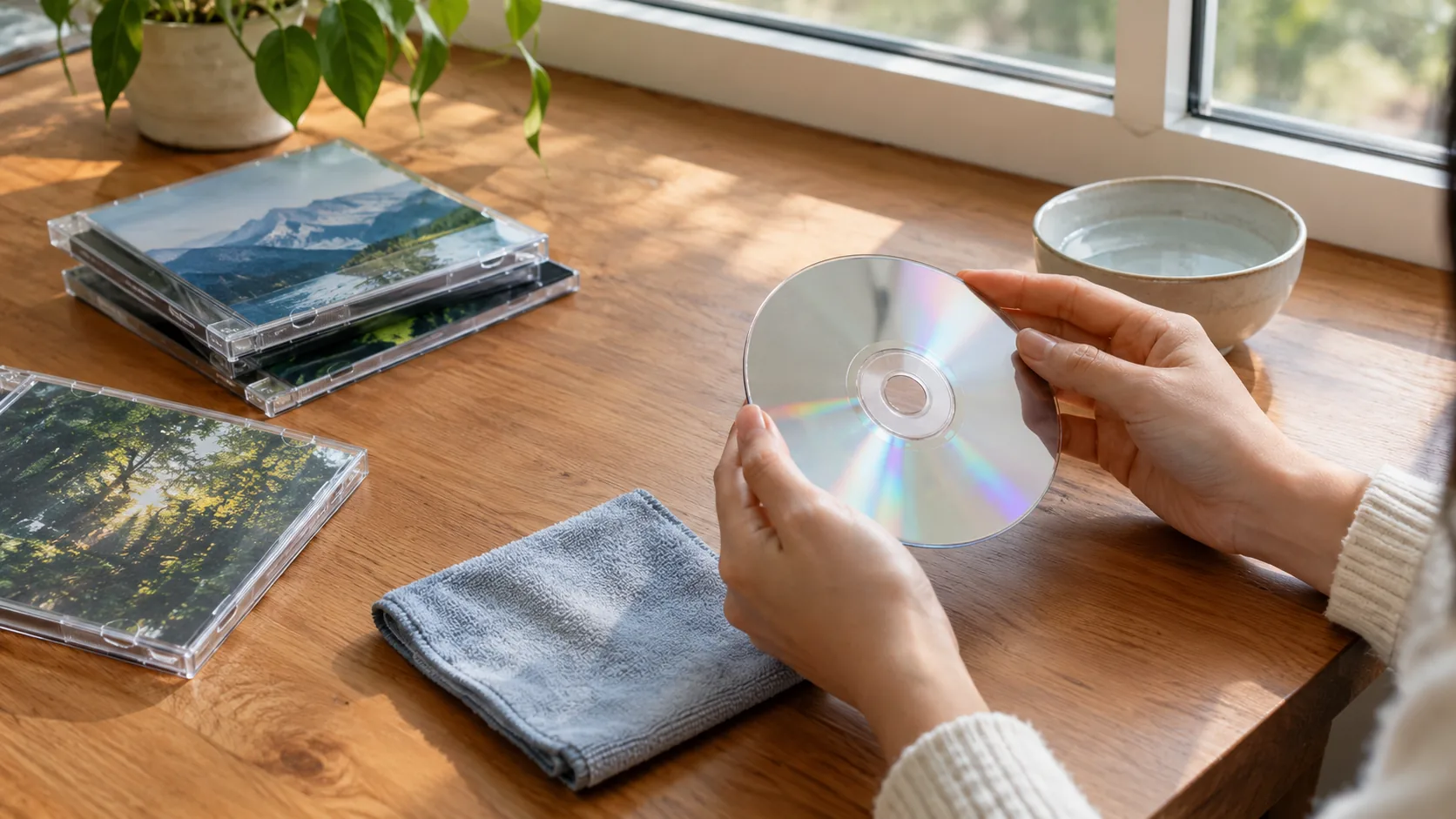
Use ripping software that offers FLAC as an output format, and choose it before you start. Let the software fill in track names and album art, then check the first few files play before you rip the whole shelf. Keep the original discs until your backup is in place.
Storing and backing up
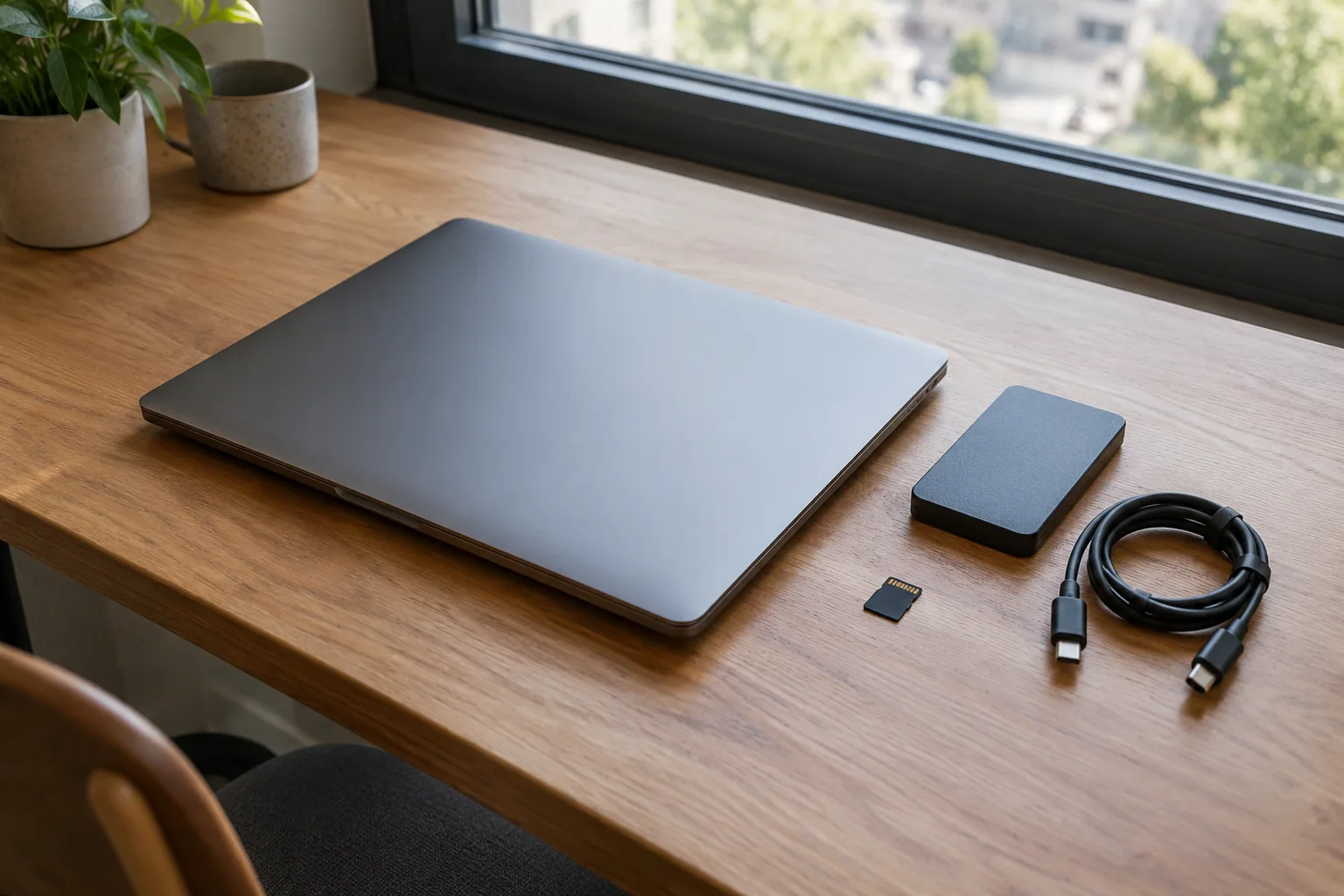
Lossless libraries are large, so keep a backup. A external drive helps, and our guide to the 1TB external SSD drive covers how to pick one. Use one folder per artist and album, and keep the tags consistent so the player sorts tracks correctly.
A simple device setup for lossless files
A dedicated player keeps your files separate from phone apps and settings. Browse the Music & Playback Devices collection for options.
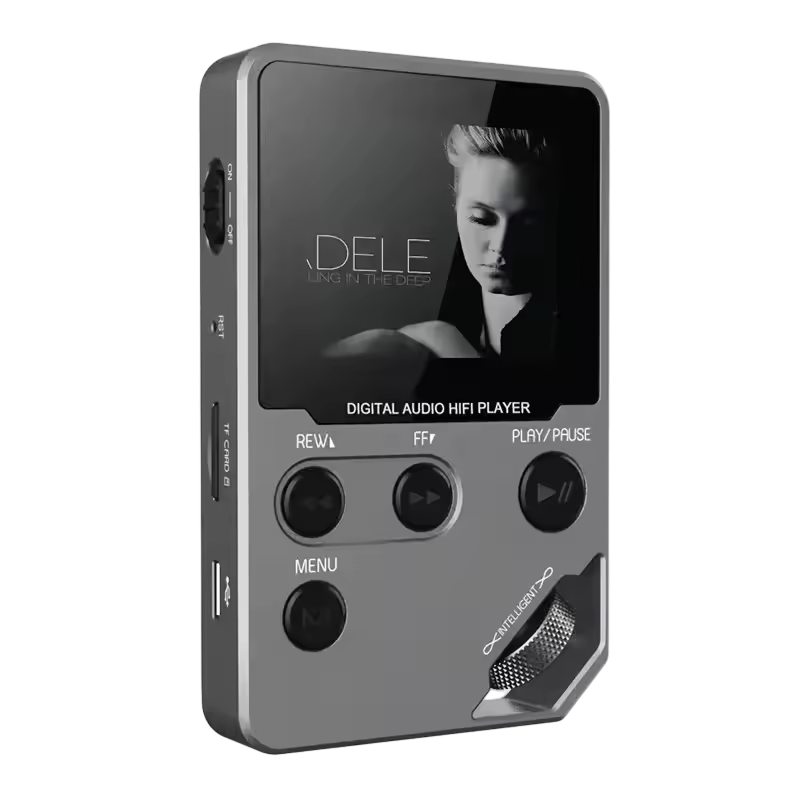
SonaVerge is a compact MP3 player with a 1.8-inch display and a zinc alloy body. It plays MP3, FLAC, WAV, and OGG files from the device or a microSD card, so you load your own library and play files you store yourself.
It also sends audio over Bluetooth to earbuds, headphones, or speakers within a 26-foot range. Keep in mind the earlier point: that wireless leg depends on the codec your headphones and the player share. The player has a 500mAh battery charged with a USB cable, which also connects it to a computer for file transfers.
 In this guideSonaVerge$99.99View
Pairing it with wired headphones
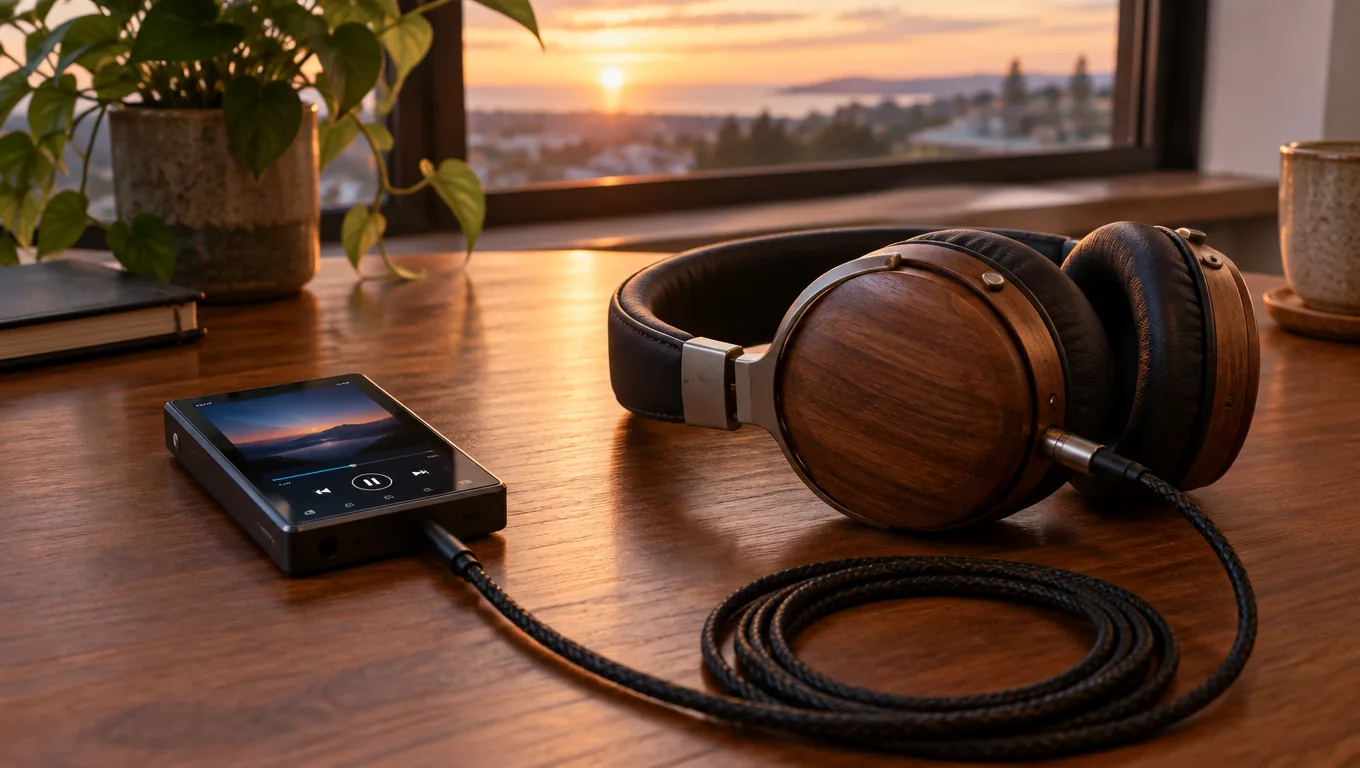
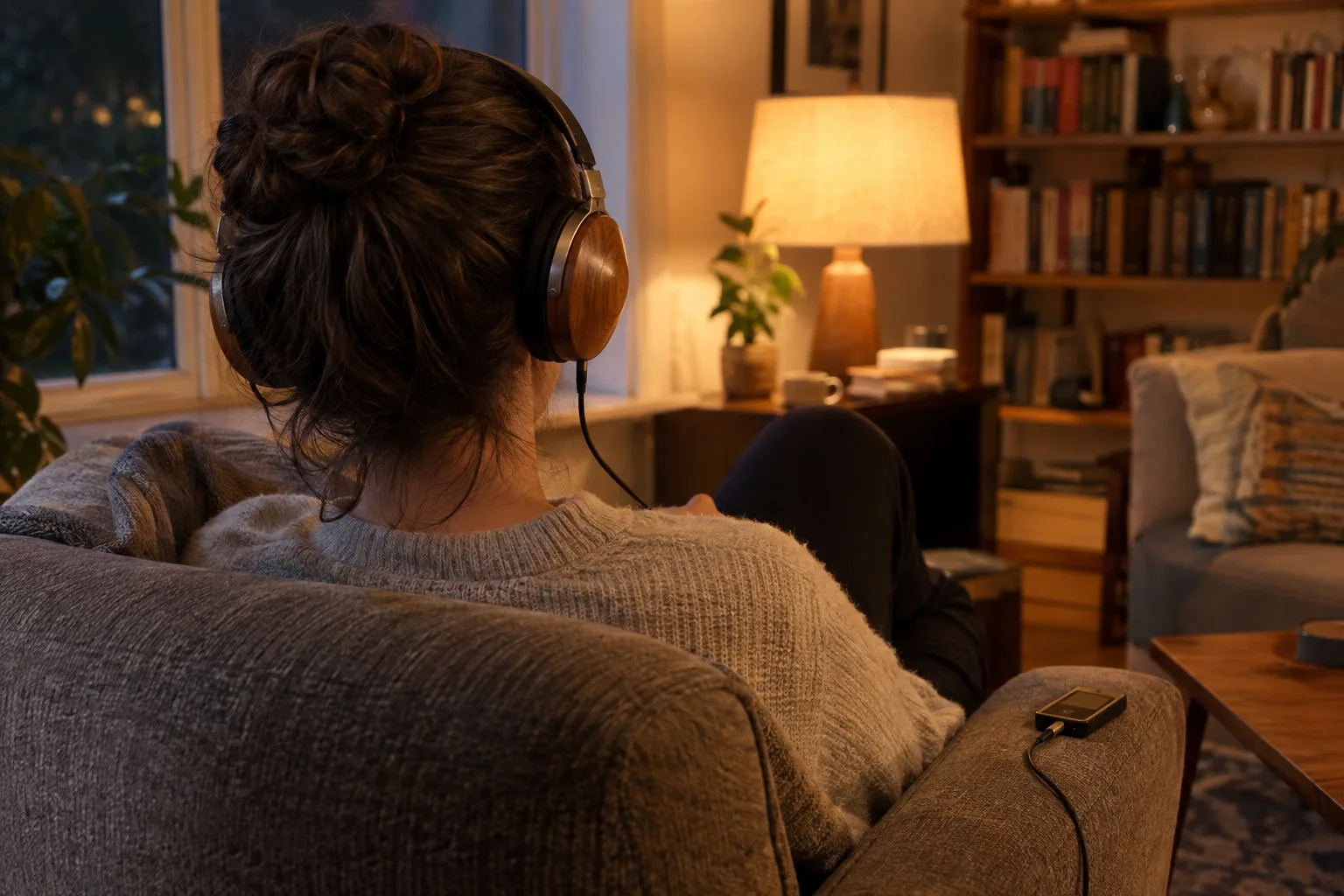
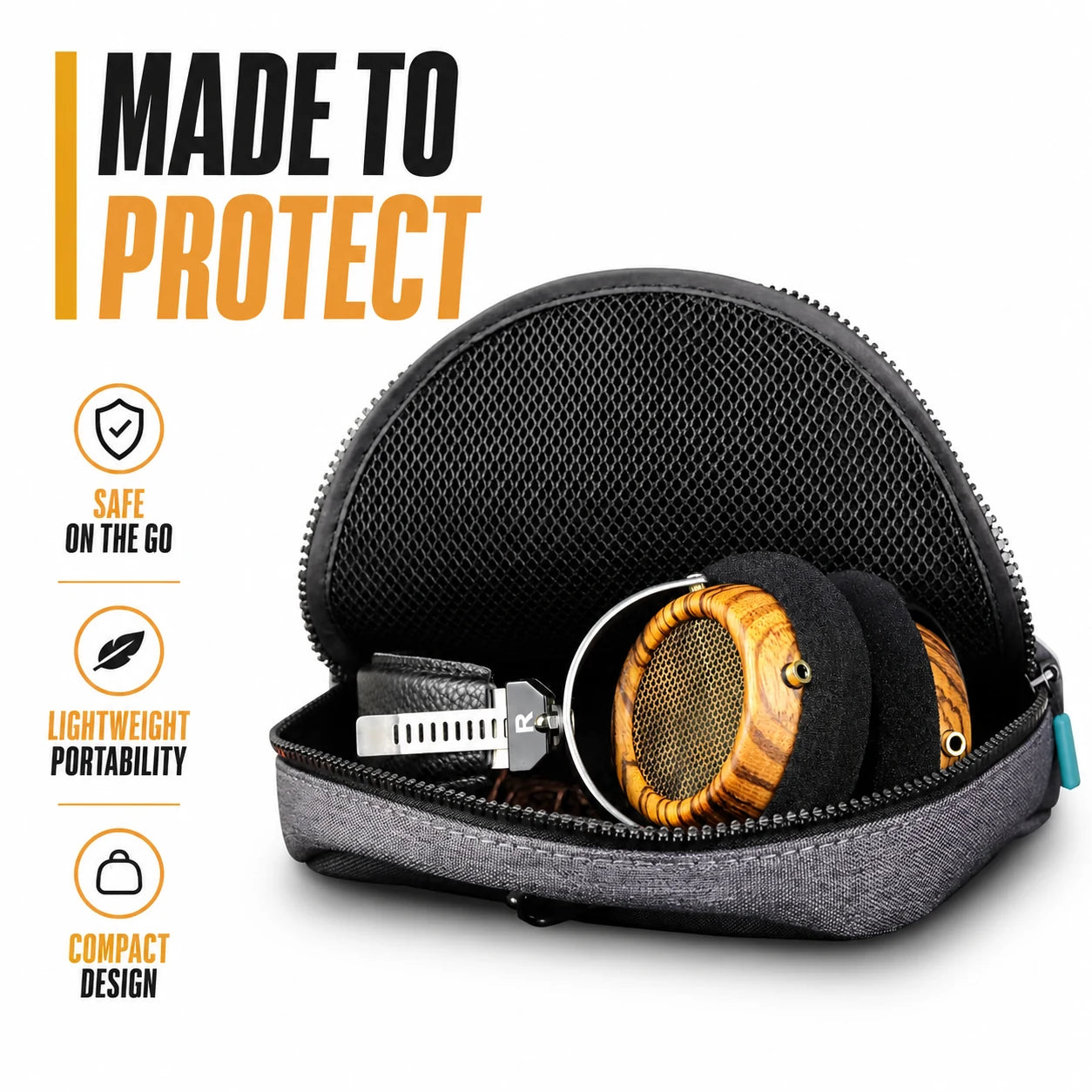
For listening where the signal stays wired, you need headphones with a standard 3.5mm connection and a source that suits them. SylvanAudio are wired audiophile headphones with 57mm dynamic drivers in a semi-open design and handcrafted olive wood shells. They connect through a detachable dual 3.5mm cable, and the box includes a 5N OCC silver-plated cable with gold-plated plugs.
Impedance is 32Ω and sensitivity is 100dB. Those are the figures to check against your source, whether that is a smartphone, a DAC, or an amplifier. For more choices, see the Headphones & Earbuds collection.
Do you need an external DAC?
A DAC turns digital audio into the analog signal your headphones play. Phones, computers, and players already contain one. An external DAC is an option if you want a separate unit, or if your source has no headphone jack. Match its output to your headphones' impedance and sensitivity, and follow the manual for connection and volume.
 In this guideSylvanAudio$198.99View
Setup checklist and common mistakes
- Confirm the files are FLAC or WAV and came from a lossless source.
- Copy them to the player or a microSD card, following the user guide.
- Turn off equalizers and volume leveling you do not need.
- Choose wired or wireless. For wired, use the headphone cable and check impedance and sensitivity.
- Listen in a quiet room and compare against a lossy copy of the same track.
Mistakes to avoid
- Converting MP3s to FLAC and expecting the lost data to return.
- Pairing wireless earbuds and assuming the signal stays lossless.
- Leaving a streaming app on its default quality setting.
- Filling a small drive without a backup of the library.
If you plan to connect headphones through a USB-C DAC or interface, our Type C audio interface guide explains how to connect one.