How to Clean a CD Without Scratching It: Methods and Skip Fixes
To clean a CD, wipe the shiny side with a soft, lint-free cloth from the center hole straight to the edge. Use mild soap and water for stubborn grime, and skip abrasives.
The Folio & Current Team
November 20, 2026 · 7 min read
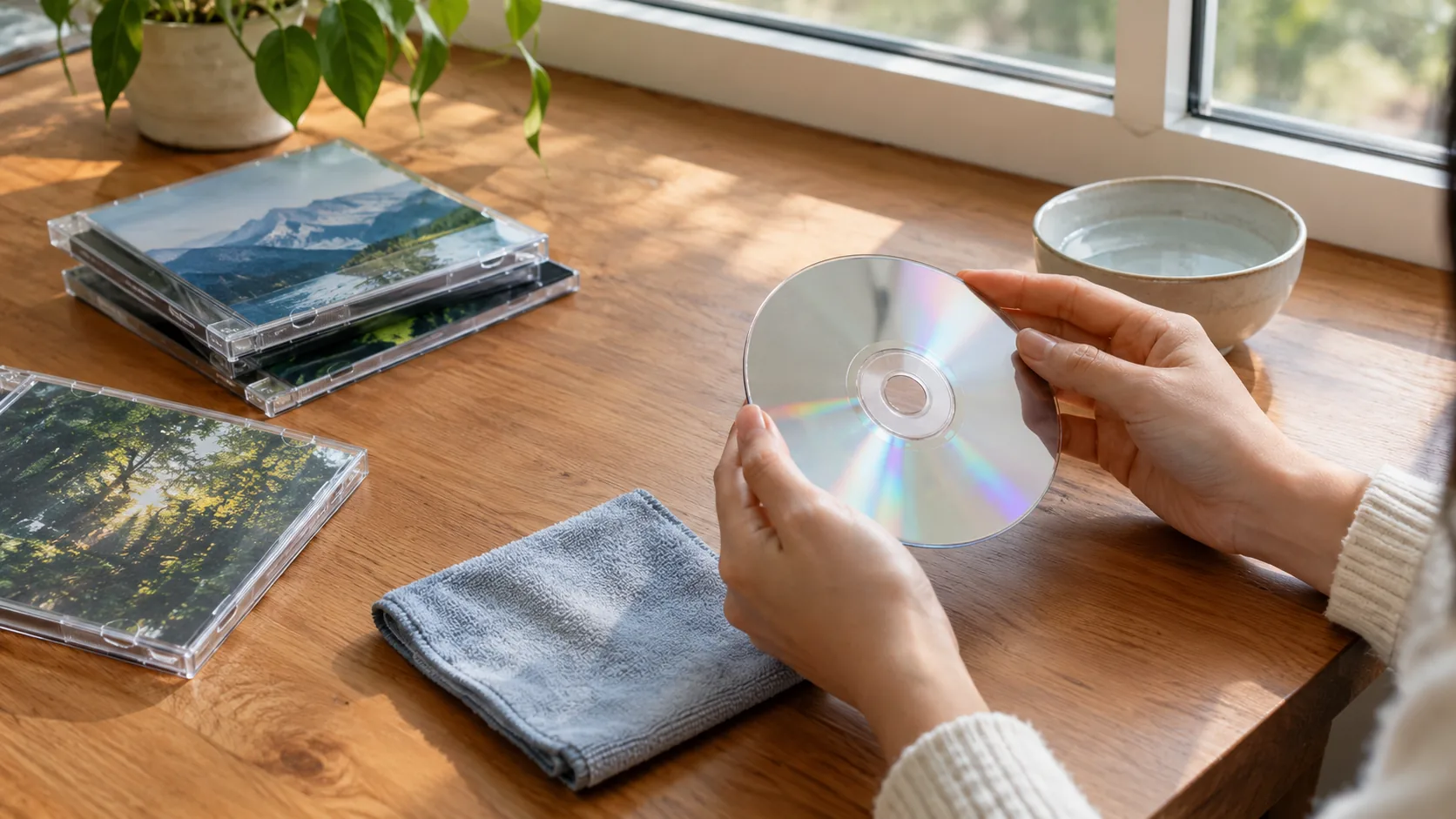
To learn how to clean a CD, hold the disc by its edges and wipe the shiny side with a clean, dry, lint-free cloth. Move in straight lines from the center hole to the outer edge, not in circles. For fingerprints or sticky grime, dampen the cloth with lukewarm water and a drop of mild dish soap, then dry the disc the same way.
The rest of this guide ranks household methods from fine to skip, answers the glass cleaner and toothpaste questions, and gives a routine for a disc that still skips in the player.
Why CDs skip in the first place
A CD player reads the disc with a laser that passes through the clear plastic layer on the shiny side. Dirt, smudges, or scratches on that side can scatter the beam, so the player loses its place and the audio stutters, repeats, or jumps.
The label side matters too. The data layer sits close to the printed top, so a deep gouge there can damage the disc in ways cleaning cannot touch. Handle every disc by the edge and the center hole.
What you need before you start
- A microfiber cloth that is clean and free of grit (a soft cotton cloth also works)
- Lukewarm tap water
- Mild dish soap with no added scrubbing agents
- A second dry cloth for drying
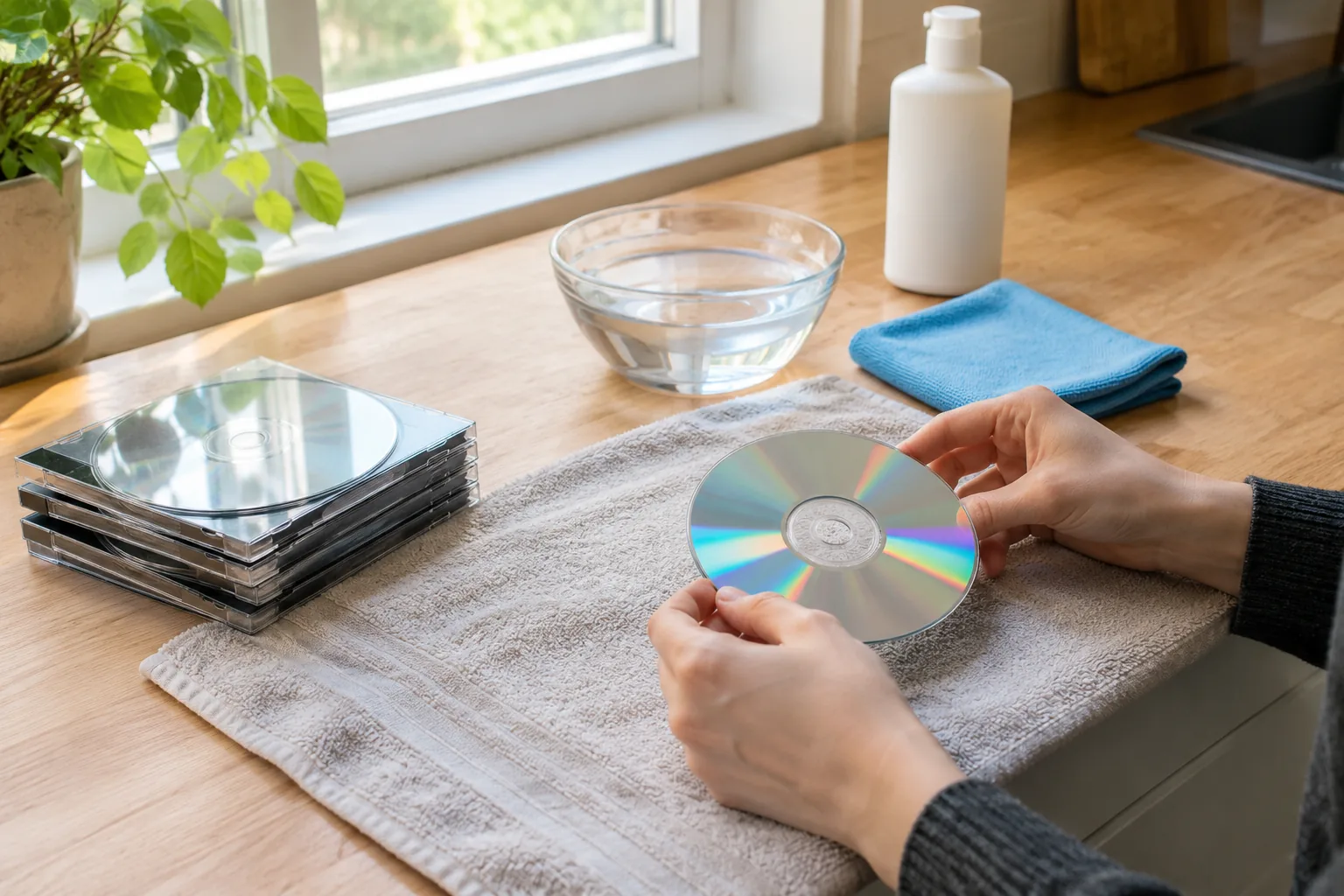
- A clean, flat surface covered with a towel or soft mat
Wash your hands or wipe off lotion first, since oils transfer straight to the disc. Remove rings if you can, and work over the towel so a dropped disc lands on something soft.
How to clean a CD step by step
- Inspect the disc under a lamp. Tilt it to find fingerprints, dust, sticky spots, or scratches on the shiny side.
- Brush off loose dust with a dry microfiber cloth, wiping from the center hole straight out to the edge.
- If marks remain, dampen a cloth with lukewarm water and a drop of mild dish soap. Wring it until it is damp, not dripping.
- Wipe in straight lines from center to edge, using light pressure. Repeat on the same spoke of the disc rather than rubbing around it.
- Rinse the cloth in plain water and wipe off any soap film the same way.
- Dry with the second cloth, again center to edge, then let the disc air dry fully, shiny side up, before loading it.
Why straight lines matter
The data on a CD runs in a tight spiral track. A scratch that follows the track (a circular scratch) can span many consecutive bits and is harder for the player to correct. A scratch across the track (a radial one) hits only a short stretch at a time. Wiping in straight radial lines means any accidental scratch crosses the track instead of following it.
Cleaning methods ranked from fine to skip
Here is how common household options stack up, including the ones you may have seen suggested for how to clean a CD at home.
| Method | Verdict | Notes |
|---|---|---|
| Dry microfiber cloth | Fine to use | First step for dust and light fingerprints |
| Lukewarm water with mild dish soap | Fine to use | Rinse the cloth, then dry the disc completely |
| Plain lukewarm water alone | Fine to use | Works on light smudges; dry right after |
| Isopropyl alcohol on a cloth | Use with caution | Only for sticky residue on the shiny side; keep it off the printed label; follow the label on the bottle and ventilate |
| Store-bought disc cleaning kit | Use with caution | Follow the instructions in the kit |
| Vinegar | Skip | Not needed; soap and water already lifts grime, so skip adding an acid |
| Glass or window cleaner | Skip | Contains solvents and additives not made for disc plastic |
| Toothpaste | Skip | Contains abrasives that leave fine scratches |
| Baking soda paste | Skip | Gritty particles scratch the surface |
| Paper towels, shirt sleeves, tissues | Skip | Fibers can be rough and leave lint |
Glass cleaner, toothpaste, and other fixes to skip
Can you use glass cleaner on a CD? Skip it. The sprays are made for glass, not for the polycarbonate plastic of a disc, and the residue they leave can cloud the surface the laser must read through.
Can you use toothpaste on a CD? Skip that too. Toothpaste works as a mild polish only because it contains abrasive particles, and on a disc those particles add fine scratches across the surface. The same goes for a baking soda paste. Abrasive pastes are sometimes passed around as scratch fixes, but they trade one problem for several smaller ones.
Vinegar is not needed either. Soap and water already lifts the grime you want gone, so there is no reason to bring an acid near the plastic. If soap does not lift a sticky spot, use a cloth lightly dampened with isopropyl alcohol on that residue only, away from the label side, and follow the bottle's directions.
Field note
Do not rub a disc with a circular motion, and do not press hard on a stubborn spot. If a smudge does not lift with light pressure, rewet the cloth and make another straight pass instead of scrubbing.
How to clean CDs that skip
If a disc still skips after cleaning, work through this routine in order. It separates a dirty disc from a damaged disc and a faulty player.
- Clean the disc again with the soap-and-water method above, and let it dry fully.
- Check the shiny side for scratches by tilting it under a lamp. Note whether any run in a circle or cut straight across.
- Play the disc in a second player. If it plays cleanly there, the first player is the issue, not the disc.
- Try a different CD in the original player. If several discs skip, the lens may be dusty or the player may be failing. Follow the player's manual for lens care, do not open the unit yourself, and ask a repair technician if the problem continues.
- Place the player on a flat, stable surface away from bass-heavy speakers and shaking furniture, since vibration can make the laser lose its track.
- If the skip lands on the same spot every time, the damage is on the disc. Consider ripping or replacing it.
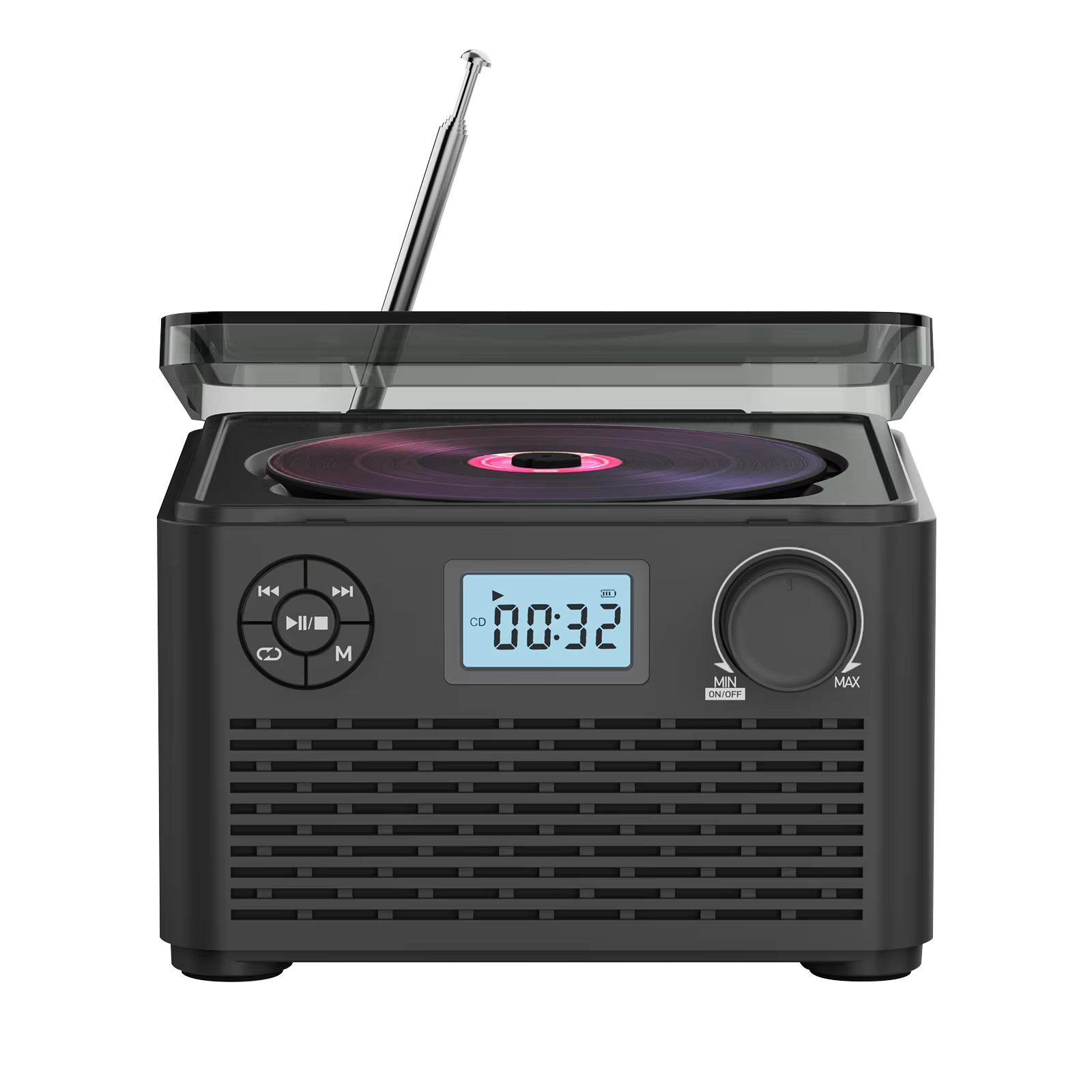
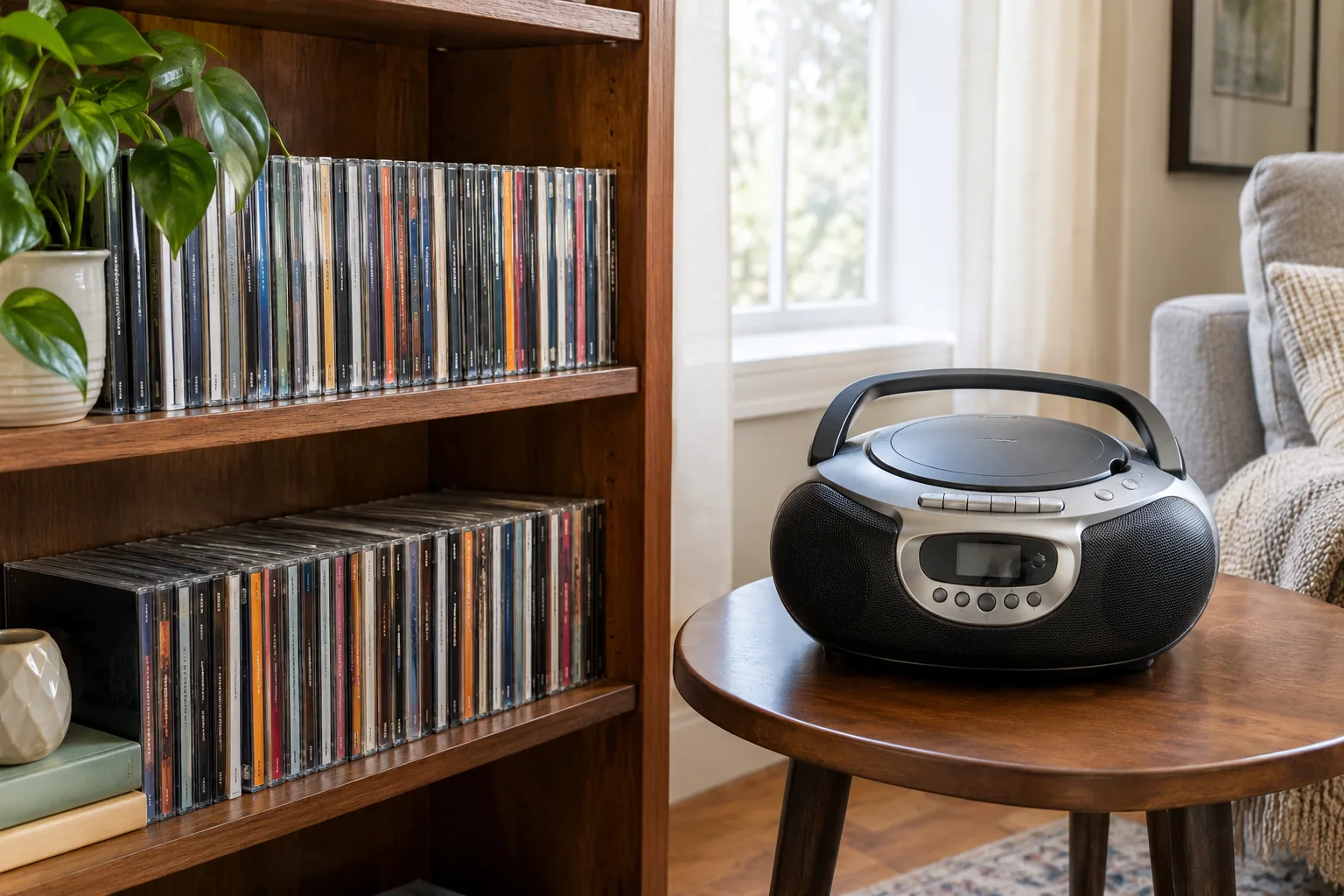
A second player is useful for step 3. The CadenzaSound is a CD player boombox that plays discs, Bluetooth audio, USB or TF card files and FM radio from one unit, so it can serve as a spare to check a doubtful disc. Its rechargeable battery charges through the included USB cable, so you can set it down on a stable table wherever you listen.
 In this guideCadenzaSound$149.99View
Can scratched CDs be saved?
Sometimes. Light surface scuffs and smudges often clear after a careful cleaning, since the player can read past minor marks. Deep scratches, scratches that follow the track, or damage to the label side are different: cleaning cannot fill them in, and abrasive home fixes tend to add damage.
If a disc matters to you, copy it to a computer while it still reads, or look into a disc resurfacing service. Once you have a digital copy, play it from a USB or TF card, which suits a player that accepts those sources.
Do CD disc cleaners really work?
Cleaning kits can lift fingerprints and film from the surface, which is the same job a damp cloth does. They do not repair scratches. If you try one, follow its instructions and check that the pad is clean and free of grit.
Storage and care routine
| When | What to do |
|---|---|
| Every time you use a disc | Hold it by the edges, return it to its case right away |
| Before playing a thrifted or older disc | Inspect and clean with the soap-and-water method |
| When a disc skips | Run the skip routine above |
| Once a season | Dust shelves and wipe cases; check for cracked hubs |
Store discs upright in their cases, away from direct sun, heat, and damp. Cases with a cracked tray hub let the disc rattle, so replace them.
Common mistakes when cleaning CDs
- Wiping in circles instead of center to edge
- Using a shirt, tissue, or paper towel with rough fibers
- Soaking the disc or leaving water to dry on it
- Cleaning the label side with alcohol and smearing the print
- Skipping the drying step and loading a damp disc
- Pressing hard to remove a mark instead of repeating light passes
If you also collect records, our guide to cleaning vinyl records covers dry, wet, and deep-clean methods. If you are building a listening corner, browse the Speakers & Sound Systems collection for more ways to play your music.