High Fidelity Audio Headphones: What to Check Before You Buy
Check the enclosure, impedance and sensitivity, and your source before buying high fidelity audio headphones. This guide gives you a step-by-step checklist.
The Folio & Current Team
November 5, 2026 · 6 min read

High fidelity audio headphones are headphones built to reproduce a recording with little added coloration, and the specs that decide whether they suit you are the enclosure (open-back, semi-open or closed-back), the impedance and sensitivity, and the source that feeds them. Match those three to your room and your gear before you look at price or looks. This guide walks through each spec and ends with a checklist you can work through before you buy.
What makes headphones high fidelity
There is no formal line between ordinary and audiophile headphones. The label usually points to a driver design, build and cable choices meant for critical listening rather than casual background use.
Four things carry most of the weight:
- Driver type: dynamic, planar magnetic or electrostatic.
- Enclosure: open-back, semi-open or closed-back.
- Electrical match: impedance and sensitivity against your source.
- Build: shell material, clamping force, ear pad size, and a detachable cable.
Driver types in plain terms
A dynamic driver moves a diaphragm with a voice coil and magnet, and it is the most widespread design. Planar magnetic drivers use a thin flat diaphragm with a conductor pattern across it. Electrostatic models use a charged diaphragm between plates and typically need a dedicated energizer, so check what the maker lists as required.
Driver size alone does not tell you how a pair sounds. Tuning, shell design and pad shape shape the overall presentation just as much, so treat diameter as one fact among several.
Open-back, semi-open or closed-back
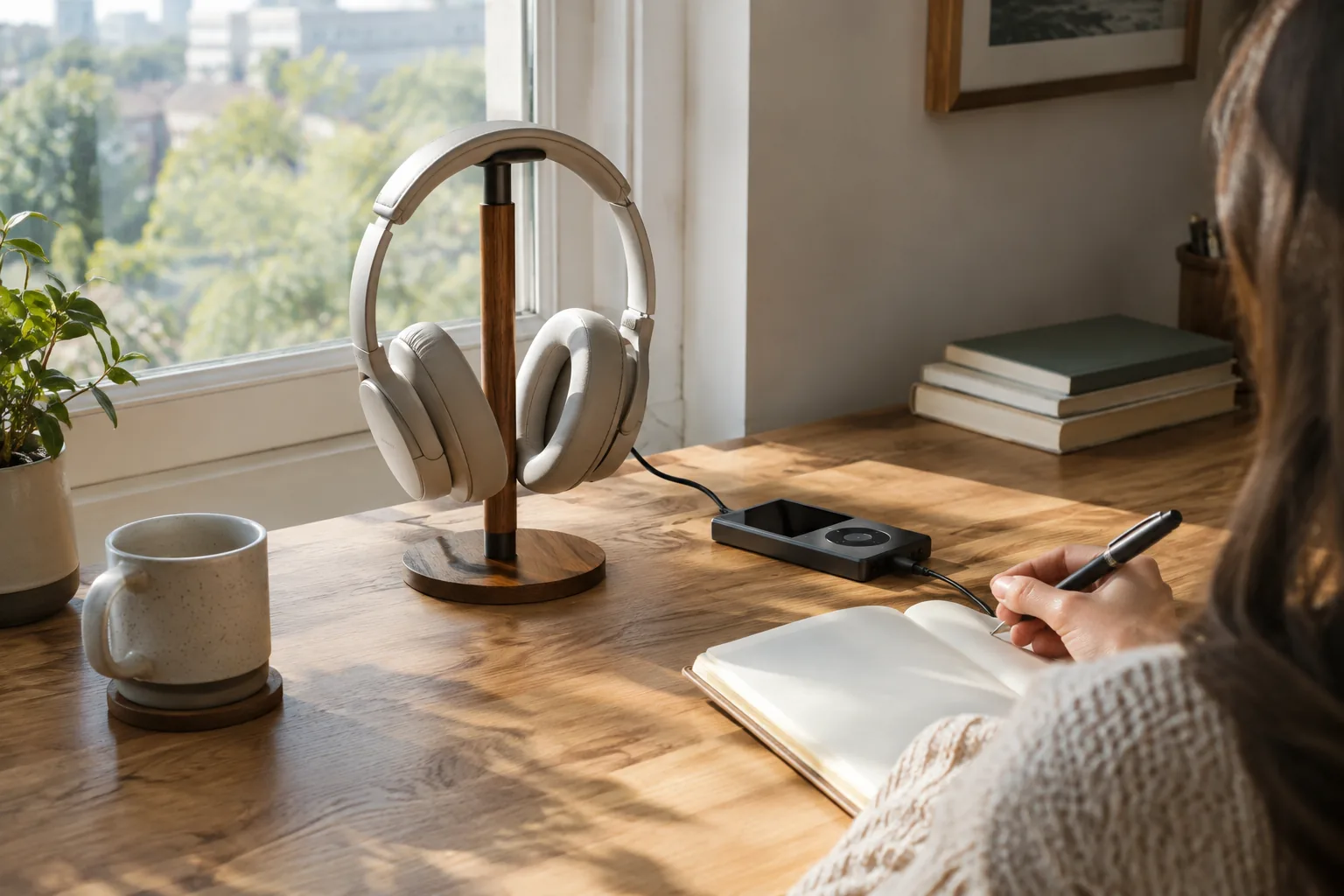
The enclosure changes how the headphones behave in a room more than almost any other choice. Open designs let sound pass through the ear cup, which usually gives a wider, airier stage but also lets others hear what you play and lets you hear the room.
| Type | What it does | Fits |
|---|---|---|
| Open-back | Sound passes through the cup; little isolation | Quiet home listening, critical listening alone |
| Semi-open | Partly vented cup; some leakage in both directions | Home or studio use where a shared room is not a concern |
| Closed-back | Sealed cup; more isolation, less leakage | Shared rooms, noisy spaces, tracking while recording |
If you listen next to a partner, a sleeping child or a loud fan, closed-back is the practical pick. If you listen alone in a quiet room, open or semi-open designs are worth a look.
Impedance, sensitivity and the need for an amp
Impedance is measured in ohms (Ω) and sensitivity in decibels (dB). Together they tell you how a pair will respond to the output of your phone, laptop, DAC or headphone amplifier.
A low-impedance pair is designed to work from portable sources. A high-impedance pair often calls for a dedicated headphone amplifier, and the maker's manual will say what output it expects. Do not guess: compare the headphone figures with the output figures of your source.
| Check | Where to find it | What to do with it |
|---|---|---|
| Impedance (Ω) | Product page or manual | Compare with the source's stated output |
| Sensitivity (dB) | Product page or manual | Higher figures respond to less input signal |
| Connector | Cable end and jack | Confirm 3.5mm, 6.35mm or balanced plugs match |
| Source output | Source manual | Add an amp or DAC if the manual calls for it |
A worked example
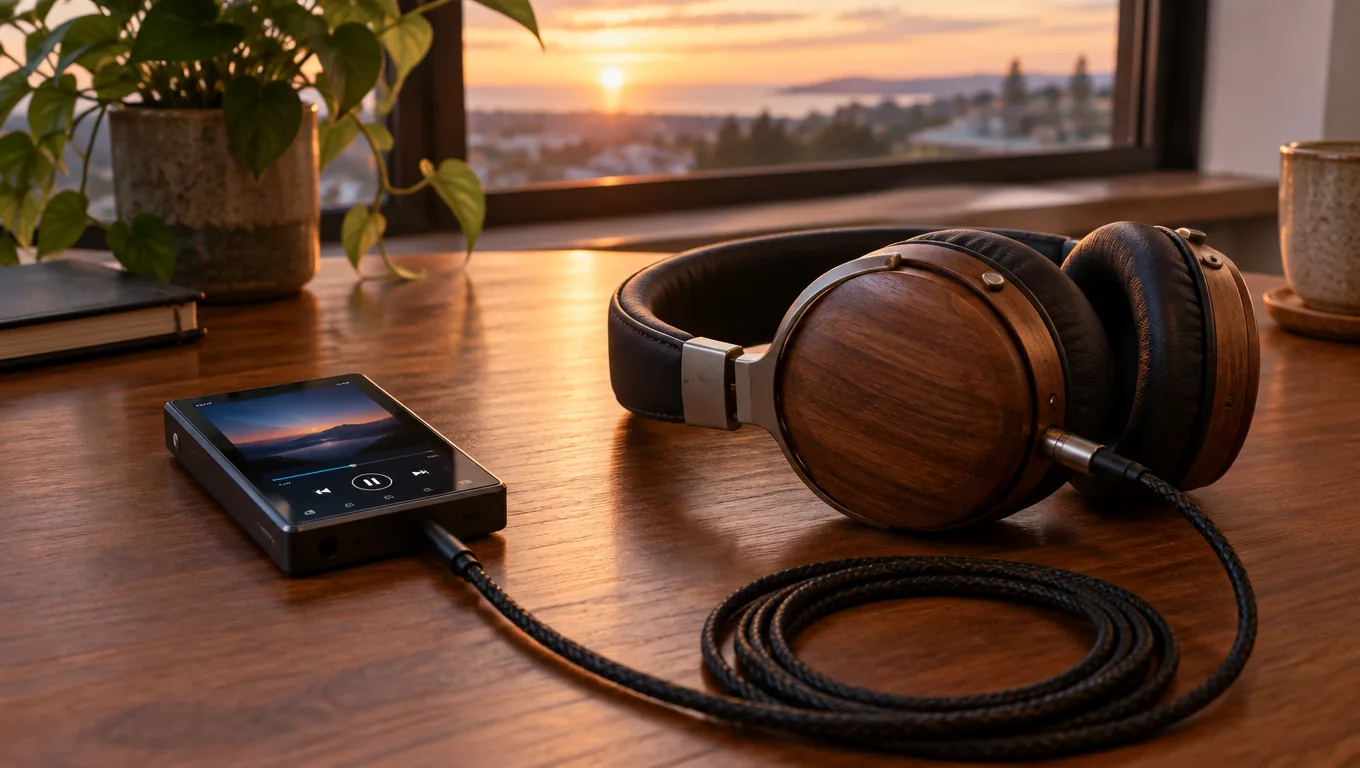
SylvanAudio lists an impedance of 32Ω and a sensitivity of 100dB. Those are the two figures to check against your smartphone, DAC or amplifier. Each ear cup holds a 57mm (about 2.2 in) dynamic driver in a semi-open design, and the shells are handcrafted olive wood, so grain and color differ from pair to pair.
The frame weighs 178g (about 6.3 oz) with a cushioned headband and large ear pads, and the headband can be fitted to your head size. The cable detaches through a dual 3.5mm connection, so you can swap in another compatible cable if you want a different length or plug type.
 In this guideSylvanAudio$198.99View
Field note
Write down your source's output connector and the headphone's impedance and sensitivity before you shop. Two numbers and one plug type answer most compatibility questions.
Wired or wireless
Wired headphones keep the signal path short: source, cable, headphones. A detachable cable lets you replace a worn lead or change plugs without replacing the headphones.
Wireless and Bluetooth models add convenience and usually a built-in amplifier and battery. They also add a codec between your music and your ears, and your phone and headphones must support the same one. If you want to know where file quality starts to matter, read Lossless Audio: What It Is and When You Can Hear the Difference. For pairing steps, see How to Connect Bluetooth Devices.
Some wireless pairs also offer a wired option. If that matters to you, check the product page for a cable input rather than assuming one.
A checklist for choosing high fidelity audio headphones
Work through these steps in order. Each one narrows the field.
- Pick the room: shared or noisy means closed-back; quiet and private allows open or semi-open.
- Pick the connection: wired for a fixed desk setup, wireless for moving around.
- List your sources: phone, laptop, DAC, amplifier or audio interface.
- Read the impedance and sensitivity, then compare them with each source's stated output.
- Check the cable: detachable, which plug at each end, and what length you need.
- Check the fit: weight, headband adjustment, ear pad size and clamping force.
- Check what is in the box: carry case or bag, cable and manual.
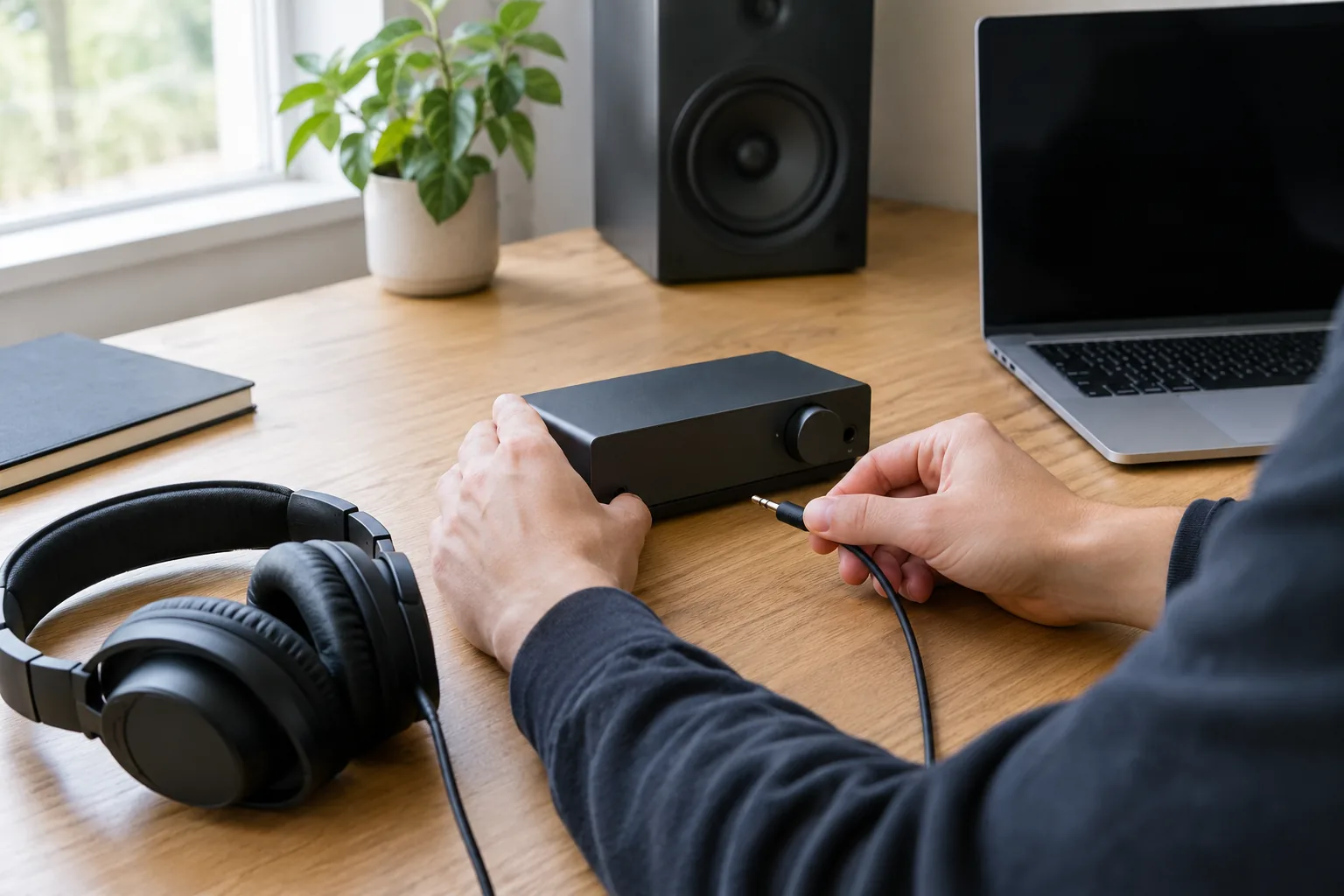
Where an audio interface fits
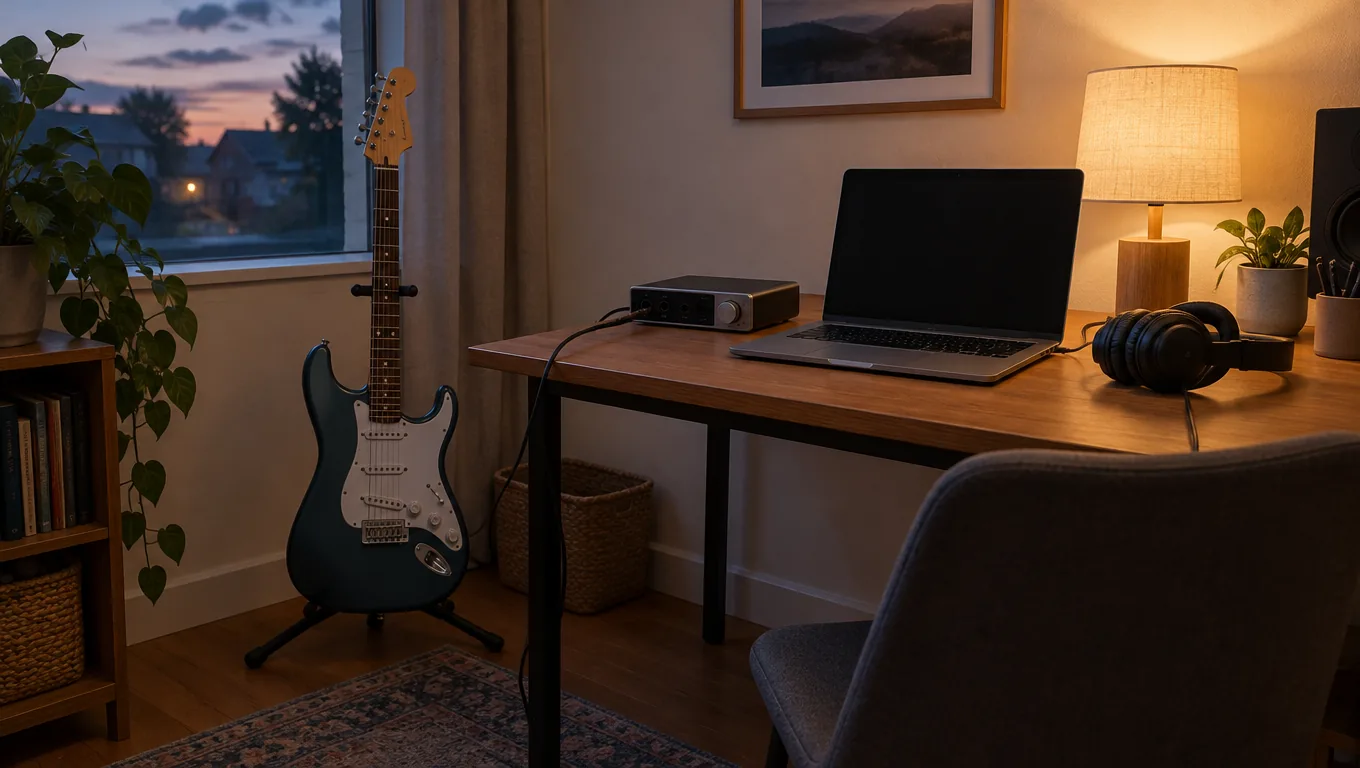
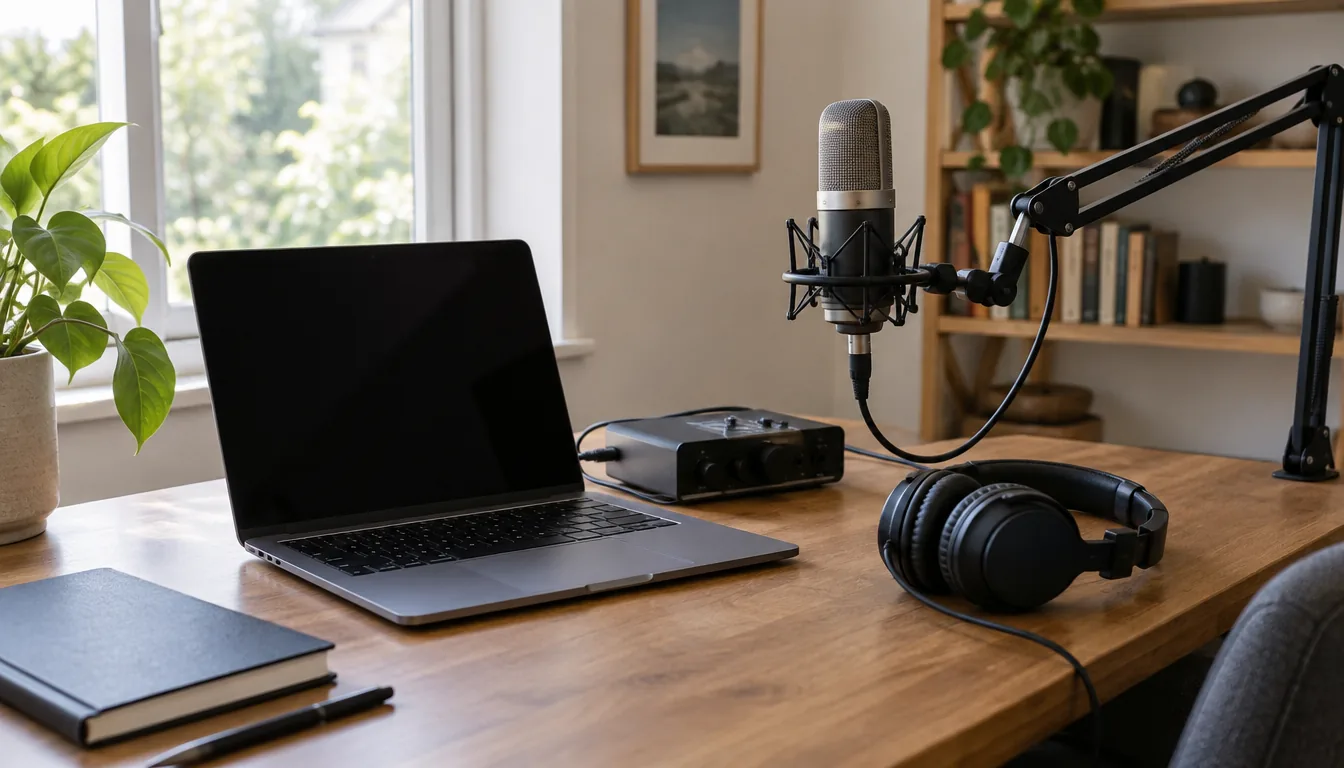
If you also record, the headphone output matters twice: once for playback and once for monitoring. An audio interface connects microphones and instruments to your computer and gives you a headphone jack with direct monitoring, so you hear the input while the software records it.
SonoDeck Pro is a USB audio interface with four input channels for microphones, instruments and other devices. It has built-in microphone preamps with gain control and 48V phantom power for condenser microphones. A direct monitor function sends the input signal to the headphone jack in hardware, without routing it through the computer first.
It uses class-compliant drivers, so a computer recognizes it as a standard USB audio device, and it has a Bluetooth input alongside the wired ones. Check the headphone impedance against the interface manual, as you would with any source. For the full recording workflow, read How to Record Audio From a Computer.
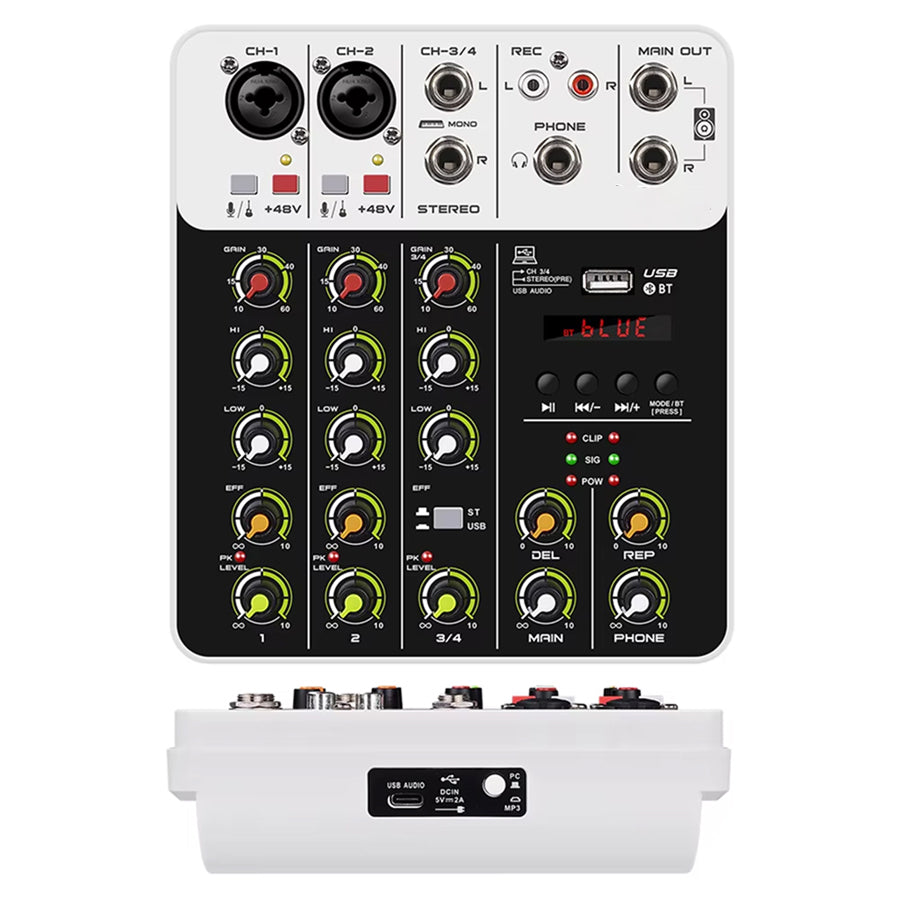 In this guideSonoDeck Pro$139.99View
Common mistakes and care
Mistakes to avoid
- Buying open-back headphones for a shared or noisy room.
- Ignoring impedance and sensitivity, then wondering why the output seems too low or too high.
- Choosing on driver size or shell material alone.
- Skipping the plug check: 3.5mm, 6.35mm and balanced plugs are not interchangeable without the right adapter or cable.
- Judging with a low-quality file. Use a source file you know well.
Simple care routine
Store the headphones in their bag or case when you are not using them. Unplug the cable by the plug, not the wire. Wipe the ear pads with a dry or slightly damp cloth, and follow the manual for any natural-material shells such as wood.
If you want to compare other styles first, browse the Headphones & Earbuds collection. Each product page lists the specs used in this guide.