Men's Laptop Backpack: How to Choose Size, Padding and Fit
Match the sleeve to your laptop's measurements, check torso length, then pick capacity, padding and pockets. This checklist covers each step.
The Folio & Current Team
November 17, 2026 · 8 min read
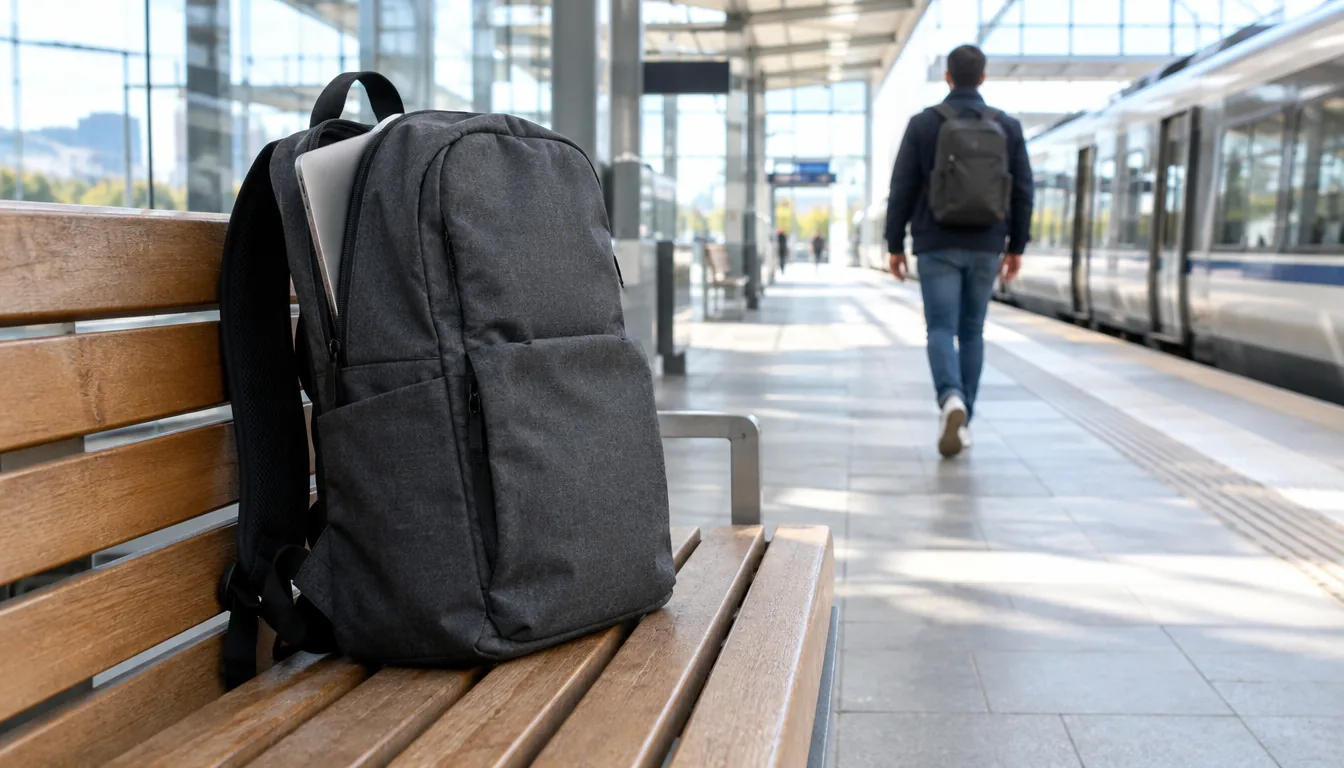
A men's laptop backpack fits when the sleeve matches your laptop's measured width, depth and thickness, the shoulder straps start at the right height for your torso, and the pockets fit your charger and cables. Capacity in liters, padding and fabric come after those three checks.
This guide walks through the fit and sizing steps in order, so you can compare any bag against your own laptop and your own build instead of a brand list. The same checks apply to a women's laptop backpack or a unisex design, because laptop size and torso length decide the fit, not the label.
Men's laptop backpack checklist at a glance
Run through this table before you open a single product page. Each row is explained in the sections below.
| Check | What to measure or look for | Why it matters |
|---|---|---|
| Laptop sleeve | Laptop width, depth and thickness, plus the sleeve's listed inner size | A sleeve that is too large lets the laptop slide, and one that is too small strains the zipper |
| Torso length | Base of the neck to the hip bones | Strap anchor points and back panel length need to match your frame |
| Capacity | Liters for a work day versus a trip | An oversized bag invites overpacking |
| Padding | Laptop slot, back panel and straps | Padding spreads load and cushions bumps |
| Weather resistance | Fabric, coating and zipper details on the product page | Rain reaches the laptop through seams and open zippers |
| Cable pockets | Space for a charger brick, cables and a power bank | Loose cords tangle and press against the laptop |
Step 1: Match the laptop sleeve to your laptop
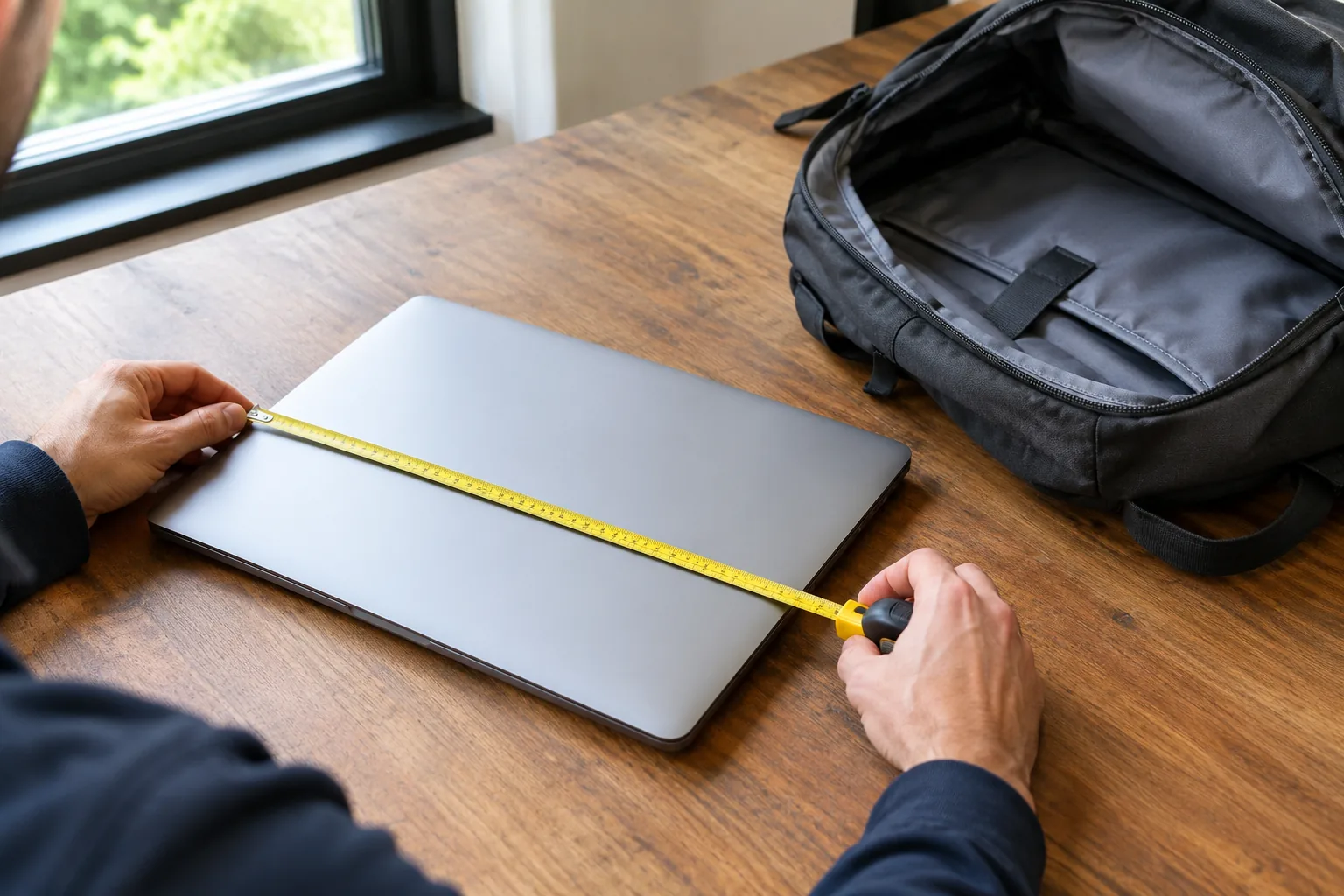
Start with your laptop, not the screen size printed in the bag's title. A 16-inch laptop from one maker can be wider than a 16-inch model from another, and the bezel size changes the footprint. Measure the width, depth and thickness of the closed laptop, then compare them with the inner sleeve dimensions on the product page.
Leave a small margin on each side so the laptop slides in without force. If a listing only gives a diagonal screen size, look for the phrase laptop compartment and any inner dimensions near it. When the dimensions are missing, check the product page or ask before you buy.
What a good laptop sleeve looks like
- A padded sleeve that sits above the bottom of the bag, so a dropped bag does not land on the laptop's edge.
- A separate slot for a tablet, so the two devices do not press against each other.
- A zipper or flap that closes fully with the laptop inside.
- A back-panel position for the laptop, close to your spine, so the heaviest item sits near your body.
Add the weight of the charger and any case you keep on the laptop. A thick hard-shell case changes the thickness measurement, so measure with it on if it stays on.
Step 2: Check torso length and strap fit
Backpacks are sized by volume, but they sit on your torso. To find your torso length, tilt your head forward and find the bony bump at the base of your neck. Have someone measure down your spine to the level of your hip bones. That number is the span the back panel and straps need to cover.
A bag that is too tall for your torso pushes up against the back of your head and rides on the lower back. A bag that is too short hangs from your shoulders alone. Look for adjustable shoulder straps, and a bag whose panel length is listed on the product page.
Strap checks when you try it on
- Load the bag with what you carry on a normal day.
- Loosen the straps, put the bag on, then tighten until the bag sits snug against your back.
- Check that the strap anchors sit near the top of your shoulders, not out on the edges.
- Look for padded shoulder straps wide enough to lie flat instead of curling into a rope.
- If the bag has a sternum strap or waist strap, use it to keep the load from swinging when you walk fast.
Shorter torsos and narrower shoulders are not specific to any one group, so apply these checks to a women's backpack for laptop use the same way. Some people with a short torso find compact bags fit more evenly than tall ones.

Step 3: Choose capacity in liters
Volume is the figure that tells you how much the main compartment holds. Think about what goes in on your heaviest day, not your lightest. A laptop, charger and lunch sit in a different size class from a laptop, a change of clothes and a toiletry pouch.
| Use | What you carry | Capacity to look for |
|---|---|---|
| Office commute | Laptop, charger, notebook, water bottle, lunch | A smaller liter count, with one main compartment and a slim front pocket |
| Work plus gym | The above, plus shoes or a shirt | A mid-size bag with a separate compartment for clothes |
| Overnight or travel | Laptop, tablet, cables, clothes, toiletries | A larger liter count, or an expandable bag |
Expandable designs cover two of these rows with one bag. Pack the bag in its compact mode for daily use, then open the extra space for a trip. Compression straps help hold a half-full bag in shape so the contents do not shift.
Many airlines set their own carry-on size rules, so check the airline's page for the trip you are booking, and compare it with the bag's expanded dimensions.
Step 4: Look at padding, materials and weather resistance
Padding matters in three places: the laptop slot, the back panel and the straps. The laptop slot cushions bumps, the back panel gives the load a flat contact surface, and the straps spread the weight over your shoulders. A bag with a thin laptop pocket and thick straps still leaves the laptop exposed to knocks.
Fabric and leather options
Nylon and polyester are common for commuter bags, and the coating on the fabric is what gives some water resistance. A leather laptop backpack or a vegan leather model looks formal, but it is heavier empty, and it needs the care the maker lists in its manual or product page. If you carry a 17-inch laptop, add the empty weight of the bag to the laptop's weight before deciding.
Weather resistance checklist
- Fabric described as water-resistant or coated, and what the listing says about it.
- Zippers with a cover flap or a tight tooth design, since open zipper lines are where rain gets in.
- A laptop slot raised off the base of the bag, away from puddles on the floor.
- A rain cover or a dry bag, if the listing does not describe the fabric's resistance.
Water-resistant is not the same as sealed. On wet days, slip the laptop in a sleeve inside the bag, and do not leave the bag on a wet floor.
Step 5: Plan pockets for chargers, cables and a power bank
The pocket layout decides whether the bag works at a desk, an airport gate or a café table. Split the contents by how often you reach for them: the laptop, the charger and the phone get quick-access positions, while spare cables and adapters can sit deeper.
Look for these internal organization features:
- A flat pocket for the charger brick, kept apart from the laptop slot so the brick does not press into the screen side.
- Elastic loops or slots for cables.
- A zipped pocket for a power bank, ideally with a cable path to the outside.
- A side pocket for a water bottle, with the laptop slot away from that side.
If you keep your charging gear in a pouch, our Chargers, Docks & Storage collection covers the desk-side gear that goes with it. For a desk setup that sits at the other end of your commute, see our dual monitors with laptop docking station guide, which explains what to connect once you arrive.
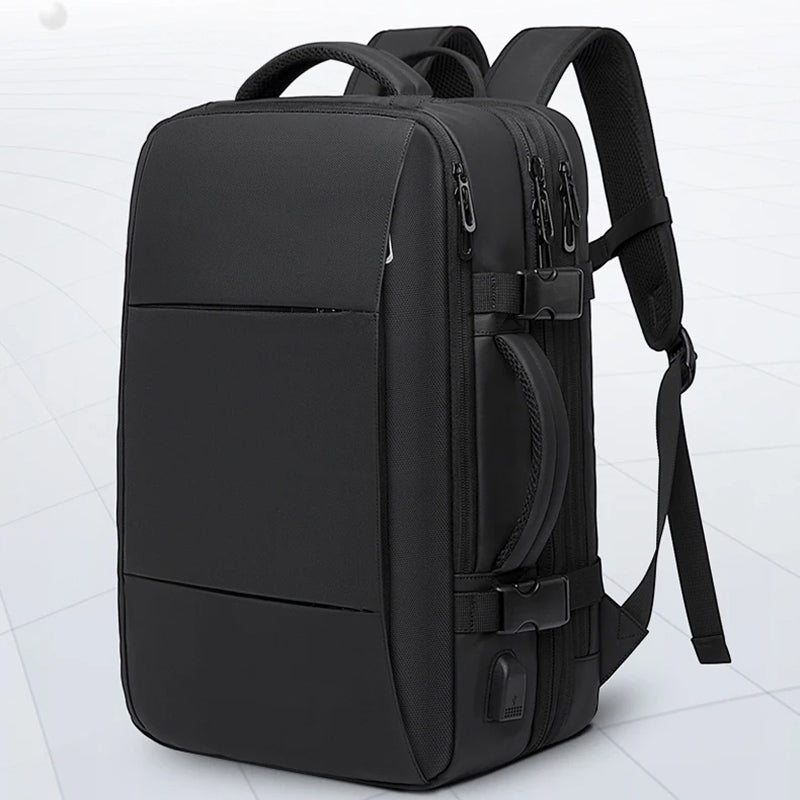
A laptop backpack that covers the checklist: MetroHaul
The MetroHaul is a laptop backpack with padded slots that hold a laptop, tablet and cables in separate spots. A built-in USB port sits alongside a pocket for your own power bank, so you can charge a device from the power bank without opening the bag.
It uses an expansion panel: unzip it and the capacity goes from 22L to 37L on the compact size, or 26L to 45L on the larger size. A 180° suitcase-style flap opens the bag wide so you can see what is inside, and the bag can be carried by its ergonomic backpack straps or by reinforced top handles. Adjustable cushioned straps and a padded back panel complete the carry system. The box includes the bag and a user manual.
Check the product page for the sleeve dimensions against your own laptop measurements from Step 1 before you order.
 In this guideMetroHaul$159.99View
Field note
Pack the bag the way you will carry it, with the laptop, charger and bottle inside, then walk around for a few minutes. If the load swings or the straps slide, adjust the strap length before you decide the bag is the wrong size.
Common mistakes when buying a laptop backpack
- Choosing by screen size alone and skipping the sleeve's inner dimensions.
- Buying a tall bag for a short torso, or the reverse.
- Picking the largest liter count for a daily commute, then filling it.
- Assuming a coated fabric means sealed seams and zippers.
- Storing the charger brick against the laptop slot with no divider.
- Skipping the weight of the empty bag, which matters most for leather and for larger sizes.
Quick purchase checklist
- Measure the laptop, with its case on if it stays on.
- Measure your torso length.
- Pick a capacity range for your heaviest day.
- Confirm padding on the laptop slot, back panel and straps.
- Read the fabric and zipper description for weather resistance.
- Map your charger, cables and power bank to specific pockets.
If you carry external storage drives in the same bag, our guide to backing up external hard drives explains how to keep copies of what you travel with.