
Chargers, Docks & Storage
Laptop docking stations and storage: docks, multiport adapters, external and portable SSDs, magnetic charger stands, and laptop cooling pads.
More in Chargers, Smart Home & Wearables
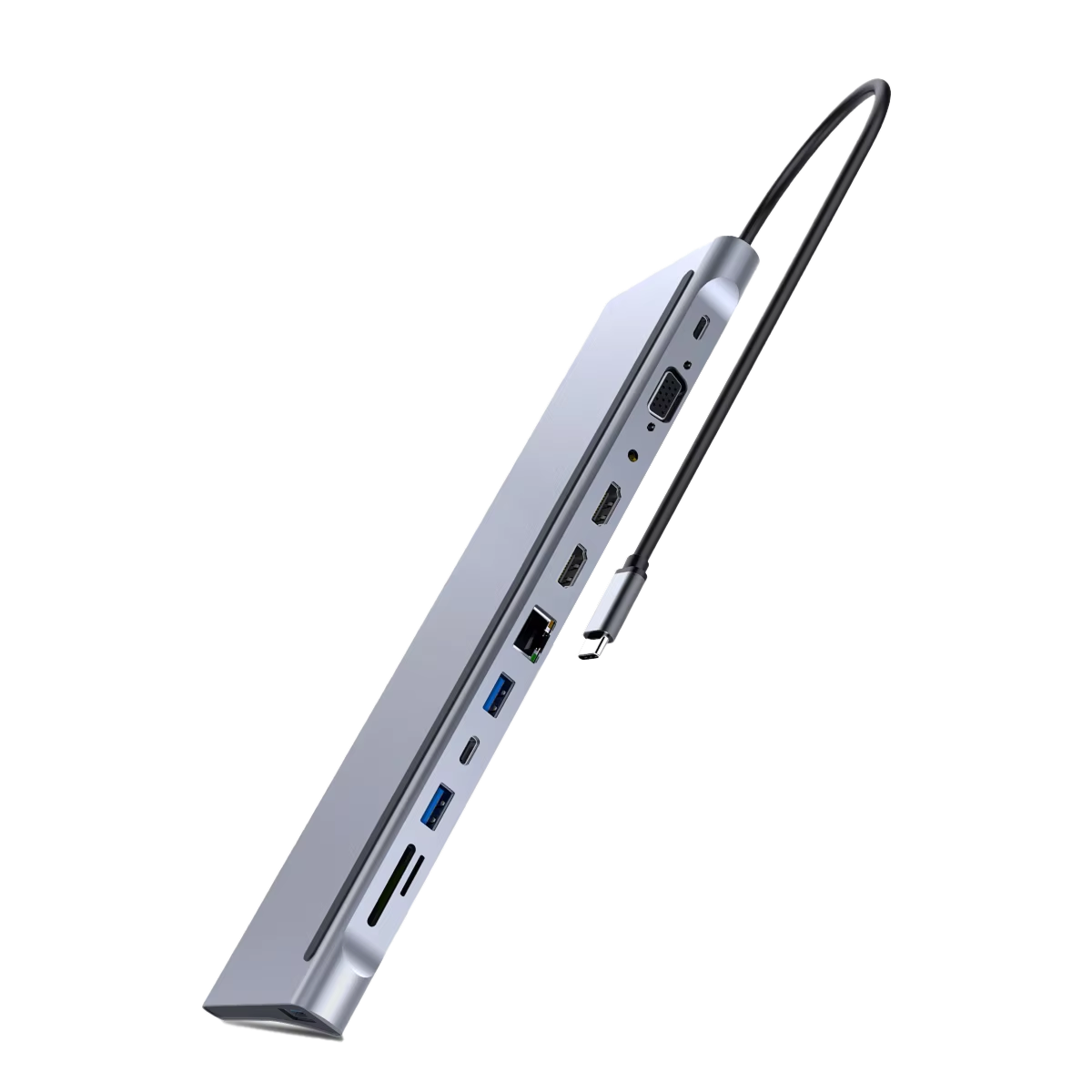

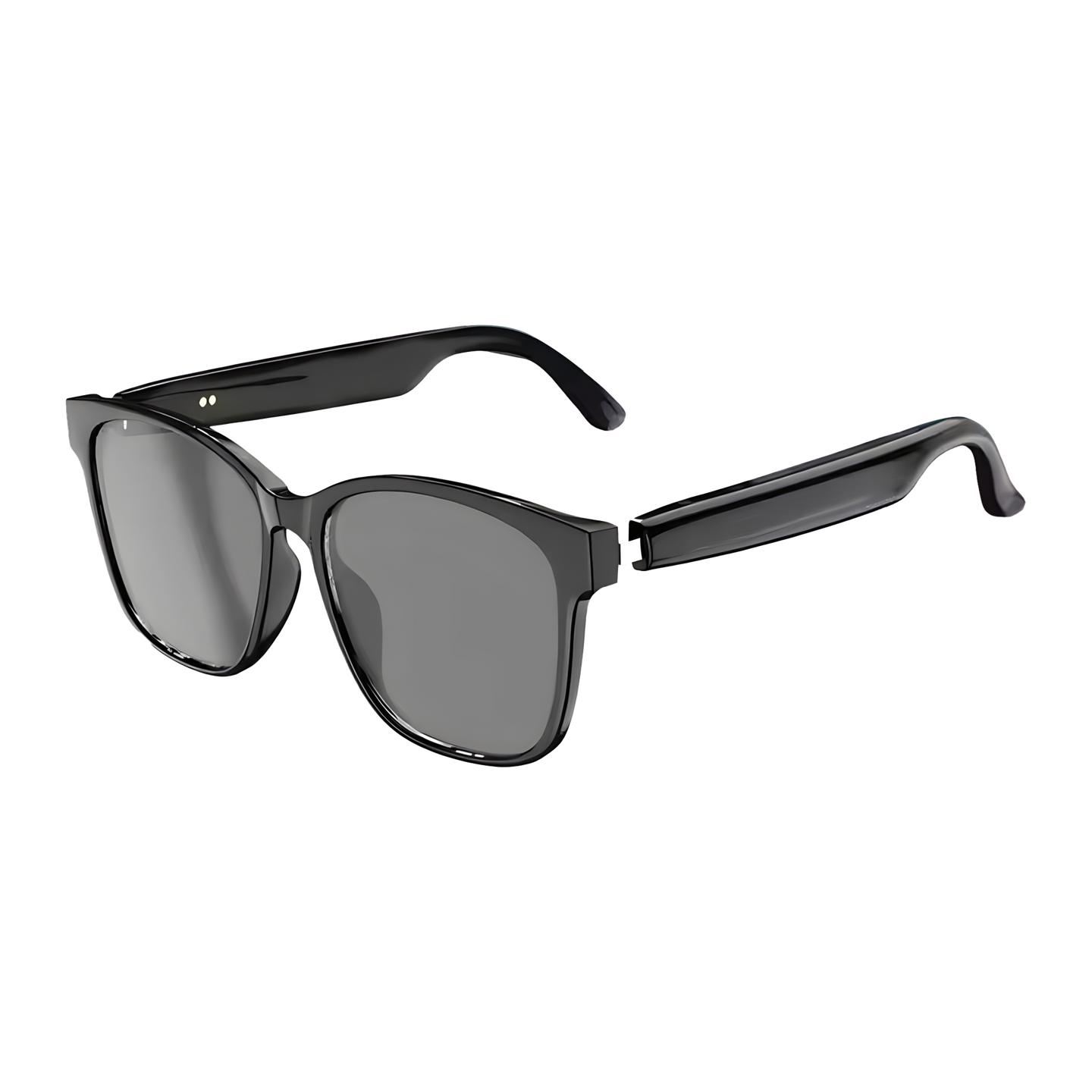
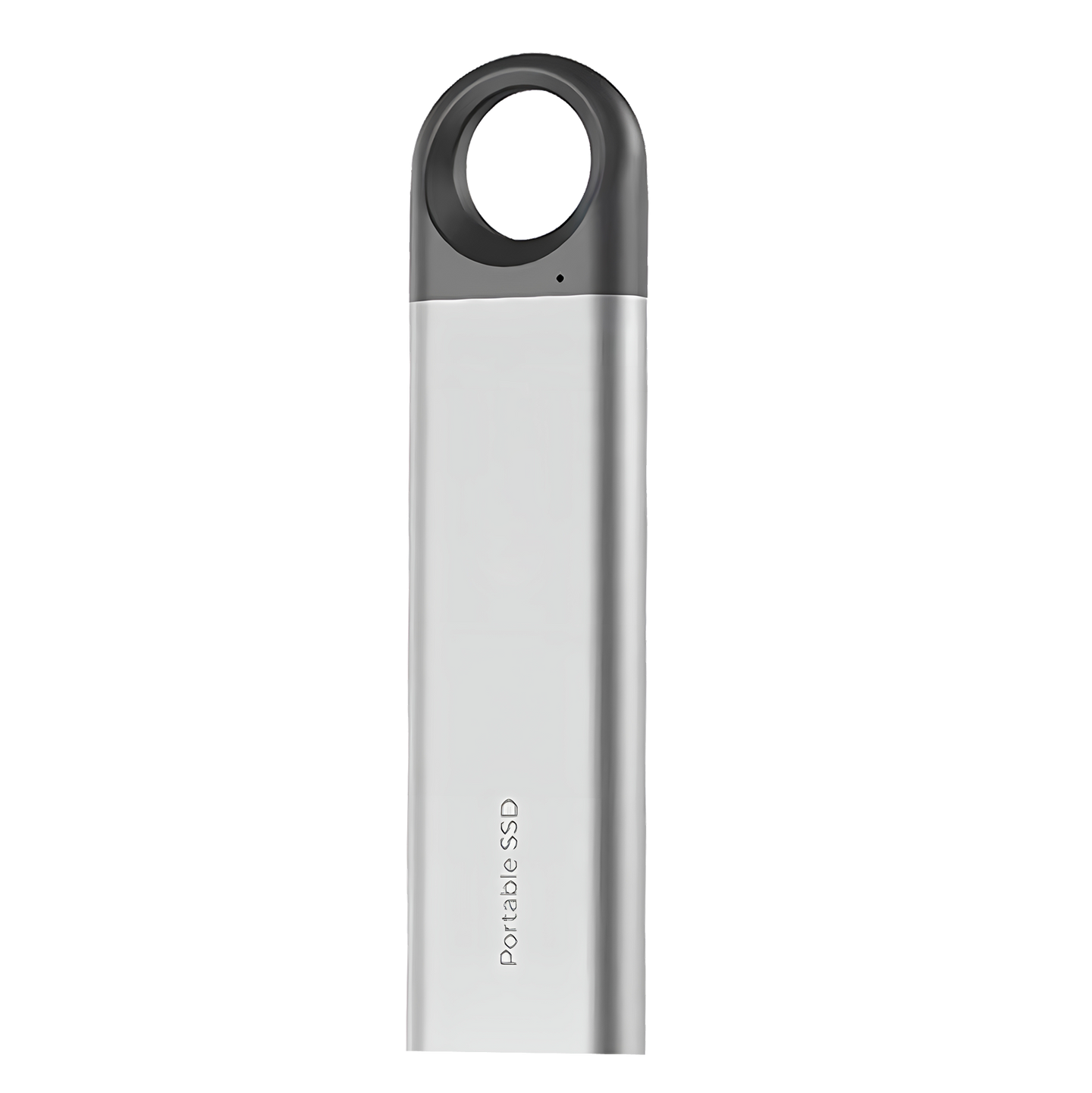
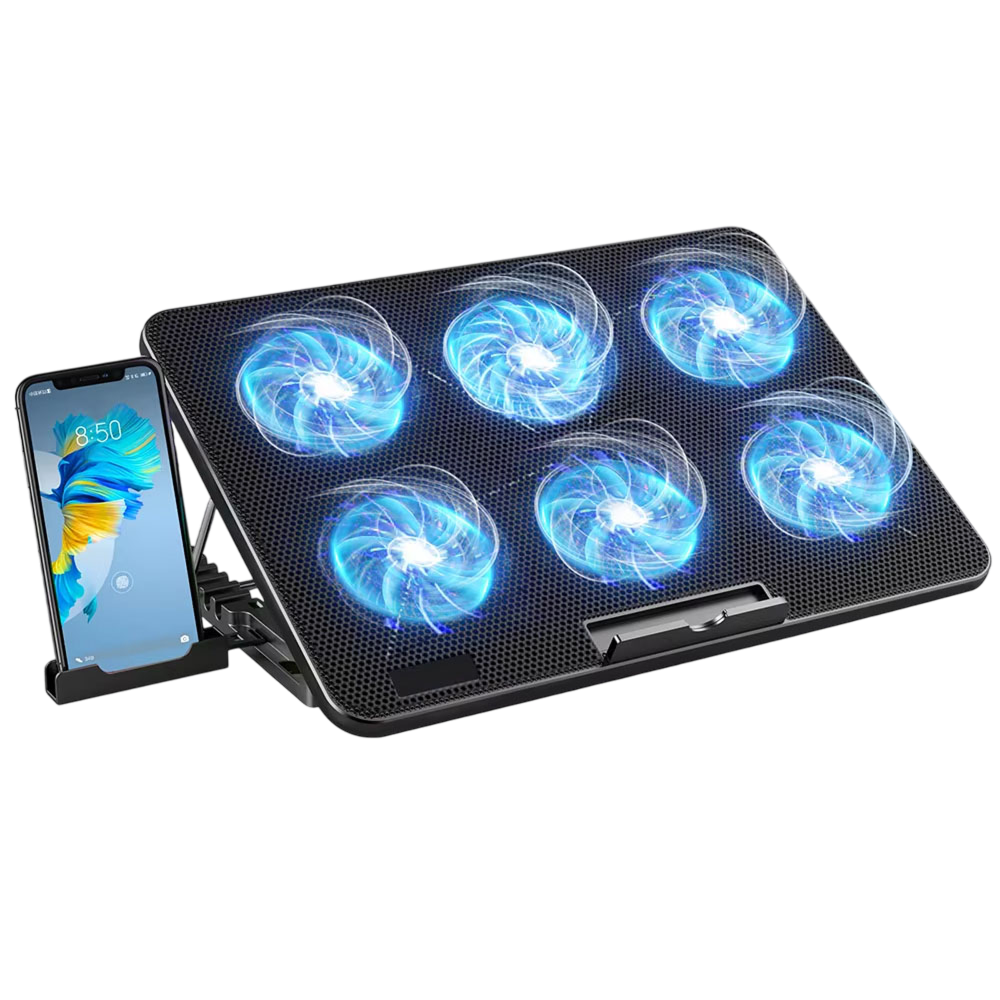


Laptop Docking Stations and Storage
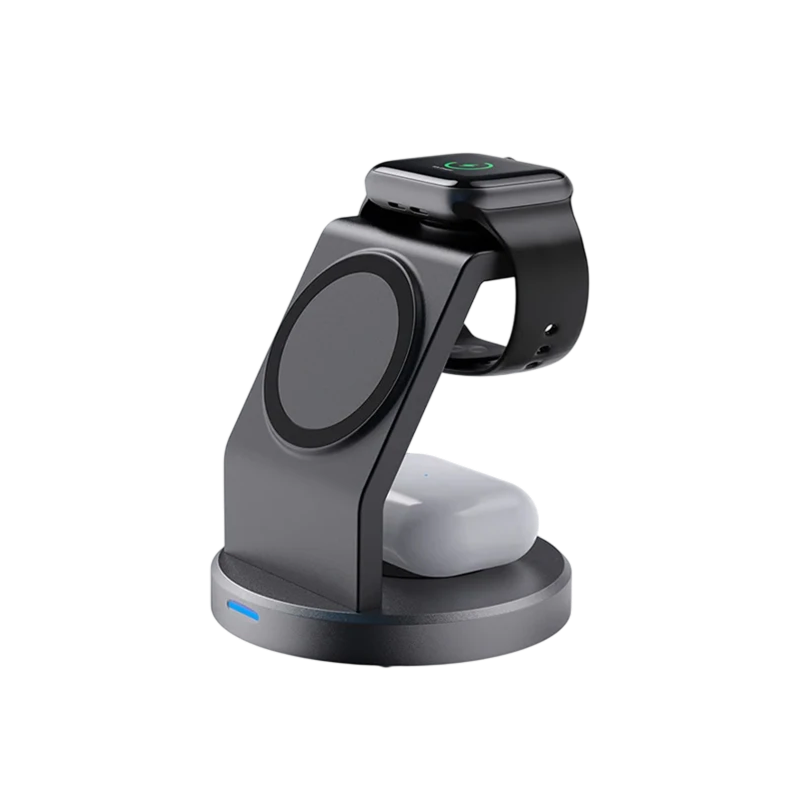
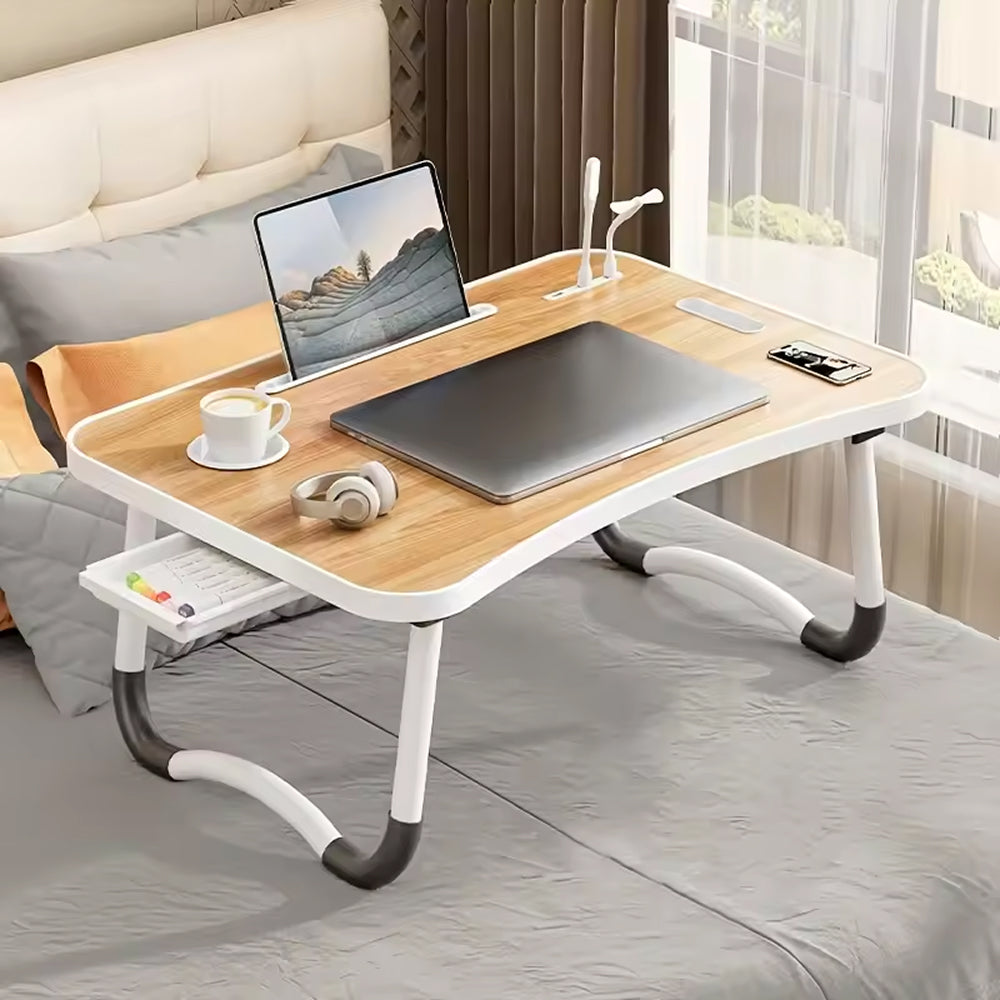
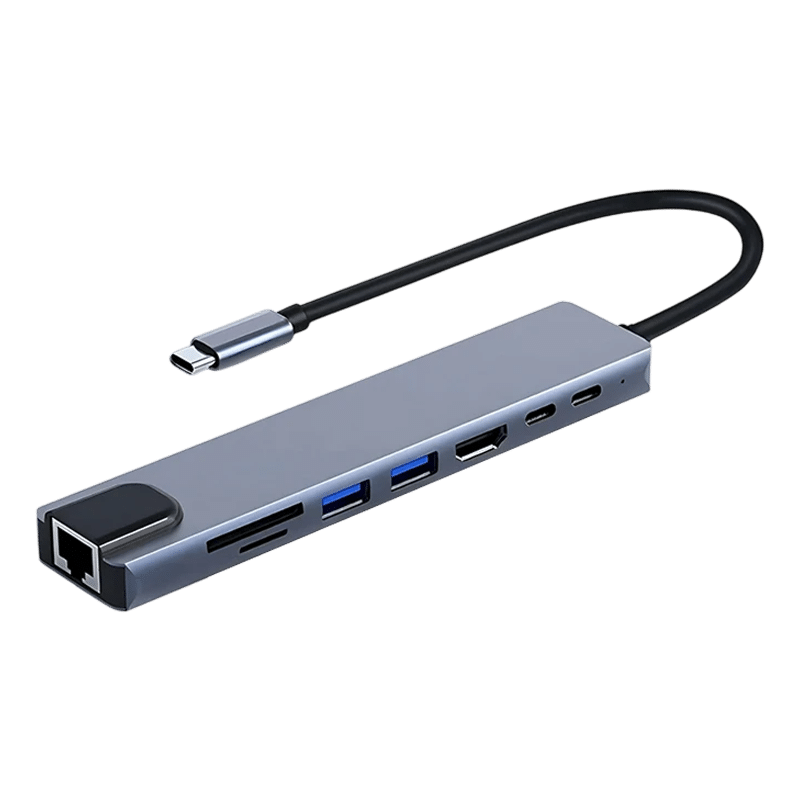
This category groups the accessories that connect, charge, support, and store data for a laptop or phone. It includes the NexaDock laptop docking station, the HubVantage multiport adapter, the TrioSnap magnetic charger stand, the AutoBridge wired to wireless adapter, the ChillMatrix laptop cooling pad, the VelaDesk foldable laptop table for bed, and two drives: the VeloxDrive external SSD and the ZenithDrive portable SSD.
Main product types
- Docking stations and multiport adapters: add extra ports to a laptop so a monitor, keyboard, and other peripherals can connect through one cable or plug.
- Charger stands: hold a phone on a magnetic surface on a desk or nightstand.
- Cooling pads and laptop tables: support a laptop on a desk, a lap, or a bed.
- External and portable SSDs: separate solid state storage for files, backups, and large media projects.
What to compare
Start with the ports a laptop offers and the connector type a dock or adapter uses, then check how many and which kinds of ports are needed. For drives, compare capacity, connection type, and physical size. Cooling pads and laptop tables differ in dimensions and whether they fold, which matters for the laptop screen size and for travel. For charger stands, confirm the phone is compatible with magnetic charging.
Typical use settings
Docks and adapters are common in home offices and shared desks. Portable SSDs and foldable tables suit travel bags and work away from a desk, while charger stands and cooling pads usually stay in place on a workspace.