Folio & Current
HubVantage

HubVantage™usb c multiport adapter

$69.00

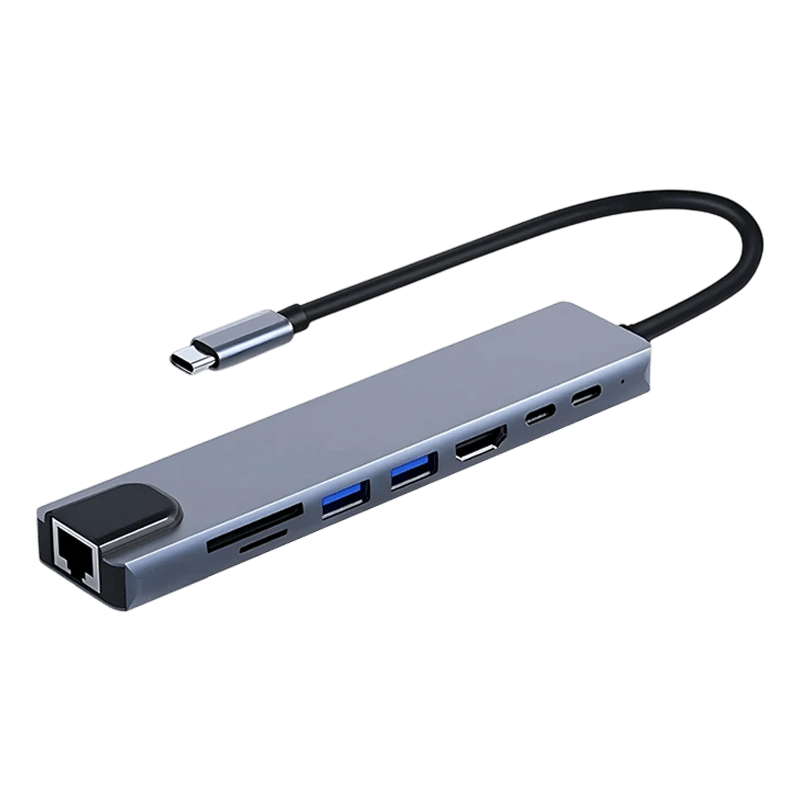
  • 8-in-1 USB-C multiport adapter
  • Aluminum shell with a built-in USB-C connection
  • 87W Power Delivery charging port
  • HDMI output at 4K 30Hz and 100Mbps RJ45 port

FREE GIFT

Free Gift - Braided 4K HDMI Cable

FREE
Tracked Shipping
  • Plug HubVantage into your laptop's USB-C port.
  • Connect your monitor, ethernet cable, drives, and charger to the matching ports.
  • Use the connected devices as you would on any port; no extra software is needed.
  • HubVantage 8-in-1 Multiport Adapter, which plugs in directly with no separate cable
  • Packaging box
  • Quick-start user manual

We offer free shipping on orders over $150. Once your order is dispatched, the estimated delivery time is 5 to 12 business days depending on your location — tracking is emailed as soon as it ships.

Changed your mind? You can return your product within 90 days of delivery for a refund — see our Returns page for the full policy.

Build, Compatibility, and Ports

Aluminum Shell

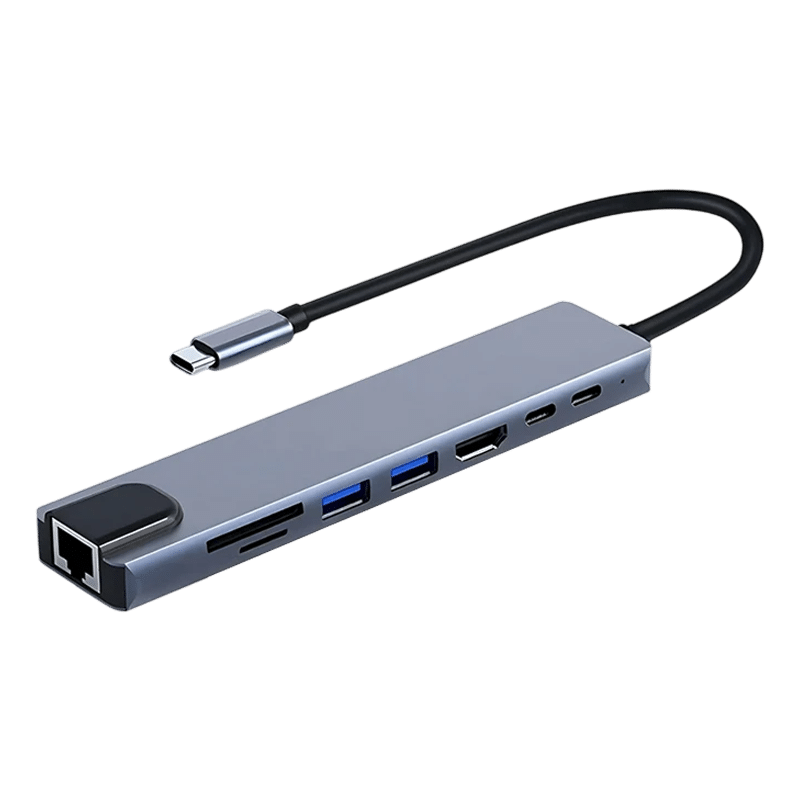
The housing is made of aluminum. The adapter plugs straight into the host device, so it has no separate cable between the hub and the computer.

USB-C Device Compatibility

HubVantage connects through USB-C ports on laptops, tablets, and phones. Check that your device's port supports video output and power delivery if you plan to use those functions.
HubVantage

Plug-and-Play Setup

There is no driver or software download listed for this adapter. You insert it into the USB-C port, then connect your peripherals to its ports.

Power and Display Ports

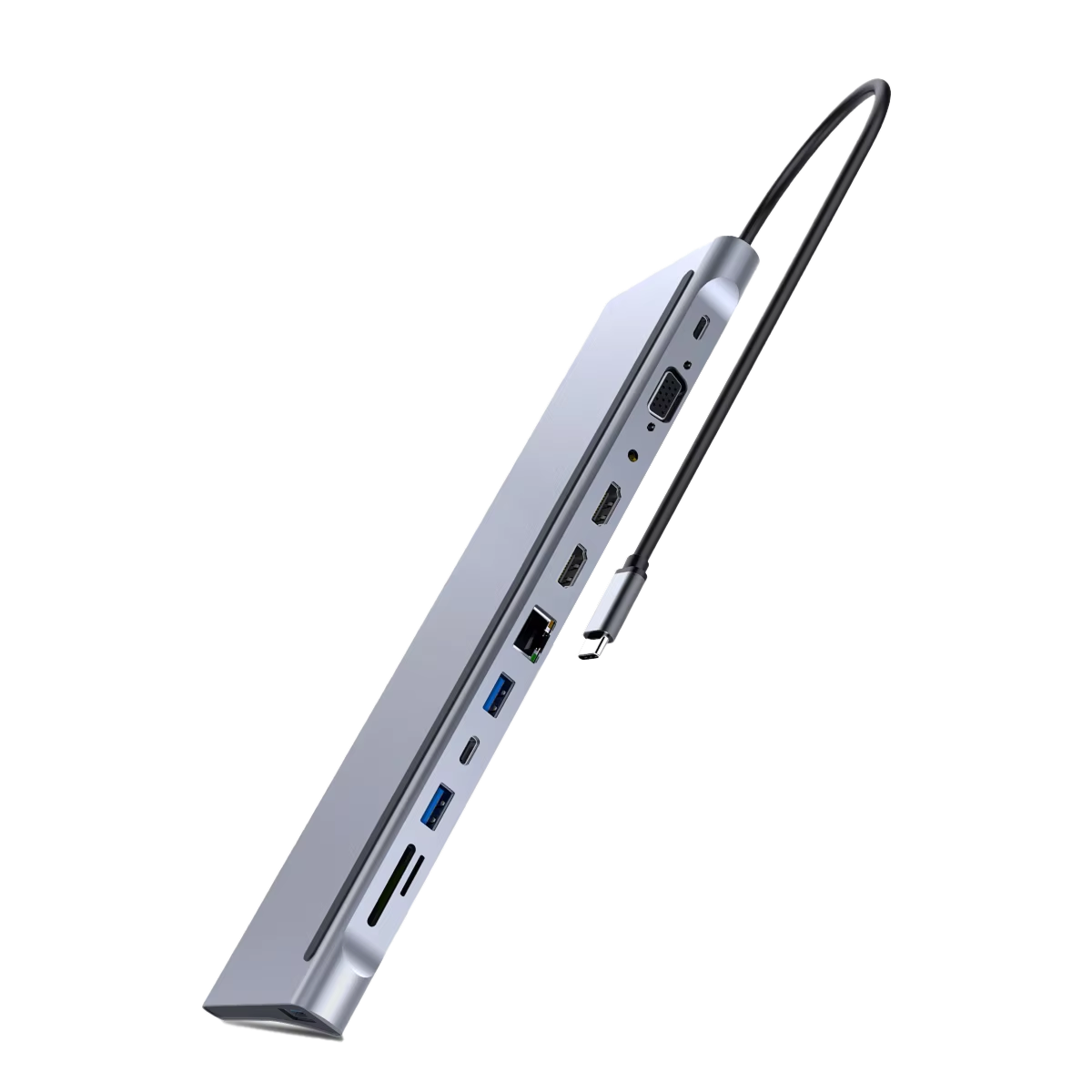
The adapter has an 87W Power Delivery port for a charger, one HDMI port with 4K output at 30Hz, and a 100Mbps RJ45 ethernet port for a wired network connection.

Frequently Asked Questions

The HDMI port outputs 4K video at 30Hz. The result also depends on your device's own graphics output and display, so check the video specifications of your laptop or tablet and your monitor.

The 87W Power Delivery port takes a charger so your laptop can be powered while other peripherals are attached. Make sure your charger and your laptop both support USB-C power delivery.

HubVantage has one HDMI port, so it supports one connected display through that output. If you need more than one monitor, check what additional outputs your computer provides.

It connects to a USB-C port. That includes many laptops, tablets, and phones with USB-C. Look up whether your device's port supports video output and power delivery before connecting a display or charger.

The RJ45 port is a 100Mbps wired network port. Connect a standard ethernet cable from it to your router or wall jack, then use the wired connection in your network settings.

The product information lists no software to install. Plug the adapter into your USB-C port, then connect your monitor, ethernet cable, drives, and charger to it.

The shell is aluminum. The adapter plugs in directly through its built-in USB-C connection, so you do not need a separate cable between it and your computer.

The box contains one HubVantage 8-in-1 Multiport Adapter, which plugs in directly without a separate cable, along with a quick-start user manual. It ships in a packaging box.

A USB C multiport adapter turns one laptop port into several. HubVantage adds eight ports, including HDMI, RJ45 ethernet, and an 87W Power Delivery port, for monitors, wired networks, drives, and charging.

Plug the HubVantage USB C multiport adapter into the laptop's USB-C port, then connect the monitor, ethernet cable, drives, and charger. It is plug-and-play, with no drivers or downloads to install.
HubVantage

Ready to make it yours?

Get HubVantage at today's price with your free gift included — and a full 90 days to enjoy it.
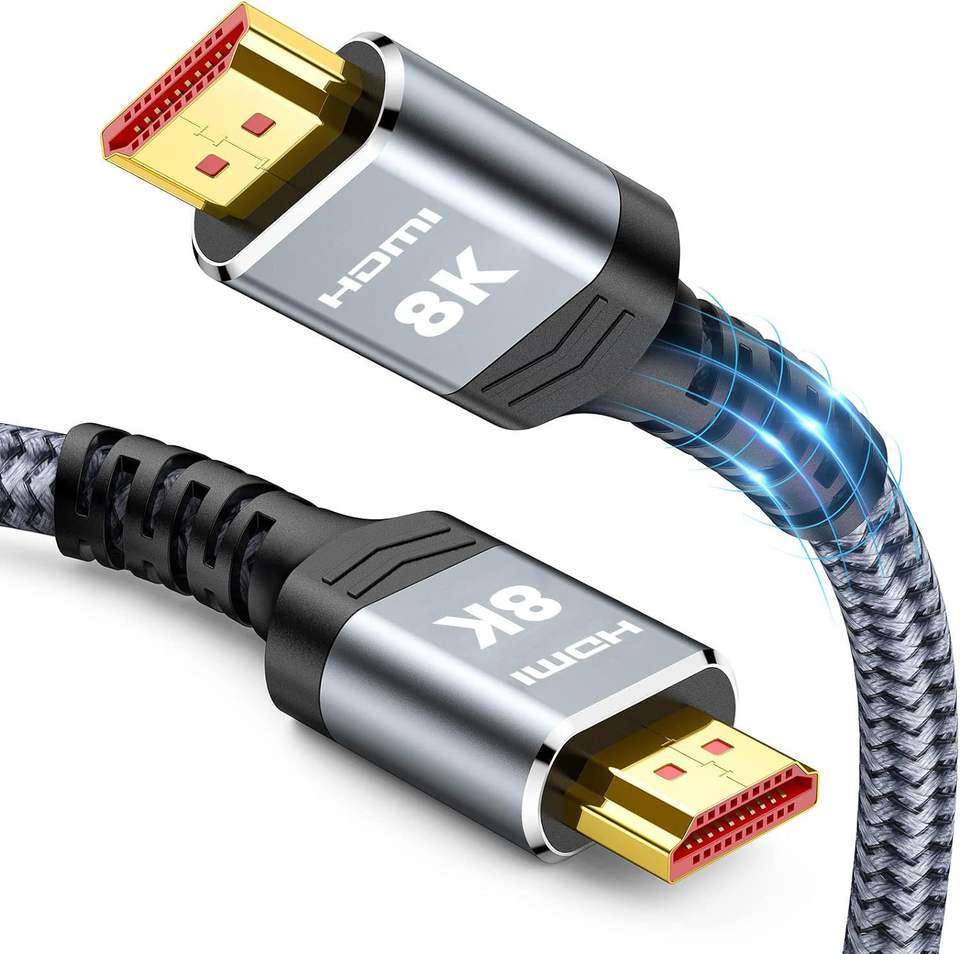
Your free gift: Free Gift - Braided 4K HDMI CableFREE
90-Day Money-BackTracked Shipping
Secure Checkout
Tracked Shipping
Customer Support
Loved by our customers

HubVantage: An 8-in-1 USB C Multiport Adapter in Aluminum

HubVantage is a USB C multiport adapter that adds eight ports to a laptop through a single connector, with no separate cable. Its aluminum shell houses an HDMI port, an RJ45 ethernet port, and an 87W Power Delivery port.

Used as a USB C HDMI USB hub, it connects a monitor, a wired network, external drives, and a charger at the same time. The HDMI port outputs 4K at 30Hz to a single display, and the 100Mbps ethernet port handles wired connections. The adapter is plug-and-play, so no drivers or extra software are needed.

It suits desks, home offices, docking setups, and travel bags, and it works with USB-C laptops, tablets, and phones. The package includes the adapter, a packaging box, and a quick-start manual.
HubVantage – USB C Multiport Adapter, 8-in-1 Aluminum