Wireless Lapel Microphone Systems: How to Choose and Set One Up
Match the receiver to your recording device, check range and battery, then clip the mic about a hand-width below your chin and set the level with a spoken sample.
Ryan Kessler
October 20, 2026 · 7 min read
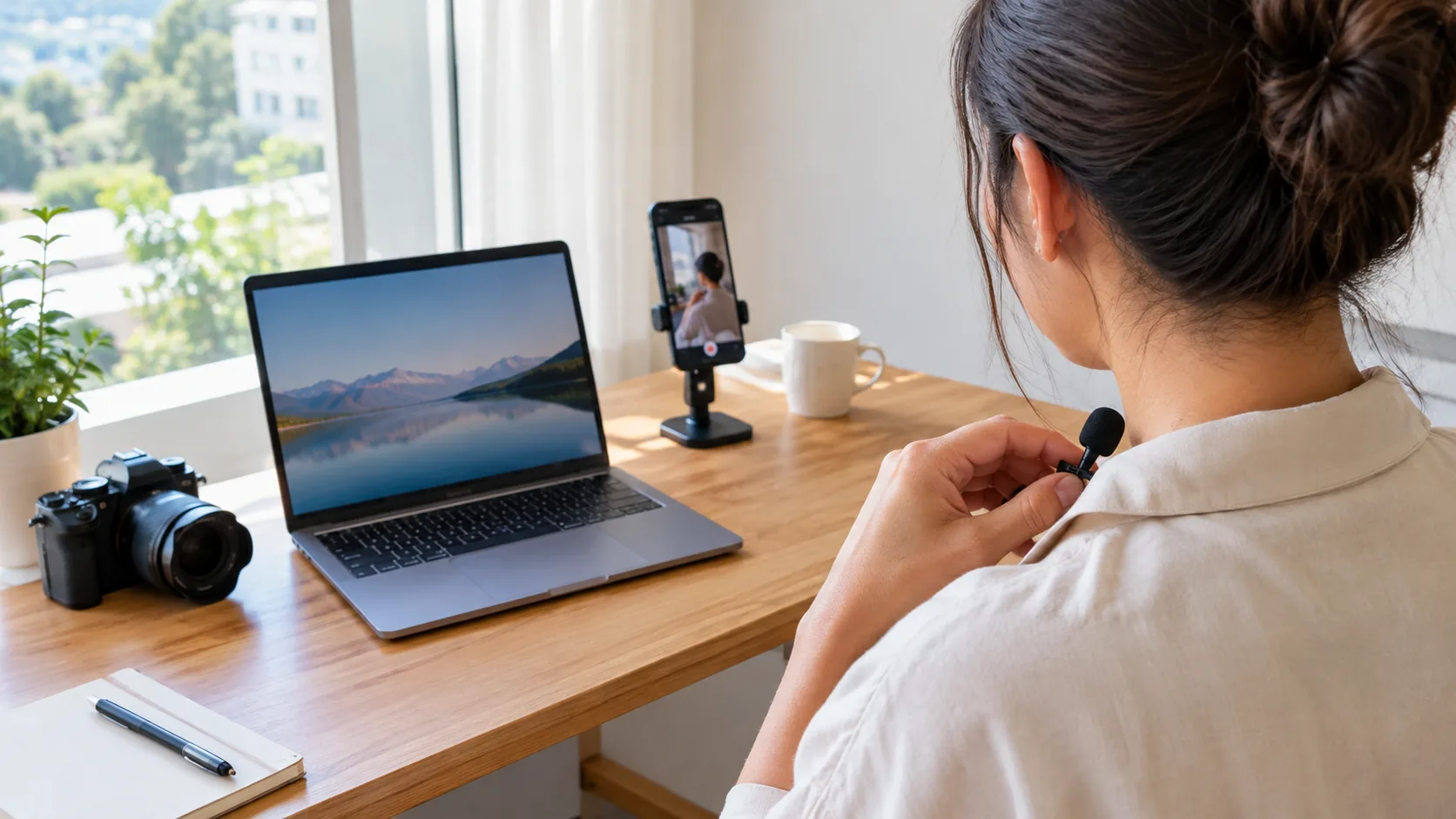
Wireless lapel microphone systems pair a small clip-on transmitter with a receiver that plugs into your phone, camera or computer. Choose by the receiver type that matches your recording device, then check range, battery and how you will wear the mic. Clip it about a hand-width below your chin, set the level on a spoken sample, and you are ready to record.
This guide walks through those decisions in order, then covers clip placement and a level check you can repeat before every session.
What a wireless lapel mic system includes
Every system has the same three parts: a clip-on transmitter, a receiver, and a way to power both. The transmitter holds or connects to a small capsule that picks up your voice. It sends the audio over a radio link to the receiver, which hands it to the device that records.
The radio link is the first thing to read on a spec sheet. Some systems use Bluetooth and pair through a device menu. Others use a dedicated 2.4GHz channel, where the transmitter and receiver are matched as a set and no pairing menu is involved.
Lapel vs lavalier: is there a difference?
In everyday use, the two words describe the same thing: a small microphone worn on clothing. "Lapel" names where it clips, and "lavalier" is the older audio term for the same style of mic. A wireless lavalier lapel microphone system is simply one where the cable to the recorder is replaced by a radio link.
The real differences are in the details: the capsule's pickup pattern, whether the mic is built into the transmitter or sits on a thin cable, and how the clip attaches. Those matter more than which word is on the box.
How to choose wireless lapel microphone systems by receiver type
The receiver decides where the system works. Start with the device you record on, then match the receiver to its input. Check the connector in your device's manual before you buy, because phones, cameras and laptops do not share one input.
| Recording device | Receiver type to look for | What to check |
|---|---|---|
| Smartphone | Plug-in receiver for the phone's port | Connector shape, and whether a phone case blocks it |
| Camera with a mic input | Receiver that connects to the external mic input | Input type listed in the camera manual, and the input level setting |
| Camera without a mic input | Receiver that plugs into a port the camera accepts for audio | Whether the camera takes outside audio at all |
| Laptop or desktop | USB-style or plug-in receiver | Which input your recording software has selected |
A plug-in receiver sits on the device and needs no separate cable run. A receiver with a cable and mount suits a camera rig where you want the receiver off the body of the camera.
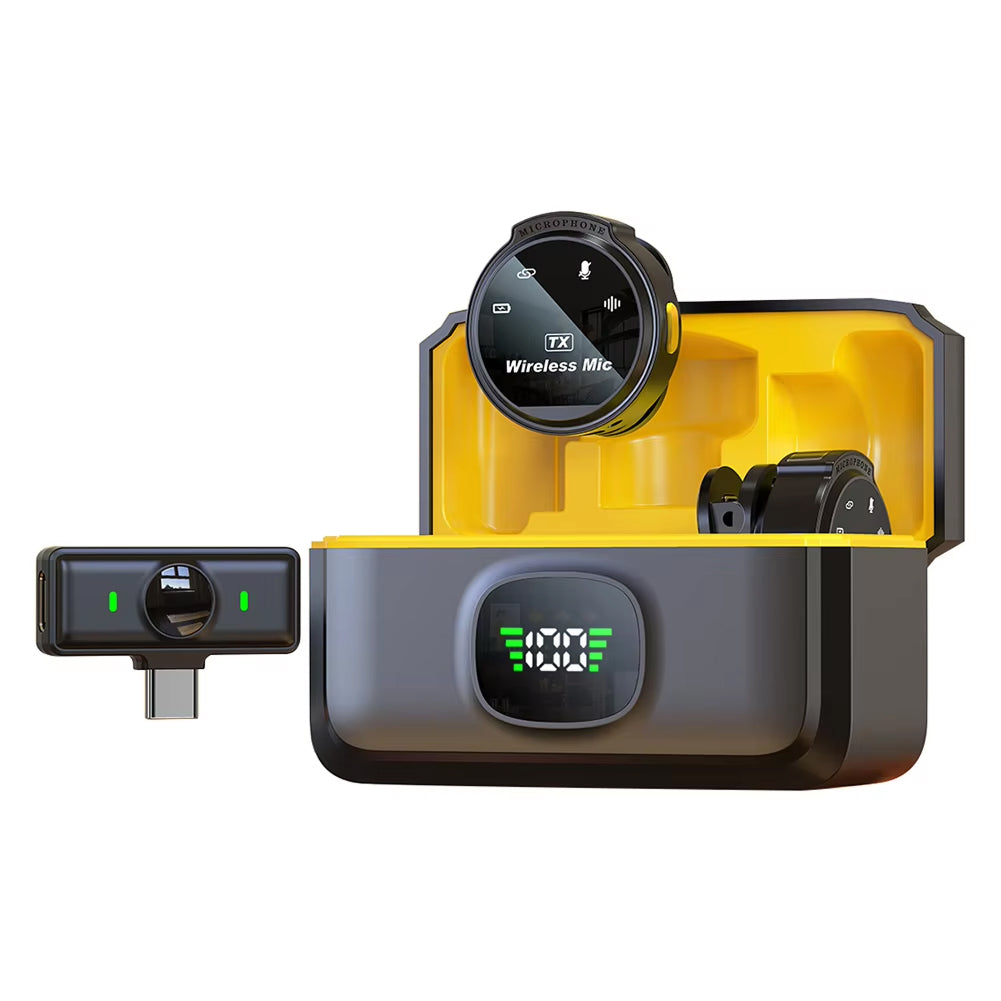 In this guideBeamora Mic$79.99View
The Beamora Mic is built around this format. It includes a clip-on transmitter, a plug-in receiver, a compact charging case and a USB-C charging cable. The receiver plugs into the smartphone, camera or laptop you record on, and there is no app to download. Its omnidirectional capsule picks up your voice from the clip position, and a built-in chip filters steady background sounds such as fans and traffic.
Range, battery and the radio link
Range figures on wireless lapel microphone systems describe open space with a clear line between transmitter and receiver. Your real working range shrinks with walls, crowds and your own body. Wear the transmitter on the same side as the receiver when you can, and keep the receiver in view.
For battery, look at three things:
- Whether the transmitter and receiver charge from the same case or cable.
- Whether the charging case can recharge the mic away from an outlet.
- Whether you can charge during a break without ending the session.
The Beamora Mic's charging case works as a mini power bank, and the case itself charges through the included USB-C cable. Start any long session with every part charged, and keep the cable in your bag.
A dedicated 2.4GHz link, like the one the Beamora Mic uses, keeps setup to plugging in the receiver. A Bluetooth-based mic needs a pairing step on each device, so allow time for it before you go live.
Where to clip the mic
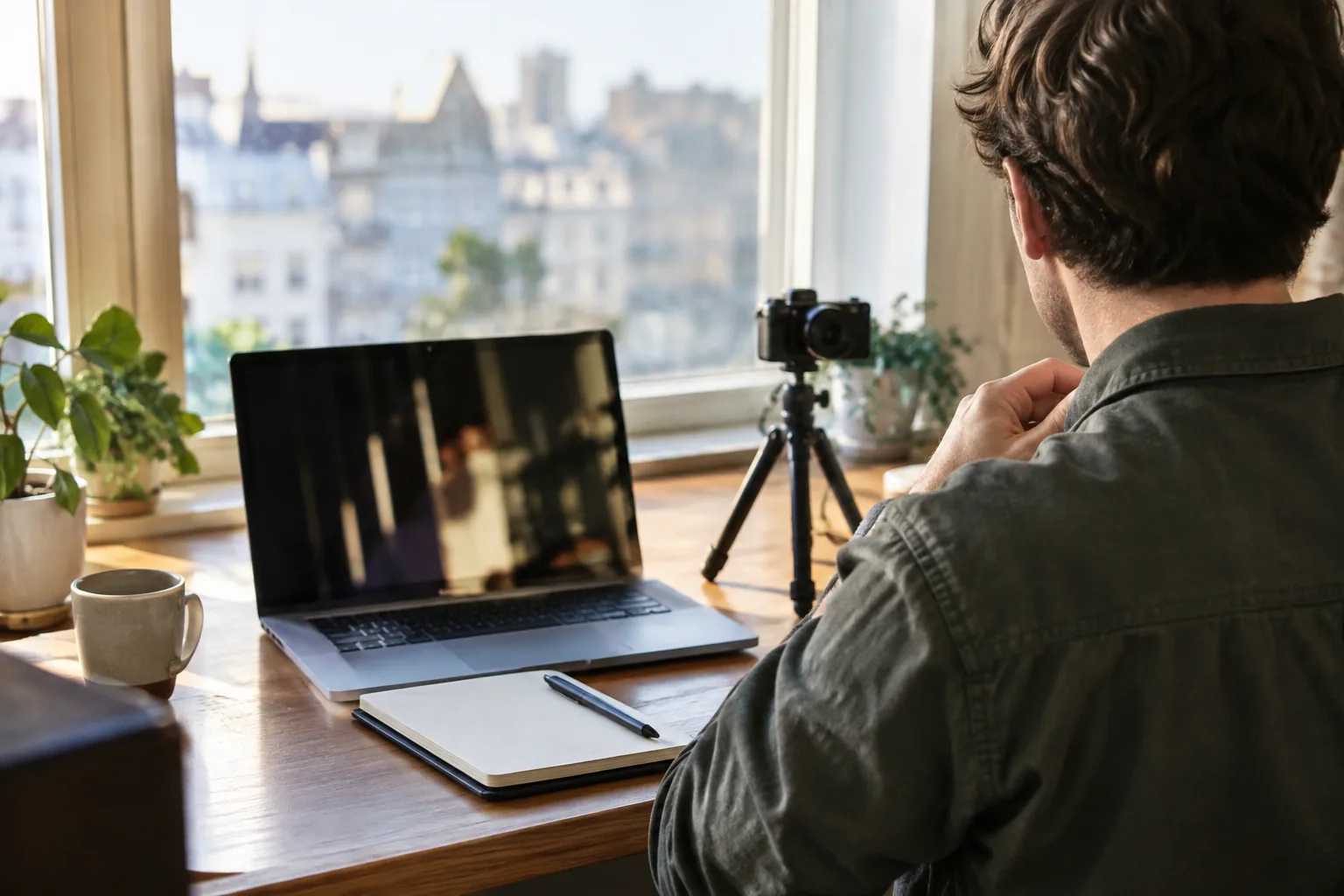
Placement shapes the sound more than most settings. Aim for the center of the chest, roughly a hand-width below the chin, on a collar edge, placket or neckline. The capsule should face up toward your mouth and sit clear of anything that can rub it.
Clip placement checklist
- Attach the clip to a stable layer of fabric, not a loose scarf or a swinging lapel edge.
- Keep jewelry, necklaces and hair away from the capsule.
- Point the capsule toward your mouth, not toward your shoulder.
- Let the cable (if the mic has one) form a small loop so tugging does not pull on the clip.
- Clip the transmitter to a belt, pocket or waistband if it is a separate unit.
- Move your head left and right and confirm the clip stays put.
Thick or stiff fabrics, such as a canvas jacket, can rustle when you move. Clip to the inner placket and keep the layer under the mic still. An omnidirectional capsule picks up from all around, so a clean position matters more than a precise angle.
Field note
Record ten seconds of normal speech, then play it back through headphones before you commit to a long take. Rustle and clothing noise are easy to hear on playback and hard to fix later.
A level check before you record
A level check takes a minute and covers the two mistakes you cannot repair afterward: distorted audio and a voice buried in room noise.
- Charge the transmitter and receiver, then plug the receiver into your device.
- Open your camera or recording app and select the external mic as the audio input.
- Clip the mic in place and put headphones on if your device allows monitoring.
- Speak at your normal presenting volume for several seconds, then say a louder line as you would when emphasizing a point.
- Watch the meter. Peaks should stay below the top of the scale, and quiet speech should still move the meter clearly.
- Lower the input level if the meter hits the top, or raise it if your voice barely registers.
- Walk to the farthest spot you will stand and repeat a short sentence to confirm the link holds.
If your device has no manual level control, adjust your distance and speaking volume instead, and check the recording on playback.

Using a lapel mic with a camera
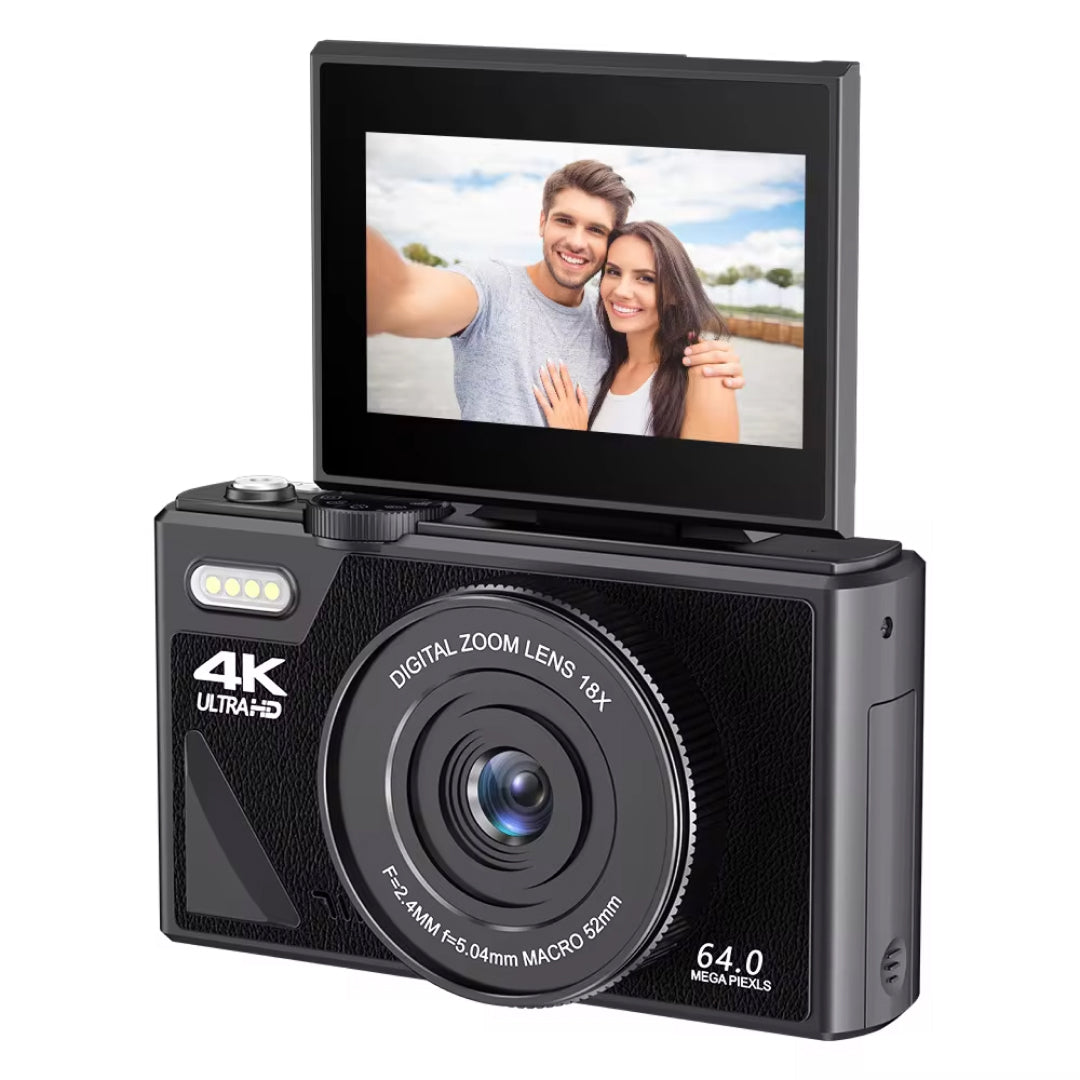
Yes, a wireless lapel mic can work with a camera, provided the camera accepts outside audio. Look for an external mic input in the manual and set the camera to use it instead of the built-in mics.
 In this guideFrameForge$179.99View
The FrameForge vlogging camera has directional microphones with wind reduction and also an external mic input for lapel or shotgun microphones. That makes it a candidate if you want a camera that works with a lapel mic when you move around. Confirm the input type against your receiver before you buy. For camera options, see Cameras & Camera Accessories, or read How to Pick a Good Vlogging Camera Without Overspending.
If you record to a computer through an interface instead, Type C Audio Interface: What It Is and How to Connect It explains the connection.
Common mistakes and a care routine
Audio problems with wireless lapel microphone systems come from a short list of habits you can change.
- Clipping the mic too low, which makes your voice thinner and lets room sound in.
- Leaving the camera on its built-in mics after plugging in the receiver.
- Setting the level while seated, then standing and projecting louder.
- Skipping the charge before a long session.
- Letting the clip brush a necklace or a drawstring.
For care, wipe the transmitter and clip with a dry, soft cloth, store the parts in the charging case, and keep the receiver's connector free of lint. Follow the manual for cleaning and charging, and unplug before cleaning any connector.
Group your gear the same way each session: transmitter, receiver, cable, then the device. A repeatable order makes a missing part obvious before you start.