Compact Point and Shoot Digital Camera: How to Choose One
Choose a compact point and shoot digital camera by sensor size, zoom type and pocket fit, then match them to how you shoot using the decision table below.
Ryan Kessler
October 18, 2026 · 6 min read
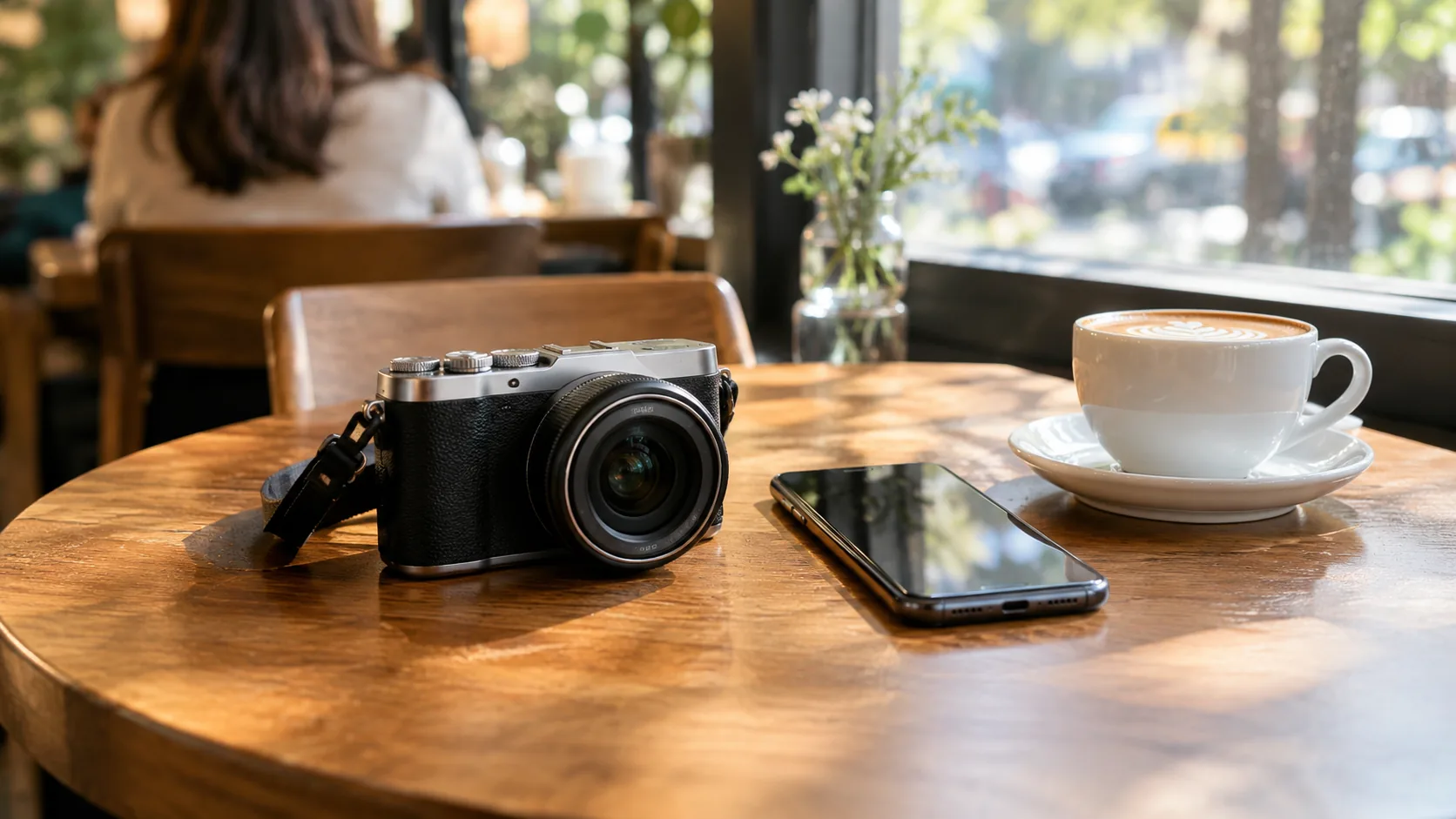
A compact point and shoot digital camera is a pocket-sized camera with a built-in lens that sets exposure and focus for you, so you frame the shot and press the shutter. Choose by three tradeoffs: sensor size, zoom type and how much bulk you will actually carry. If your phone already covers your needs, a compact camera earns its place through a real zoom lens, physical controls, a flip screen or a dedicated device for trips.
This guide compares compact cameras with phone cameras, explains the specs that matter, and ends with a decision table you can use before you buy.
What a compact point and shoot digital camera does
Light passes through the lens and lands on an image sensor. The sensor turns it into a digital file, and the camera's processor handles exposure, focus and color before saving the photo to a memory card. In automatic mode, you skip shutter speed and aperture decisions entirely.
Is a digital camera considered point-and-shoot?
Not always. "Digital camera" covers everything from pocket models to mirrorless bodies and DSLRs with interchangeable lenses. A point-and-shoot is the fixed-lens, automatic-first kind. Some compacts add manual controls for those who want to grow into them, and you can leave them alone if you prefer.
How it differs from a phone
A phone is a camera attached to a computer and a network. A compact camera is built around the lens, grip and shutter button. That often means a dedicated zoom lens, a physical shutter and a separate battery, so shooting does not compete with calls and messages.
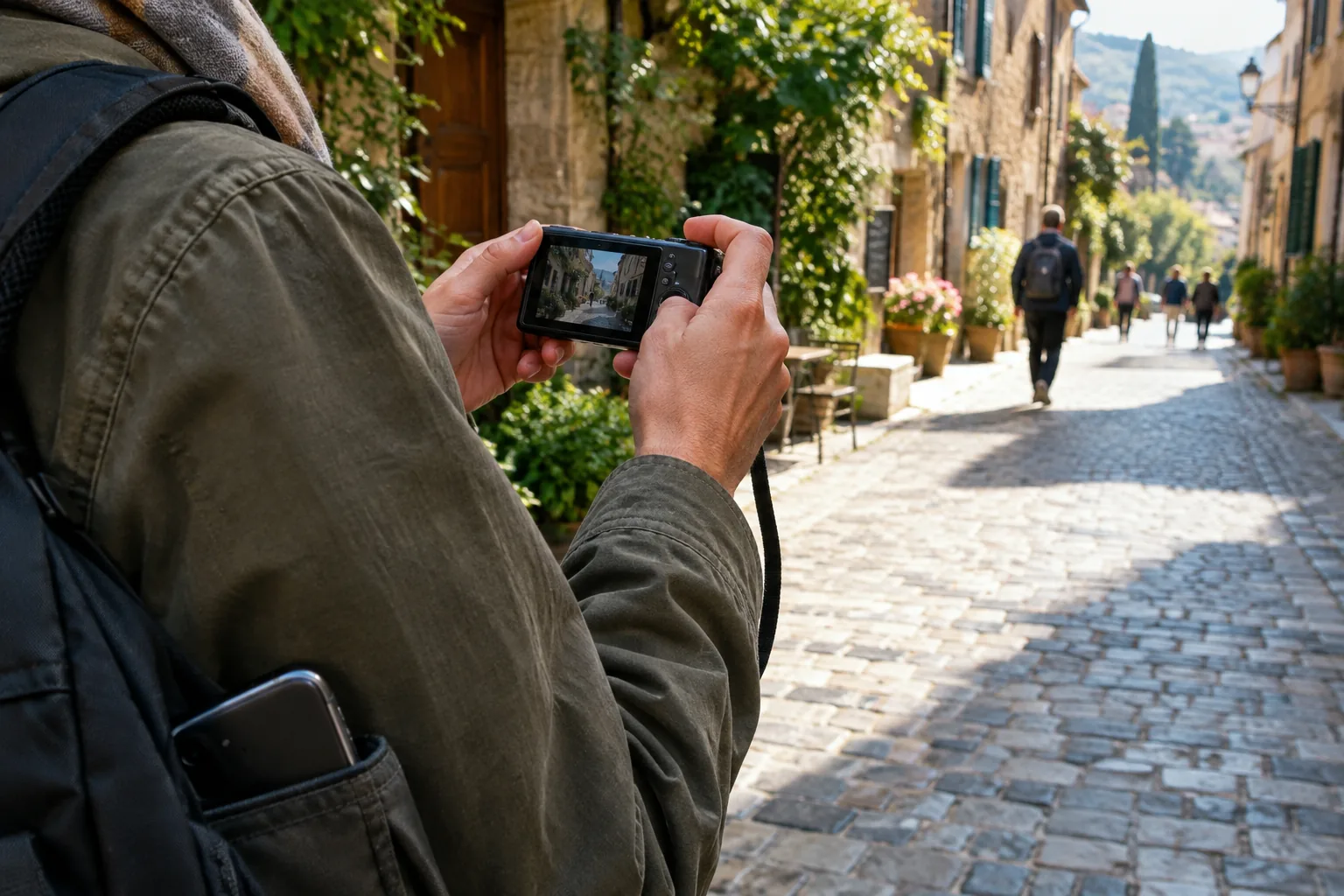
Sensor size, zoom and pocketability: the core tradeoffs
Every compact camera balances the same three things. Make one bigger and another has to give.
- Sensor size: a larger sensor collects more light, which matters indoors and at dusk. It also needs a larger lens, so the body grows.
- Zoom range: a long zoom lens reaches distant subjects, but it adds length and weight.
- Pocketability: a thin body slips into a jacket pocket. Thin bodies tend to carry smaller sensors and shorter lenses.
When you compare spec sheets, a larger sensor is worth weighing against the size of the body you are willing to carry. Phones answer the same puzzle by combining several small lenses. A dedicated camera answers it with one lens and one sensor built for the job.
| Feature | Typical phone | Compact point-and-shoot |
|---|---|---|
| Zoom | Fixed lens steps, then digital crop | Zoom lens, optical or digital depending on model |
| Controls | Touchscreen | Shutter button, zoom lever, sometimes dials |
| Battery | Shared with everything else | Dedicated, sometimes swappable |
| Storage | Internal | Memory card |
| Sharing | Direct from the device | Wireless transfer or card reader |
Optical zoom vs digital zoom
Optical zoom moves glass elements inside the lens to magnify the scene before it reaches the sensor. Digital zoom enlarges the center of the frame, which is a crop. A zoom number on a spec sheet does not tell you which kind you have, so read the fine print.
If you shoot distant subjects, such as stage performances, wildlife or kids' sports, look for a stated optical zoom range. If you mostly shoot nearby scenes, selfies and video clips, digital zoom is a convenience feature rather than the main reason to buy.
Small hand movements grow with magnification, so image stabilization matters more as you zoom in. Look for it on any model you plan to shoot handheld.
Other specs worth reading
A few smaller specs shape daily use. Check whether the camera has a viewfinder or only a rear screen; a screen is fine for most casual framing, while a viewfinder helps in bright sun. A built-in flash covers close indoor shots, and the manual explains its range and modes.
For video, look at the recording resolution and whether a microphone is built in. For sharing, check whether files move by wireless transfer, cable or card reader. Rugged models exist for outdoor use; read the maker's spec sheet and manual for what the body is built to handle.
How to choose a compact point and shoot digital camera: decision table
Start with what you will do most, then match it to the feature that matters. A good compact digital camera is the one whose strengths line up with your habits.
| If you mostly... | Prioritize | Watch for |
|---|---|---|
| Travel light | Small body, pocket fit, spare battery | Short zoom range |
| Vlog or take self-portraits | Flip screen, built-in microphone, 4K video | Screen that does not flip toward you |
| Shoot street photography | Quick start-up, discreet body, manual controls | Slow focus in dim light |
| Shoot outdoors in rough conditions | Rugged body from the maker's spec sheet | What the manual says about water and dust |
| Hand a camera to a beginner | Automatic mode, clear menus | Cluttered menus |
| Photograph distant subjects | Optical zoom range, stabilization | Digital-only zoom |
For general buying guidance, How to choose a digital camera walks through the basic feature list in plain language.
A compact option for vlogs and everyday shooting
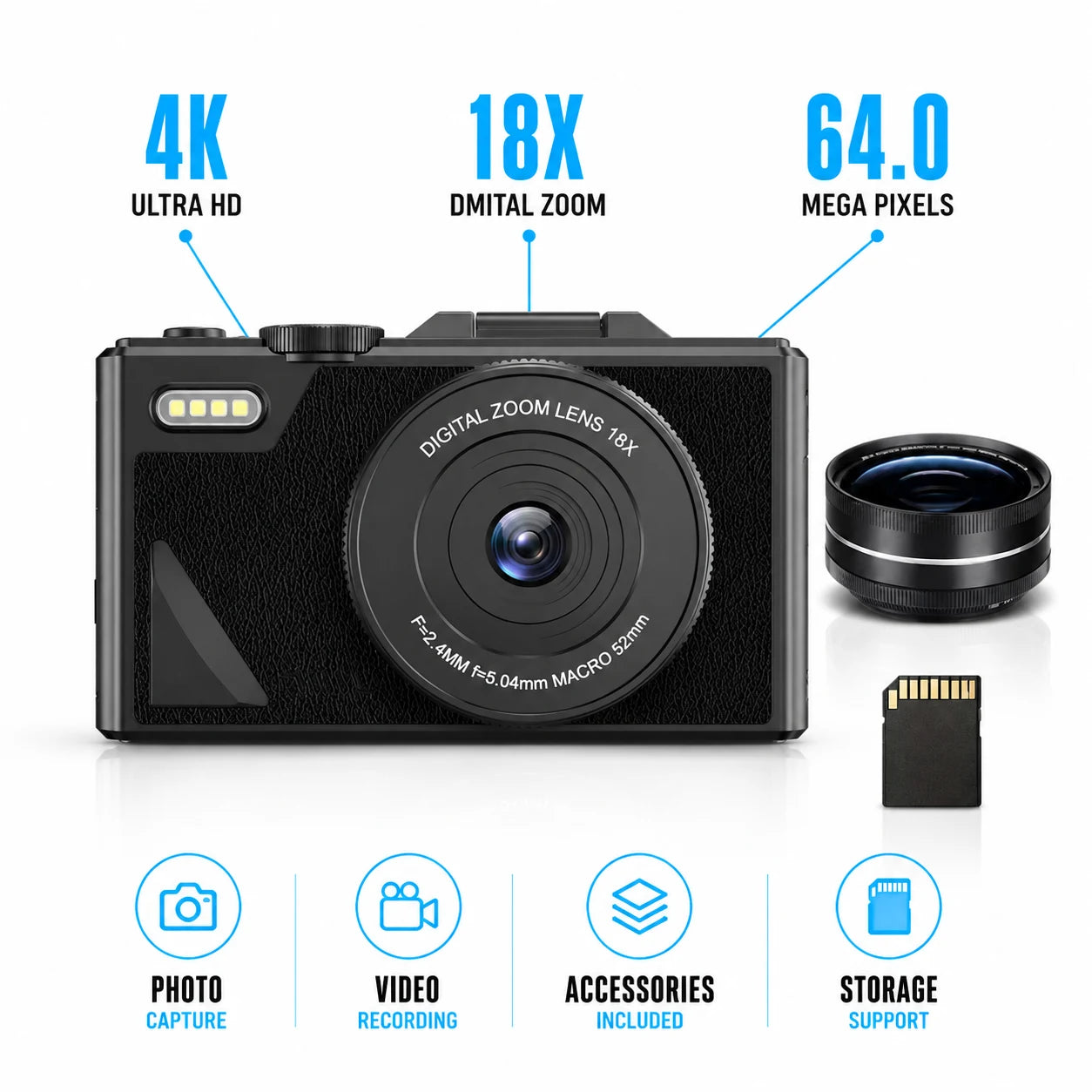
If your priority is framing yourself, recording video and moving files to a phone, OpticaVue is built around that. It is a compact digital camera with a 3-inch flip screen and 4K video recording. Its zoom is digital, so treat it as crop-style reach rather than an optical lens.
In point-and-shoot use, it sets exposure and focus automatically. You frame the subject and press the shutter, with no manual settings to adjust first. Built-in anti-shake stabilization senses hand movement and adjusts for it, including when shooting while walking.
 In this guideOpticaVue$179.99View
Power comes from two 1500mAh rechargeable lithium batteries. Load one, keep the other as a spare, and charge both with the included USB cable. The box also holds a memory card, a carry bag and a quick-start guide. Files transfer to your phone over WiFi, and the camera can connect to a computer as a USB webcam.
Browse more gear in the Cameras & Camera Accessories collection if you want to compare formats. For a deeper look at video-first choices, read How to Pick a Good Vlogging Camera Without Overspending.
Field note
Hold the camera in a store or at a friend's place if you can. Check that the shutter button, zoom control and screen sit where your fingers fall, because a spec you cannot comfortably reach goes unused.
Pre-purchase checklist
- Decide your main use: travel, vlogs, family events or street scenes.
- Confirm whether the zoom is optical, digital or both.
- Check whether a viewfinder is included or whether you will frame on the screen only.
- Look for image stabilization if you shoot handheld or zoomed in.
- Check for a built-in flash if you shoot indoors, and read how it behaves in the manual.
- See how the battery is charged and whether a spare is included.
- Confirm what comes in the box, including the memory card and cable.
- Check how files reach your phone: wireless transfer, cable or card reader.
Common mistakes to avoid
- Buying on zoom numbers alone without checking whether they are optical.
- Expecting a pocket camera to match a larger sensor in dim rooms.
- Skipping a spare battery before a day of shooting.
- Forgetting the memory card or reader, so files stay on the camera.
- Choosing a body too bulky to carry, which leaves it at home.
First-day setup and care schedule
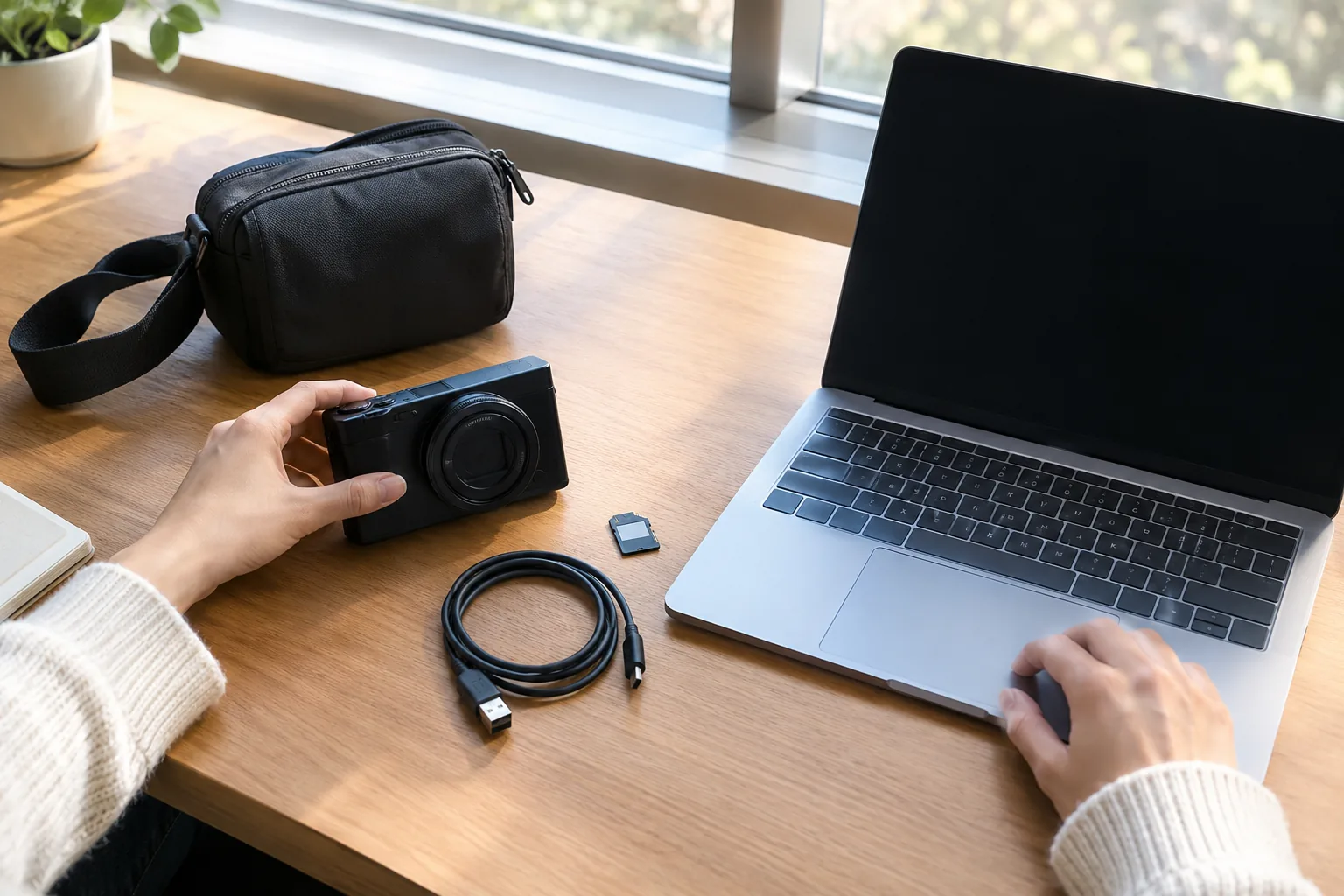
Before your first outing, charge the batteries with the included cable and insert the memory card. Power on, set the date and shoot a few frames in automatic mode. Then transfer a couple of files to your phone to confirm the wireless link works.
After each outing, wipe the lens with a soft, dry microfiber cloth and recharge the battery you used. Store the camera in its carry bag, and remove the card when you copy files to a computer. Once a month, check the screen, buttons and battery door for dirt or wear.
If you are building a wider creator setup, Camera in Glasses: How They Work and What to Expect covers a hands-free alternative for casual capture.