Camera in Glasses: How They Work and What to Expect
A camera in glasses records hands-free video and photos from your point of view. Here is how it works, what to expect, and the etiquette that goes with it.
Ryan Kessler
October 17, 2026 · 7 min read

Yes, glasses with a built-in camera exist: a small lens and microphone sit in the frame, so a camera in glasses records video and takes photos from your own point of view without you holding a device. You start and stop recording with a touch or through a smartphone app, then move the files to your phone to watch and share. This guide covers how the hardware works, what video to expect, how battery and storage fit in, and the etiquette that goes with wearing a camera on your face.
It is a practical tool for hands-free clips: a walk, a workshop project, a bike route, a cooking demo. It does not replace a dedicated camera, so it helps to know its limits before you buy.
How a camera in glasses works
Camera glasses pack the basic parts of a small action camera into a frame you wear like ordinary eyewear. The lens sits near the bridge or at the edge of the front frame, and the electronics ride in the temples. Because the camera is fixed to the frame, it points where your head points.
| Part | What it does | What to check |
|---|---|---|
| Camera lens | Captures video and photos from roughly where you are looking | Orientation (landscape or portrait), field of view |
| Microphone | Records sound along with the picture | Wind and clothing noise outdoors |
| Storage | Holds clips until you transfer them | Onboard capacity, transfer method |
| Battery and USB-C port | Powers the camera and charges from a cable | Runtime stated in the manual |
| Companion app | Pairs with your phone for preview, controls and file transfer | Phone compatibility, pairing steps |
Some models also play Bluetooth audio through the frames.
Camera glasses vs smart glasses with a camera
The terms overlap, and shoppers use them loosely. Camera glasses are built around recording: lens, microphone, storage and an app to manage clips. Smart glasses with a camera usually add more features on top, such as voice assistants, notifications or a built-in display, and each extra feature changes the weight and battery demands of the frames.
Neither type is automatically the better pick. Decide what you will do with it. If the goal is hands-free point-of-view video, a simpler pair of camera glasses keeps the feature list short and the setup clear. If you want an assistant or a display, read the model's manual closely for what it does and what it needs from your phone.
What video quality to expect
Video from glasses reflects where your head points, not where your eyes land. A quick glance sideways swings the frame, so steady, deliberate head movement gives you cleaner clips.
Orientation and framing
Landscape 16:9 is the format most screens, TVs and video editors expect. Glasses that record in landscape give you footage you can drop into a timeline without cropping. Portrait-cropped clips suit phone feeds but lose width on a monitor.
Light and motion
The lens is tiny, so it behaves like any small camera: bright, even light suits it, and dim rooms are a struggle. Walking footage will bounce. For smoother shots, slow down and keep your head level.
Audio
Microphones sit close to your face, so your own voice is closest to the microphone, while distant sounds are fainter. Wind is the usual enemy outdoors.
If footage quality is your main goal, a dedicated camera is the route to take. Our guide on picking a vlogging camera without overspending covers it.

Camera with glasses in practice: ClearVue
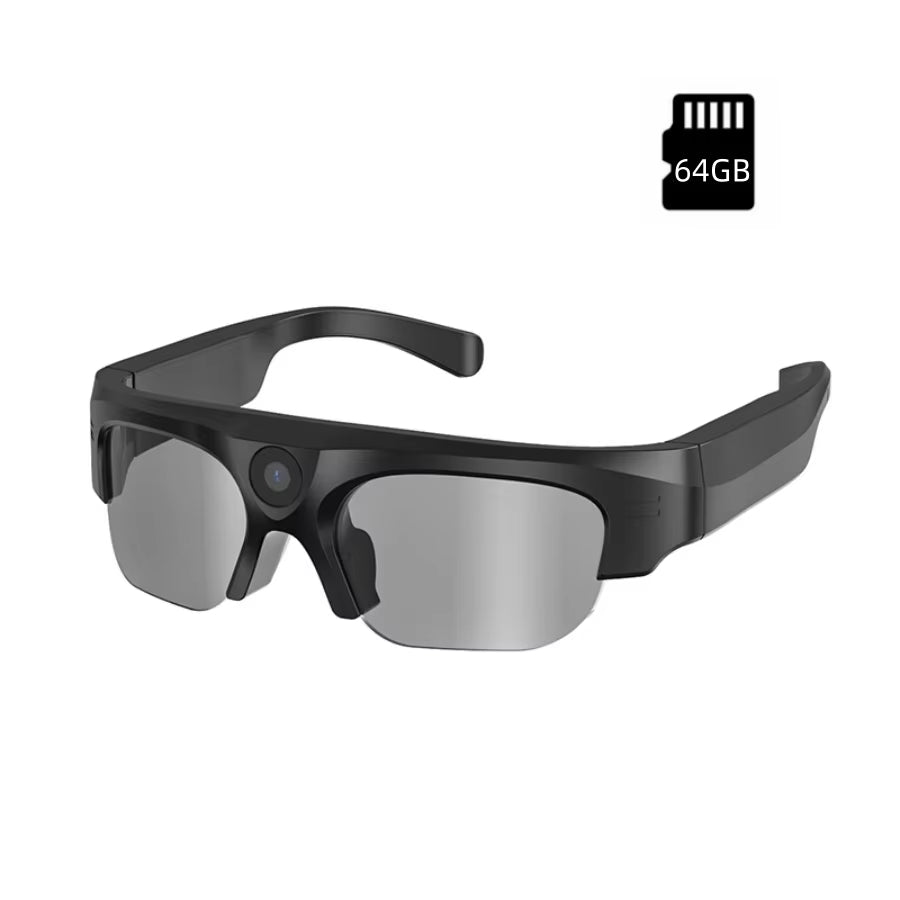
ClearVue is a straightforward example of the category. The camera is built into the frame, and the pair records video in 16:9 landscape, takes photos and plays Bluetooth audio. The frames weigh under 55 grams and take interchangeable lenses; a set of white interchangeable eyeglass lenses is included.
You pair the glasses with your smartphone through the companion app before first use. The app provides live preview, file transfer and recording controls, and you can also start and stop recording with one touch on the glasses. Recording picks up sound through the built-in microphone, so clips carry audio.
 In this guideClearVue$168.99View
In the box you get the glasses, a protective case, white interchangeable eyeglass lenses, a microfiber cleaning cloth, a USB-C charging cable and a user manual. If you are comparing other gear, browse the Cameras & Camera Accessories collection.
Battery and storage: what to plan for
A camera on glasses has very little room for a battery, so runtime is the honest trade-off of the category. Read the manual for how your pair behaves while recording, previewing live and playing audio, since each draws power differently.
- Charge before you head out. Top up over USB-C the night before, not on the way.
- Record in short, purposeful clips rather than one long take.
- Skip live preview when you do not need it, since streaming a preview to your phone adds load.
- Watch storage. ClearVue has 64GB onboard; transfer and clear files regularly so there is room left mid-shoot.
Keep the USB-C cable and a power source handy if you plan a long day of filming. Moving clips to your phone through the app after each outing keeps the glasses ready for the next one.
Field note
Do a short test clip at the start of every outing. Watch it back in the app to confirm the framing sits level and the microphone is picking up your voice.
Recording indicators, etiquette and privacy
A hidden camera in glasses is a real concern for the people around you. A camera on your face can make them uncomfortable, even when your intent is harmless. Good etiquette is what separates a handy tool from a nuisance.
Be open about it
- Tell people nearby when you are recording, especially in conversation.
- Ask before filming anyone in a private setting, such as a home, a waiting room or a gym.
- Stop recording when someone asks you to, and delete the clip if they request it.
Know the places that say no
Restrooms, locker rooms, schools, workplaces with confidentiality rules, courtrooms and many venues restrict or prohibit recording, and some ban wearable cameras outright. When in doubt, ask staff or take the glasses off.
Laws vary
Rules on recording video and especially audio differ by state and by situation, and some require consent from everyone in a conversation. For specifics, ask a qualified attorney or check your state's rules.
Indicators
Some camera glasses include a light or other cue that shows recording is active. Check your model's manual to see how it signals recording, and do not cover or disable any indicator. Using a hidden camera on glasses to film people covertly is a misuse of the tool and can land you in legal trouble.
Checklist before you buy
| Question | Why it matters |
|---|---|
| Does it record in landscape? | Fits TVs, monitors and editing software |
| How much onboard storage is there? | Decides how often you must transfer files |
| Does the app work with your smartphone? | Pairing, preview and transfer all run through it |
| Can you swap lenses? | Lets you use the frames as everyday eyewear |
| How heavy are the frames? | Comfort over a full day of wear |
| Does it signal when recording? | Courtesy to people around you |
| Does it record audio as well as video? | Decides whether clips carry sound |
If you already wear corrective eyewear, ask your optician about fitting lenses to a camera frame before you commit. Camera safety glasses are a separate matter: camera glasses are made for recording, so do not assume they replace protective eyewear for workshop or lab tasks. Check the manual and follow your workplace's eyewear rules.
Setup steps and common mistakes
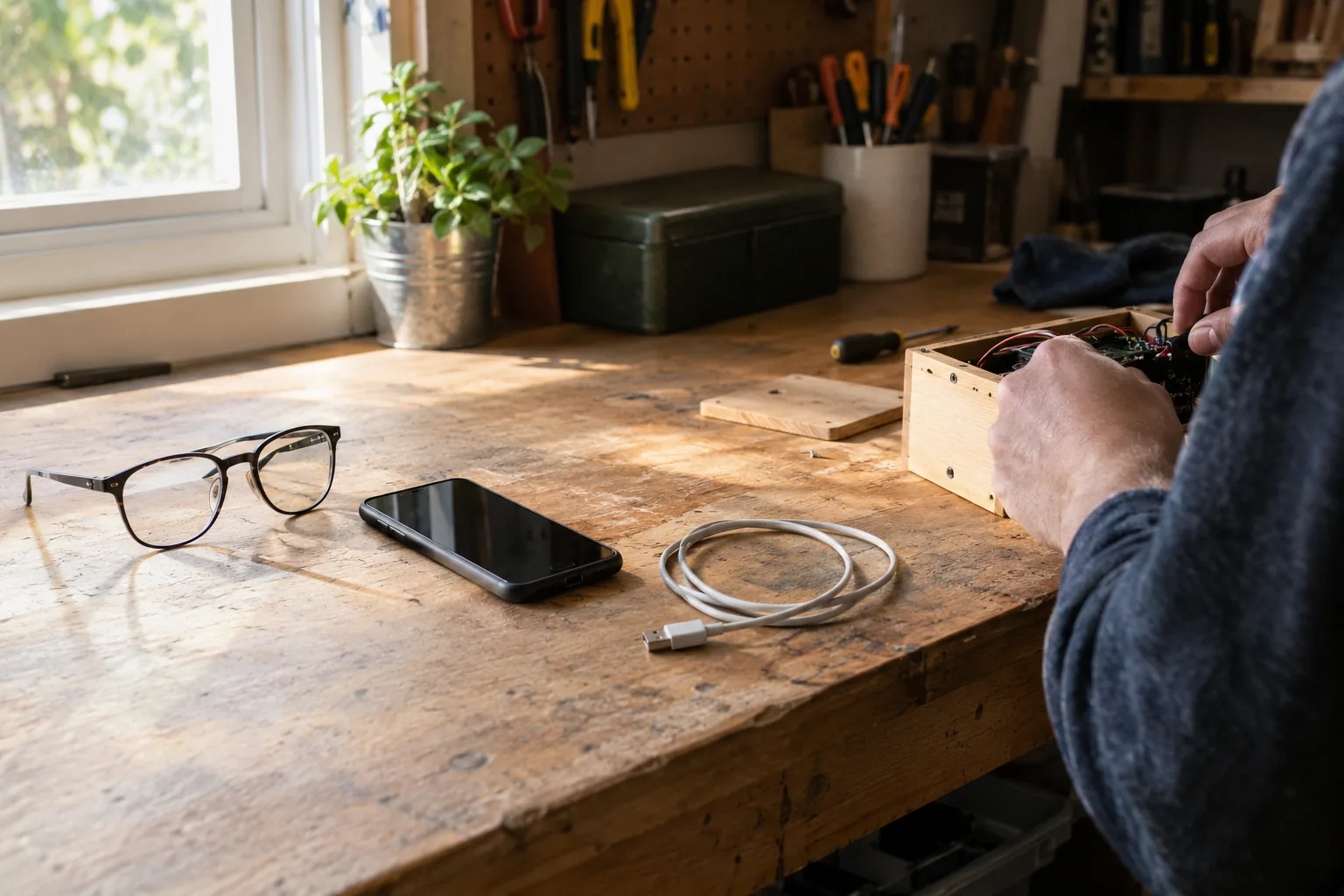
- Charge the glasses with the USB-C cable.
- Install the companion app on your smartphone and pair the glasses.
- Fit the lenses you want to wear and check the frames sit comfortably.
- Record a short clip, then watch it back in the app.
- Transfer files to your phone and clear space on the glasses.
Mistakes to avoid
- Starting without a test clip. A tilted lens or muffled mic is easy to catch early.
- Ignoring smudges. Wipe the camera lens with the microfiber cloth before recording.
- Filming without telling people. This causes most of the friction around wearable cameras.
- Expecting cinema footage. Use it for point-of-view moments, not low-light events.
Care and storage
Store the glasses in the protective case, keep the USB-C port dry and clean, and follow the manual for cleaning the lenses and frames. Unplug the cable once charging is done.