What Is a Smart Switch? How It Works and What It Controls
A smart switch controls lights, fans or outlets over a wireless connection. This guide covers how it works, how it differs from bulbs and plugs, which connection to pick, and a pre-install check.
The Folio & Current Team
November 6, 2026 · 6 min read
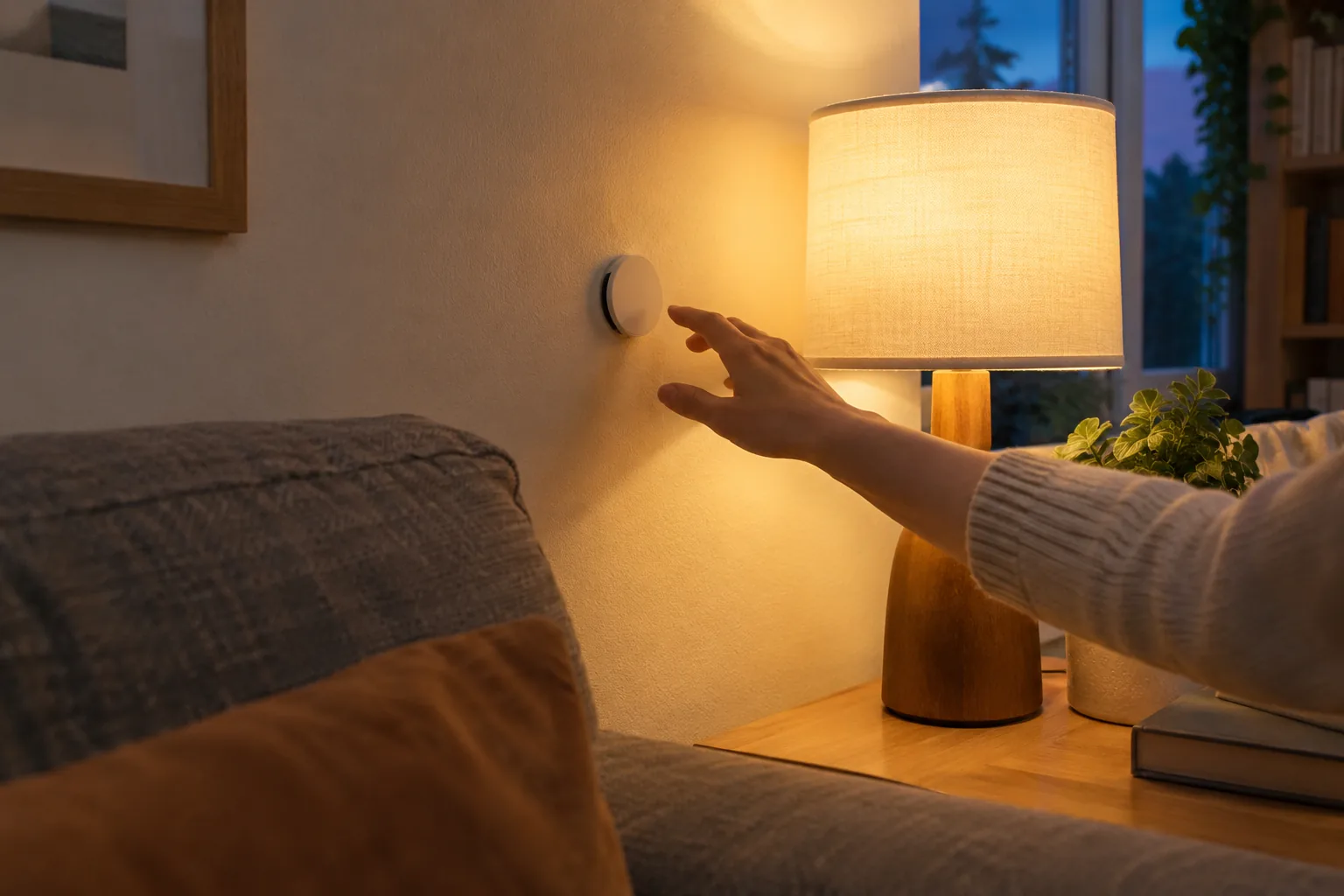
What is a smart switch? It is a switch that replaces or sits beside a normal wall switch and sends commands to lights, fans or outlets over a wireless connection, so you can control them from an app, a schedule, a voice assistant or the switch itself. Unlike a smart bulb, it controls the circuit or the scene rather than one lamp.
This guide explains how a smart switch works, how it differs from smart bulbs and plugs, which connection type to pick, and what to check on the wall before you install anything. It also clears up the other meaning of the word, the network switch.
What is a smart switch and how does it work
A smart switch has two jobs. It takes a physical input, such as a press or a rocker flip, and it turns that input into a command that a connected device understands. Some models also open and close the power circuit directly.
There are two designs, and the difference matters before you buy:
- A wired in-wall switch replaces the existing switch and interrupts power to the load, such as a ceiling light or fan.
- A wireless button does not carry power at all. It sends a signal to a hub or to other smart devices, which then act.
In both cases, the command travels over Wi-Fi, Bluetooth or a low-power mesh protocol such as Zigbee. A hub, when one is used, receives the signal and passes it to the right bulbs, plugs or dimmers.
Smart switch vs smart bulb vs smart plug
All three make a light or appliance controllable, but they sit at different points in the circuit. The right choice depends on what you want to control and who uses the room.
| Device | Where it goes | What it controls | Watch for |
|---|---|---|---|
| Smart switch (wired) | Inside the wall box | Every fixture on that circuit | Wiring, box size, neutral wire |
| Wireless smart button | Any wall or surface | Devices or scenes you assign | Needs compatible devices or a hub |
| Smart bulb | In the lamp or fixture | That one bulb | Goes offline if the wall switch is turned off |
| Smart plug | In an outlet | Whatever is plugged into it | Check the load printed on the plug |
A smart bulb is the simplest route when you only have a lamp. A wired smart switch suits a room with several fixtures on one circuit. A wireless button fits places where you cannot or do not want to open a wall.
Four types of smart switches
When you sort smart switches, four groups cover most of what you will see:
- On/off toggle or rocker switches for lights, fans and outlets.
- Dimmer switches that adjust brightness on compatible fixtures.
- Wireless buttons and remotes that trigger devices or scenes.
- Scene controllers with several buttons, each set to a different group of devices.
Check the dimmer against your bulb type. The product page or manual lists which loads a dimmer supports, and a mismatch is a common cause of flicker.
Which connection type to pick
The connection decides what else your switch can talk to. Pick it based on the devices you already own, not on the switch alone.
| Connection | Needs a hub? | Fits when |
|---|---|---|
| Wi-Fi | No, uses your router | You have a few devices and want no extra hardware |
| Bluetooth | No, short range | You control one room from a smartphone nearby |
| Zigbee | Yes, a Zigbee hub | You want several low-power devices in one network |
Wi-Fi devices share your router with phones and laptops, so a large number of them can crowd it. A hub-based setup keeps smart-home traffic on its own network. If you are starting fresh, choose one ecosystem and buy devices that list it on the product page.
Pre-install check for a wired smart switch
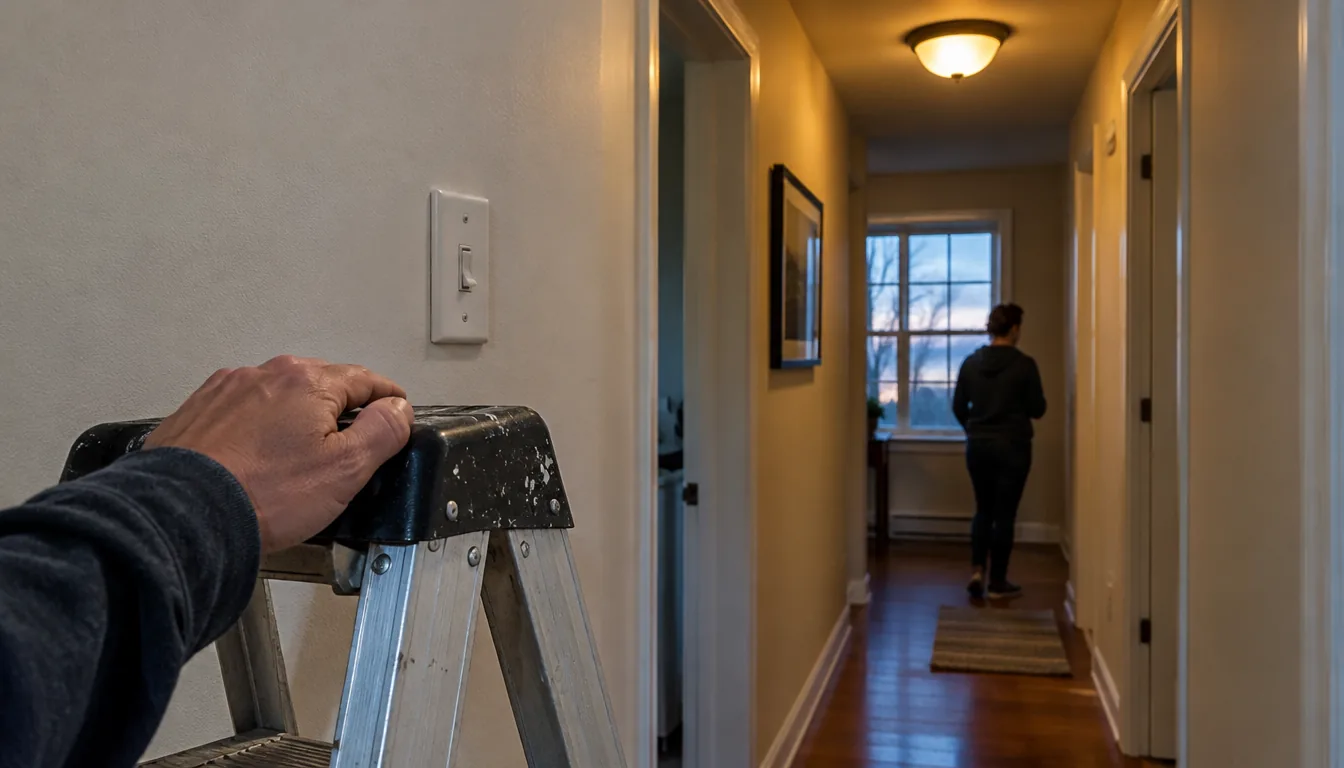
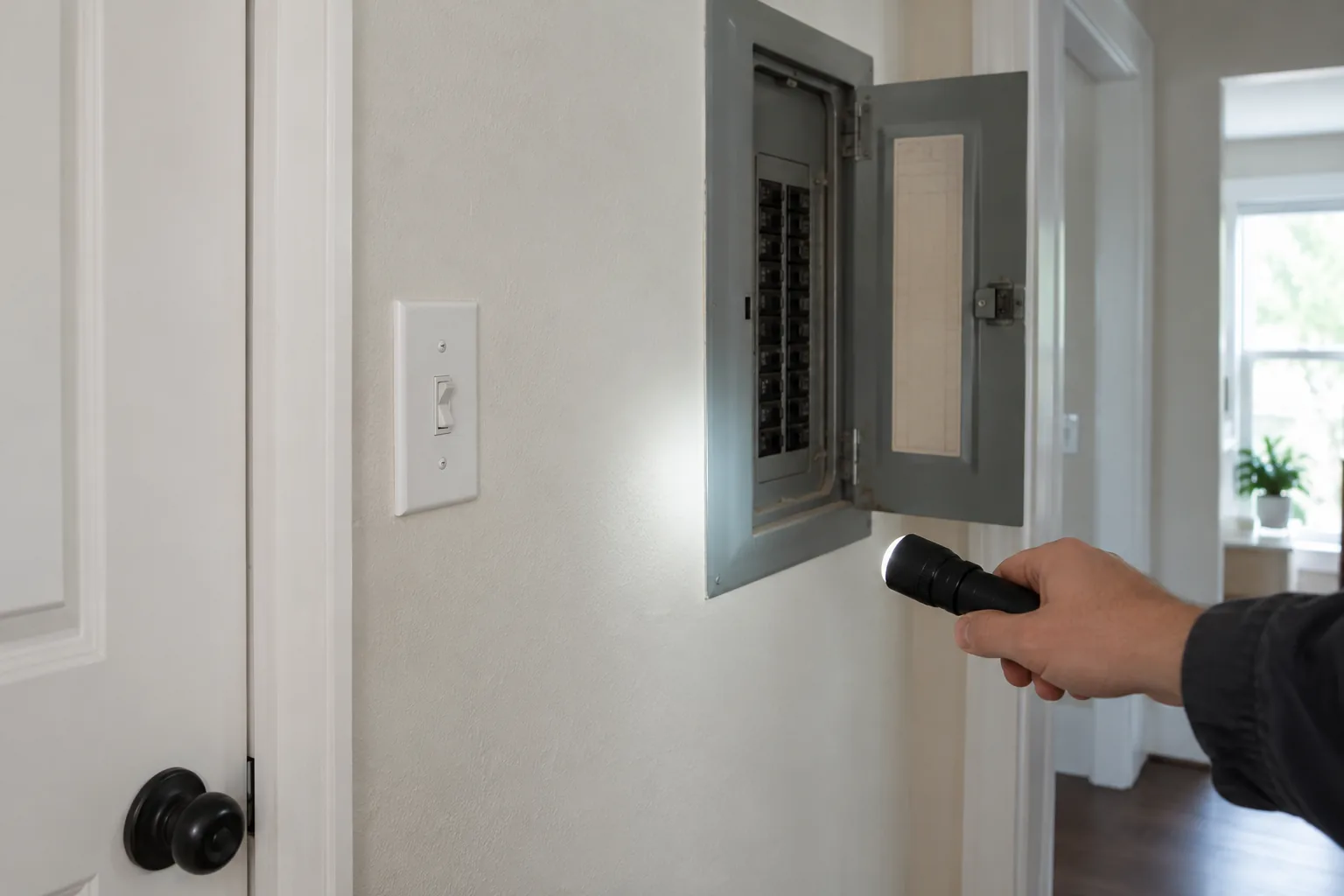
Wired models involve household electrical wiring. Turn off the breaker, confirm the power is off with a voltage tester, follow the manual, and ask an electrician if anything looks different from the instructions.
Before you buy, check these five things
- Open the cover plate only after the breaker is off, and note how many wires sit in the box.
- Look for a white neutral wire. Some wired smart switches need one, and some older boxes do not have it.
- Identify whether your switch is single-pole or one of several switches controlling the same light.
- Confirm the box has room for a thicker device than a standard toggle.
- Match the load: bulb type, fixture wattage and fan or motor use should fall within what the switch lists.
If the neutral wire is missing, read No Neutral Smart Switch: How to Tell What Your Wiring Supports for how to read what your box supports.
No-wiring option: a battery-powered smart switch
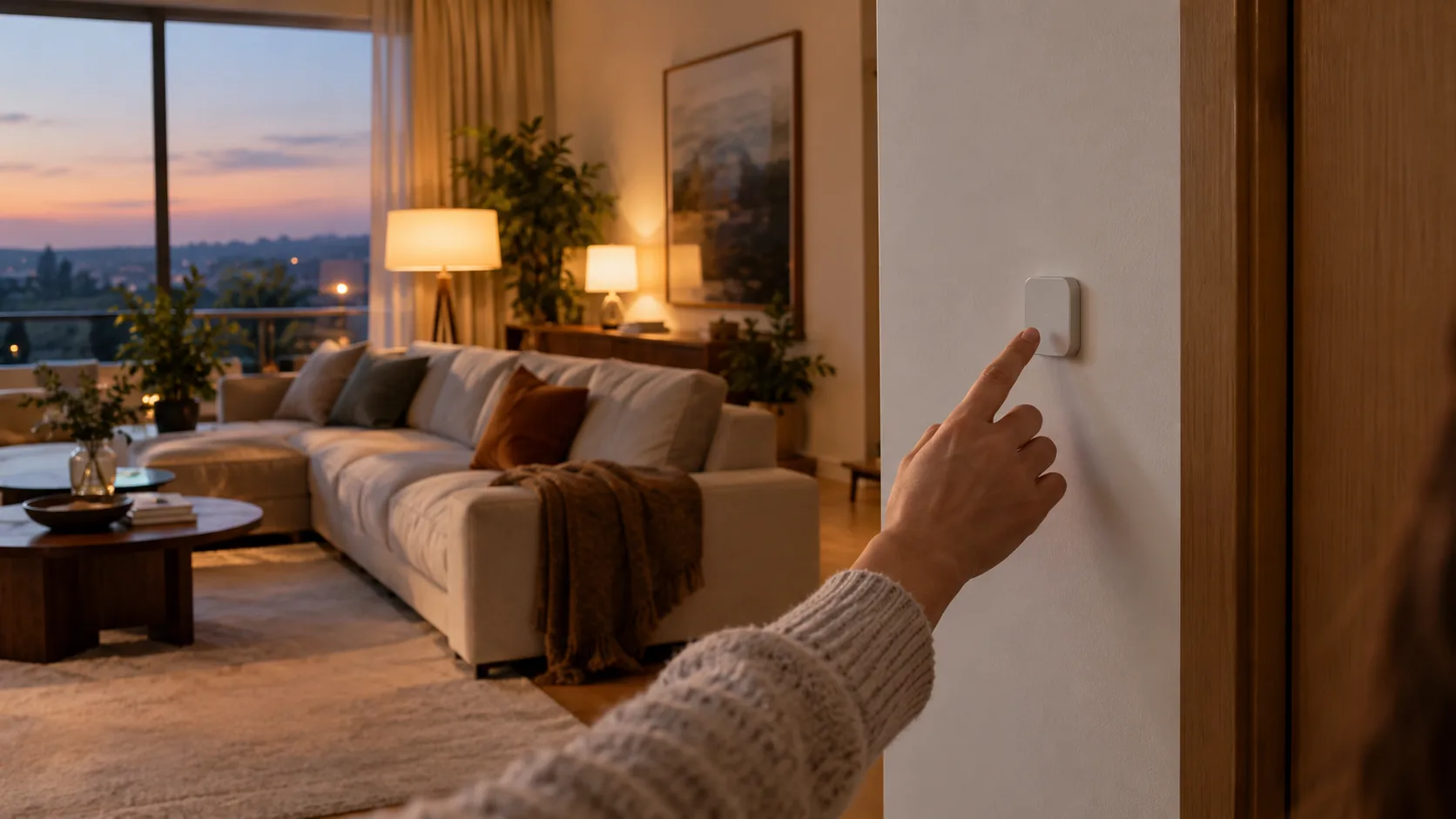
If your wiring does not suit a wired model, or you rent, a wireless button avoids opening the wall. NuvoTap is a battery-powered wireless smart switch that attaches to a wall or other surface with adhesive backing. No wiring or tools are involved, so you place it where you want.
It pairs with a Zigbee hub and a companion app. In the app you assign single, double and long-press actions, so one button can run three different commands.
How it is set up
- Stick the button to a wall or surface.
- Connect your Zigbee hub to Wi-Fi.
- Pair the button in the companion app.
- Assign single, double and long-press actions to your devices or scenes.
A press sends a signal through your hub to the lights, fans or outlets assigned to that scene, which you set up once in the app. It works with compatible smart devices on your Zigbee setup, such as bulbs, plugs, dimmers and curtains. Scenes can also be started by voice through compatible voice assistants, which suits moments when your hands are busy.
 In this guideNuvoTap$59.99View
Field note
Hold a wireless button against the wall in the spot you plan to use it before peeling the adhesive backing. Press it and confirm the scene runs.
Smart switch vs network switch
The word causes confusion because a network switch is something else. A network switch is a box that connects multiple wired devices, such as computers, printers and access points, within a local area network and passes data to the intended recipient. It manages traffic, not lights.
A smart switch controls physical devices in your home. You may use both: a network switch can feed wired connections to your router, while smart switches control lights and outlets. If a page talks about ports, VLANs or the data link layer, it is about networking, not home control.
Common mistakes to avoid
- Pairing a smart bulb with a smart switch that cuts its power. The bulb goes offline when the switch is off.
- Skipping the load check on dimmers, which leads to flicker.
- Mixing connection types without a hub or bridge that understands both.
- Placing a wireless button where the hub signal is weak. Test the spot first.
- Forgetting the battery on a wireless button. Check the manual for the battery type and how to replace it.
Where a smart switch fits in a wider setup
A switch is often the first piece. Once your lights respond, you can add door and tracking devices. Browse Smart Locks & Trackers if you want to extend the setup, and see Smart Lock for Homes for how a lock fits a door.
Start with one room, one connection type and a few scenes such as evening, away and movie. Add devices once those scenes behave the way you expect.