No Neutral Smart Switch: How to Tell What Your Wiring Supports
A no neutral smart switch works in a box with only line and load wires. Check for a capped bundle of white wires, then match a switch type to your wiring, or call an electrician.
The Folio & Current Team
October 29, 2026 · 6 min read
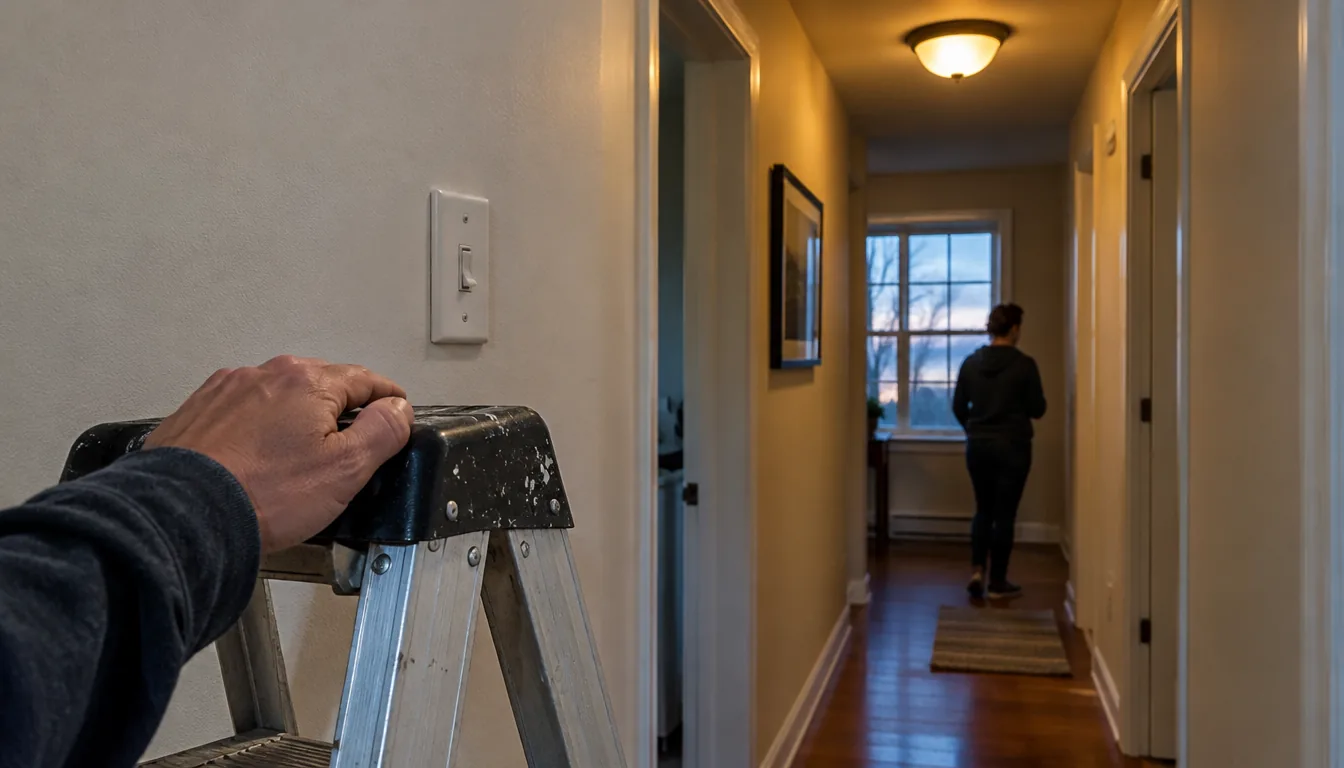
A no neutral smart switch is a switch made to work in a box that has only line and load wires, with no white neutral conductor present. Open the box (breaker off) and look for a bundle of white wires capped together at the back; if you find none, you need a switch whose manual says it supports two-wire installation, or a wire-free option. This guide shows how to identify what your wiring supports, which switch type fits, and when to call an electrician.
Wiring work involves live electricity. Follow each switch's manual, turn off the breaker before touching anything, and ask an electrician if anything in the box does not match what you read here.
Why a no neutral smart switch works differently
A smart switch contains a radio and a small circuit that stay powered all the time, even when the light is off. Some models draw that power from the neutral wire, which completes the circuit back to the panel. A plain toggle switch only interrupts the hot wire, so it did not need a neutral in the box.
That is why a switch box can look complete and still be unsuitable for a given smart switch. The box may hold a hot wire coming in, a switched wire going out to the fixture, and a ground. The neutral often runs straight from the panel to the light fixture and does not pass through the switch box.
Checklist: how to tell if your switch box has a neutral
Work through these steps in order. Stop and call an electrician if any step feels unclear.
- Turn off the breaker for the circuit and flip the wall switch to confirm the light is dead.
- Remove the cover plate, leaving the switch screwed in place.
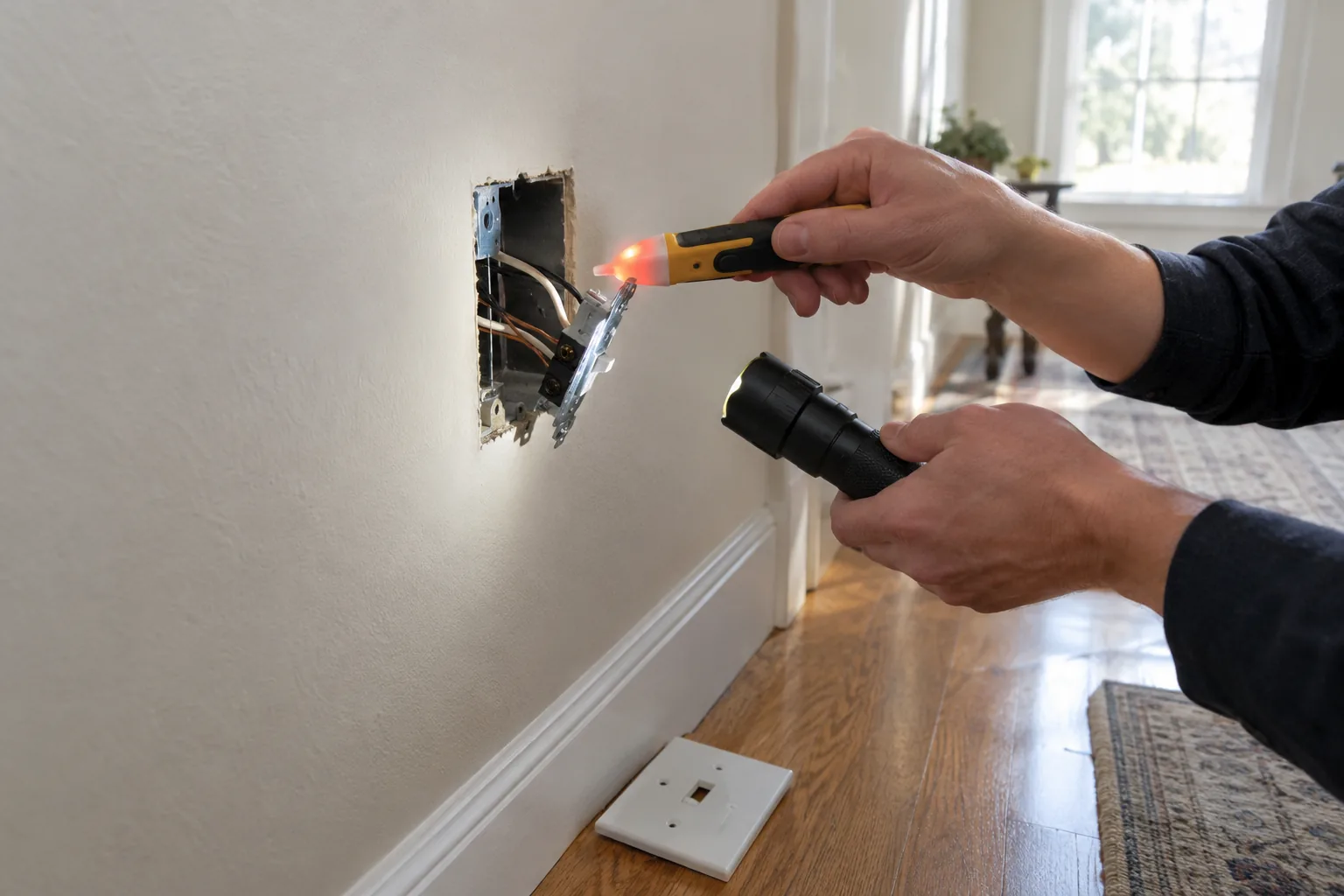
- Check the switch terminals and the wires with a non-contact voltage tester, following its manual.
- Only when the box reads dead, unscrew the switch and pull it forward as far as the wires allow.
- Count the cables entering the box and the number of wires on the switch terminals.
- Look behind the switch for a capped bundle of white wires joined with a wire connector. That bundle is normally the neutral.
- Check whether any white wire is attached to the switch itself. A white wire on a switch terminal can be a re-marked hot wire (often taped black) in a switch loop, not a neutral.
- Photograph the box before disconnecting anything, and write down which wire went where.
What you see and what it means
| In the box | What it means | Next step |
|---|---|---|
| Capped bundle of white wires, not touching the switch | Neutral is present in the box | Neutral-required or no-neutral switches can both be considered |
| Only black wires on the switch plus bare or green ground | No neutral in the box | Choose a switch whose manual supports no-neutral installation, or go wire-free |
| One cable, white wire taped or marked black on the switch | Switch loop that passes power to the fixture; no neutral in the box | Handle the white wire as hot and check the switch manual before wiring |
| Aluminum wiring, cloth insulation, or scorched wires | Older or damaged wiring | Do not install anything; ask an electrician |
| Several cables and many wires in a crowded box | Multi-gang or multi-way circuit | Photograph, label, and consider an electrician |
Smart switch without neutral: your options
If the box has no neutral, there are four routes. Which one fits depends on your fixture, your bulbs, and how comfortable you are with wiring.
| Option | Needs a neutral in the box | Wiring involved | Check before buying |
|---|---|---|---|
| In-wall switch with neutral | Yes | Line, load, neutral, ground | Your box must have the white bundle |
| In-wall switch made for no-neutral installs | No | Line, load, ground | The manual's bulb type, load range, and fixture limits |
| Smart bulbs with the wall switch left on | No | None | The existing switch must stay on for the bulbs to respond |
| Wire-free battery button | No | None | A compatible hub and the devices it controls |
No-neutral in-wall switches
A no neutral smart switch is built to draw its small operating power through the load circuit. Its manual lists requirements such as the kind of bulb, minimum and maximum load, and whether a bypass or accessory is needed with some fixtures. Read those pages before you buy, since some fixtures with very low loads need extra parts.
Smart bulbs and a wire-free button
If you do not want to touch the wiring, you can leave the wall switch on and control smart bulbs from an app or hub. The downside is that anyone flipping the old switch off cuts power to the bulbs. A wire-free button next to the old switch gives people something to press instead, and a piece of tape over the toggle can help remind guests to leave it on.
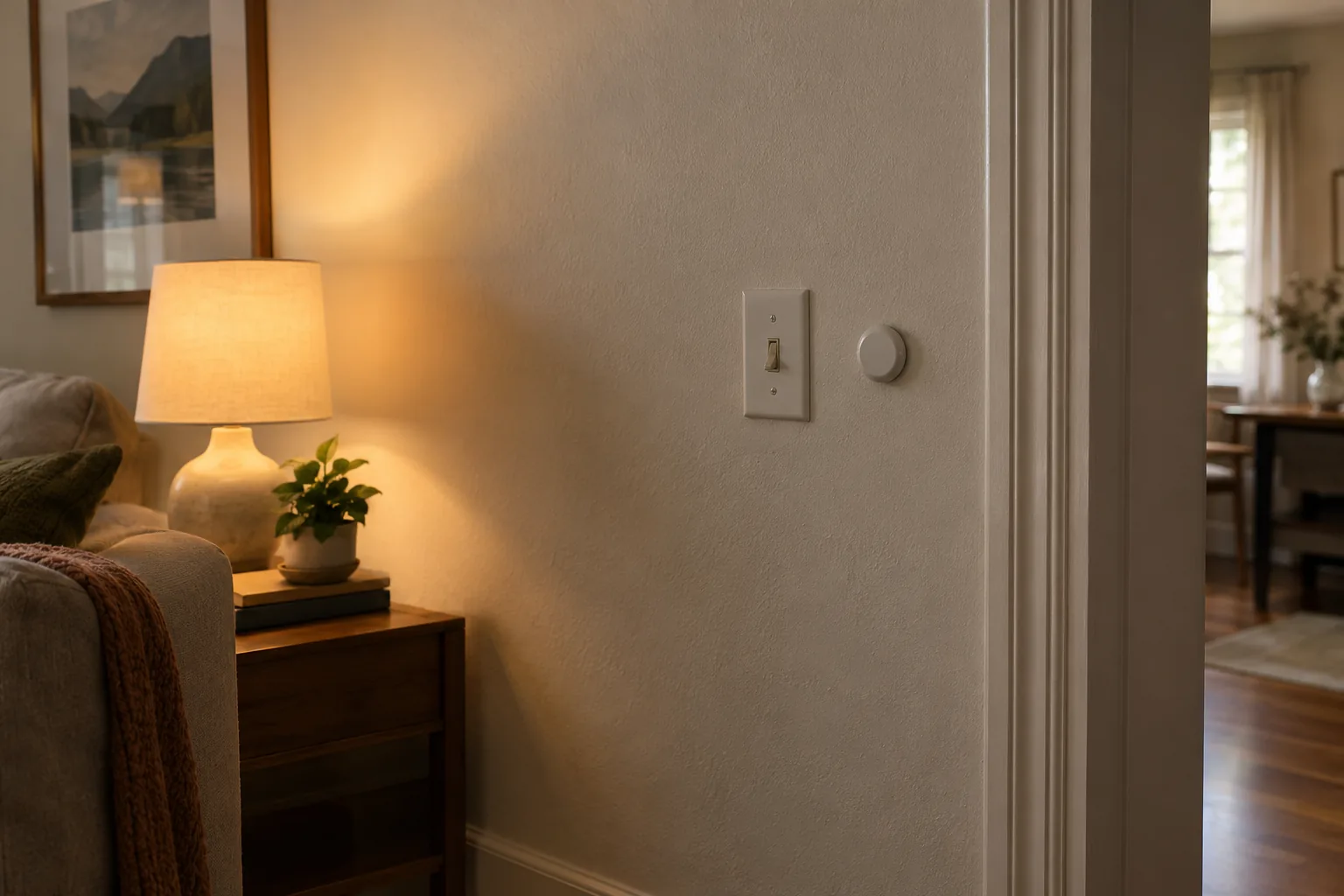
A wire-free option: NuvoTap
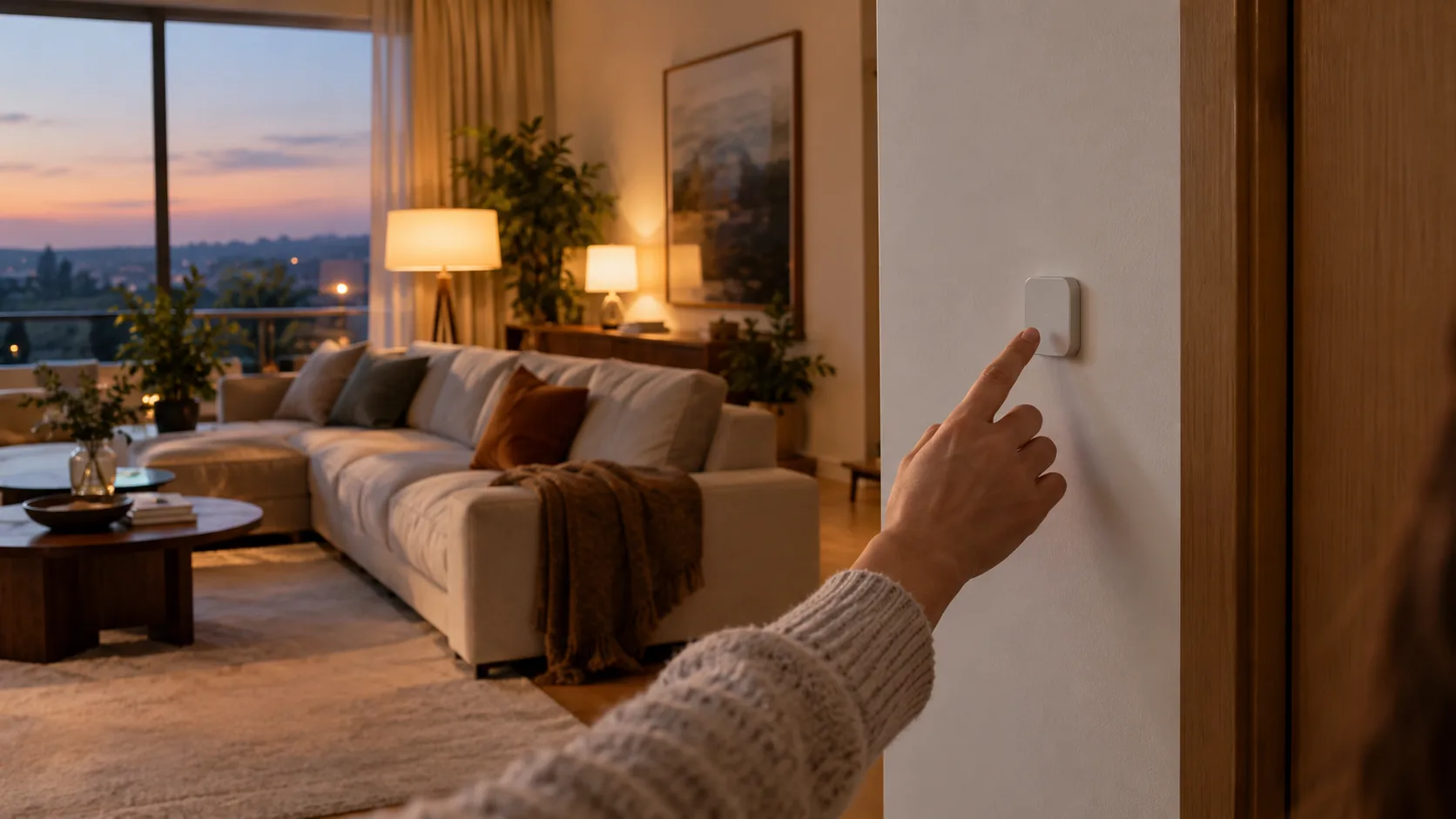
NuvoTap is a battery-powered wireless smart switch with adhesive backing, so no wiring is involved and it needs no neutral. It sticks to a wall or other surface where you want it. It pairs with a Zigbee hub and a companion app, where you assign single, double, and long-press actions to connected devices and scenes.
One button can be assigned to several compatible devices on your Zigbee setup, such as bulbs, plugs, dimmers, and curtains. A press sends a signal through the hub to the lights, fans, or outlets in that scene, which you set up once in the app. Scenes can also be started by voice through compatible voice assistants.
To set it up, stick the button to a wall or surface, connect your Zigbee hub to Wi-Fi, and pair the button in the companion app. The box includes the NuvoTap button, packaging, and a quick-start user guide.
 In this guideNuvoTap$59.99View
Common mistakes with no-neutral wiring
- Assuming a white wire is always neutral. In a switch loop it may carry power and should be handled as hot.
- Skipping the voltage tester because the breaker is labeled. Labels can be wrong, so confirm the box is dead.
- Ignoring the load range in the manual. Some fixtures and bulb types fall outside what a switch supports.
- Pairing a no-neutral switch with a bulb type the manual does not list.
- Forgetting that a three-way or multi-gang box has more wires and different steps than a single switch.
- Leaving the old toggle off when using smart bulbs, which cuts power to them.
Not every connected device raises these wiring questions. Our guide to a smart lock for homes explains how a lock fits a door, which is a question of door fit rather than switch-box wiring, and the Smart Locks & Trackers collection lists related devices.
Field note
Take a photo of the wiring before you disconnect anything, and label each wire with tape. If you cannot match the photo to a diagram in the switch manual, stop and ask an electrician.
When to call an electrician
Some situations are not worth a do-it-yourself attempt. Call an electrician if you see any of the following:
- Aluminum wiring, cloth-covered wires, brittle or discolored insulation, or signs of heat at the box.
- A box with more wires than you can account for, or a three-way or multi-gang setup you cannot map from a photo.
- A breaker that does not clearly match the switch you are working on.
- Any doubt about which wire is hot, switched, or neutral.
- A request to add a neutral to the box, which means running new wiring.
An electrician can also tell you whether a no neutral smart switch suits your fixture, or whether adding a neutral is the route to take. Local codes differ, so ask about permit rules where you live.
Decision path
- Box has a neutral: any in-wall smart switch whose manual matches your load is an option.
- No neutral, comfortable with wiring: look for a no neutral smart switch whose manual supports two-wire installation and check your bulbs against its list.
- No neutral, no wiring wanted: use smart bulbs, a wire-free button, or both.
- Unclear or older wiring: stop and call an electrician.