Smart Lock for Homes: How It Works and Whether It Fits Your Door
A smart lock for homes opens by fingerprint, code, app or key. Check door thickness, bore holes, batteries and connectivity before you buy, using this practical checklist.
Ryan Kessler
October 13, 2026 · 7 min read
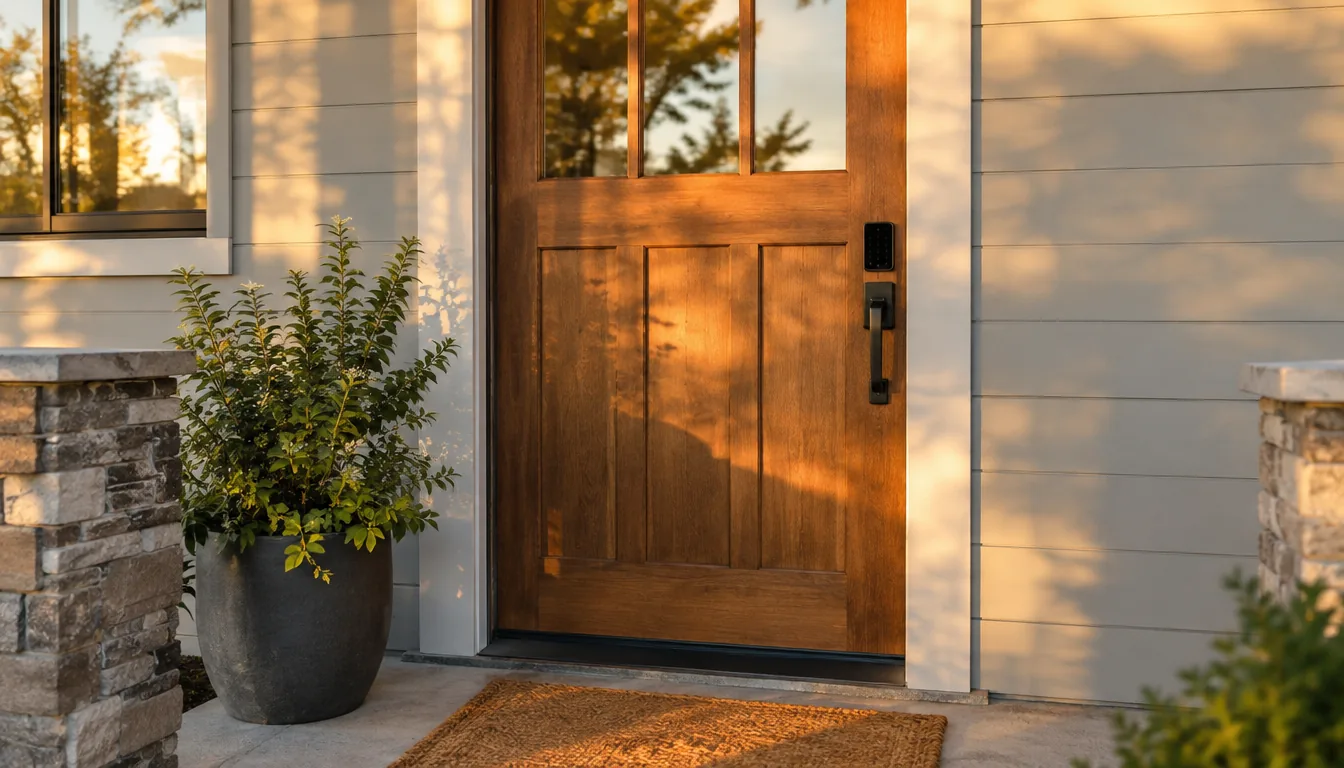
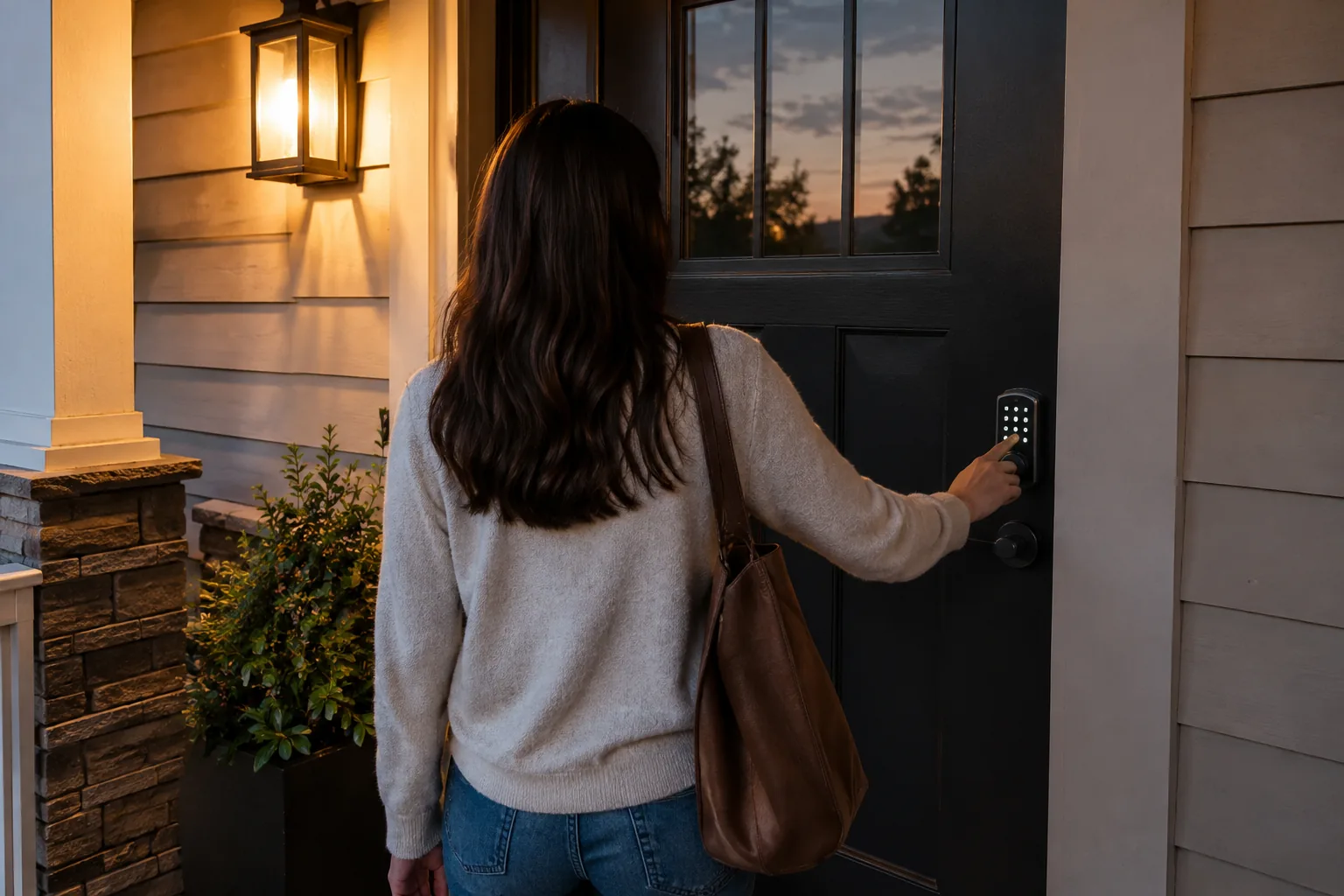
A smart lock for homes replaces or upgrades the part of your door that holds the bolt, so you can open it with a fingerprint, a keypad code, a phone app or a backup key instead of only a metal key. Inside, a small motor moves the bolt when the lock recognizes a valid input, and the lock runs on batteries. Whether one fits your door depends on three things: the lock type, your door's thickness and bore holes, and how you plan to handle batteries and connectivity.
This guide works as a pre-purchase checklist. It covers how the mechanism works, the main lock types, how to check your door, the real downsides, and the questions about hacking and insurance.
How a smart lock for homes works
Every electronic lock has the same four parts: an input (keypad, fingerprint sensor, app or key), a controller that checks the input, a motor that drives the bolt, and a battery pack. When you enter a valid code or touch a registered finger to the sensor, the controller tells the motor to retract the bolt.
Some models talk to a phone over a short-range wireless link. Others connect to a home network through a hub or built-in radio. That connection is what lets you create guest passcodes, check an entry log or receive entry alerts. The lock itself still works at the door without the app, because the keypad and fingerprint sensor are read on the lock.
What the app typically does
- Adds and removes users and passcodes.
- Shows an entry log of who opened the door and by which method.
- Sends entry alerts to your phone.
- Creates guest passcodes for visitors, cleaners or contractors.
Smart lock types compared
Before you look at any model, decide which style suits your door and household.
| Type | How it works | Good fit when | Watch out for |
|---|---|---|---|
| Full replacement lock with handle | Replaces the existing handle and latch hardware with a keypad, fingerprint reader or both | You want keyless entry and are happy to swap the whole lock | Door must match the lock's bore holes and thickness |
| Deadbolt-only replacement | Replaces the deadbolt; your handle stays | You like your current handle set | Needs a compatible deadbolt hole |
| Retrofit add-on | Fits over the inside of your existing deadbolt and turns it | Renters or anyone who wants to keep the exterior as is | Your existing deadbolt must turn smoothly |
| Fingerprint lock | Reads enrolled fingers at the door | Households that want no codes to remember | Wet or dirty fingers can cause misreads |
| Keypad lock | Opens with a numeric passcode | Guests, kids, shared spaces | Visible wear on frequently used keys; shield the keypad |
Many locks combine methods. A model with fingerprint, passcode, app and a physical key gives you several ways in, which matters when one method fails.
Can you put a smart lock on any door?
No. Most residential doors work, but the lock has to match your door's physical details. Check these before you buy:
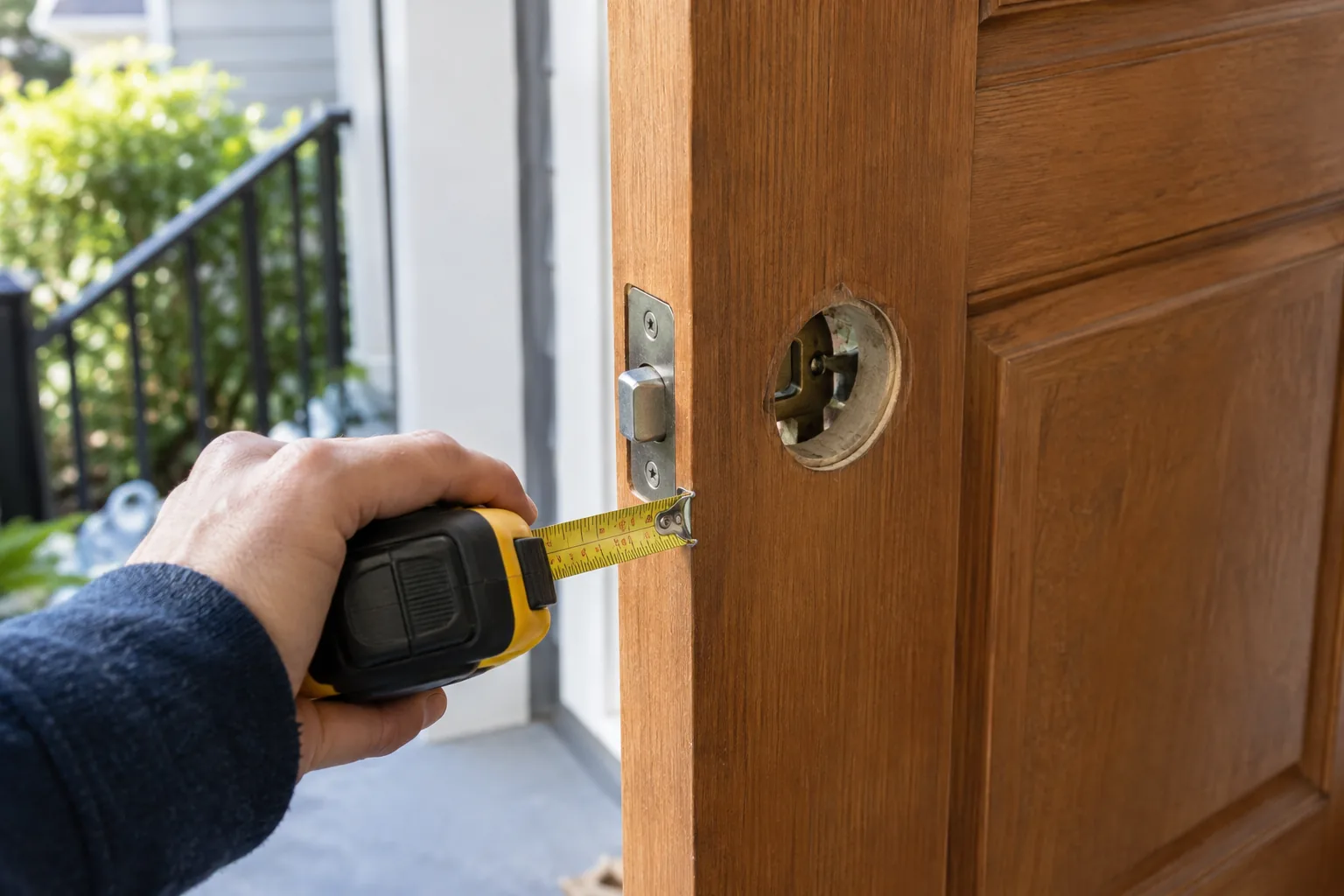
- Door thickness. Measure the edge of the door. Locks list a supported range; for example, NovaBolt suits doors between 33 mm and 50 mm thick.
- Door material. Wood, steel and brass are common. Glass doors, very thin doors and some narrow-stile storm doors usually need a different solution.
- Bore holes. A standard door has one large hole through the face and a smaller hole in the edge for the latch. If yours match the standard layout, installation is mostly a screwdriver job.
- Handedness. Know whether the door is left- or right-hand. A reversible handle removes this concern.
- Alignment. If the door sticks, drags on the frame or the bolt does not line up with the strike plate, fix that first. A motor struggling against a misaligned bolt strains the batteries and may fail to extend.
- Exterior conditions. A door under direct rain, sun or freezing weather needs a lock whose body suits outdoor placement. Check the manual's installation notes.
Field note
Measure thickness at the latch edge with a tape measure and note the hole sizes before you shop. Photograph the inside and outside of your current lock so you can compare it against each spec sheet.
What are the downsides of using a smart lock?
Smart locks add convenience and also add things that can fail. Knowing them upfront is the point of a checklist.
Batteries
The lock needs power to work. Batteries run down, and the lock may warn you through the app or a signal on the lock. Plan for it: keep spare batteries, replace them when warned instead of waiting, and know your fallback. Some locks have an emergency USB port, so you can connect a power bank to wake the lock and enter a code. Others rely on a physical key.
Connectivity
Features that need the internet, such as remote alerts, depend on your router, hub or phone connection. If the network drops, the lock should still open with the keypad, fingerprint or key, but remote features pause. Check this at install: switch off the phone's wireless connection and confirm the door still opens locally.
User error and lockouts
- Forgetting to keep a physical key reachable. Store a spare outside the lock, not on the door.
- Giving out codes and forgetting to remove them.
- Fingerprint misreads when hands are wet, dirty or gloved.
Compatibility and updates
Apps change, phones update, and a lock that relies heavily on an app can behave differently over time. Choose a lock that does the basics, like keypad and key, without any app.
Cost of a mistake
A mis-sized lock or a misaligned door can leave you with a lock that will not close cleanly. That is why door fit comes before features.
How hackable are smart locks, and do they affect insurance?
Any lock can be defeated by someone with enough time and tools, and connected locks add a digital side. The practical risks are usually ordinary ones: weak or shared passcodes, a phone with no screen lock, or a guest code that stays active. Habits matter as much as hardware.
- Pick passcodes that are not birthdays or simple sequences.
- Use a keypad's anti-peep feature if the lock has one; it lets you add extra digits around your real code so onlookers cannot easily read it.
- Lock your phone and protect the account that controls the lock with a strong, unique password.
- Check the entry log now and then and delete unused users.
- Install software and app updates when the manufacturer offers them.
On insurance: policies differ. Some insurers ask about the type of locks on exterior doors, and some offer no change either way. Do not assume. Ask your insurance agent or read your policy wording about electronic locks and whether a deadbolt is required, and keep your installation receipts and manual.
A practical smart lock setup checklist
| Step | What to do |
|---|---|
| 1. Prepare | Measure thickness, check bore holes and handedness, fix any alignment issues |
| 2. Keep the old lock | Store the old hardware and keys until the new lock has worked reliably day to day |
| 3. Install | Follow the manual, keep the door open while testing the bolt |
| 4. Enroll | Add fingerprints and passcodes for each household member |
| 5. Try fallbacks | Use the physical key, and the emergency power option if there is one |
| 6. Set guest access | Create separate codes for guests so you can remove them later |
| 7. Schedule care | Put battery checks on a calendar and wipe the sensor and keypad with a soft dry cloth |
Common mistakes
- Testing only with the door open, then finding the bolt binds when it is shut.
- Leaving the door unlocked while testing, then walking away.
- Skipping the backup key because the app seems enough.
- Sharing one code with everyone instead of giving each person their own.
Where NovaBolt fits
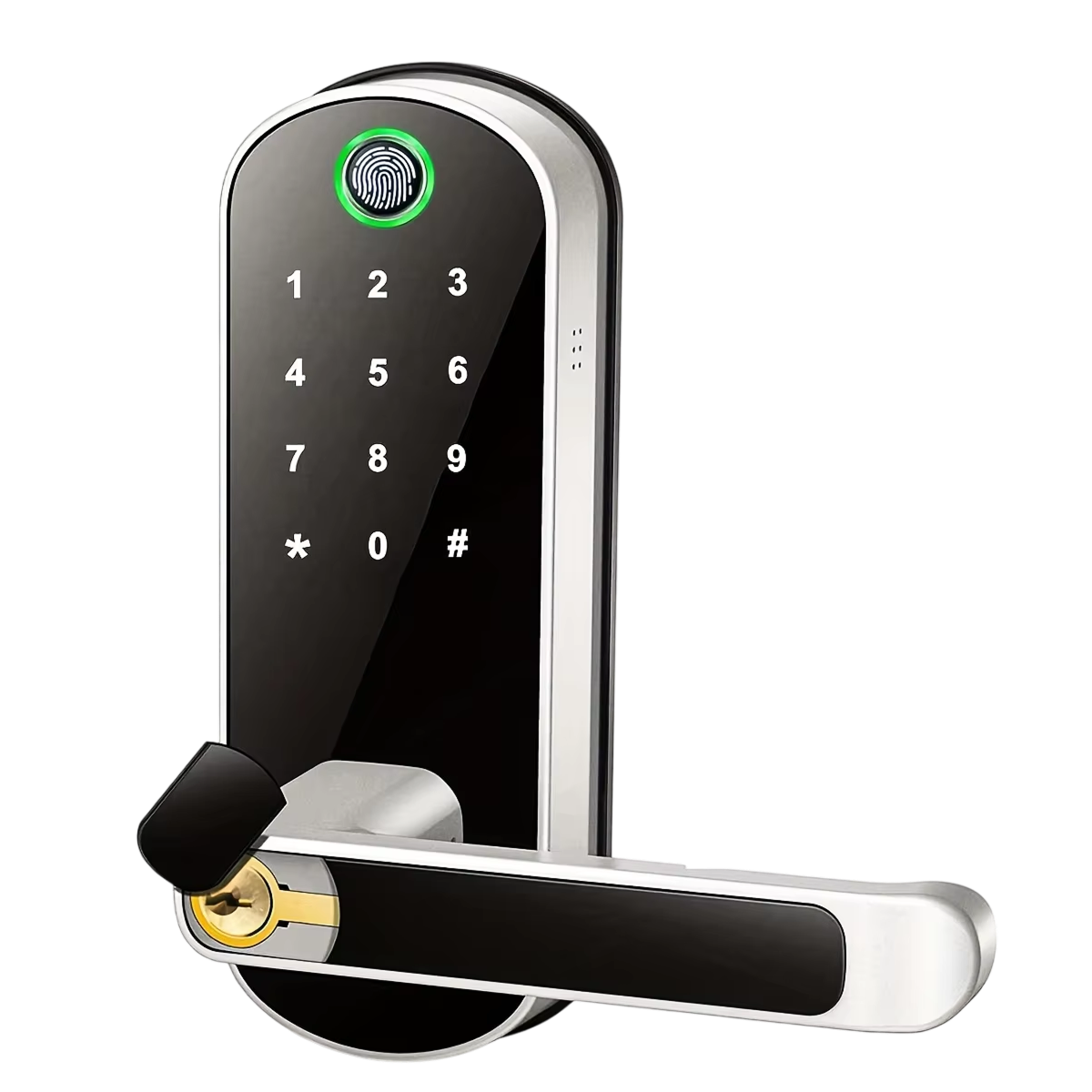
If you want a full replacement lock with several ways in, NovaBolt is a keyless smart lock for home doors. It opens with a fingerprint, a keypad passcode, a phone app or a backup key, and it holds 200 fingerprints and 150 custom passcodes.
On the fit checklist: the handle is reversible for left or right-hand doors, it uses standard bore holes (no drilling needed), and it suits wood, steel and brass doors between 33 mm and 50 mm thick. Installation takes a screwdriver and the supplied screw kit.
On the downsides list: it sends entry alerts to the app, keeps an entry log, and includes an anti-peep code feature. When the batteries run low, you can use a backup key (two are included) or connect a power bank to the emergency USB port. The body is aluminum alloy, with a rubber gasket where the face plate and back plate meet the door.
 In this guideNovaBolt$189.99View
Before you buy: final decision steps
- Confirm thickness, material and bore holes match the lock.
- Decide which entry methods your household will actually use.
- Make sure there is a fallback if batteries die: a key, an emergency power port, or both.
- Check that core functions work without internet.
- Ask your insurer if you have any doubt about policy terms.
If you are still comparing, browse the Smart Locks & Trackers collection and run each candidate through the same fit and fallback checks.