What Is a Radio Frequency Scanner and How Do You Use One?
A radio frequency scanner is a receiver that steps through saved frequencies and pauses on active ones. This guide covers bands, trunked systems and programming local channels.
The Folio & Current Team
October 27, 2026 · 6 min read
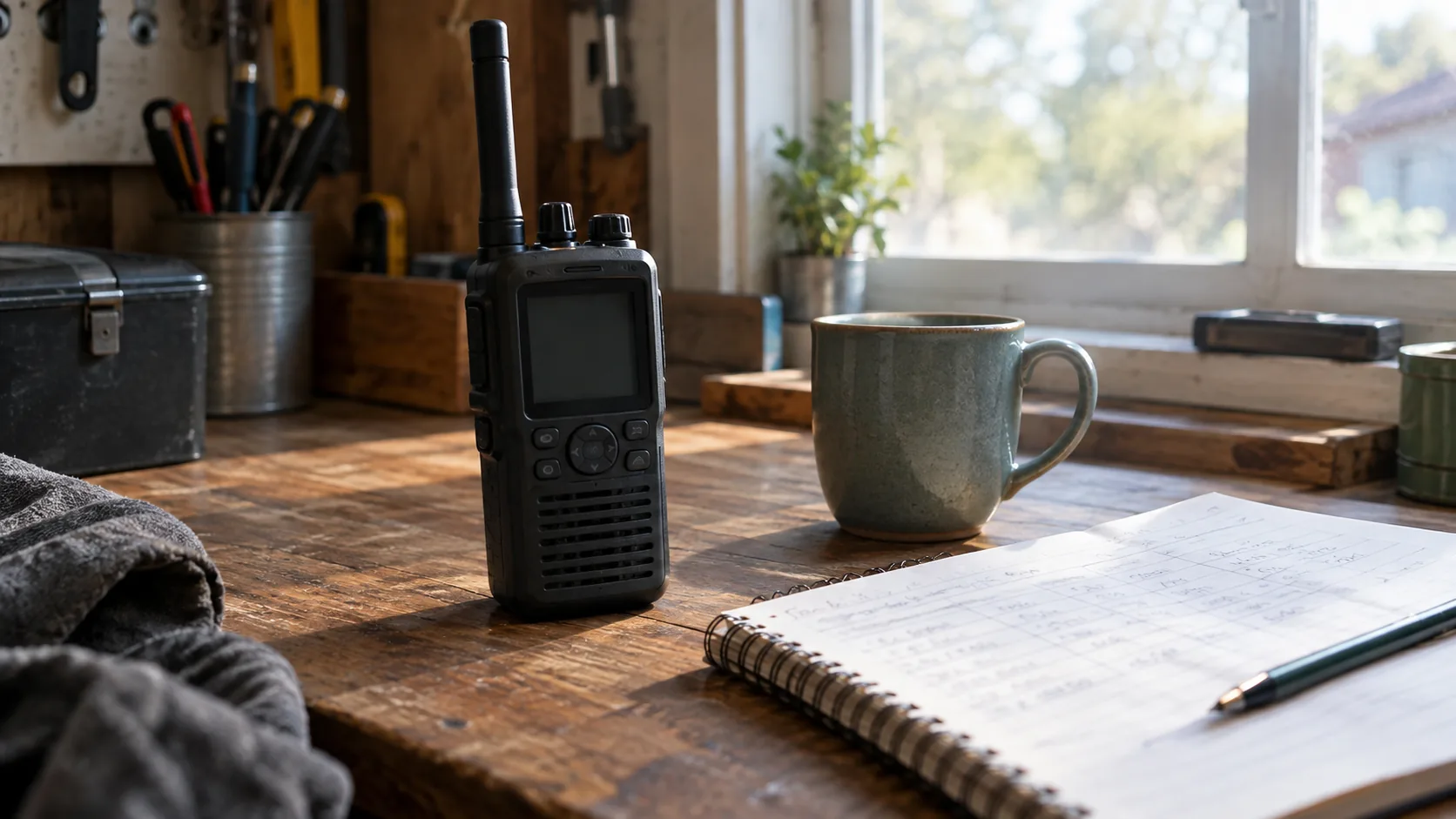
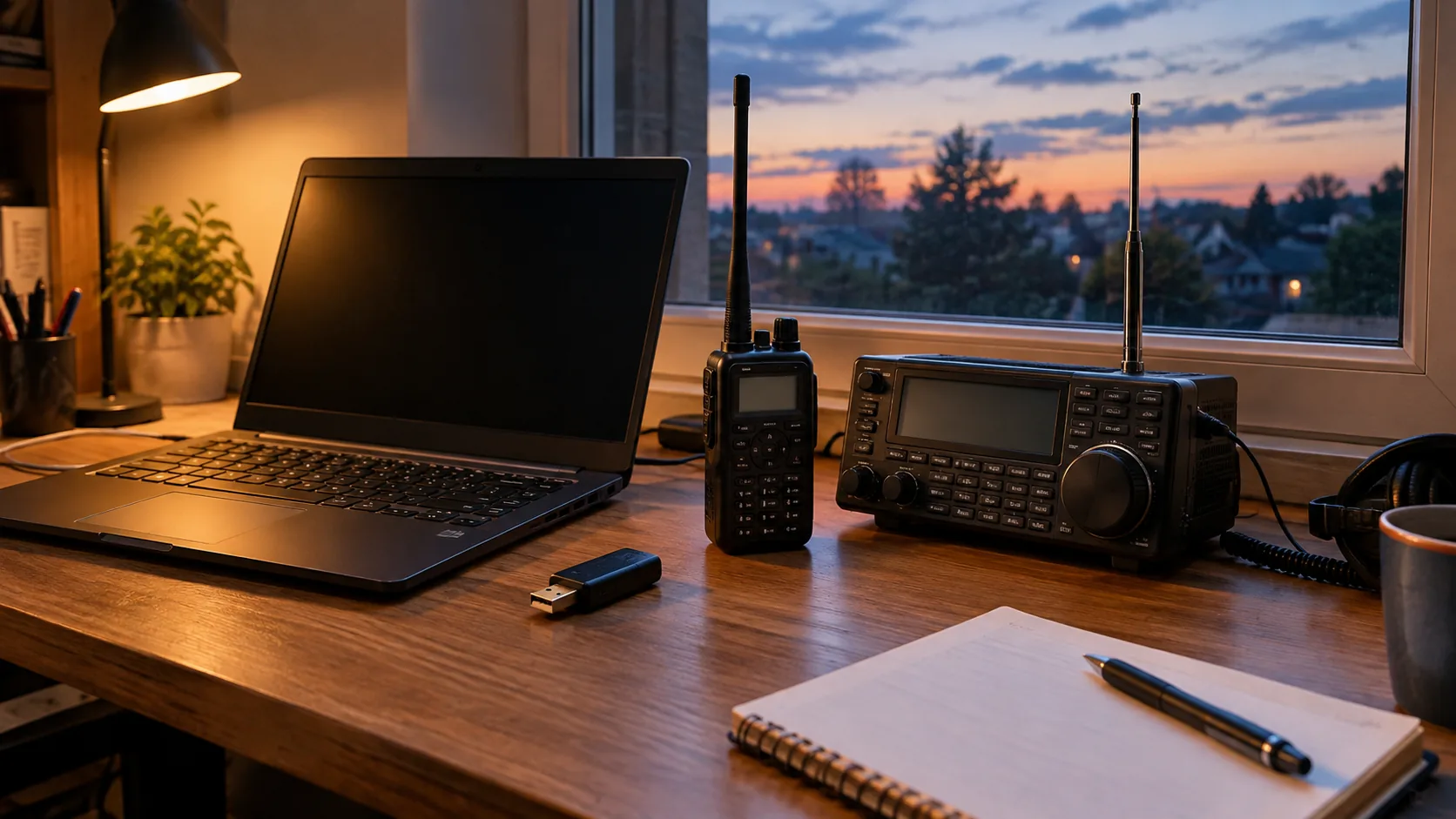
What is a radio frequency scanner? It is a receiver that rapidly checks a list of saved frequencies, pauses on the one carrying a transmission, and lets you listen. Unlike a regular radio tuned to one station, a radio frequency scanner moves through many channels for police, fire, aviation, marine, amateur radio and weather traffic. It only receives; it does not transmit.
The hard part is not the hardware. It is knowing which frequencies and system type your area uses, then entering them correctly. The sections below cover both.
What is a radio frequency scanner and how does scanning work
Every radio service uses a slice of the spectrum, measured in megahertz (MHz). A scanner holds a list of channels, listens to the first for a split second, and moves on if nothing is there. When it finds activity, it holds on that channel until the conversation ends, then resumes.
Squelch sets the point where the scanner ignores static and opens only for a real signal.
The modulation mode (AM or FM, or digital) has to match the service, or you hear distortion or no audio.
Channels can be grouped so you listen only to what matters at the moment: a fire department, a nearby airport, a racetrack, a marine channel. Skipping a group is how you cut noise without deleting anything.
Bands you can hear and where they sit
A band is a range of frequencies assigned to a type of use. A scanner's tuning range decides which bands it covers, so read that spec before anything else. Ranges below are general; local assignments vary, so confirm them in a frequency database for your county.
| Band group | Typical range | What you hear | Mode |
|---|---|---|---|
| Aviation | About 118-137 MHz | Towers, approach, pilots | AM |
| Amateur radio (2 meter) | About 144-148 MHz | Local repeaters and club nets | FM |
| Public safety (VHF high) | About 150-174 MHz | Police, fire, EMS in some areas | FM or digital |
| Marine VHF | About 156-162 MHz | Boats, harbors, bridges | FM |
| Weather | Around 162 MHz | Weather broadcasts | FM |
| Amateur radio (70 cm) | About 420-450 MHz | Repeaters, simplex chat | FM |
| Public safety (UHF) | About 450-512 MHz | City services, some agencies | FM or digital |
Some agencies also use 700 and 800 MHz systems. Those sit above a 64-520MHz tuning range, so check your local systems before choosing a scanner.
Conventional versus trunked systems
This difference confuses some new owners. On a conventional system, each group, such as a police dispatch or a fire channel, has its own fixed frequency. You enter that frequency, and you hear that group.
On a trunked system, a pool of frequencies is shared. A control channel assigns each conversation to an open frequency on the fly, so a single talkgroup can hop between several. A scanner has to follow the control channel and be set up for the system type, or you hear fragments.
Analog or digital
Either system can carry analog or digital audio. Digital formats need a scanner built to decode them, so confirm the format your local agencies use before you buy.
Encryption
Some agencies encrypt part or all of their traffic, and a scanner cannot decode it. A city page on radio encryption explains why a local agency may choose it. If a channel you programmed gives only noise or no audio while the display shows activity, encryption is one possible cause.
A scanner built for handheld programming
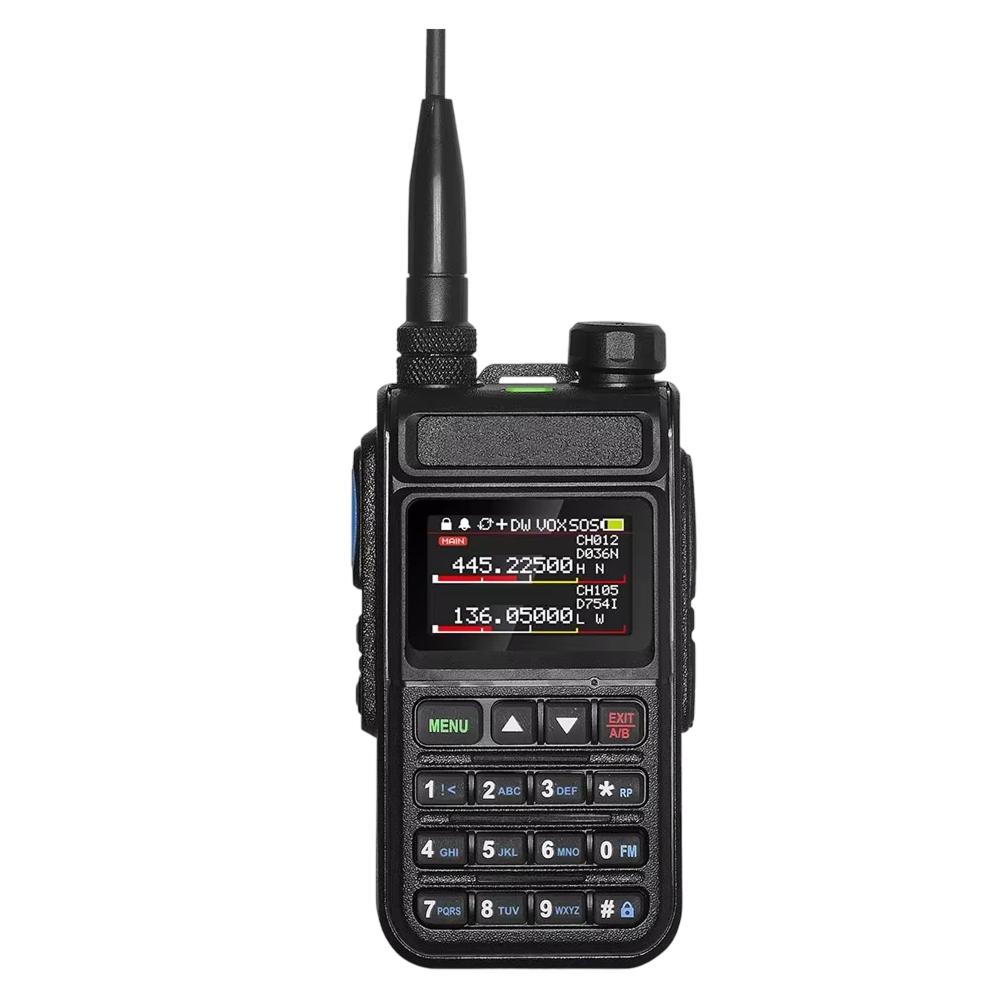
The SpectraRange Pro is a radio scanner that tunes 64-520MHz across four band groups: aviation, marine, amateur radio and public safety. It also includes 11 NOAA weather channels.
It holds 999 channels, each with a custom name, which you can group by location or priority and recall with one tap. Its display shows two frequencies at once, so you can follow an aviation channel and a public-safety channel side by side.
 In this guideSpectraRange Pro$129.99View
How to program local frequencies
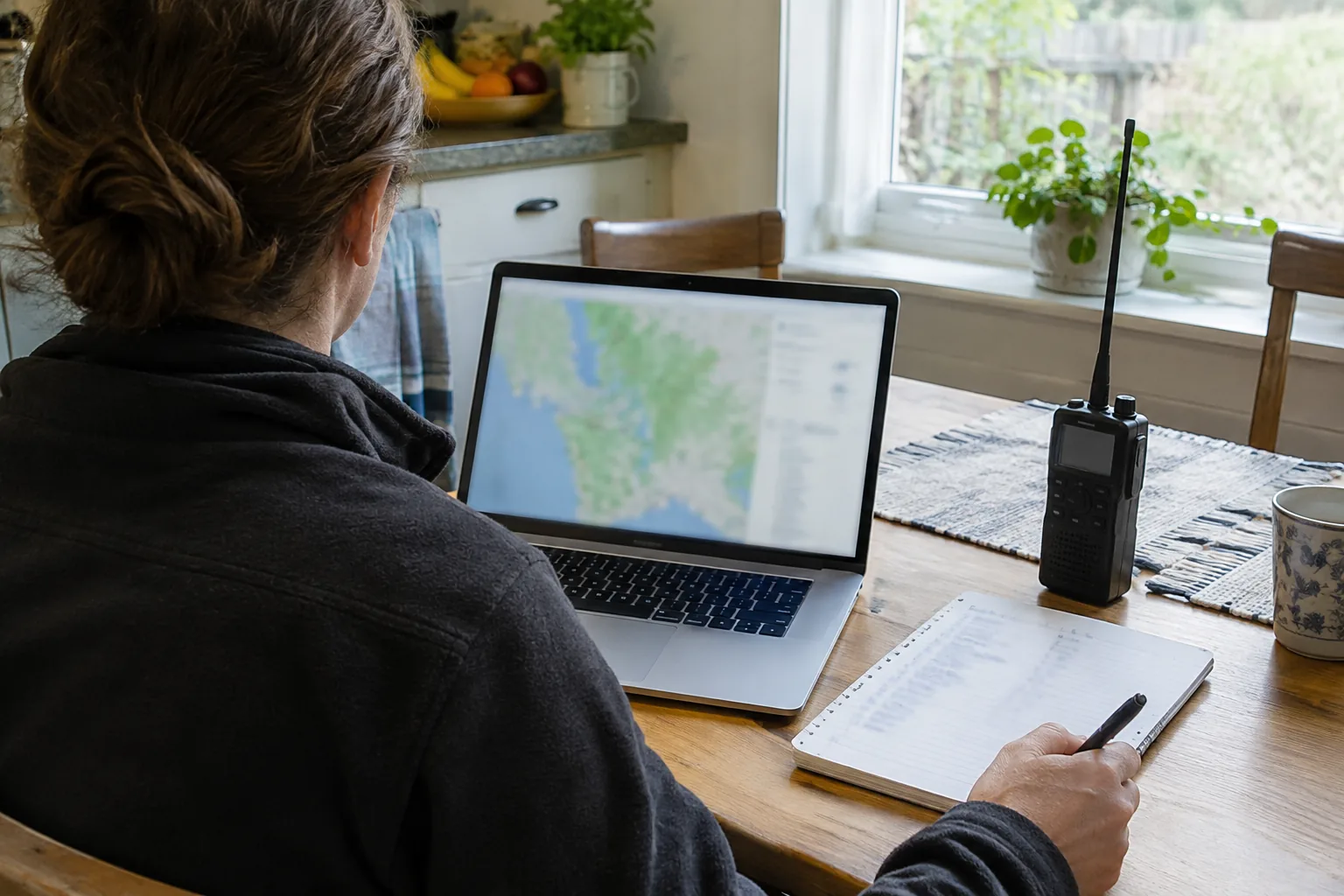
Programming goes in the same order whether you use a handheld or a base unit. Follow the manual for your model, since menus differ.
- Find your county in a public frequency database, which lists agencies, frequencies, modes and system types by location. You can search by zip code or county.
- Note whether each service is conventional or trunked, and whether it is analog or digital.
- Pick the agencies you want: local police, fire, EMS, the nearest airport, nearby marine channels, and weather.
- Enter each frequency, set the correct mode, and give the channel a name you will recognize, such as the town and service.
- Sort channels into groups, for example by town or priority, so you can turn groups on and off.
- Set squelch just above the point where static drops away, then run a scan.
- Watch the display during traffic. Remove channels that stay inactive for weeks and fix any that sound distorted by changing the mode.
Entering a long list by hand takes patience, and a typo in a frequency is a frequent reason a channel stays inactive. Check each entry against the database before you suspect the scanner.
Copying a frequency from another radio
If you already have a programmed radio, the SpectraRange Pro can copy from it. Turn the scanner on, choose a band, point it at the programmed radio and press one button. The scanner copies that radio's frequency and privacy code, with no PC, software or manual entry.
Give the copied channel a name, then recall it with one tap. The unit also has VOX monitoring, a voice-activated mode that lets you monitor channels without pressing buttons, which suits driving or fieldwork when your hands are occupied.
Field note
Start with 10 to 20 channels you care about. Keep the list short and well named, and add more once you know your area's traffic.
Frequencies worth programming first
Begin with services that have regular traffic in your area, and confirm every entry in a database for your county.
- Local fire and EMS dispatch.
- Police dispatch for your town and the county.
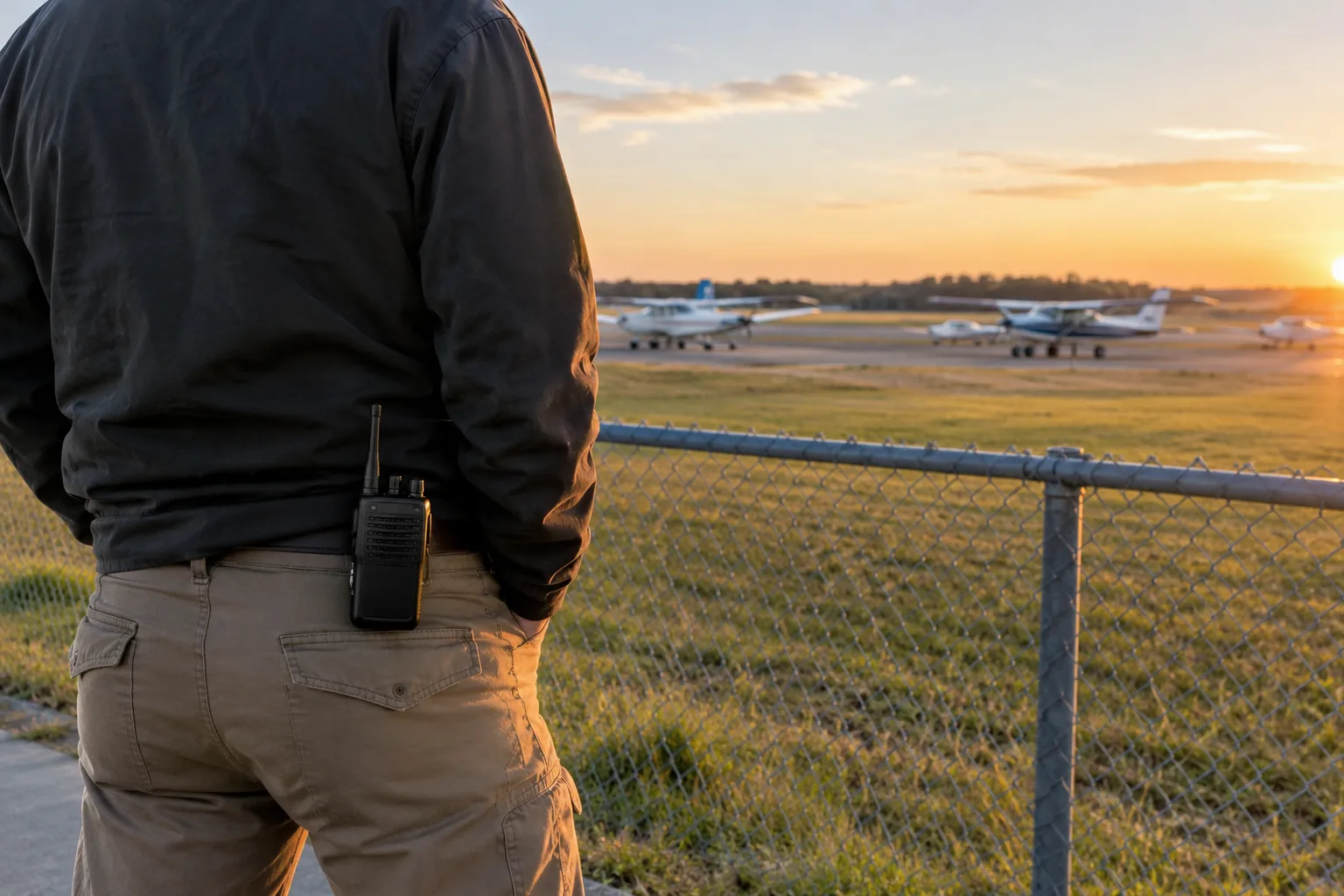
- The nearest airport tower and approach channels, if you live near one.
- Marine channels, if you are near a harbor, river or lake.
- Weather channels for storm season.
- Local amateur radio repeaters, for conversation and club nets.
For a wider look at power sources and band coverage for outages, see Good Emergency Radio: Power Sources, Bands and What to Check.
Legal basics and common mistakes
In the US, civilians can generally listen to public-safety and other unencrypted radio traffic. Rules differ by state, and some states restrict scanner use in a vehicle or while committing a crime, so check your state and local rules. Do not transmit on frequencies you are not licensed for, and do not act on what you hear in a way that interferes with responders.
Cell phone calls are a separate matter. Cellular service uses bands outside a 64-520MHz range, and the traffic is digital and encrypted, so a scanner like this one is not a way to listen to phone calls. Intercepting private calls is also restricted by law.
Common mistakes to avoid:
- Entering a trunked system as if it were a single conventional frequency.
- Using the wrong mode, such as FM on an aviation channel that uses AM.
- Setting squelch too low, so static keeps the scan from moving.
- Buying a scanner whose tuning range misses the bands your agencies use.
- Keeping outdated lists after an agency changes systems.
Browse the Radios & Emergency Comms collection if you want to look at other receivers for outages and field use.