Software Defined Radio: What It Is vs a Scanner or Ham Radio
Software defined radio moves the work of a radio into software on a computer. Here is how it compares with a scanner and a handheld ham radio on setup, portability and transmitting.
The Folio & Current Team
October 27, 2026 · 8 min read
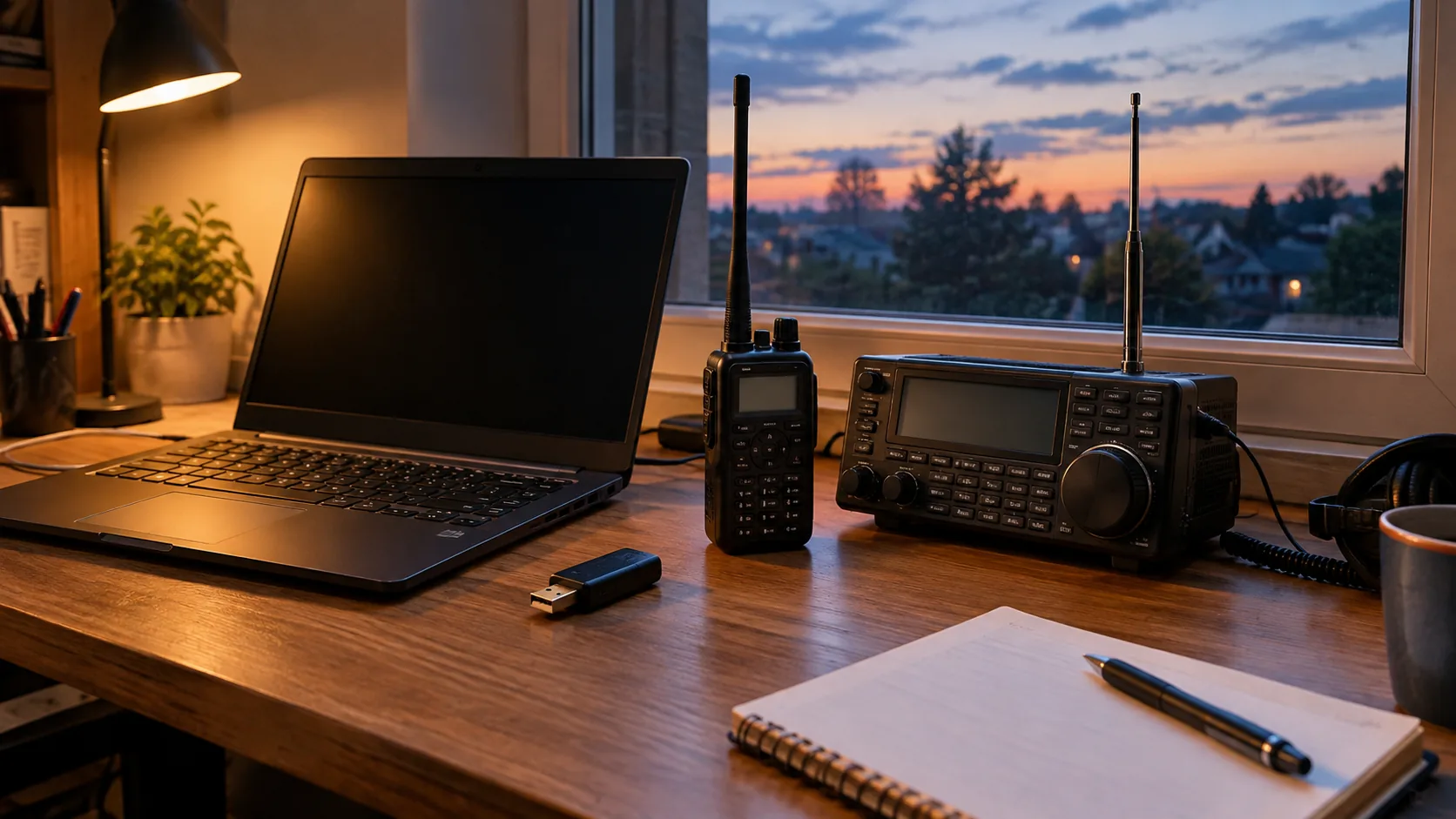
A software defined radio (SDR) is a radio where tuning, filtering and decoding are done by software instead of fixed circuits. A small receiver captures a slice of spectrum, and a computer turns it into audio, a waterfall display or decoded data. A scanner and a handheld ham radio do their work inside one self-contained device, so the choice comes down to setup effort, portability and whether you want to listen only or also transmit.
This guide puts the three side by side, then walks through setup, common uses, legal basics, drawbacks and a short decision path.
What software defined radio is and how it works
In a traditional radio, hardware parts such as mixers and filters pick one signal out of the air. In an SDR, the hardware is reduced to an antenna, a tuner and a converter that turns radio waves into a digital signal. Digital signal processing then does the rest on a computer or an onboard processor.
Because the work is in software, the same hardware can follow different waveforms. One program can show FM broadcast, aviation voice, weather broadcasts or amateur radio, depending on the frequency range the hardware covers and the software you load. A frequency waterfall shows many signals at once, so you can see activity instead of waiting for a single channel to open.
The idea reaches well beyond hobby listening. Communications development, satellite ground stations, research labs and defense communications work all use software-based radio architecture, and a space agency technology project page on software radio shows how it appears in flight communications work.
Receiver or transceiver
Some low-cost SDR dongles only receive. A software defined radio transceiver can also transmit, but transmitting brings licensing rules and a need for proper antennas and filtering, so it is a separate step from listening.
SDR vs scanner vs handheld ham radio
The three tools overlap on what you can hear, but they differ in how you reach it. Use this table as a first filter.
| Factor | SDR dongle and software | Dedicated scanner | Handheld ham radio |
|---|---|---|---|
| Main job | Listening, spectrum viewing, decoding | Listening and monitoring saved channels | Two-way talking and listening |
| Needs a computer | Yes, or a phone with an adapter | No | No; a phone helps with programming on some models |
| Setup effort | Antenna, driver, software, settings | Charge, choose a band, listen | Charge, program channels, get licensed to transmit |
| Portability | Depends on the computer and antenna you carry | Pocket or belt device | Pocket or belt device |
| Transmit | Receive-only unless it is a transceiver | Receive only | Yes, with a license on amateur bands |
| What you learn | How signals and modulation work | Following local channels | Repeaters and local contacts |
An SDR gives a wide view of the spectrum and a lot to learn, but it asks for patience. A scanner is a ready-made listening tool, and the same goes for a handheld radio frequency scanner that stores channels. A handheld ham radio is the only one of the three built for conversation.

When a dedicated scanner fits
Choose a scanner if you want to listen without a computer. You turn it on, pick a band and hear what is active. There are no drivers, no software updates and no antenna calculations to learn first.
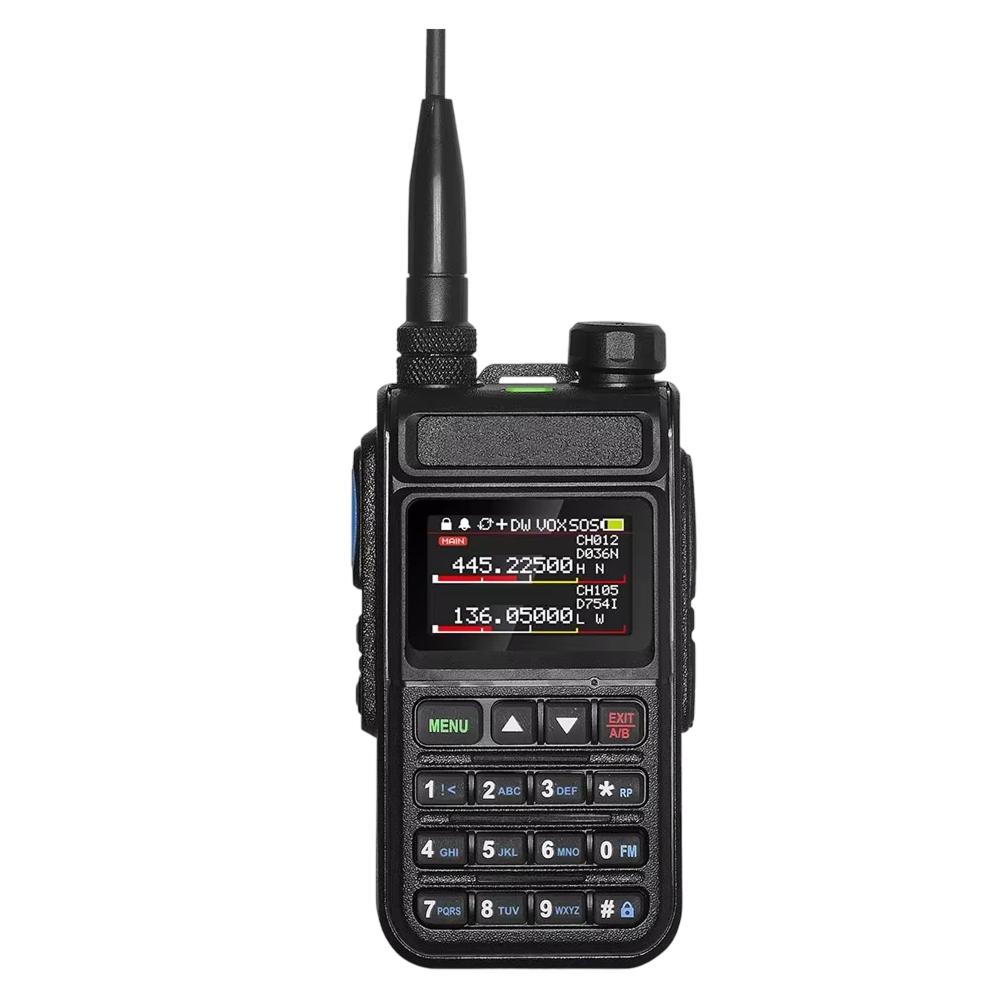
The SpectraRange Pro is a radio scanner that tunes 64-520MHz across four band groups: aviation, marine, amateur radio and public safety. It also includes 11 NOAA weather channels. You can store 999 named channels, group them by location or priority and recall one with a tap.
It shows two frequencies on one screen, so you can follow an aviation channel and a public-safety channel side by side. VOX monitoring lets you listen without pressing buttons, and the 1100mAh rechargeable battery charges over USB-C. A belt clip is included. If the radio you want to monitor is already programmed, you can point the scanner at it and press one button to copy its frequency and privacy code.
 In this guideSpectraRange Pro$129.99View
When a handheld ham radio fits
Choose a handheld if you want to talk, not only listen. Amateur radio is built around repeaters, local nets and pocket-size radios, and none of that works with a receive-only dongle.
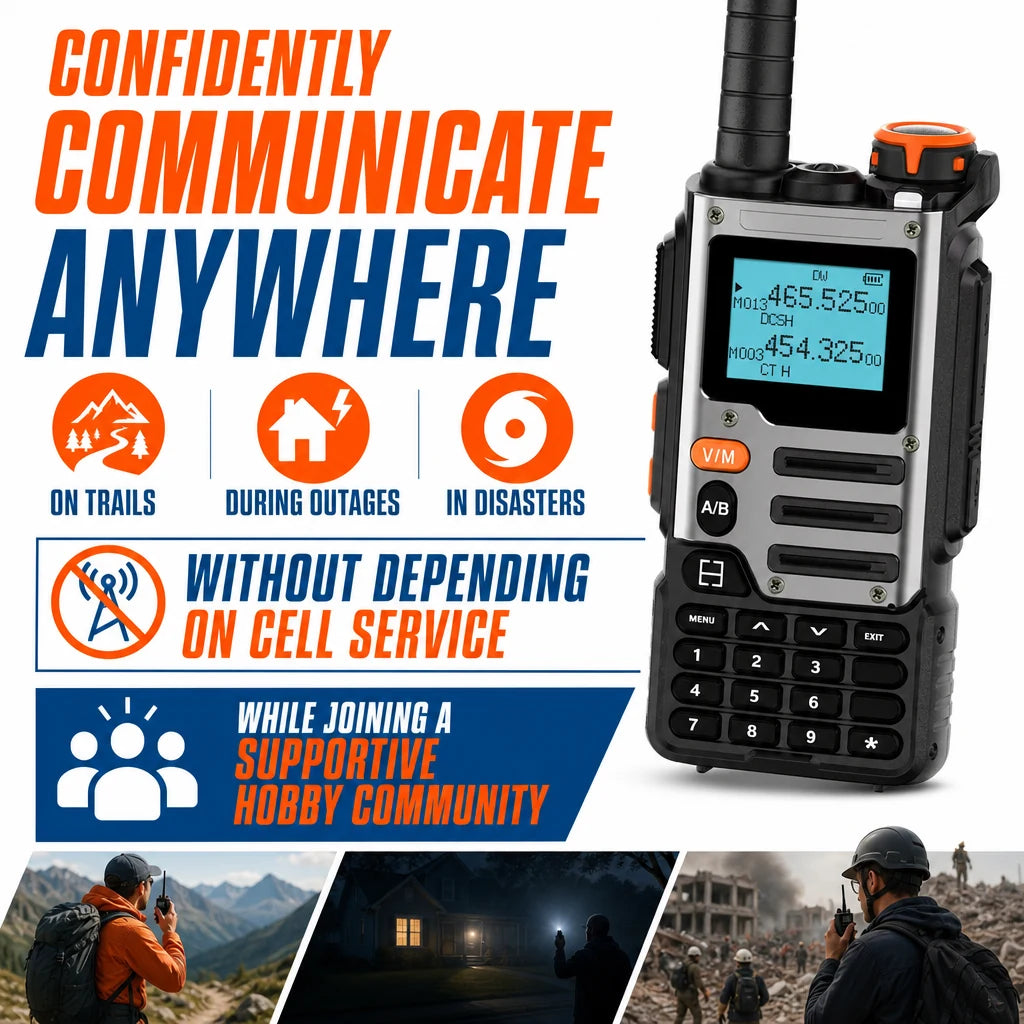
The FreqVox is a handheld ham radio covering 7 frequency bands, including VHF, VHF2 and UHF. You pair a phone over Bluetooth, choose repeaters for your area in the companion app and write the channels to the radio wirelessly, with no cable and no computer. It has 999 channel memories, so frequencies you use often can be recalled from its controls.
A 3000mAh lithium-ion pack powers it and recharges over USB-C. The box includes an antenna with an SMA-female connector, a belt clip, a lanyard, a Bluetooth programming guide and a user manual. The radio also has a device password that limits who can open it and view the stored channels.
It includes a scrambling function as well. Amateur radio rules do not allow messages meant to hide their meaning, so check the band rules in your area and leave scrambling off on amateur bands.
 In this guideFreqVox$99.99View
Field note
Transmitting on amateur bands needs a license. Read the user manual, learn the rules for your area and listen to a repeater for a while before you press push-to-talk.
Setting up a software defined radio
If you want the learning and the spectrum view, an SDR is worth the extra steps. Work through this checklist in order.
- Pick the target. Aviation, weather, FM broadcast and amateur bands sit in different parts of the spectrum, and each one suits a different antenna length.
- Choose a receiver that covers those frequencies. Check the tuning range on the product page, not just the name.
- Install the driver and a receiver program on your computer, following the maker's manual.
- Place the antenna near a window or outside, away from computer cables and chargers that add noise.
- Set the sample rate and gain a little at a time. Too much gain can make a strong signal show up as false ones.
- Save the frequencies you find in a bookmark list inside the program.
Free software for SDR
Yes. Several open-source receiver programs are free to download for desktop operating systems, and some include a waterfall, recording and decoders for digital modes. Some decoders are separate downloads, so check each program's documentation. Use the project's own site for downloads and read the install notes before you plug in the receiver.
Can you use your phone as an SDR?
Not on its own, because a phone has no wideband radio receiver for this. With a USB adapter and a compatible receiver dongle, some phones can run SDR apps, which makes a small portable listening kit. Check that the app and the adapter support each other before buying.
What you can do with an SDR
An SDR project usually starts with one signal you want to see. Because the hardware covers a range of frequencies, you can move from one project to the next by changing the software and the antenna.
- Listen to FM broadcast, including stereo, and watch the station spacing on the waterfall.
- Follow aviation voice channels and airport weather broadcasts.
- Display aircraft position broadcasts on a map, using a decoder program and a suitable antenna.
- Decode weather satellite images as a satellite passes overhead, which calls for a purpose-built antenna and a pass-tracking program.
- Listen to local conversations on the 2-meter amateur band.
- Record a stretch of spectrum and play it back later to look for signals you missed.
These uses are why SDR shows up in classrooms and maker projects as well as in labs. A hobby receiver cannot do everything a lab instrument does, but it does show how antennas, filters and digital signal processors fit together.
If your goal is mainly to hear a list of local channels, a radio frequency scanner with stored channels covers that without a computer. If your goal is to look at the signals themselves, the SDR is the tool built for it.
Are SDR radios legal, and what are the disadvantages
Owning and using an SDR receiver is generally allowed in the US, but the rules about what you may do with what you hear vary. Some states restrict scanner use in vehicles or in the commission of a crime. Some communications are private, and encrypted traffic is not meant to be decoded. Check federal and state rules, and ask a lawyer if you are unsure.
Transmitting is a different matter. Any transmit-capable device, SDR transceiver or handheld, needs the right license for the band you use, and you must follow its power and frequency rules.
Disadvantages of SDR
- It needs a computer or phone, a driver and software, so there is more to set up than with a scanner.
- Low-cost receivers capture a narrow slice of spectrum at once, so you tune around instead of scanning memory banks.
- A strong nearby signal can overload the front end and create false signals.
- The antenna that comes with a dongle is basic. Results depend on antenna placement as much as on the software.
- Some dongles receive only, so they cannot replace a handheld for two-way contact.
- It is a poor fit as a grab-and-go tool in a car or on a trail.
How to choose in four steps
- Decide if you want to talk. If yes, choose a handheld ham radio and plan for a license.
- If you only want to listen, decide whether a computer is part of the plan. If you want a ready-to-use device, choose a scanner.
- If you enjoy tinkering, want a waterfall view or want to learn how signals work, choose an SDR.
- If you want a go-bag radio for storms, check the weather channels and power sources. Our guide to a good emergency radio covers power sources, bands and what to check.
You can also combine them. Some listeners keep an SDR on the desk for exploring and a scanner for the belt. See the Radios & Emergency Comms collection for what we stock.
Common mistakes to avoid
- Buying a receiver before checking that its tuning range covers the bands you want.
- Expecting a receive-only dongle to transmit.
- Leaving the antenna coiled on the desk next to a power supply.
- Raising gain until the waterfall fills with ghost signals.
- Storing frequencies in a notebook only, instead of in the program or the radio memory.
- Skipping the manual when you charge a lithium-ion pack. Use the supplied charger and follow its instructions.
Match the tool to the job, set the antenna up with care and keep notes on what works. That is enough to get a clear start with software defined radio, and a scanner or handheld covers the rest.