Studio Monitors and Headphones: Which to Use for Mixing and Recording
Use headphones for tracking and untreated rooms, and monitors to judge balance in a room you know. This guide compares studio monitors and headphones by scenario, with a speaker check.
The Folio & Current Team
November 29, 2026 · 7 min read
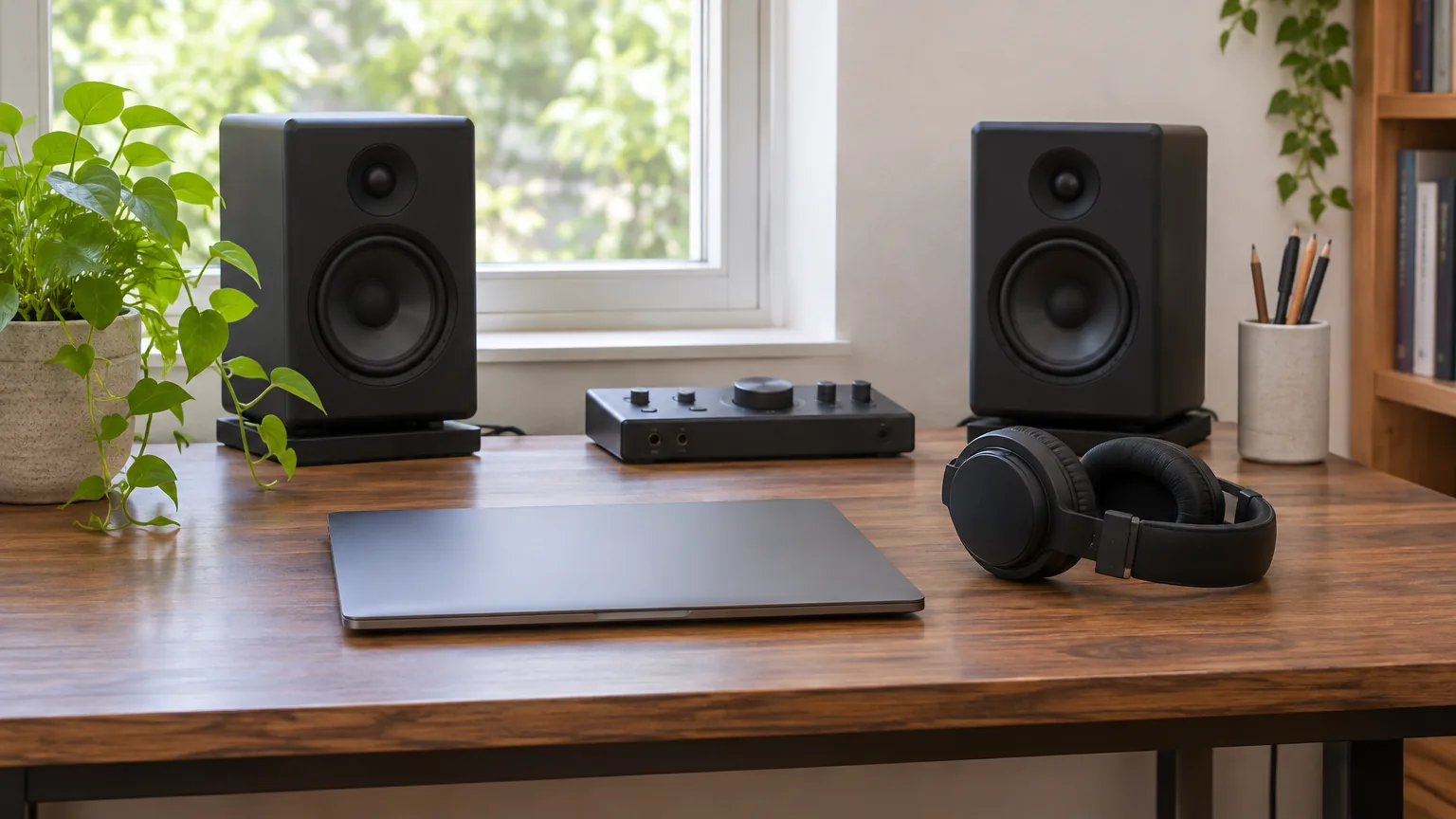
Studio monitors and headphones do different jobs. Monitors show you how a mix sounds in a room, while headphones isolate the signal so you can record, edit and hear fine detail. Use headphones for tracking and for rooms you cannot control, use monitors to judge balance in a space you know, and check any headphone mix on speakers before you call it finished.
This guide compares the two by scenario, explains what to look for in good studio headphones, and walks through a step-by-step check of a headphone mix on other speakers.
What studio monitors and headphones each do in a session
Studio monitors are speakers built to reproduce a signal without adding much color. You sit in the listening position, and the sound travels through the air and the room before it reaches you. That means the room is part of what you hear, for better or worse.
Headphones remove the room from the picture. Each ear gets its own channel directly, so you hear stereo separation clearly and can pick out clicks, noise and small edits. The tradeoff is that the sound sits inside your head, so judging how wide a mix is or how it sits in a space is harder.
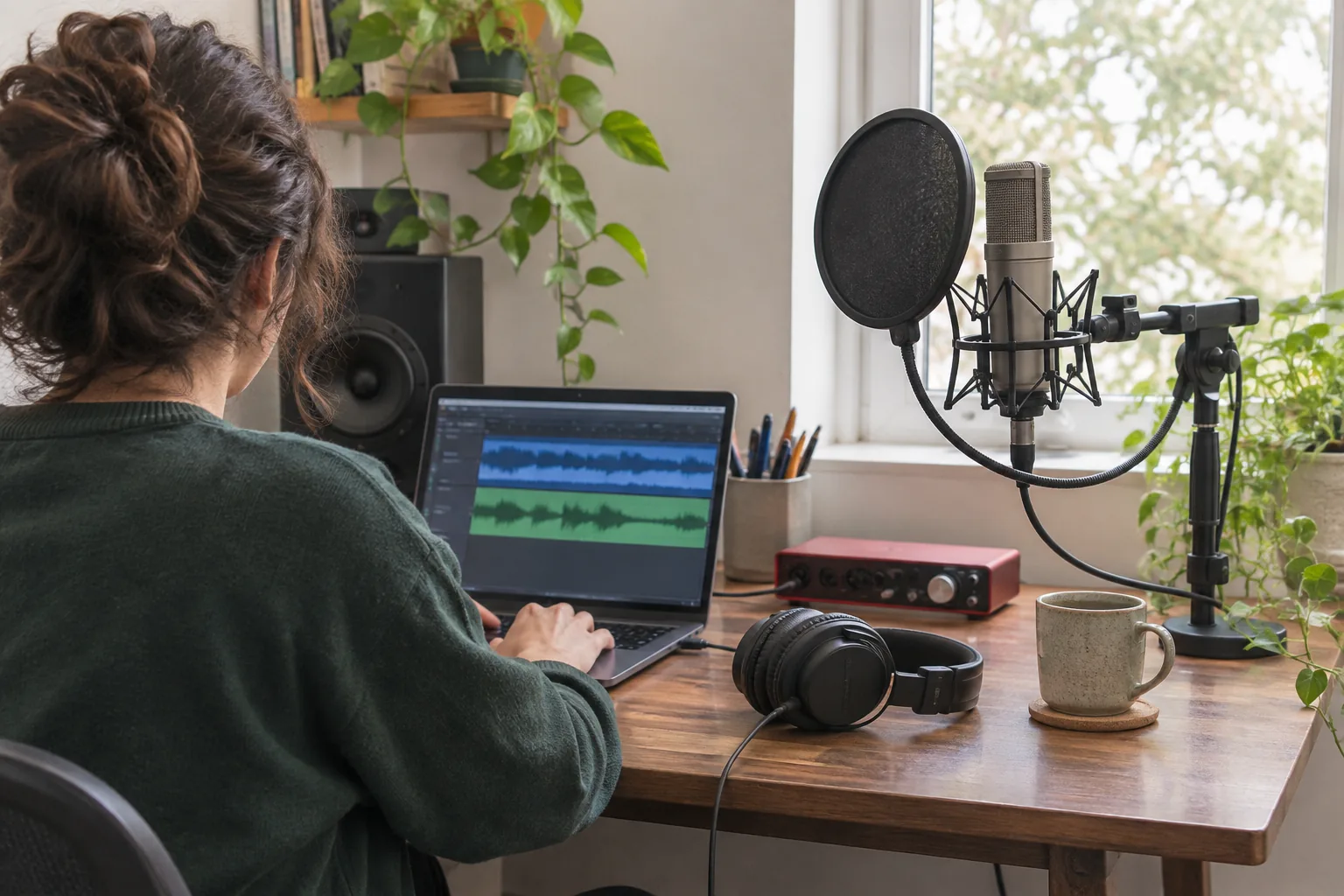
For recording, the headphone job is different again. A performer wearing closed-back headphones hears the backing track and their own part without the sound spilling into the microphone. That is why headphones for studio recording are a standard tool even in rooms that have a full monitor setup.
Comparison: which to use by scenario
Use this table to match your situation to a tool. Each row ends with a second step, because the two tools check each other.
| Scenario | Start with | Why | Then check on |
|---|---|---|---|
| Tracking vocals or acoustic instruments | Closed-back headphones | Sound stays out of the microphone | Monitors, once the take is done |
| Untreated bedroom or shared apartment | Headphones | The room does not color what you hear | Monitors at low volume, plus a phone speaker |
| Room with absorbers and a fixed listening spot | Monitors | You hear placement and depth in a real space | Headphones for detail and noise |
| Tight budget, one purchase | Headphones | You skip the speakers, stands and room work | Car, laptop and phone speakers |
| Editing clicks, breaths and cuts | Headphones | Small noises are audible | Monitors for overall balance |
| Judging low end | Monitors in a known room | Bass depends on the room, so learn yours | Headphones, to confirm what you heard |
| Live cueing or DJ-style monitoring | Headphones with a swivel cup | You can hear the room with one ear free | The house speakers |
When headphones are the right tool
Headphones make sense whenever the room is the weak link. A small bedroom with bare walls adds echoes and bass bumps that you cannot hear past. In that case, closed-back headphones give you a steady reference, and the sound stays mostly in the cups instead of filling the room.
Tracking and overdubs
Closed-back cups keep the click and backing track out of the microphone. Pick a pair of studio headphones for recording with a cable long enough to move around the mic, and check that the plug matches your interface or headphone amp.
Mixing on headphones
You can mix on headphones if you work with discipline. Load a few reference tracks you know well, compare your mix against them often, and take breaks so your judgment stays steady. Then confirm the result on speakers, as described below.
If you want a deeper look at what separates a detailed pair from a basic one, this guide on high fidelity audio headphones covers the specs to check before you buy.
A pair of studio headphones to consider
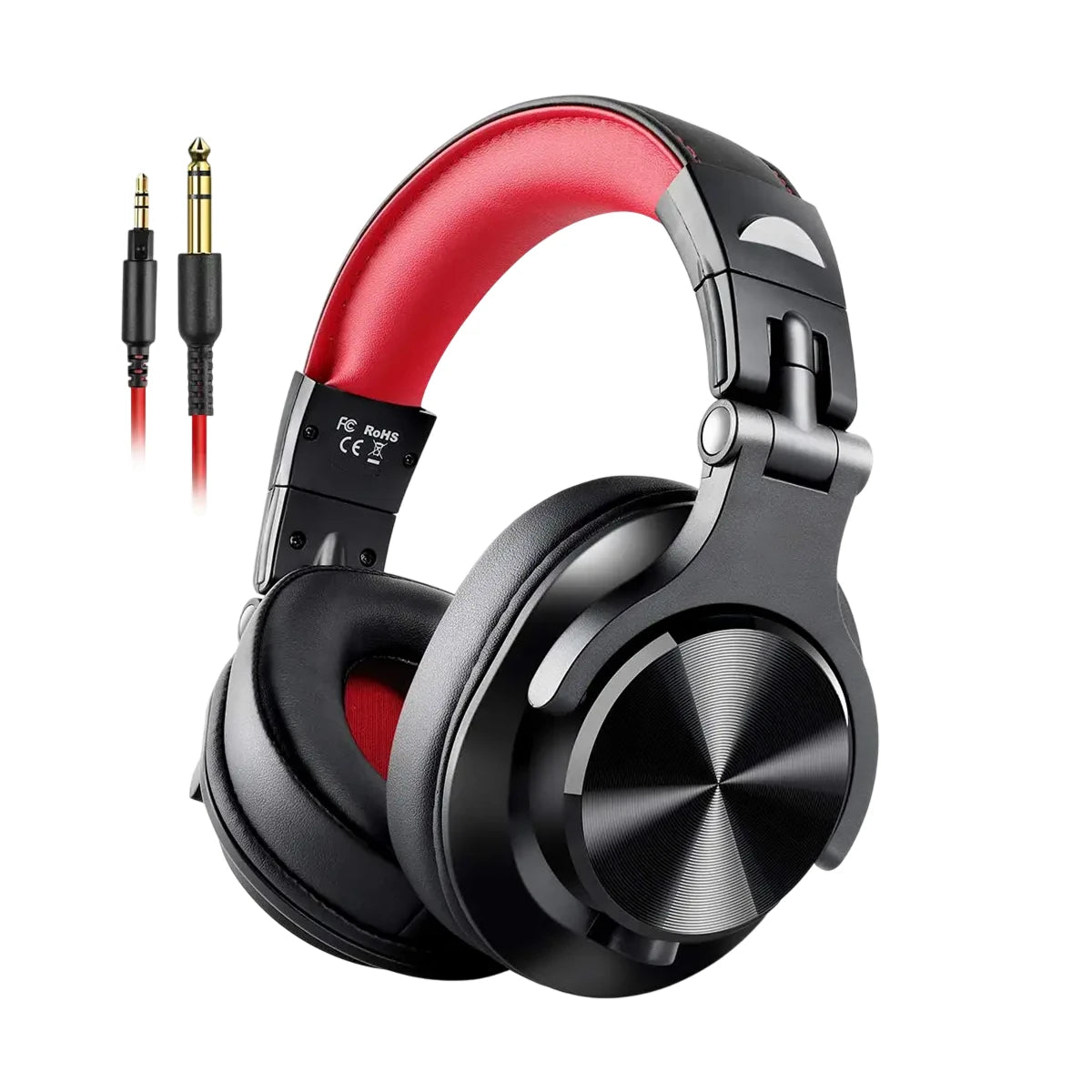
If you want one pair that covers monitoring, mixing and everyday listening, Reverbix is built for that mix of uses. These studio headphones use neodymium drivers, which the product page describes as reproducing bass, vocals and highs for a clear reference while you work.
The detachable cables click in and out, so you can swap the lead you need or replace one separately. The coiled studio cable runs about 4.9 ft stretching to about 9.2 ft (1.5 to 2.8 m), and a 3.9 ft (1.2 m) cable with an inline microphone is included for phone calls. Detachable 3.5mm and 6.3mm plugs swap onto the cable, so one pair fits both kinds of jack.
A single-ear swivel lets you hear the room while cueing. Padded ear cushions rest around your ears, and the adjustable headband lets you set the size for your head.
 In this guideReverbix$119.99View
When studio monitors make sense
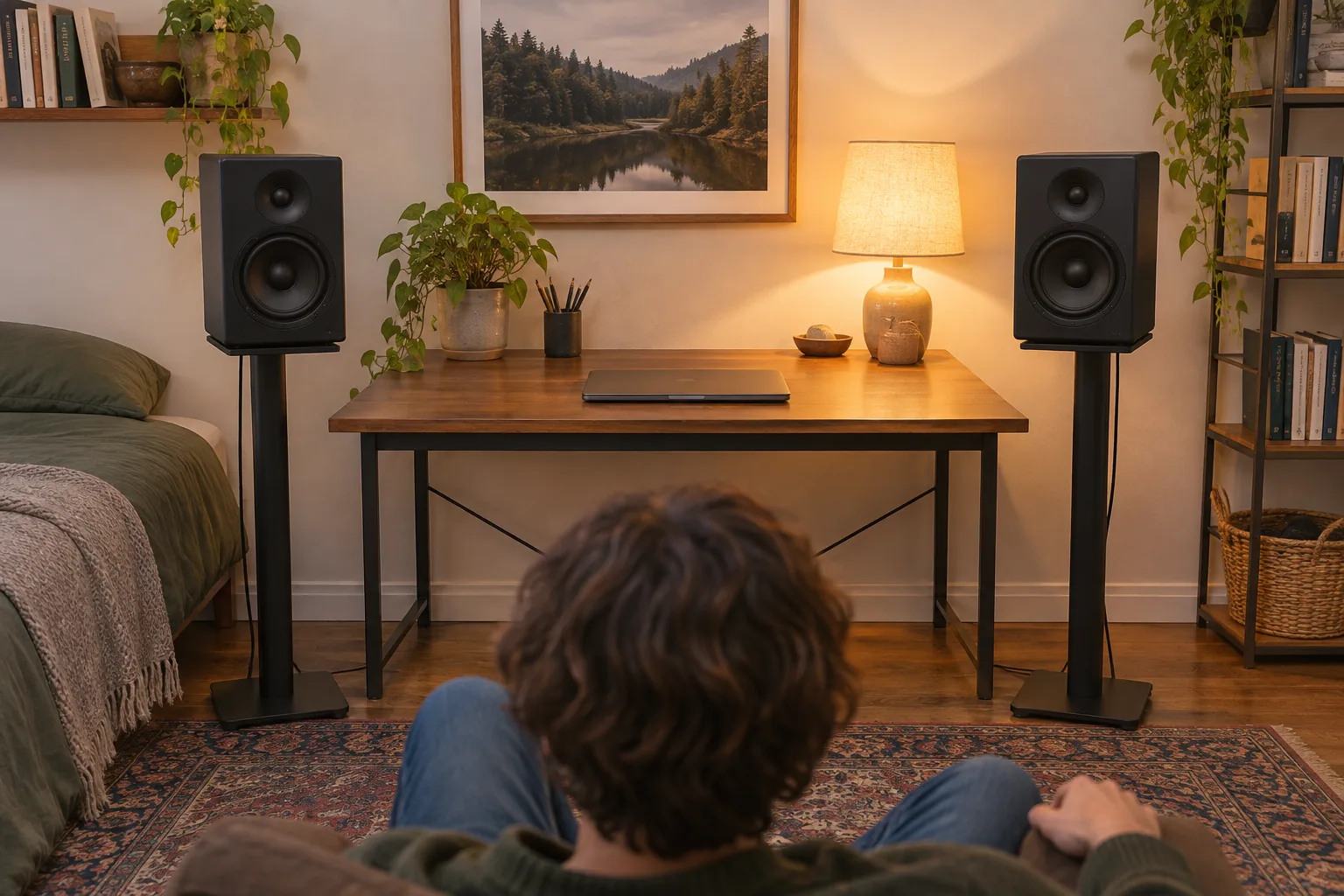
Monitors earn their place once you have a room you can work in. A listening position at the tip of an equilateral triangle with the two speakers, tweeters near ear height and the speakers pulled away from the walls, gives you a usable stereo image. Basic acoustic panels, such as absorbers at the first reflection points, help the speakers show you the mix rather than the room.
Monitors also let you hear how sound moves in a space, which headphones cannot copy. Reverb tails, the position of a guitar left or right, and the weight of the low end can be judged when the sound travels through air. Low frequencies also fill the room in a way headphones cannot show you, which is one reason mixers want speakers for the final decisions.
If your room is bare and you share walls, monitors may mislead you. In that case, lean on headphones and use a speaker check as a second opinion.
Field note
Learn your monitors or headphones by playing music you know well through them before you mix. Your ear then has a fixed point to compare against.
How to check a headphone mix on other speakers
A headphone mix is not finished until it has played on at least one set of speakers. Work through this checklist, and note changes on paper as you go.
- Export or bounce the mix at the level you were working at, and keep the master fader untouched.
- Play it on your studio monitors in the listening position. Listen for bass that booms or disappears, harsh upper mids and vocals that sit too far back.
- Play it on a laptop or phone speaker. If the vocal or lead disappears, the midrange needs attention.
- Play it in a car or on a living-room speaker, if you have one. These show you how the mix survives in a space you did not tune.
- Run a mono check by summing the mix to one channel. Parts that vanish or turn thin point to phase problems.
- Play a reference track at the same volume and compare tone, width and level.
- Return to the headphones, make small changes, and repeat the check.
Keep the playback volume steady and moderate for this process, because loudness changes how balance sounds.
What to look for in good studio headphones
Good headphones for studio monitoring share a few traits. Check these before you buy.
- Closed-back cups for tracking, so sound stays out of the microphone.
- Detachable cables, so a damaged lead is a swap instead of a replacement.
- Both a 3.5mm and a 6.3mm plug, or an adapter, to match phones, laptops, mixers and interfaces.
- A cable length that suits your desk or your recording booth.
- Adjustable headband and padded cushions for long sessions.
- A swivel or single-ear option, if you cue while others talk.
Wired headphones suit tracking, since a Bluetooth link adds a delay between what you play and what you hear. If you use wireless models away from the studio, this pairing guide walks through the connection steps. You can browse more options in the Headphones & Earbuds collection.
Can you plug headphones into an audio interface?
Yes. Interfaces often have a headphone output, usually a 6.3mm jack. Use the plug that fits, or swap the 3.5mm plug for a 6.3mm one if your headphones have detachable plugs. Turn the output level down before you put them on, then raise it slowly.
Common mistakes with studio monitors and headphones
These errors come up in home setups, and each one has a simple fix.
- Mixing at high volume. Loudness hides balance problems, so lower the level and compare.
- Skipping the speaker check. A headphone mix needs at least one other playback system.
- Placing monitors against a wall or in a corner. Pull them out and aim them at your head.
- Using open-back headphones for tracking. They let sound leak into the microphone.
- Changing headphones mid-project. Stay with one pair so your reference stays stable.
- Ignoring a cable fault. Crackle can point to a worn lead, so swap it.
The short version: use headphones to record and to hear detail, use monitors to judge the room-sized picture, and let each one correct the other.