Stereo System Basics: Amp, Speakers and Sources to Combine
A stereo system is a source, an amplifier and two speakers. Choose the source first, match the amp to the speakers' ohm rating, then connect.
The Folio & Current Team
October 25, 2026 · 6 min read
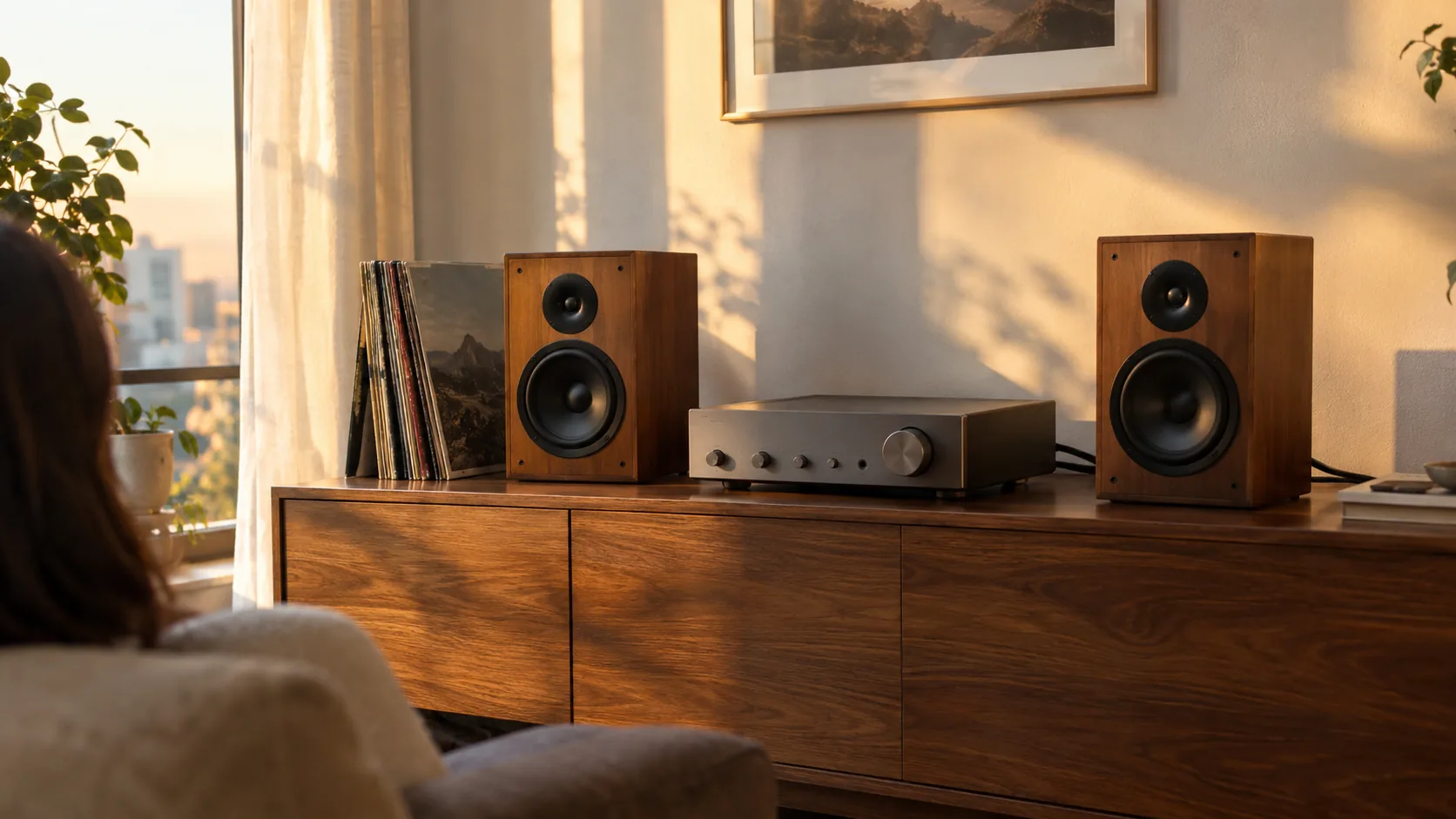
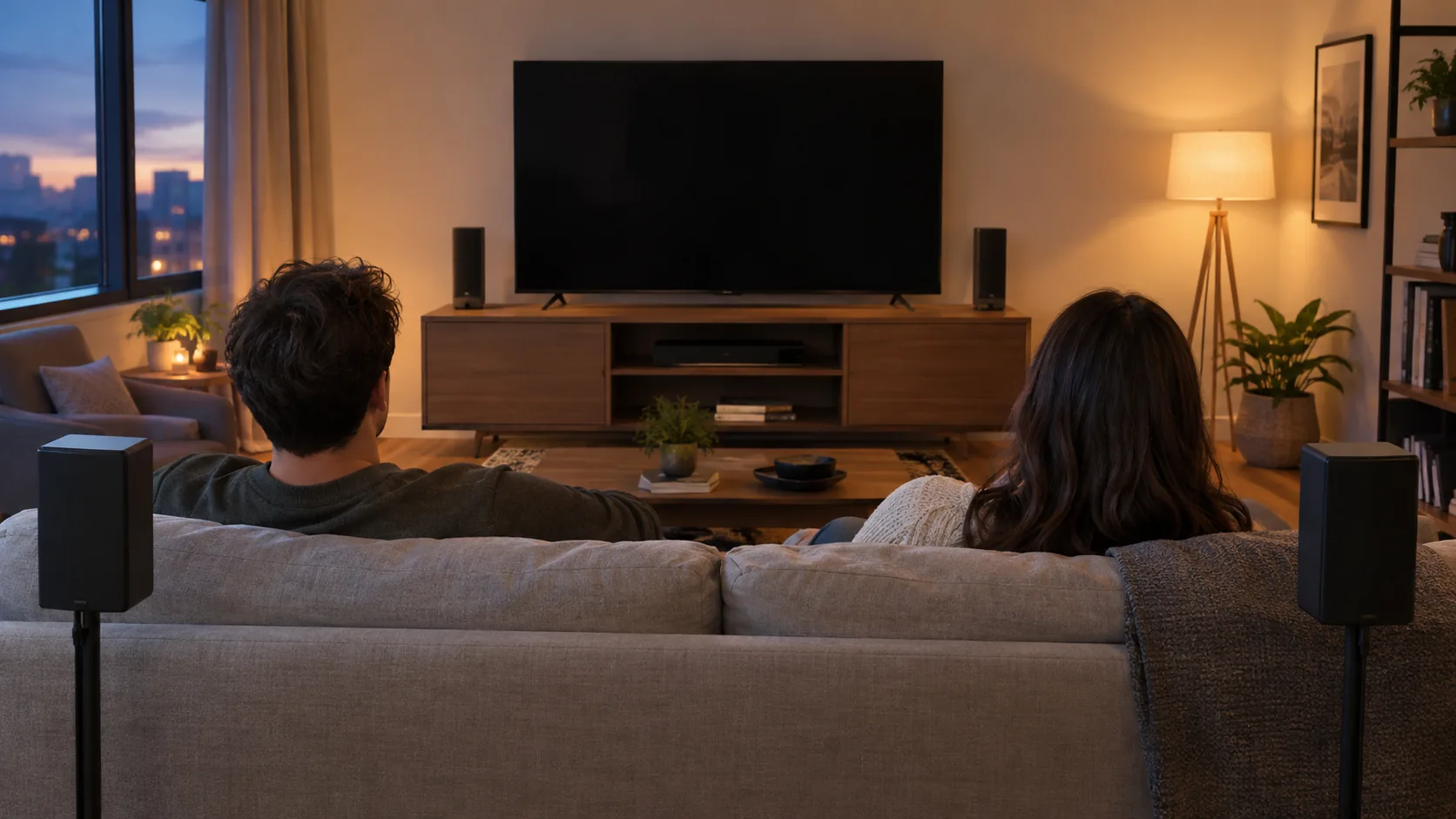
A stereo system is a source, an amplifier and two speakers, one for the left channel and one for the right. Pick the source first, then choose an amplifier whose speaker ohm range covers your speakers, then connect the pieces with the power off. This guide gives you the order to work in and the checks that matter at each step.
What a stereo system is made of
Every setup has the same three jobs. The source supplies the music, the amplifier boosts and shapes the signal, and the speakers turn it into sound. Some products combine two of those jobs in one box, which changes what you need to buy.
| Part | Job | Examples |
|---|---|---|
| Source | Supplies the audio signal | Phone over Bluetooth, USB drive, FM radio, turntable, laptop |
| Amplifier | Selects the source, sets volume and tone, drives the speakers | A stereo amplifier with bass and treble controls |
| Speakers | Produce the left and right channels | Passive bookshelf or floor-standing pairs |
| Cables | Link the parts | Speaker wire, AUX cable, RCA cable, FM antenna |
Does stereo mean 2?
In audio, stereo means two separate channels, left and right. A recording made for stereo carries different information in each channel, which is why you place the two speakers apart and face them toward the seat. A radio, by contrast, is only one kind of source: it receives broadcasts, while a stereo system is the whole chain that plays them.
Step 1: Choose your source
Start here, because the source decides which inputs the amplifier needs. List everything you plan to play, then count the connections.
- Phone, tablet or laptop: look for a Bluetooth input, or an AUX input if you prefer a cable.
- Files on a drive: look for a USB input.
- Broadcast radio: look for an FM tuner and an antenna.
- Records: you need a turntable, plus either a built-in speaker or an output that reaches an amplifier.
If you stream music, a guide to lossless audio explains when file quality is worth a closer look. Add up your sources before you shop, and leave one spare input for later.
Step 2: Match the amplifier to your speakers
This is the step retailer listings skip. Passive speakers have no power of their own, so the amplifier has to suit them. Check two numbers on the speaker label or in its manual.
- Impedance, in ohms. The amplifier's supported ohm range should include your speakers' value.
- Power handling, in watts. Keep the amplifier's output within what the speaker manual lists, and turn the volume up gradually.
Also count the speaker outputs. A basic stereo amplifier drives one pair, so a second room needs a different plan.
An example of a flexible amplifier
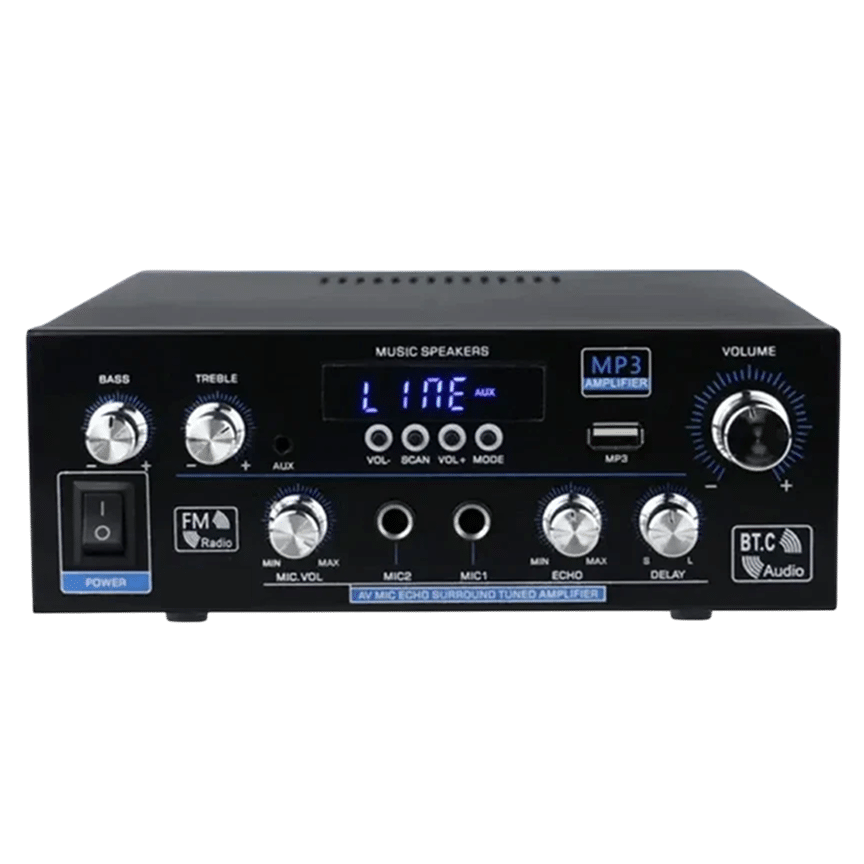
StereoLux is a stereo amplifier that drives passive speakers. It supports 4 to 16 ohm speakers and provides 90W of peak power, so check that your speakers fall in that ohm range before you buy. It takes Bluetooth 5.0, USB, FM radio and AUX sources, and you select between them with a button press.
It also has bass and treble controls to adjust the tone for your speakers and room, a remote, and runs on AC or DC power. Two microphone inputs with echo control cover karaoke if you want it.
 In this guideStereoLux$99.99View
Step 3: Connect the stereo system
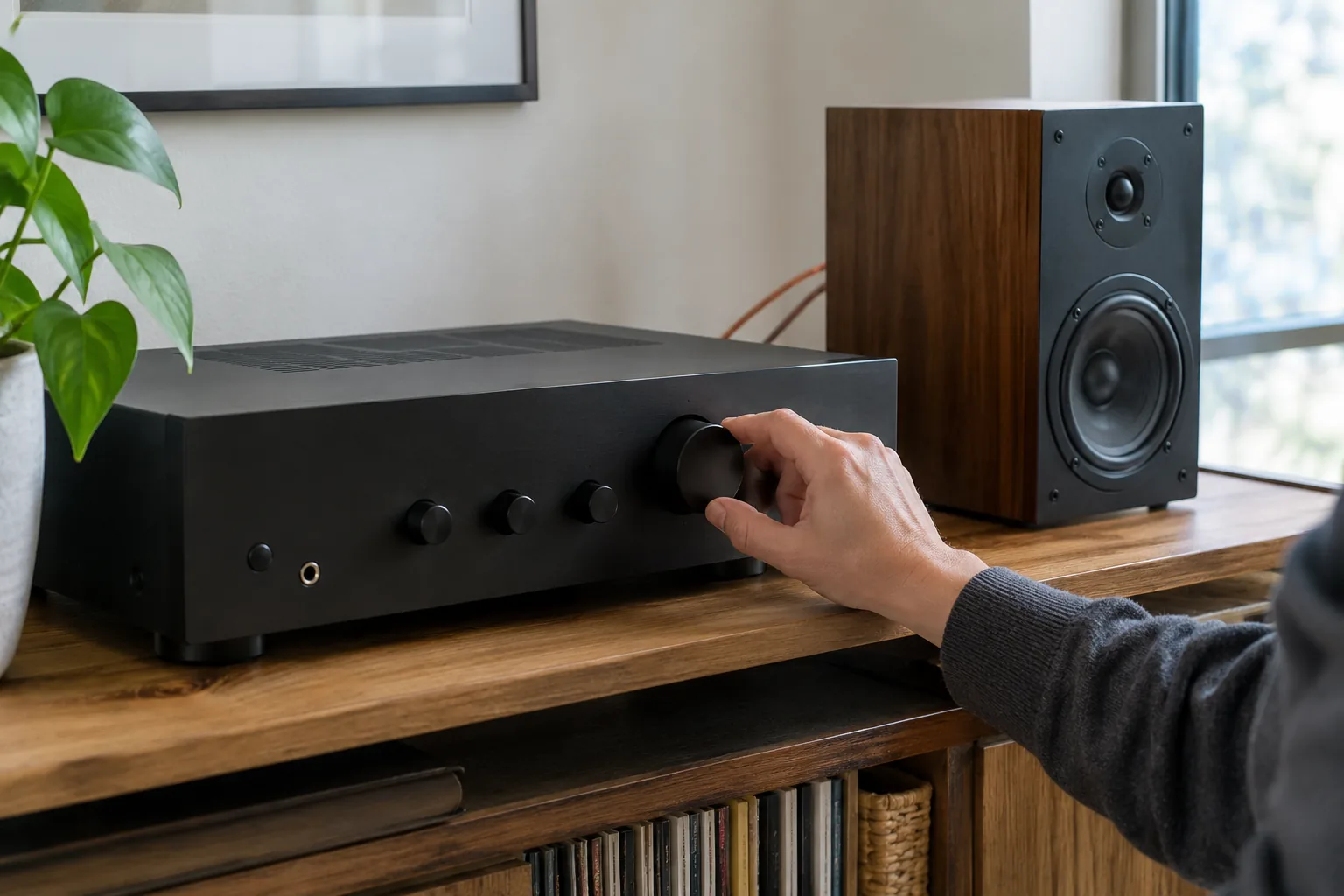
Do the wiring with everything unplugged, and follow each manual for terminal and power details. Then work in this order.
- Place the two speakers apart, facing the listening seat, with the amplifier within cable reach.
- Connect each speaker to its own output, matching the positive and negative terminals on both ends.
- Connect the source: pair by Bluetooth, plug in a USB drive, attach the FM antenna, or run an AUX cable.
- Set volume, bass and treble to low, then plug in the power.
- Select the source, start playback and raise the volume gradually.
Which connection for which source
| Source | Connection | Check |
|---|---|---|
| Smartphone or laptop | Bluetooth or AUX cable | Pair on the phone, then select Bluetooth on the amp |
| USB drive | USB input | Files must be in a format the manual lists |
| Radio | FM antenna | Reposition the antenna if reception is weak |
| Turntable with RCA outputs | RCA cable | Check whether the amp has a phono input or needs a line-level source |
Step 4: Place the speakers and set the tone
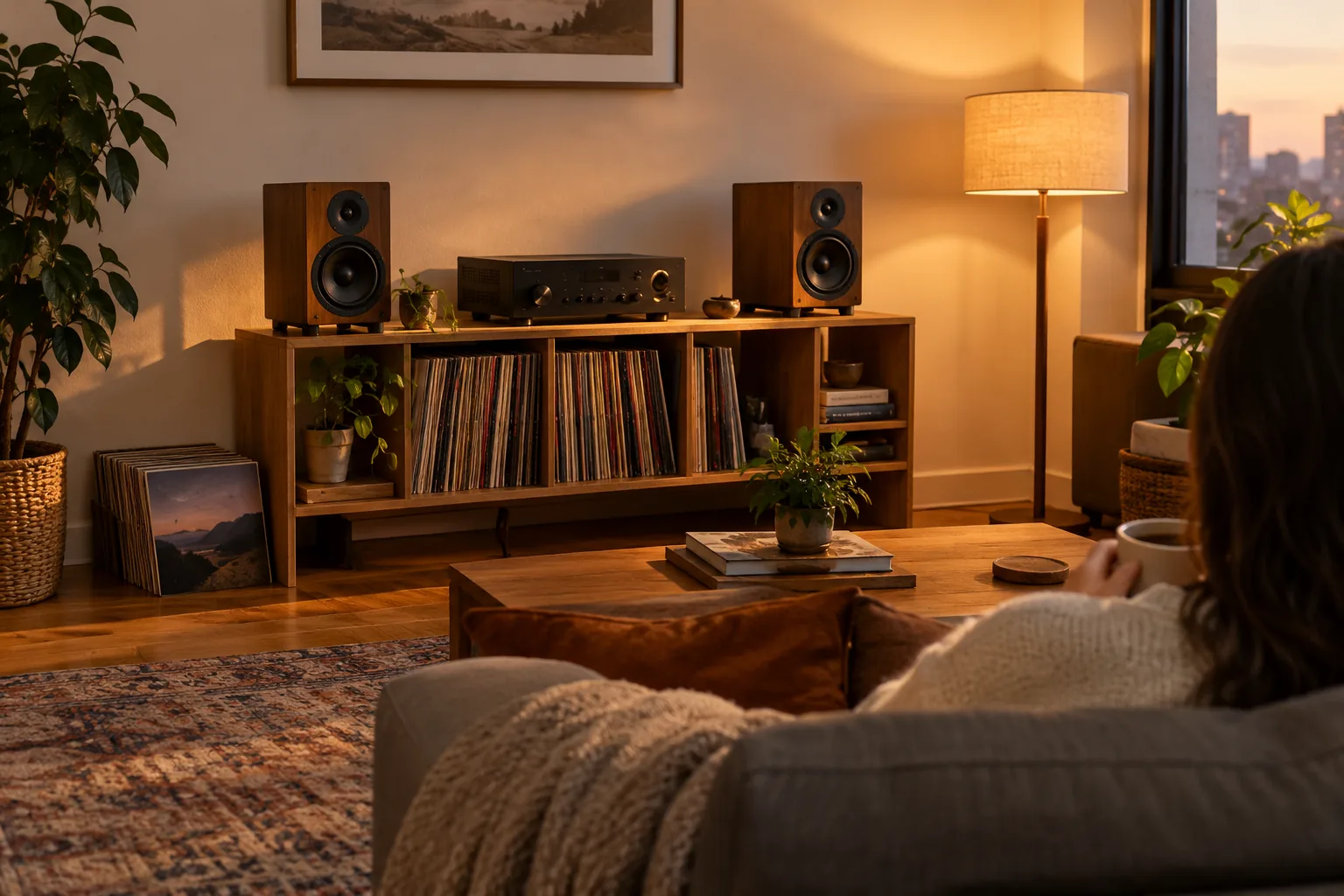
Position shapes the sound as much as settings do. Set the two speakers apart and aim them toward the seat so the left and right channels reach you evenly. Leave open space around each cabinet instead of pushing it into a tight shelf.
Once the speakers sit in their final spot, adjust one tone control at a time. Play a track you know well and stop when voices sound natural to you. Use the echo control only when a microphone is connected.
| Check | Where to look |
|---|---|
| Speaker ohm value | Speaker label or manual |
| Amplifier ohm range | Product page or manual |
| Power handling | Speaker manual |
| Number of inputs | Your list of sources from step 1 |
| Cable length | Distance between amplifier and each speaker |
Adding records to your stereo system
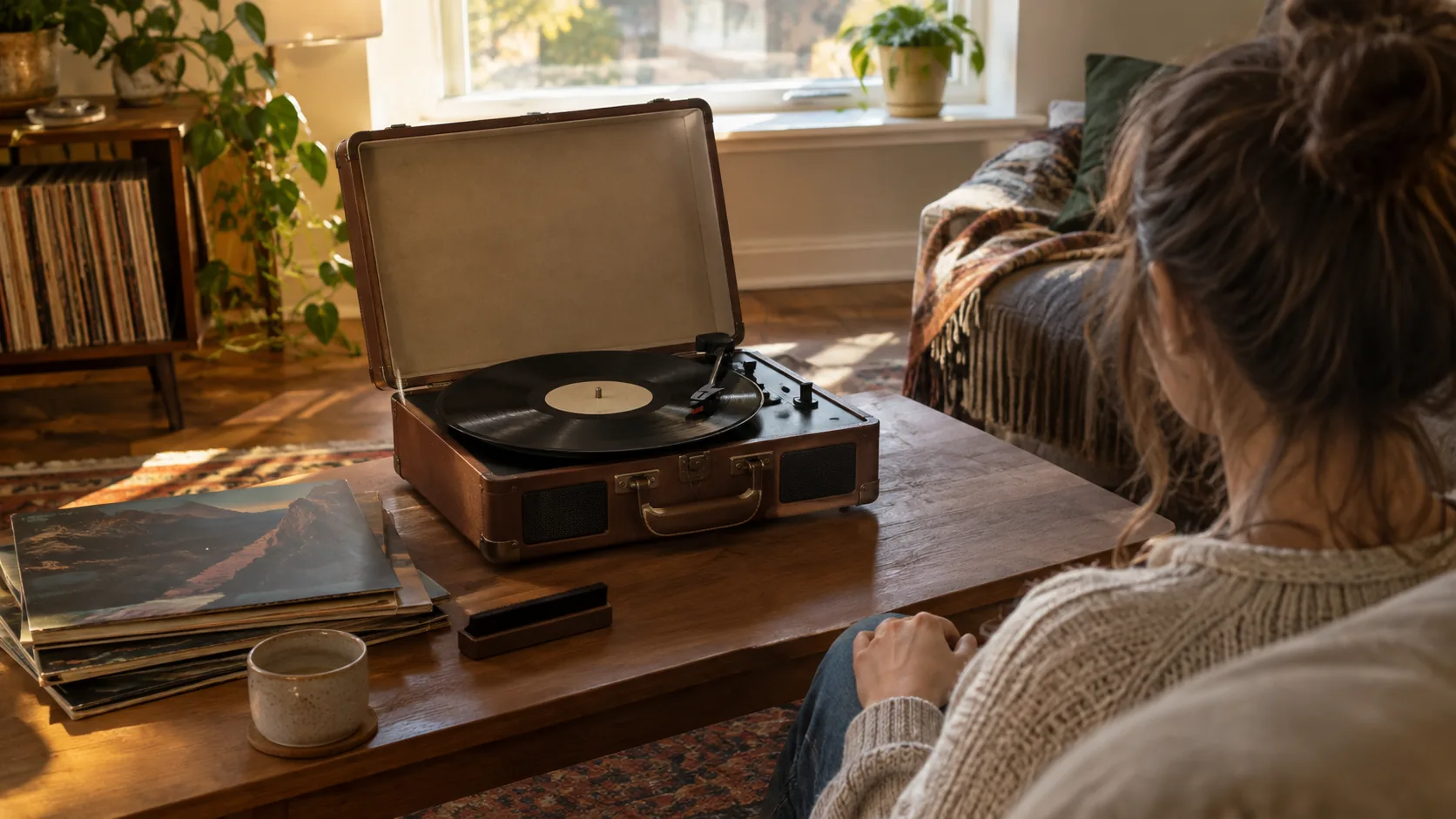
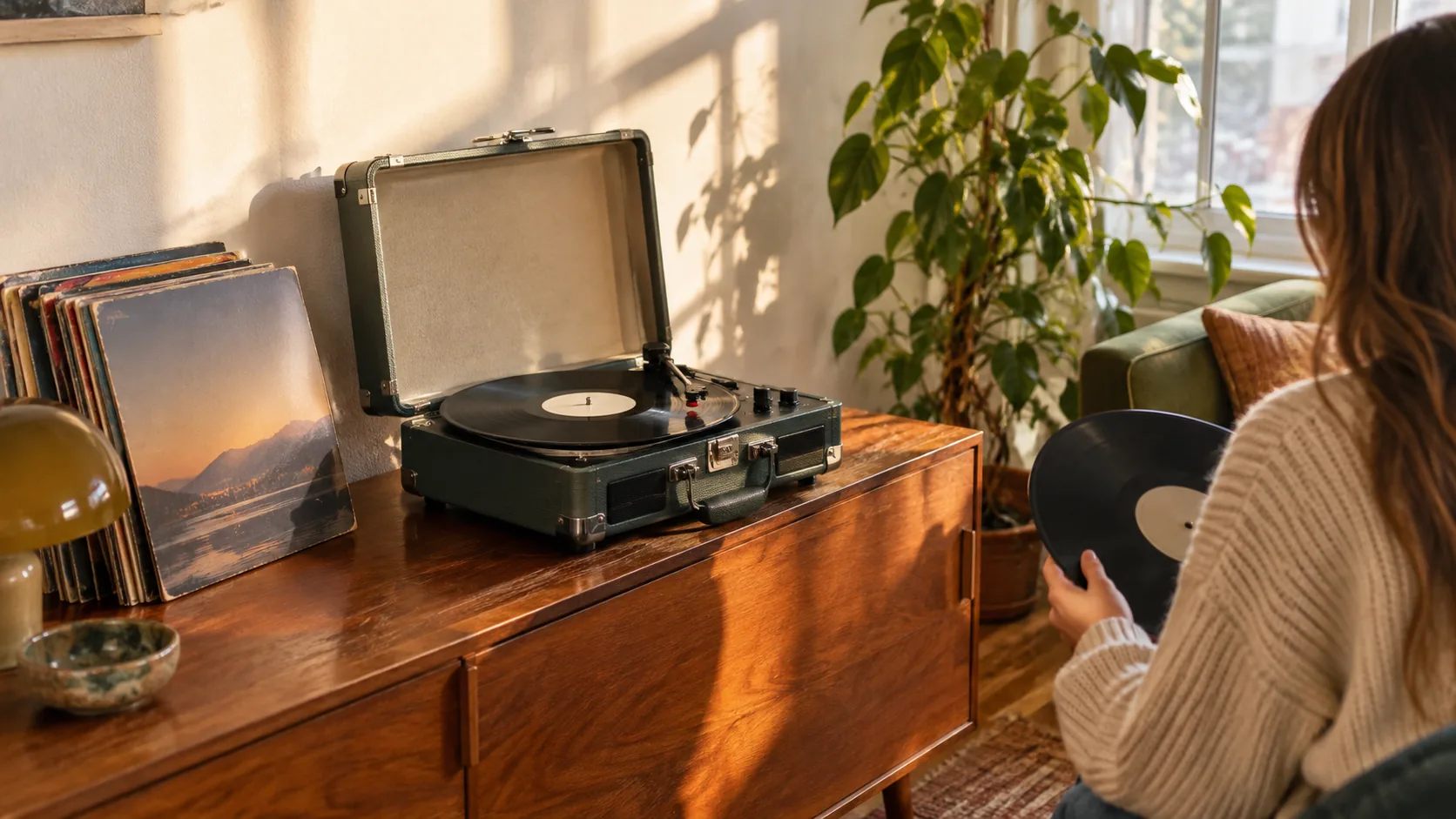
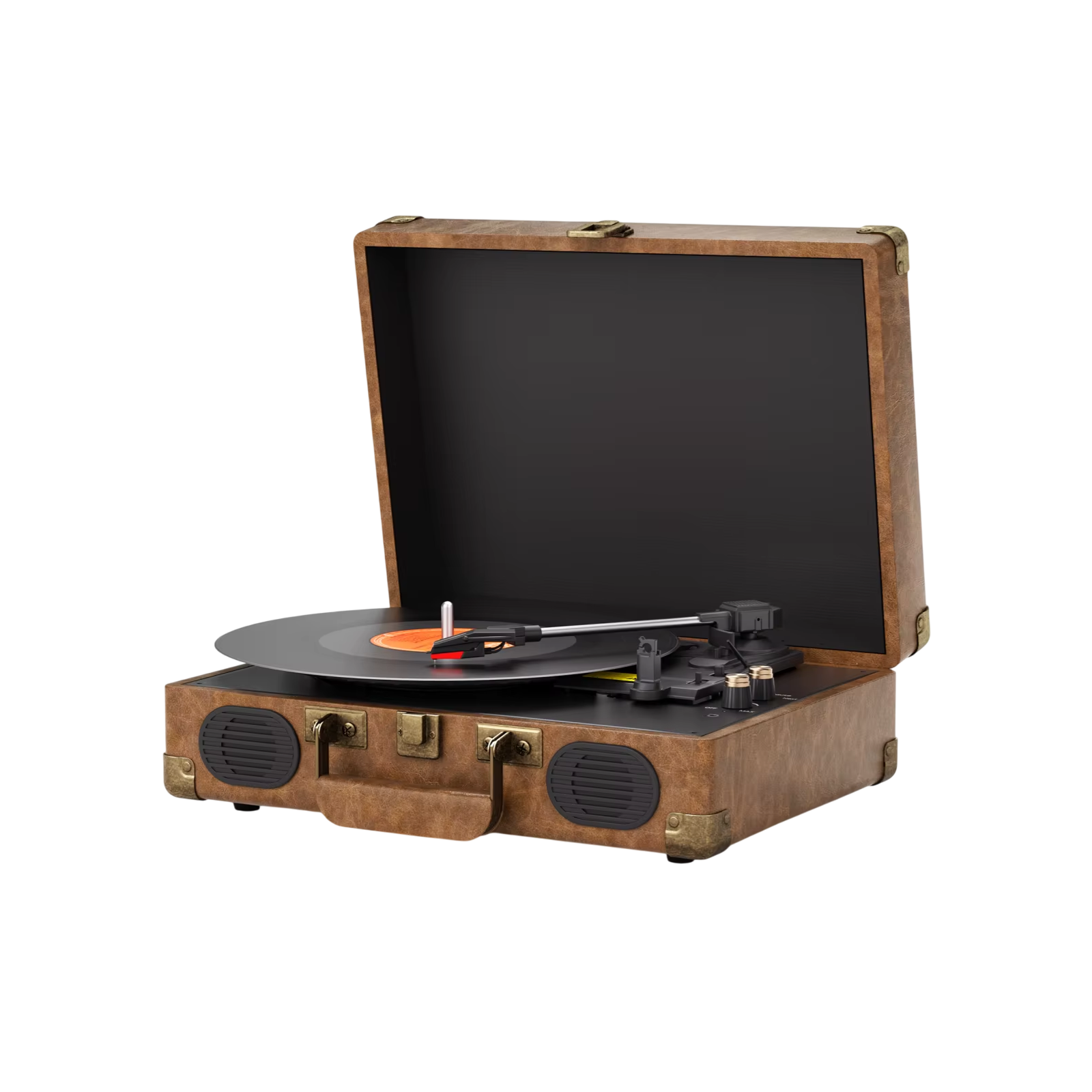
A turntable is the one source with a line-level question: some outputs are line level, others are not, so read both manuals before connecting. VinylHaven is a suitcase-style record player with built-in stereo speakers. It plays 33⅓, 45 and 78 RPM records, streams from a smartphone over Bluetooth, and has RCA outputs and a 3.5mm headphone jack for other setups.
That means you can start with its built-in speakers and later run the RCA outputs to an amplifier and external speakers. The platter sits on a suspended plinth, separate from the speakers, and an auto-stop function ends playback when a side finishes. For a deeper checklist, see what to check before buying a record player with built-in speakers.
 In this guideVinylHaven$199.99View
Field note
Before buying any amplifier, write down your speakers' ohm value and the number of inputs you need. A look at the speaker label is enough to rule out a mismatch.
Common mistakes to avoid
- Buying an amplifier before checking the speaker ohm value on the label.
- Connecting cables while the amplifier is plugged in. Unplug first.
- Mixing up positive and negative terminals on one speaker, which can leave the sound thin.
- Starting at high volume. Begin low and raise it gradually.
- Packing speakers into a tight shelf with no space around them.
- Setting bass and treble before the speakers are in their final spot.
Small setups, bigger rooms and what to add later
A compact setup of one amplifier and a pair of bookshelf speakers suits a desk or shelf in a bedroom or living room. Larger rooms may need bigger speakers, so check the power handling in the manual rather than guessing. You can browse more options in our Speakers & Sound Systems collection.
A stereo system also grows in steps. Start with one source and one pair of speakers, then add a turntable, a USB library or a microphone for karaoke when you want them. Each part links through a standard input, so you can swap one piece without replacing the rest.
Mono, stereo and radio: quick definitions
A mono recording carries one channel. Playing it through two speakers sends the same signal to both, so you hear the same content from each side. Some processing modes spread the sound wider, but they do not recreate a true left and right recording.
A radio receives broadcasts and may play them in mono or stereo. A stereo receiver or amplifier with an FM input can do that job, plus handle other sources, so the radio becomes one input among several.