Portable 4x6 Photo Printer: What to Check Before You Buy
A portable 4x6 photo printer comes down to four checks: print technology, cost per print, battery and phone connection. One decision table and a checklist cover all four.
The Folio & Current Team
November 13, 2026 · 6 min read
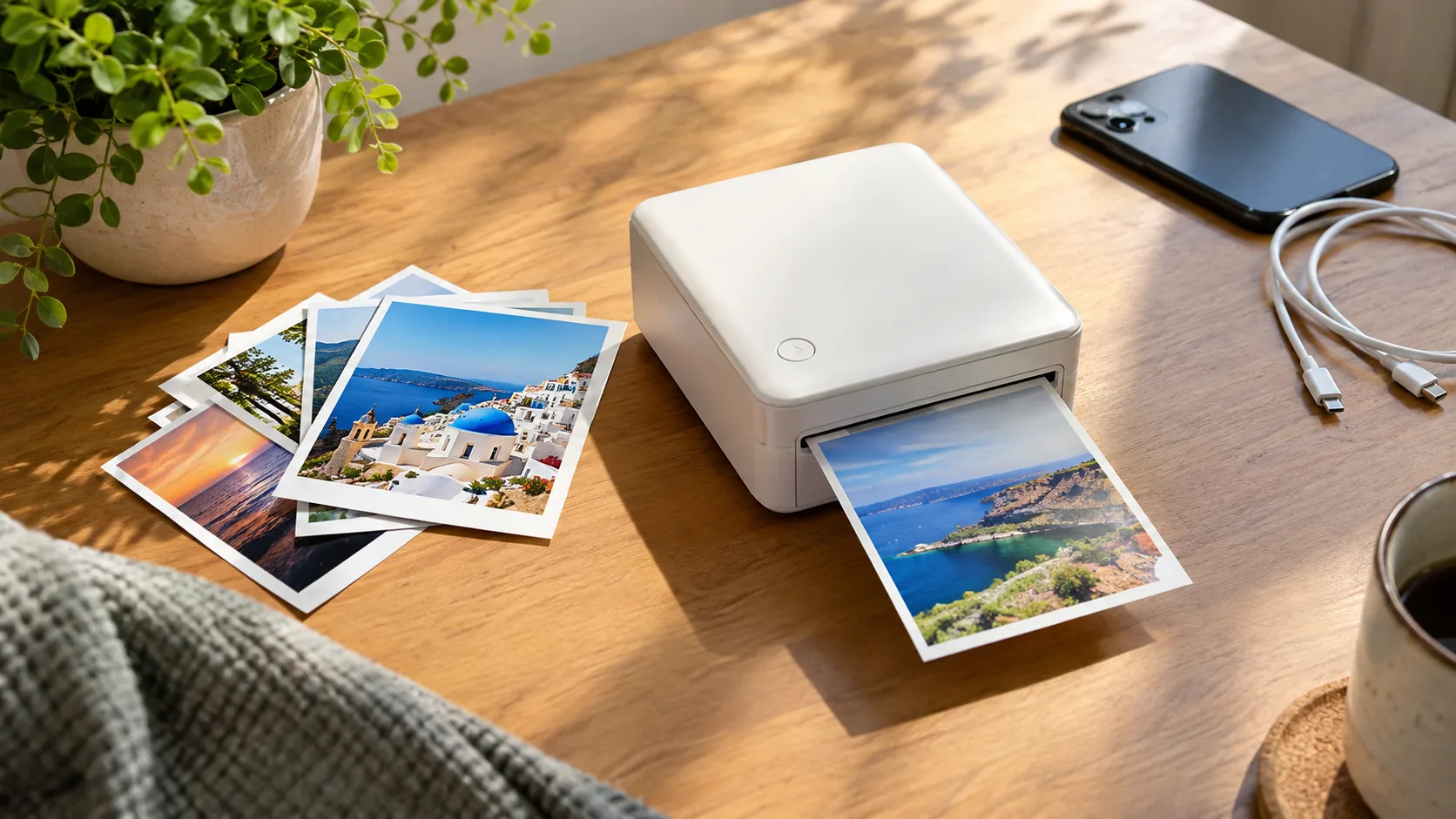
A portable 4x6 photo printer is a compact printer that makes postcard-size prints from a phone, usually over Bluetooth or Wi-Fi, and usually runs from a rechargeable battery. Before you buy, check four things: the print technology, what each print costs to make, how the battery is charged, and how your phone connects. The decision table in the next section lays out all four side by side.
Print size is the first filter. A true 4x6 inch print (about 10 x 15 cm) fills a frame or an album page, while smaller formats suit journals, lockers and cards. Some printers in this class are built around a smaller size, so read the paper size on the product page before anything else.
Decision table: technology, cost, battery and phone connection
The printing method decides the consumables you buy, how the printer is powered and how prints are handled. This table is general guidance; confirm details for any model on its product page and in its manual.
| Technology | What you load | Typical print size | Cost per print: what to divide | Power to check | Phone connection to confirm |
|---|---|---|---|---|---|
| Dye-sublimation | Ribbon and paper, often a matched set | 4x6 is common | Set price divided by the number of prints in the set | Built-in battery or wall adapter only | Wi-Fi or Bluetooth, plus app support |
| Portable inkjet | Ink cartridges and photo paper | 4x6 and larger, sometimes 5x7 | Paper price per sheet plus ink price divided by prints per cartridge | Battery often sold separately or absent | Wi-Fi, often with a direct connection |
| Film-pack printing | Film packs | Smaller than 4x6 in many models | Pack price divided by sheets per pack | Built-in rechargeable battery | Bluetooth is typical |
| Zero-ink thermal | Special paper only | Varies; often small | Paper pack price divided by sheets | Built-in battery and charging port | Bluetooth is typical |
If you want to hang prints or slide them into an album, start with dye-sublimation or inkjet models that list 4x6 as the print size. If you want a portable mini photo printer to stick prints into a notebook or hand out at a table, a zero-ink thermal model with sticky-back paper fits that job.
Cost per print: how to work it out
Sticker price is only part of the cost. Every print uses paper, and depending on the technology, ink, ribbon or film as well. To compare models fairly, work out the cost per print yourself.
- Find what the consumable pack contains: the number of sheets, and whether ribbon or ink is included.
- Divide the pack price by the number of prints it makes.
- If ink or a ribbon is sold separately, add its price divided by the prints it yields.
- Compare that figure across models at the same print size.
A zero-ink thermal portable photo printer has only one consumable, the paper, so the sum is a single division. Inkjet models need the paper and ink steps. Film-pack printers use film only, but the pack size is fixed.
Also check what is in the box. A starter pack of paper lets you try the printer, but plan to buy more sheets before an event or trip.
Battery and charging checks
A portable printer is only portable if it works away from an outlet. Look for a built-in rechargeable battery and note how it charges. USB-C charging is useful because the same cable often serves a phone, headphones and tablet, but confirm the port type on the product page. A model that runs only from a wall adapter suits a desk but not a picnic.
How to read stated battery figures
Battery figures differ between brands. Look at how the maker states it, such as prints per charge, and check which print size and settings that figure refers to. A figure for small prints does not carry over to 4x6. Also check whether the battery can be replaced or only recharged in place.
Travel checklist
- Charge the printer and your phone before you leave.
- Pack the charging cable and spare paper in the same bag.
- Keep paper flat and away from heat, as the manual advises.
- Check airline rules for batteries if you fly.
Phone connectivity: what to confirm
A portable cell phone photo printer pairs with a phone app. Confirm these points on the product page before you order:
- Connection type: Bluetooth, Wi-Fi or both.
- Phone operating systems the app supports, including the minimum version.
- Whether the app can edit photos, add frames, filters or stickers.
- Whether several phones can connect at once.
- Whether it prints from a computer or memory card, if you need that.
Bluetooth does not need a Wi-Fi network, which suits parties and outdoors. Wi-Fi models may need a network or a direct connection to the printer.
If friends will share photos at events, multi-phone support matters, since each person can send from their own phone instead of passing one around.
When a small sticky-back print fits better than 4x6
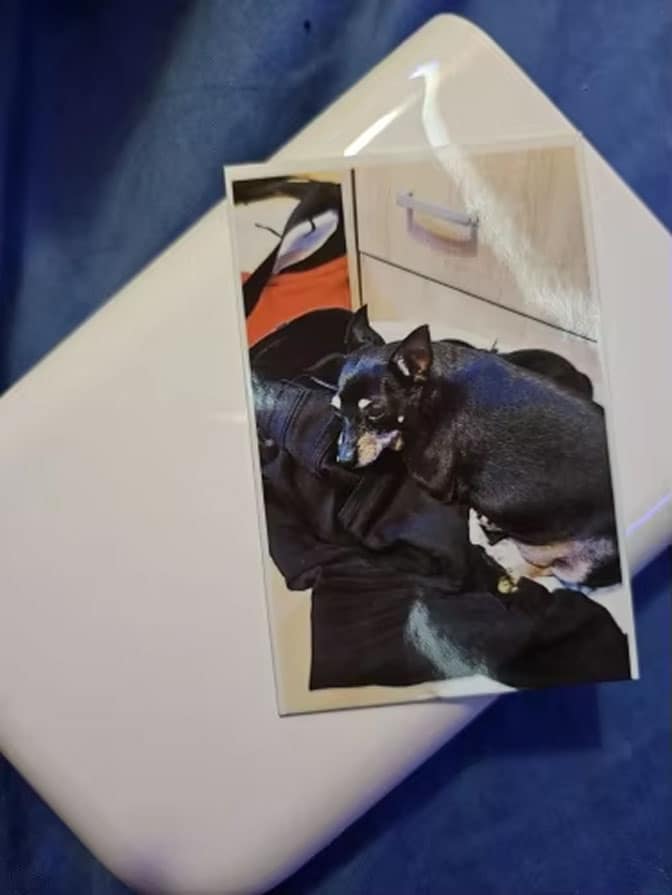
Not every project needs a full postcard-size print. For journals, planners, scrapbooks and cards, a pocket printer with peel-back paper can make more sense than an album-size machine. PicoPrint is one example: a pocket-size photo printer that connects to a phone over Bluetooth and prints on color-crystal paper activated by heat, with no ink cartridges.
Its prints have a peel-back backing, so you press the print onto a journal or planner page with no separate glue or tape. Several phones can connect to one PicoPrint at the same time, and it charges over USB-C. The box includes 10 sheets of color-crystal photo paper, a USB-C cable and a quick start guide.
The product page does not list 4x6 as its print size, so if you need frame-size prints, use the decision table above and choose a model that states 4x6. If you want small, stickable prints, this is the kind of printer to compare.
 In this guidePicoPrint$189.99View
How to choose a portable 4x6 photo printer in five steps
- Decide the use: framed or album prints, journal pages, or party handouts.
- Pick the print size. If it must be 4x6, filter out anything that does not list it. Some shoppers also look at 5x7 or 2x3 models; those are different formats with their own paper.
- Choose the technology from the table and accept its consumables.
- Work out the cost per print with the four-step method above.
- Confirm battery, charging and phone support on the product page.
Field note
Print one sample photo from a phone before an event. Check that the app pairs, the paper loads as shown in the manual and the crop on the print matches the screen.

Common mistakes to avoid
- Buying on printer price alone and skipping the paper and ink math.
- Assuming every portable printer makes 4x6 prints. Check the size line.
- Ignoring phone support, then finding the app does not run on your device.
- Leaving paper in a hot car or damp bag. Store it as the manual says.
- Expecting a pocket printer to match a desktop photo printer for album or frame work.
If you also shoot photos and video for a channel, our streaming and content creation tools collection covers the rest of a creator desk. For the camera side, How to Test a Webcam walks through image, mic, frame rate and lighting checks, and Wireless Lapel Microphone Systems covers choosing and setting up clip-on audio.
Care and setup checklist
| Step | What to do |
|---|---|
| Unbox | Check for the printer, paper, cable and quick start guide |
| Charge | Charge fully before the first print, using the supplied cable if one is included |
| Load paper | Follow the manual for paper orientation |
| Pair | Turn on Bluetooth, open the app and select the printer |
| Choose a photo, add edits and print | |
| Store | Keep the printer and paper dry and flat in a bag |
Unplug a printer from power before cleaning it, and follow the manual for anything inside the paper path.