How to Clean Earbuds: Tips, Mesh and Case Without Damage
To clean earbuds, wipe shells dry, wash removable silicone tips, brush the speaker mesh and dry the contacts and case. Here is the part-by-part checklist, with what to avoid.
The Folio & Current Team
November 7, 2026 · 7 min read
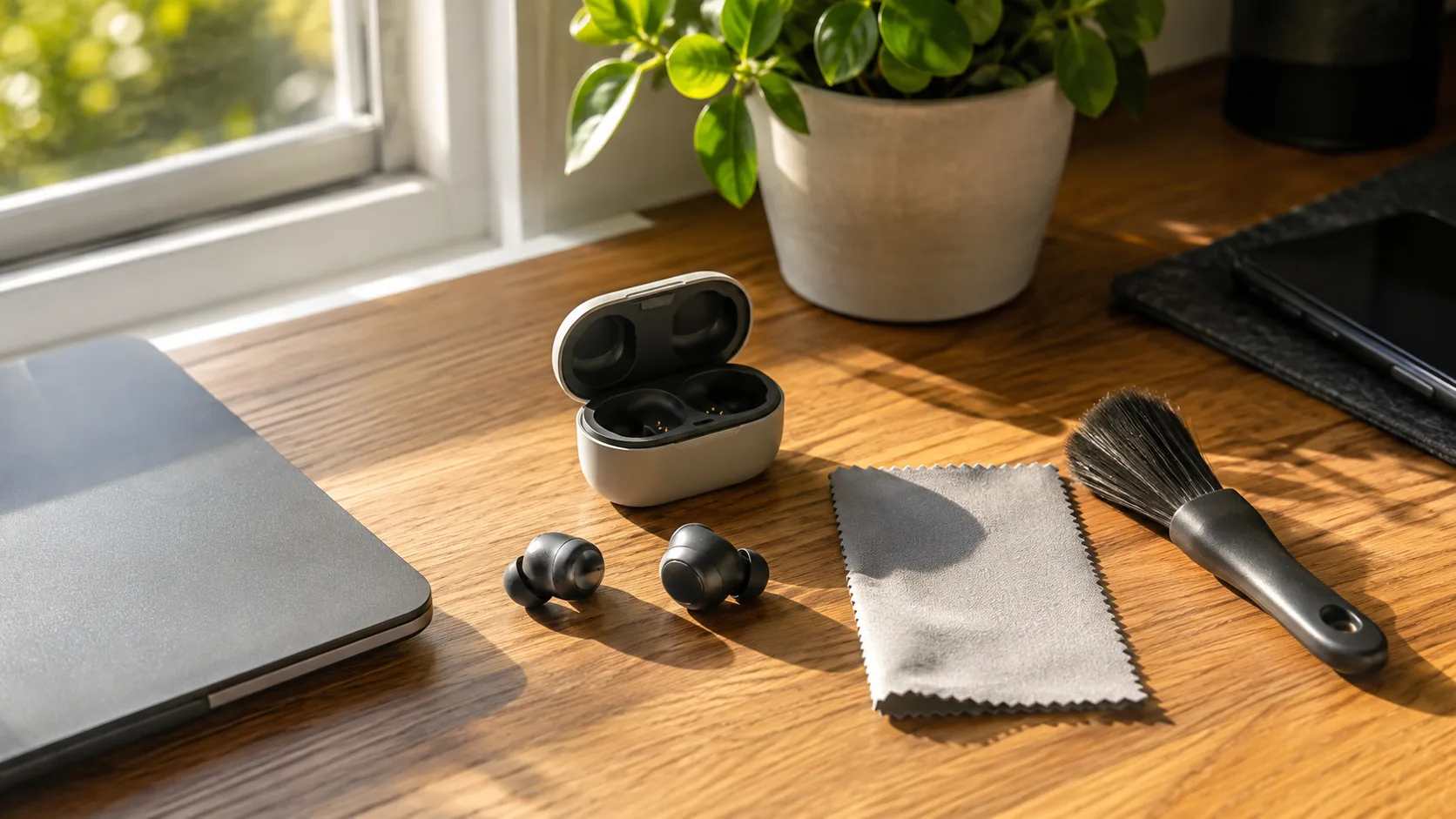
To clean earbuds, power them down, wipe the outer shell with a dry microfiber cloth, remove and wash removable silicone tips in mild soapy water, then clear the speaker mesh and charging contacts with a dry soft brush or a barely damp swab. Dry every part fully before you reassemble. Keep liquid away from openings, and skip sprays, soaking and sharp tools.
The method changes by part, because tips, mesh, metal contacts and the case are made of different materials. This guide works through each one, covers clip-on and sport designs, and lists what to keep away from your earbuds.
What You Need Before You Start
You do not need a special kit. The work uses items from a drawer, and a short list helps you avoid reaching for something harsh.
- A dry microfiber cloth for shells and the case exterior
- A soft, dry brush, such as a clean new toothbrush or a small paintbrush, for mesh and case seams
- Cotton swabs, used barely damp or dry
- A wooden or plastic toothpick for packed debris in the case wells
- Mild dish soap and a small bowl of warm water, for removable silicone tips only
- Isopropyl alcohol wipes, only if the maker's manual allows them on the outer shell
Before anything else, power the earbuds off and take them out of the case. Check the manual for cleaning notes specific to your model, and follow it over any general rule.
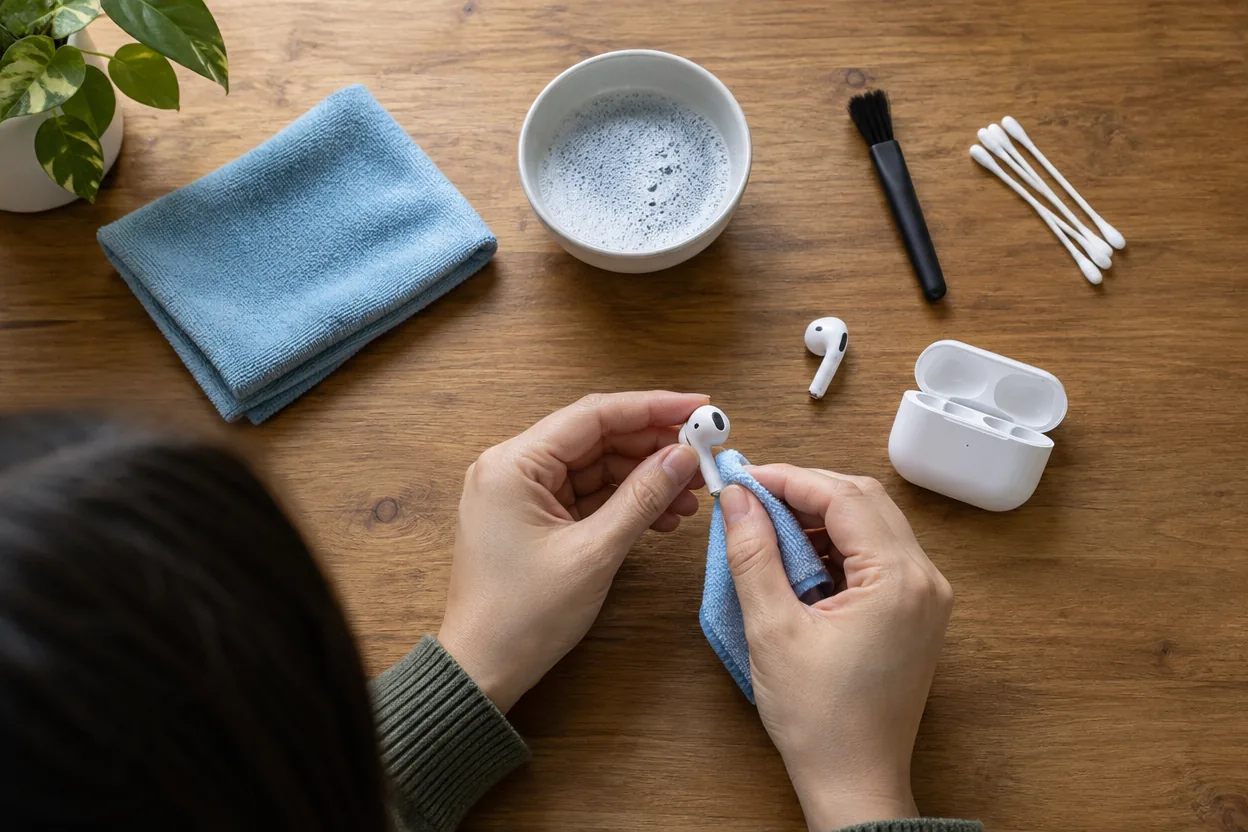
How to Clean Earbuds Part by Part
Match the method to the material of each part. The table summarizes the tool for each and what to avoid, and the sections below add detail.
| Part | Material | Use | Avoid |
|---|---|---|---|
| Ear tips | Silicone | Mild soap, warm water, dry cloth | Hot water, boiling, strong solvents |
| Speaker mesh | Fine metal or fabric screen | Dry soft brush, light dabbing | Pins, needles, liquid, compressed air at close range |
| Charging contacts | Metal pads or pins | Dry swab, then barely damp swab, fully dried | Soaking, scraping with metal |
| Charging case | Plastic shell, metal contacts, hinge | Dry cloth, brush, toothpick on debris | Running water, sprays |
| Hook or clip | Plastic, flexible wire | Damp cloth, then dry cloth | Bending hard, soaking |
Silicone ear tips and rubber
This is where earwax and grime collect first. If the tips pull off, remove them and wash them in warm water with a drop of mild soap, rubbing with your fingers. Rinse, pat with a cloth, and let them air dry completely before pressing them back on.
Keep the tips away from the electronics while wet. If your tips are fixed to the bud, wipe them with a lightly dampened cloth instead and do not submerge the bud.
Speaker mesh
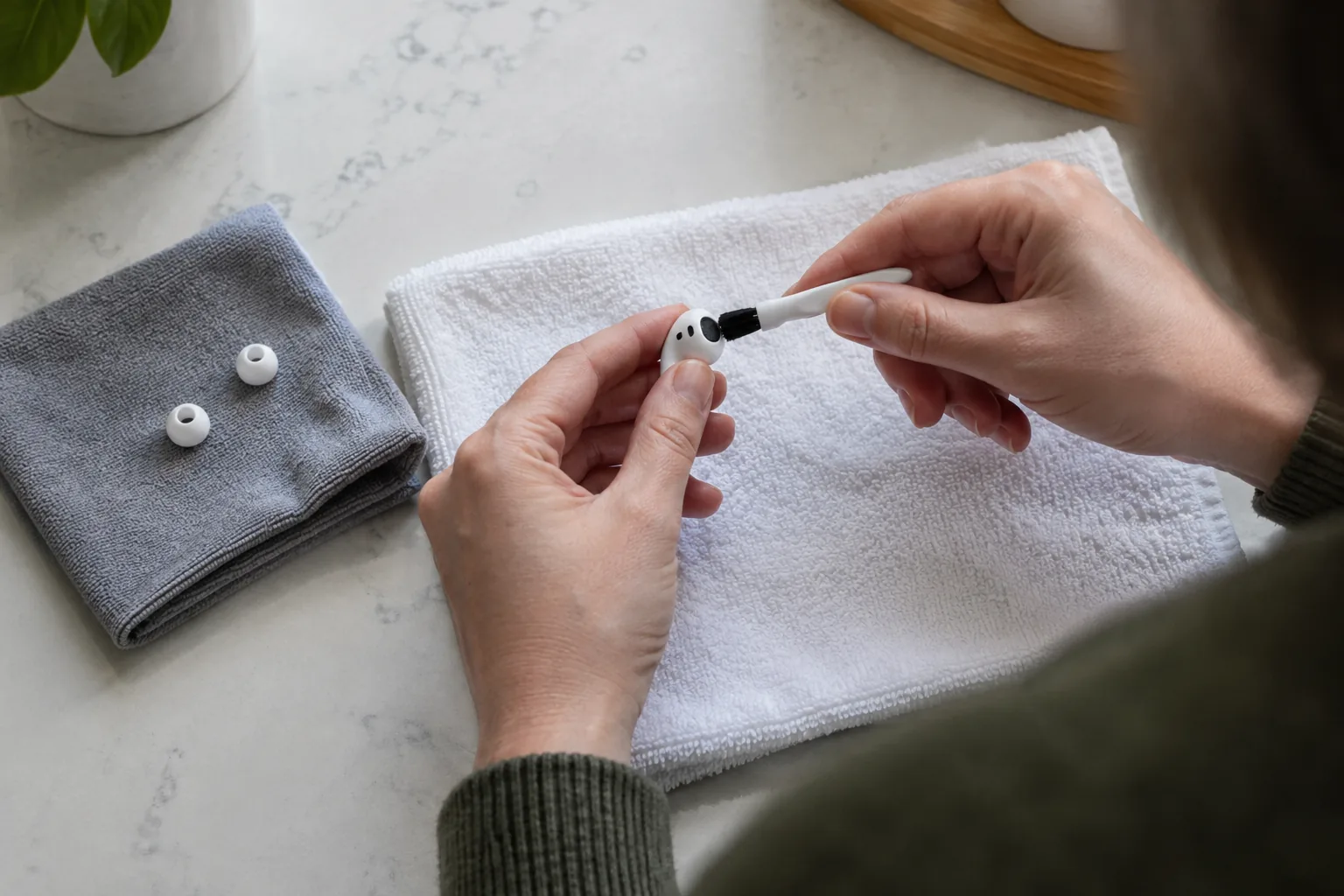
The speaker mesh is the small screen over the sound outlet, and a clogged one can make sound dull. Hold the bud with the mesh facing down so loose debris falls out. Brush lightly with a dry soft brush, or dab with a clean piece of putty-like adhesive if you have it.
Do not poke with pins or needles, since they can push debris deeper or tear the screen. A swab with only a trace of alcohol can lift residue on the outside of the mesh, but only if the manual allows it. Let it dry before use.
Charging contacts
Small metal charging contacts on the buds and inside the case can gather film that interrupts charging. Wipe them with a dry swab first. If residue remains, use a swab that is barely damp, then dry the area with a clean cloth and wait before placing the buds in the case.
The case
Open the lid and tilt the case upside down to shake out lint. Use the brush along the hinge and seams, and a toothpick to lift packed debris from the bud wells without scratching the contacts. Wipe the outside with a microfiber cloth. If the case charges through USB-C, clear the port with a dry brush while the cable is unplugged.
Field note
Dampen the swab, then squeeze it against a cloth until it feels almost dry. If liquid can drip, it is too wet for mesh and contacts.
Cleaning Sport Earbuds With Hooks and Silicone Tips
Sport designs collect sweat and skin oils on the hook, the tip and any button area. PaceLock is an example: it has an over-ear hook, three silicone ear tip sizes (S/M/L), physical buttons and a charging case with an LED battery display. Because the tips are separate parts, you can take them off and wash them as described above.
Wipe the hook and button surfaces with a lightly dampened cloth, then a dry one. The product page describes a nano-coating inside the earbuds covering the driver and charge contacts, but that is internal construction, so it is not a reason to rinse the buds. Keep water out of the openings and the case.
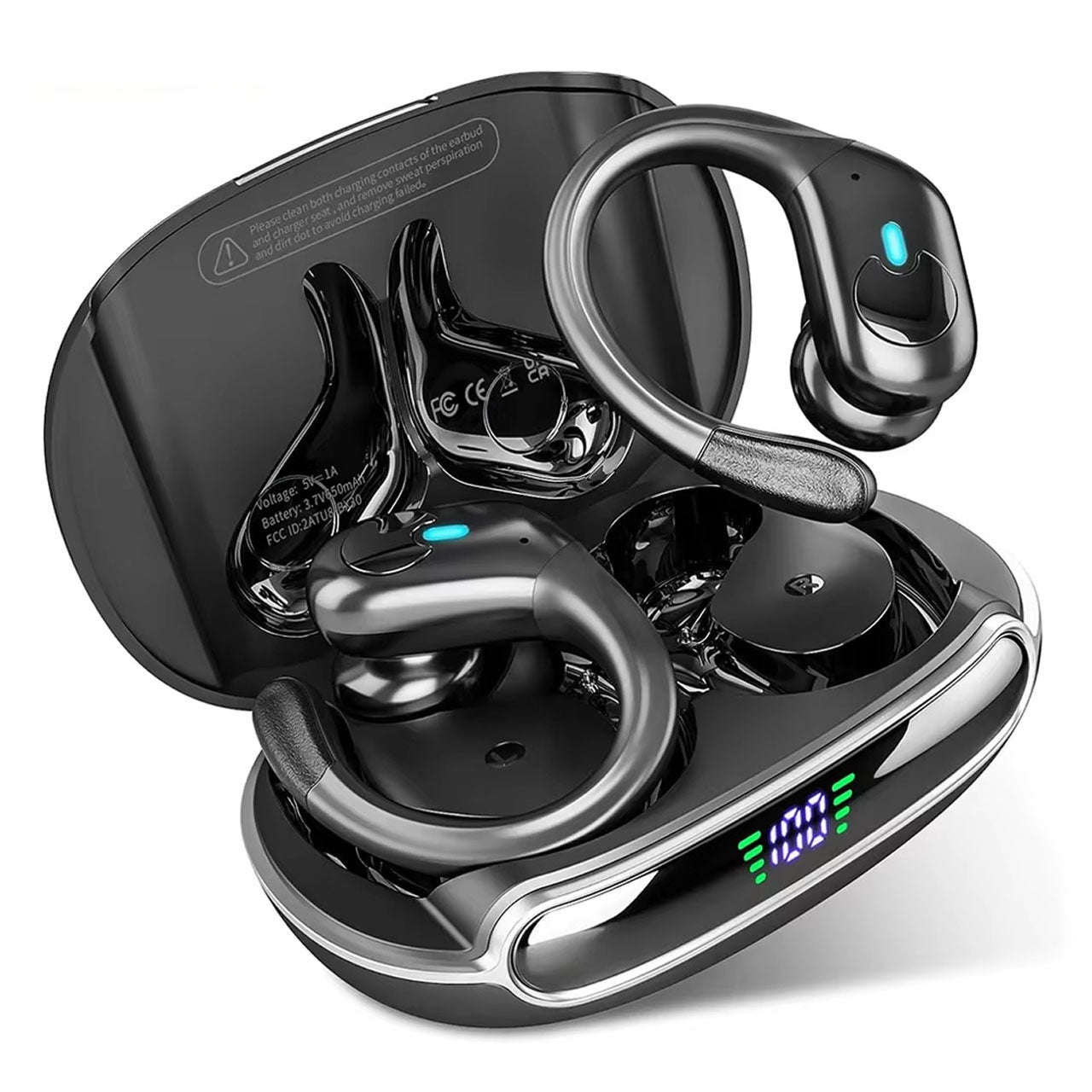 In this guidePaceLock$89.99View
Cleaning Clip-On and Open-Ear Earbuds
Clip-on earbuds and other open-ear designs rest outside the ear canal, so there are no silicone tips to remove. The jobs are different: wipe the clip, check the sound outlet, and clean the case.
Take VoxClip, a pair of clip-on wireless ear buds with a flexible memory-wire clip worn like an earring, a touch panel on each bud and a compact charging case. Wipe the memory-wire clip with a slightly damp cloth, then dry it. Go gently with the wire so it keeps its shape, and keep moisture off the touch panel.
Look at the small opening where the directional driver aims sound toward your ear. Brush it lightly with a dry soft brush. Open-ear designs sit near skin and hair, so wipe the contact points after each use.
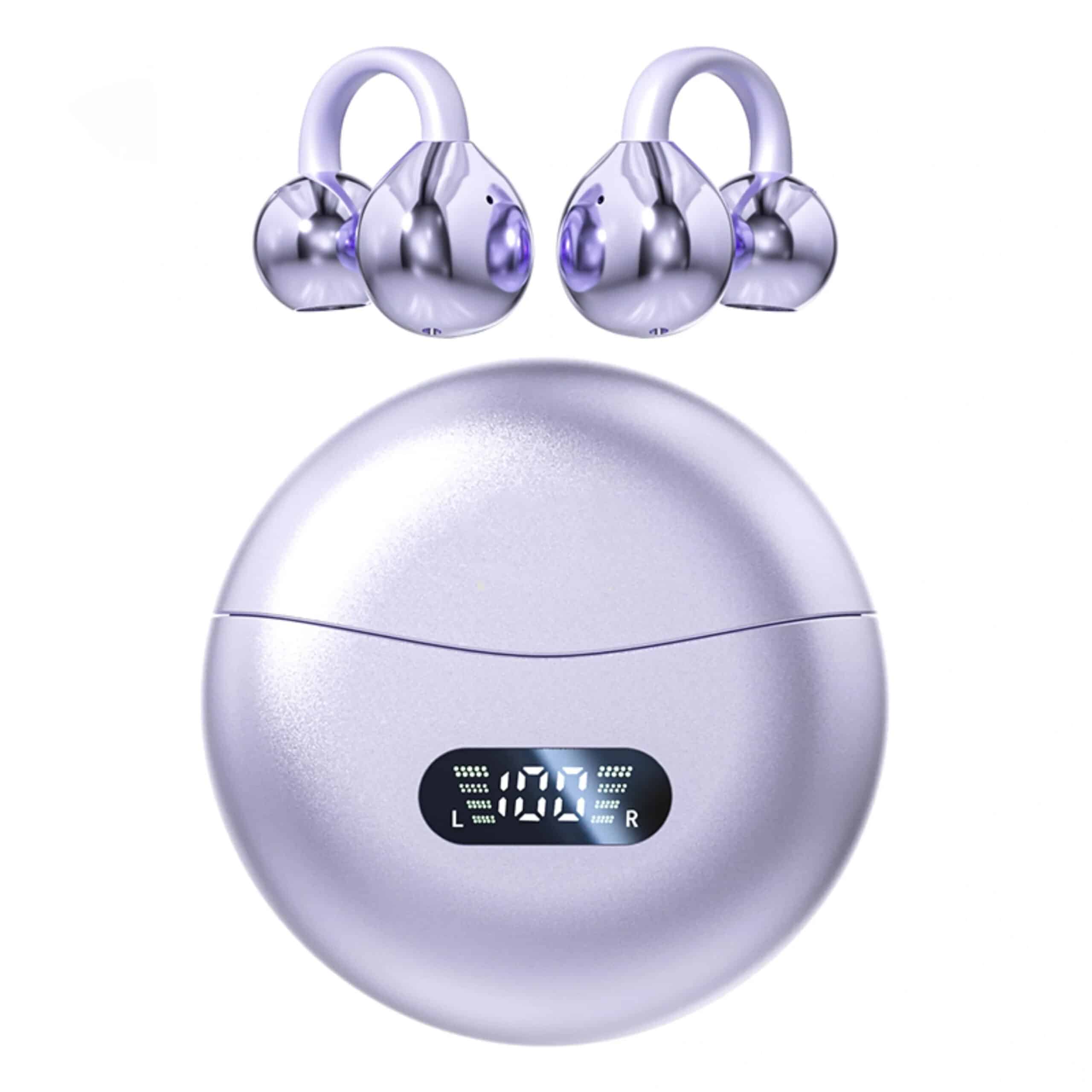 In this guideVoxClip$88.99View
Bone conduction and other open styles follow similar rules. If you are comparing them, our guide to bone conduction headphones explains how they differ from sport earbuds.
How to Clean Earbuds at Home: Step-by-Step Routine
Use this order every time so moisture stays away from the electronics. Unplug the case cable before you begin, and follow the manual.
- Power the earbuds off, take them out of the case and unplug the case cable.
- Remove removable tips and set them aside.
- Wipe the shells and hooks with a dry microfiber cloth.
- Brush the mesh with a dry soft brush, bud facing down.
- Clean the contacts with a dry swab, then a barely damp one if needed.
- Wash the tips in mild soapy water, rinse, and pat them dry.
- Clean the case interior and hinge with the brush and toothpick.
- Let everything air dry in an open space, away from heat, before reassembling and charging.
What Not to Use on Earbuds
- Running water, soaking or ultrasonic cleaners on the buds or case
- Hand sanitizer gel, bleach, window cleaner and aerosol sprays
- Pins, needles, paper clips or other metal tools on mesh and contacts
- Compressed air held close to the mesh, which can push debris inward
- Hair dryers, ovens or sunny windowsills for drying
- Hot or boiling water, which can warp silicone and plastic
When in doubt, use less liquid. A dry brush and cloth handle light buildup, and a barely damp swab covers the rest.
How Often to Clean Earbuds
Match the schedule to how you use them. The table is a starting point, not a rule.
| Task | Timing |
|---|---|
| Wipe shells, hooks and clips | After sweaty sessions or daily use |
| Wash removable silicone tips | Weekly, or when they look soiled |
| Brush speaker mesh | Every week or two |
| Clean charging contacts | Monthly, or when charging becomes inconsistent |
| Clean the case interior | Monthly |
If you work out in them, our running headphones guide covers fit, which also affects how much grime reaches the tips.
Common Problems After Cleaning
One earbud is louder than the other
Check for a blocked mesh or tip first. Brush the mesh of the quieter bud, and wash or replace its tip. If the difference stays, check the balance setting on your phone and the manual.
Charging is inconsistent
Clean the contacts on both the bud and the case, and make sure the buds seat fully. If trouble continues, contact the maker.
Sterilizing and sanitizer
Home cleaning is not sterilizing, and heat, UV devices and soaking can damage parts. Follow the manual for the outer shell, and wash the tips with soap. Ask the maker if you want another method.
Single-ear call headsets
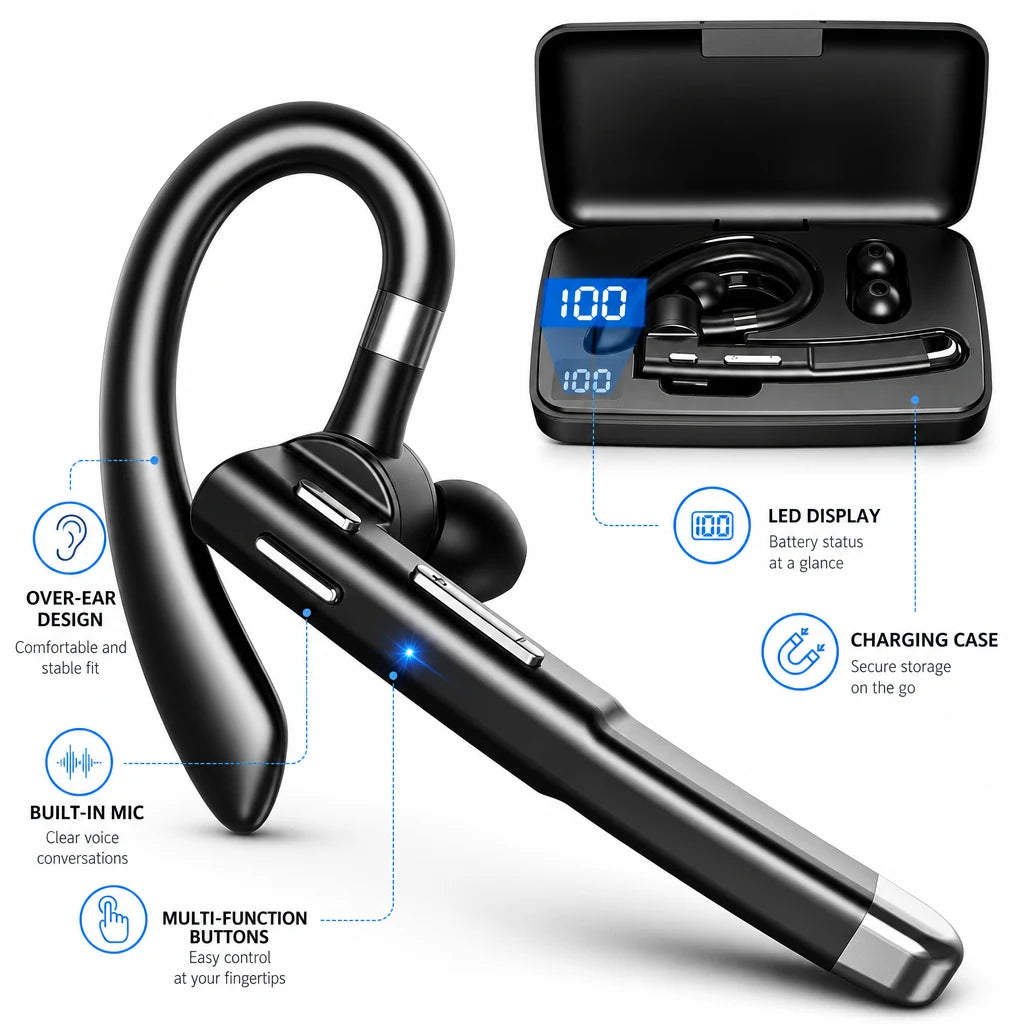
For headsets such as TalkForge, the same logic applies. It has an over-ear hook, three silicone ear-tip sizes (S, M, L) and a spare ear hook, so wash the tips, wipe the hook and check the boom mic opening with a dry brush. Keep the magnetic charging case dry as well.
 In this guideTalkForge$99.99View
You can browse more designs in our Headphones & Earbuds collection.