Good Wireless Gaming Headset for PC: What Actually Matters
A good wireless gaming headset for PC pairs a 2.4GHz USB transmitter with a comfortable fit and a usable microphone. This guide compares connection types, weight, mic and battery, then walks through setup.
Ryan Kessler
October 19, 2026 · 9 min read
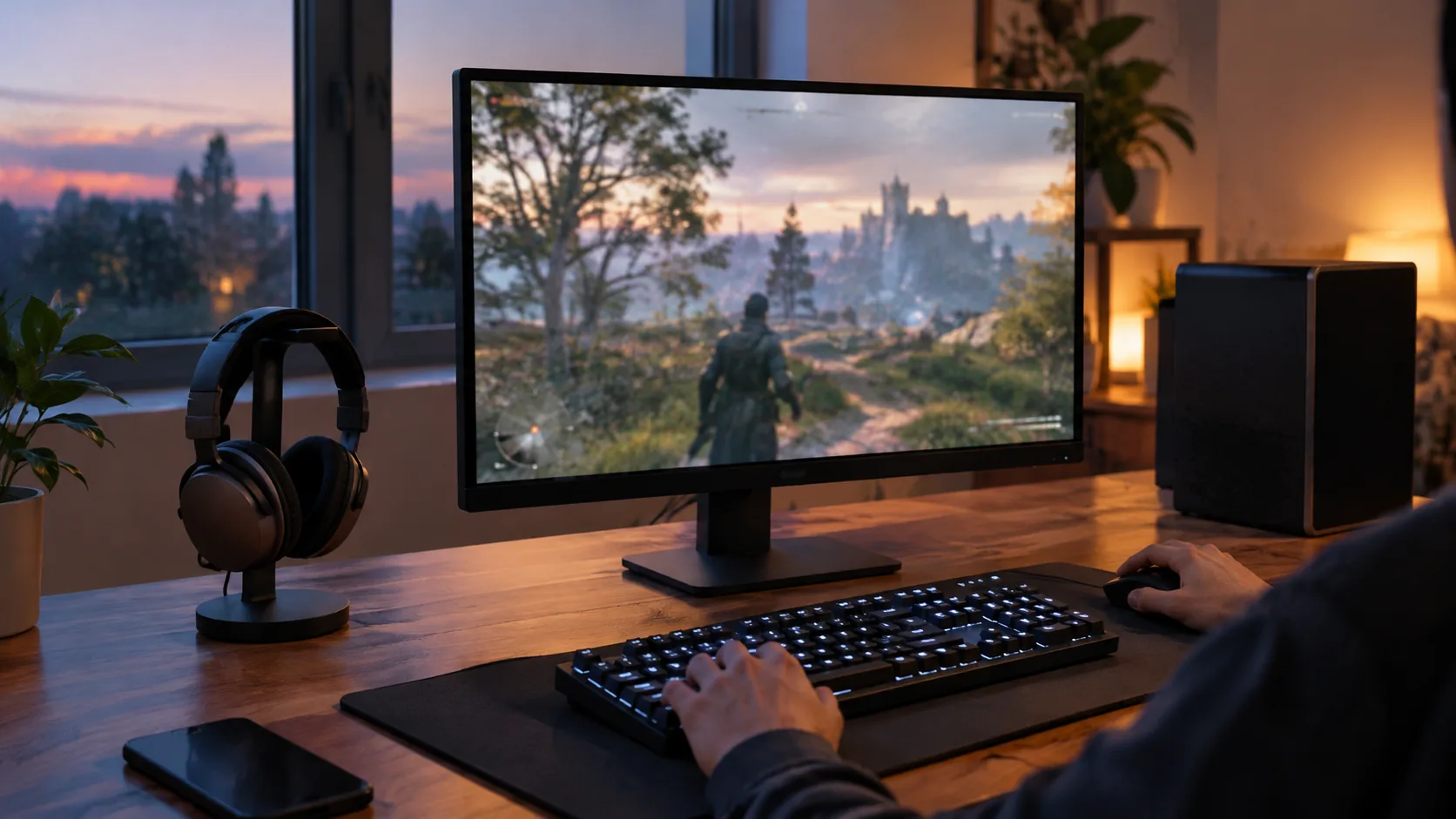
A good wireless gaming headset for PC connects through a 2.4GHz USB transmitter, has a weight and padding you can wear for a long session, and includes a microphone you can position near your mouth. Bluetooth is useful as a second mode for phones, and a 3.5mm cable is a handy fallback. Everything else on the spec sheet is secondary to those four points.
This guide compares the connection types, explains weight, microphone, sound and battery details, and ends with a PC setup checklist, a care routine and a short list of mistakes to skip.
What makes a good wireless gaming headset for PC
Start with the way the headset reaches your computer. A headset that ships with its own USB transmitter gives your PC a dedicated wireless link, while a Bluetooth-only headset depends on your computer's Bluetooth radio and its audio profiles.
Then look at what you will feel and use every session: listed weight, earcup padding, and the microphone. Battery and charging method come next, followed by extras such as spatial audio or app-based equalizers.
The table below ranks nothing. It simply shows which questions to ask about each feature.
| Feature | What to check | Why it matters on PC |
|---|---|---|
| Connection | 2.4GHz USB transmitter, Bluetooth, 3.5mm | Decides how audio reaches the computer and which other devices it works with |
| Weight | Listed weight in grams | Matters during long sessions |
| Earcups | Padding, breathability | Affects how the headset feels after an hour or more |
| Microphone | Adjustable boom, noise-cancelling | Determines how you sound in voice chat |
| Charging | Cable type, whether you can plug in mid-session | Matters when the battery runs low |
Wired or wireless at a PC desk
A wired headset has no battery to charge and no transmitter to plug in. A wireless headset removes the cable that otherwise runs across your keyboard and mouse area, so you can stand up for a drink without taking the headset off.
On a desktop, that freedom matters less than on a laptop or a couch setup, where a cable can pull on the device. Decide where you sit, how often you move, and whether you want a charging routine. A headset that offers both wireless modes and a 3.5mm cable lets you change your mind later.
Whichever way you go, a good wireless PC gaming headset should be described clearly on its product page: connection types, what is in the box, and how it charges. If a listing leaves those out, move on.
2.4GHz vs Bluetooth vs wired: latency and compatibility
Latency is the delay between something happening on screen and you hearing it. In shooters and rhythm games, an audible gap between a gunshot animation and its sound is distracting.
A 2.4GHz transmitter is a small USB dongle that pairs with the headset and creates a dedicated link. Bluetooth works through the standard Bluetooth connection built into computers and phones, and the delay depends on the devices and codecs involved. If you play fast-paced games, use the 2.4GHz mode for gameplay and keep Bluetooth for phone calls and music.
| Connection | How it connects | Good for | Watch out for |
|---|---|---|---|
| 2.4GHz USB transmitter | Dongle in a USB port | PC gaming, voice chat, consoles with a USB port | Uses one USB port; the dongle can be lost |
| Bluetooth | Pair from the device menu | Phones, tablets, laptops without a free USB port | Audio delay depends on the device; microphone quality varies by profile |
| 3.5mm wired | Cable to a headphone jack or controller | Backup when the battery is empty, controllers with an audio jack | Cable is one more thing to carry |
A headset with all three modes covers a desktop, a laptop and a phone with one purchase. If you want that range, look for Bluetooth 5.4 or similar listed on the product page, plus a 3.5mm option.
Console and phone use
If you also play on a console, check that it has a USB port for the transmitter, or use the 3.5mm cable on a controller with an audio jack. Phones pair over Bluetooth. Confirm compatibility on the product page before ordering, since some headsets ship with a base station instead of a small dongle.
Weight, comfort and sound quality
Reading the weight on the spec sheet
If you are looking for the lightest wireless gaming headset, compare the listed weight in grams across models, and check whether the figure includes the microphone. A lower number is only one part of comfort, because clamping force and headband shape matter as well.
Padding and ventilation also count. Breathable earcups use fabric or mesh surfaces so the cushion does not sit as a sealed layer against your skin. Cushioned earcups that suit your head size matter more than any single number.
- Check the weight in grams and convert it: 100 g is about 3.5 oz.
- Look for adjustable headband sizing, and try the headset with your glasses if you wear them.
- Confirm that the earcups are cushioned and that the material is described.
- Think about the temperature in your room, since closed earcups hold warmth.
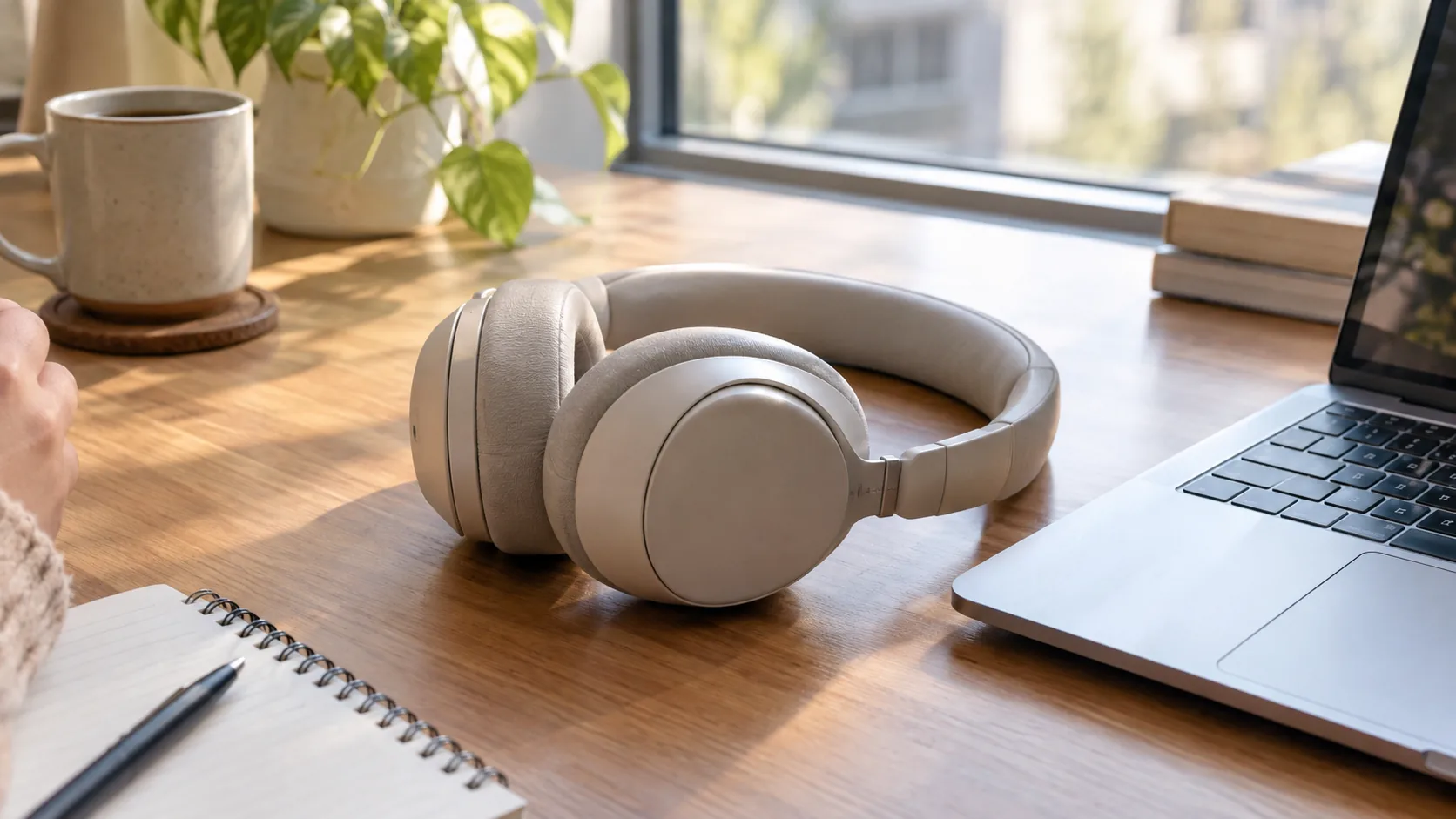
For reference, the headset we feature below weighs 169 g (about 6 oz) and has cushioned, breathable earcups.
Drivers and spatial audio
Sound quality comes from the audio drivers inside the earcups, the way the headset is tuned, and the software on your PC. A product page may list driver size, hi-res audio support or a companion app. Treat those as items to read, not as a promise about how it will sound to you.
For game audio, positional cues such as footsteps and directions matter in competitive titles, while music and movies reward a wider sound. Spatial audio is a software feature on the PC side, so it depends on the headset, the drivers and the game. Try it once the basics are working, and switch it off if it sounds odd in a particular game.
Also check that voice chat and game audio can be set to separate volume levels in the operating system or the headset app, so teammates do not drown out the game.
Microphone, battery and the cable fallback
For PC gaming, the microphone often matters as much as the earcups. Teammates hear you through it all session, so how it is positioned is the first thing to check.
Adjustable boom or built-in pickup
An adjustable boom microphone can sit close to your mouth, so your voice reaches the pickup directly instead of from across the room. A boom you can move out of the way, or reposition when you are not talking, stays out of your line of sight. Look for the adjustment range on the product page.
Noise-cancelling mic vs noise-cancelling earcups
The phrase noise cancelling can describe two different things. A noise-cancelling microphone reduces background sound picked up for your voice chat. Active noise cancelling in the earcups changes what you hear. Check which one the product lists, and do not assume the headset offers both.
Your operating system lets you choose the input device, set its volume and test it in the sound settings. Equalizers and spatial options are software features that depend on the headset and drivers you use.
Battery and charging
Battery life is a figure for the manufacturer to publish, and this guide will not quote one for you. What you can check yourself is the charging method and what happens when the battery runs low.
- Which cable charges it, and does the box include one?
- Can you keep playing with a cable connected, for example in 3.5mm wired mode?
- Is the charging port within reach when the headset sits on a stand?
A wired option matters here. If the battery is empty before a match, a headset with a 3.5mm cable mode can still be used on any device with a headphone port.
Our Headphones & Earbuds collection lists other headsets and earbuds if you want to compare designs.
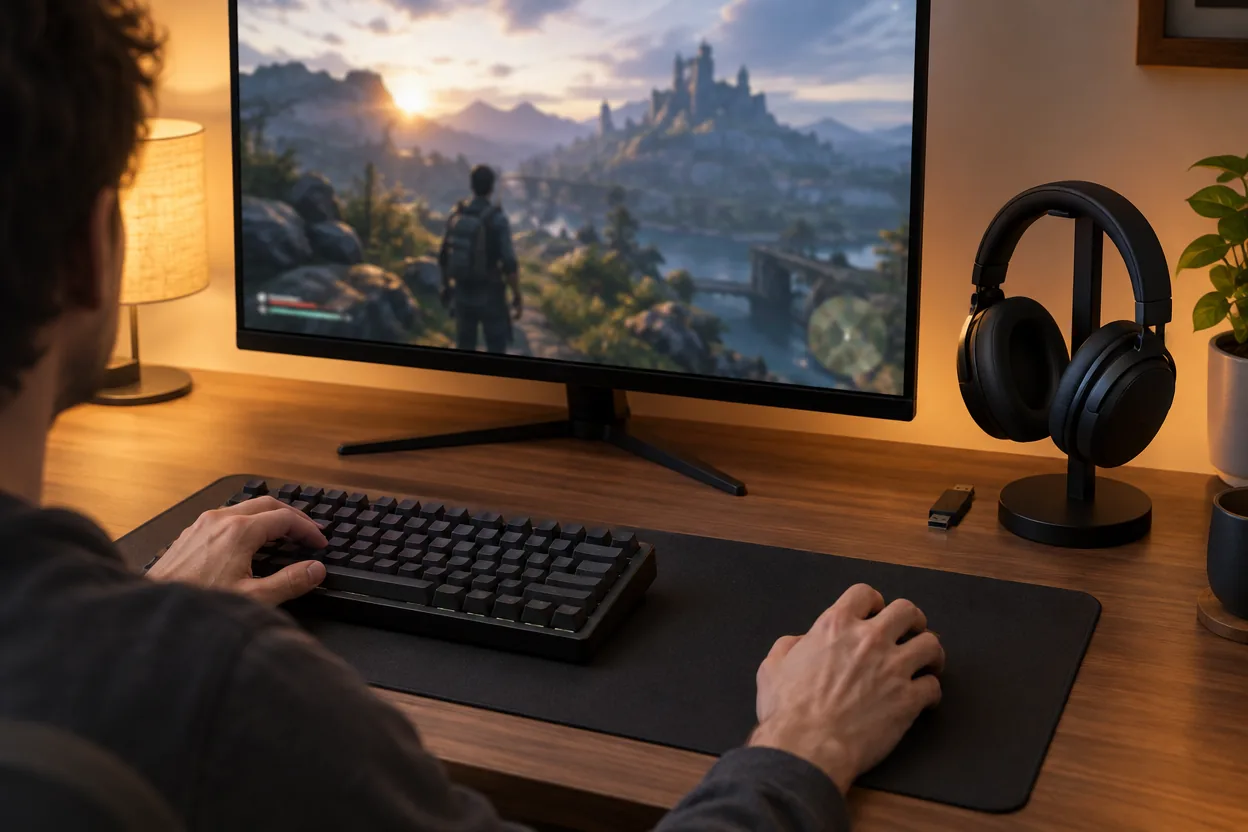
A headset that covers the checklist
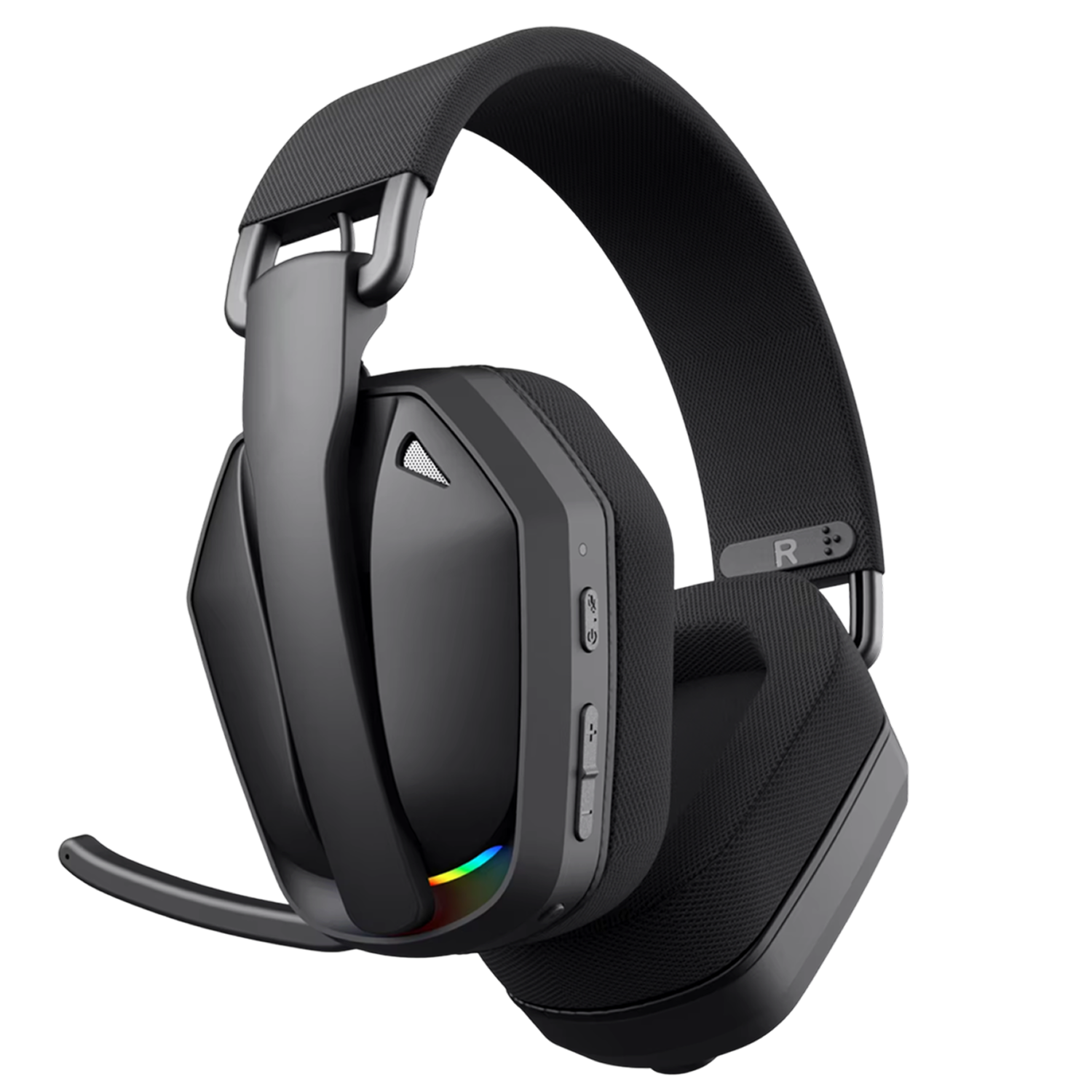
EchoStrike is a wireless gaming headset with a 2.4GHz USB transmitter, Bluetooth 5.4 and a 3.5mm wired option. You choose the mode that matches the device in front of you, whether that is a computer, console or phone.
It weighs 169 g (about 6 oz) and has cushioned, breathable earcups. The noise-cancelling microphone adjusts through a 100° range, so you can place it near your mouth for voice chat and calls. The box includes the headset, a USB wireless transmitter, a USB charging cable, a 3.5mm audio cable and a quick start guide.
 In this guideEchoStrike$89.99View
PC setup checklist for a wireless gaming headset
Follow your headset's quick start guide, then use this order to get audio and mic working in your games and chat apps.
- Charge the headset with the supplied USB charging cable before first use.
- Plug the USB transmitter into a port on your computer. A port directly on the motherboard or case is a reasonable first choice, rather than a crowded hub.
- Power on the headset and wait for it to connect to the transmitter.
- Open your operating system's sound settings and select the headset as the output device.
- Select the headset's microphone as the input device and speak to check the level meter.
- Open each game and chat app and confirm that its audio settings point to the headset, not to your monitor speakers.
- Position the microphone near your mouth, then adjust the headband and earcups.
- For Bluetooth use, pair from the Bluetooth menu on your phone or computer. For wired use, connect the 3.5mm cable to the headset and your device.
If you move between a desktop and a laptop, keep the transmitter in the PC you use most and use Bluetooth or the cable for the other. If you plug in audio gear through USB-C, our guide to a Type C audio interface explains how those connections work.
Field note
Keep the 3.5mm cable in your bag or desk drawer. If the headset battery is empty, you can still play and talk on any device with a headphone jack.
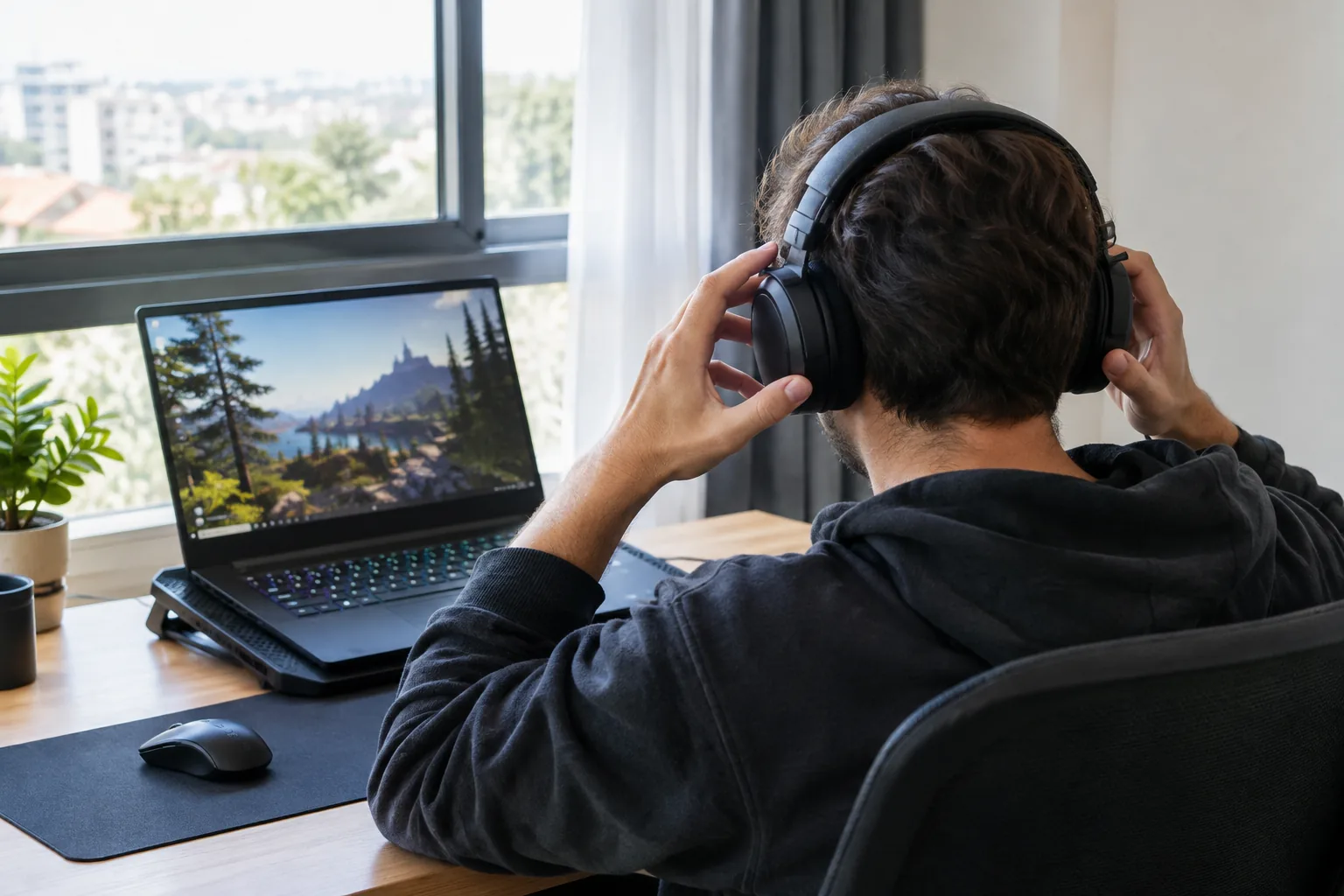
Care routine and common mistakes
Care routine
A short routine keeps a headset comfortable to wear. Follow the care notes in the quick start guide, and unplug cables before wiping anything down.
- After a session: place the headset on a stand or hook so the headband keeps its shape.
- Weekly: wipe the earcup surfaces with a dry or slightly damp cloth and let them dry before wearing.
- Weekly: check that the microphone boom moves freely and the cable ends are not bent.
- Before a long session: top up the charge with the USB charging cable and keep the 3.5mm cable nearby.
- When traveling: keep the USB transmitter in a small pouch so it is not lost.
Common mistakes
- Buying on Bluetooth alone for fast-paced games, then finding the audio delay distracting.
- Ignoring weight and earcup material until after the headset arrives.
- Assuming that noise cancelling in the listing covers both the microphone and the earcups.
- Leaving the operating system on the monitor speakers, so the headset shows as connected but you hear nothing in it.
- Plugging the transmitter into a crowded hub or a far-away port.
- Skipping a wired option, so a flat battery ends the session.
Gaming laptops add a heat consideration. Our laptop cooling pad guide covers setting up the rest of a laptop gaming desk.
How to decide: a short decision path
When you shortlist a good wireless gaming headset for PC, match each habit to a feature.
| If you... | Choose |
|---|---|
| Play on a desktop PC mainly | A headset with a 2.4GHz USB transmitter |
| Also use a phone or tablet | A headset with Bluetooth as a second mode |
| Use a controller with an audio jack | A headset with a 3.5mm cable option |
| Wear a headset for long sessions | Cushioned, breathable earcups and a listed weight you are comfortable with |
| Talk in voice chat often | An adjustable, noise-cancelling microphone |
Work from the top down. Settle the connection first, then weight and padding, then the microphone, then charging. Features like spatial audio come last and depend on your PC software.