Ebook Reader Colour vs Black and White: Which Screen Suits You
Choose a color screen if comics, covers or highlights matter; choose black and white for novels and text-heavy PDFs. This guide compares both by content, sharpness, light and battery.
The Folio & Current Team
November 11, 2026 · 6 min read
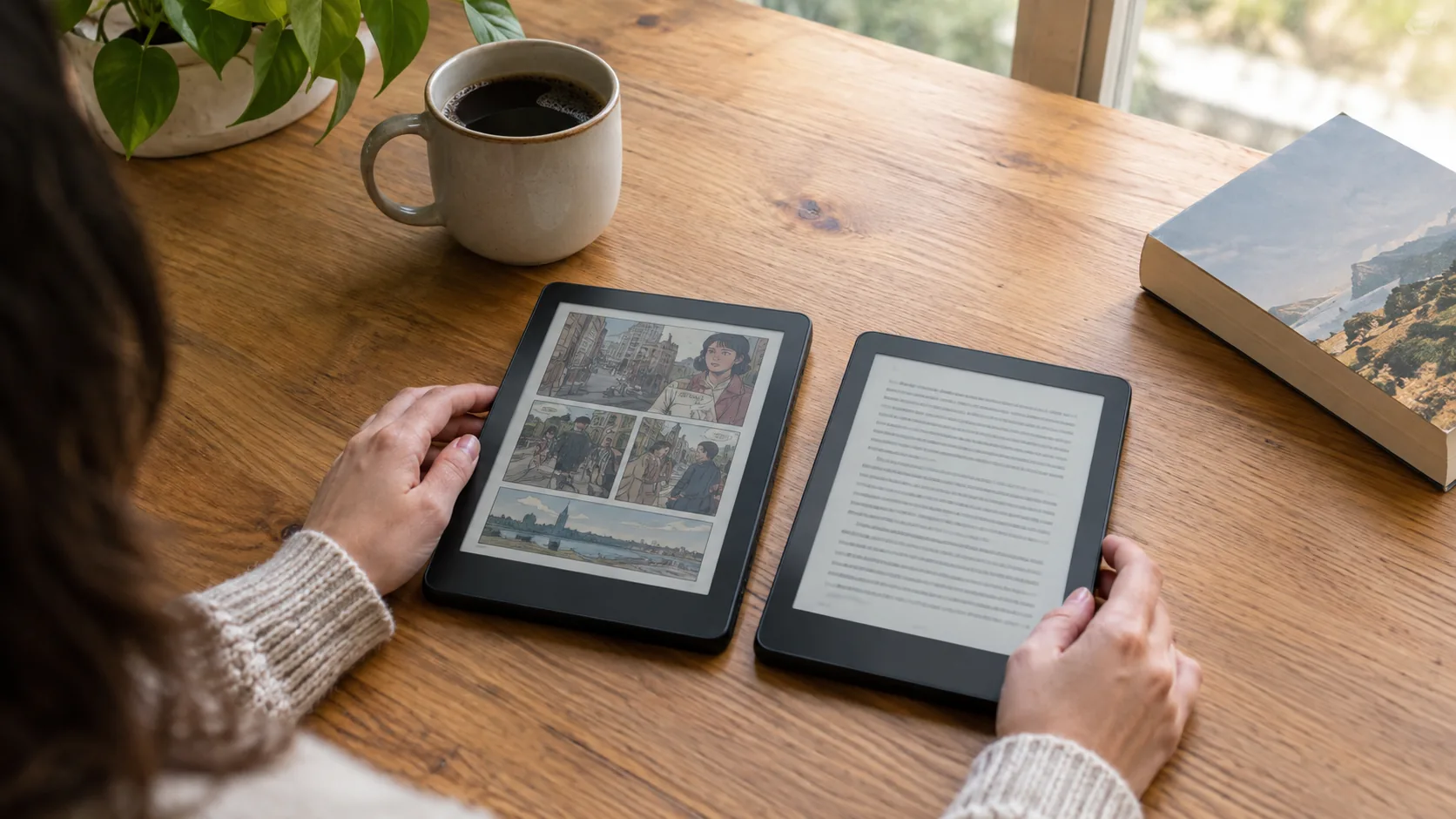
Ebook reader colour comes down to what you read: color e-ink suits comics, magazines and highlighted study notes, while black and white e-ink suits novels and text-heavy documents. Color panels add a filter layer that changes sharpness, front-light tone and refresh behavior. This guide compares both by content type, then ends with a decision table.
If you read mostly text, a monochrome panel is the straightforward pick. If you read pages where color carries meaning, a color panel is worth the trade-offs described below.
What an ebook reader is, and what the screen does
An ebook reader is a handheld device built for reading digital books and documents. Its e-ink screen reflects room light the way printed paper does, instead of shining light at your eyes like a phone or tablet. That is why a reader is used for long sessions with text.
The screen comes in two broad types. A monochrome panel shows black text on a light gray-white background with shades of gray. A color panel adds a layer of tiny color filters over the same kind of e-ink, so it can show muted color alongside text.
Color e-ink looks closer to a printed magazine than to a bright tablet. Colors appear softer and paler, which matters for the decisions below. A university engineering news story on color e-paper display research explains how researchers are working on color at high resolution.
Ebook reader colour by content type
Start with the files you open most. The same device can feel very different with a novel than with a graphic novel.
| Content | Color screen | Black and white screen |
|---|---|---|
| Novels and nonfiction | Works, but color adds little to plain text | Text is the whole job; the panel is built for it |
| Comics and manga | Shows panel colors, in a muted palette | Shows line art and shading in grays |
| Magazines and picture books | Colors carry the layout | Images lose their color cues |
| PDFs with charts | Colored chart lines stay distinct | Chart lines can blur into similar grays |
| Textbooks and papers | Highlights and figures keep their colors | Plain text and tables read well |
| Library and sideloaded EPUB files | Cover art in color | Cover art in grayscale |

Sharpness, front-light tint, page turns and battery
Sharpness
Text on a color e-ink panel is usually drawn at a lower resolution than text on a monochrome panel of the same size, because the color filter layer sits over the pixels. Small print, footnotes and dense PDFs are where you notice it. Compare the pixels-per-inch figure on each product page, and zoom a sample page if the store lets you.
Front-light tint
Many readers add a built-in light for dark rooms. On a color panel the filter layer can shift the tone of that light, so pages may look slightly warmer or tinted compared with a plain gray-white page. Some devices have no light at all: the Inkwright has a matte E-ink panel with no backlight, so reading in a dark room calls for a separate light source.
Page-turn behavior
E-ink redraws the page rather than scrolling it. Color pages can need a fuller redraw, which shows as a flash or a pause when you flip through images. A monochrome panel usually offers a refresh setting that clears ghosting, and text pages are the use it is built around. If you flip through comics, check how the device handles redraw.
Battery
Battery capacity is listed in mAh, and both panel types are measured by it. A color layer, a front light and Wi-Fi all draw power, so a device that uses all three behaves differently from one that shows only gray text. Compare the mAh figure and turn off Wi-Fi when you are not downloading. Both 6-inch readers here list a 1500 mAh battery with USB charging.
Field note
Open the same page on each screen type before deciding: a dense PDF page, a comic page and a plain novel page. If the PDF text looks soft or the comic looks too pale, you have your answer.
When a text-first reader is the practical choice
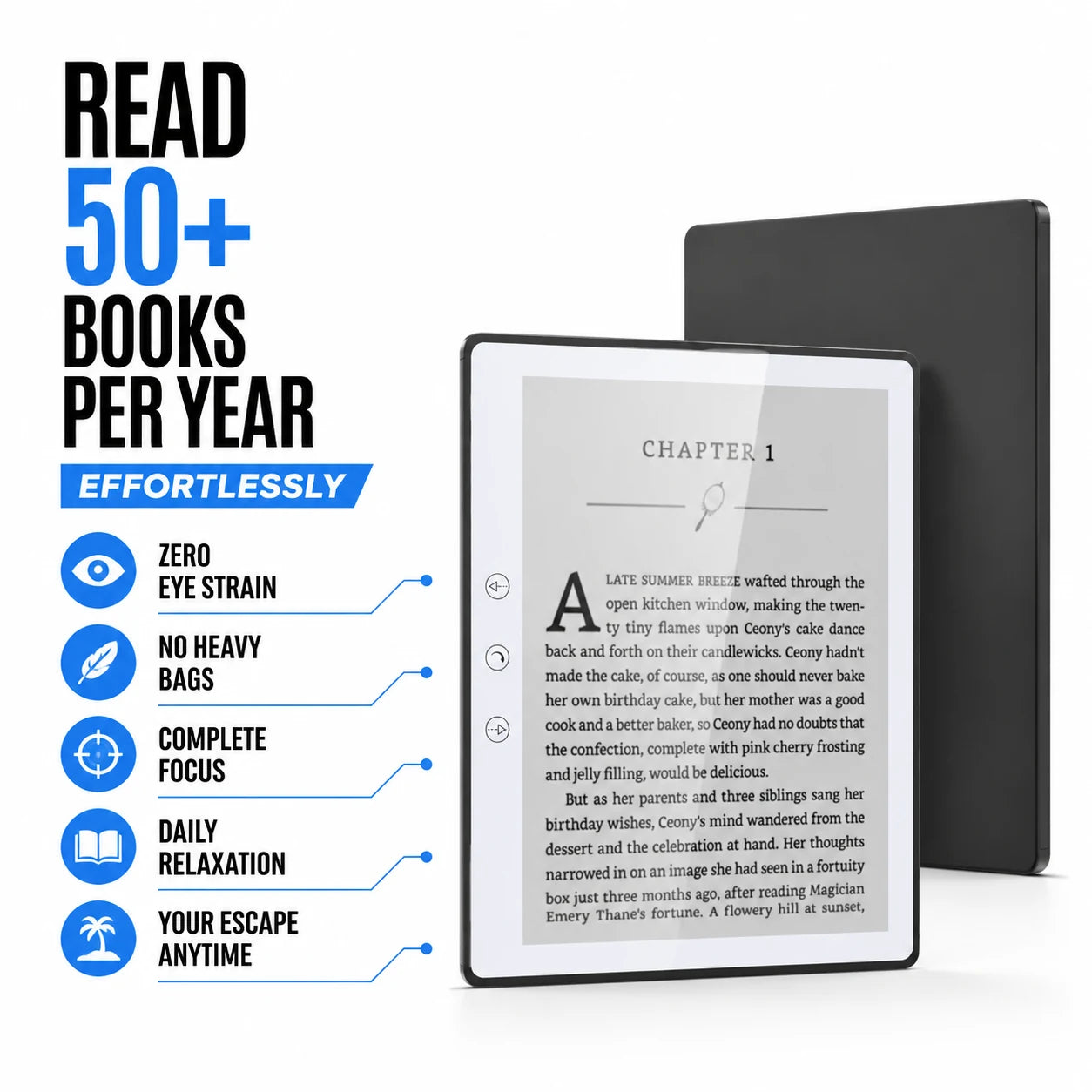
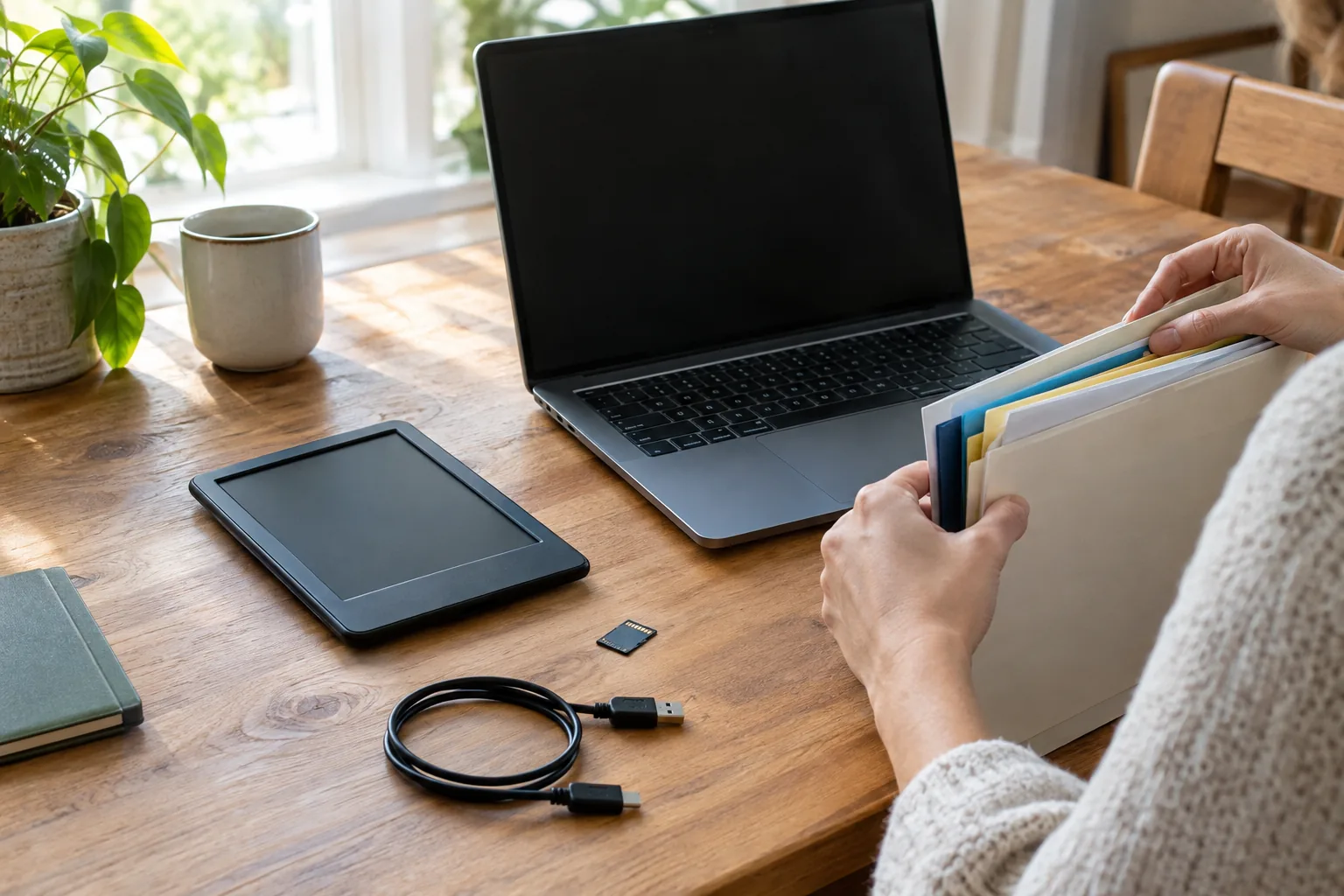
If your shelf is mostly novels, EPUB files and document PDFs, a reader built for text covers the job. The Inkwright is a 6-inch matte E-ink reader with a 920×680 panel at 198 PPI. It opens EPUB, PDF, MOBI, TXT, FB2, DOC and PPT files from a microSD card, with 32GB onboard storage and a slot that takes a 64GB card. You copy files to the card from a computer and open them from the library screen.
 In this guideInkwright$199.99View
The LumiRead is a second 6-inch option with built-in 2.4GHz WiFi for downloading books, 32GB internal storage and a microSD slot to 64GB. It opens EPUB, PDF, TXT, MOBI, FB2 and DOC files, and PDF pages can be zoomed, cropped and navigated, which helps with papers and textbooks. A case is in the box.
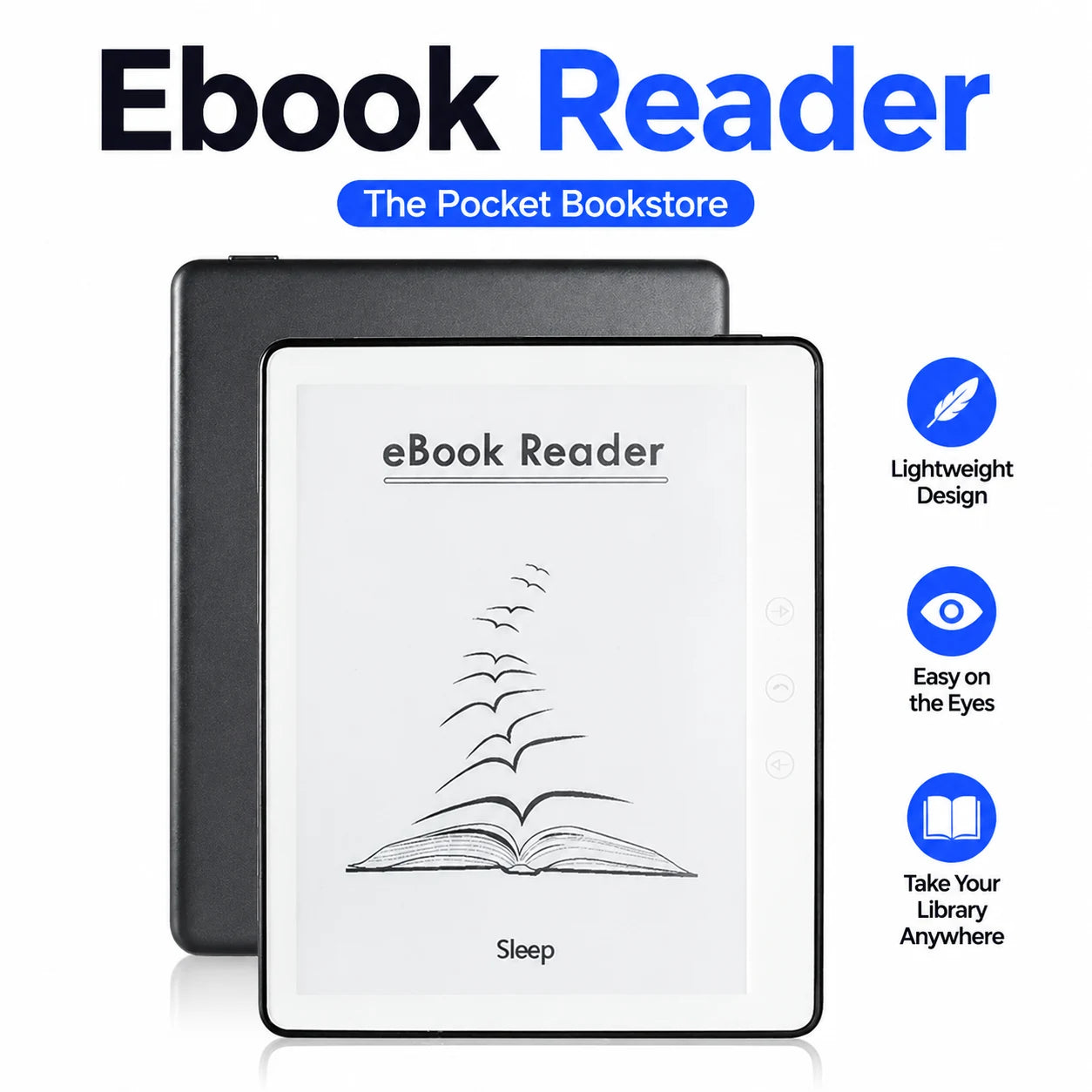 In this guideLumiRead$189.99View
For a pocketable body, the VerseTide has a 5.8-inch E-ink screen, weighs 170g and is 8mm thin. It adds built-in audio playback, so you can listen instead of read, and a TF card slot that extends 32GB of storage to 64GB. If you listen with earbuds, How to Clean Earbuds covers mesh and case care. Browse the full range in the E-Readers & Reading Tablets collection.
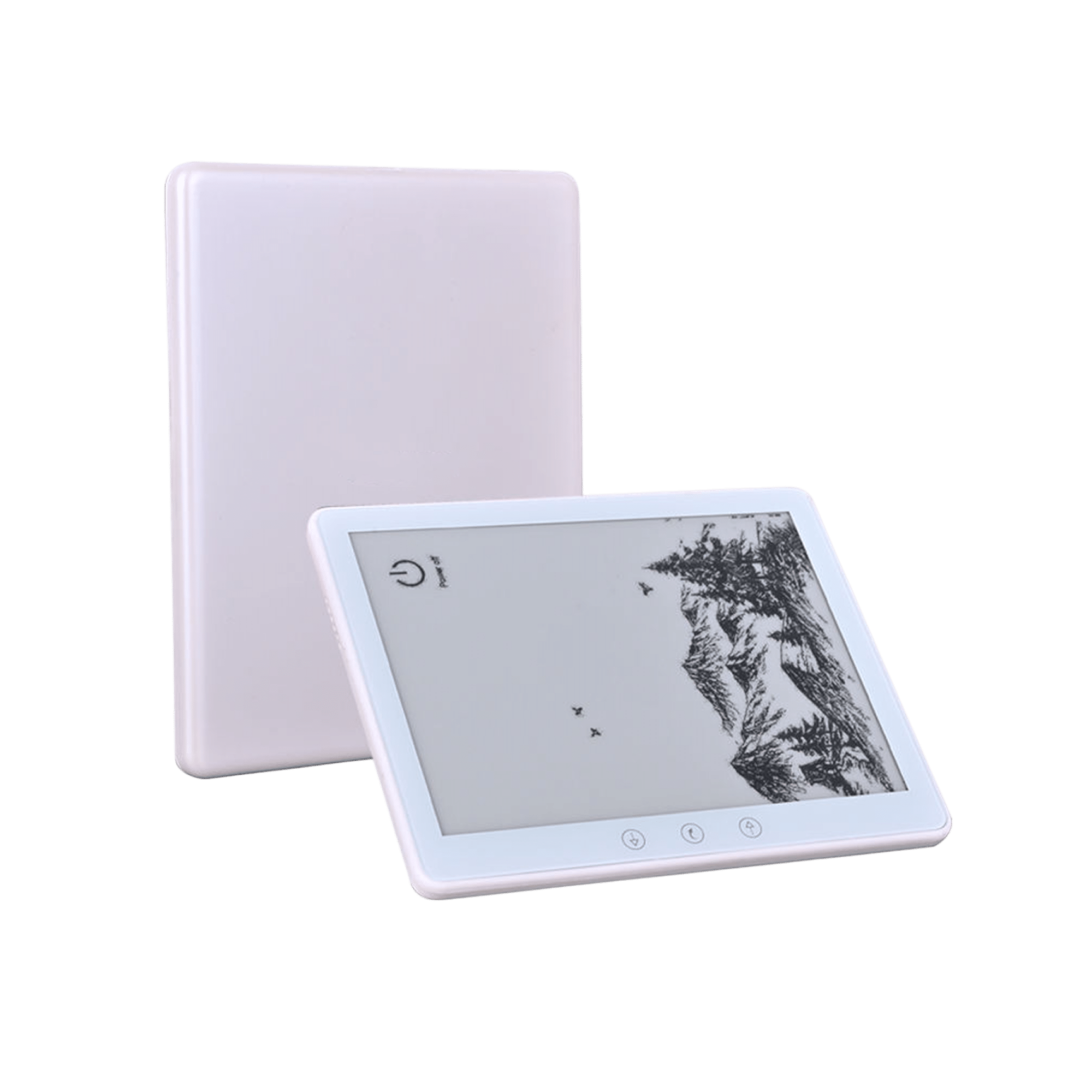 In this guideVerseTide$189.99View
Ebook reader comparison checklist
Use this list for any ebook reader comparison, color or not. Each line is something you can check on a product page.
- Screen type: color or monochrome, and the panel size in inches.
- Resolution and PPI, since they set how sharp small text looks.
- Light: built-in front light or none, and whether the tone can be adjusted.
- File formats: EPUB, PDF, MOBI, TXT, FB2 and DOC cover most sideloaded libraries.
- Storage: internal capacity and whether a microSD or TF card slot exists.
- Battery capacity in mAh and the charging port type.
- Wi-Fi for downloading, or file copying from a computer.
- Weight and thickness if you read on the go.
Common mistakes when choosing a screen
- Expecting tablet-bright color. Color e-ink looks muted and paper-like.
- Buying color for text-only reading, then accepting softer small print for no gain.
- Skipping the light question. A reader without a backlight needs a lamp in dark rooms.
- Ignoring file formats. Check that your library types are on the supported list.
- Overlooking storage. Comics and image-heavy PDFs are large files, so a card slot helps.
Decision table: color or black and white
| If you mostly read | Choose | Check first |
|---|---|---|
| Novels and nonfiction | Black and white | Format support and storage |
| Text-heavy PDFs and papers | Black and white | PPI and PDF zoom or crop tools |
| Comics, manga, picture books | Color | Redraw behavior on image pages |
| Color-highlighted study notes | Color | Sharpness of small text |
| In bed at night | Either, with a light | Built-in light or a separate lamp |
| On the go in a bag | Either, small body | Weight and thickness |
Pick the content you read most, match it to the row, then confirm the listed formats, storage and battery capacity.