Film & Slide Scanner Guide: How to Choose and Digitize Slides
Choose a film & slide scanner by collection size, film formats and end use, then follow a scanning workflow with a preview, consistent naming and a backup.
The Folio & Current Team
November 19, 2026 · 7 min read
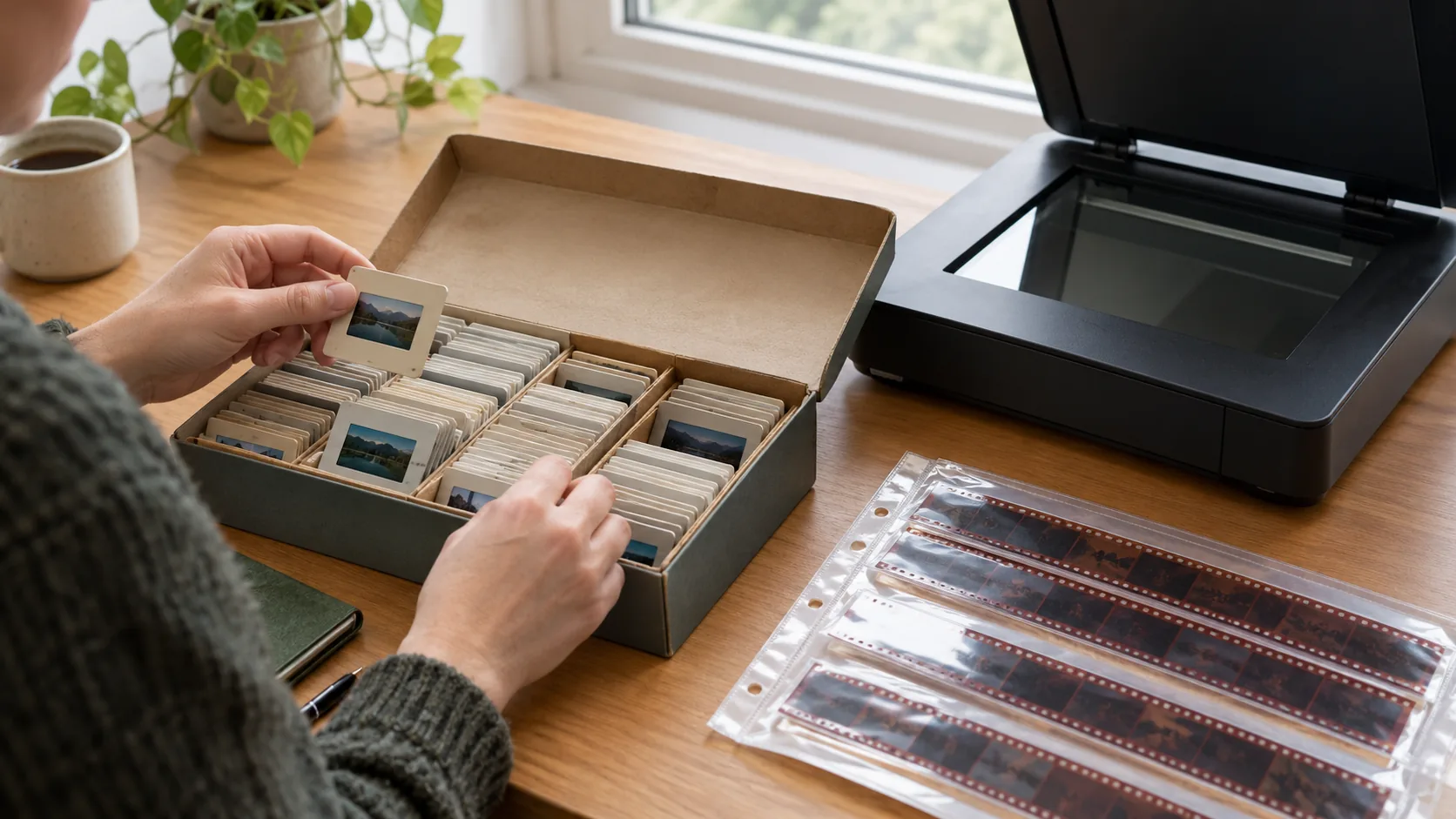
A film & slide scanner is a device that lights a negative or a mounted slide and captures it as a digital file. To choose one, match it to your collection size, your film formats and how you plan to use the files. Then scan with a repeatable workflow so every frame comes out straight, clean and named.
This guide walks through those decisions in order, compares the main scanner types, and ends with a step-by-step scanning routine you can follow with any model.
How to choose a film & slide scanner: count and identify first
The size of your collection decides how much hands-on time you will spend, so count before you shop. Estimate by boxes or trays: a shoebox, a few carousel trays, or a shelf of albums with strips tucked in sleeves.
Large collections call for a scanner that loads frames in a steady rhythm. Small ones can use almost any method, including a one-time lab service. The table below turns the count into a starting point.
| Collection | What to prioritize | Starting approach |
|---|---|---|
| One box or fewer | Low setup effort | Camera scanning with a slide holder, or a compact film slide scanner |
| Several boxes | A feeder tray, a preview screen, saving without a computer | A dedicated film scanner with a built-in screen |
| Mixed formats across decades | Format adapters for each film size | One scanner with several adapters |
| Prints and albums as well as film | A flatbed for paper, a film scanner for film | Use both, each for what it handles |
Identify your film formats
Before comparing models, look at what is in the boxes. A scanner that takes only one mount size leaves other frames unscanned.
- Mounted 35mm slides: small cardboard or plastic frames, often the bulk of a family collection.
- 35mm negative strips: cut strips in sleeves, or uncut rolls.
- 126 and 110 cartridge film: square-ish 126 frames and small 110 frames from older snapshots.
- Super 8 film: movie film, which has its own frame size and needs a matching adapter.
Old boxes often mix these. A scanner with separate format adapters for 35mm, 126, 110 and Super 8 lets you work through all of them with one device.
Check mounts and film condition
Glass mounts, thick plastic mounts and warped cardboard can jam in a feeder. Set those aside and handle them one at a time. Curled strips should lie flat in the holder before scanning. Film with mold or sticky residue should go to a lab rather than into your scanner.
Understand resolution without the hype
Resolution is how many pixels the scanner records across each frame, often shown as dpi. A 35mm frame is small, about 36 by 24 millimeters (roughly 1.4 by 0.9 inches), so the scanner has to capture fine detail from a tiny area.
Use the end goal to set the target. Screens and social sharing need modest files. Large prints, cropping into a group photo or restoring faded color need more pixels to work with. Scanning at a higher setting than you need makes bigger files without adding visible detail, so decide your use first.
Resolution is one part of the result. Film grain, lens focus, dust on the film and the light source all shape the final picture. A number on a box does not describe your color or sharpness, so look at sample scans on the product page when they are offered.
Compare film scanner types
Four approaches cover most home projects. The right one depends on your collection count and your formats.
| Type | How it works | Fits | Watch for |
|---|---|---|---|
| Dedicated film scanner | Film or a mount passes a light source and sensor inside the device | Stacks of slides and negatives | Adapter compatibility with your formats |
| Flatbed scanner with a film hood | A light in the lid shines through film placed on the glass | Mixed paper and film jobs | Holder alignment, one frame at a time |
| Camera scanning | A camera with a macro lens photographs film on a light panel | Hobbyists who want control | Focus, a flat holder, inverting color negatives in software |
| Mail-in service | A lab scans for you | Small or fragile collections | Turnaround, shipping originals, cost per frame |
Dedicated scanner or flatbed
A flatbed is a general-purpose tool. It handles prints, documents and film, but film needs a holder that keeps frames flat and at the right height. A dedicated unit is built around film and slide holders, so loading a mount is a single action. If slides are your main job, a dedicated slide scanner matches the task directly.
Camera scanning
Camera scanning means photographing each slide or negative with a macro lens, usually with a diffused light source behind the film. It gives you control over exposure and focus. It also needs a stable stand, even light and software to invert color negatives, so it suits people who already own the gear and enjoy tinkering.
Features to check on a good slide scanner
- Format adapters that match the film you counted.
- A preview screen, to check framing, brightness and orientation before saving.
- Orientation controls, since slides are often loaded reversed or sideways.
- Saving to an SD card, if you want to scan without a computer.
- A USB connection, for sorting, editing and backup.
- A feeder tray, so you do not cut strips from albums.
- A user manual that explains cleaning the film path.
Software matters if you plan to edit. Check the product page for supported systems before you buy.
Where Daguerra fits
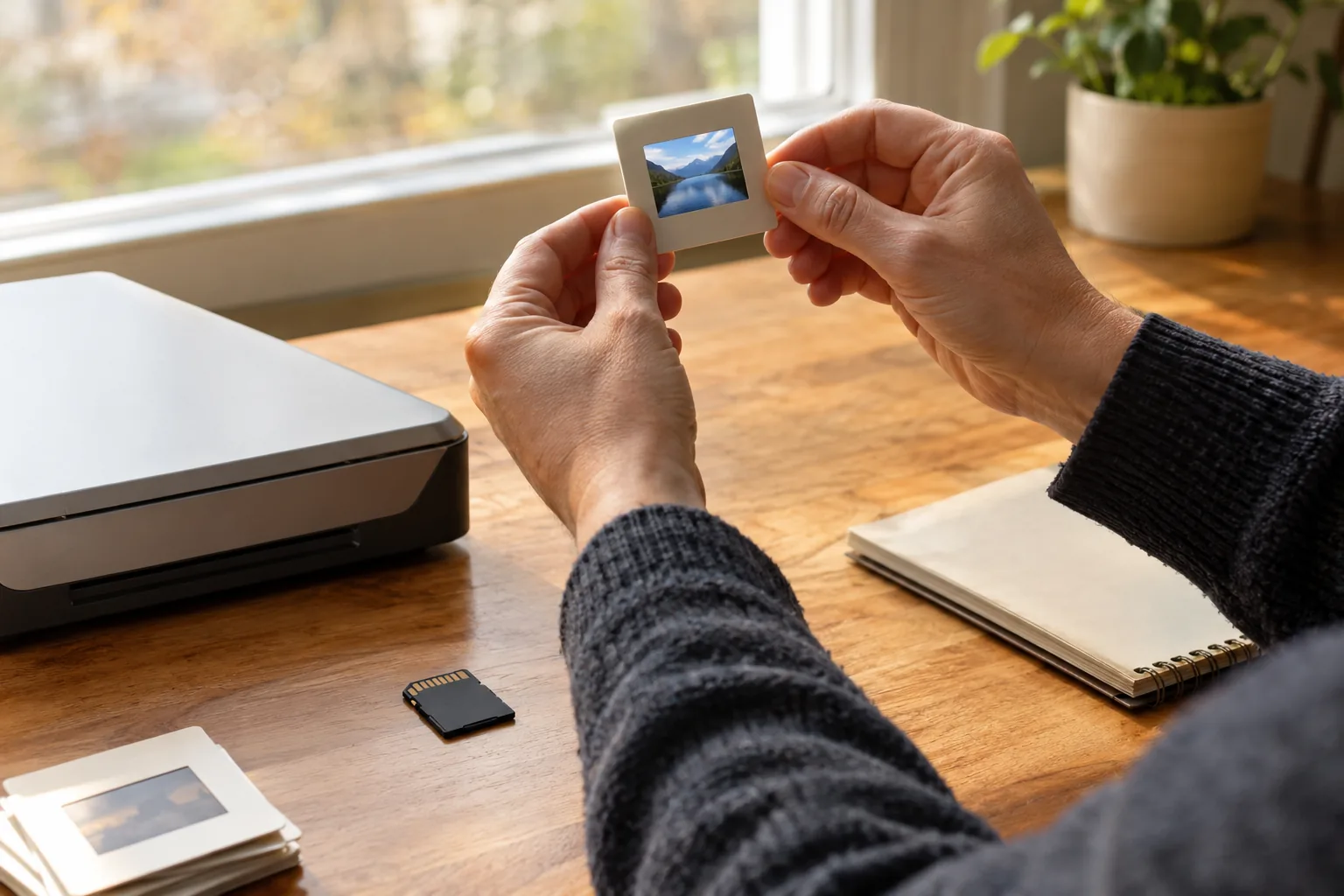
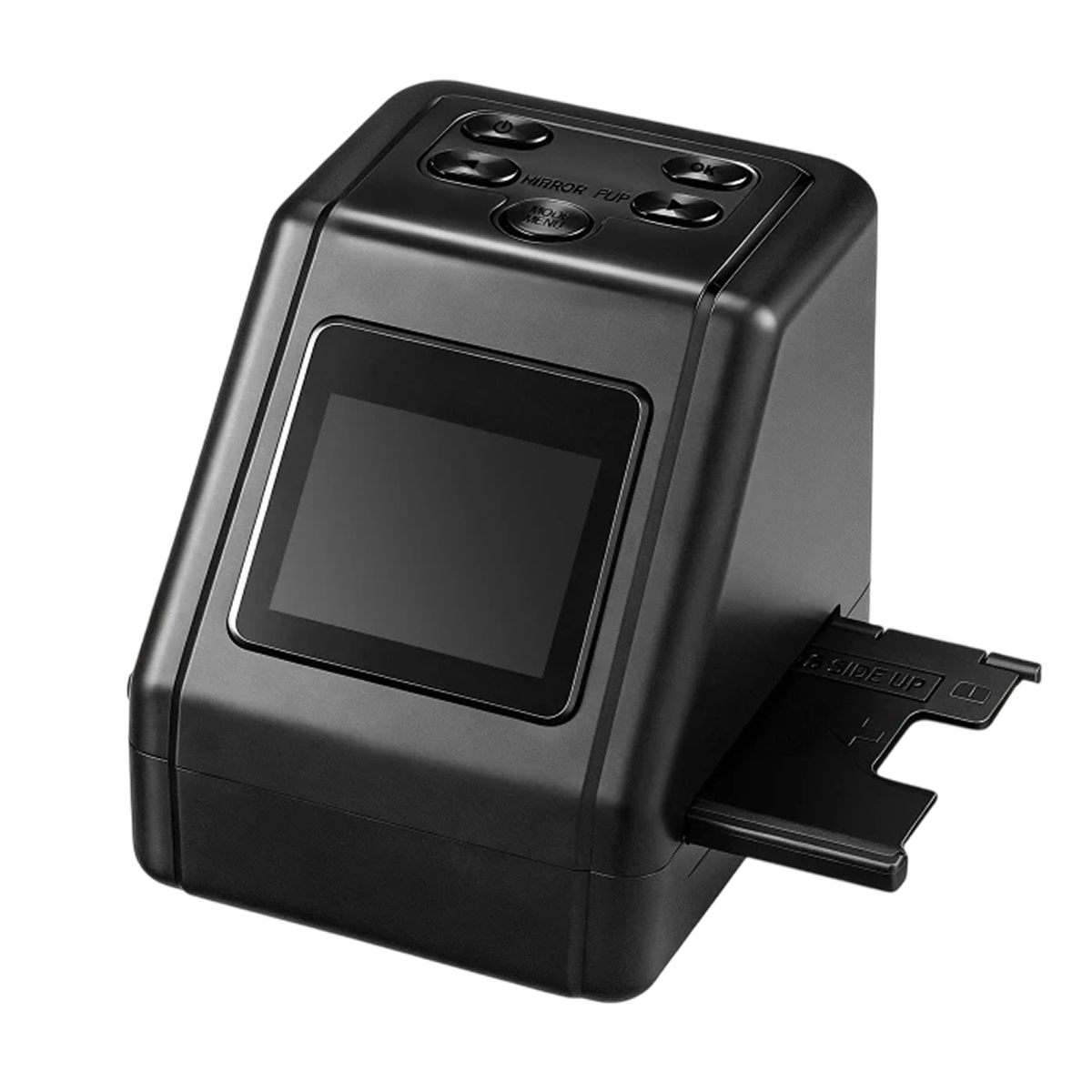
If your answers point to several boxes of mixed old film, Daguerra is a slide scanner built for that situation. You pick the adapter for your format, feed the strip or mount through the tray, and check the frame on the built-in color screen before saving.
Its adapters cover 35mm, 126, 110 and Super 8, so one device can work through old formats that end up in the same box. Buttons on top mirror or rotate the image, which helps with frames loaded sideways or reversed. It saves to an SD card, so a computer is optional, and a USB cable connects it to a computer when you want to organize or back up the files. The box includes the scanner, film and slide adapters, a USB cable and a user manual.
 In this guideDaguerra$99.99View
Scanning workflow: from box to organized files
A repeatable routine matters more than any single setting. Follow this order for each batch.
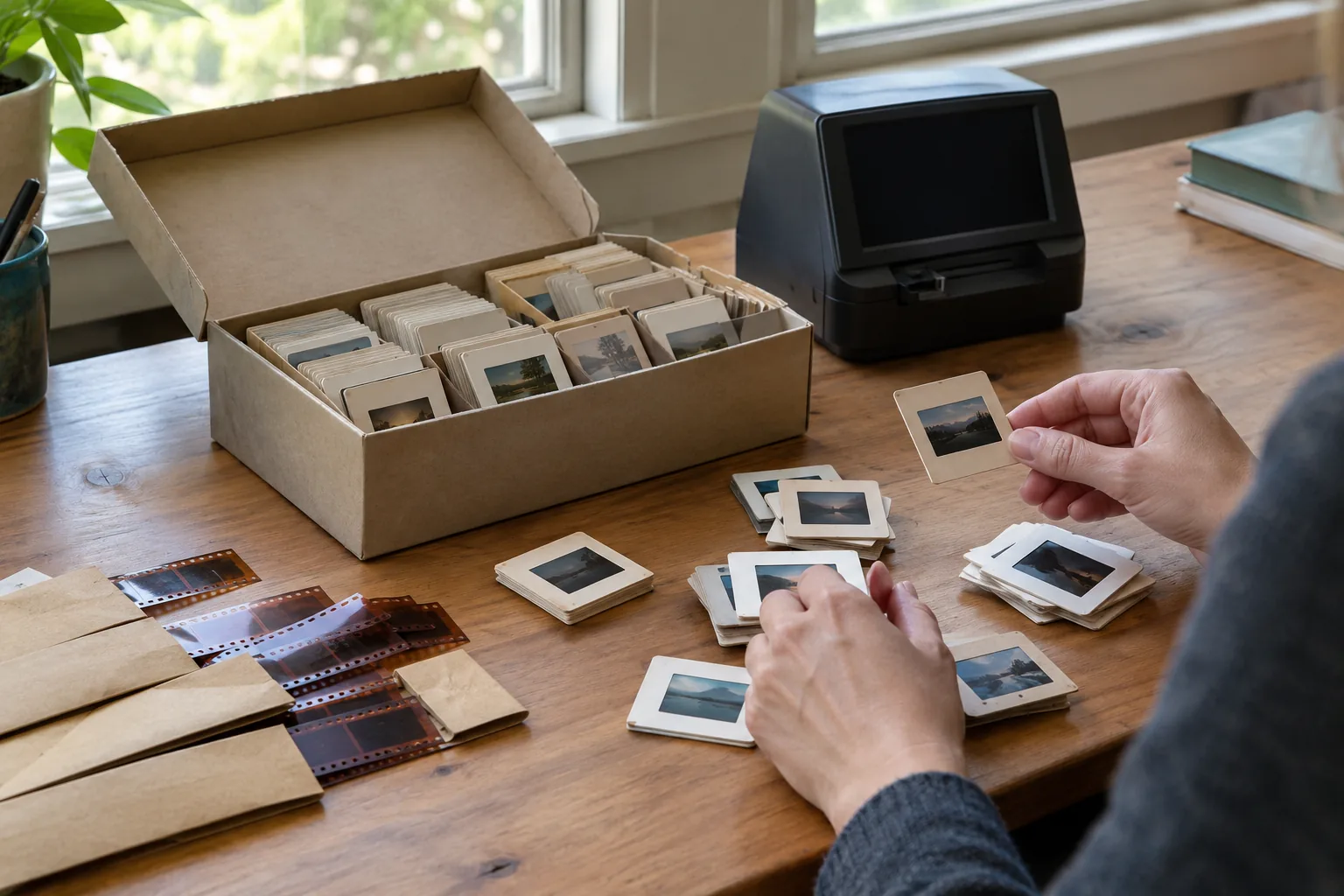
- Sort by format and batch. Separate 35mm, 126, 110 and Super 8, then work in small groups, such as one tray or one year at a time.
- Clean the originals. Remove loose dust with a soft brush or an air blower. Do not wipe film with a cloth unless the manual allows it.
- Set up the scanner. Place it on a stable surface, follow the manual, and choose the adapter that matches the batch.
- Load and preview. Feed the strip or mount through the tray and check framing, brightness and orientation on the screen.
- Correct the orientation. Mirror or rotate until the picture reads correctly, so you do not have to fix it later.
- Save in a consistent way. Write to an SD card or send files to the computer by USB.
- Name and sort. Rename files by date, event or roll right after scanning, while you still remember which box they came from.
- Back up. Copy the folder to a second drive before you put the originals away.
Field note
Scan a test batch of five frames first. Open them on a computer at full size to check focus, color and orientation, then adjust before you commit to the full box.
Common mistakes when digitizing slides
- Scanning at the highest setting for every frame, which fills storage with files you will not use.
- Skipping the preview and finding reversed or sideways images only after the whole tray is done.
- Cutting strips from albums when a feeder tray can take them as they are.
- Mixing formats in one session, which leads to wrong adapters and cropped frames.
- Storing scans on one drive only. Our article on backing up external hard drives explains how to keep a second copy.
- Throwing away the originals. Keep them in a cool, dry place, even after scanning.
Cost to digitize old slides and a final checklist
The cost depends on the route. A mail-in service may charge per frame plus shipping, so the total grows with the collection. Owning a film slide scanner is a single purchase, and your time becomes the main cost afterward.
For a small, fragile or moldy set, a lab can make sense. For several boxes, or if you plan to scan relatives' film over the years, owning a scanner lets you work at your own pace. Check current pricing on the product page and with local labs, since both change. If you also need a flatbed for paper prints and documents, browse the Printers & Scanners collection.
- Count the collection: one box, several boxes or a whole shelf.
- List every format: 35mm slides, strips, 126, 110, Super 8.
- Decide the end use: screens, sharing, prints or editing.
- Pick a type: dedicated, flatbed, camera or mail-in.
- Confirm the features: adapters, preview screen, orientation controls, SD card, USB.
- Plan the workflow and the backup before you scan the first slide.
Once the files are saved, a second pass for cropping and color correction on the computer is worth doing for the frames you plan to print or share widely.