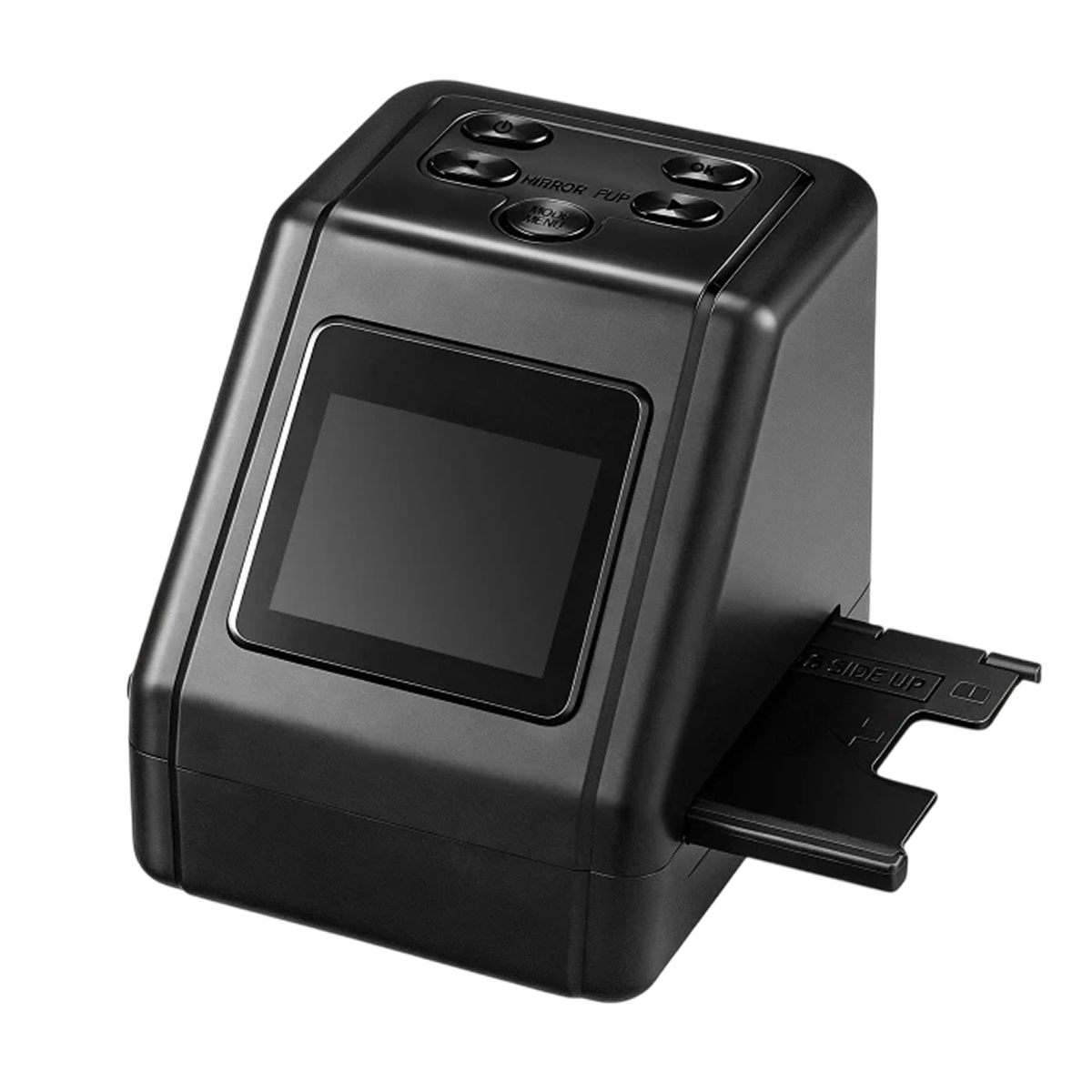
Daguerra™ slide scanner
Controls, formats and ways to save
Format adapters
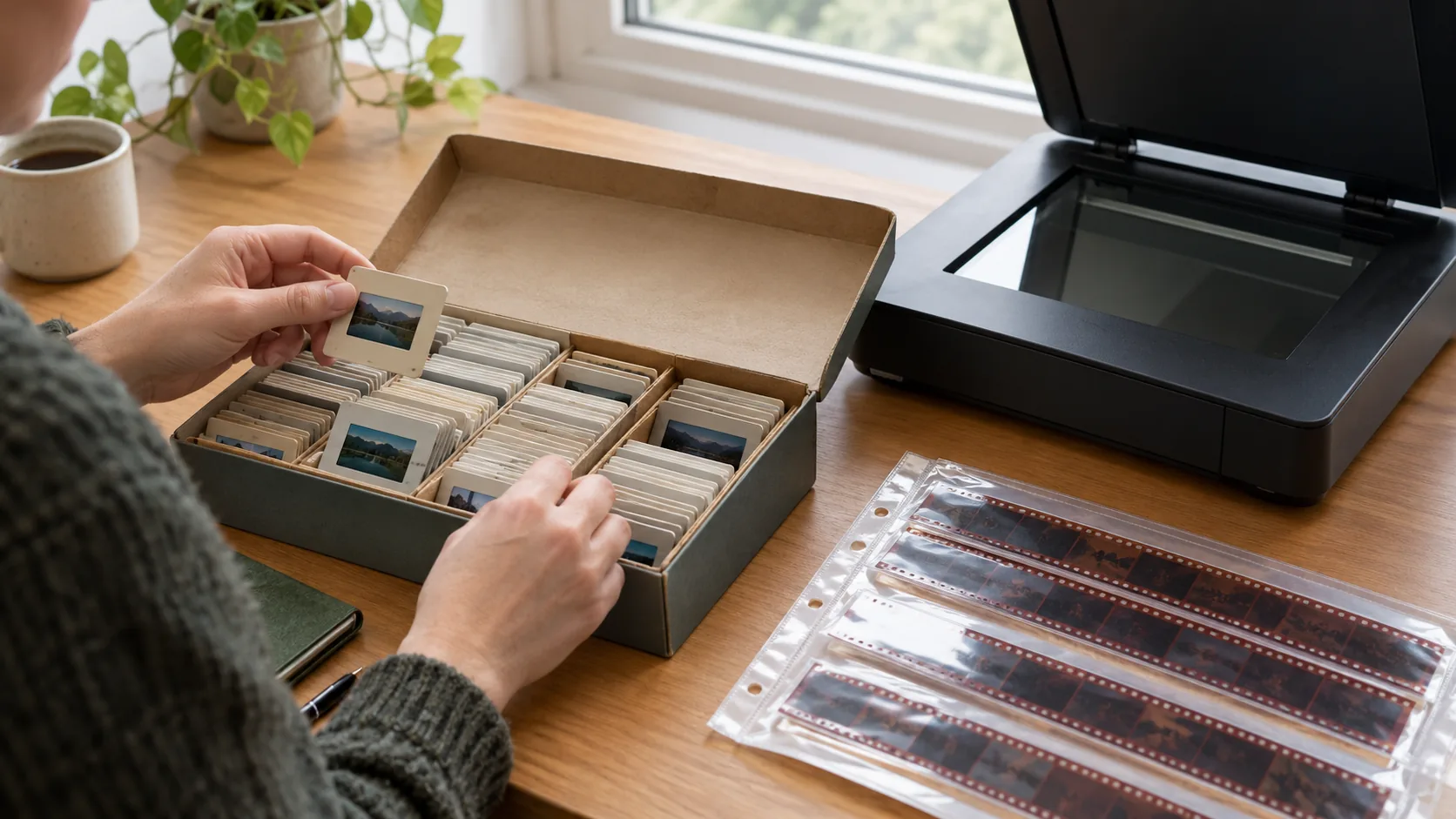
Boxes of old film often mix several formats. Separate adapters for 35mm, 126, 110 and Super 8 hold each frame flat in the tray, so one scanner can work through the whole collection.
Orientation buttons on top
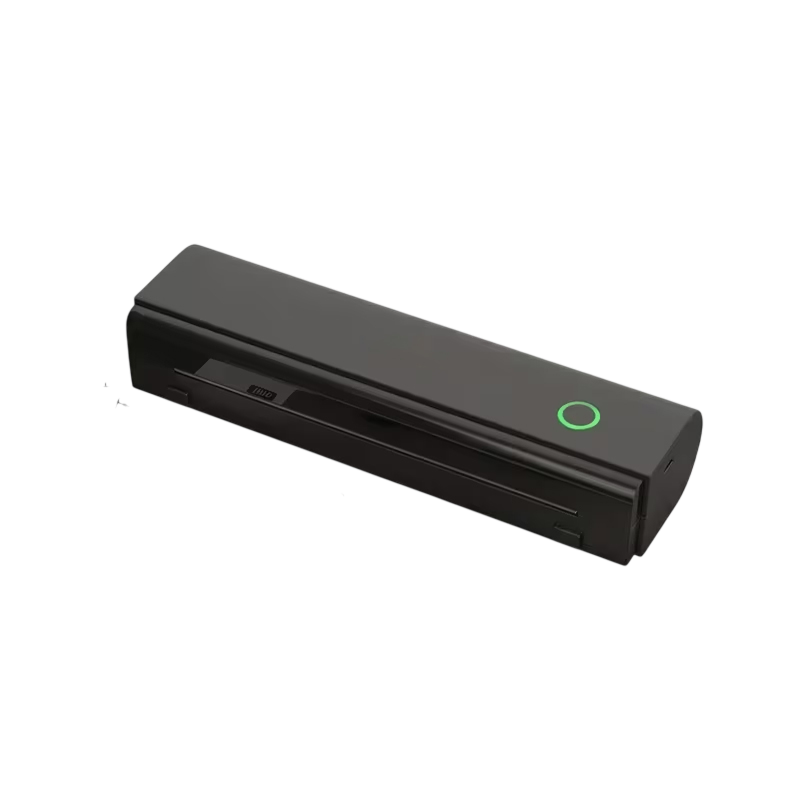
Frames often load sideways or reversed. Buttons on top of the scanner mirror or rotate the image, so you can correct the view while previewing and save each photo facing the right way.
Saving to an SD card
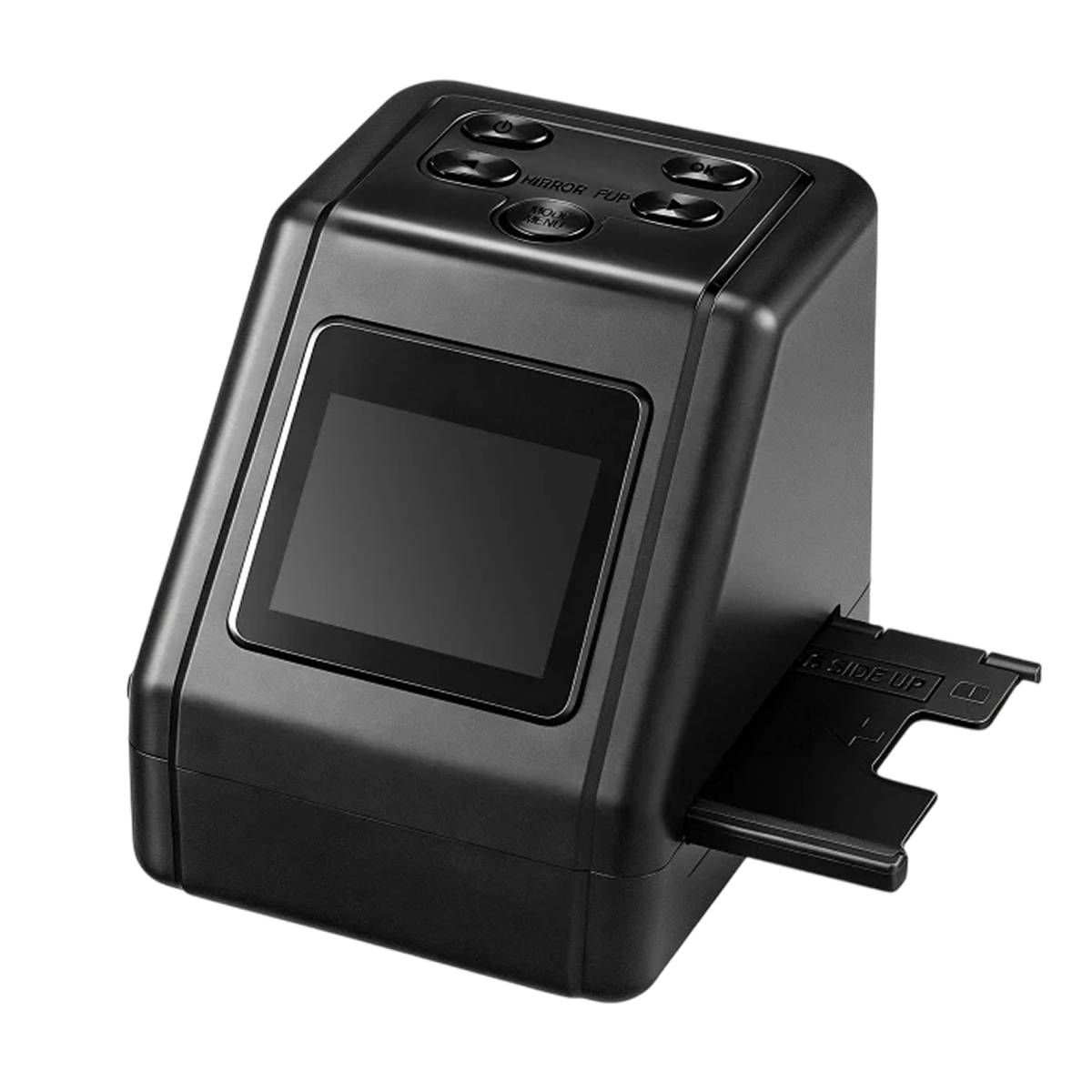
Not everyone wants to set up software to scan photos. Daguerra writes files to an SD card inserted in the scanner, so you can scan with the computer switched off.
USB connection to a computer
When you want to sort, edit or back up scans, connect the scanner to a computer with the USB cable. The files can then be organized and shared from there.
Frequently Asked Questions
Ready to make it yours?
Get Daguerra at today's price with your free gift included — and a full 90 days to enjoy it.
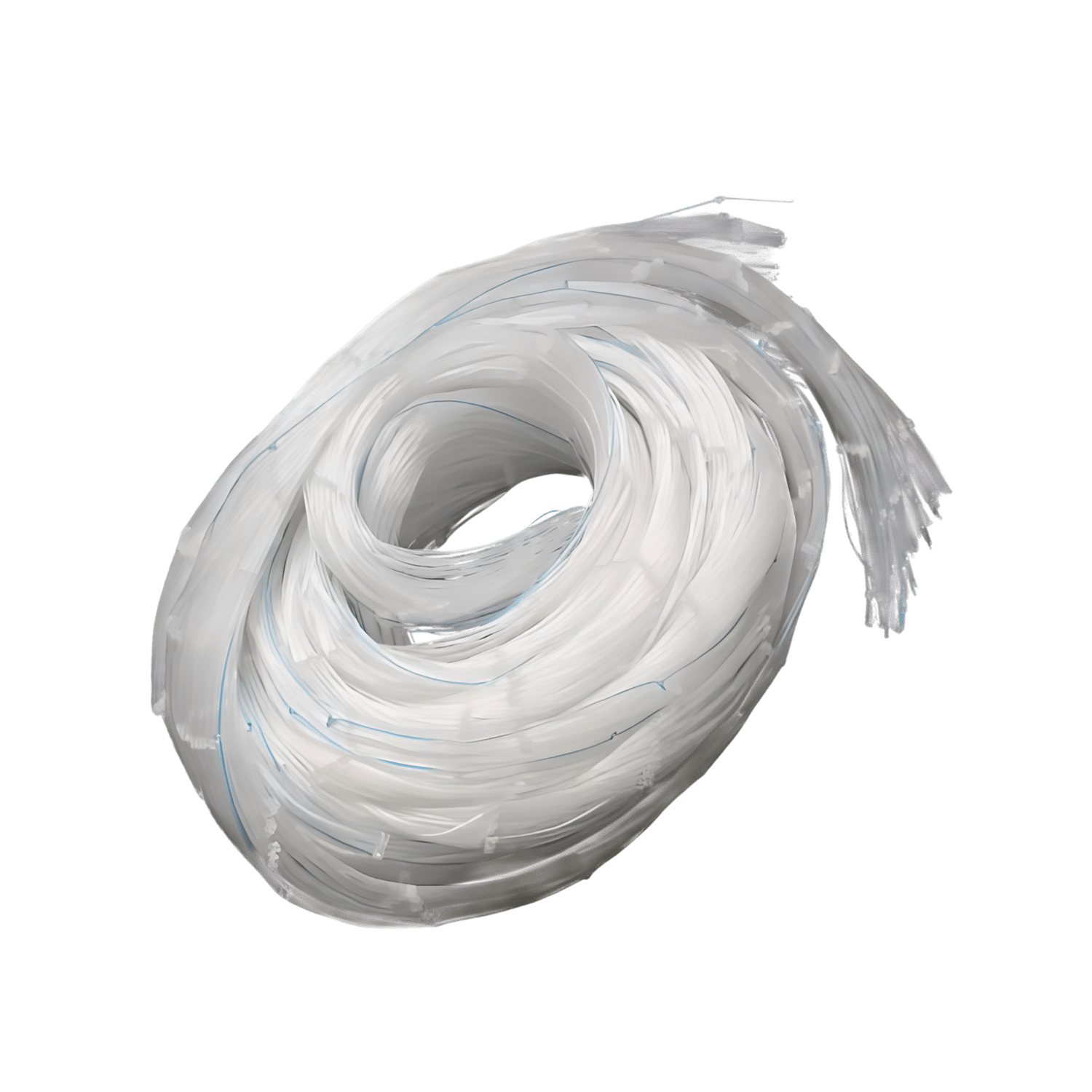 Your free gift: GroveNet Garden NettingFREE
 Tracked ShippingTracked Shipping
Daguerra: A Slide Scanner for Family Film and Slides
Boxes of old slides and negatives are hard to enjoy without a projector or a lab trip. A slide scanner turns them into digital files. Daguerra is a film scanner for the formats found in family boxes: 35mm, 126, 110 and Super 8.
Dedicated adapters hold each format flat in the feeder tray. As a negative scanner, it passes uncut strips through a continuous tray, so nothing needs cutting. A built-in color screen shows each frame before saving, and top buttons mirror or rotate it.
Saving to an SD card needs no computer, drivers or software. For sorting, editing and sharing, a USB cable connects it to a computer. This slide scanner also takes mounted slides.
- Negatives in 35mm, 126, 110 and Super 8
- Mounted slides in 35mm, 126 and 110
- Simple Power, OK, Menu and orientation buttons