Folio & Current
Sonovia

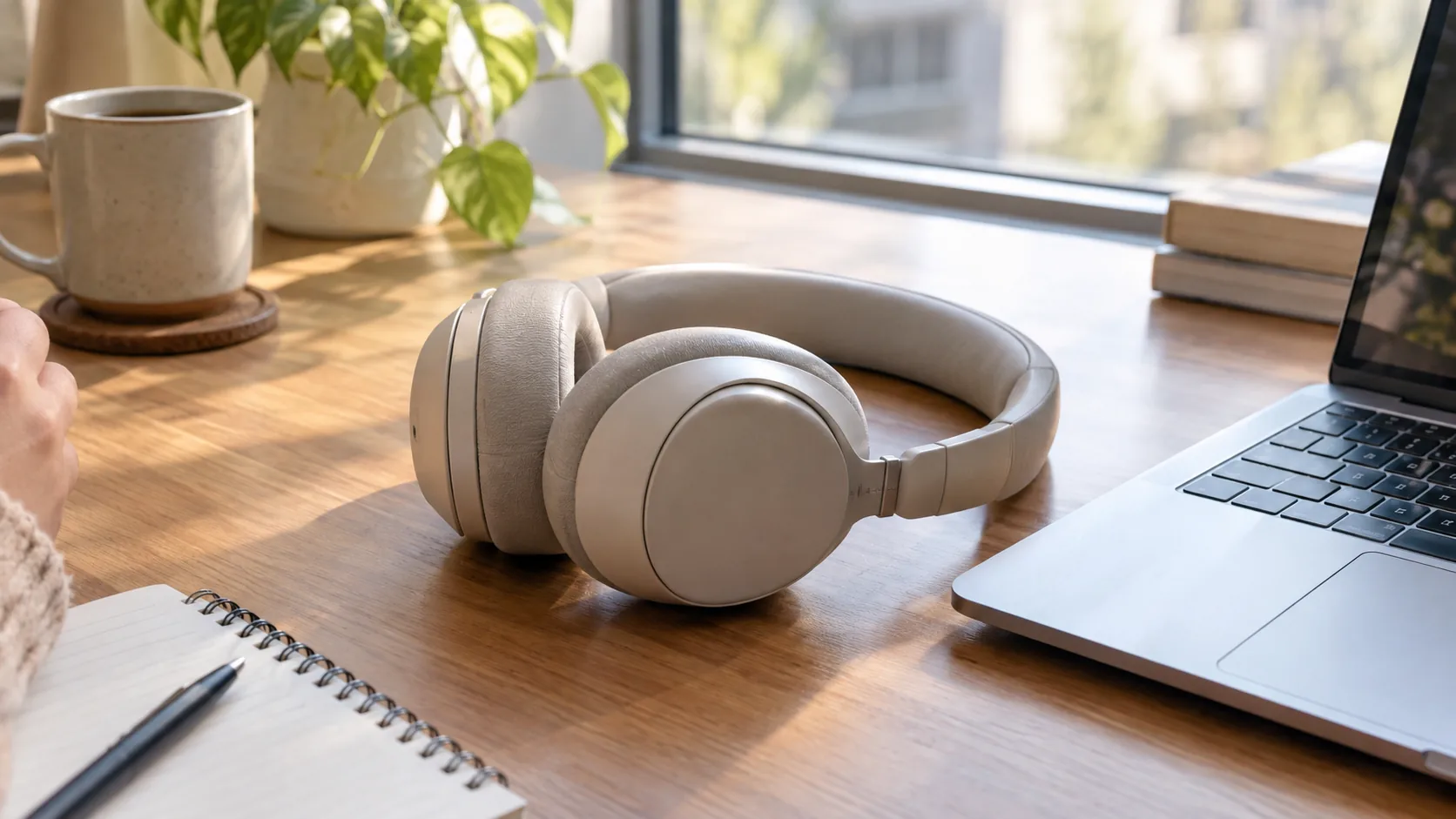
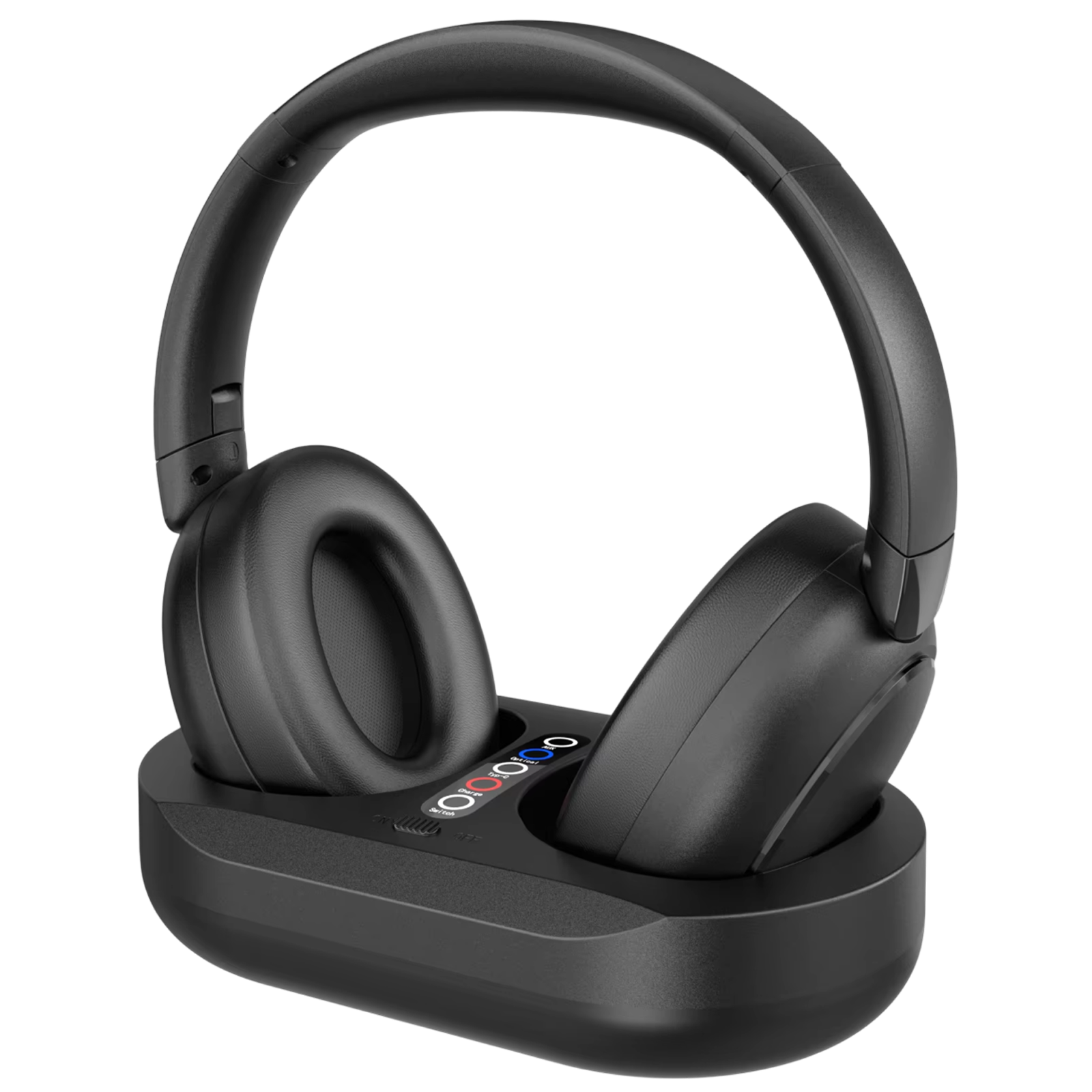
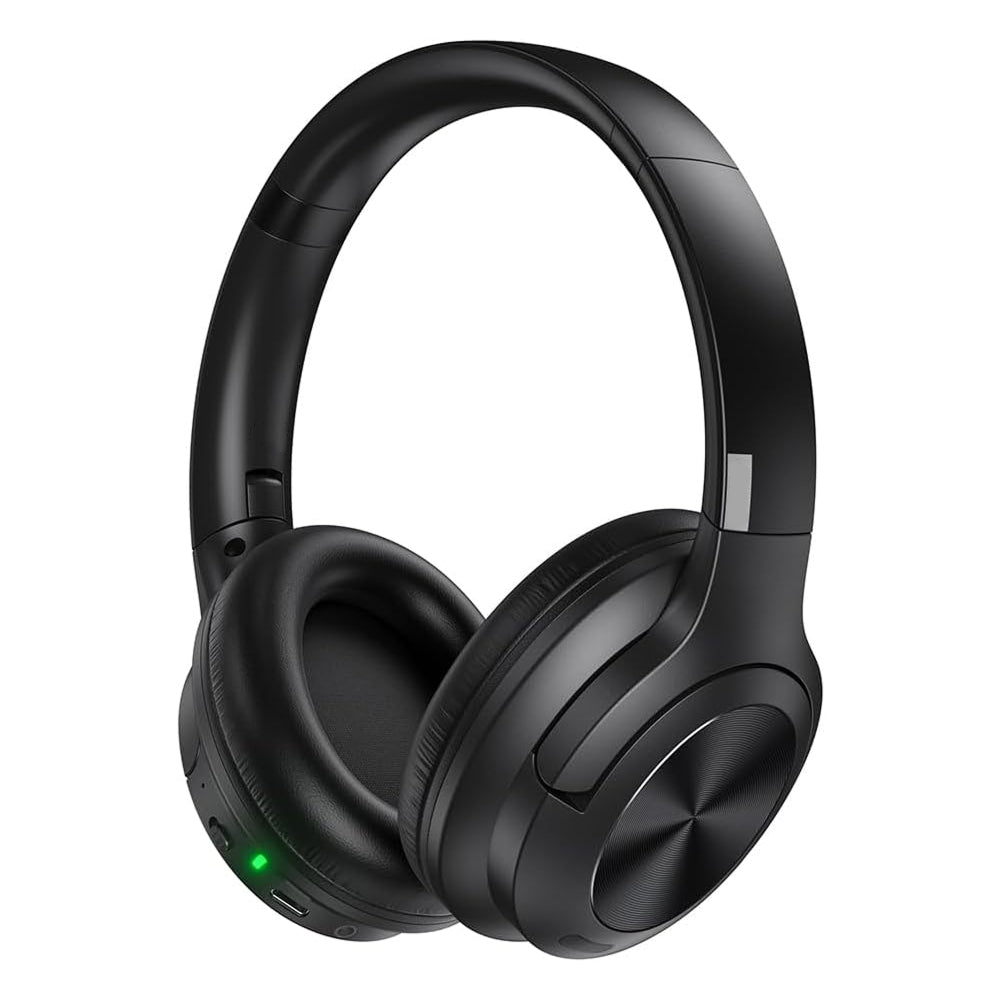
Sonovia™ over ear wireless headphones

$99.99

  • Memory foam earpads cushion the area around your ears
  • Adjustable headband lets you set the fit to your head
  • Earcup controls keep your phone in your pocket
  • Bluetooth pairs with phones, tablets and laptops

FREE GIFT

GroveNet Garden Netting

FREE$59.00
Tracked Shipping
  • Place the headband over your head and the earpads over your ears, then press the power button.
  • Open Bluetooth settings on your phone, tablet or laptop and pair with Sonovia.
  • Use the earcup controls to change tracks, adjust volume or manage calls.
  • Sonovia Over-Ear Headphones
  • USB Charging Cable

We offer free shipping on orders over $150. Once your order is dispatched, the estimated delivery time is 5 to 12 business days depending on your location — tracking is emailed as soon as it ships.

Changed your mind? You can return your product within 90 days of delivery for a refund — see our Returns page for the full policy.

Fit, connection and controls

Padded earpads and headband

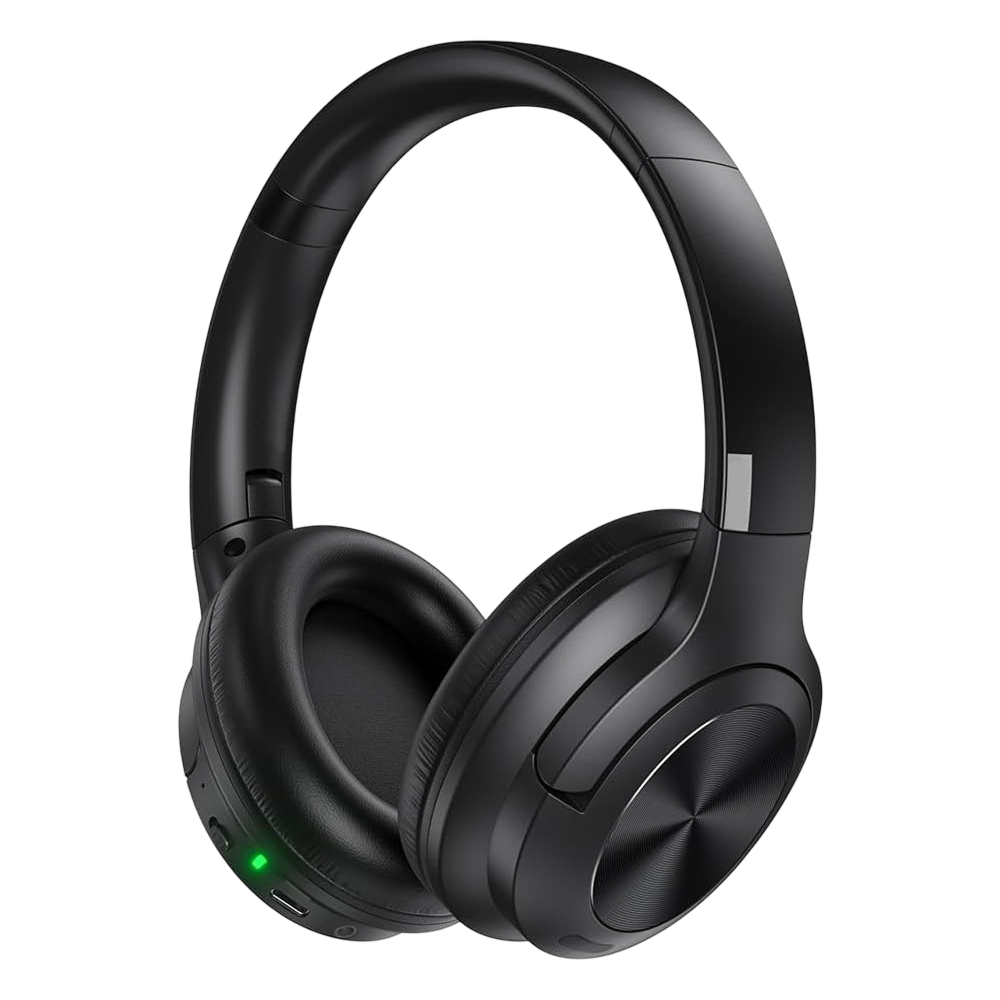
Long listening sessions can leave you adjusting a tight headband. Soft memory foam earpads and a wide, adjustable headband spread the weight across your head, so you can set the fit to suit you.

Bluetooth multi-device pairing

If you switch between a phone, tablet and laptop, wired setups mean constant unplugging. Sonovia connects over Bluetooth, so you can pair it with each of those devices and move between them.
Sonovia

Drivers for bass and treble

Music has low and high ranges, and you want to hear both. Sonovia uses drivers that cover bass and treble, so everyday listening to music and calls covers the low and high end.

Controls on the earcup

Digging out your phone to change a song interrupts what you're doing. Controls on the earcup handle tracks, volume and calls, so your phone can stay in your bag or pocket.

Frequently Asked Questions

Yes. They have a microphone, so you can speak on phone calls and video meetings through your paired device without holding it near your face.

Yes. The headband is wide and adjustable, so you can change the fit. The earpads are memory foam and sit over your ears.

The earpads are cushioned memory foam and the headband adjusts, so you can set the fit with your glasses on. How it sits depends on your frame and head shape.

They sit on the earcup. You can skip tracks, change volume and manage calls there, so you do not have to take your phone out of your pocket or bag.

The box contains the Sonovia over-ear headphones and one USB charging cable.

Sonovia pairs over Bluetooth with a phone, tablet or laptop. As over ear wireless headphones, they connect without a cable, and the earcup controls handle skipping tracks, volume and calls.

Over ear wireless headphones such as Sonovia rest on an adjustable headband with memory foam earpads around the ears, while in ear models sit inside the ear canal.
Sonovia

Ready to make it yours?

Get Sonovia at today's price with your free gift included — and a full 90 days to enjoy it.

Your free gift: GroveNet Garden NettingFREE
90-Day Money-BackTracked Shipping
Secure Checkout
Tracked Shipping
Customer Support
Loved by our customers

Sonovia: Over Ear Wireless Headphones for Long Listening Days

Long listening sessions get tiresome with a tight headband and a cable tied to the desk, so many shoppers look at over ear wireless headphones. Sonovia pairs soft memory foam cushions with a wide, adjustable headband that spreads contact around the ears.

Bluetooth pairing connects to a phone, tablet or laptop, so no cable runs across the desk. As an over ear wireless headset, it also has a built-in microphone, so calls and video meetings are taken without a separate mic.

Playback is handled on the headphones themselves: controls on the earcup skip tracks, change volume and manage calls, so the phone can stay in a bag or pocket. The over the ear headphones shape sits around the ears rather than on them.

  • Over ear headphones with memory foam earpads
  • Wide, adjustable headband
  • Over ear headphones with microphone for calls

Related guides