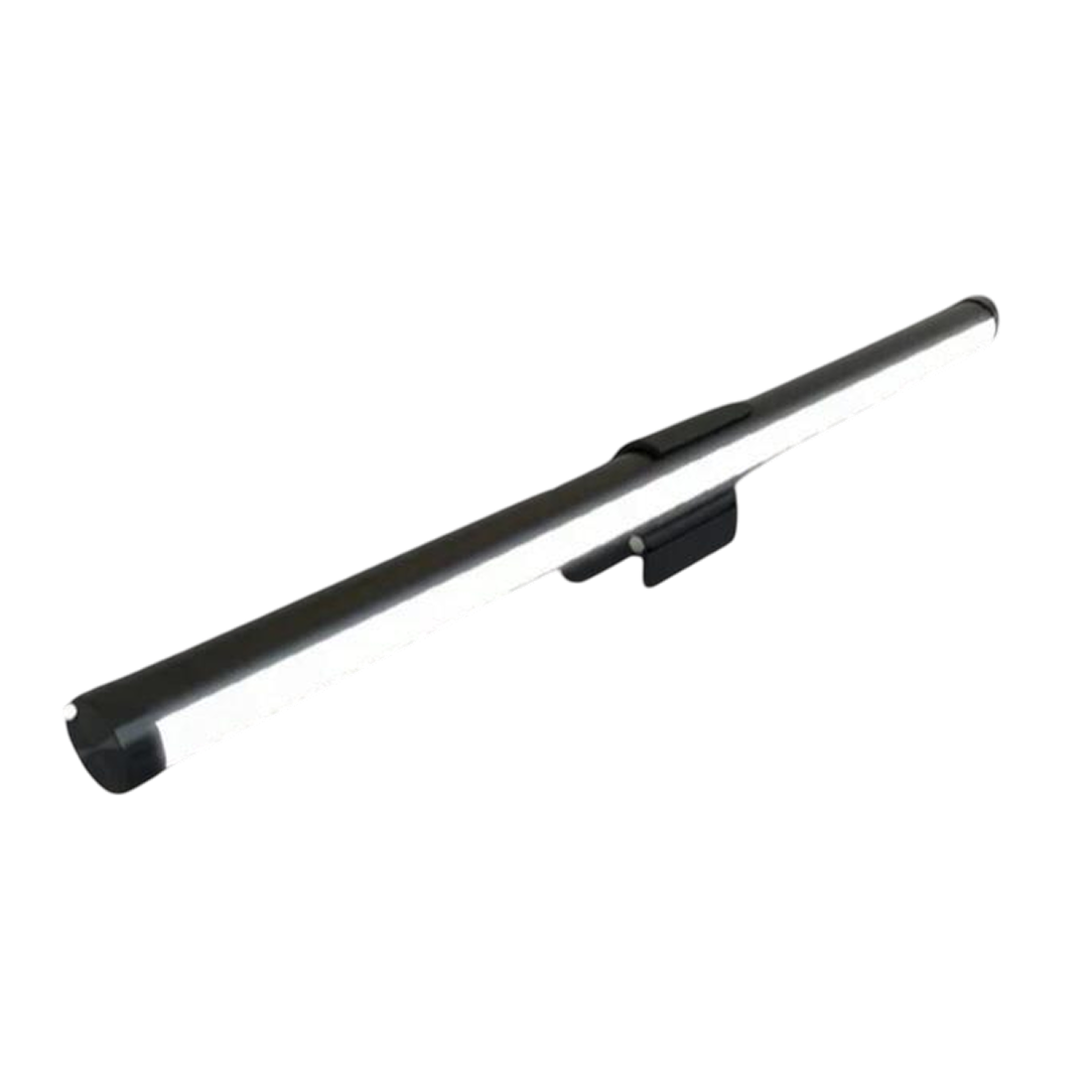
OcuBar™ monitor light bar
How OcuBar Lights Your Desk
Light Aimed at the Desk
Typing in a dim room means you can barely see the keys. OcuBar's angled, diffused, flicker-free light covers the desk and keyboard while keeping glare off the screen.
Touch Panel Controls
Reaching behind a monitor for a switch is awkward. A touch panel on the bar lets you raise or lower brightness and switch between a warm static tone and RGB Dream Color modes.
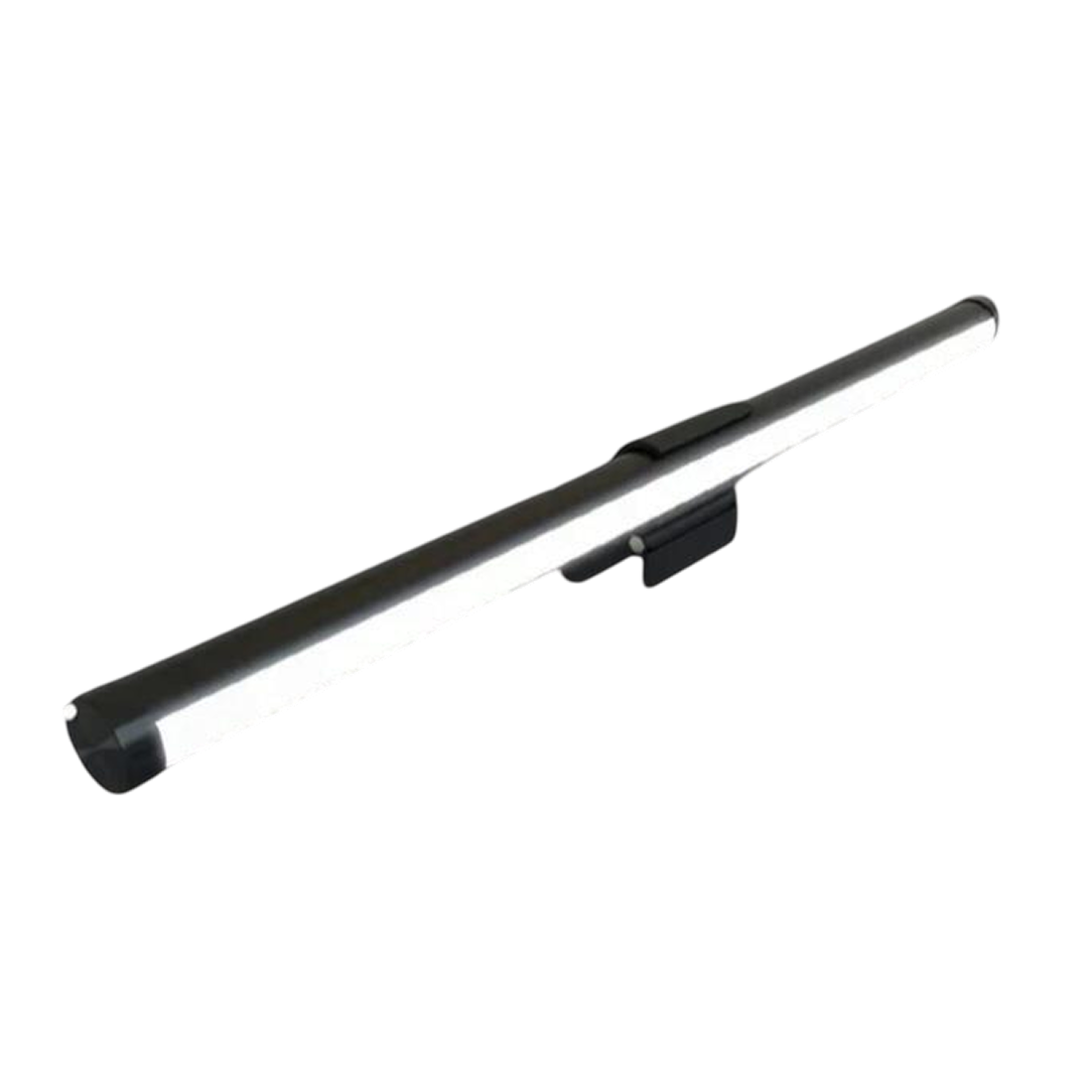
Clip-On Mounting
A standing lamp takes up desk space you may need. OcuBar clips onto the top of most monitors, with no tools or adhesive, so the desk surface stays clear.
RGB Dream Color Modes
A gaming or streaming setup often wants a different mood than a work setup. RGB Dream Color patterns and a warm static tone let you change the lighting from the same bar.
Frequently Asked Questions
Ready to make it yours?
Get OcuBar at today's price with your free gift included — and a full 90 days to enjoy it.
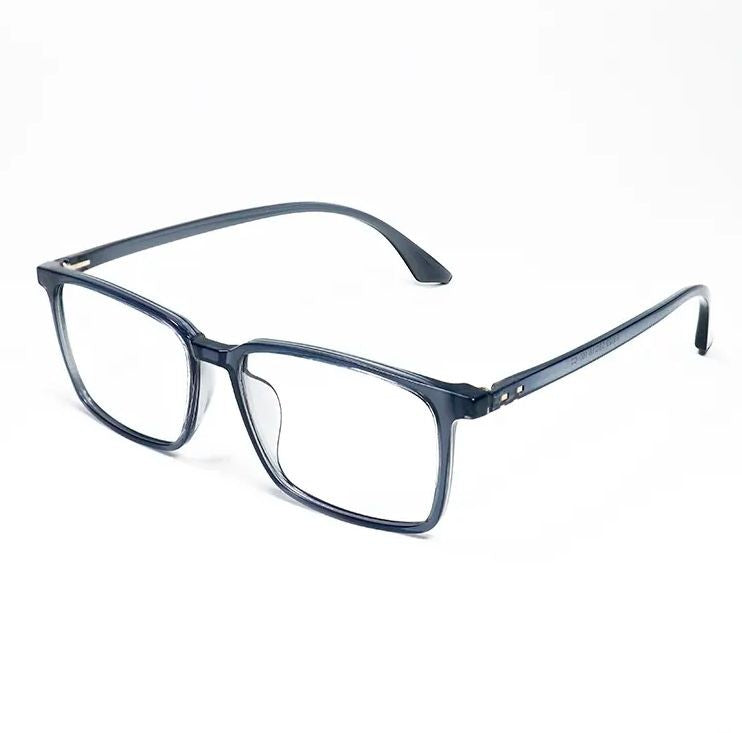 Your free gift: Free Gift - Blue Light GlassesFREE
 Tracked ShippingTracked Shipping
OcuBar: A Clip-On Monitor Light Bar for Desk Setups
A desk lamp in a dim room takes up desk space and can throw reflections onto the screen. A monitor light bar sits on top of the display instead, and OcuBar clips on without tools or adhesive.
Its angled, diffused light is aimed at the desk and keyboard rather than the screen, so the keys stay visible without a separate lamp. A touch panel adjusts brightness, and the RGB Dream Color modes or a warm static tone suit work, gaming or streaming.
As a monitor light, the clip fits most monitor tops. Curved or thick-bezel screens call for a check of top-edge depth first.
- Clip-on mount with no screws
- Touch panel for brightness
- Warm static tone or RGB modes