Folio & Current
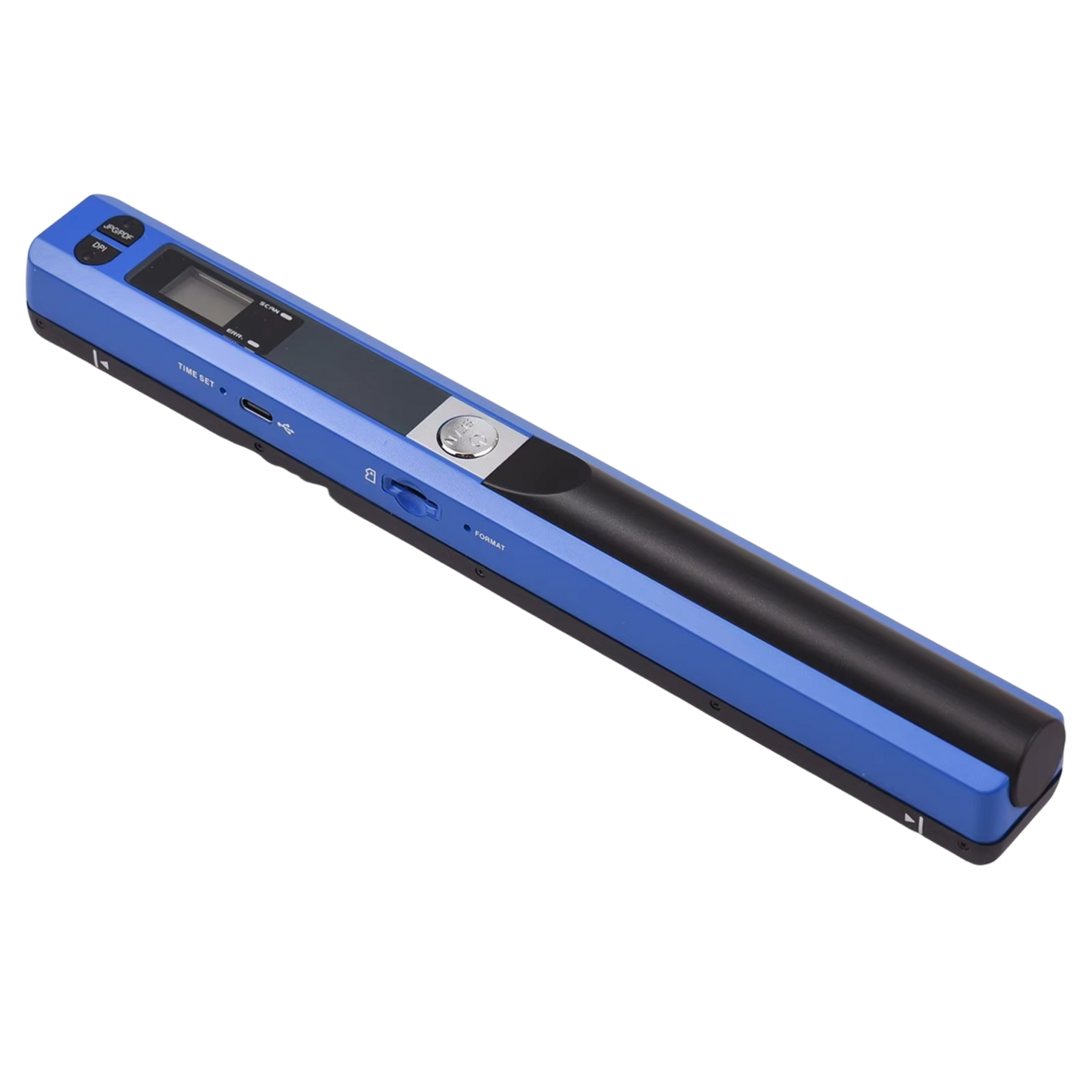
DocuFlash

 Rated 4.7 Excellent - Trusted By 12,000+

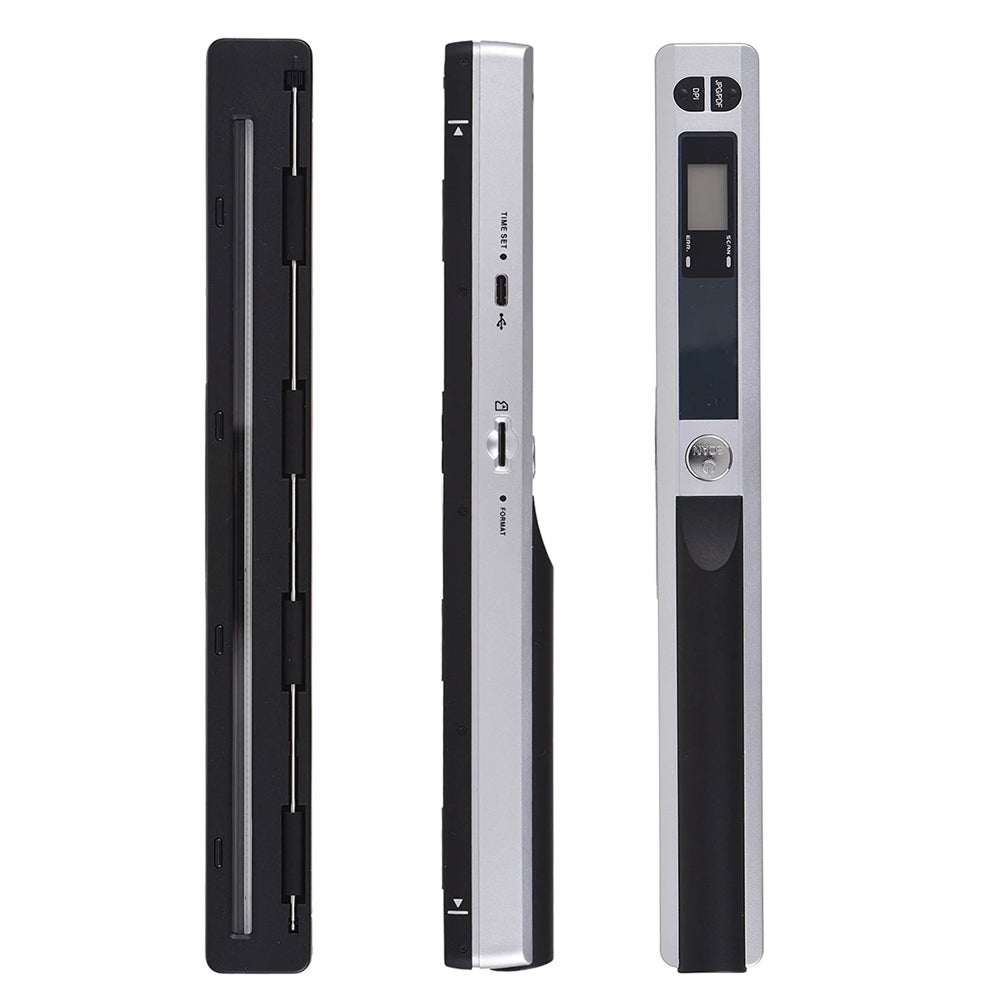
DocuFlashPortable Document Scanner

$119.99

$239.99

Save 50%
  • Scan straight to SD and skip the computer
  • Capture crystal-clear scans at 900 DPI
  • Store thousands of scans with 32GB onboard
  • Works instantly on both Mac and Windows
In Demand - Limited Stock

Colors: Black

Most popular

FREE GIFT

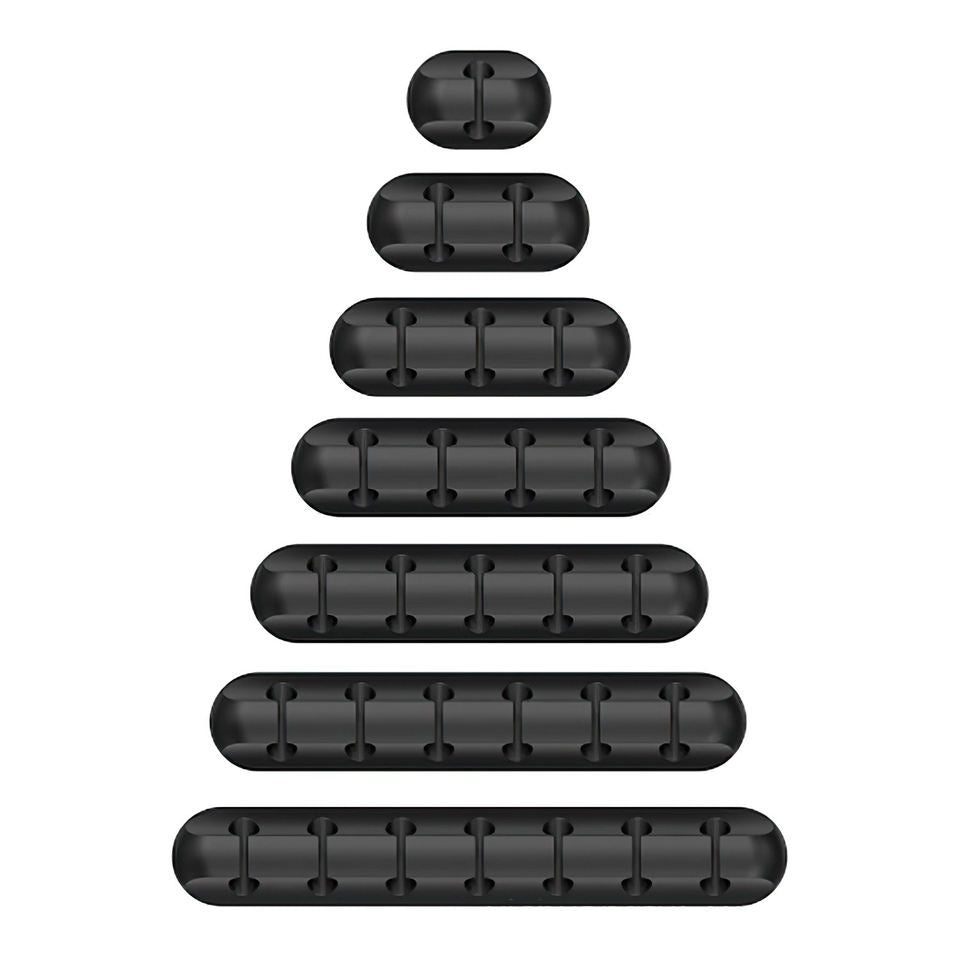
Free Gift - Under-Desk Cable Management Kit

96% already claimed
FREE$0.00
Order today and it ships by August 30th
Low stock availableUS flagFast Shipping

I used to feel like I was swimming in paper every tax season. DocuFlash let me scan a whole shoebox of receipts in one sitting and save them straight to an SD card without babysitting my laptop. My accountant actually complimented how organized my files were this year.

Amanda K.Verified Buyer

  • Connect DocuFlash to your device via USB, no drivers needed.
  • Insert your document and let the sensor capture it in three seconds.
  • Save your scan as JPG or PDF, straight to SD card or your computer.
  • DocuFlash Portable Document Scanner
  • USB Cable
  • Carry Bag
  • Cleaning Cloth
  • Protective Sleeve
  • User Manual

We offer free shipping on orders over $150. Once your order is dispatched, the estimated delivery time is 7 to 21 business days depending on your location — tracking is emailed as soon as it ships.

Changed your mind? You can return your product within 90 days of delivery for a refund — see our Returns page for the full policy.

Official Authorized Retailer

This product is not available on Amazon or eBay. You are purchasing directly from Folio & Current, the only authorized seller — which means full warranty, verified authenticity, and dedicated customer support. Beware of counterfeit listings on third-party marketplaces.

Why DocuFlash Makes Paperwork Simple

Auto-Power-Off Saves Battery

Portable scanners often die mid-stack after a few dozen pages. DocuFlash's auto power-off after three idle minutes helps stretch each charge further.

Crystal-Clear 900 DPI Imaging

Phone photos wash out and skew under bad lighting. DocuFlash's sensor holds sharp detail up to 900 DPI for contracts, receipts, and archival records.

DocuFlash

No Drivers, No Software Hassles

Skip the driver hunt and buggy companion apps other scanners force on you. Plug into USB and start scanning immediately on Windows or Mac.

Flexible File Formats

Save every scan as a JPG or PDF to match any workflow. Drop files straight into the document system you already use.

What our 12,000+ Customers say

Based On Real and Honest Experiences

Marcus T.

On the go for client meetings, I never wanted to carry a laptop just to scan receipts. DocuFlash saves everything straight to a microSD card, so I capture paperwork on the plane and sort it out later. It's small enough to live in my bag permanently now.

Marcus T.· Verified Buyer
Rachel D.

My phone photos of old family letters came out dark and warped. DocuFlash captures them sharp and clear in seconds, and a higher DPI setting keeps fine handwriting legible. I finally feel like my genealogy archive is safe.

Rachel D.· Verified Buyer
Amanda K.

I used to feel like I was swimming in paper every tax season. DocuFlash let me scan a whole shoebox of receipts in one sitting and save them straight to an SD card without babysitting my laptop. My accountant actually complimented how organized my files were this year.

Amanda K.· Verified Buyer

Frequently Asked Questions

+198 expertsreviewed it

DocuFlash is built as dedicated scanning hardware rather than a converted gadget, with a simple feed-and-capture design and fewer moving parts than wand-style scanners, so it holds up to regular use for travel and everyday paperwork.

You can save every scan as a JPG or PDF, so it slots into whatever workflow, folder system, or software you already use for taxes or records.

Yes. DocuFlash connects by USB and works with both Windows and Mac computers with no extra software or drivers to install, so you can start scanning right away.

With support for microSD cards up to 32GB, DocuFlash can hold thousands of scanned pages at once, so your entire backlog of receipts and paperwork fits on one small card.

Pick 300, 600, or 900 DPI depending on the job. 600 DPI is the sweet spot for everyday receipts and text, while 900 DPI adds extra detail for archival or fine-print documents.

Battery life depends on resolution and how often you scan, and auto power-off after three idle minutes helps you avoid losing charge between uses. Using 300 or 600 DPI instead of 900 DPI also helps you get more scans per charge.

No. DocuFlash saves scans directly to a microSD card, so you can capture receipts and documents on the go and transfer them to your computer whenever it's convenient.

DocuFlash is designed for standard single sheets like receipts, letters, and A4 documents. For best results, flatten creased paper before feeding it through and avoid stacking multiple thick cards at once.
50% OFFDocuFlash

Ready to make it yours?

Get DocuFlash at today's price with your free gift included and a full 90 days to enjoy it.

Your free gift: Free Gift - Under-Desk Cable Management KitFREE
4.7/5 by 12,000+ customers
90-Day Money-BackFast Shipping
100% Secure Payment
Fast Shipping
Premium Support
4.7/5 by 12,000+ customers