Folio & Current
FlexAxis

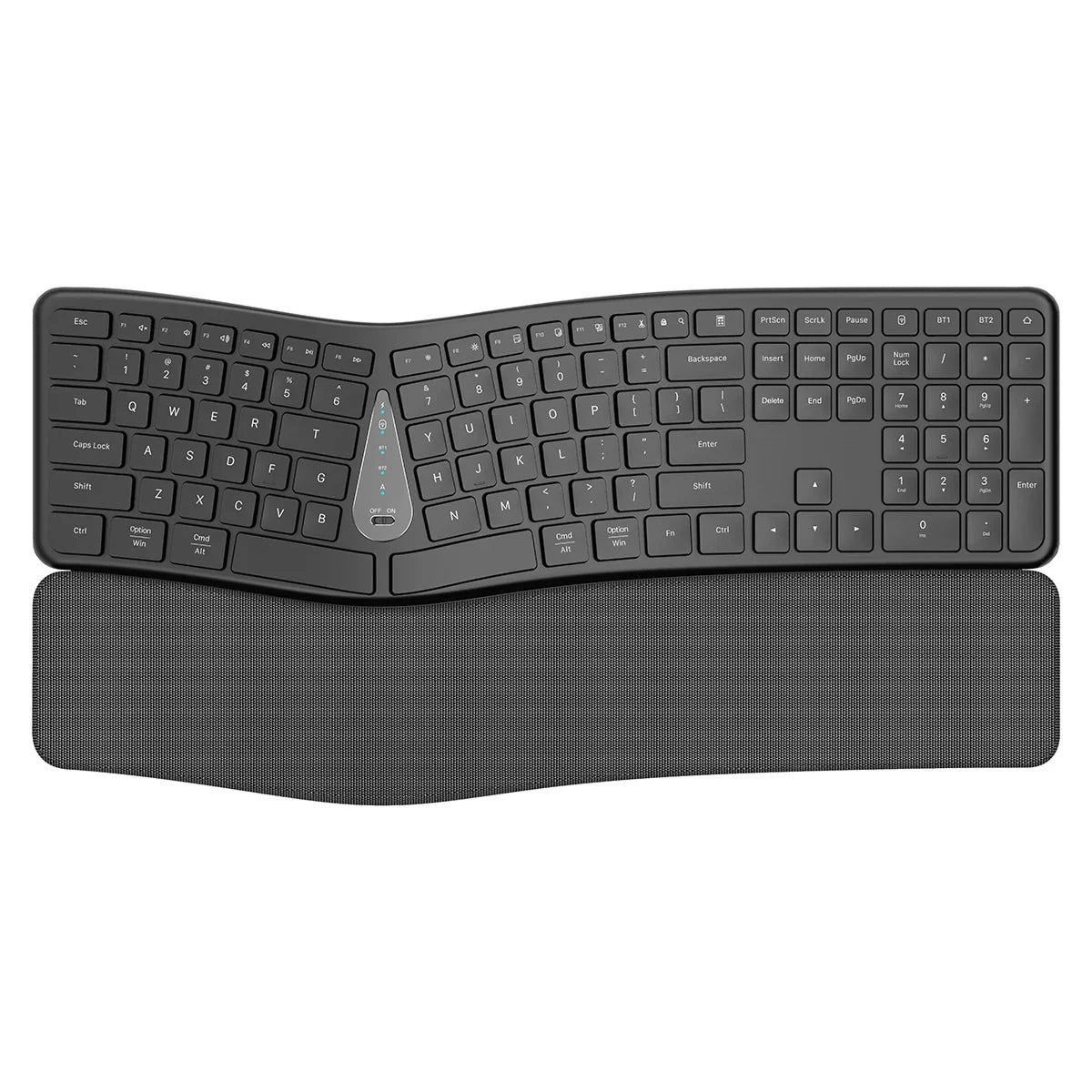
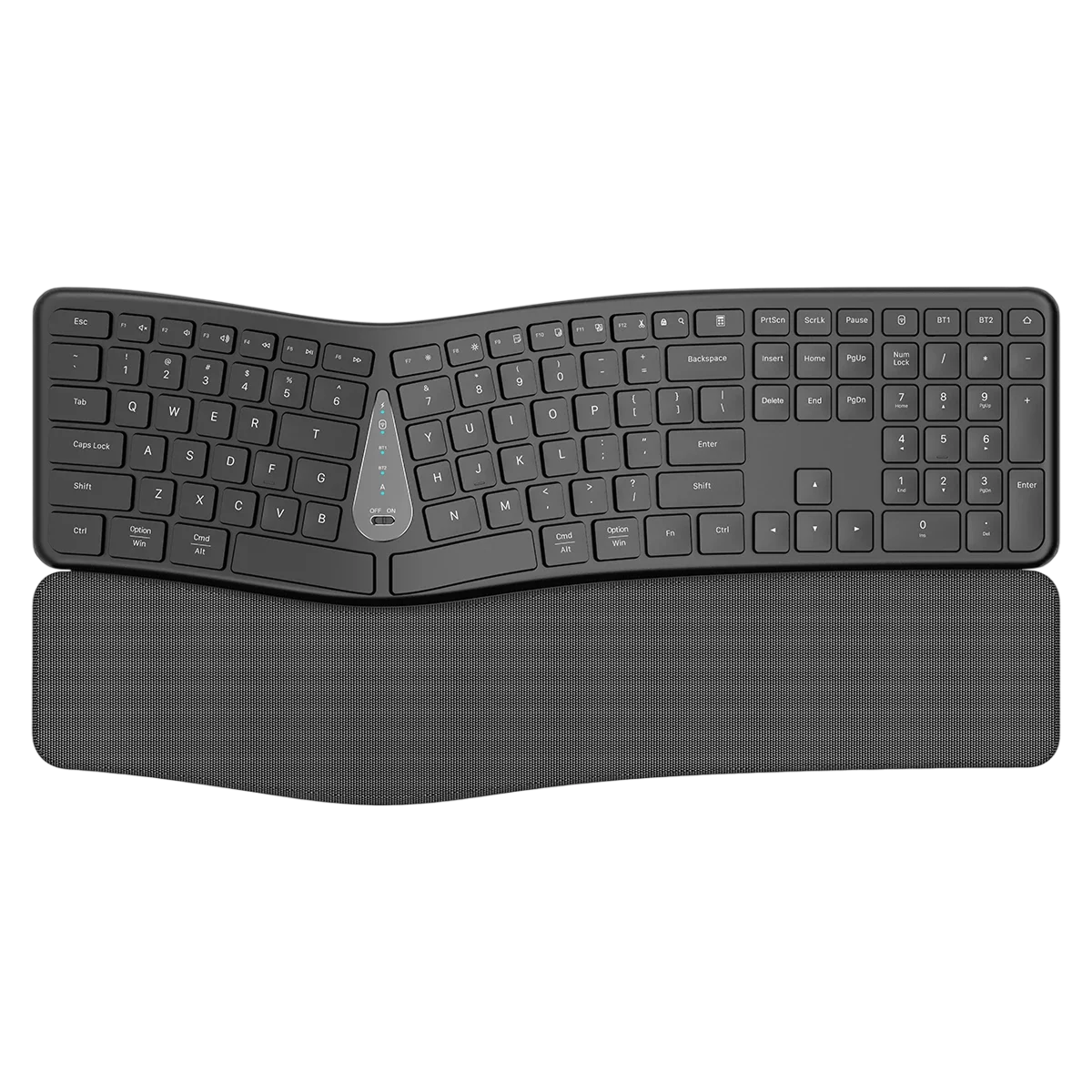
FlexAxis™ergonomic keyboard

$149.99

  • Two separate halves you place apart
  • Tilted inner edges for a handshake hand angle
  • Sculpted keywell key layout
  • 2.4G USB receiver and Bluetooth connection

FREE GIFT

Free Gift - Under-Desk Cable Management Kit

FREE
Tracked Shipping
  • Place each half in front of its own shoulder so your forearms point straight ahead.
  • Raise the inner edge of each half so your palms angle toward each other.
  • Plug in the 2.4G receiver or start Bluetooth pairing, then type on the keywell layout.
  • FlexAxis Ergonomic Keyboard
  • USB Charging Cable
  • 2.4G Wireless USB Receiver
  • Protective Packaging Box
  • Quick-Start User Manual

We offer free shipping on orders over $150. Once your order is dispatched, the estimated delivery time is 5 to 12 business days depending on your location — tracking is emailed as soon as it ships.

Changed your mind? You can return your product within 90 days of delivery for a refund — see our Returns page for the full policy.

Layout, Angle and Key Details

Split Design

The keyboard is built as two fully separate halves. You can place each half in front of its own shoulder, so your forearms point straight ahead while you type.

Tented Angle

The inner edges of each half are raised, which turns your palms toward each other into a handshake position. This differs from a flat keyboard, where palms face down.
FlexAxis

Keywell Layout

The keys are arranged in a sculpted keywell that follows the resting position of your fingers. Each key sits in an arc shaped around where your hands naturally rest.

Keycaps and Connection

FlexAxis uses tactile keycaps. It connects by 2.4G receiver or Bluetooth and presents itself as a standard keyboard, so it does not need extra drivers or software.

Frequently Asked Questions

Set each half directly in front of its own shoulder so your forearms point straight ahead. Then raise the inner edges to bring your palms toward each other. Adjust the spacing to suit your desk.

Yes. FlexAxis can pair with more than one device, such as a laptop and a tablet. A toggle key switches between the paired devices. Check the quick-start manual for the key combination.

FlexAxis presents itself as a standard keyboard, whether you use the 2.4G receiver or Bluetooth pairing. Any computer or tablet that accepts a standard keyboard over those connections can use it.

No. Plug the 2.4G receiver into a USB port or start Bluetooth pairing, and the keyboard is recognized as a standard keyboard. No extra drivers or software are required.

Use the included USB charging cable. Connect it to the keyboard and to a compatible USB power source. The quick-start user manual shows where the charging port is located.

The 2.4G wireless USB receiver plugs into a USB port on your computer. It is included in the box, and you can use Bluetooth pairing instead if you prefer.

Tenting means the inner edges of each half are raised. This turns your palms toward each other into a handshake position instead of lying flat with palms facing down.

The box holds the FlexAxis Ergonomic Keyboard, a USB charging cable, a 2.4G wireless USB receiver, a protective packaging box and a quick-start user manual.

An ergonomic keyboard is a typing board shaped around hand and arm posture. FlexAxis does this with two separate halves, tented inner edges and a keywell layout, for people who type at a desk for long periods.

FlexAxis is a wireless ergonomic keyboard that connects through the included 2.4G wireless USB receiver, or through Bluetooth pairing. A USB charging cable is also included for charging the keyboard.
FlexAxis

Ready to make it yours?

Get FlexAxis at today's price with your free gift included — and a full 90 days to enjoy it.
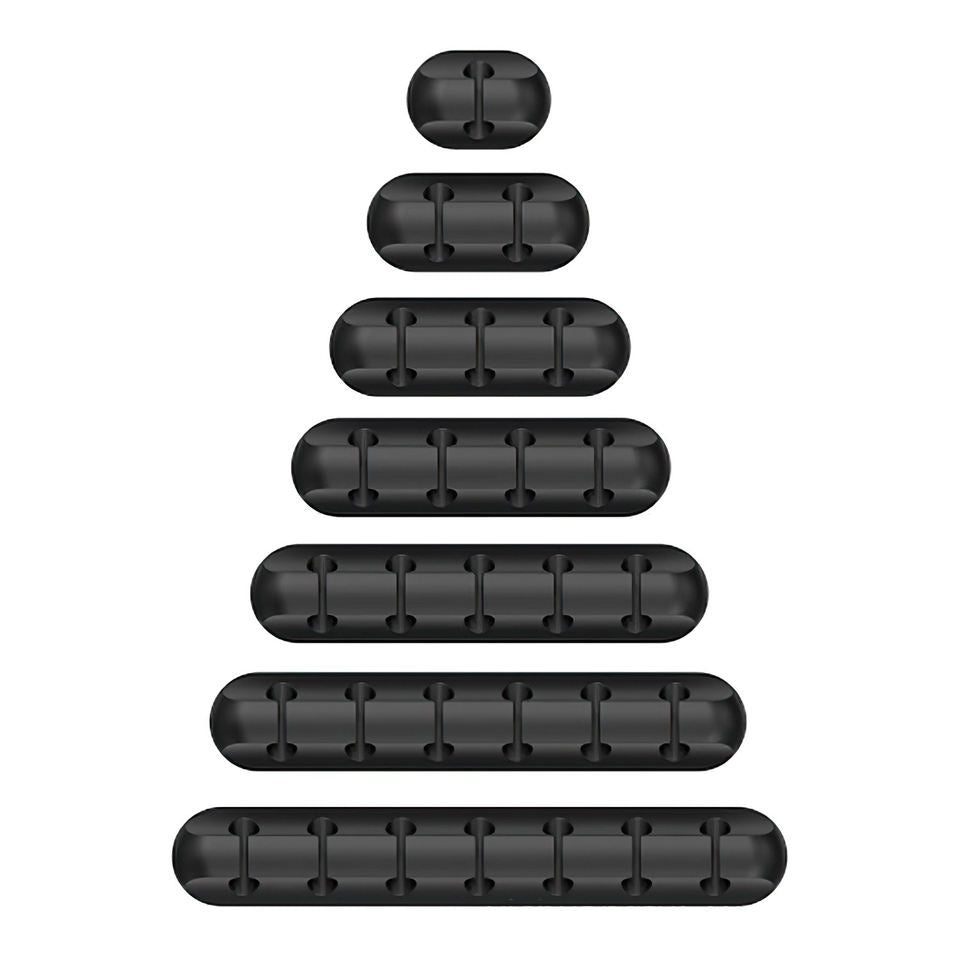
Your free gift: Free Gift - Under-Desk Cable Management KitFREE
90-Day Money-BackTracked Shipping
Secure Checkout
Tracked Shipping
Customer Support
Loved by our customers

FlexAxis: A Split Ergonomic Keyboard for Daily Typing

FlexAxis is an ergonomic keyboard made of two fully separate halves, so each side can sit in front of its own shoulder. As a split keyboard, it suits desks where one straight board feels cramped. Each half is positioned independently, which sets the spacing between the hands.

This ergonomic split keyboard has tented inner edges that angle the palms inward, plus a sculpted keywell layout that brings the keys toward the resting finger position. It is used for long typing sessions in offices and home workspaces.

Connection works through a 2.4G wireless USB receiver or Bluetooth pairing, making it a wireless ergonomic keyboard for desktops and laptops. The box includes:

  • FlexAxis keyboard
  • USB charging cable
  • 2.4G wireless USB receiver
  • Protective packaging box and quick-start manual