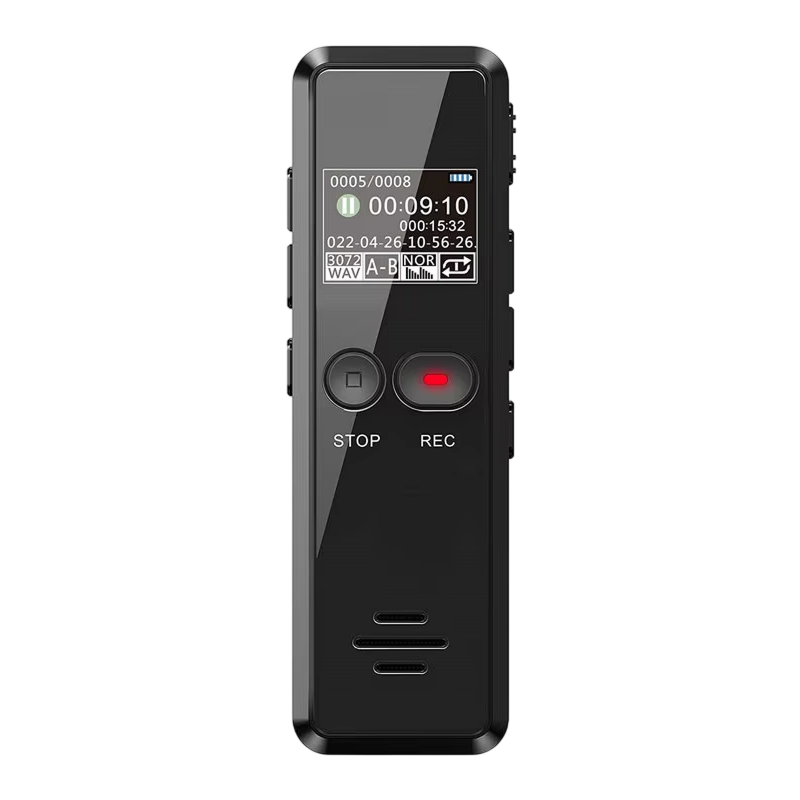
NoteOsprey™ digital voice recorder
Recording features at a glance
Dual-mic noise filtering
Recording an interview or meeting with a phone often picks up chatter and room noise along with the voice. Two microphones filter background noise, so the speaker is the focus when you listen back.
Monitor while you record
You want to know what the recorder is hearing before the conversation ends. Plug in headphones or use the built-in speaker to listen live and adjust your settings or position as you go.
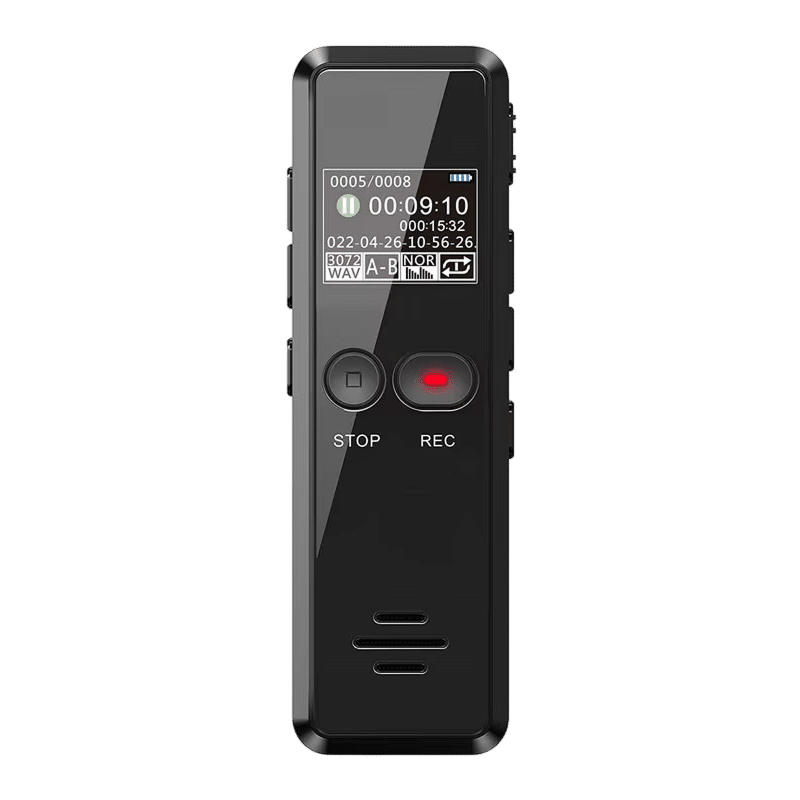
Voice-activated recording
Long sessions often include stretches of quiet. Voice activation starts recording when sound is detected, so the file holds the talking and not long empty gaps.
Stamped files, USB transfer
Hunting for the right clip among unnamed files is slow. Each recording carries a date and time stamp, and a USB connection lets you copy files to a computer and sort them there.
Frequently Asked Questions
Ready to make it yours?
Get NoteOsprey at today's price — and a full 90 days to enjoy it.
 Tracked ShippingTracked Shipping
NoteOsprey: A Digital Voice Recorder for Meetings and Lectures
Typing notes during a lecture, interview or meeting means missing part of the conversation. A digital voice recorder keeps hands free and the whole discussion on file.
Two microphones with noise reduction are built in for busy rooms. The built-in speaker or headphones allow listening while recording. With voice activation, recording starts when sound is detected, which suits long sessions with pauses.
As a small voice recorder, it saves every file with a date and time stamp. A USB connection moves files to a Mac or PC, where they can be sorted by date. Used as a handheld digital voice recorder, it also works as a simple MP3 player.
- MP3 and WAV file formats
- Password protection for locked files
- Built-in speaker for playback