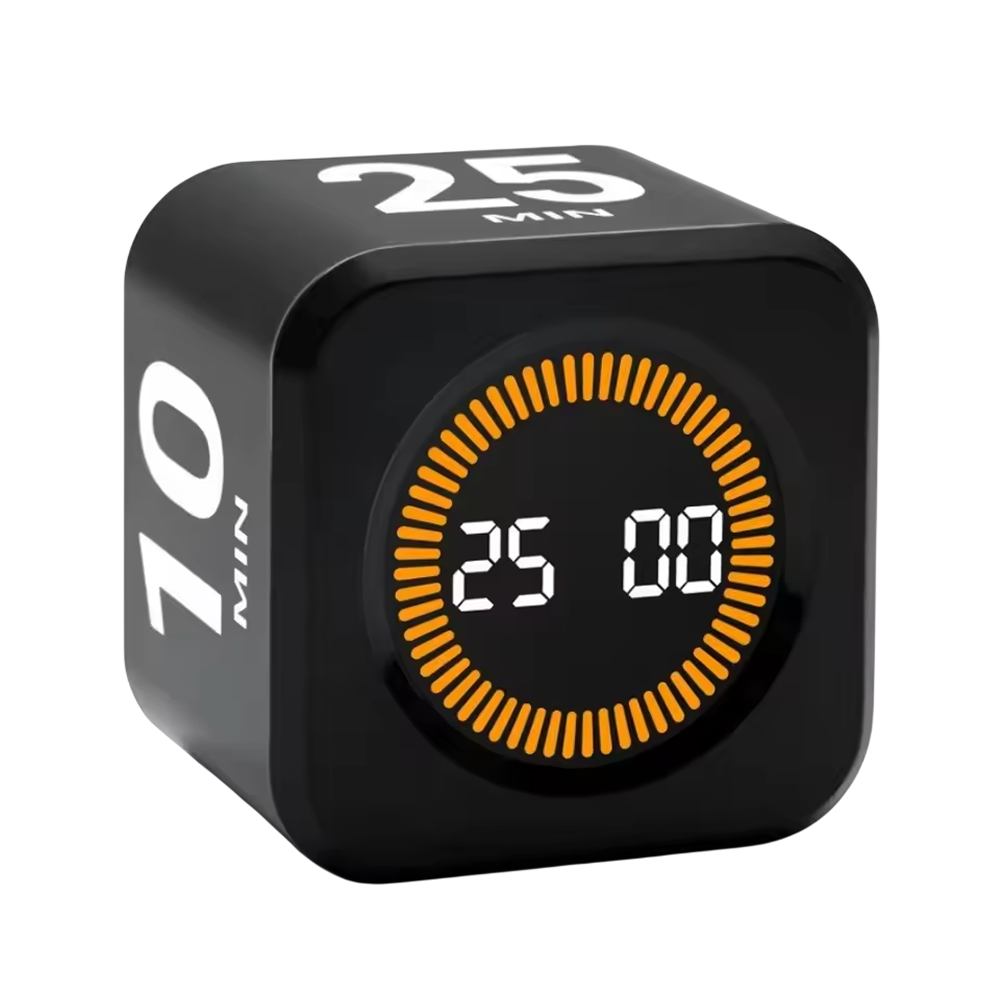
KairoFlip™ pomodoro timer
What the KairoFlip Cube Timer Offers
Four Built-In Presets
Setting up a work and break cycle by hand is a chore. Four presets cover focus sprints and short breaks, so you pick a face on the cube instead of entering numbers each time.
Visual Countdown Bars
Numbers on a clock are easy to ignore. Glowing LED bars shrink as the session runs, so you can see how much time is left from across a desk without reading a display.
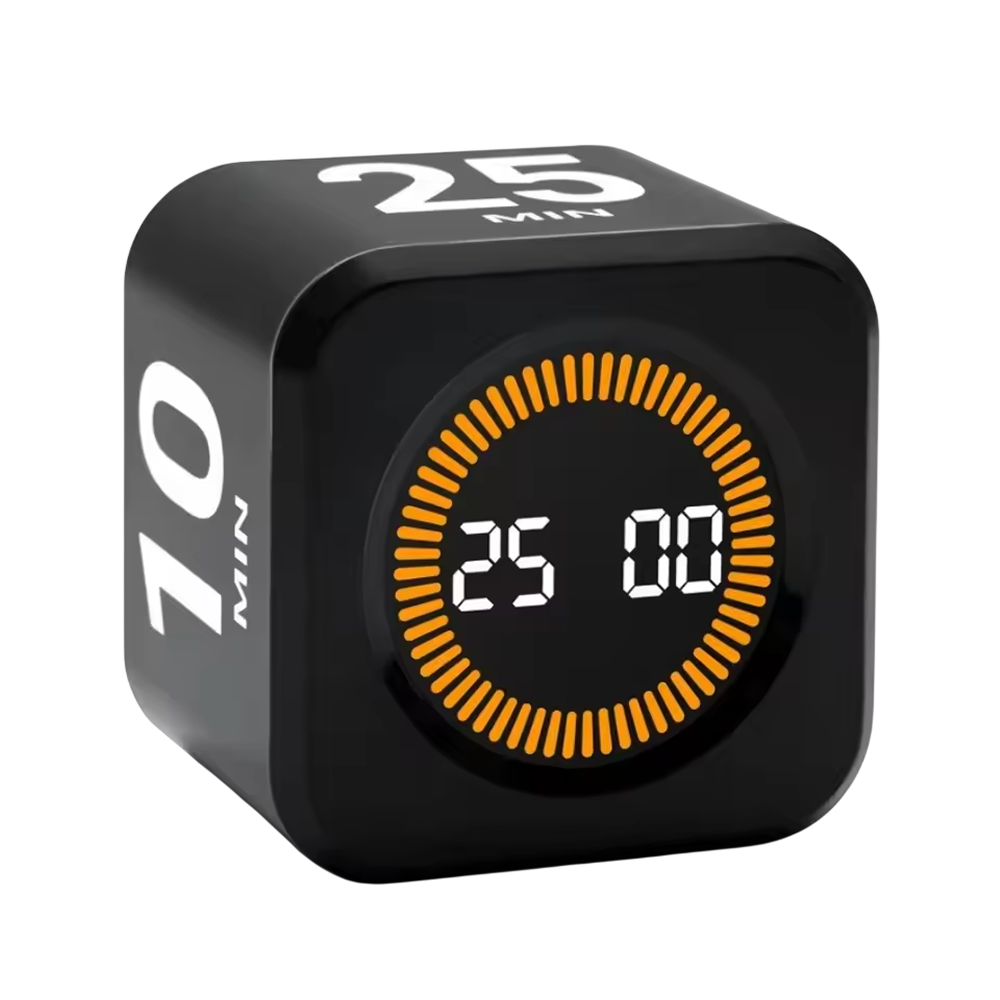
Compact Cube Shape
A timer should work for studying, teaching, cooking or training. The small cube sits on a desk, shelf or countertop, and you start it by turning it rather than pressing through menus.
A Separate Physical Timer
Using a phone as a timer puts notifications next to your task. A dedicated cube keeps timing on its own device, so your phone can stay out of reach during a session.
Frequently Asked Questions
Ready to make it yours?
Get KairoFlip at today's price with your free gift included — and a full 90 days to enjoy it.
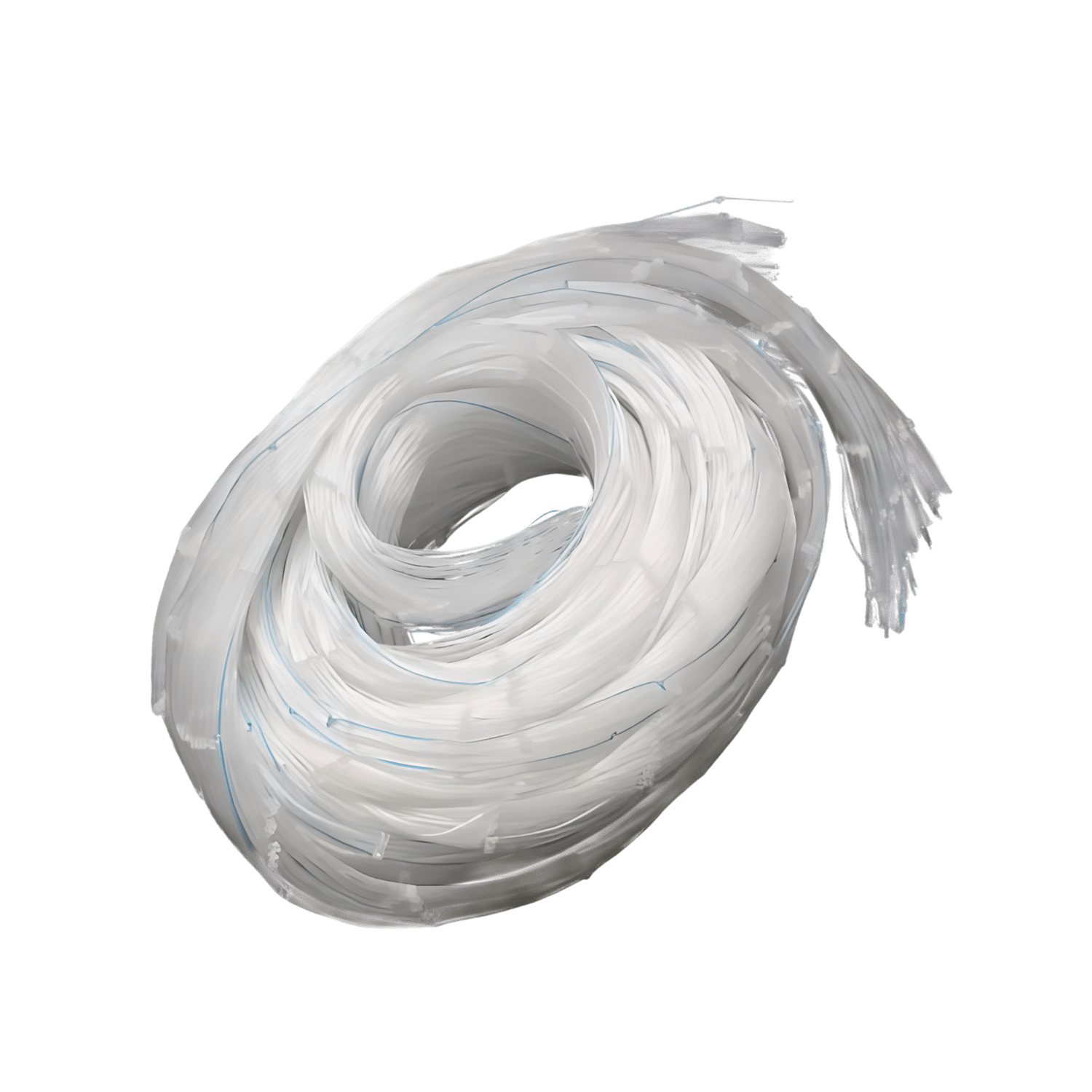 Your free gift: GroveNet Garden NettingFREE
 Tracked ShippingTracked Shipping
KairoFlip: A Pomodoro Timer Cube for Desks and Study
Setting a timer on a phone often leads to notifications and scrolling instead of the task. A pomodoro timer in cube form keeps the countdown on the desk, away from the screen.
KairoFlip starts when the cube is turned so a chosen time faces up, so no menus or apps are needed. Four presets cover focus sprints and short breaks, and the LED bars shrink as time passes, which makes it a handy visual timer. Custom minutes and seconds are set with the SET, M and S buttons.
As a pomodoro timer, study timer or focus timer, the compact cube fits a desk, shelf or countertop for studying, teaching, cooking or training. It charges over USB-C.
- Sound alert or LED flash when time is up
- Tilt to pause, face-down to reset
- Pocket-friendly cube