What Is a Thermal Printer? How Inkless Printing Works
A thermal printer makes an image with heat instead of liquid ink. This guide covers direct thermal vs thermal transfer, print life, paper, color and the jobs each type suits.
The Folio & Current Team
November 21, 2026 · 6 min read
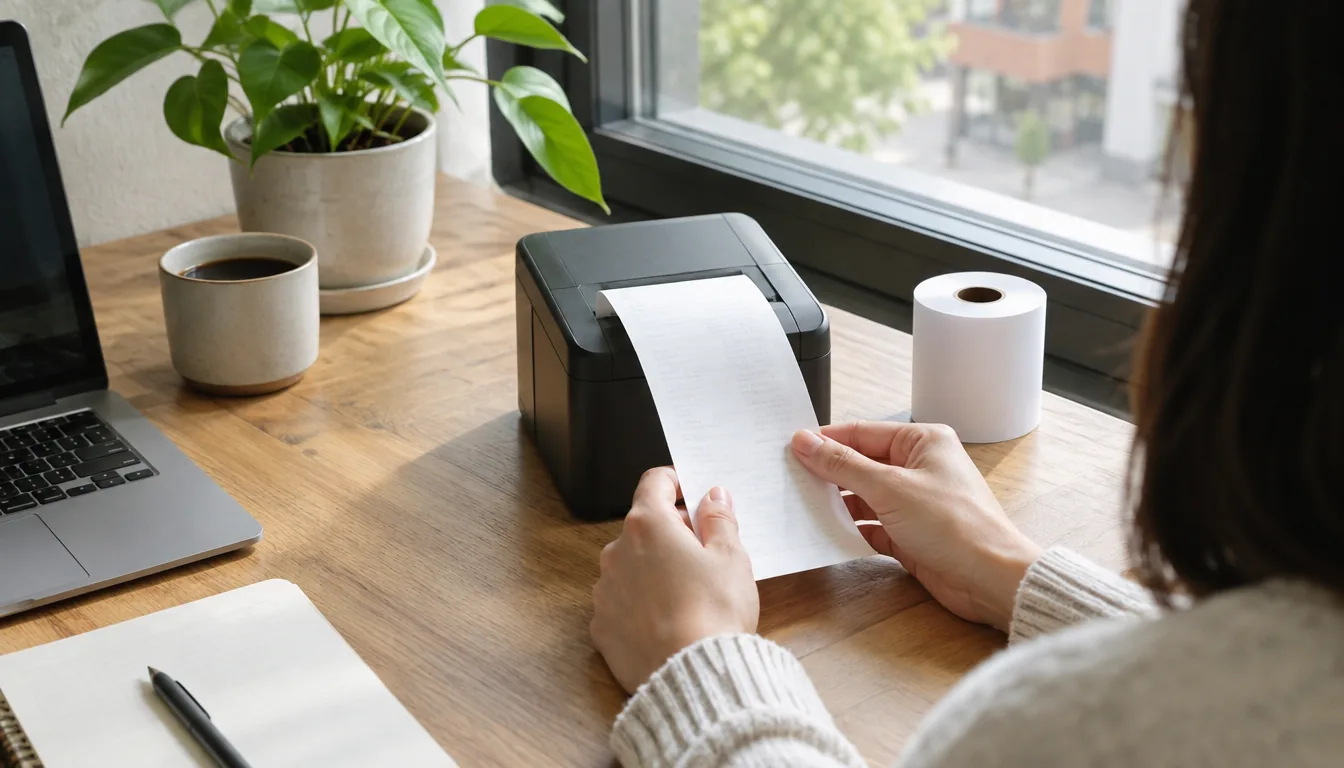
What is a thermal printer? It is a printer that creates text and images with a heated printhead instead of liquid ink or toner powder. Direct thermal models heat special paper that darkens where it is warmed, while thermal transfer models melt a ribbon onto the page. Both are used wherever a clean, single-color print is needed: receipts, shipping labels, tickets and portable documents.
The sections below explain how the mechanism works, how the two types differ, how long prints last, what the paper involves, and which jobs suit which printer.
How a thermal printer works
Inside the printer, a row of tiny heating elements sits in the thermal printhead. The paper or label moves past it, and the elements switch on and off in a pattern that forms letters, barcodes and lines. Nothing is sprayed and no powder is fused, so there is no cartridge to refill.
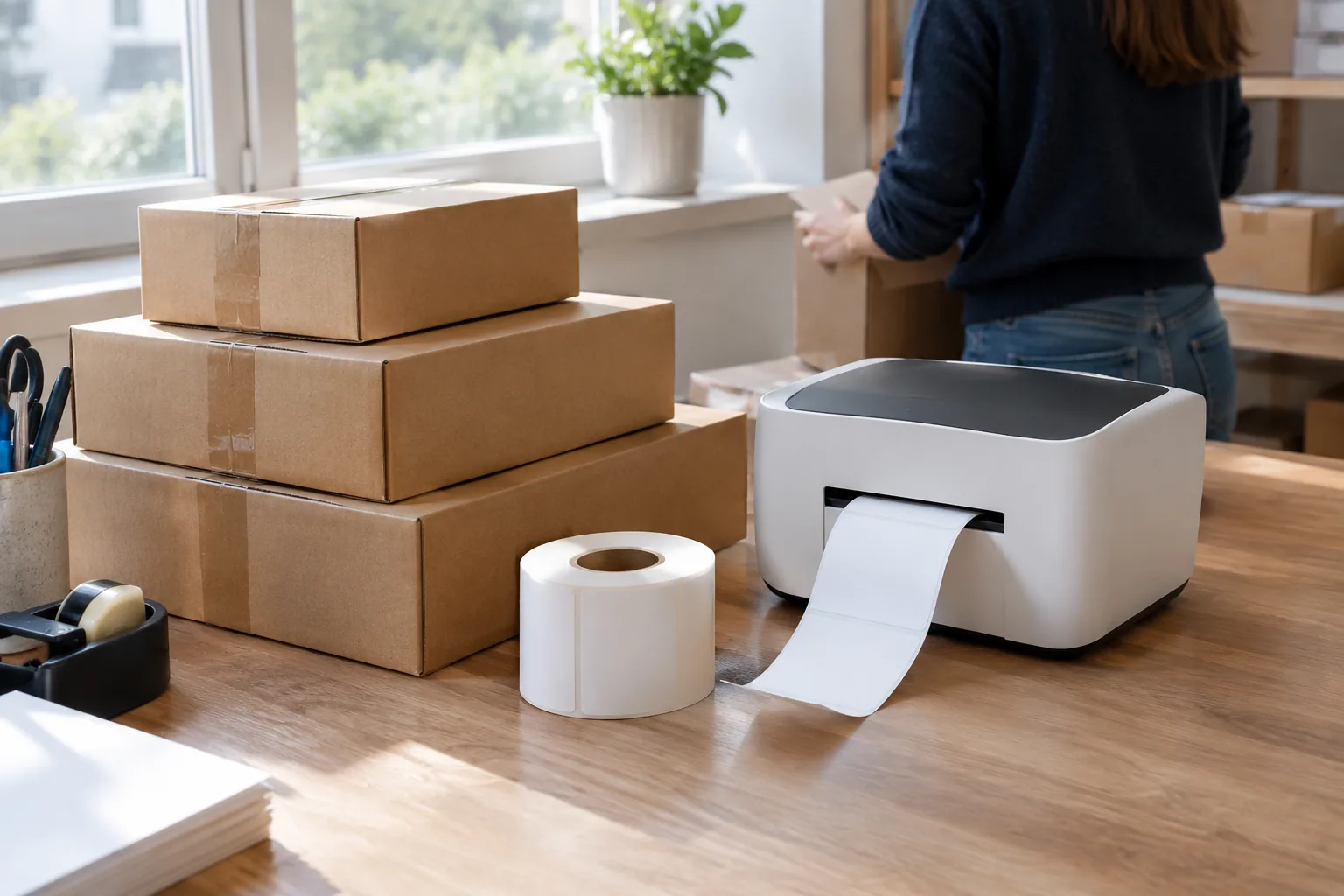
What changes depends on the type. With direct thermal printing, the paper itself carries a heat-sensitive coating that turns dark when warmed. With thermal transfer printing, the heat melts a coated ribbon, and the ink layer from that ribbon sticks to the label.
Direct thermal vs thermal transfer
Both types are called thermal printing, but they behave differently once the print is made. The table gives the practical differences.
| Feature | Direct thermal | Thermal transfer |
|---|---|---|
| What makes the mark | Heat on coated paper | Heat melting a ribbon onto the label |
| Consumables | Thermal paper or labels only | Ribbon plus compatible labels |
| Ink or toner | None | Ribbon replaces ink |
| Exposure to heat and light | Paper can darken or fade over time | Ribbon material sits on the label surface |
| Typical jobs | Receipts, shipping labels, tickets, portable documents | Asset tags, product labels, barcode labels for storage |
| Color | Usually one color, often black | Usually one color per ribbon |
If the print only needs to be read for a short span, such as a parcel in transit, direct thermal is a common pick. If the label has to withstand scuffing, warmth or long storage, a ribbon-based printer is the usual route.
Thermal printer vs ink printer
An inkjet sprays droplets of liquid ink through nozzles onto plain paper. A thermal printer heats the paper or a ribbon. That single difference changes what you buy and what you keep.
- Inkjets need ink cartridges or tanks and can print in full color on plain paper.
- Direct thermal printers need heat-sensitive paper and usually print in one color.
- Inkjet prints may smudge if wet, while thermal prints may darken with heat and friction.
- Thermal printers have few moving parts, so the bodies can be small enough to carry.
Is there a printer without ink?
Yes. A direct thermal printer uses no ink and no toner, because the heat does the marking on the paper. This is why the category is often called inkless printing. Laser printers also avoid liquid ink, but they use toner powder, so they still have a cartridge to replace. Thermal transfer printers use a ribbon, so they still have a consumable beyond the label.
The four types of printers
Home and office printers are commonly grouped as inkjet, laser, thermal and dot matrix (impact). Inkjets spray ink, lasers fuse toner with heat, thermal printers use heat on paper or ribbon, and dot matrix printers strike a ribbon with pins. Each suits a different job, so pick by what you print rather than by category alone.
How long do thermal prints last?
It depends on the type and on how you store the page. Direct thermal prints stay readable when the paper is kept away from heat, strong light and rubbing, but the coating that forms the image is the same coating that reacts to warmth. A receipt left on a car dashboard or in a warm wallet can darken or fade.
Thermal transfer prints sit on the label as ribbon material, so they respond differently to those conditions and suit labels that are handled often. For any page you must keep, such as a contract or an invoice, scan it or save a digital copy. Our guide to backing up external hard drives covers keeping those files in more than one place.
Storage checklist for direct thermal pages
- Keep pages in a folder or drawer, out of sunlight.
- Store them away from radiators, vehicle dashboards and other warm spots.
- Avoid contact with plastic sleeves unless the paper maker says it is fine.
- Scan anything you need to keep for records.
Paper and supplies for a thermal printer
Direct thermal printers need thermal paper, which has a coating on one side. Load it with the coated side facing the printhead; the printer manual shows which way the roll goes. Plain paper does not form an image in a direct thermal printer, so buying the wrong stock wastes a roll.
Compare supplies before you buy, not just the printer. Direct thermal costs come down to paper or labels. Thermal transfer costs are paper or labels plus ribbons. In both cases there is no ink bottle or toner cartridge in the budget, but check that the paper width and roll size match your model.
Do thermal printers print in color?
Standard thermal paper produces black marks, and some papers produce another single color. If you need full-color photos or charts, an inkjet or laser printer is the right tool. Thermal is for text, lines, barcodes and simple graphics.
What is a thermal printer used for?
Heat-based printing fits jobs where simple setup and low upkeep matter more than color.
- Receipts at registers and payment terminals.
- Shipping labels and packing slips.
- Barcode labels for inventory and product labels.
- Tickets, boarding passes and wristband-style tags.
- Portable printing of contracts, forms and invoices away from the office.
Choosing a thermal printer for your job
Once you know what is a thermal printer and what it prints, work backward from your task to the type.
- Decide the output: pages and documents, or labels.
- Decide how long the print must stay readable. Short-term paperwork suits direct thermal, while handled labels may call for ribbon-based printing.
- Check the connection: an app or a USB cable.
- Check the power: a rechargeable battery or a wall outlet.
- Confirm the paper size and where you will buy refills.
Browse the full Printers & Scanners collection to compare what we stock.
For documents on the move
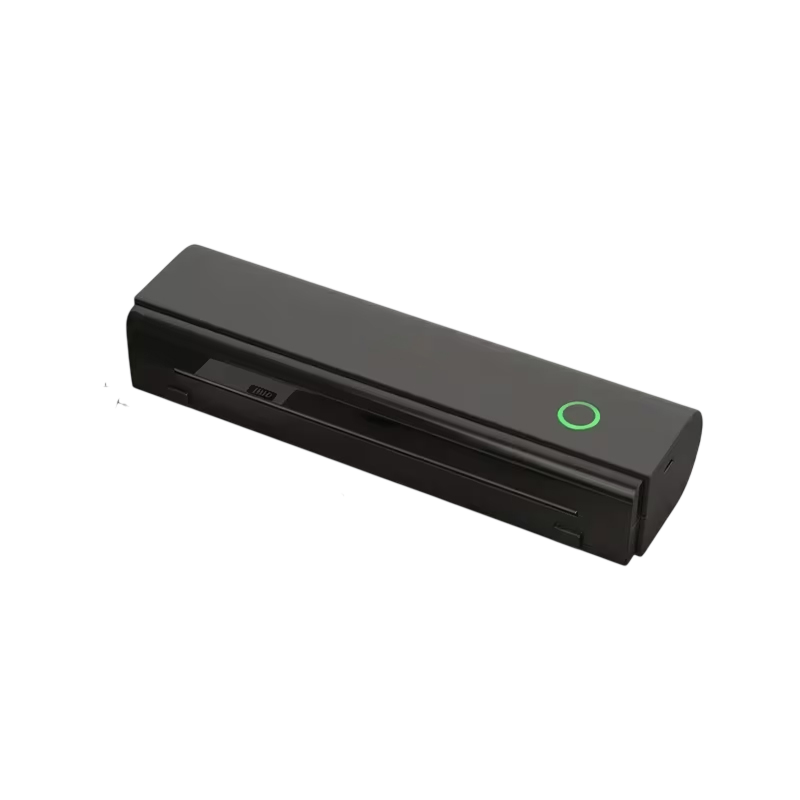
The Scrivelle is a portable thermal printer that prints on thermal paper using heat, so there are no ink cartridges to buy. It pairs with phones, tablets and computers through an app or a USB cable, with no router needed, and it takes Letter and A4 paper. It charges over Type-C and powers on with one button. The box includes one roll of thermal paper, a USB data cable and a Type-C charging cable.
 In this guideScrivelle$159.99View
A handheld label printer for cable and panel work
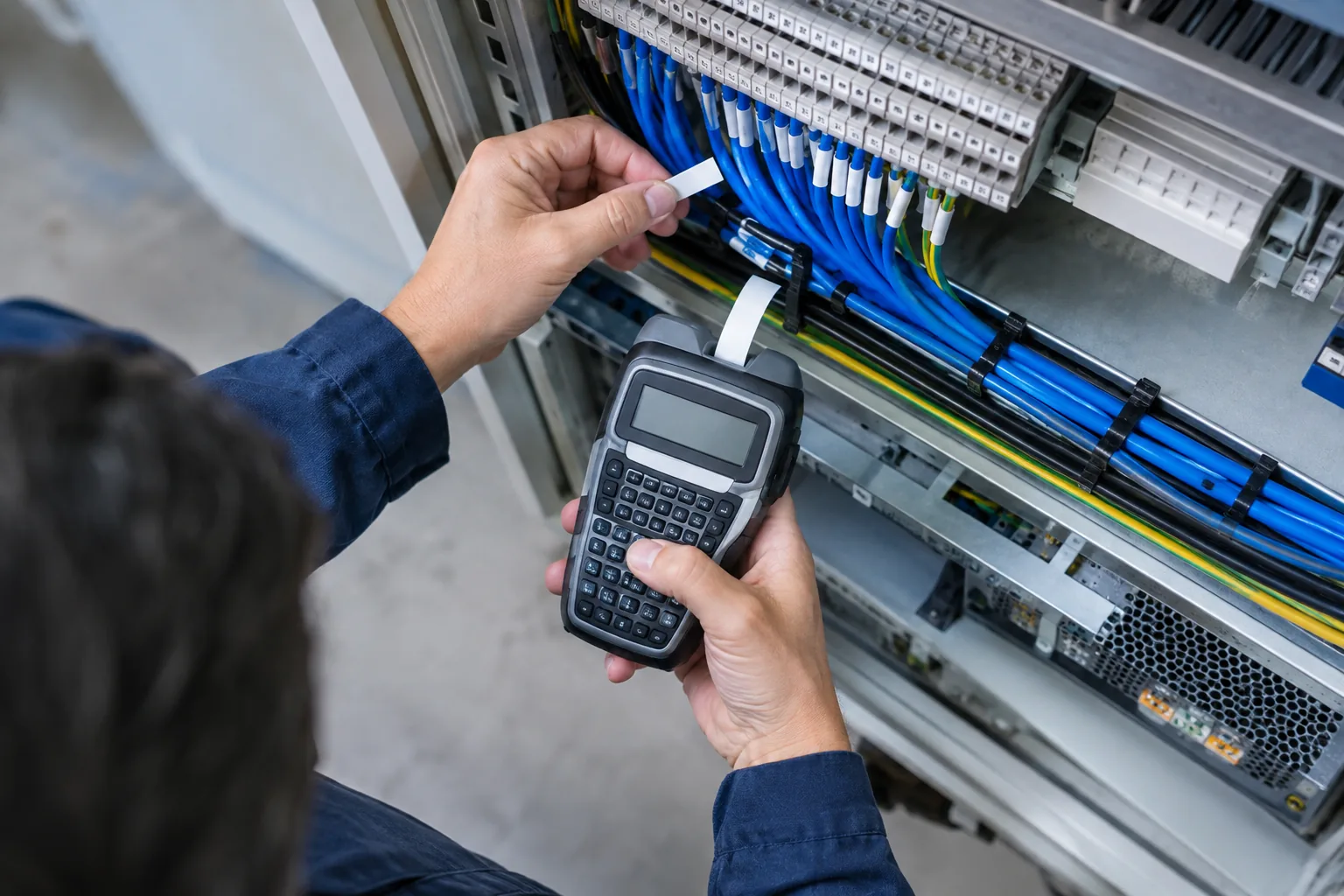
If your work is labeling rather than printing pages, a separate tool fits. The MarkCraft is a handheld label printer with a full-size 57-key keyboard and a cutter holder. You type the text on the device, pick the font, symbols and label length, then print onto laminated tape. It prints barcodes, QR codes and multi-label batches, runs on AAA batteries or Type-C power, and needs no phone or computer. A standard white 12mm tape roll is in the box.
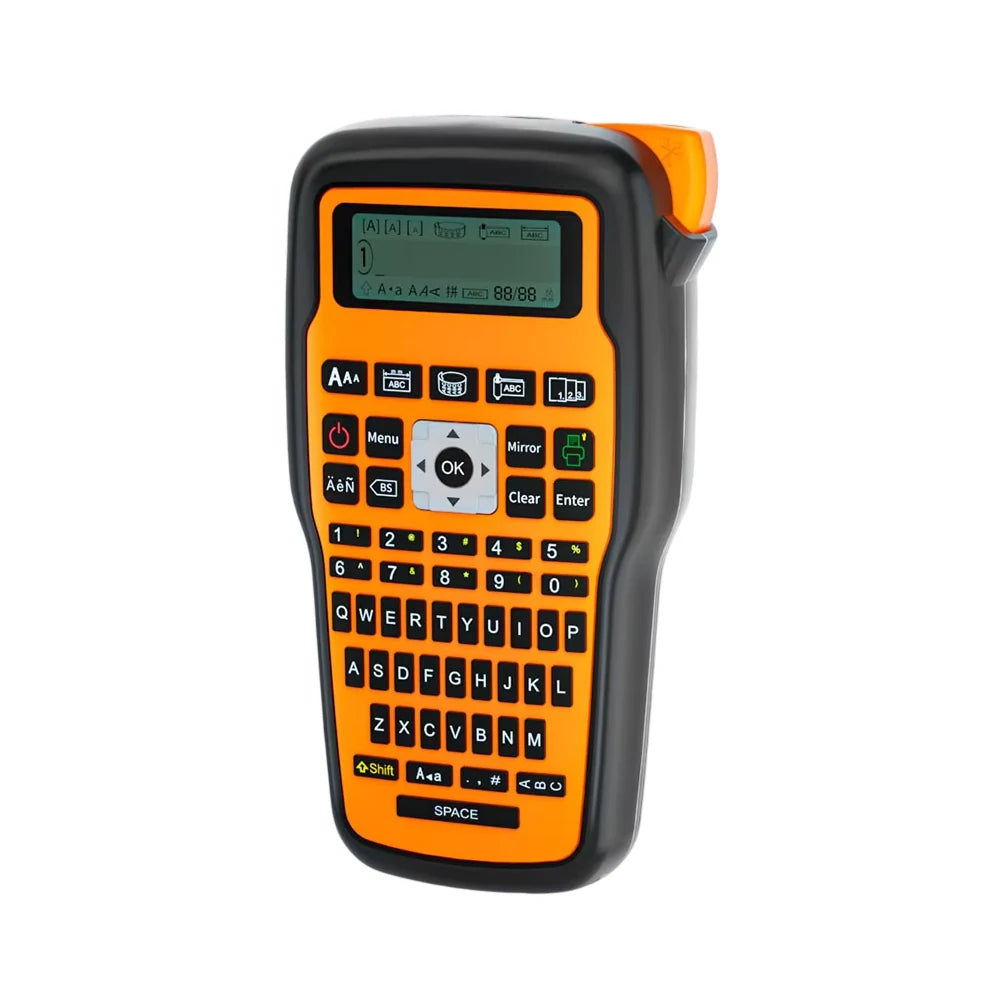 In this guideMarkCraft$139.99View
Field note
Before you buy paper in bulk, print one sample page and check it after a day in your bag or drawer. Direct thermal pages react to heat and rubbing, so a small trial shows how your storage habits affect the print.
Common mistakes with thermal printing
- Loading paper coated side down, which leaves the page blank.
- Using plain paper in a direct thermal printer.
- Leaving prints in warm cars or in direct sun.
- Expecting color output from a single-color printer.
- Cleaning the printhead while the printer is plugged in; unplug first and follow the manual.
Now that you know what is a thermal printer, keep yours in a dry spot, wipe dust from the paper path as the manual describes, and store spare rolls in their wrappers away from heat.