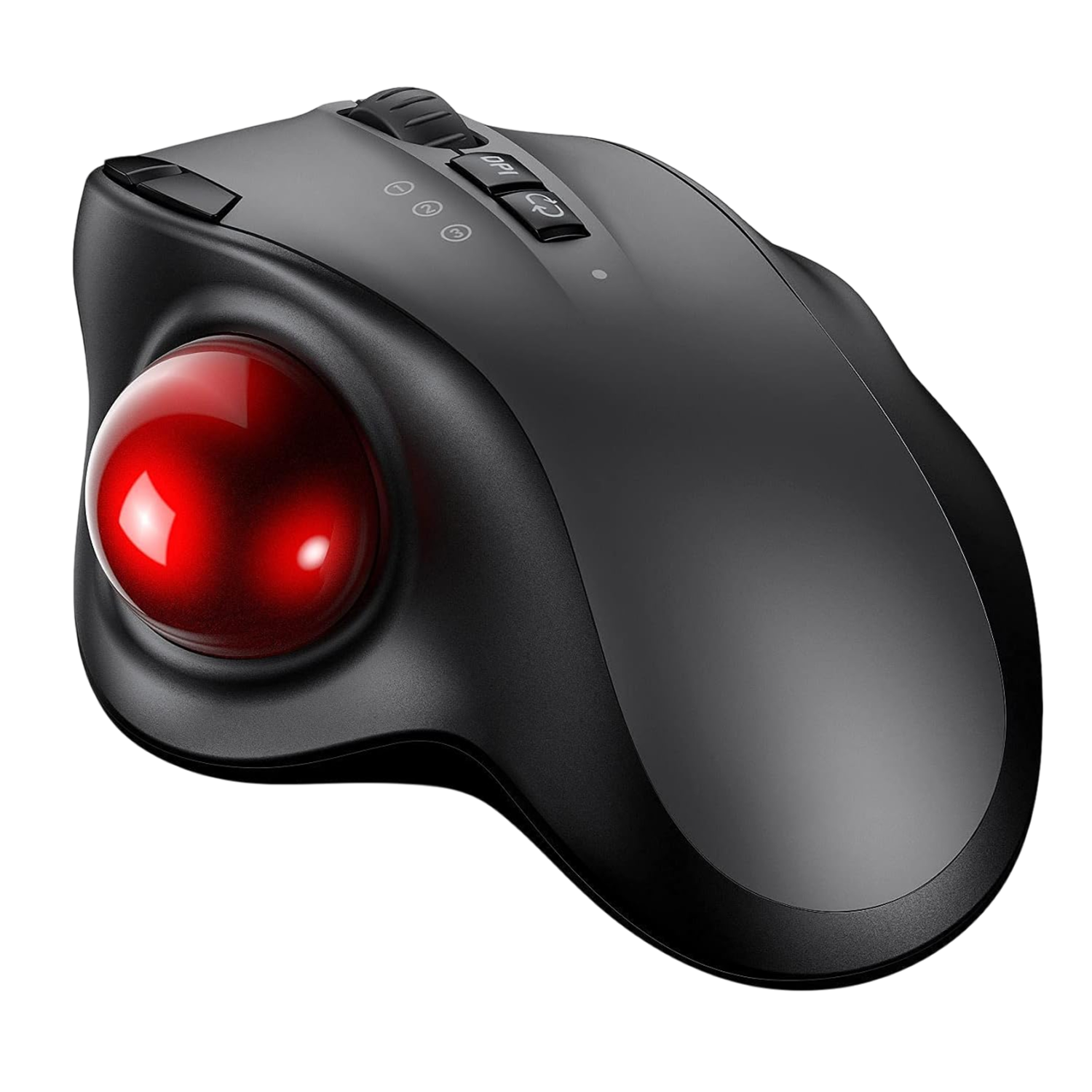
OrbitFlex™ trackball mouse
How the OrbitFlex trackball mouse is set up
Use it on any surface
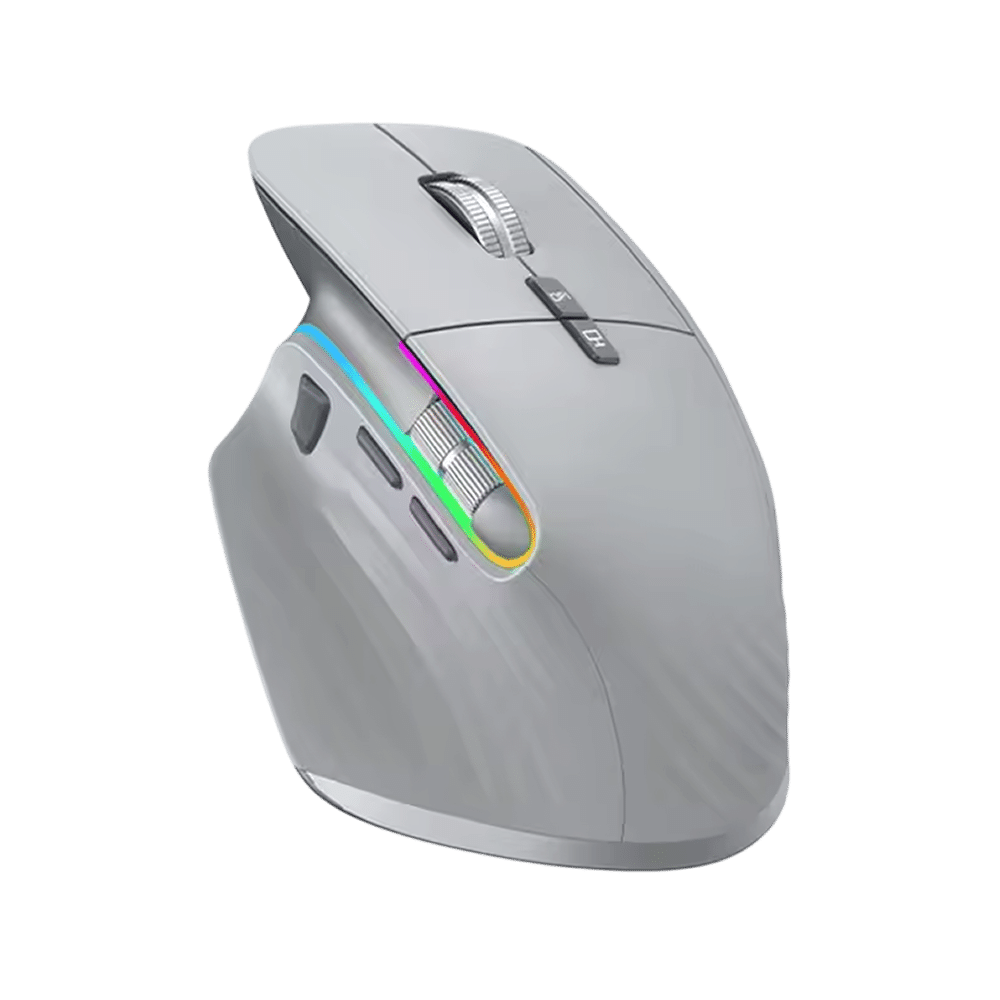
A lap, a bumpy table or a tiny tray leaves little room to slide a mouse. The thumb trackball moves the cursor while the mouse body stays where it is.
Three-device pairing
Moving a mouse between a laptop and a tablet usually means unplugging or re-pairing. OrbitFlex stores three connections, using Bluetooth and a 2.4GHz wireless dongle, so one button changes the target.
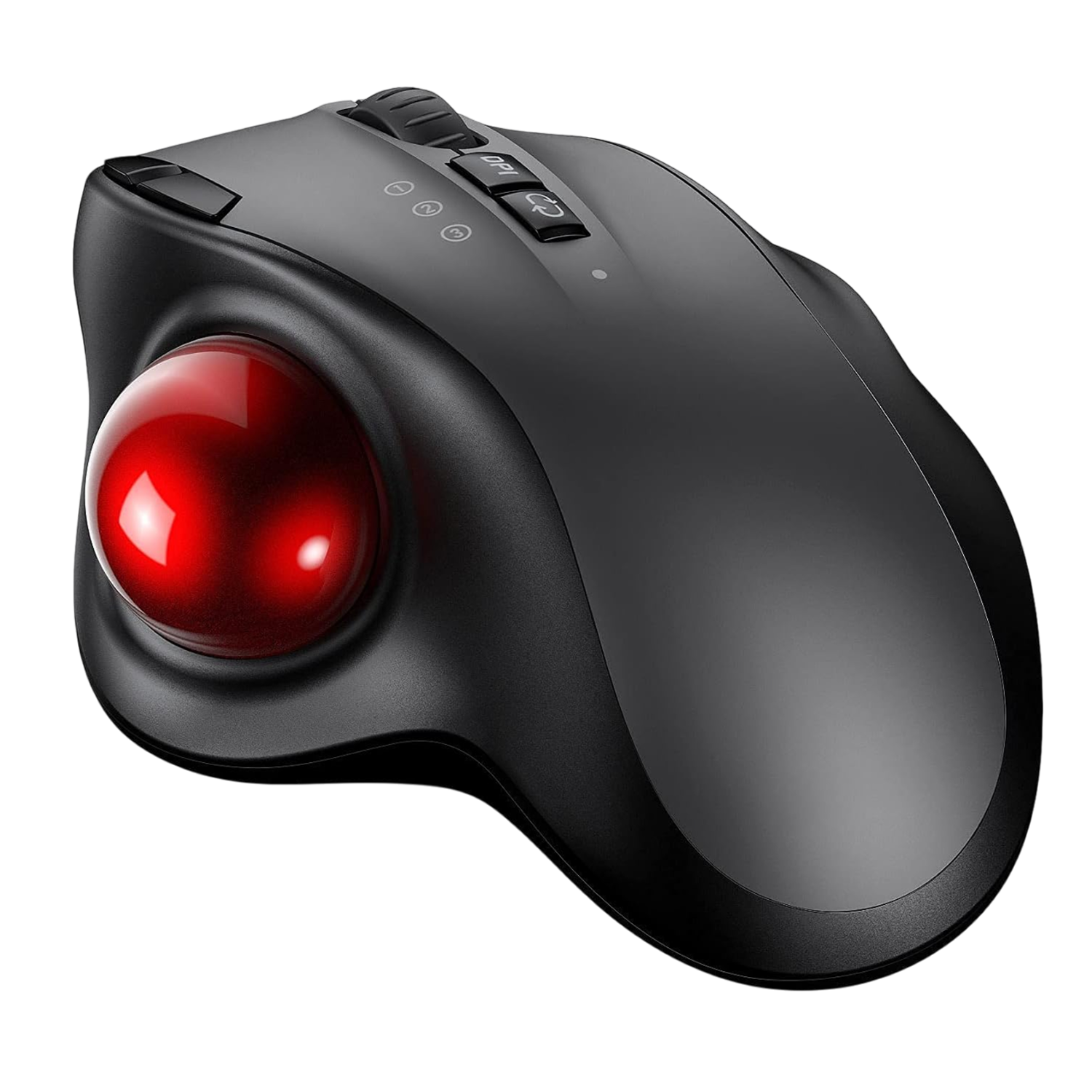
Three DPI settings
Detailed work and wide multi-monitor layouts call for different cursor speeds. A DPI toggle cycles between 1000, 1600 and 2400, so you choose the setting that fits the task.
Rechargeable battery
A wireless mouse needs a simple way to get power back. OrbitFlex has a built-in 600mAh battery that charges through a USB-C port, using the cable in the box.
Frequently Asked Questions
Ready to make it yours?
Get OrbitFlex at today's price with your free gift included — and a full 90 days to enjoy it.
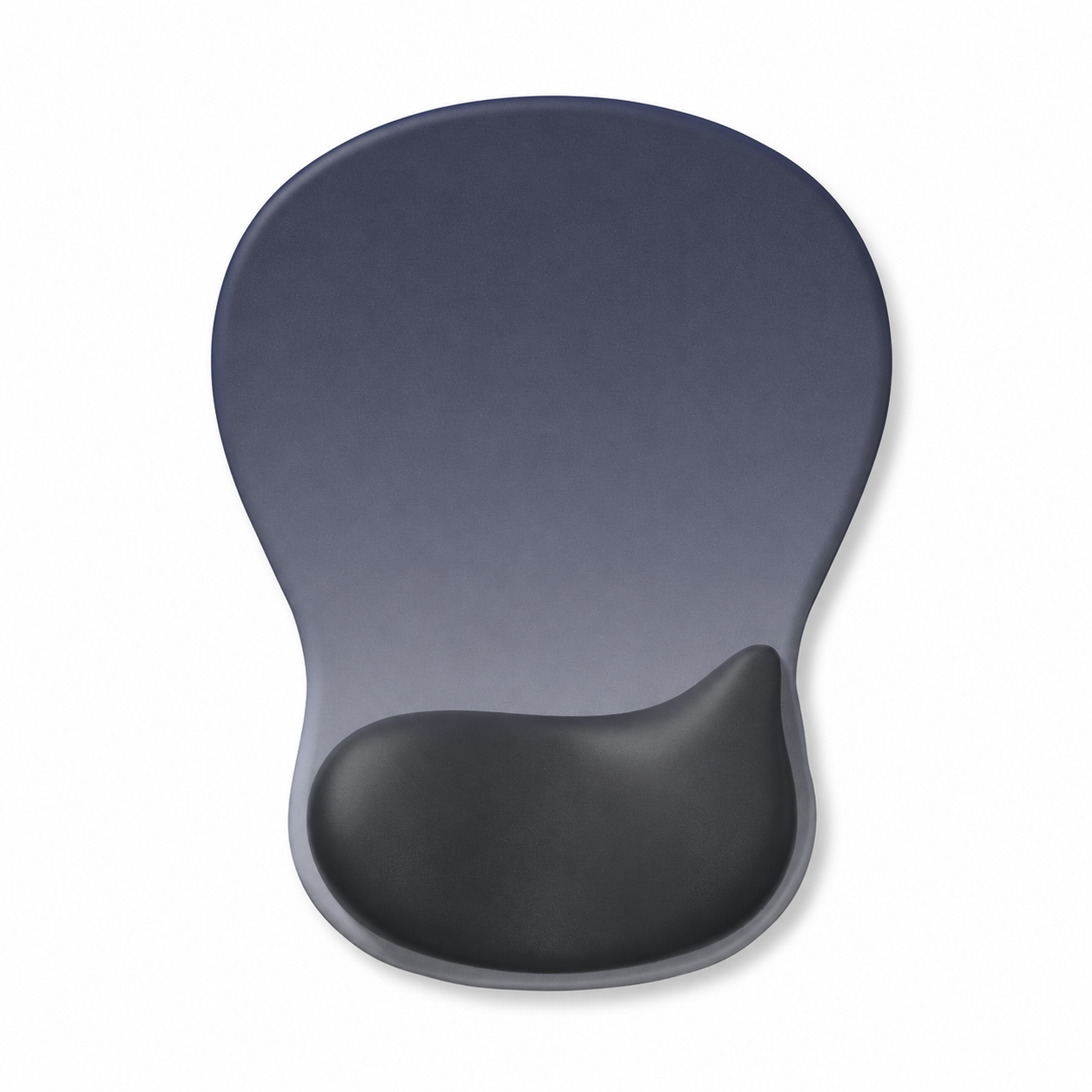 Your free gift: Free Gift - Ergonomic Silicone Wrist Rest CushionFREE
 Tracked ShippingTracked Shipping
OrbitFlex: A Wireless Trackball Mouse for Any Surface
A trackball mouse suits small desks, laps, and airplane trays, where there is little room to slide a regular mouse. The body stays still while the thumb does the moving, so a bumpy table or a cramped seat is still workable.
On OrbitFlex, a thumb trackball moves the cursor while a sculpted contour rests the palm. The pop-out ball lets dust and debris be wiped away. A computer mouse with ball control rolls the cursor instead of sliding it.
As a wireless trackball mouse, it pairs with three computers or tablets over Bluetooth or a 2.4GHz dongle, and a one-touch button jumps between them.
- Three DPI settings: 1000, 1600, and 2400
- USB-C charging
- Sculpted contour for the palm