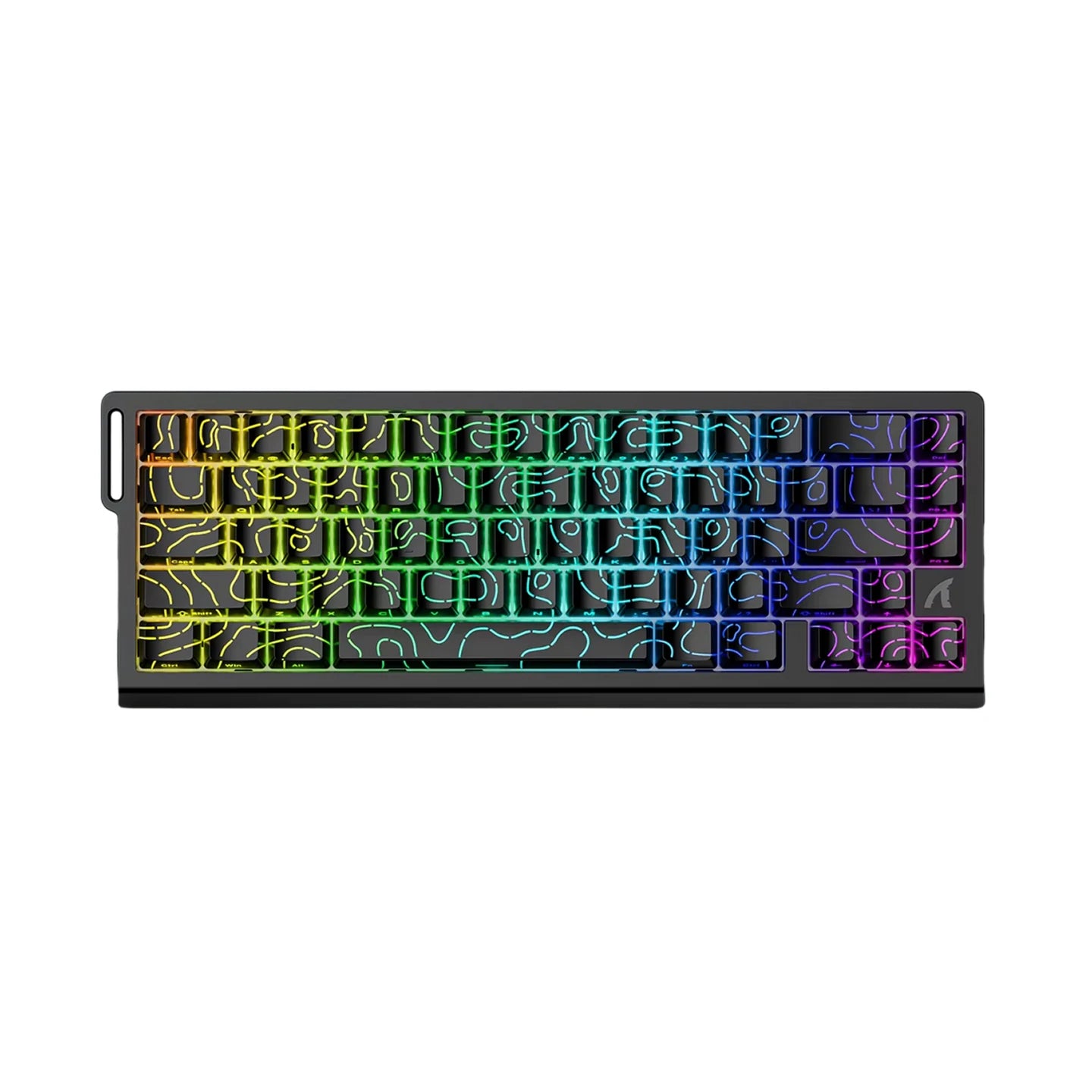
ObsidianKey™ 60 gaming keyboard
Layout, controls and build
Aluminum Chassis, PBT Keycaps
A keyboard that bends or rattles under hard typing gets distracting. ObsidianKey pairs an aluminum chassis with double-shot PBT keycaps, so your hands rest on a rigid body with no flex or creak.
Browser-Based Settings
Installing configuration software on every computer gets tedious. ObsidianKey is set up through a web dashboard, so you open a browser to adjust lighting, macros and key response.
Adjustable Actuation Points
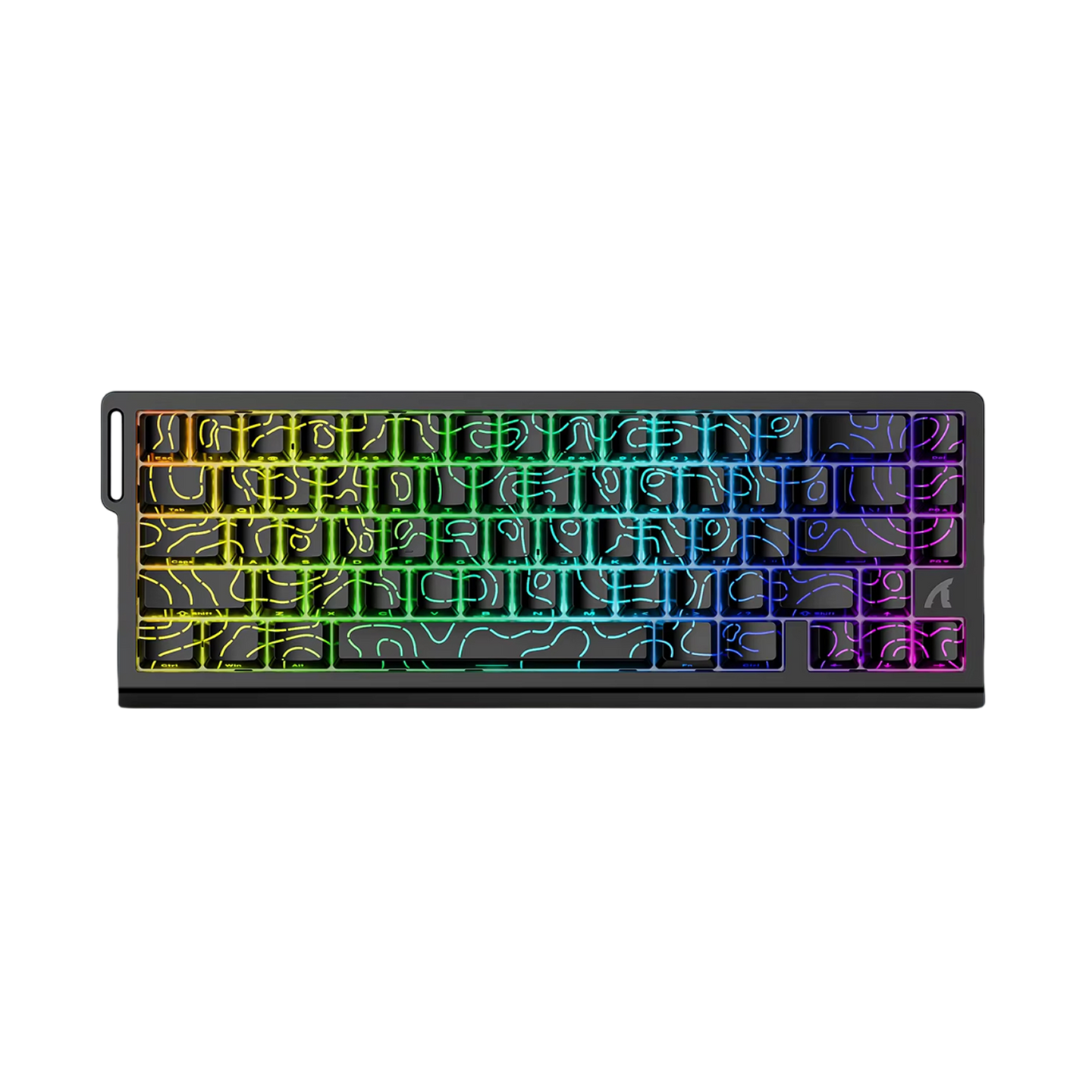
Different games and typing styles call for different key depths. The Hall Effect magnetic switches let you set each key's trigger point between 0.1mm and 3.4mm in 0.01mm steps.
Compact Layout
A full-size keyboard can crowd a small desk and limit mouse movement. The compact frame leaves room to swing the mouse, while arrow, function and navigation keys sit on a secondary layer.
Frequently Asked Questions
Ready to make it yours?
Get ObsidianKey at today's price — and a full 90 days to enjoy it.
 Tracked ShippingTracked Shipping
ObsidianKey: A 60 Gaming Keyboard for Compact Desks
A full-size board pushes the mouse hand toward the desk edge, and wide swings run out of room. A 60 gaming keyboard drops the keys outside the main block, so the mouse gets more space. ObsidianKey pairs that compact frame with aluminum construction and double-shot PBT keycaps.
Arrow, function and navigation keys sit on a secondary layer, so the small frame keeps every function reachable. Among 60 keyboards, this one uses Hall Effect magnetic switches, and each key's trigger point is set from 0.1mm to 3.4mm in 0.01mm steps.
As a 60 mechanical keyboard, it is configured in a browser-based dashboard for lighting, macros and key response, so no software download is needed.
- Onboard profiles hold actuation, lighting and macros, so a 60 gaming keyboard setup follows the board to another PC
- Full N-key rollover and anti-ghosting for multi-key combos
- Plugs in with no drivers to install