InkVerse Smart Pen™smart notebook
How the InkVerse Pen and Notebook Work Together
Handwriting to Text
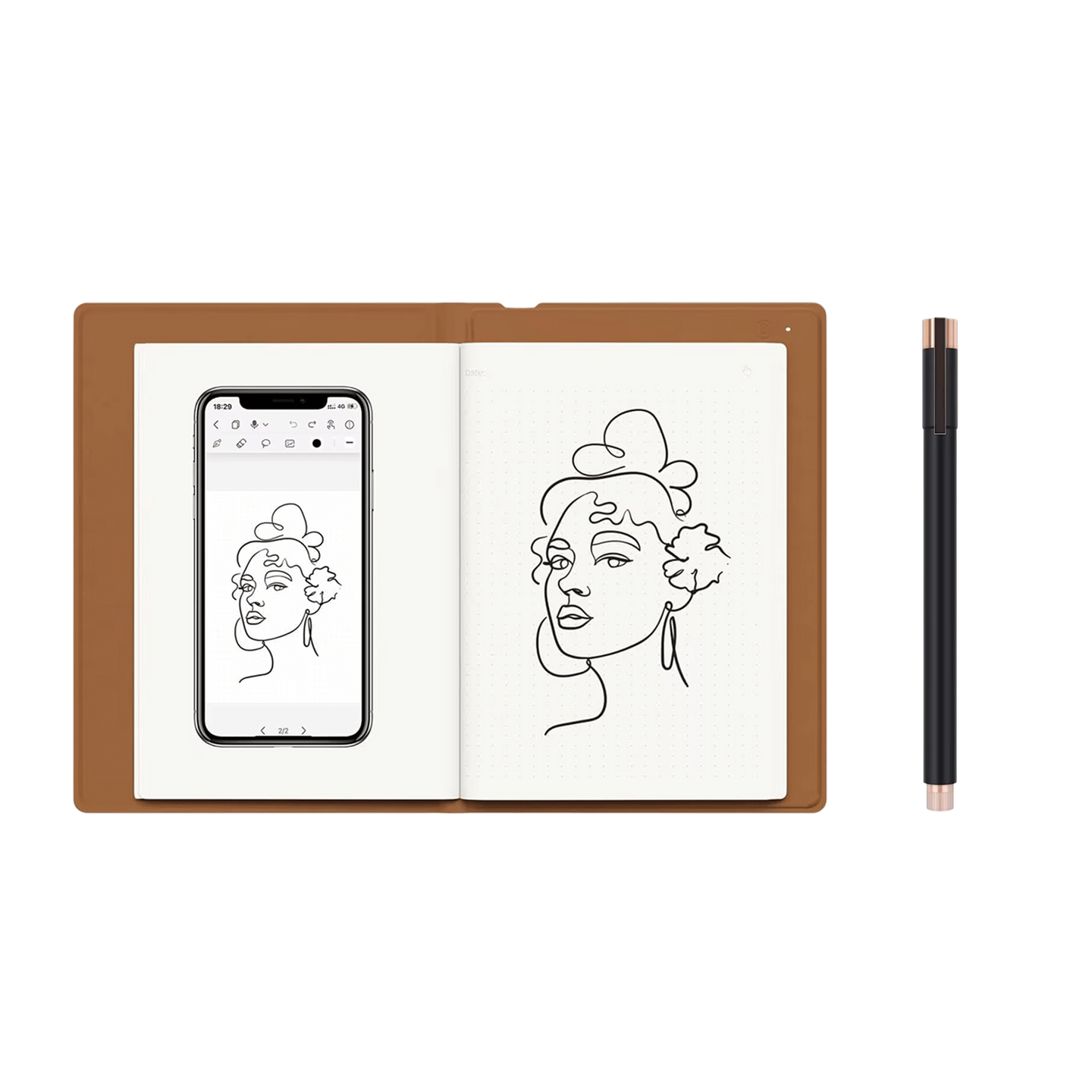
The app includes handwriting recognition that converts written pages into digital text. Your notes can then be searched as text, or replayed stroke by stroke from the recorded pen movements.
Offline Note Storage
The pen keeps what you write in its own storage when no connection is available. Once the pen reconnects to the app over Bluetooth, the saved pages transfer to your device.
Search by Keyword or Date
Notes are organized in the app, where you can type a keyword or a date into the search field to find a specific page without turning through the notebook.
Export to Other Apps
Pages can be exported from the app as DOC, PDF or JPG files, which you can then open or share through note-taking and cloud storage apps you already use.
Frequently Asked Questions
Ready to make it yours?
Get InkVerse Smart Pen at today's price with your free gift included — and a full 90 days to enjoy it.
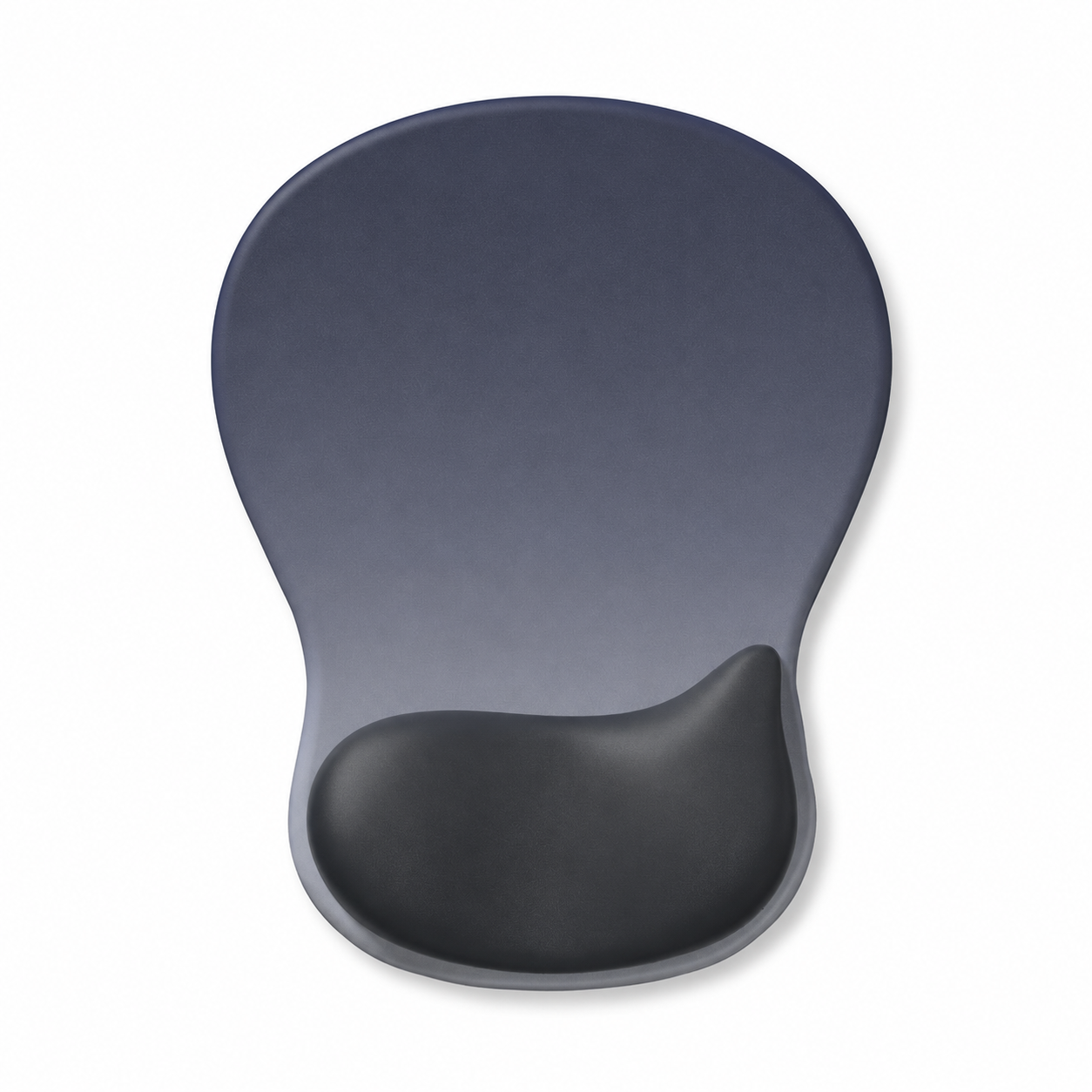 Your free gift: Free Gift - Ergonomic Silicone Wrist Rest CushionFREE
 Tracked ShippingTracked Shipping
InkVerse: A Smart Notebook and Pen for Handwritten Notes
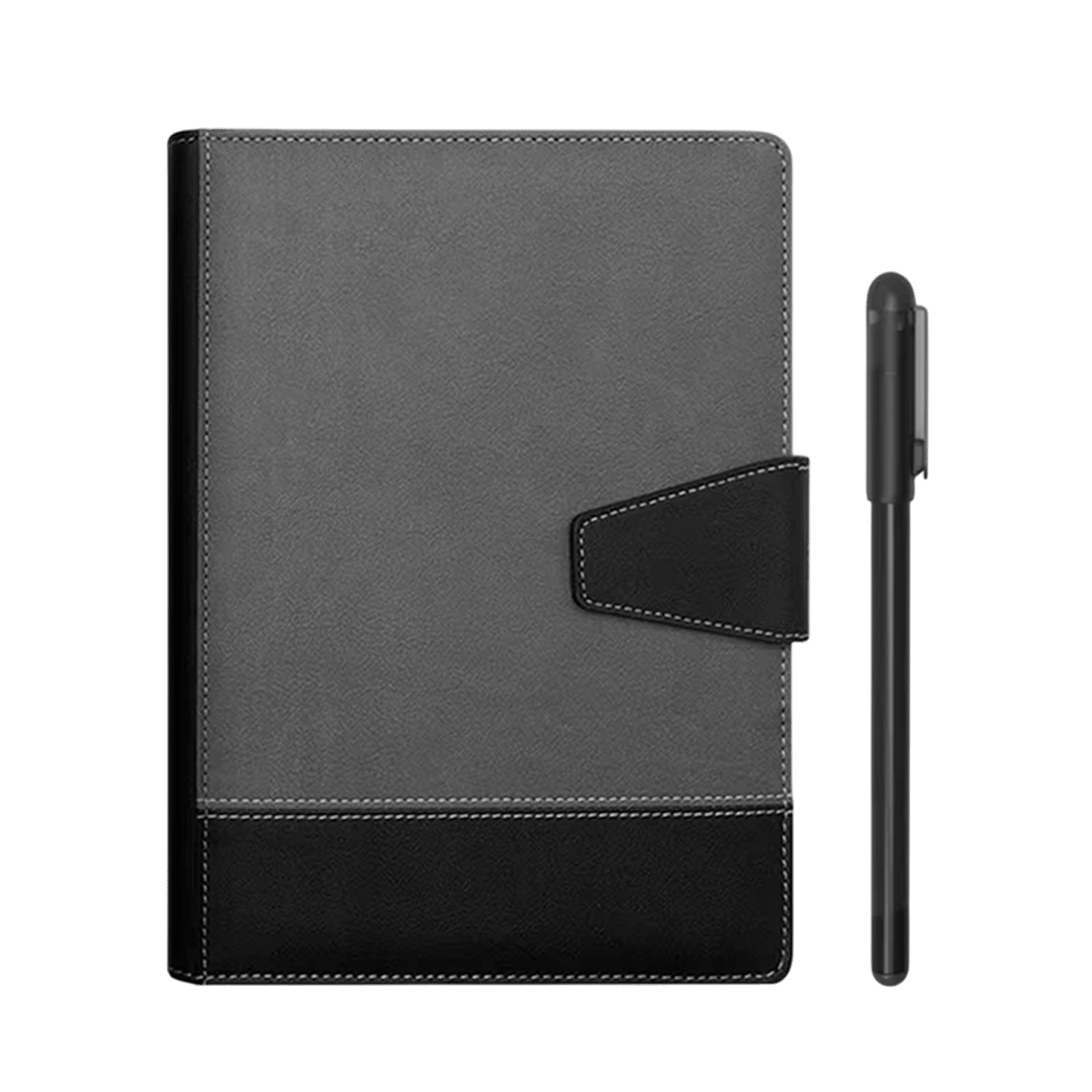
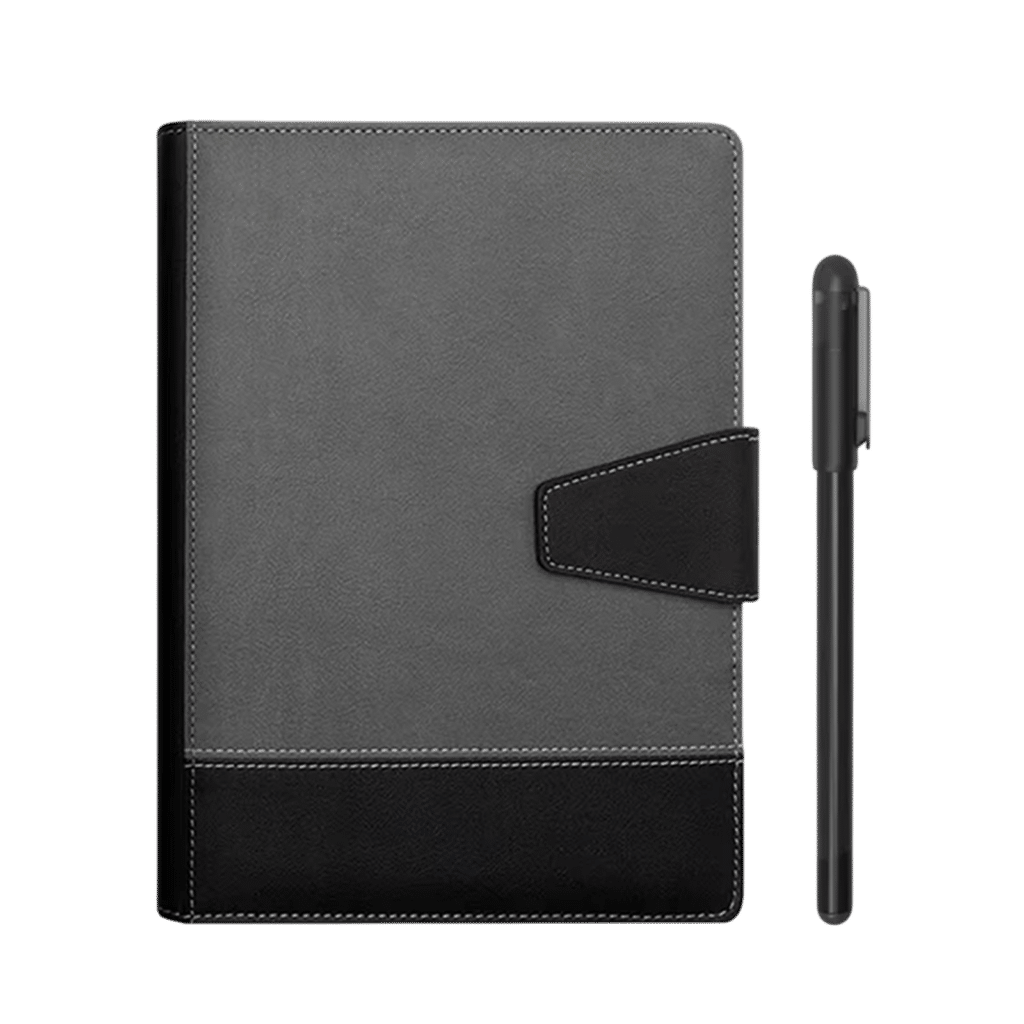
The InkVerse Smart Pen pairs with a smart notebook to turn handwritten pages into digital text. The pen reads a hidden dot pattern printed on the included notebook and tracks each stroke as the writer works.
Sold as a smart notebook with pen, the set suits students, meeting note-takers, and anyone who prefers paper to a screen. Notes are stored on the pen, so writing can continue offline and sync to the companion app over Bluetooth later. In the app, notes can be searched by keyword or date, replayed stroke by stroke, or exported as DOC, PDF, or JPG files.
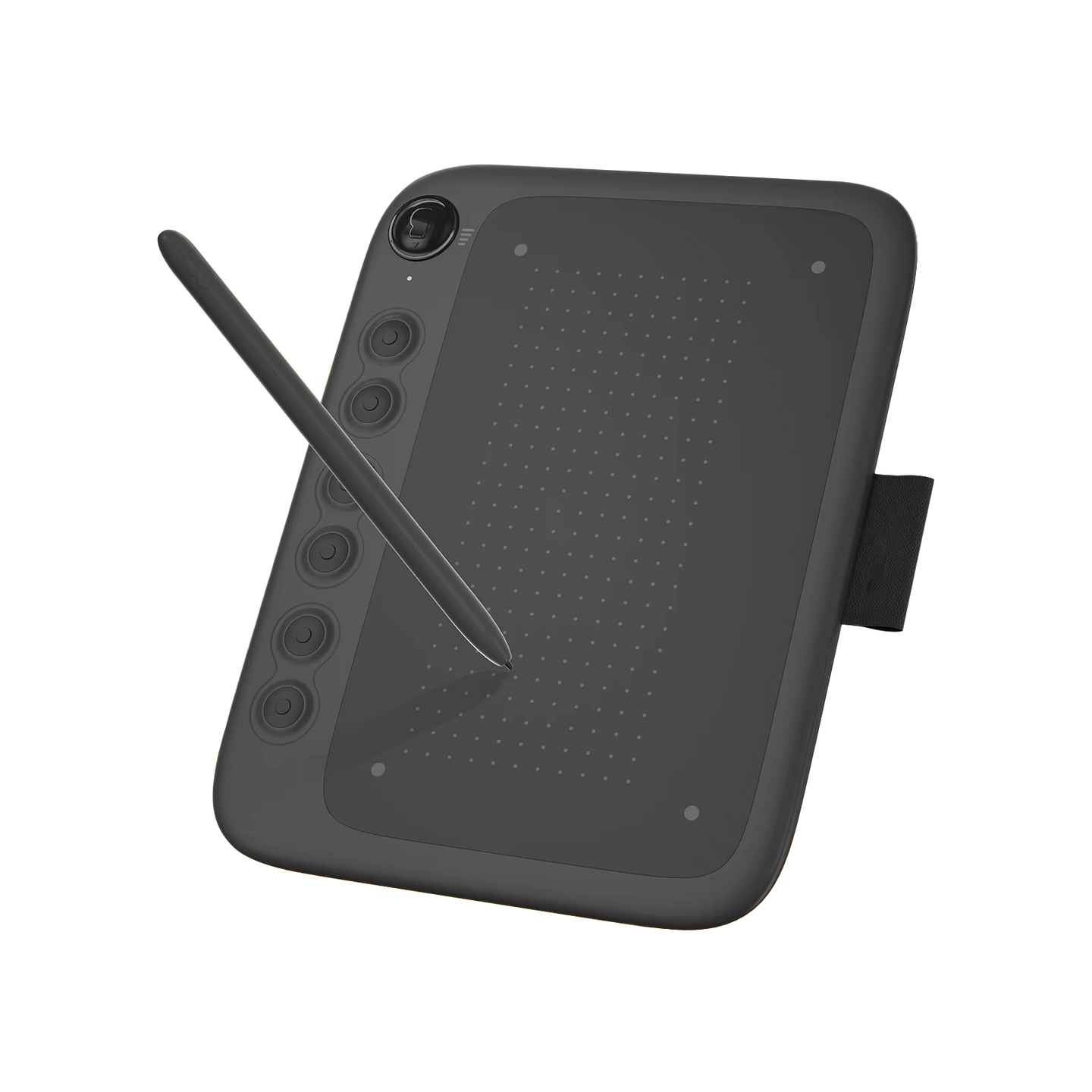
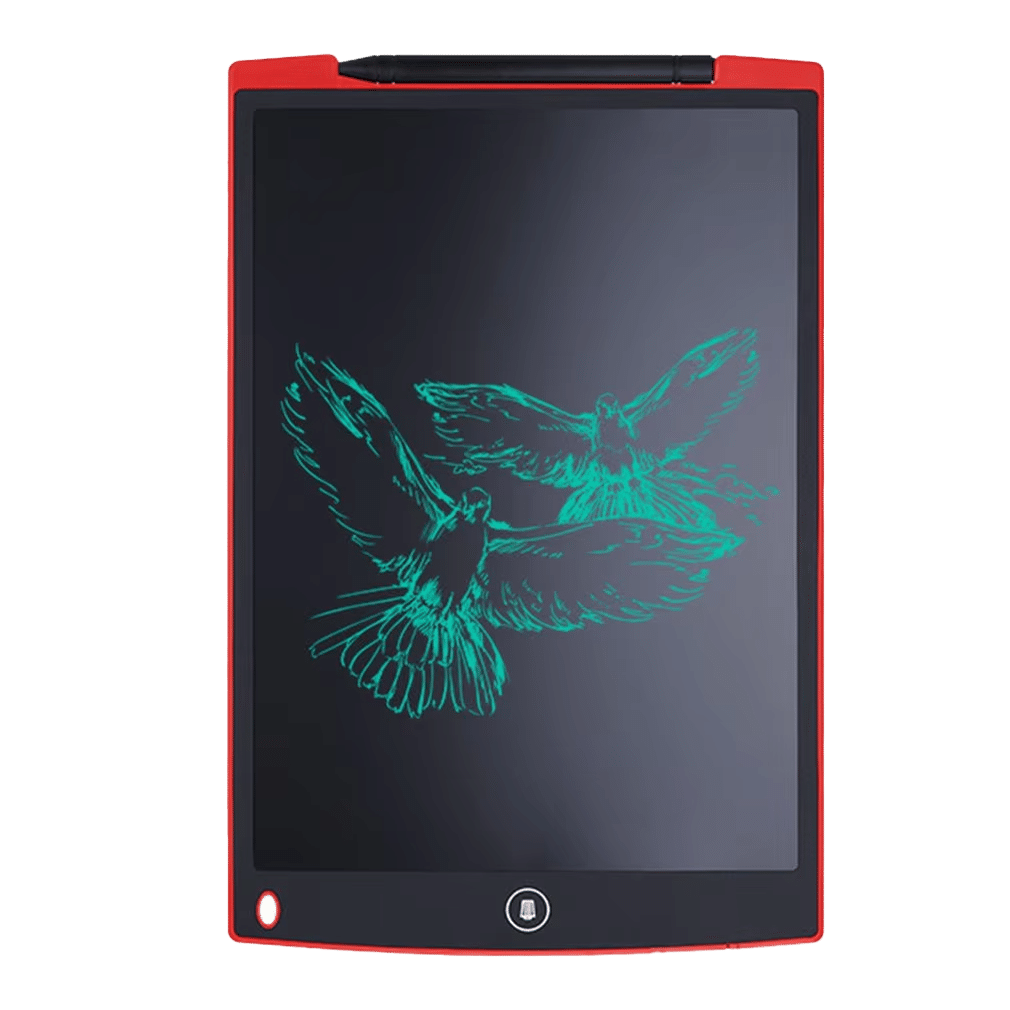
Unlike a screen-based smart notepad or smart writing pad, the pen keeps ordinary ink on paper as the starting point. The coded paper in the notebook is required for capture.
- Offline storage on the pen
- Dot-pattern tracking on the included notebook
- USB charging cable and protective travel box included