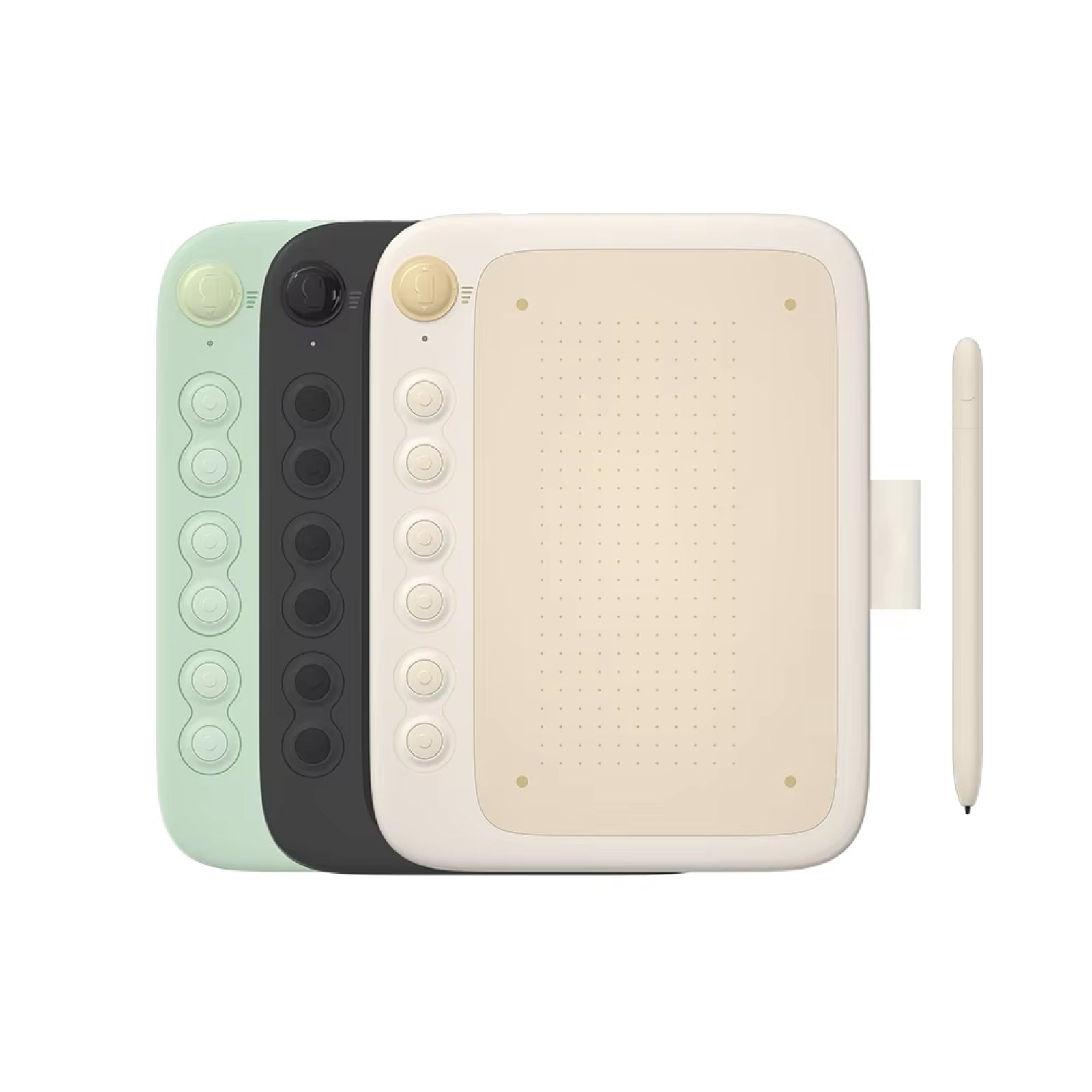
CanvaForge™drawing tablet
CanvaForge specs and controls
8192 pressure levels
The stylus reports 8192 pressure levels to your software. Line weight and opacity change as you press harder or lighter, which suits sketching, inking and brush-style work in compatible drawing programs.
Six express keys
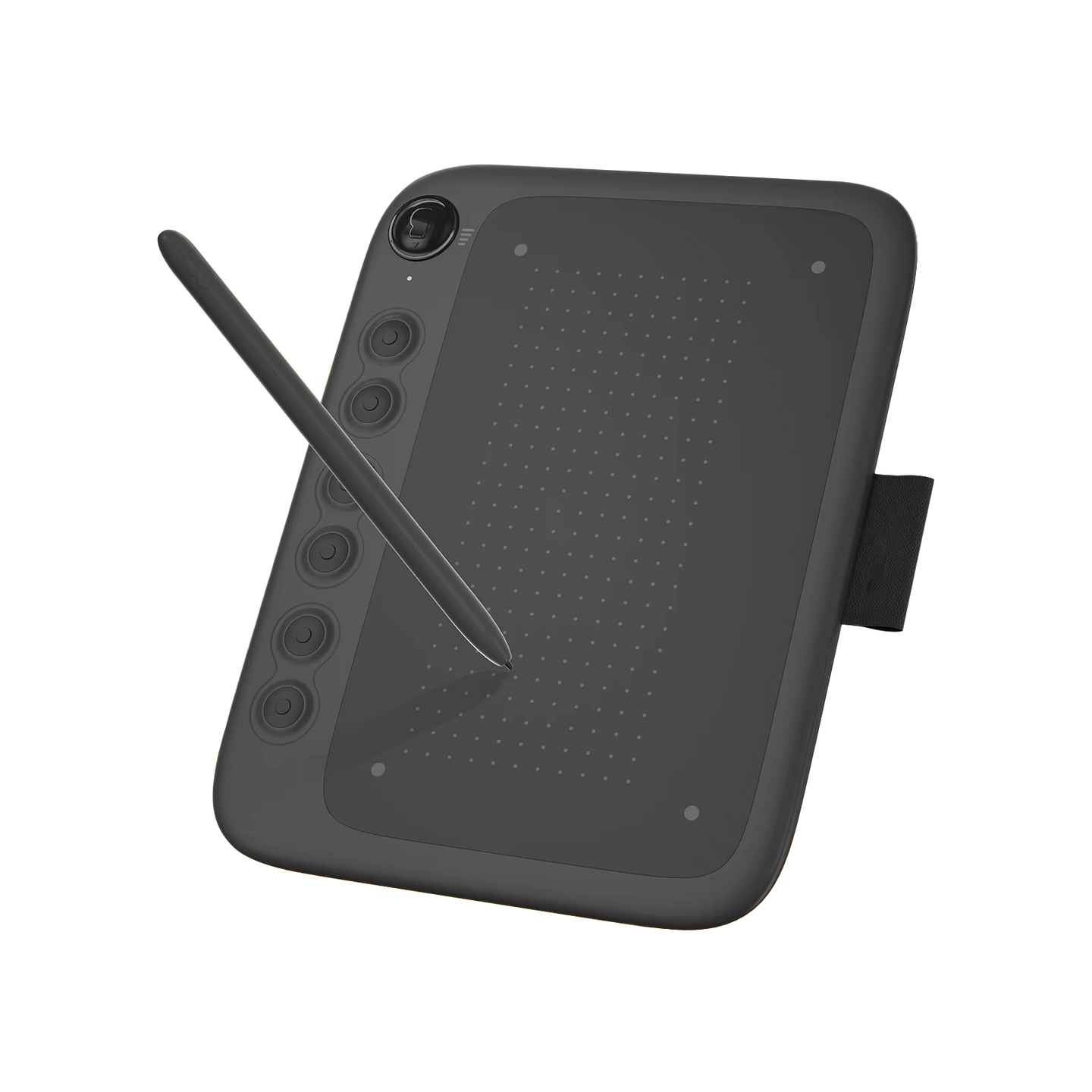
Six programmable keys sit beside the drawing area. You assign commands, tool switches or keyboard shortcuts to them through the companion app, and you can change the assignments whenever your workflow changes.
Computer compatibility
CanvaForge connects to computers running the major desktop operating systems. It works with drawing, illustration and photo-editing software on those systems, using the USB cable that comes in the box.
Layout and surface
The layout is designed for both left- and right-handed users. The drawing area has an anti-glare texture, and the stylus is battery-free, so there is nothing to charge or swap.
Frequently Asked Questions
Ready to make it yours?
Get CanvaForge at today's price with your free gift included — and a full 90 days to enjoy it.
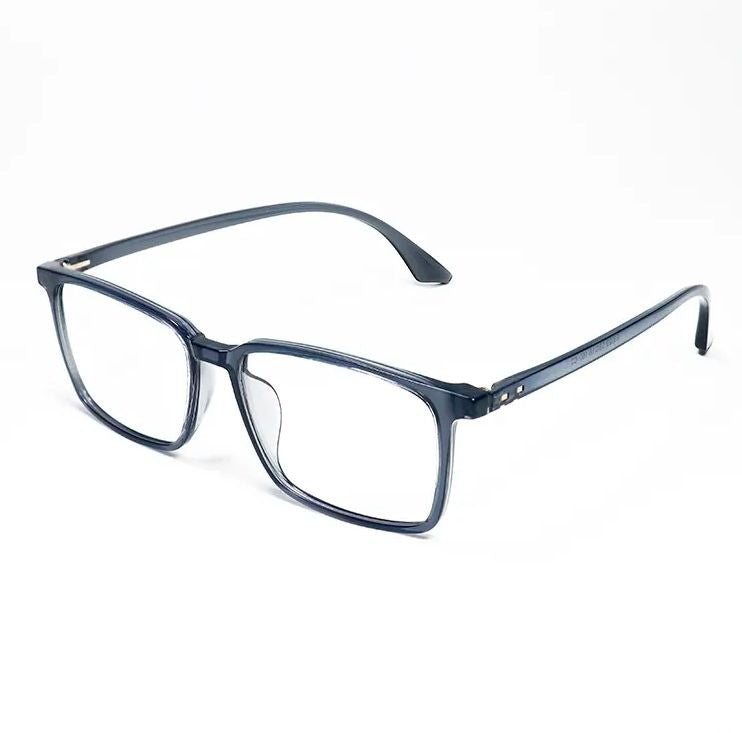 Your free gift: Free Gift - Blue Light GlassesFREE
 Tracked ShippingTracked Shipping
CanvaForge: A Drawing Tablet for Digital Art and Sketching
CanvaForge is a drawing tablet for digital art and sketching. A screenless pen tablet, it connects to a computer by USB and works with any major operating system. Artists, students and hobbyists use it to draw, write and annotate on the computer instead of using a mouse.
The battery-free stylus reads 8192 pressure levels, which vary line weight and opacity. The anti-glare surface gives a textured drawing area, and the design suits both left- and right-handed artists.
Six programmable express keys can be mapped to shortcuts through the companion app. As a digital drawing tablet, it has a slim, lightweight profile for carrying in a bag. People looking for a drawing pad or digital art tablet use it over a standard USB connection.
- Battery-free stylus pen
- Replacement pen nib
- USB connection cable
- Quick-start user guide