Folio & Current
ArenaVox

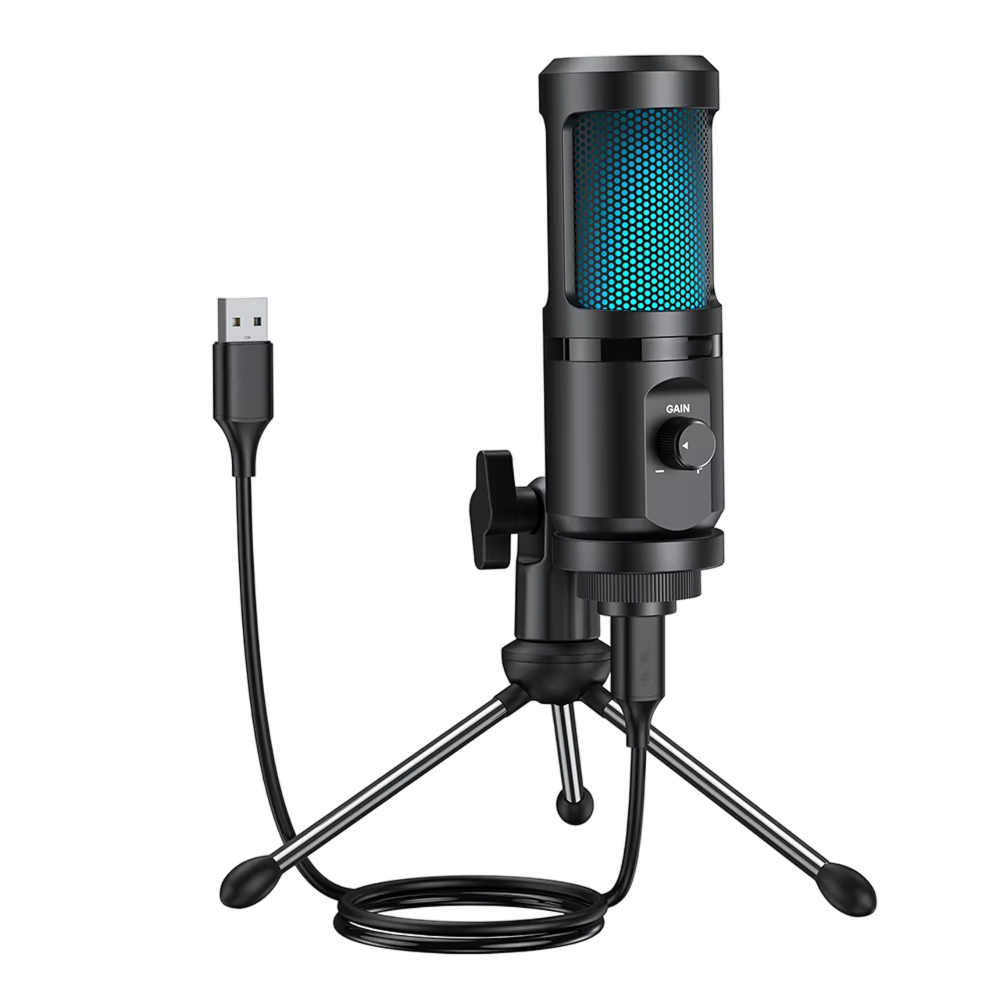
ArenaVox™ gaming microphone

$99.99

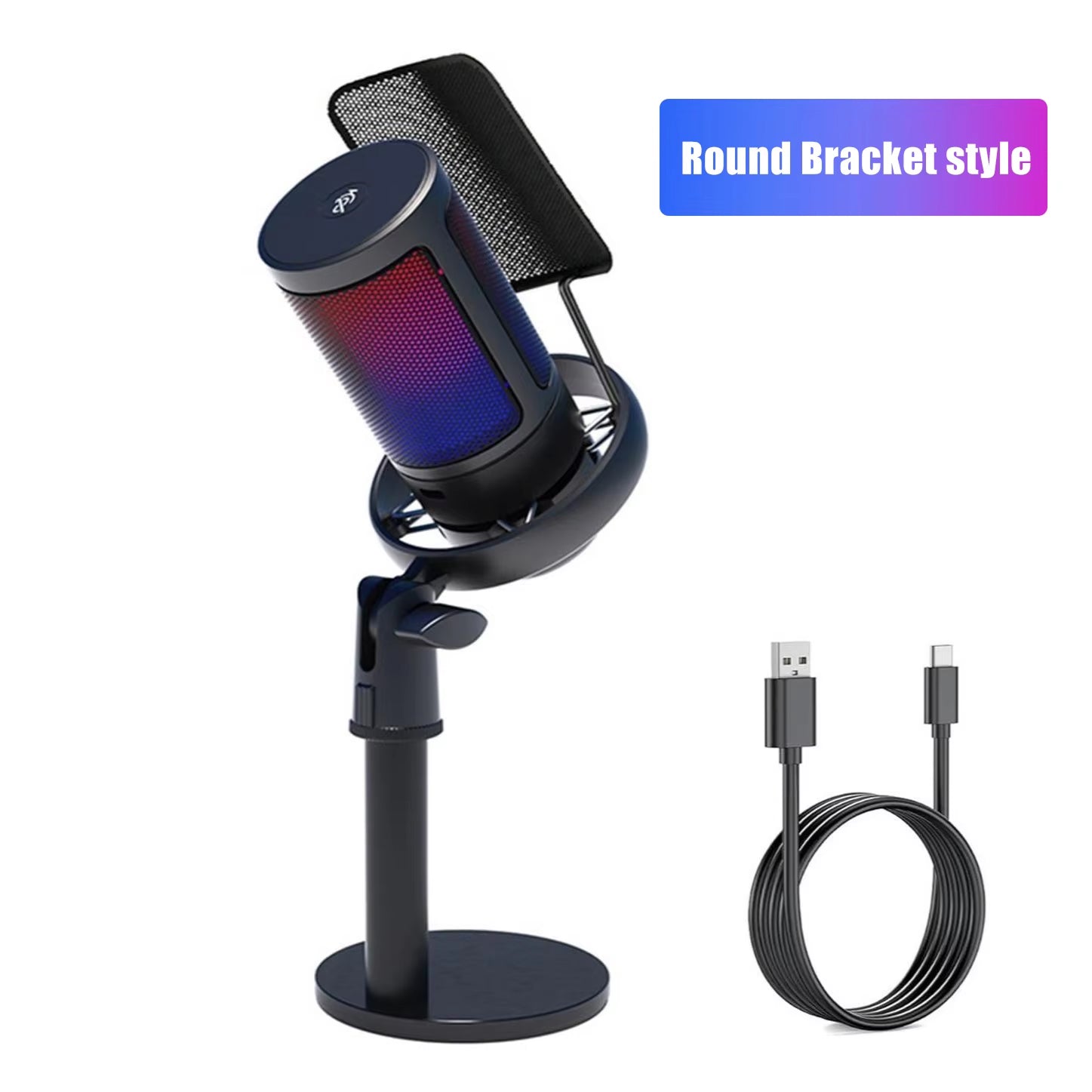
  • Cardioid capsule faces your voice, not the room's sides
  • Tap the mute control to go quiet mid-call
  • USB-C or USB-A plug-in, so no software is needed
  • Shock mount isolates the capsule from desk vibration

Style: Base Bracket

What's included

  • ArenaVox Gaming Microphone×1
  • USB Cable×1
Tracked Shipping
  • Connect ArenaVox to your PC, Mac or console with the USB cable, using USB-C or USB-A.
  • Position the boom arm and shock mount at the angle you want.
  • Tap mute, set the volume with the knob, and start talking.
  • ArenaVox Gaming Microphone
  • USB Cable
  • Mounting Bracket
  • Shock Mount
  • User Manual
  • 2 digital guides: A Desk Mic Your Team Hears Clearly, The Clear Comms Playbook (PDF, emailed after your order)

We offer free shipping on orders over $150. Once your order is dispatched, the estimated delivery time is 5 to 12 business days depending on your location — tracking is emailed as soon as it ships.

Changed your mind? You can return your product within 90 days of delivery for a refund — see our Returns page for the full policy.

A USB gaming microphone for chat and streaming

Cardioid pickup pattern

Keyboard clicks and fan hum are part of most desk setups. The cardioid capsule listens to what is in front of it and rejects side and rear noise, so your voice is the main sound it is aimed at.

RGB lighting

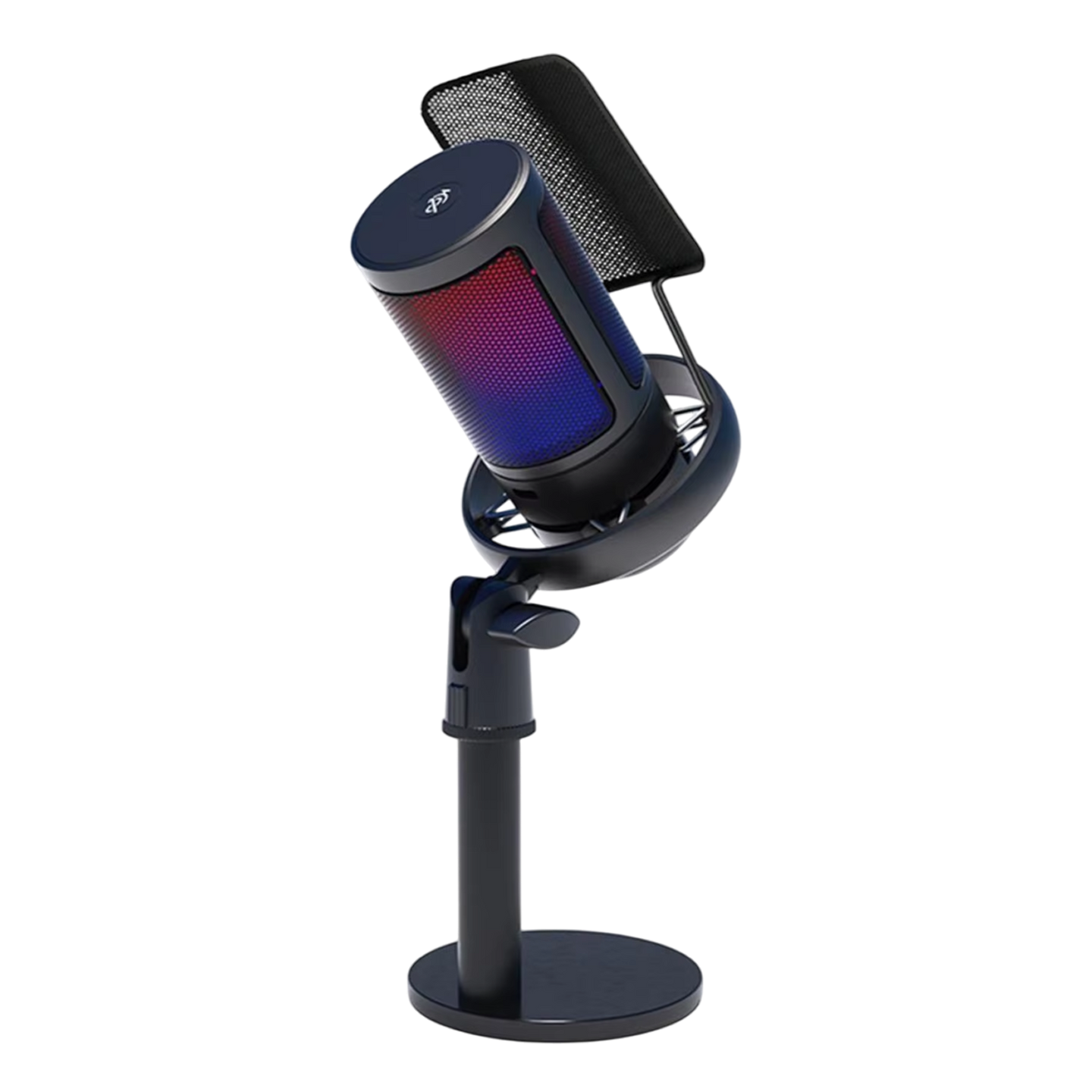
A plain mic can look out of place on a streaming desk or camera shot. ArenaVox cycles through color gradients automatically, so the lighting needs no setup.
ArenaVox

Boom arm and shock mount

Typing can carry into a mic and show up in your voice chat. The 360° boom arm lets you set the angle, and the shock mount absorbs keyboard vibration at the source.

Plug-and-play connection

Driver installs complicate a new setup. ArenaVox plugs in through USB-C or USB-A and works with PC, Mac, PS4, PS5 and mobile devices, with no software to install.

Frequently Asked Questions

Yes. It connects to both PS4 and PS5 with plug-and-play setup. You don't need extra adapters or software to start talking.

Yes. The built-in 3.5mm headphone jack lets you plug in headphones and monitor your own voice as you speak.

No. ArenaVox is plug-and-play. Connect the USB cable and start using it. You tap the mute control to silence the mic.

The boom arm and shock mount ship in the box, along with a mounting bracket, a USB cable and a user manual. The 360° boom arm lets you adjust the angle.

A volume knob is built into the base. You can turn it while you play without opening a settings screen.

ArenaVox connects through USB-C or USB-A, so you can use whichever port your PC, Mac or console has. The USB cable comes in the box.

The cardioid capsule listens to what is in front of it and rejects side and rear noise. The shock mount also absorbs keyboard vibration at the source.

The lighting cycles through color gradients automatically. No manual color controls are described for this mic, so it runs without any setup.

Yes. ArenaVox connects to computers and consoles by USB-C or USB-A, so this gaming microphone needs no drivers or software. A USB cable and mounting bracket come in the box.

ArenaVox uses a cardioid capsule, which picks up sound from the front and rejects side and rear noise. The adjustable boom arm and shock mount set the angle and hold the gaming mic steady.
ArenaVox

Ready to make it yours?

Get ArenaVox at today's price — and a full 90 days to enjoy it.

90-Day Money-BackTracked Shipping
Secure Checkout
Tracked Shipping
Customer Support
Loved by our customers

ArenaVox: A Gaming Microphone for Desk and Stream Setups

Keyboard clicks and fan hum leak into voice chat when a headset or laptop mic hears the whole room. A gaming microphone with a cardioid pattern points at the speaker instead.

ArenaVox's cardioid capsule listens to the front and rejects side and rear sound. A shock mount holds the capsule apart from desk vibration, and the adjustable boom arm sets the angle for the speaker's position.

As a gaming mic for PC it connects by USB-C or USB-A with no drivers or software, and it also works with consoles and mobile devices. A built-in 3.5mm headphone jack lets players hear their own voice.

Used as a streaming mic, it adds automatic RGB color gradients to the desk, a one-tap mute and a volume knob in the base. For anyone choosing a gaming microphone for streaming, those controls stay within reach during a session.