Folio & Current
AuraWave

AuraWave™streaming mic

$89.99

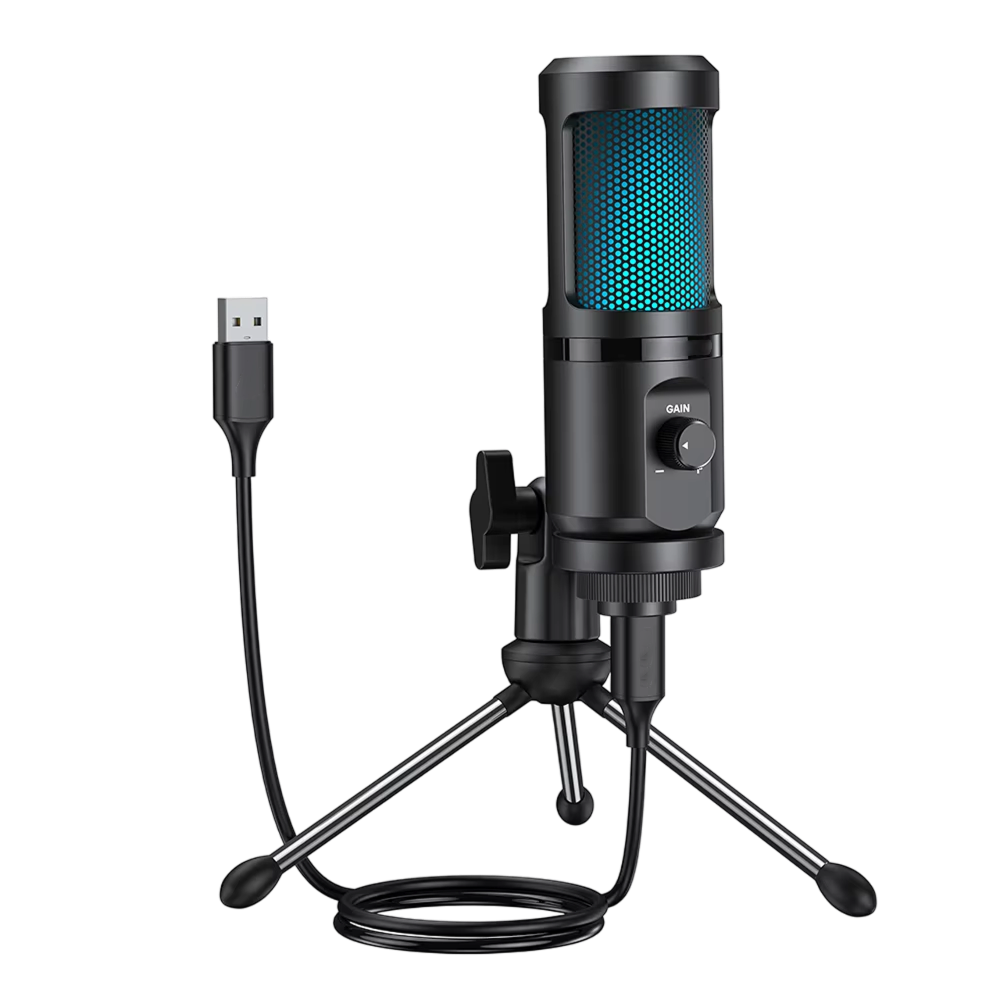
  • Cardioid pickup pattern aimed at the speaker
  • Large-diaphragm condenser capsule
  • Onboard gain control and RGB lighting, 7 patterns
  • USB connection with a desktop tripod included

FREE GIFT

Free Gift - RGB LED Strip

FREE
Tracked Shipping
  • Attach the microphone to the tripod or the mic mount and place it in front of you.
  • Connect the USB cable to the microphone and to your computer or console.
  • Choose AuraWave as the input device in your streaming software, then adjust the onboard gain control.
  • AuraWave Streaming Microphone
  • USB Connection Cable
  • Mic Mount
  • Adjustable Desktop Tripod
  • Quick-Start User Manual

We offer free shipping on orders over $150. Once your order is dispatched, the estimated delivery time is 5 to 12 business days depending on your location — tracking is emailed as soon as it ships.

Changed your mind? You can return your product within 90 days of delivery for a refund — see our Returns page for the full policy.

Pickup pattern, build and connection

Cardioid Pickup Pattern

The cardioid capsule is most sensitive to sound in front of the microphone and less sensitive to sound from the sides and rear. Point the front of the mic toward your mouth when you set it up.

Shock Isolation and Preamp

The capsule sits on internal shock isolation, which separates it from the body of the microphone. A low-noise preamp handles the signal, and the onboard gain control sets your input level.
AuraWave

USB Audio Device

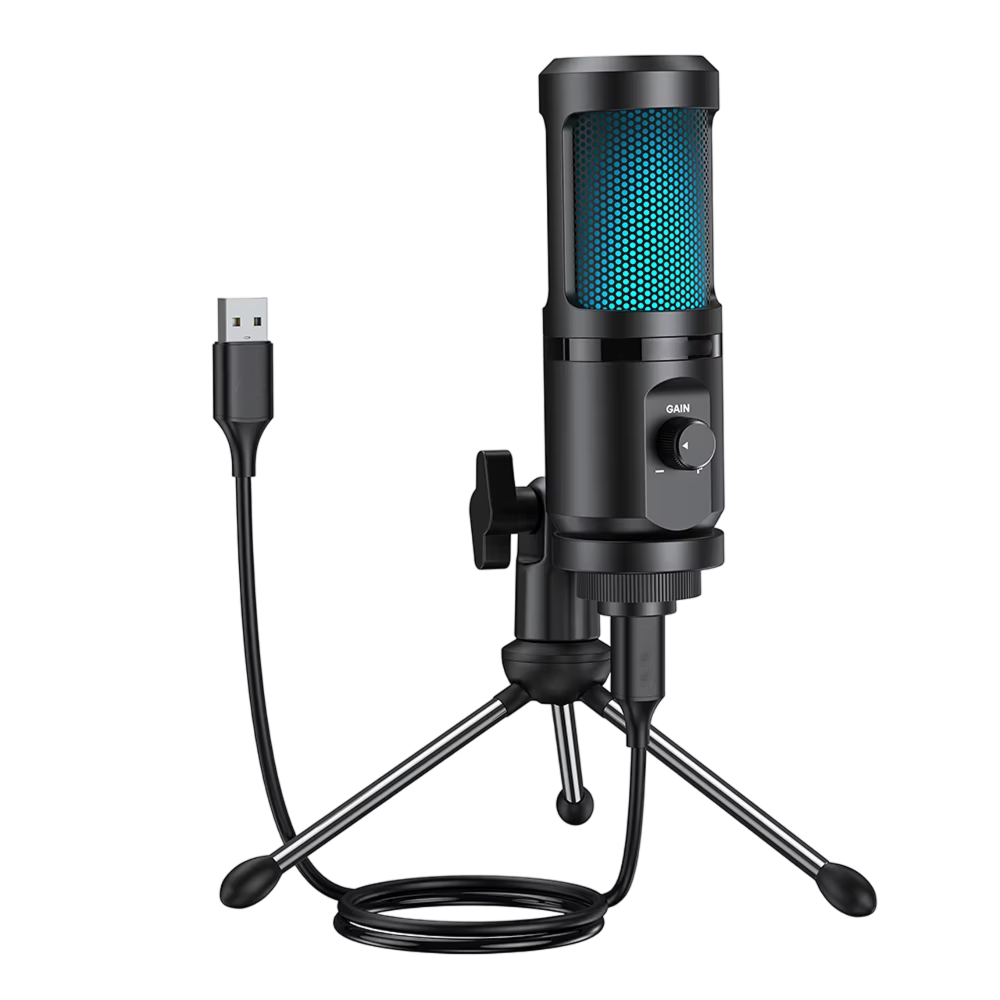
AuraWave connects over USB and shows up as a standard audio device on computers and game consoles. Select it as the input in your streaming or recording software.

RGB Lighting

The microphone has RGB lighting with 7 patterns. Use it to match the look of your desk or stream setup. The lighting is cosmetic and does not change how the mic records.

Frequently Asked Questions

AuraWave uses a cardioid pattern. It picks up sound mainly from the front and is less sensitive to the sides and rear. Face the front of the mic toward your mouth when you set it up.

AuraWave connects over USB and registers as a standard audio device. It can be used with computers and with game consoles that accept USB audio input. Check your console's audio settings after connecting.

The microphone registers as a standard audio device, so a driver is not part of the setup. Plug in the USB cable, then pick AuraWave as the input in your system or software audio settings.

Any broadcasting or recording program that lets you choose a USB audio input can use AuraWave. Open the audio input settings in your software and select the microphone from the device list.

The onboard gain control sets how much signal the microphone sends to your computer or console. Adjust it while you speak at your normal volume and watch the input meter in your software.

The RGB lighting has 7 patterns. Switch between them using the microphone's controls, as described in the quick-start manual. The lighting is cosmetic and does not affect audio.

Use the adjustable desktop tripod for a freestanding setup, or the mic mount if you prefer to attach the microphone to a compatible stand or arm. Both come in the box.

USB sends digital audio straight to a computer or console through one cable. XLR microphones use an analog connector and normally need an audio interface. AuraWave is a USB model, so no interface is needed.

The AuraWave streaming mic ships with a USB connection cable, a mic mounting ring, an adjustable desktop tripod, and a quick-start user manual, so the microphone can be set up on a desk.

AuraWave has an RGB ring with 7 lighting patterns. The ring is a decorative feature of the USB microphone for streaming and sits on the desk setup alongside the included tripod.
AuraWave

Ready to make it yours?

Get AuraWave at today's price with your free gift included — and a full 90 days to enjoy it.
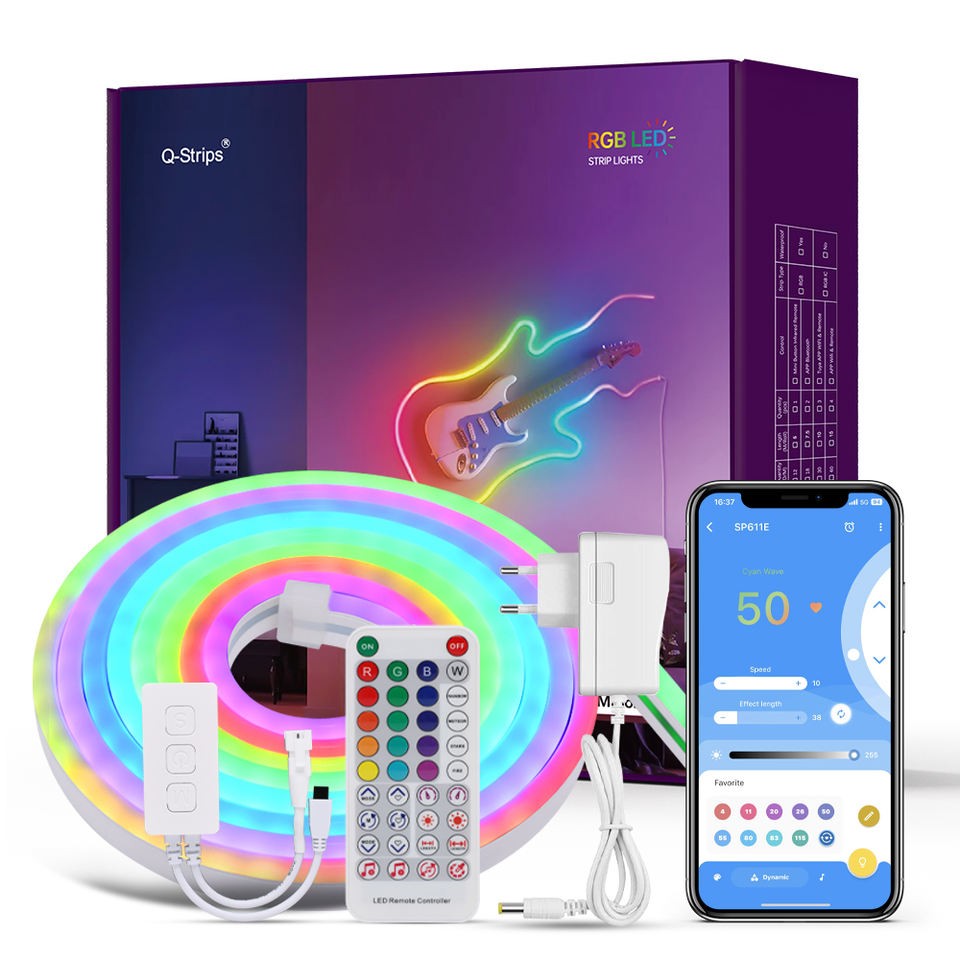
Your free gift: Free Gift - RGB LED StripFREE
90-Day Money-BackTracked Shipping
Secure Checkout
Tracked Shipping
Customer Support
Loved by our customers

AuraWave: A USB Streaming Mic for Desk Setups

AuraWave is a streaming mic for creators who broadcast from a desk. It connects over USB and registers as a standard audio device on computers and game consoles, so no drivers are needed.

As a USB microphone for streaming, it uses a cardioid capsule that picks up sound from the front. Internal shock isolation and a low-noise preamp are part of the build, and an onboard gain control sets input levels.

  • Cardioid pickup pattern
  • RGB ring with 7 lighting patterns
  • Mounting ring and adjustable desktop tripod
  • USB cable and quick-start manual

Used as a microphone for streaming games, a USB mic for streaming talk shows, or a mic for streamers who record voiceovers, it sits on a desk with the included tripod.