Folio & Current
VoxKey

VoxKey™ keyboard for tv

$69.99

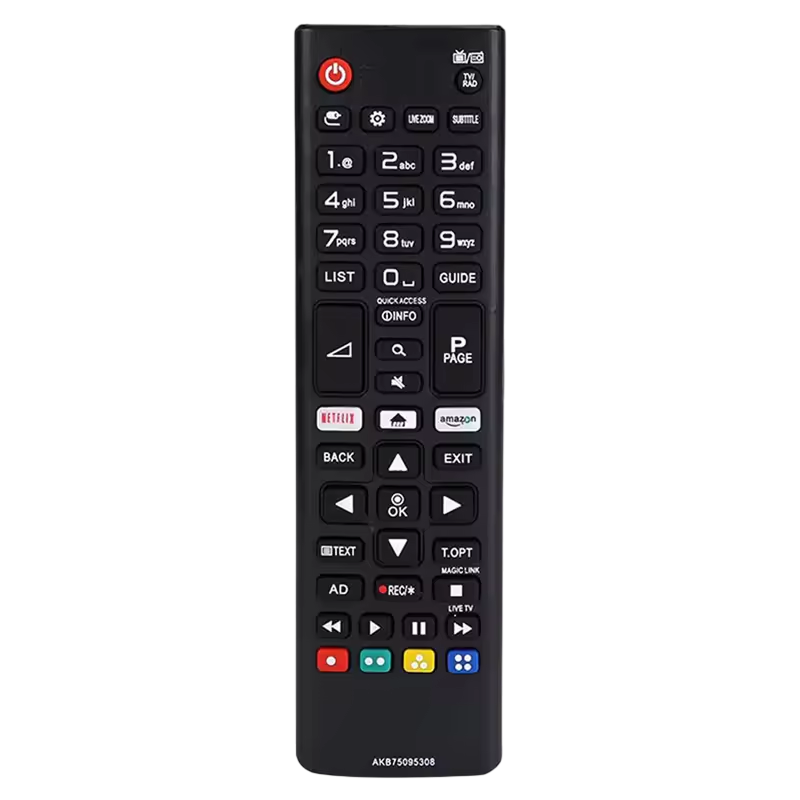
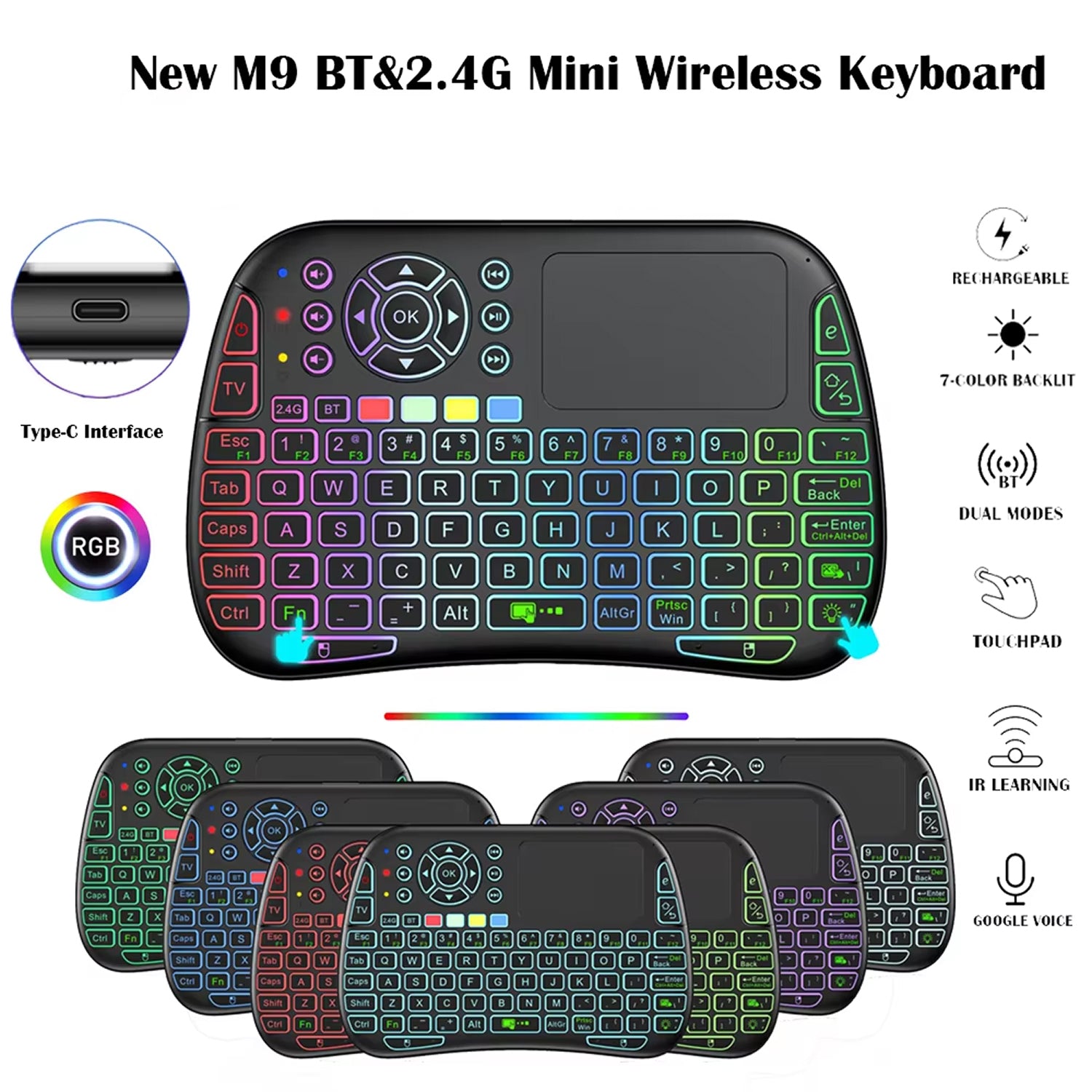
  • IR Learning copies old remote codes, so one remote covers them
  • Touchpad and air mouse move a cursor without a desk
  • Bluetooth 4.0 or USB receiver fits your TV or PC setup
  • Built-in keyboard skips letter-by-letter on-screen typing

FREE GIFT

Free Gift - Bedside Hanging Caddy

FREE
Tracked Shipping
  • Plug the 2.4G receiver into a USB port, or pair VoxKey over Bluetooth.
  • Point VoxKey at your old remote and let IR Learning capture its commands.
  • Type, swipe with the touchpad, or speak to control your TV, PC or streaming box.
  • 1 x VoxKey wireless keyboard remote
  • 1 x Wireless receiver
  • 1 x Rechargeable lithium battery
  • 1 x USB Type-C charging cable
  • 1 x User manual

We offer free shipping on orders over $150. Once your order is dispatched, the estimated delivery time is 5 to 12 business days depending on your location — tracking is emailed as soon as it ships.

Changed your mind? You can return your product within 90 days of delivery for a refund — see our Returns page for the full policy.

What VoxKey Does

Learns Your Old Remotes

A drawer full of remotes turns every movie night into a search. VoxKey uses IR Learning to capture the commands of your existing remotes, so one device can hold the controls you use.

Voice Input for Search

Typing a title with arrow keys means stepping through letters one at a time. The built-in microphone lets you speak a search on TVs and streaming boxes that support voice commands.
VoxKey

Touchpad and Air Mouse

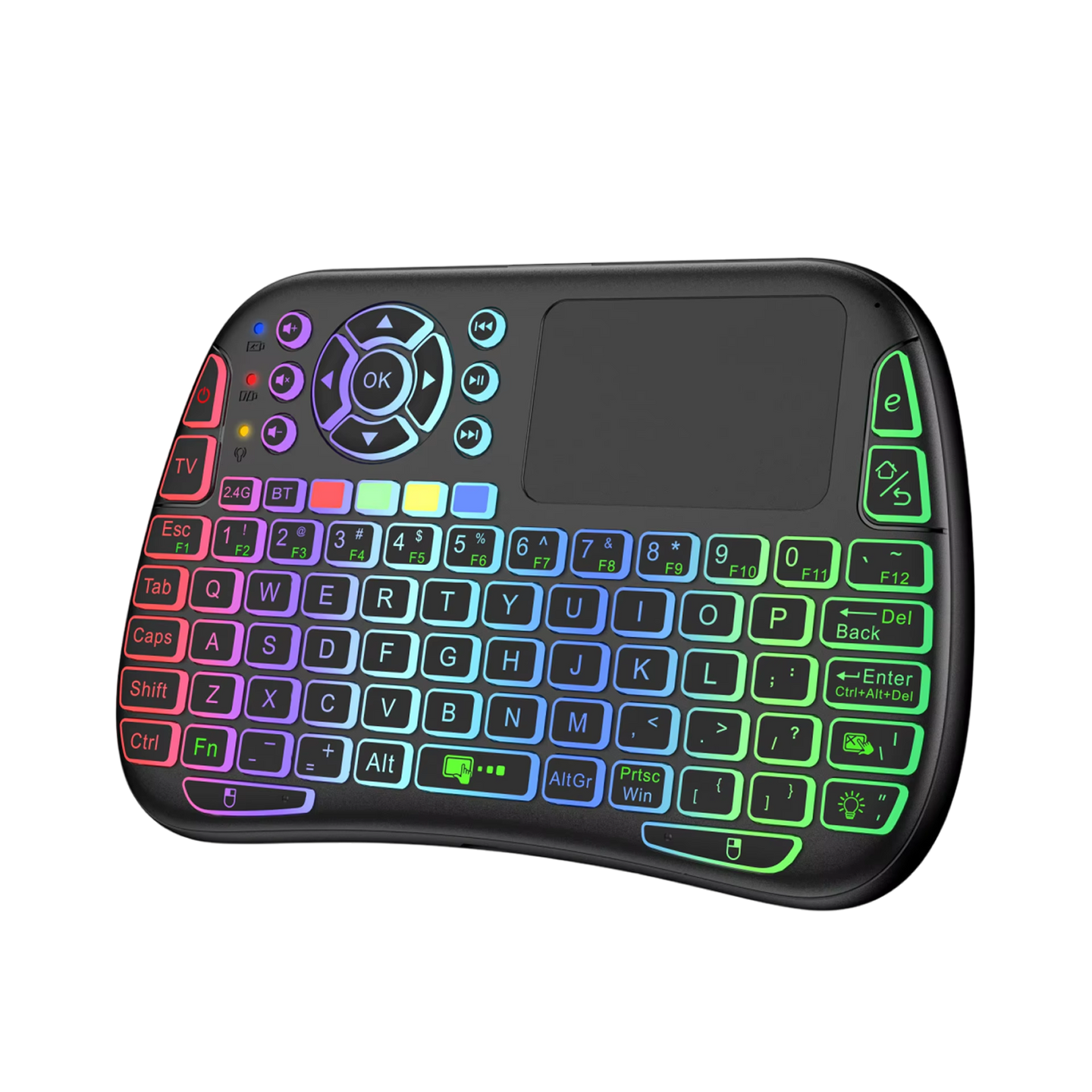
Menus built for a mouse are awkward with arrow buttons. The built-in touchpad and air mouse move a cursor across the screen, much as a laptop trackpad does.

Two Ways to Connect

Not every TV or PC offers the same ports and wireless options. Pair over Bluetooth 4.0, or plug the 2.4G USB receiver into a free USB port, whichever suits your setup.

Frequently Asked Questions

VoxKey connects to TV boxes, smart TVs and desktop or laptop computers. Use Bluetooth 4.0, or plug the included 2.4G USB receiver into a USB port on the device.

Connect the included USB Type-C cable to the remote and a USB power source. The remote uses a rechargeable lithium battery, which is included in the box.

Use the IR Learning function. Point VoxKey at your old remote and let it capture the commands, so one device can take over the buttons you want.

Voice input is built for apps and TV systems that include voice search support. Behavior can differ from one platform to another, so individual apps may respond differently to the microphone.

Choose Bluetooth 4.0 if your device has it built in. Choose the 2.4G USB receiver if it does not, or if you prefer a plug-in connection.

Switch to the other connection method, such as the USB receiver in place of Bluetooth. Distance, obstructions or a crowded wireless network can affect wireless links, so try moving closer.

Yes. VoxKey stays functional while the USB Type-C cable is connected, so you can charge and operate it at the same time.

No apps or drivers are required. Pair over Bluetooth or plug in the receiver, and VoxKey is ready to use. A user manual is included in the box.

Yes. VoxKey is a keyboard for TV use that connects to smart TVs, PCs and streaming boxes over Bluetooth 4.0 or a 2.4G USB receiver, so text entry happens on real keys instead of an on-screen grid.

Pair VoxKey over Bluetooth 4.0, or plug the 2.4G USB receiver into the device's USB port. This wireless keyboard for smart TV setups needs no apps or drivers.
VoxKey

Ready to make it yours?

Get VoxKey at today's price with your free gift included — and a full 90 days to enjoy it.

Your free gift: Free Gift - Bedside Hanging CaddyFREE
90-Day Money-BackTracked Shipping
Secure Checkout
Tracked Shipping
Customer Support
Loved by our customers

VoxKey: A Keyboard for TV, Streaming Boxes and PCs

Typing a streaming password with arrow keys on an on-screen keyboard is tedious, and a drawer of remotes adds clutter. A keyboard for TV viewing moves typing onto physical keys instead. VoxKey is a wireless keyboard for smart TV setups, PCs and streaming boxes.

A touchpad and air mouse move the cursor through menus, much like a laptop trackpad. IR Learning captures the codes of an old remote, so VoxKey can take over its buttons. One keyboard can then stand in for the remote drawer. Voice search handles typing a title on supported TVs and streaming boxes.

As a bluetooth keyboard for tv, it pairs over Bluetooth 4.0 or a 2.4G USB receiver, whichever suits the setup. The backlit wireless keyboard charges over USB Type-C and stays usable while plugged in. Pairing needs no apps or drivers.