Folio & Current
PrismEye

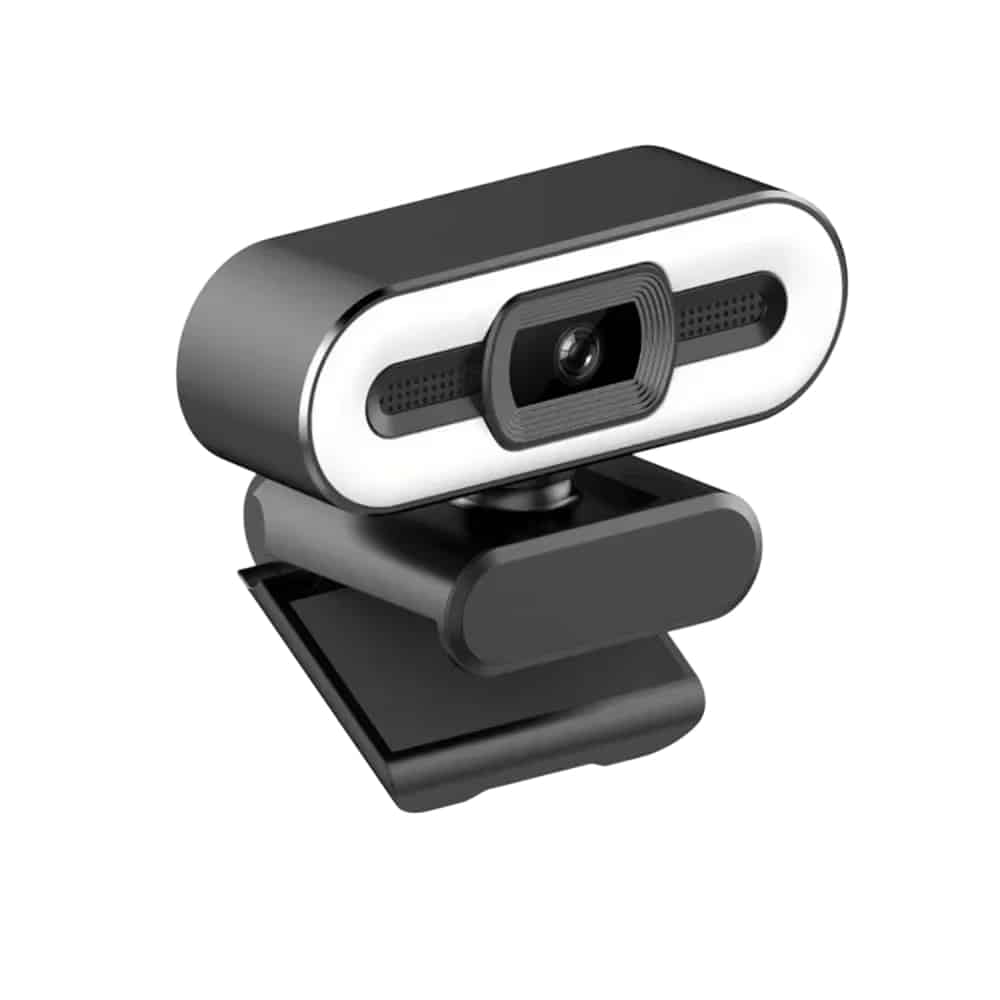
PrismEye™high quality webcam

$78.99

  • 2560x1440 (2K) video resolution
  • Plug-and-play USB connection, no drivers
  • Real-time tracking focus
  • Three lighting modes: cool, warm, balanced

FREE GIFT

Free Gift - Under-Desk Cable Management Kit

FREE
Tracked Shipping
  • Plug the USB cable into your laptop or desktop.
  • Your computer detects PrismEye as a webcam. No drivers are required.
  • Open a video app and select PrismEye as your camera.
  • PrismEye 2K HD Webcam
  • 1.2m USB 2.0 Cable
  • Adjustable Mounting Clip
  • Quick Start Guide

We offer free shipping on orders over $150. Once your order is dispatched, the estimated delivery time is 5 to 12 business days depending on your location — tracking is emailed as soon as it ships.

Changed your mind? You can return your product within 90 days of delivery for a refund — see our Returns page for the full policy.

PrismEye Webcam Features

2K Video Resolution

PrismEye captures video at 2560x1440 with color restoration. It is meant for video calls, classes and streaming from a laptop or desktop computer.

Tracking Focus

Real-time tracking adjusts focus as you lean toward the screen or move around the frame. It applies during calls, classes and streams.
PrismEye

Lighting Modes

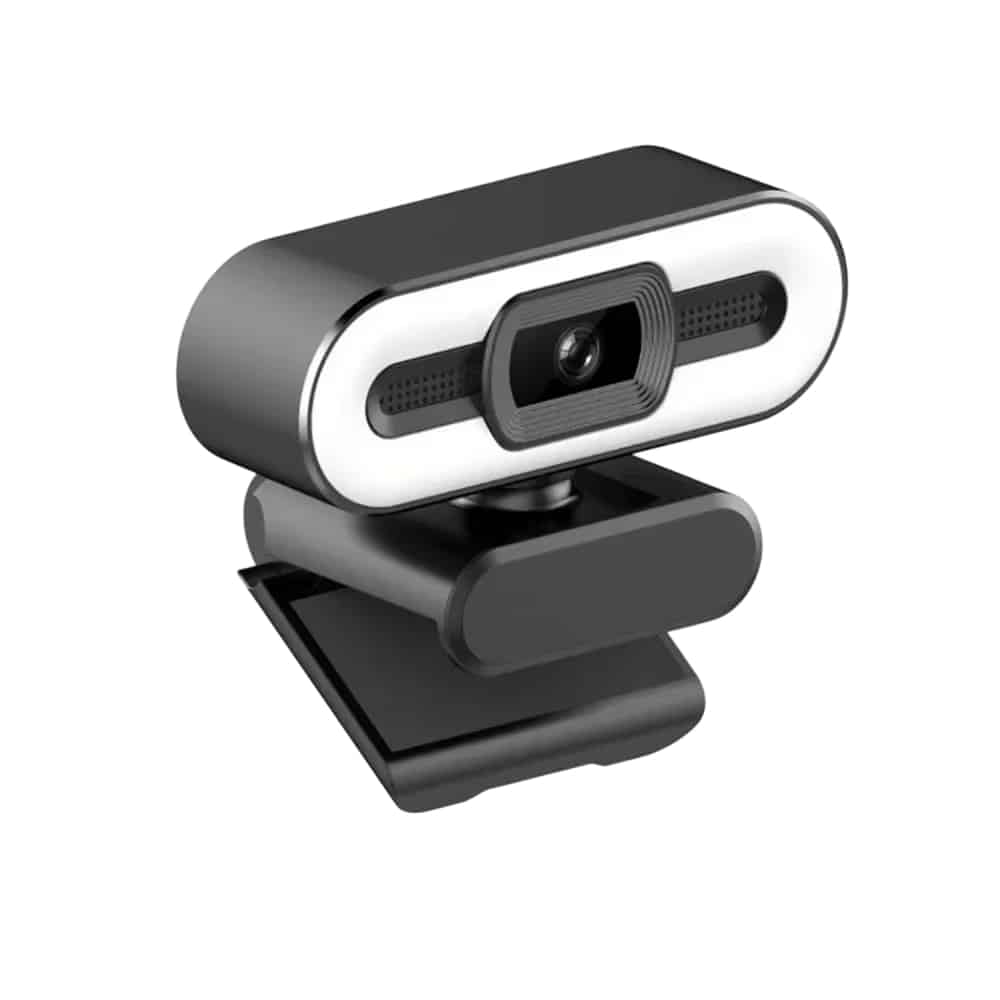
Three lighting modes are built in: cool, warm and balanced. You switch between them with a single touch to match the lighting in your room.

Built-In Microphone

A built-in microphone with noise reduction is part of the webcam, so you can speak on a call without connecting a separate audio device.

Frequently Asked Questions

PrismEye connects to laptop and desktop computers through a USB port. The computer detects it as a standard webcam, so video apps can list it as a camera.

No. PrismEye uses drive-free plug-and-play. Connect the USB cable to a port and your computer detects the webcam automatically.

Use the adjustable mounting clip included in the box. It holds the webcam on a monitor or laptop screen so you can angle it toward you.

PrismEye has three lighting modes: cool, warm and balanced. Switch between them with a single touch to suit the room you are in.

Yes. A built-in microphone with noise reduction is part of the webcam, so it can pick up your voice for calls without a separate microphone.

The USB 2.0 cable in the box measures 1.2m. It connects the webcam to a USB port on your laptop or desktop.

It has real-time tracking focus, which adjusts focus as you lean in or move around while on a call, in class or during a stream.

Since PrismEye is detected as a standard webcam, you can select it in video calling, classroom and streaming apps that let you choose a camera.

The PrismEye high quality webcam comes as a 2K HD webcam with a 1.2m USB 2.0 cable, an adjustable mounting clip, and a quick start guide.

PrismEye is a high resolution webcam that records at 2560x1440, labeled 2K HD. It connects by USB to laptop and desktop computers and is recognized as a standard webcam without drivers.
PrismEye

Ready to make it yours?

Get PrismEye at today's price with your free gift included — and a full 90 days to enjoy it.
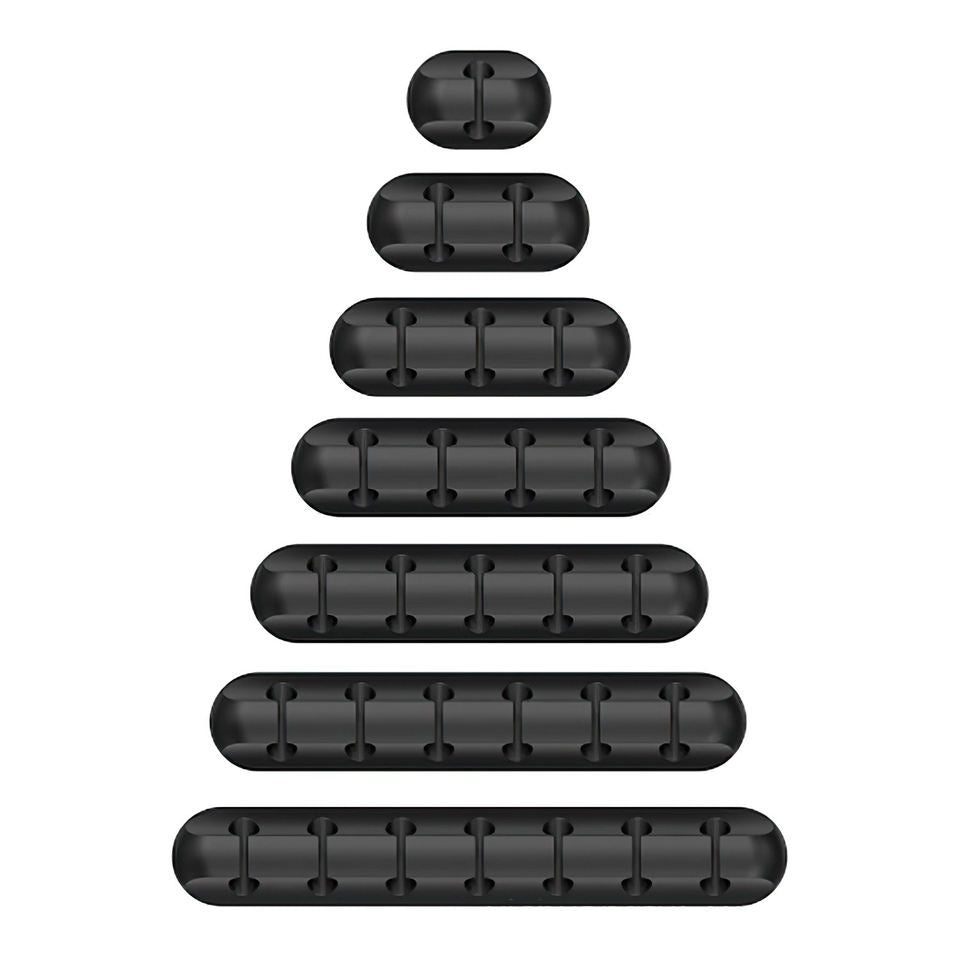
Your free gift: Free Gift - Under-Desk Cable Management KitFREE
90-Day Money-BackTracked Shipping
Secure Checkout
Tracked Shipping
Customer Support
Loved by our customers

PrismEye: A High Quality Webcam with 2560x1440 Resolution

PrismEye is a high quality webcam that records at 2560x1440, also called 2K HD, for video calls, online classes, and streams. It connects over USB to a laptop or desktop computer. The resolution suits desk setups for work, school, and content creation.

As a high resolution webcam, it works as a standard USB device, so no drivers are required. The adjustable mounting clip attaches it to a monitor or laptop screen, and a 1.2m USB 2.0 cable is included.

Three lighting modes, cool, warm, and balanced, switch with a single touch. A built-in noise-reducing microphone handles audio, so the unit also works as a high quality streaming camera for creators who need a mic.

  • 2K HD webcam
  • 1.2m USB 2.0 cable
  • Adjustable mounting clip
  • Quick start guide