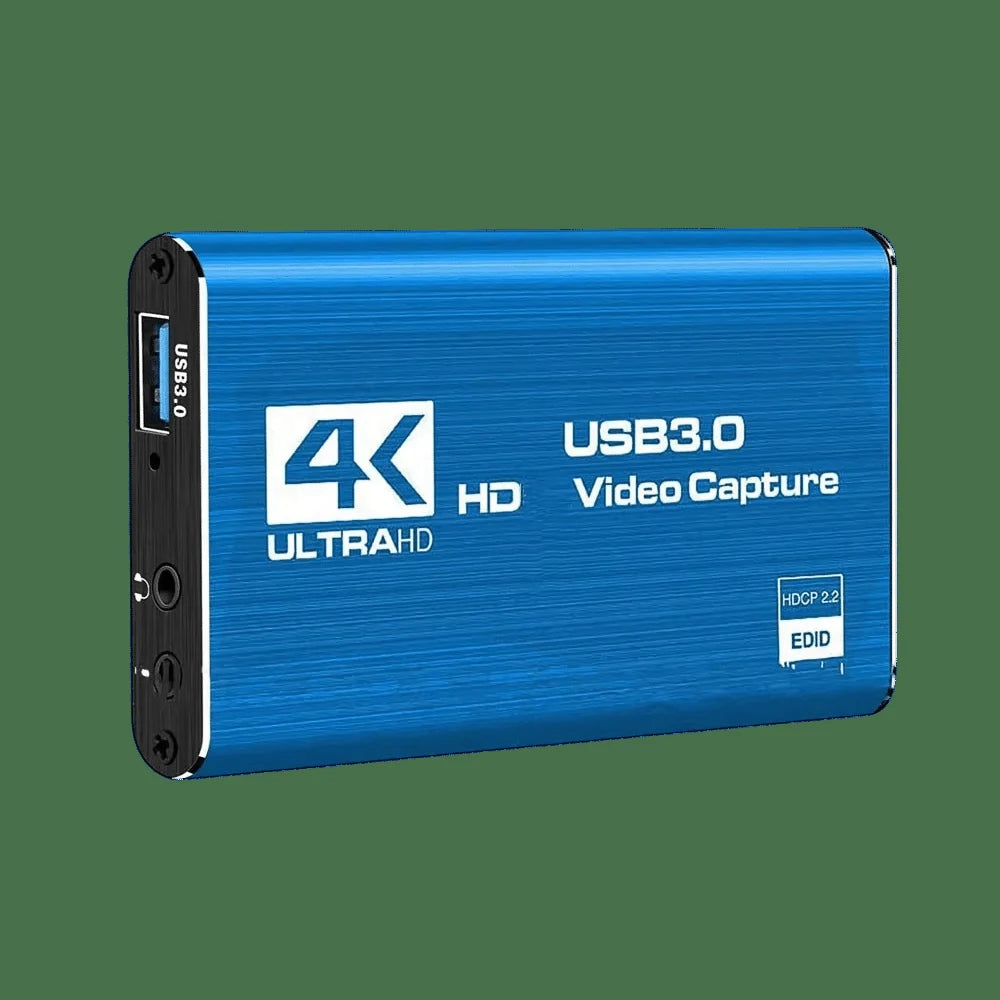
Folio & Current
CaptureVantage

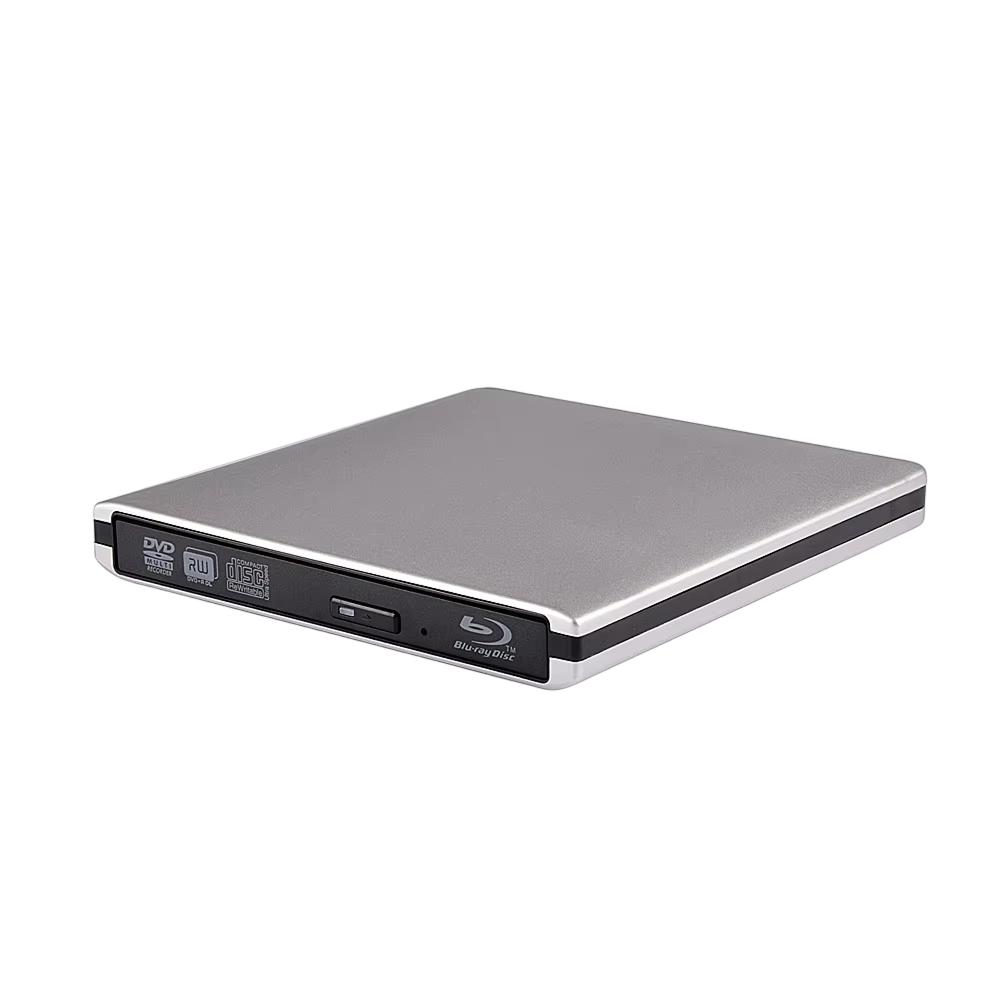
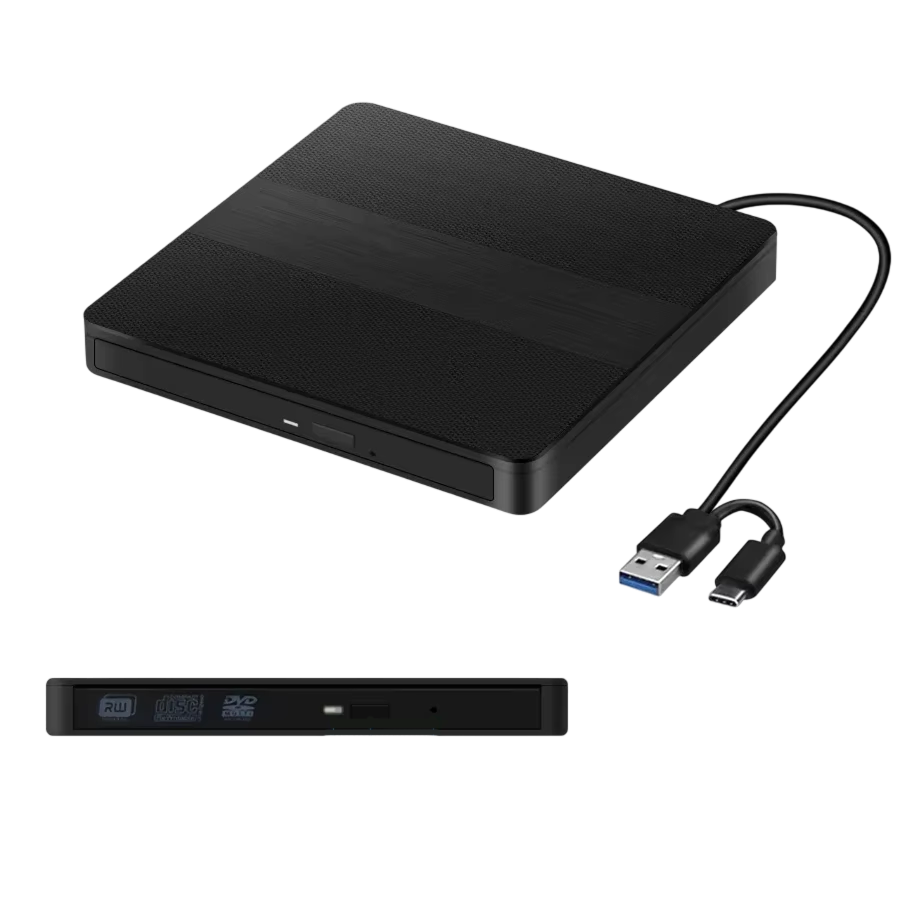
CaptureVantage™dvr recorder for tv

$98.99

  • HDMI connection between your source and TV
  • Records to a USB drive you supply
  • IR blaster for channel changes on scheduled recordings
  • Saves video as standard files, 1080p

FREE GIFT

Free Gift - Braided 4K HDMI Cable

FREE
Tracked Shipping
  • Connect CaptureVantage between your cable box or antenna source and your TV using HDMI.
  • Plug a USB hard drive into the recorder.
  • Press record, or set a start and stop time with the remote. No PC, internet connection or app is part of the setup.
  • CaptureVantage TV Recorder
  • 1 x USB Cable
  • Quick Start User Manual

We offer free shipping on orders over $150. Once your order is dispatched, the estimated delivery time is 5 to 12 business days depending on your location — tracking is emailed as soon as it ships.

Changed your mind? You can return your product within 90 days of delivery for a refund — see our Returns page for the full policy.

Connections, controls and file storage

HDMI Source Input

CaptureVantage records the HDMI output of a connected source such as a cable box. It passes the picture on to your TV, so the setup sits between the two devices.

Button and Scheduled Recording

Start a recording with the record button, or set start and stop times on the remote. An IR blaster sends channel commands to your box. A computer is not needed for operation.
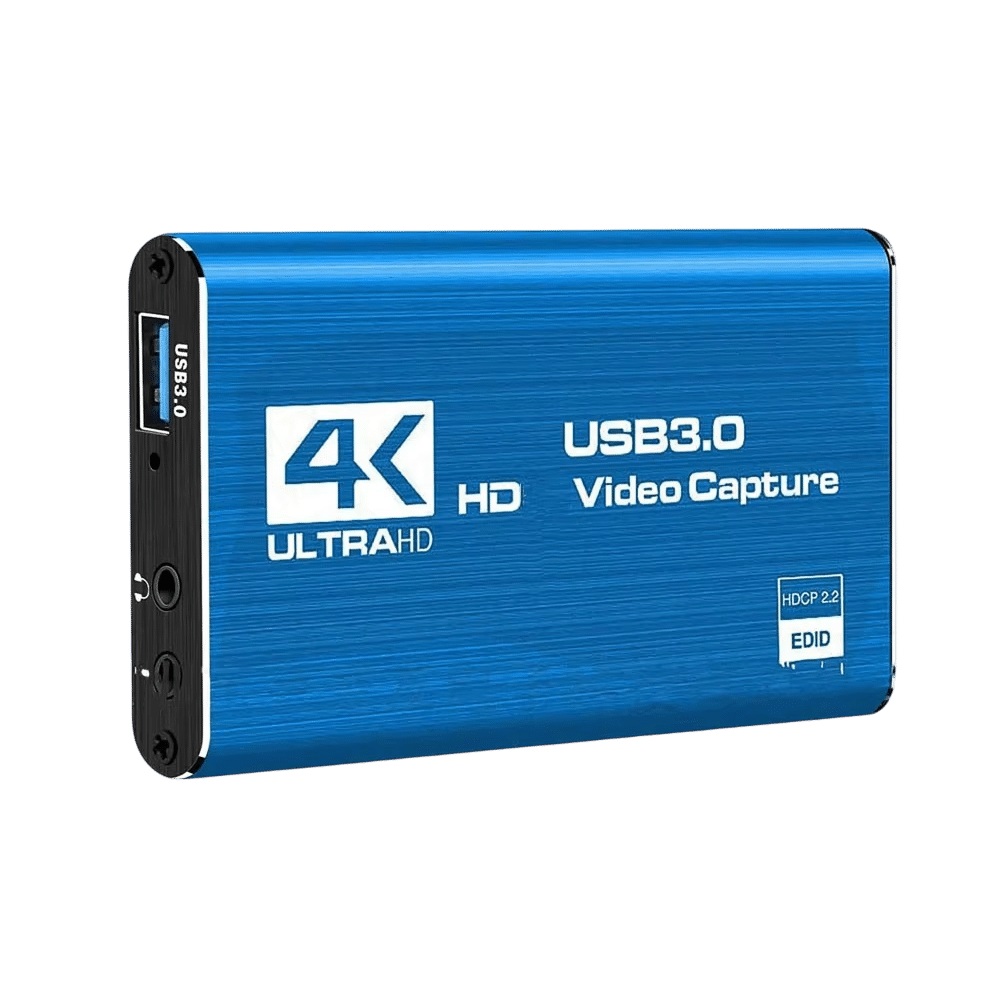
CaptureVantage

USB Drive Storage

Recordings go to a standard USB drive that you connect yourself. When a drive is full, you can disconnect it and attach a different one. Drive capacity is your choice.

Standard Video Files

Recordings are saved as 1080p video files in standard formats. Move the USB drive to a computer or media player to watch them or copy them to other storage.

Frequently Asked Questions

CaptureVantage takes an HDMI input, so it works with cable boxes, satellite receivers and antenna tuners that have an HDMI output. Connect that output to the recorder, then connect the recorder to your TV.

Yes. The recorder saves to a standard USB hard drive that is not part of the package. Choose a drive size that suits how much you plan to record, and swap drives whenever you like.

No. The setup steps use HDMI, a USB drive and the remote. There is no app, account or internet connection in the process. Recording and scheduling are handled on the device.

Recordings are saved as standard MP4 or TS video files. Connect the USB drive to a computer or media player that supports those formats and open the files with your usual player.

Connect your antenna tuner's HDMI output to CaptureVantage, then connect the recorder to your TV. Tune to the channel on the tuner, and press record on the recorder.

Setup is three connections: HDMI from your source, HDMI to your TV, and a USB drive. After that, recording runs from a button on the unit or from the remote.

The IR blaster sends infrared commands to your cable box. During a scheduled recording, it changes the box to the channel you chose so the recorder captures the right signal.

Enter a start time and stop time with the remote, similar to programming a VCR timer. The IR blaster handles the channel selection on the connected box. No guide data is involved.

CaptureVantage connects between a cable box or antenna and the TV over HDMI, so it can serve as a DVR for antenna TV, saving recordings to a USB drive.

Connect the TV recorder between the cable box and television with HDMI, plug in a USB hard drive, then press one-touch record or set a schedule on the remote.
CaptureVantage

Ready to make it yours?

Get CaptureVantage at today's price with your free gift included — and a full 90 days to enjoy it.
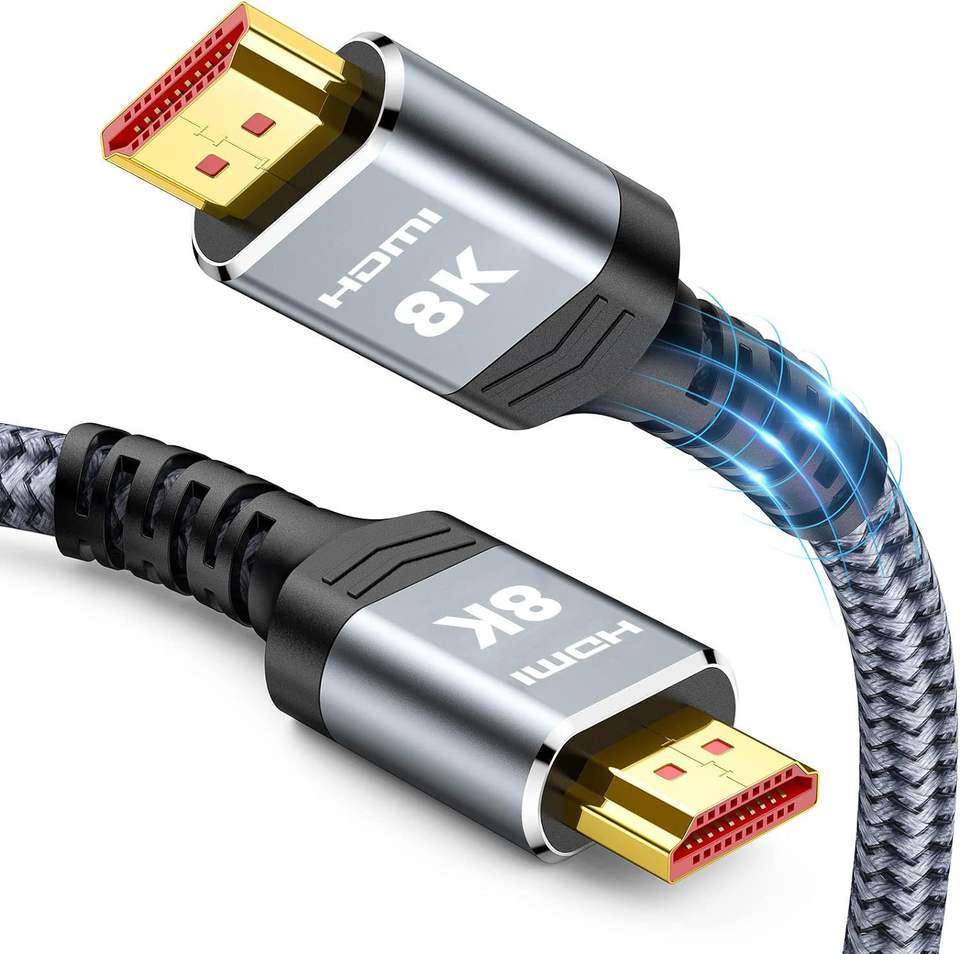
Your free gift: Free Gift - Braided 4K HDMI CableFREE
90-Day Money-BackTracked Shipping
Secure Checkout
Tracked Shipping
Customer Support
Loved by our customers

CaptureVantage: A DVR Recorder for TV Shows and Cable Boxes

CaptureVantage is a DVR recorder for TV that connects by HDMI between a cable box or antenna and the television. Recordings are written to a standard USB hard drive that plugs into the recorder.

Used as a tv recorder device, it offers one-touch recording or a schedule set on the remote, much like an old VCR timer. An IR blaster changes the channel on the cable box, so no PC, app or internet connection is needed.

As a digital video recorder for TV, it saves shows as standard video files in 1080p that can play on a computer. Anyone who wants a DVR for TV or a DVR for antenna TV setup can swap drives when one fills. This DVR recorder for TV records the signal after the cable box decrypts it.

  • CaptureVantage unit
  • 1 USB cable
  • Quick start user manual