Folio & Current
CamPrisma

CamPrisma™ webcam

$79.99

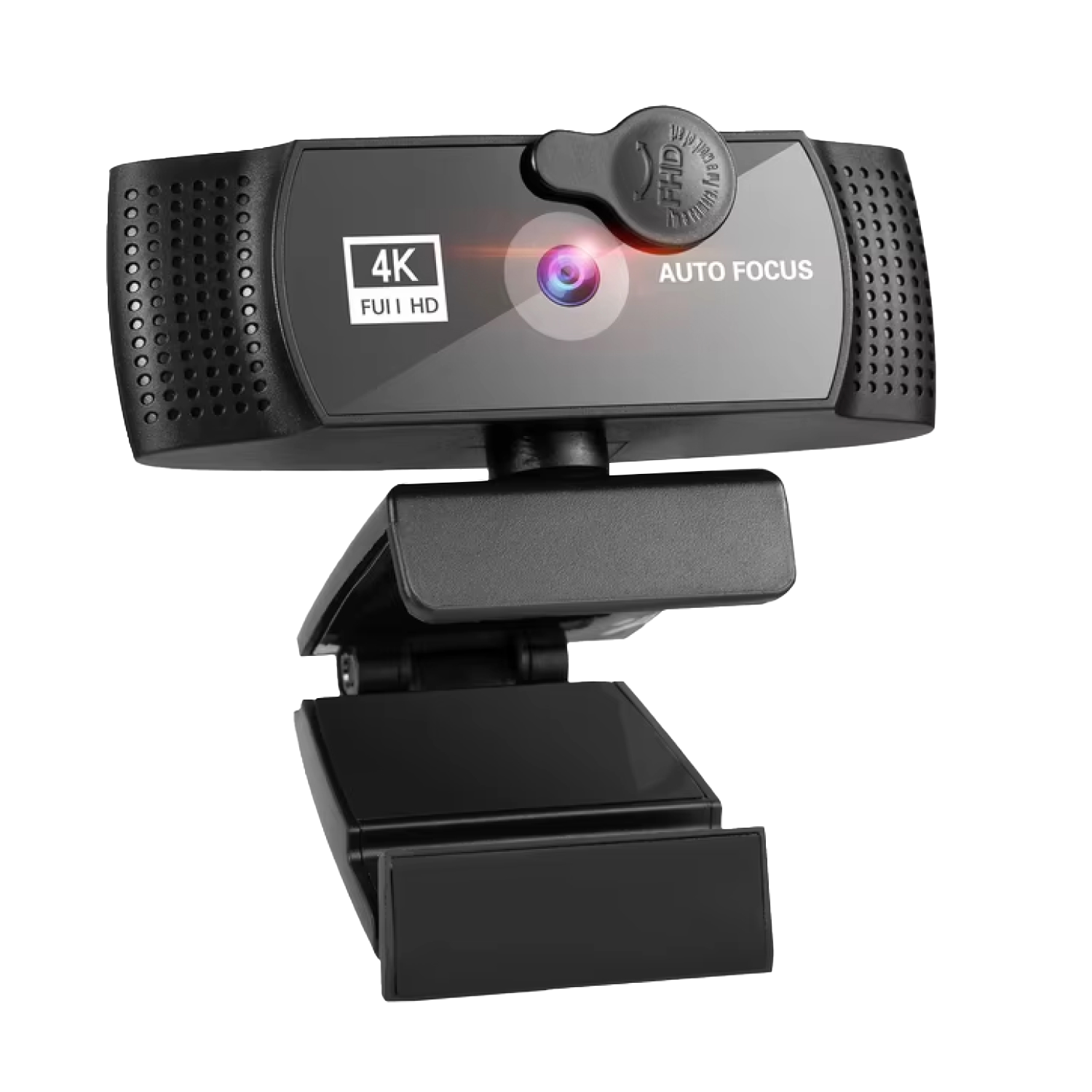
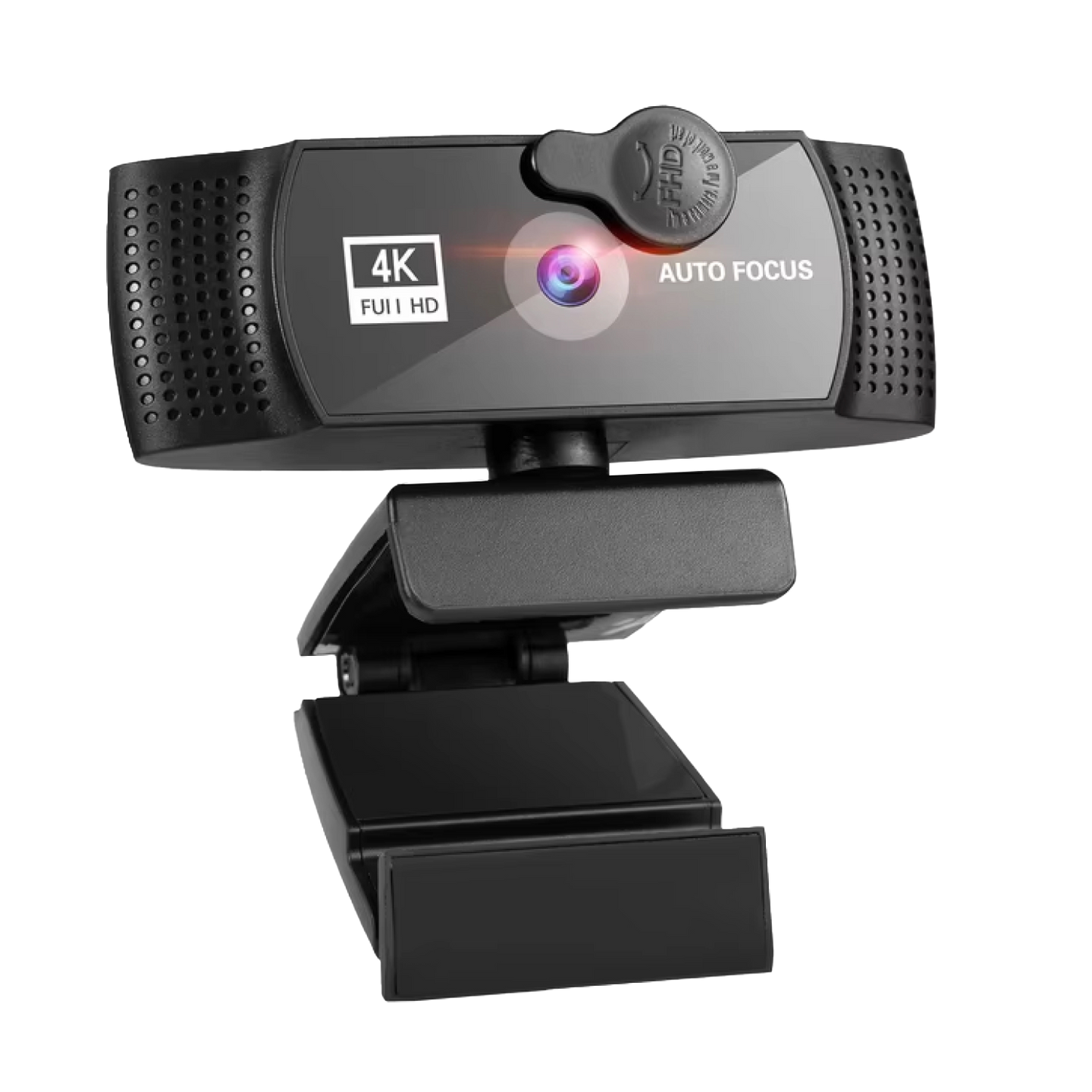
  • Dim desk, no lamp: automatic light correction adjusts
  • Covered lens: a physical shutter closes over it
  • Skip the headset: dual stereo mics with noise reduction
  • Wider shots: field of view adjusts from 80° to 120°

Option: 2K

What's included

  • CamPrisma 4K Webcam×1
  • Quick Start Guide×1
Tracked Shipping
  • Connect CamPrisma to a USB port on your computer. No driver installation is needed.
  • Open your video-call or streaming app and choose CamPrisma as the camera and microphone.
  • Set the field of view you want, and close the shutter when you are done.
  • CamPrisma 4K Webcam
  • Quick Start Guide
  • 1 digital guide: Calls That Look and Sound Like You (PDF, emailed after your order)

We offer free shipping on orders over $150. Once your order is dispatched, the estimated delivery time is 5 to 12 business days depending on your location — tracking is emailed as soon as it ships.

Changed your mind? You can return your product within 90 days of delivery for a refund — see our Returns page for the full policy.

What the CamPrisma webcam gives you

4K video with autofocus

Home offices rarely have studio lighting. CamPrisma streams 4K video and pairs autofocus with automatic light correction, so the picture adapts to the lighting already in your room.

Dual stereo microphones

Plugging in a separate headset adds one more thing to your desk. Two stereo microphones with noise reduction are built into the webcam, so your voice is picked up from the camera position.
CamPrisma

Physical lens shutter

A camera that stays pointed at you can feel intrusive between calls. A mechanical shutter closes over the lens, so the lens is covered whenever you choose, whatever the software is doing.

Adjustable field of view

A solo call and a group meeting need different framing. The field of view adjusts between 80° and 120°, so you can tighten the shot for one person or widen it for a table.

Frequently Asked Questions

CamPrisma connects to a USB port on a Mac or a PC. It does not need drivers or extra software, so you plug it in and select it as your camera in your app.

CamPrisma has automatic light correction that adjusts the image to the room. Whether you add a lamp or ring light is your choice and depends on how your space is lit.

Any video-call, meeting or streaming app that lets you pick a camera source can use CamPrisma. Open the app's video settings and select it from the device list.

The shutter is a mechanical cover that closes over the lens. Because it is a physical part rather than a software setting, you can see at a glance whether the lens is covered.

Yes. The field of view adjusts between 80° and 120°. Use a narrower angle for a solo call and a wider one when several people share the frame.

Yes. CamPrisma has dual stereo microphones with noise reduction built in. You can select them as your audio input in your app, or choose a separate microphone if you prefer.

Autofocus adjusts the lens focus as your distance from the camera changes, for example when you lean toward the screen or shift in your chair.

The box holds the CamPrisma 4K Webcam and a Quick Start Guide. You connect it to your computer over USB.

The CamPrisma 4K webcam comes with a Quick Start Guide. It plugs into a USB port on a computer, so nothing else is listed as needed to begin using this webcam on calls.

No drivers are required. As a usb webcam for pc, CamPrisma connects to any USB port, then is chosen as the camera inside a video call app or streaming software.
CamPrisma

Ready to make it yours?

Get CamPrisma at today's price — and a full 90 days to enjoy it.

90-Day Money-BackTracked Shipping
Secure Checkout
Tracked Shipping
Customer Support
Loved by our customers

CamPrisma: A 4K Webcam for Calls, Classes and Streams

Video calls get awkward when the camera cannot fit the room and stays pointed at the desk when idle. CamPrisma is a webcam built for daily standups, classes and streams, with autofocus and automatic light correction for typical home lighting.

A physical shutter closes over the lens, so the feed is blocked by a mechanical barrier rather than a software toggle. That makes it a webcam with privacy shutter for everyday use at a desk.

Dual stereo mics with noise reduction make it a webcam with microphone, so a headset can stay in the drawer. The field of view adjusts from 80° to 120°, so a solo call or a full team meeting fits the frame without repositioning.

  • Streams video as a 4K webcam
  • Works as a usb webcam for pc or Mac through any USB port
  • No drivers required, then pick it as the camera in a video app